- Classification d’âge4+
- CatégorieUtilitaires
- DéveloppeurRG Nets, Inc.
- LanguesAnglais
- Taille42,1 Mo
Renvoie vers la page App Store officielle
Download.org n’héberge aucun fichier de ACI Tech Tool. Le bouton ouvre la page de l’application sur App Store, où RG Nets, Inc. la publie. Fiche vérifiée pour la dernière fois le 20/11/2026.
Captures d’écran
À propos
Le développeur n’a pas fourni ce texte dans votre langue.
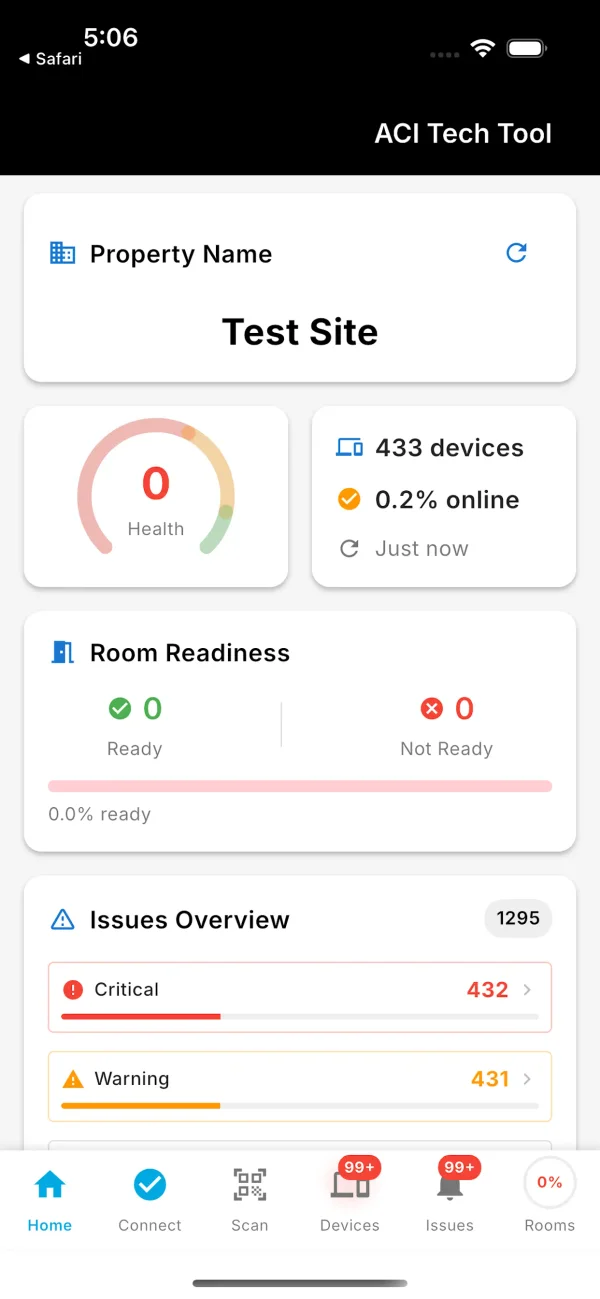
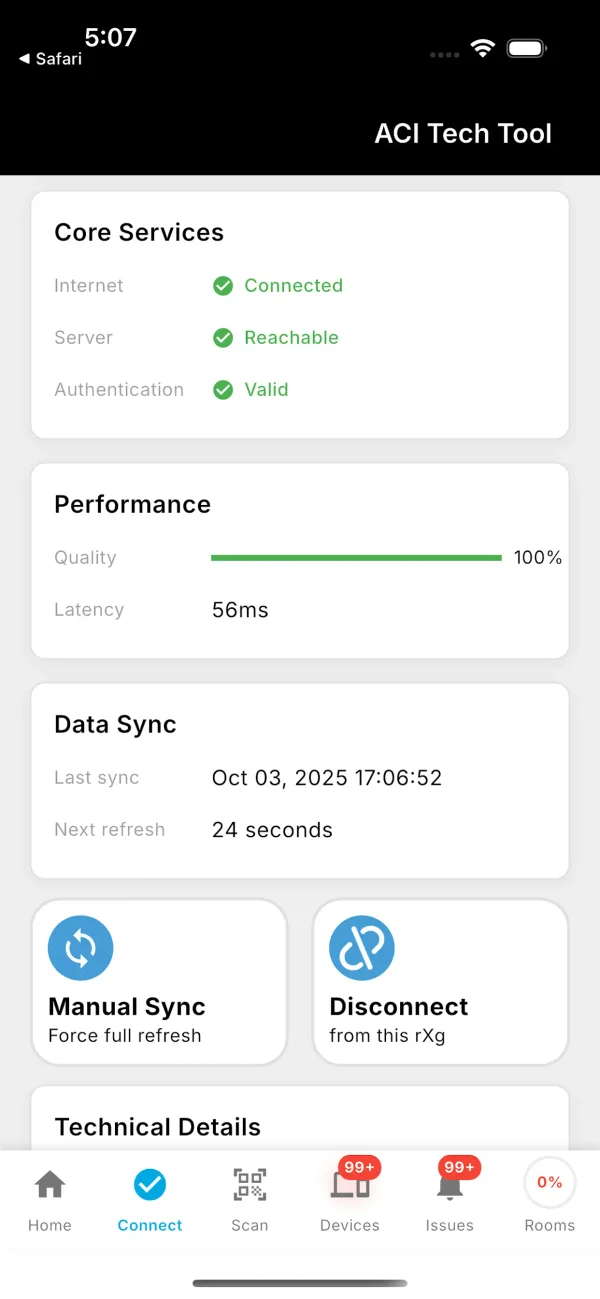
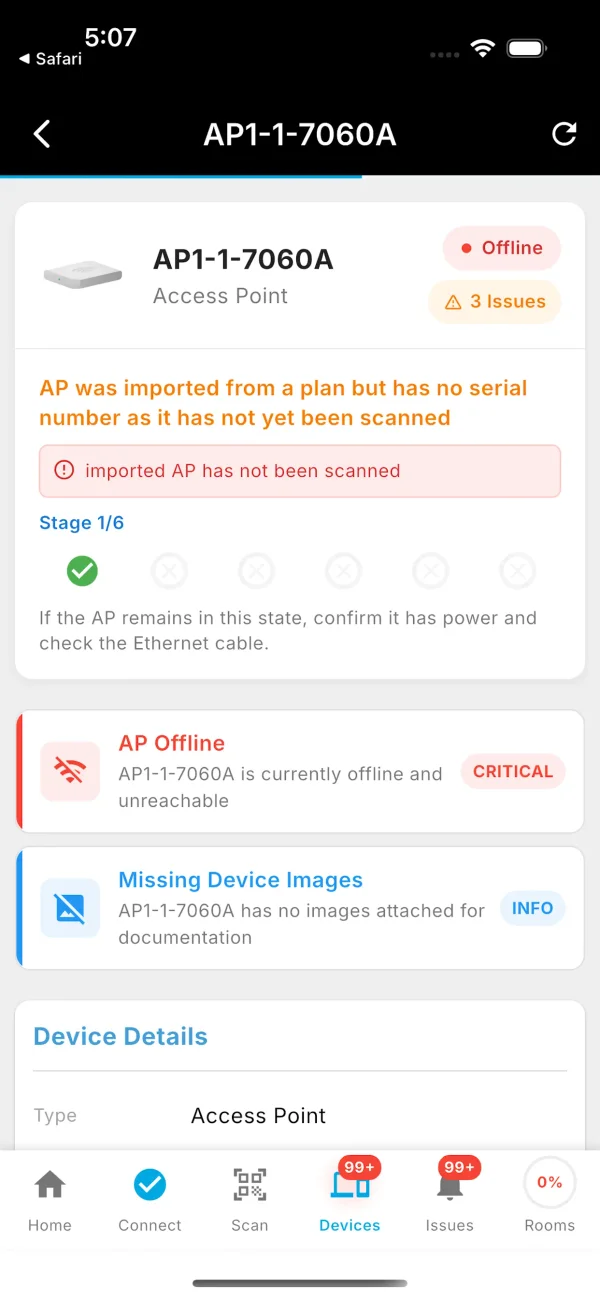
ACI Tech Tool unifies every step of ACI deployment for field engineers in one secure, Flutter-powered workspace. Scan rXg QR codes to authenticate instantly with encrypted credential storage, then capture ONTs, access points, switches, and gateways using guided multi-mode barcode workflows that validate serials, MACs, and part numbers against the centralized MAC manufacturer database. Each scan feeds straight into automated device registration that assigns hardware to PMS rooms and keeps device lifecycles synchronized.
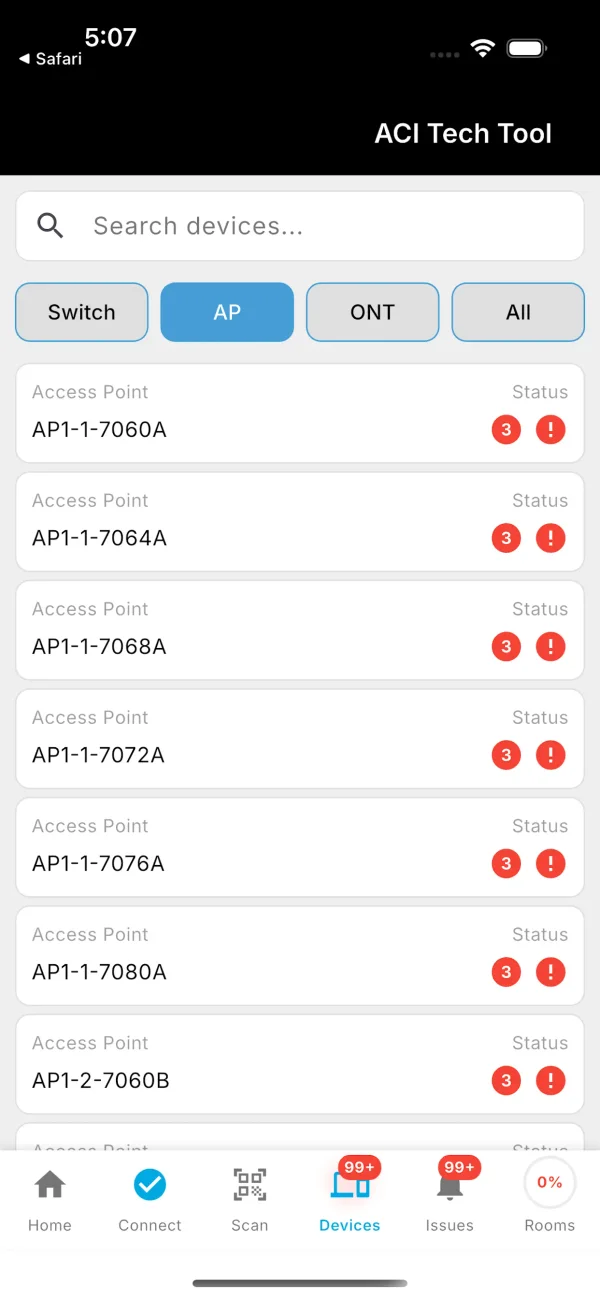
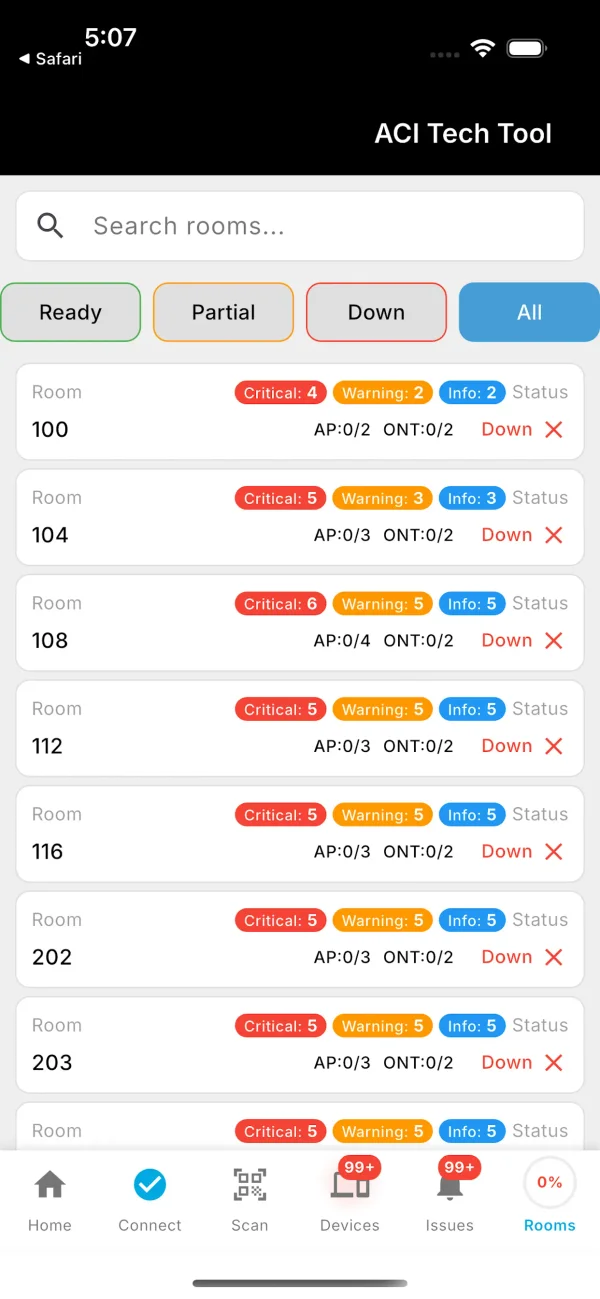
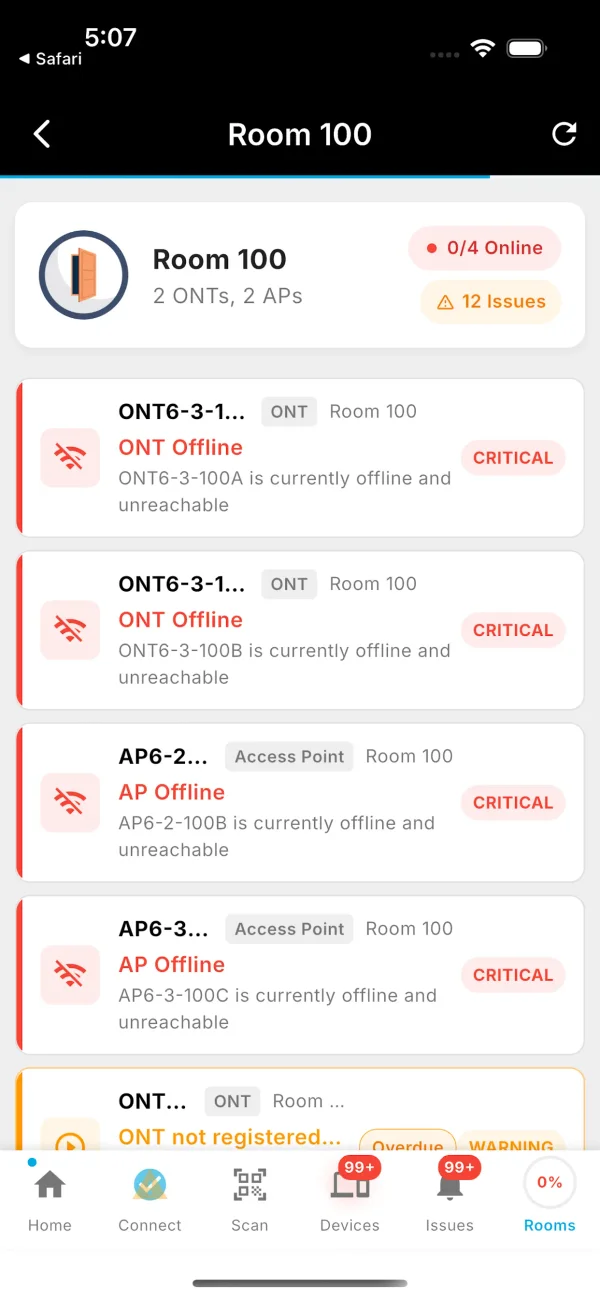
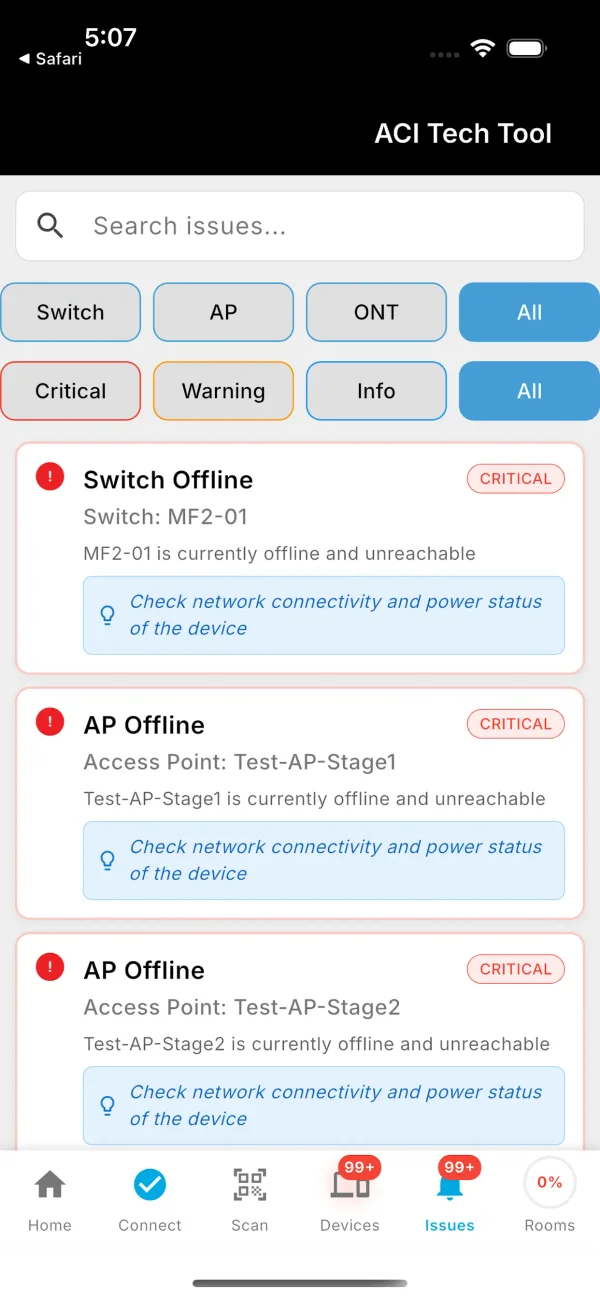
Stay on top of the install with live dashboards that surface network health, alert priorities, and quick actions, plus a comprehensive device inventory with filters, status chips, and deep detail views for notes, photos, and port layouts. The room readiness tracker shows which rooms are complete, which are blocked, and exactly what hardware or documentation is missing. Offline-aware caching, retry logic, and camera lifecycle management keep the app reliable in spotty environments, supported by extensive automated testing to deliver enterprise-grade performance for every deployment.
Nouveautés
Version 1.1.2 · 15/04/2026
## [1.1.2] - 2025-12-16
### Added
- **Speed Test Validation Indicator**: Visual indicator showing whether speed test results meet minimum requirements
- **AP Link Speed Warning**: Red font highlighting for access points when uplink speed is below 2.5Gbps
### Fixed
- **Issue Display Bug**: Resolved issue where certain issues were not showing properly in the UI
- **Dashboard Issues Summary**: Corrected the issue count and summary display on the main dashboard
- **Instructions Page Overflow**: Fixed text overflow when device text size is increased for accessibility
- **Warning Color Consistency**: Matched warning font color with badge indicator color in device display
### Changed
- **Default Server Configuration**: Removed dlp.netlab.ninja as the default server
- **Concurrent Operation Safety**: Added mutex to prevent race
Confidentialité de l’application
Ce que RG Nets, Inc. déclare sur l’App Store au sujet du traitement des données par cette application.
-
Données établissant un lien avec vous
Peuvent être collectées et liées à votre identité.
- Contenu utilisateur
- Identifiants
Les pratiques en matière de confidentialité peuvent varier, notamment en fonction des fonctionnalités que vous utilisez ou de votre âge.
Informations
- Vendeur
- RG Nets, Inc.
- Catégorie
- Utilitaires
- Version
- 1.1.2
- Mis à jour
- 15/04/2026
- Publié
- 06/10/2025
- Taille
- 42,1 Mo
- Nécessite
- iOS 16.6 ou version ultérieure
- Classification d’âge
- 4+
- Prix
- Gratuit
- Langues
- Anglais
- Copyright
- © 2025 RGNets Inc.
Vous aimerez peut-être aussi
-
 AT&T FE ToolUtilitaires
-
 TechKIT – Technician ToolsUtilitaires
-
 SoildataUtilitaires
-
 Wi-DAS by American BandwidthUtilitaires
-
 Qwips TechnicianUtilitaires
-
 Fixable: Réparations maisonRéparez appareils et fuites
-
 TelecomsCalcUtilitaires
-
 AIMS-ProUtilitaires
-
 OptiFi AgentUtilitaires
-
 Facility Manager -TechnicianUtilitaires