
- Classification d’âge4+
- CatégorieOutils de développement
- DéveloppeurRajat Sajnani
- LanguesAnglais
- Taille62,5 Mo
Afterlid n’est peut-être pas disponible sur App Store pour le moment
La fiche de la boutique était inaccessible lors de notre dernière vérification. Le lien mène toujours à la page App Store officielle.
Captures d’écran


À propos
Le développeur n’a pas fourni ce texte dans votre langue.
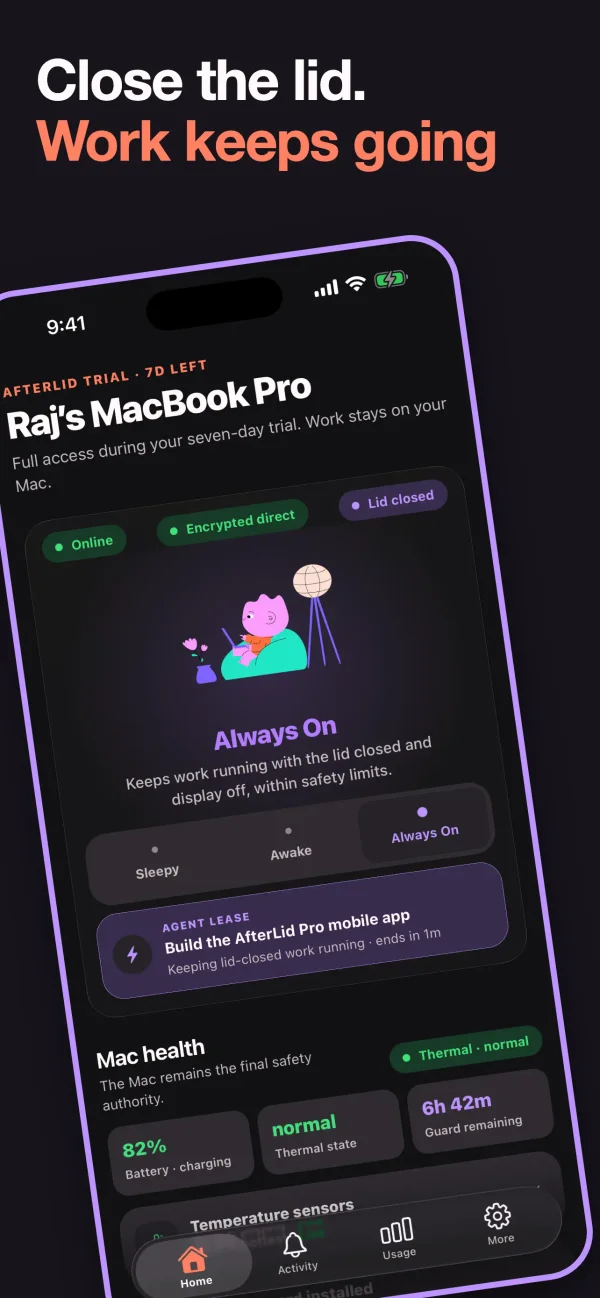
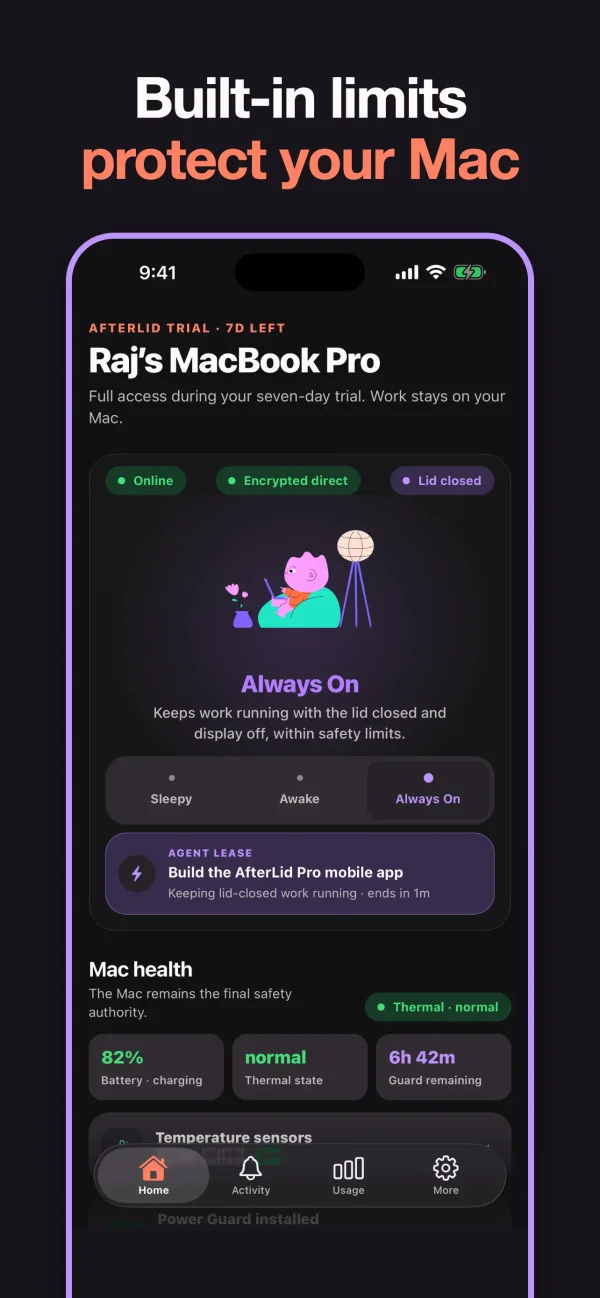
AfterLid is the iPhone companion for long-running work on your Mac. Check that your computer is online, healthy, and still working—without opening the lid or being in the same room.
SEE YOUR MAC FROM ANYWHERE
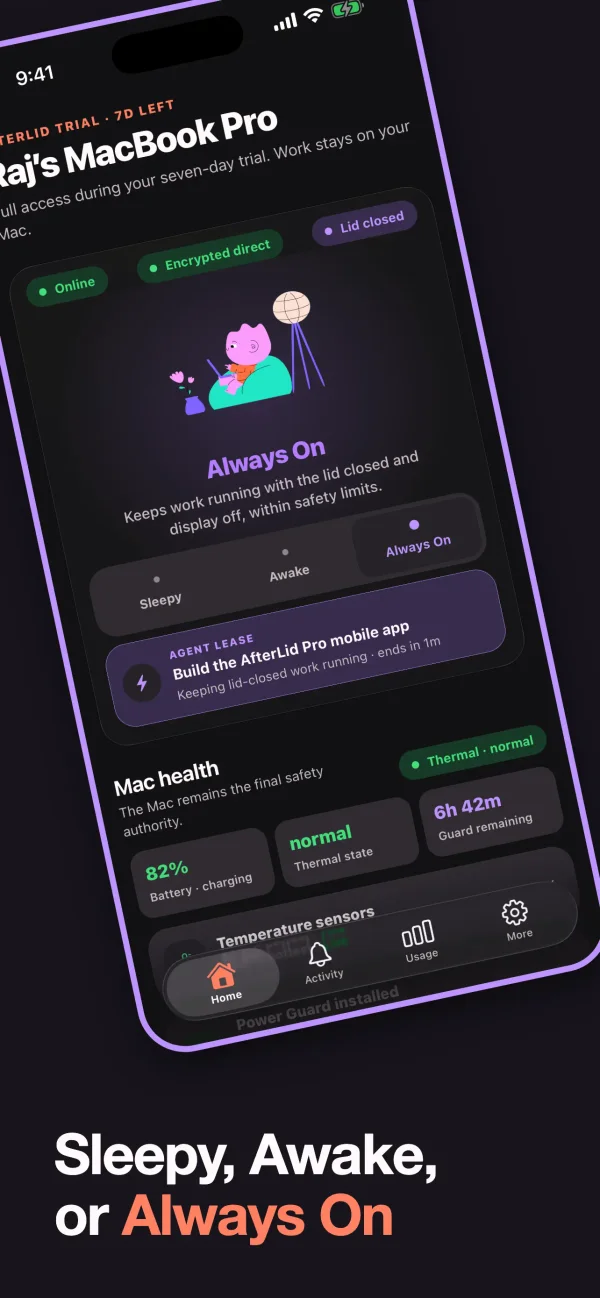
• View live Sleepy, Awake, and Always On status
• Check online state, lid state, battery, power source, thermal pressure, and safety limits
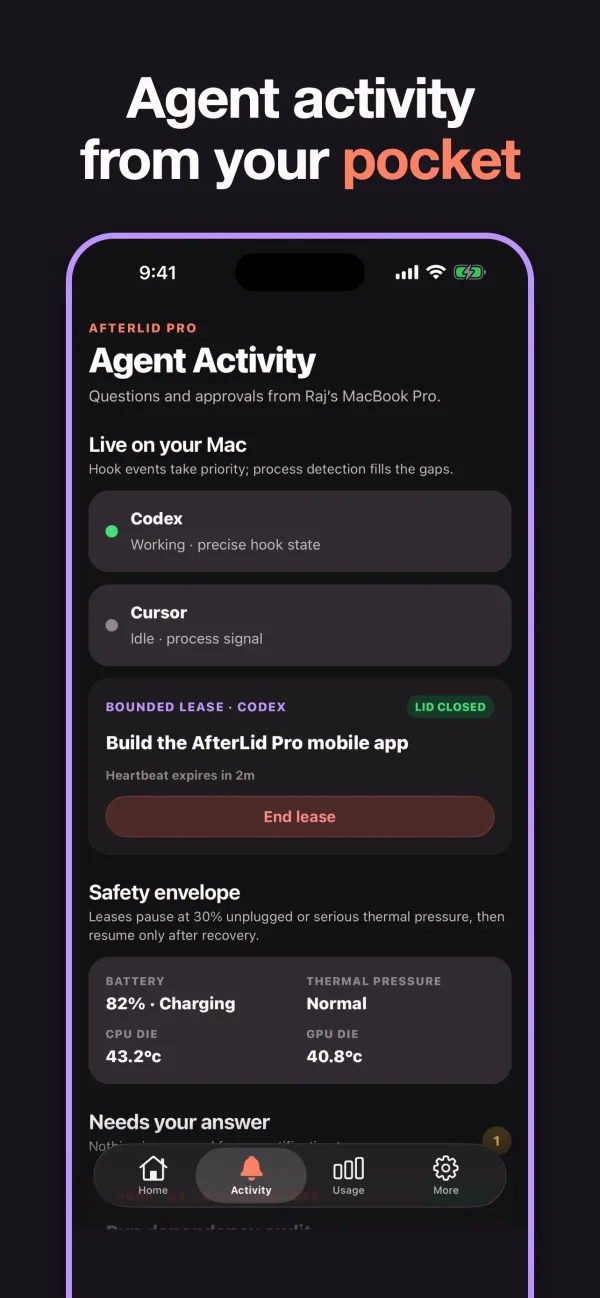
• Follow high-level AI agent activity and see when work needs your attention
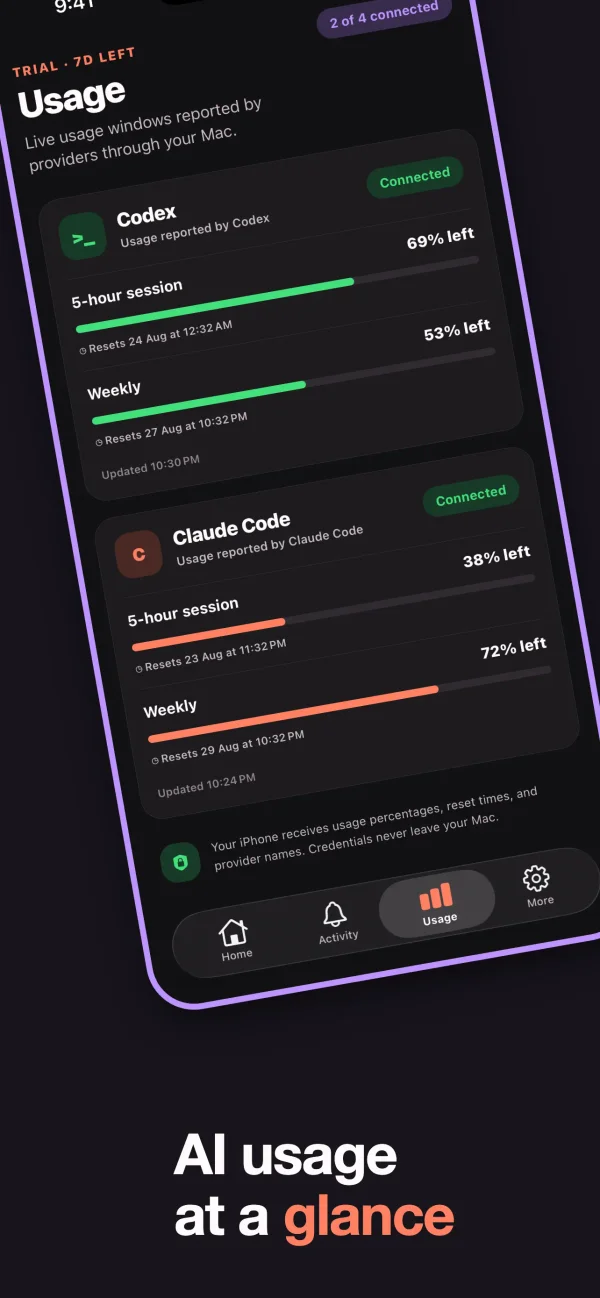
• Track usage windows from supported AI provider connections
• Link your Macs to one account and switch between them
• Use Home Screen widgets for quick status and mode access
CONTROL POWER MODES
Sleepy returns your Mac to its normal power behavior. Awake prevents idle sleep while the lid is open. Always On keeps eligible work available with the lid closed, within strict safety limits.
Your Mac always has the final say. Battery, thermal, heartbeat, and session-duration safeguards can stop an Always On session automatically.
MAKE IT YOURS
Choose a character whose animation follows your Mac’s current mode. Browse approved characters in the marketplace, switch your active character across linked devices, or use Pro to create and import a validated character pack.
FREE AND PRO
Free includes live read-only Mac status, one supported usage connection, and access to saved characters. AfterLid Pro adds remote mode control, agent activity, all supported usage connections, and character creation and import. Eligible accounts can try full access for seven days.
PRIVATE BY DESIGN
Your AI prompts, commands, project paths, work files, and provider credentials stay on your Mac. AfterLid only relays the sanitized status needed to show health, activity, usage, and requested controls.
REQUIREMENTS
Install AfterLid on your Mac, sign in with the same account on both devices, and approve the Mac link once. Remote features require an internet connection.
Confidentialité de l’application
Ce que Rajat Sajnani déclare sur l’App Store au sujet du traitement des données par cette application.
-
Données établissant un lien avec vous
Peuvent être collectées et liées à votre identité.
- Diagnostic
-
Données n’établissant aucun lien avec vous
Peuvent être collectées, mais ne sont pas liées à votre identité.
- Coordonnées
- Identifiants
Les pratiques en matière de confidentialité peuvent varier, notamment en fonction des fonctionnalités que vous utilisez ou de votre âge.
Informations
- Vendeur
- Rajat Sajnani
- Catégorie
- Outils de développement
- Version
- 1.0
- Mis à jour
- 07/10/2026
- Publié
- 07/10/2026
- Taille
- 62,5 Mo
- Nécessite
- iOS 17.0 ou version ultérieure
- Classification d’âge
- 4+
- Langues
- Anglais
- Copyright
- © 2026 Eazee Consultancy, trading as Just A Dev Company
Vous aimerez peut-être aussi
-
 Caret EditorOutils de développement
-
 CodeAgentSwarmOutils de développement
-
 Monish: Claude Code NotifierOutils de développement
-
 React HandbookOutils de développement
-
 AnySSHOutils de développement
-
 BaudHub: Modbus AssistantOutils de développement
-
 Harness: Like a BossOutils de développement
-
 AI Website Builder: MobiriseOutils de développement
-
 HTTPS Capture Traffic DecryptWeb API Debug & Packet Sniffer
-
 Freebuff: AI Coding AgentOutils de développement