Aligner Timer: Tray Tracker
Clear Aligner Wear Tracker
Conçue pour iPhone
Gratuit
- Classification d’âge4+
- CatégorieForme et santé
- DéveloppeurAlex Davis
- LanguesAnglais
- Taille7,1 Mo
Renvoie vers la page App Store officielle
Download.org n’héberge aucun fichier de Aligner Timer: Tray Tracker. Le bouton ouvre la page de l’application sur App Store, où Alex Davis la publie. Fiche vérifiée pour la dernière fois le 20/11/2026.
Captures d’écran


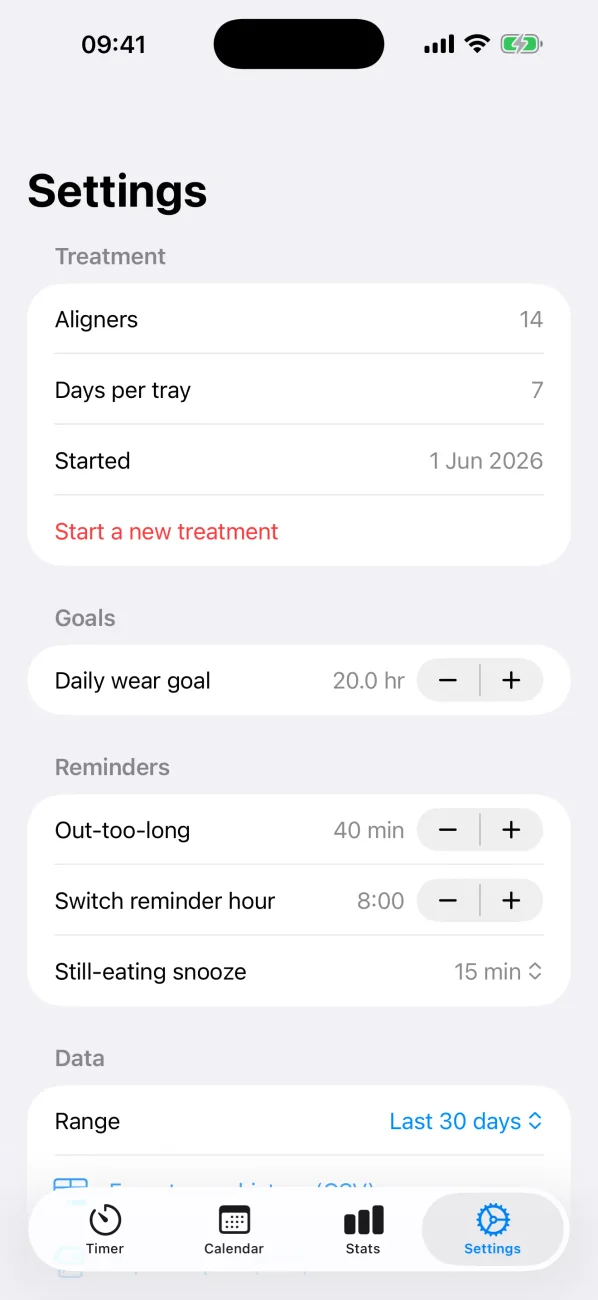
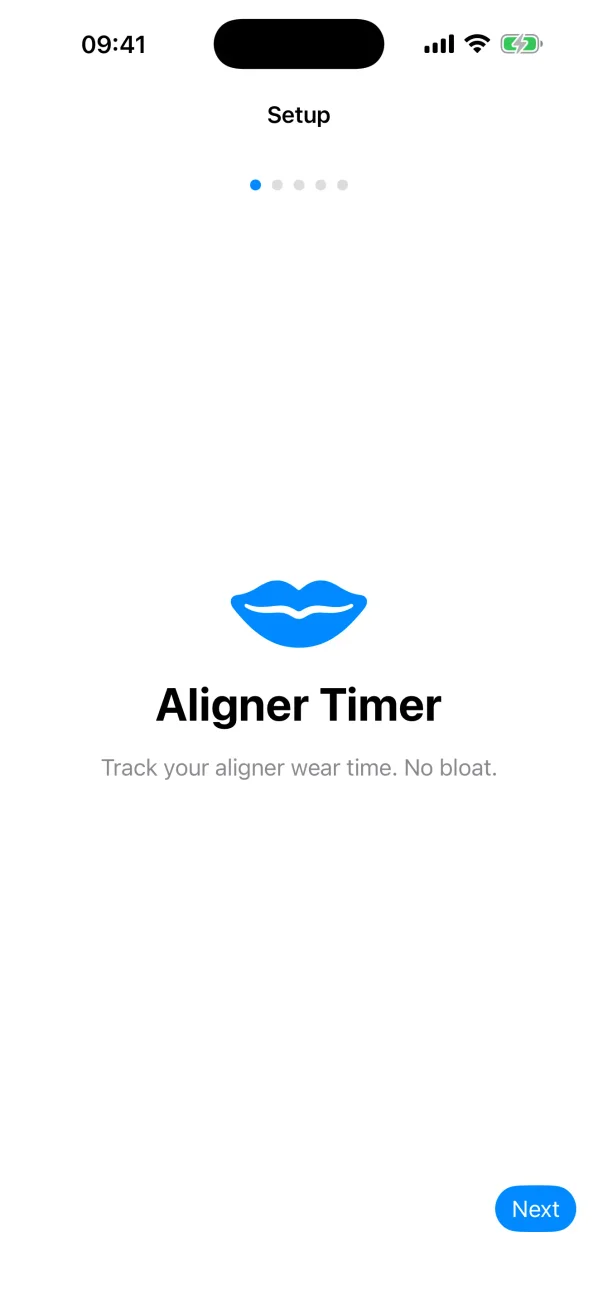
À propos
Le développeur n’a pas fourni ce texte dans votre langue.
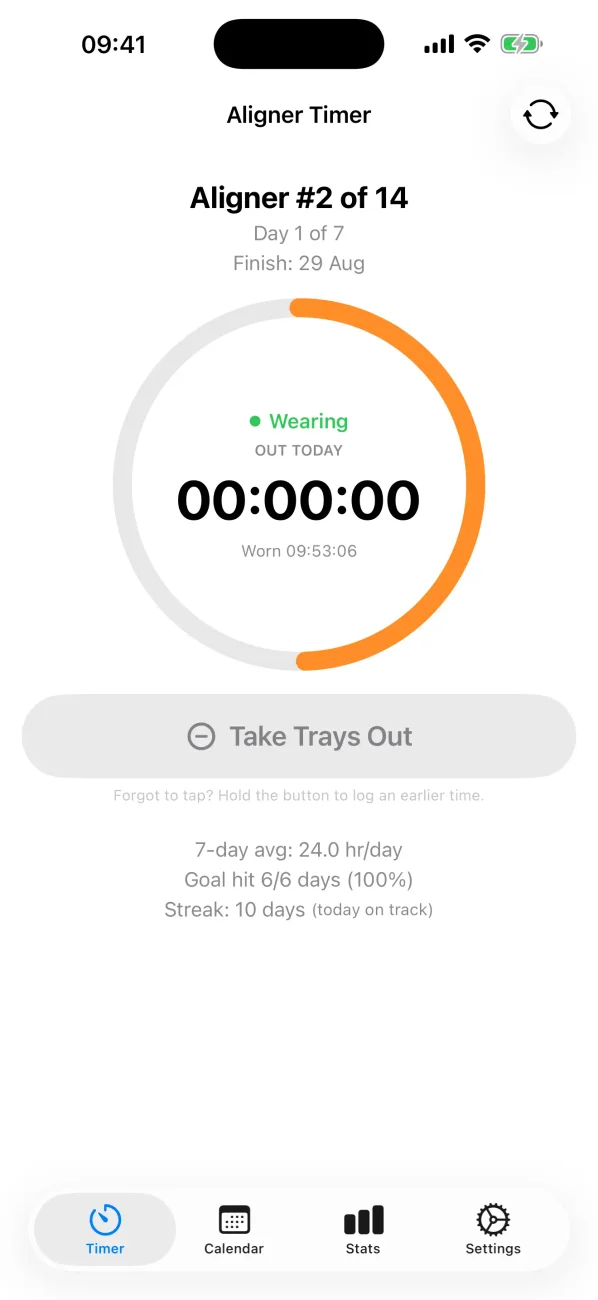
Aligner Timer keeps your clear-aligner treatment on track: one tap when your trays come out, one tap when they go back in. No account. No ads. No subscription.
WHY PEOPLE SWITCH TO ALIGNER TIMER
• Live Activity & Dynamic Island — when your trays are out, a live timer sits on your Lock Screen so you can't forget them after lunch. Tap it to mark them back in without opening the app.
• A real Apple Watch app — toggle from your wrist, see today's wear at a glance, and keep a streak complication on your watch face. The Live Activity mirrors into the watch Smart Stack too.
• Sync that actually works — your history lives in your private iCloud and syncs automatically between your iPhone and Apple Watch. No login, no developer servers, nothing to lose.
• Fix your history — forgot to tap? Add, edit, or backdate any event with exact times from the calendar.
• Travel-proof days — stats stay anchored to your home time zone, so a trip abroad doesn't wreck your streaks or daily totals.
EVERYTHING YOU NEED
• Wear-time timer with a daily goal (16–24 h) and progress ring
• Smart reminders: "put them back in", "still eating?" follow-ups, and tray-switch day — all snoozable
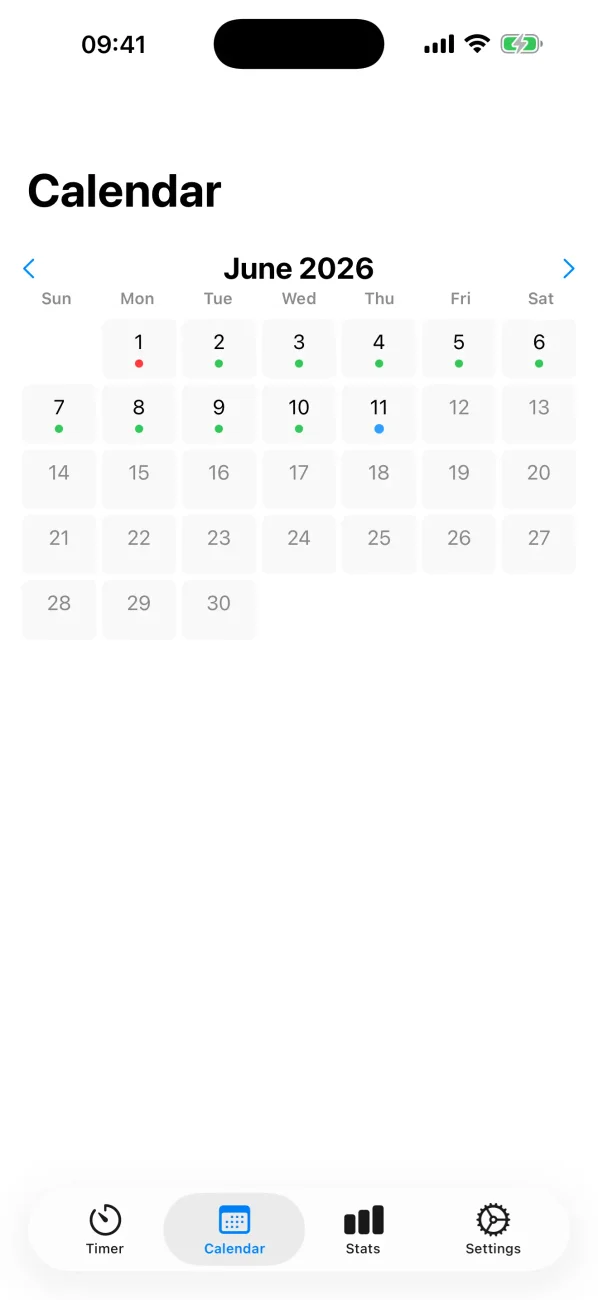
• Compliance calendar: green, yellow and red days at a glance, with a pulsing blue dot for today
• Stats: daily hours, 7-day average, goal-hit rate and streaks
• Tray progression with estimated finish date
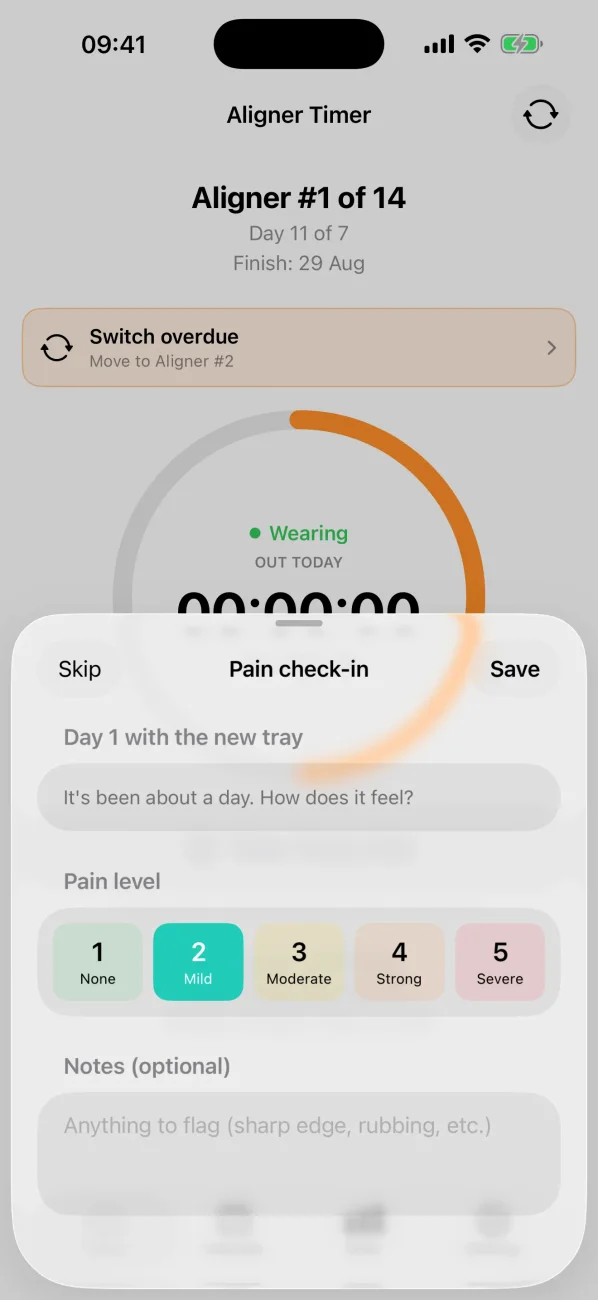
• Daily discomfort journal (1–5 scale)
• Export your data as CSV, or a clean PDF report to share with your orthodontist
• Home Screen and Lock Screen widgets
• Siri & Shortcuts: "aligners out", "aligners in", toggle
PRIVATE BY DESIGN
Your data stays on your device and in your personal iCloud. We run no servers, show no ads, track nothing, and collect nothing.
Works with Invisalign®, ClearCorrect®, Spark™, Byte® aligners, Angel Aligner and any other removable clear aligner or retainer.
Aligner Timer is a tracking aid, not medical advice — always follow your orthodontist's or dentist's instructions.
Invisalign is a registered trademark of Align Technology, Inc. ClearCorrect is a registered trademark of the Straumann Group. Aligner Timer is an independent app and is not affiliated with or endorsed by any aligner manufacturer.
Nouveautés
Version 1.7 · 19/10/2026
Plan tray changes around your schedule. Set a custom switch date and time for individual trays, with your regular interval continuing afterwards. See upcoming tray changes in the calendar and tap to edit or reset them. Your progress display and switch reminders follow your updated schedule.
Confidentialité de l’application
Ce que Alex Davis déclare sur l’App Store au sujet du traitement des données par cette application.
-
Données non collectées
Le développeur ne collecte aucune donnée à partir de cette application.
Les pratiques en matière de confidentialité peuvent varier, notamment en fonction des fonctionnalités que vous utilisez ou de votre âge.
Informations
- Vendeur
- Alex Davis
- Catégorie
- Forme et santé
- Version
- 1.7
- Mis à jour
- 19/10/2026
- Publié
- 17/06/2026
- Taille
- 7,1 Mo
- Nécessite
- iOS 18.0 ou version ultérieure
- Classification d’âge
- 4+
- Prix
- Gratuit
- Langues
- Anglais
- Copyright
- © 2026 Alex Davis
Vous aimerez peut-être aussi
-
 TrayZen: Minuteur AligneurHeures Invisalign & port
-
 AlignerTime: Suivi d’aligneursTemps de port & photos
-
 AlignerTracker - All In OneTemps de port aligneurs
-
 Minuteur aligneurs - TrayJournal de port et alertes
-
 Smilo: Aligner Tracker & TimerForme et santé
-
 EvolvalignMédecine
-
 Gouttière aligneur TrayTimeInvisalign aligner timer wear
-
 Wearclock : GouttièresMinuteur et rappels
-
 Carnet de Tension ArtérielleSuivi hypertension et pouls
-
 Gouttière & Aligneur: ScanScore IA dents & minuteur