All Document Reader: Viewer
PDF Reader, Scanner & Editor
Conçue pour iPhone, iPad, iPod touch
Gratuit · Achats intégrés
- Classification d’âge4+
- CatégorieProductivité
- DéveloppeurKruti Italiya
- LanguesAnglais
- Taille30,7 Mo
Renvoie vers la page App Store officielle
Download.org n’héberge aucun fichier de All Document Reader: Viewer. Le bouton ouvre la page de l’application sur App Store, où Kruti Italiya la publie. Fiche vérifiée pour la dernière fois le 13/11/2026.
Captures d’écran
À propos
Le développeur n’a pas fourni ce texte dans votre langue.
All Document Reader: Viewer is the all-in-one document app for reading, editing, scanning, and organizing your files — PDFs, Word documents, text files, and images — entirely on your iPhone and iPad, with no account, no cloud upload, and no internet required.
Whether you need to quickly open a PDF, scan a paper document, jot down notes in rich text, or keep your files organized and easy to find, this app handles it all in one clean, fast, privacy-first package.
POWERFUL DOCUMENT MANAGEMENT
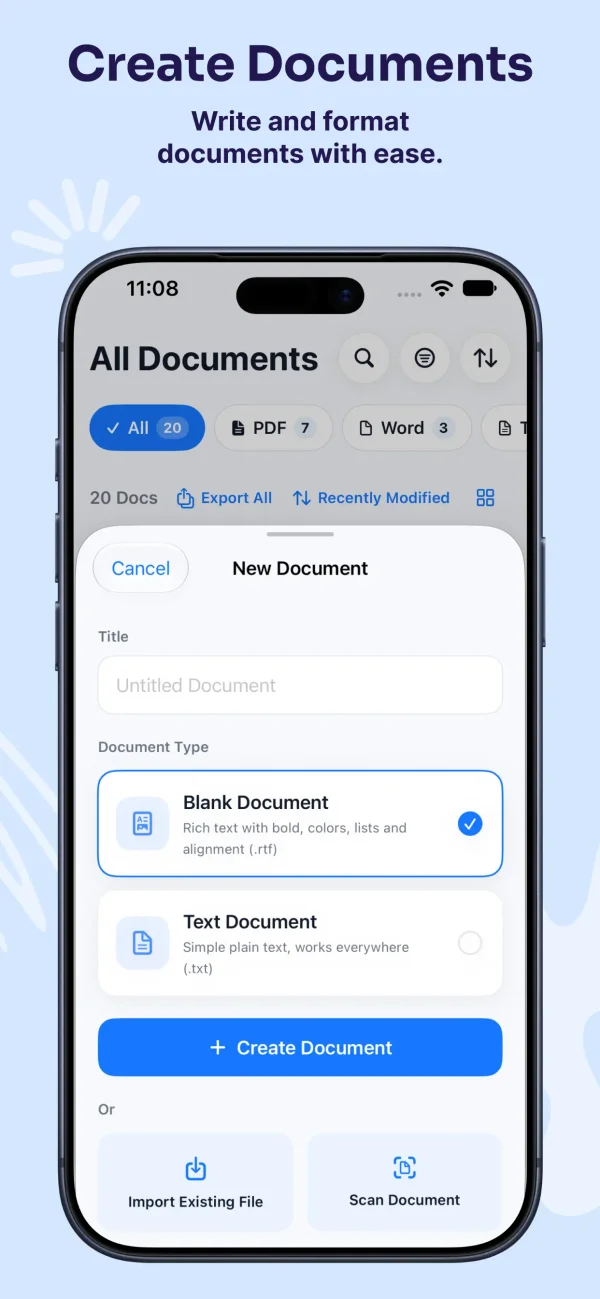
• Import files directly from the Files app — PDF, Word (.doc/.docx), Pages, plain text, Markdown, CSV, JSON, RTF/RTFD, and common image formats
• Create new plain text or rich text documents right inside the app
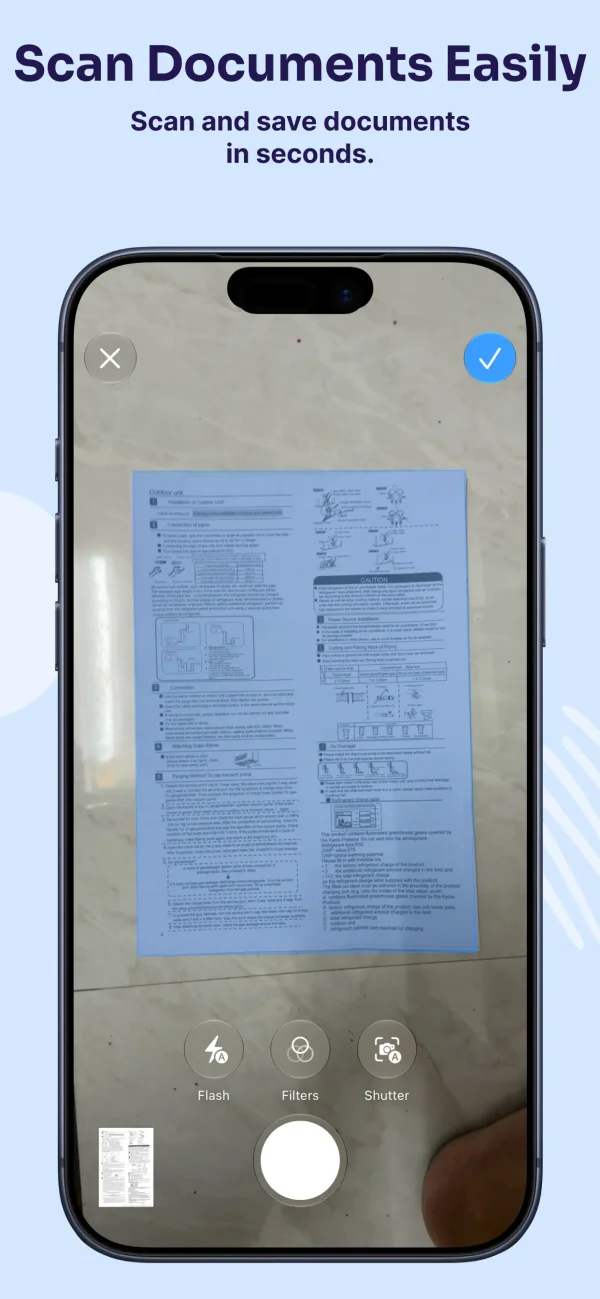
• Scan paper documents to PDF using your camera — multi-page scans are automatically combined into a single file
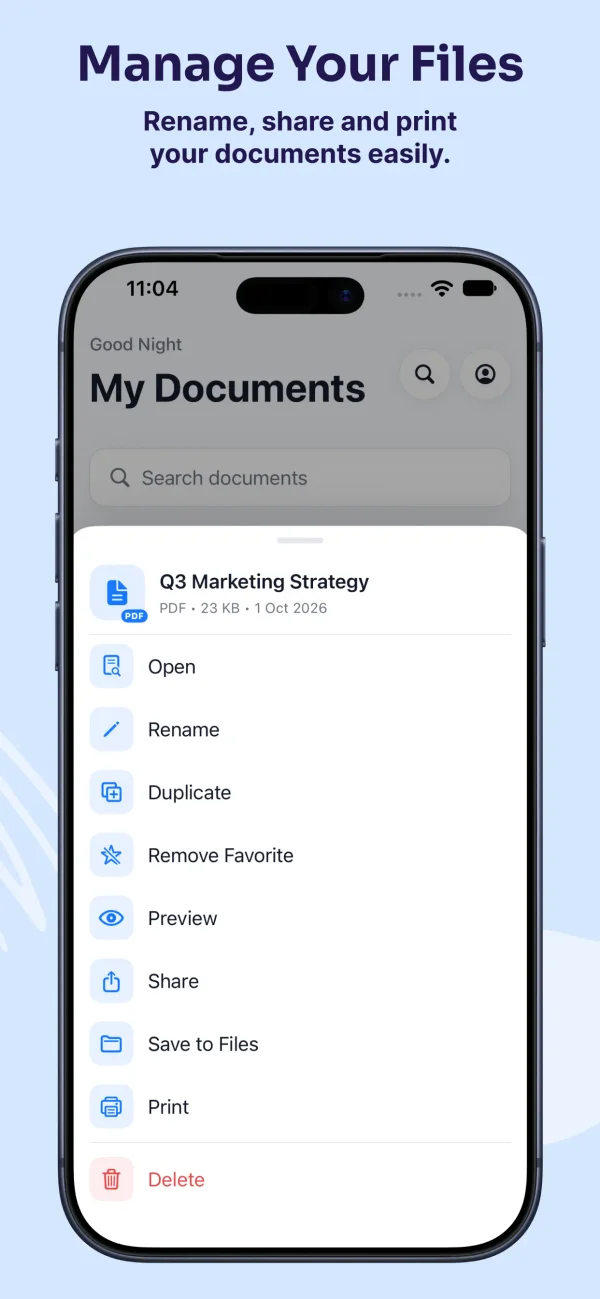
• Rename, duplicate, and delete documents with ease
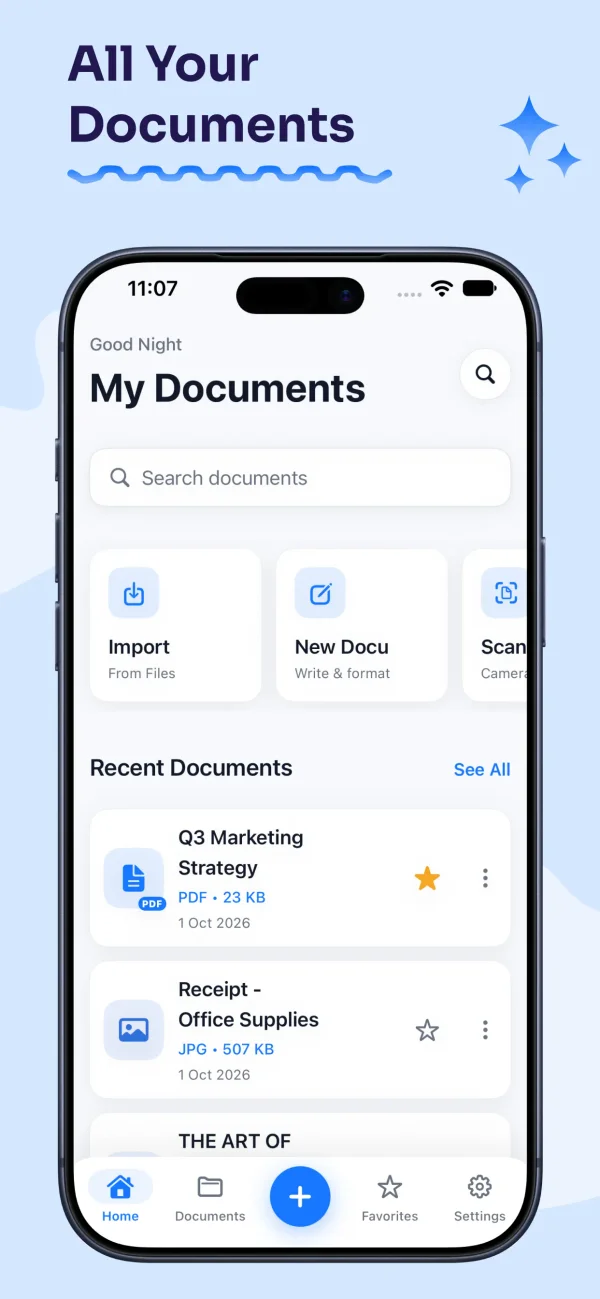
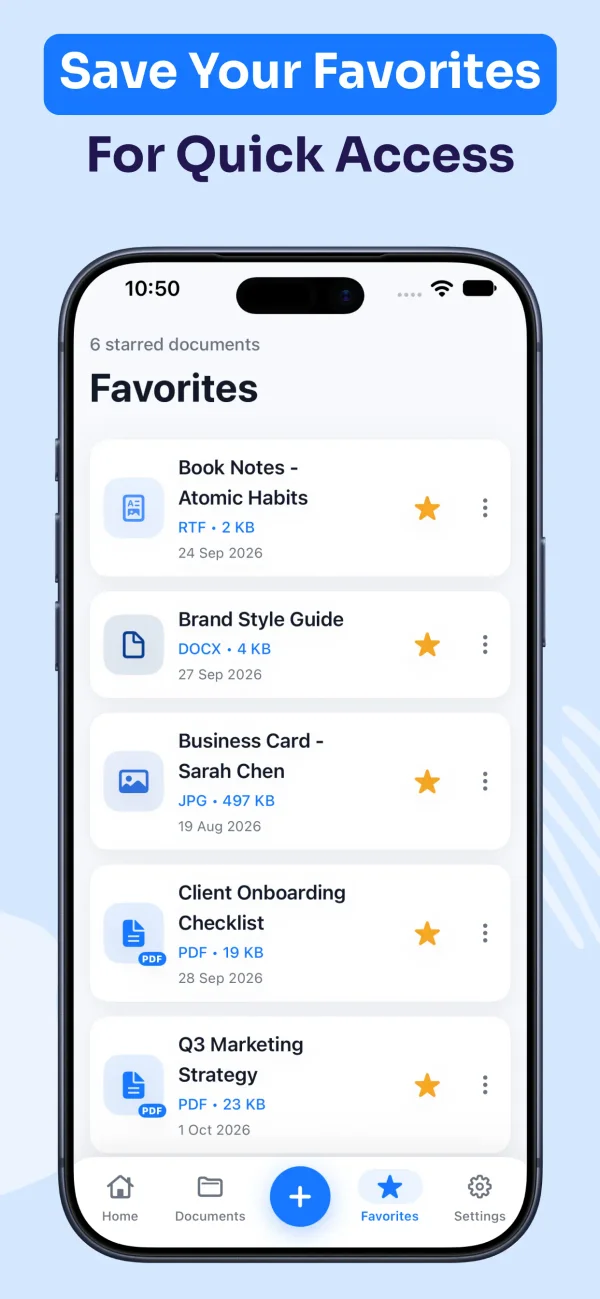
• Star your most-used files as Favorites for instant access
• Recently opened documents are tracked automatically
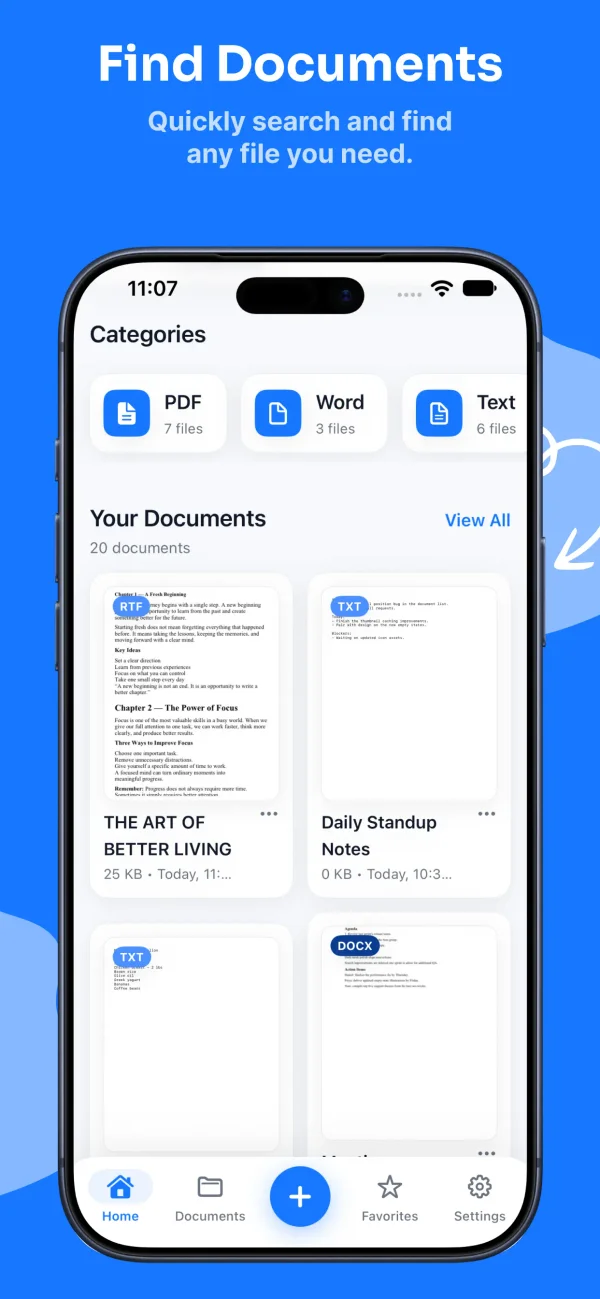
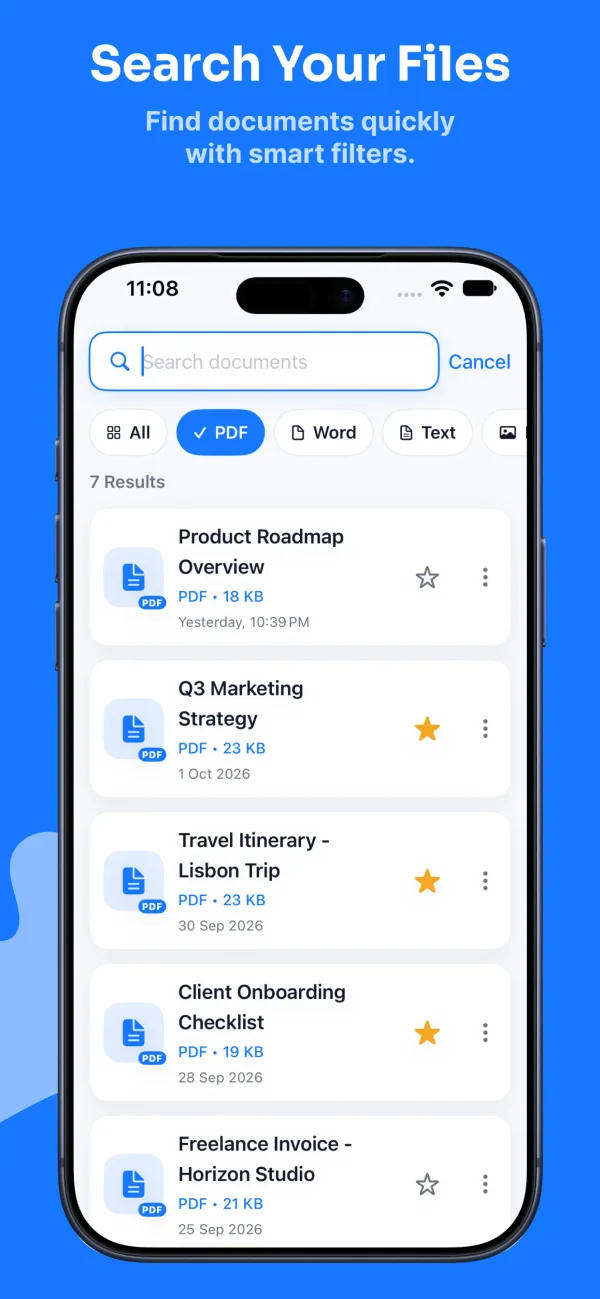
• Documents are auto-sorted into categories: PDF, Word, Text, Images, and Other
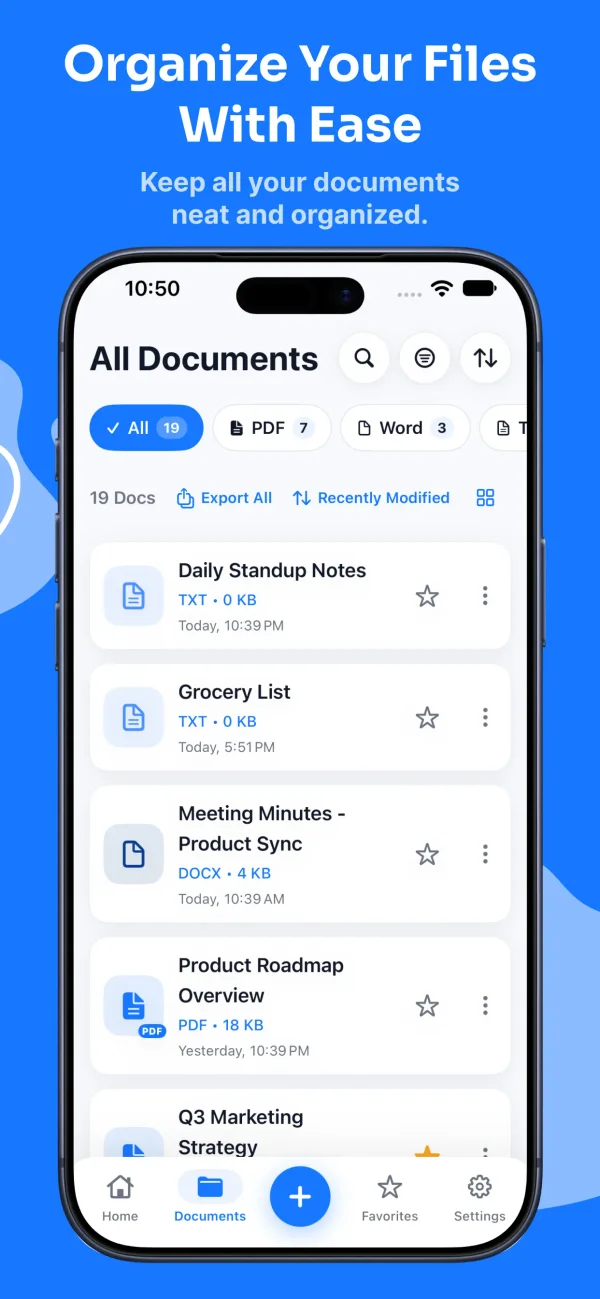
• Sort and filter by name, date, size, or type
• Browse in grid or list view — whichever you prefer
• Fast local search by file name, type, size, and date
BUILT-IN READER
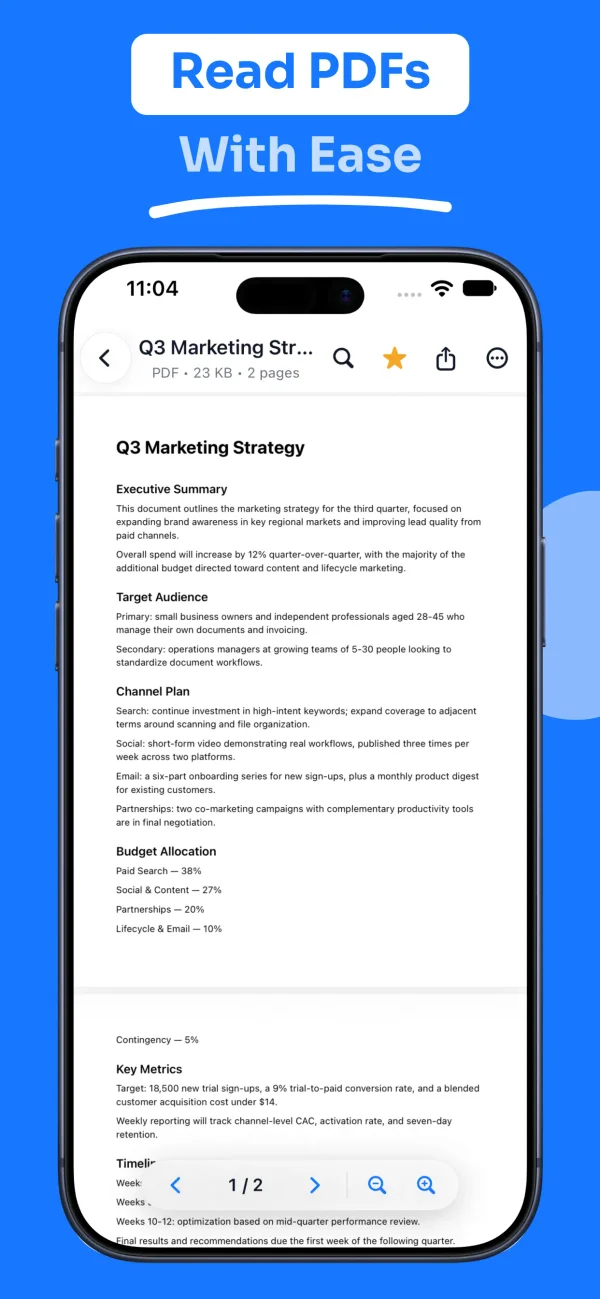
• Smooth PDF viewing with continuous or page-by-page scrolling, pinch-to-zoom, and a "Go to Page" jumper
• Dedicated viewers for text, Markdown, and rich text files
• Full-featured image viewer with pinch and pan
• In-document search with highlighted matches and next/previous navigation
• See file size, type, page count, and dates at a glance
• Customize default zoom, page numbers, and scrolling style
EDIT ON THE GO
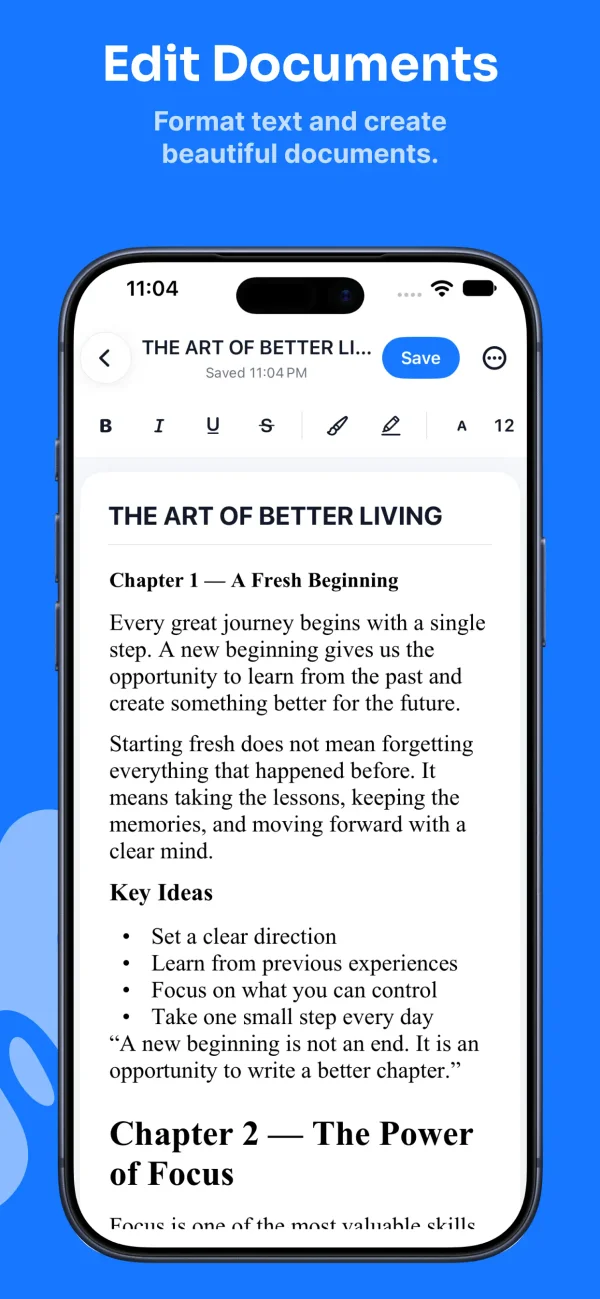
• Full rich text editor for .rtf and plain text files
• Complete formatting toolbar: bold, italic, underline, strikethrough, text color, highlighting, font size, alignment, lists, indents, and undo/redo
• Convert plain text into rich text whenever you need more formatting
• Autosave keeps your work safe, with manual save and unsaved-changes warnings
• Live preview before you close the editor
SHARE & EXPORT ANYWHERE
• Share via AirDrop, Messages, Mail, or any installed app
• Export directly to the Files app
• Print documents and formatted text straight from the app
• Convert text documents to PDF
• Share this app with friends and colleagues
STAY ORGANIZED
• Dedicated Favorites and Recent Documents views
• Visual storage breakdown by document category
• Clear cached thumbnails and temporary files anytime — without touching your actual documents
MADE YOUR WAY
• Clean, light interface designed for comfortable reading
• Customizable default sort order and file info display
• Adjustable reader and layout preferences
ACCESSIBLE TO EVERYONE
• Full VoiceOver support with clear labels and hints
• Dynamic Type for comfortable reading at any text size
• Visual indicators that don't rely on color alone
YOUR PRIVACY, PROTECTED
All your documents stay stored locally on your device, inside the app's private storage. Nothing is ever uploaded to a server unless you choose to share or export a file yourself. No accounts, no tracking, no surprises.
Download today and keep every document — PDF, Word, text, and images — organized, readable, and editable, all in one secure app.
Privacy : https://alldocumentreaderviewerios.blogspot.com/2026/10/privacy-policy.html
Terms of use : https://alldocumentreaderviewerios.blogspot.com/2026/10/terms-of-use.html
EULA : https://alldocumentreaderviewerios.blogspot.com/2026/10/end-user-license-agreement-eula.html
Confidentialité de l’application
Ce que Kruti Italiya déclare sur l’App Store au sujet du traitement des données par cette application.
-
Données utilisées pour vous suivre
Peuvent être utilisées pour vous suivre sur des applications et des sites web appartenant à d’autres sociétés.
- Identifiants
- Données d’utilisation
- Diagnostic
-
Données n’établissant aucun lien avec vous
Peuvent être collectées, mais ne sont pas liées à votre identité.
- Identifiants
- Données d’utilisation
- Diagnostic
Les pratiques en matière de confidentialité peuvent varier, notamment en fonction des fonctionnalités que vous utilisez ou de votre âge.
Informations
- Vendeur
- Kruti Italiya
- Catégorie
- Productivité
- Version
- 1.0
- Mis à jour
- 13/10/2026
- Publié
- 13/10/2026
- Taille
- 30,7 Mo
- Nécessite
- iOS 15.0 ou version ultérieure
- Classification d’âge
- 4+
- Prix
- Gratuit
- Achats intégrés
- Oui
- Langues
- Anglais
- Copyright
- © All Document Reader: Viewer
Vous aimerez peut-être aussi
-
 DocuMind: AI PDF ScannerProductivité
-
 Evoveo AI-Offline AI AssistantProductivité
-
 All Document Reader & ScannerProductivité
-
 Scanner App: PDF & DocsÉditeur PDF, signature, export
-
 All Document Reader - PDF ReadProductivité
-
 All Document ReaderProductivité
-
 All PDF ReaderProductivité
-
 AClock - Pomodoro and timerProductivité
-
 Note - Purpose JournalProductivité
-
 All Document Reader - Read PDFProductivité