
- Classification d’âge4+
- CatégorieNavigation
- DéveloppeurMehmet Sucu
- LanguesAnglais+ 1 de plus
- Taille7,5 Mo
Renvoie vers la page App Store officielle
Download.org n’héberge aucun fichier de Altitude Plus. Le bouton ouvre la page de l’application sur App Store, où Mehmet Sucu la publie. Fiche vérifiée pour la dernière fois le 23/11/2026.
Captures d’écran

À propos
Le développeur n’a pas fourni ce texte dans votre langue.
Altitude Plus shows your altitude, speed and position on a beautiful map, and tells you how much you'll climb before you set off.
LIVE ALTITUDE AND SPEED
• Precise altitude from your iPhone's barometer, with GPS as a fallback
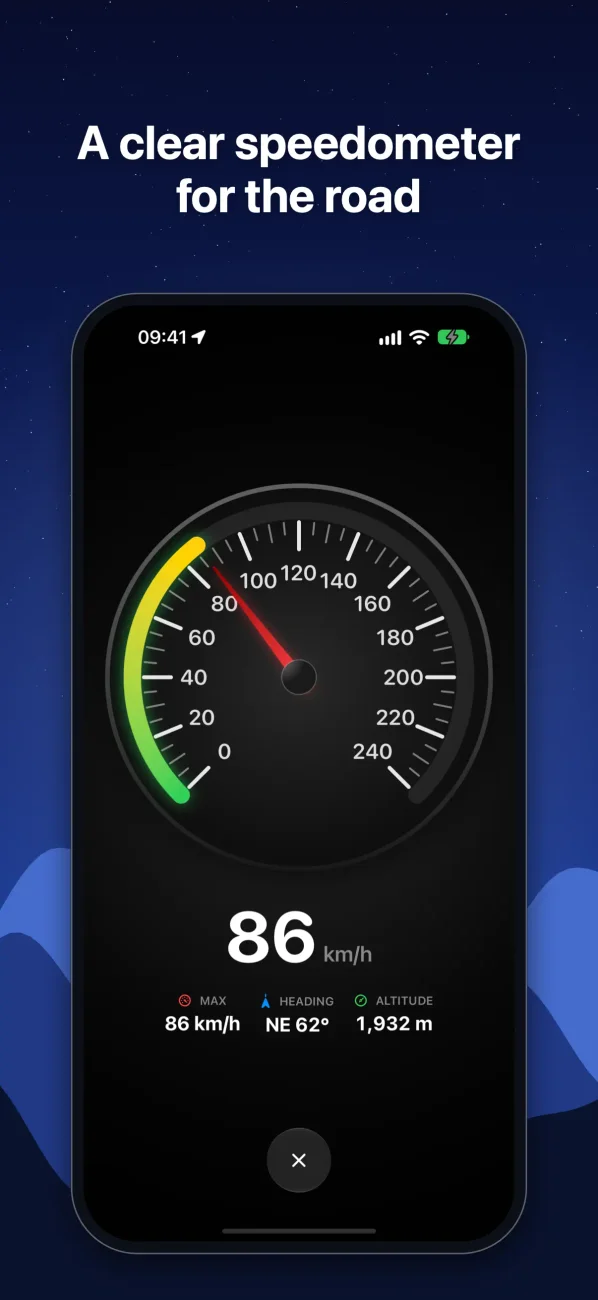
• Live speed and an analog speedometer with max speed and heading
• The road's speed limit next to your speed, where OpenStreetMap has it
• Your coordinates, ready to share
ELEVATION ANYWHERE
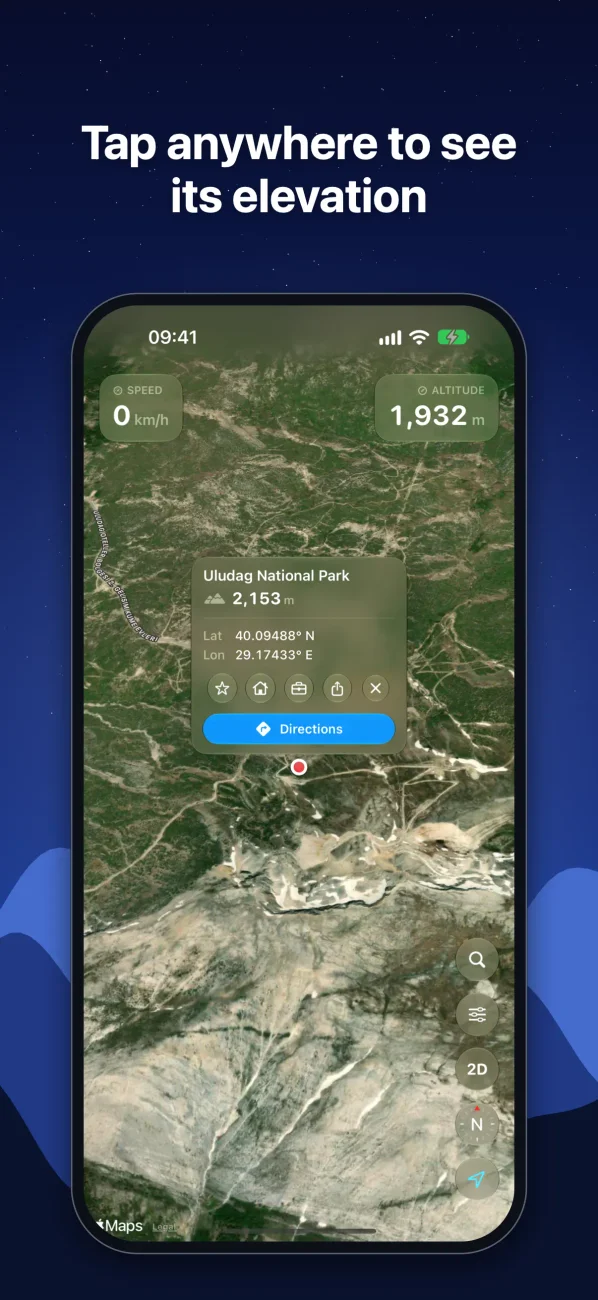
• Touch and hold, or tap, anywhere on the map to see its elevation
• Sea depth for points out at sea
• Share any place with Apple Maps and Google Maps links
ROUTES WITH ELEVATION PROFILES
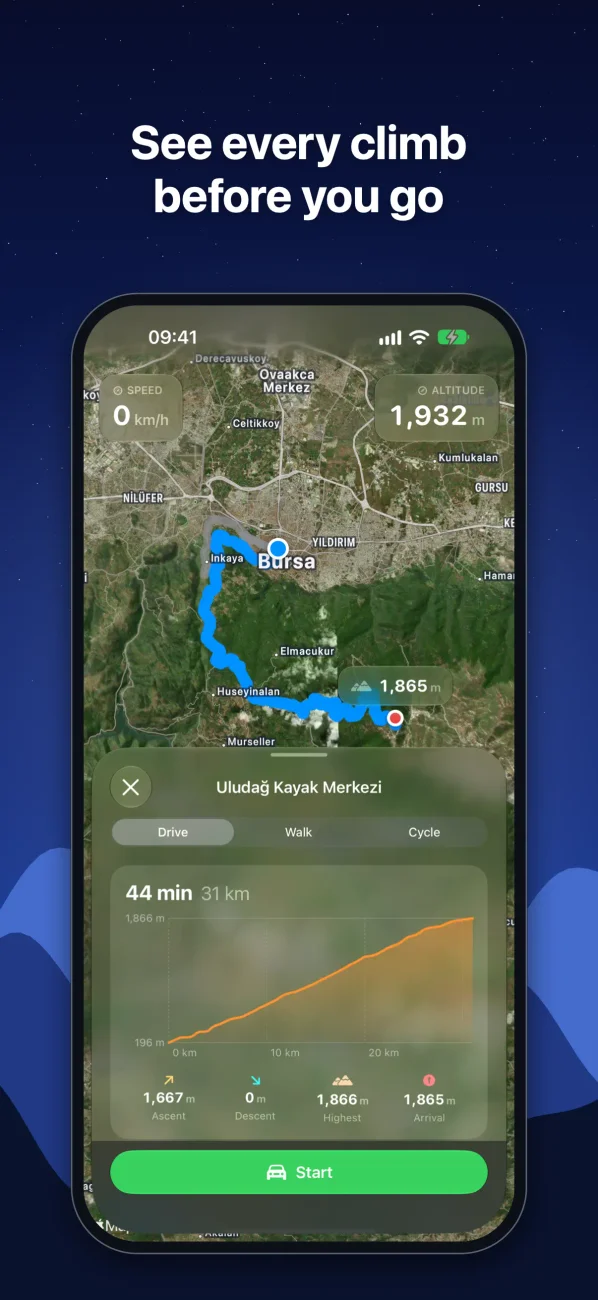
• Plan a route by car, on foot or by bike
• Compare alternatives by total climb, descent and highest point
• See which route has the least climbing
DRIVE MODE
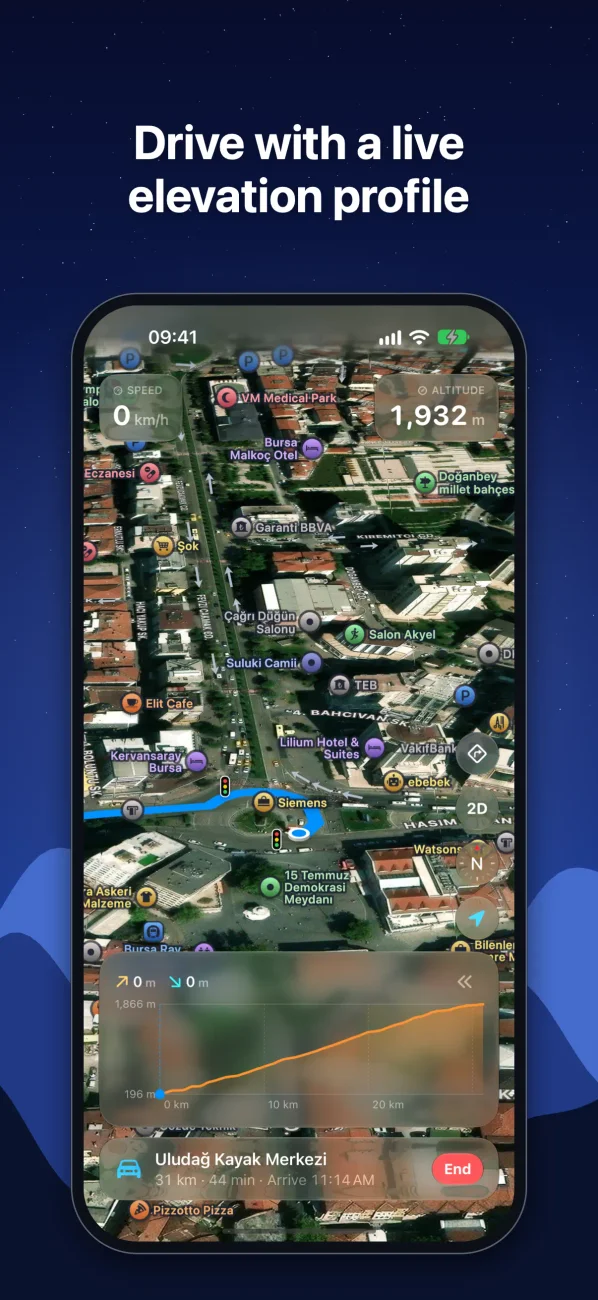
• Follow your route with a live elevation profile
• On long trips the profile zooms in on the road ahead, so you see every climb and descent coming
• Remaining distance, time and arrival time at a glance
• Automatic rerouting if you leave the route
• Tilted 3D driving view, or flat 2D
• Nearby fuel stations or EV chargers along the way, with one tap to route there
• Traffic lights, speed cameras and speed bumps on your route
• A trip summary when you arrive: distance, time, climb and the profile you drove
APPLE WATCH AND LIVE ACTIVITY
• Your drive on the Lock Screen, in the Dynamic Island, in CarPlay and in the Smart Stack
• The Apple Watch app shows your iPhone drive: the elevation ahead, climb so far and arrival time
• On its own, the watch shows your altitude on a map and the elevation of any point you tap
YOUR PLACES
• Save favorites with your own labels
• Set Home and Work for one-tap directions
• Synced with iCloud across your iPhone, iPad and Mac
PRIVATE BY DESIGN
No account, no ads, no tracking. Your location is never collected, stored or sold.
Works on iPhone, iPad and Apple Watch, in English and Turkish.
Road information and speed limits © OpenStreetMap contributors. Always follow the road signs.
Nouveautés
Version 3.0 · 20/11/2026
Altitude Plus has been rebuilt from the ground up.
• Route planning with elevation profiles and least-climbing routes
• Drive mode with live climb tracking, rerouting and trip summaries
• 3D driving view
• Apple Watch app and Live Activity on the Lock Screen, Dynamic Island, CarPlay and Smart Stack
• On long trips, the elevation profile zooms in on the road ahead
• Speed limits next to your speed
• Fuel stations and EV chargers along your route
• Traffic lights, speed cameras and speed bumps on your route
• Favorites, Home and Work, synced with iCloud
• Elevation and sea depth for any point on the map
• Share locations with Apple Maps and Google Maps links
• New design for iPhone and iPad
Confidentialité de l’application
Ce que Mehmet Sucu déclare sur l’App Store au sujet du traitement des données par cette application.
-
Données non collectées
Le développeur ne collecte aucune donnée à partir de cette application.
Les pratiques en matière de confidentialité peuvent varier, notamment en fonction des fonctionnalités que vous utilisez ou de votre âge.
Informations
- Vendeur
- Mehmet Sucu
- Catégorie
- Navigation
- Version
- 3.0
- Mis à jour
- 20/11/2026
- Publié
- 07/11/2021
- Taille
- 7,5 Mo
- Nécessite
- iOS 26.6 ou version ultérieure
- Classification d’âge
- 4+
- Prix
- Gratuit
- Langues
- Anglais, Turc
- Copyright
- © Tia Projesi 2021
Vous aimerez peut-être aussi
-
 TimeTrails: Traceur GPSEnregistrement automatique
-
 Lirely: Reader Mode BrowserNavigation
-
 Romulus: Rome Audio GuideVoyages
-
 TravelAI: Planificateur VoyageItinéraire, Vacances & Route
-
 最短路线 - 智能多点规划路径最适化,找到最短路线
-
 Window ViewVoyages
-
 DashCam Voiture: 4K HDRCaméra Embarquée Boucle
-
 Currency Exchange: ConverterCurrency Exchange Rates Calc
-
 iRoutesShare -GPS Track LoggerNavigation
-
 4x4 CockpitNavigation