Ample Juice
Guitar Amp, Cab, Mic & Tuner
Conçue pour iPhone, iPad, Mac
17,99 €
- Classification d’âge4+
- CatégorieMusique
- DéveloppeurChristian Thompson
- LanguesAnglais
- Taille16,4 Mo
Renvoie vers la page App Store officielle
Download.org n’héberge aucun fichier de Ample Juice. Le bouton ouvre la page de l’application sur App Store, où Christian Thompson la publie. Fiche vérifiée pour la dernière fois le 17/11/2026.
Captures d’écran
À propos
Le développeur n’a pas fourni ce texte dans votre langue.
Plug in. Tune up. Play a chord. If it needs more bite, turn it up. If the low strings need to hit harder, add Pulp. If the top end is getting in the way, move the microphone. Ample Juice works like the rig you already understand, because playing guitar should not feel like programming one.
ONE SCREEN, LIKE AN AMP
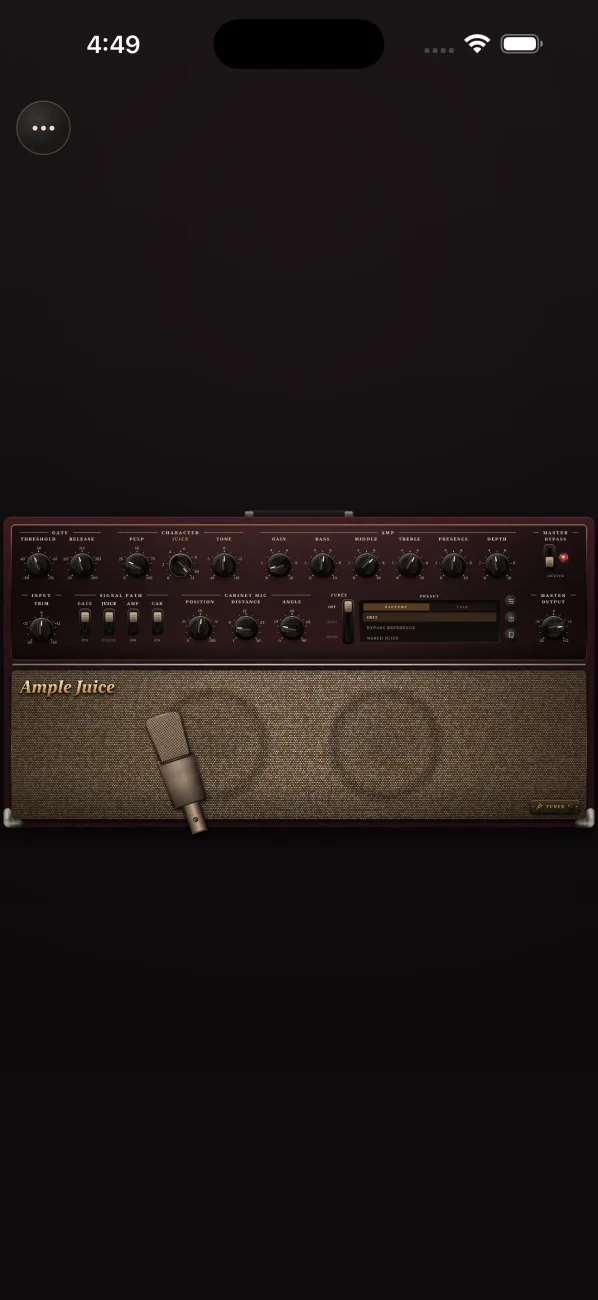
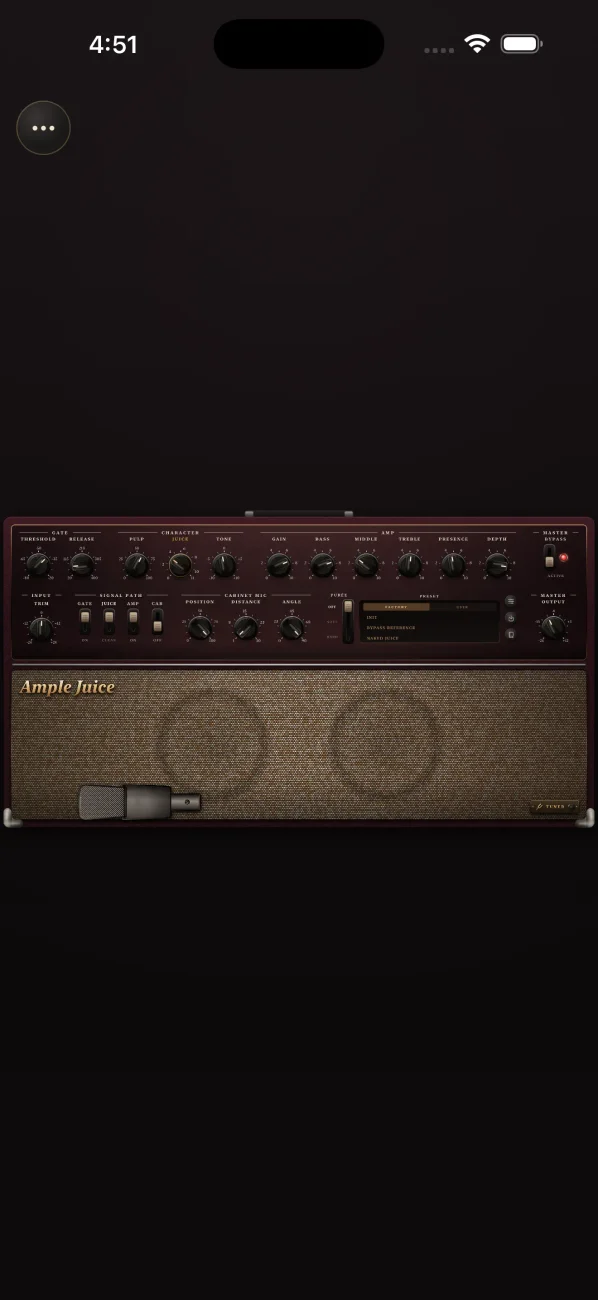
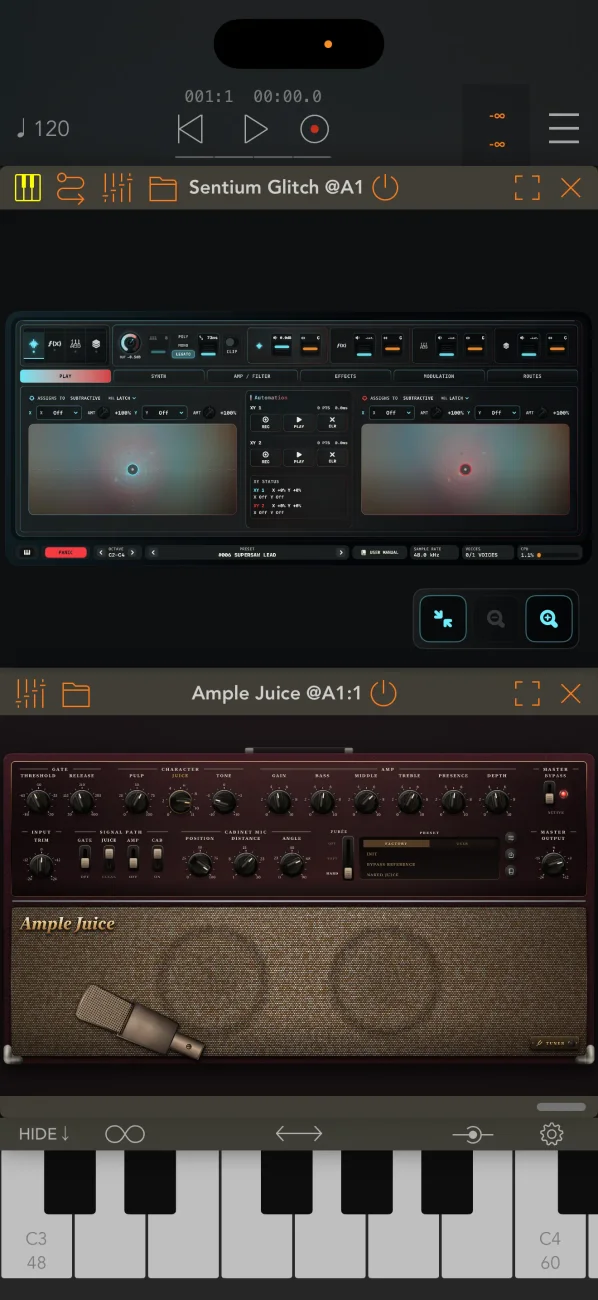
The whole signal path is in front of you: gate, boost, drive, amp, 4x12 and microphone. No pages to remember and no puzzle of hidden settings. Start with the controls you know, turn them until the guitar sits right, and leave the rest alone.
FROM CLEAN ENOUGH TO LEAD READY
Juice covers the ground between edge-of-breakup rhythm and a full lead voice. The first part of the dial adds body and sheen. The middle is where crunch lives. The last stretch opens quickly for sustain and saturation. Even when the gain is up, chords keep their notes instead of folding into one fizzy block.
Pulp sits before the amp, where your boost pedal would. It trims low end before the clipping starts and leans into the midrange, so palm mutes land firmly and down-tuned riffs do not spread across the floor. Throw the Clean lever and the drive section steps aside; throw it back and every dirty setting is waiting where you left it.
POSITION THE MIC BY TOUCH OR MOUSE
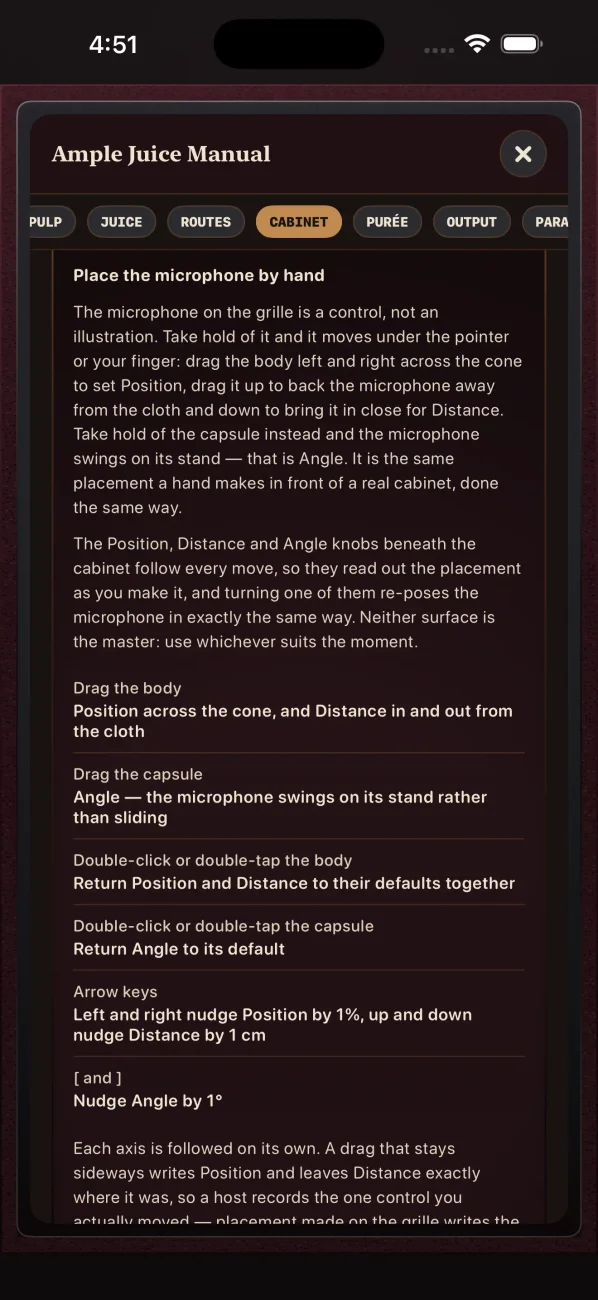
No need to translate what you hear into studio jargon. Put a finger on the mic and move it, or grab it with a mouse. Position it toward the cone centre for cut, toward the edge for warmth, farther back for space, or off-axis to soften a sharp pick attack. The cabinet picture is the control—move what you see and listen as the tone follows.
READY WHEN THE RIFF ARRIVES
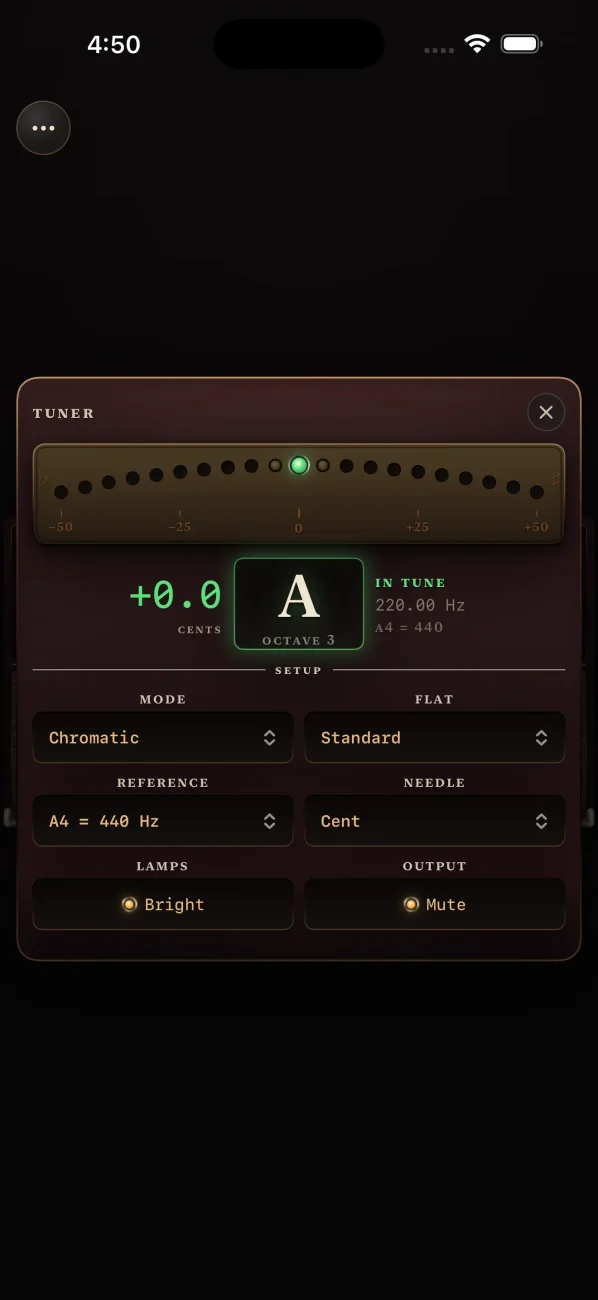
Use it as an AUv3 effect in your host or open the standalone app and choose your interface input. It adds no latency, so the note stays under your fingers. The tuner is already at the front of the rig, presets can save without stopping playback, and every control can follow MIDI or automation.
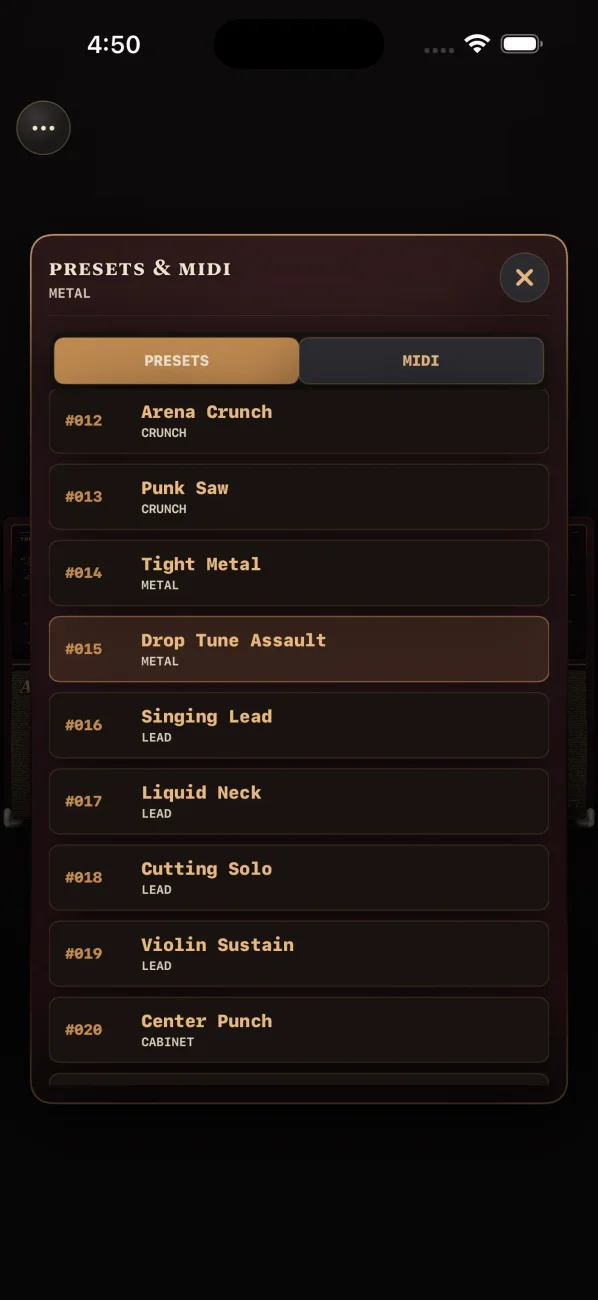
25 factory presets give you useful starting points for clean, crunch, metal, lead and more. Save the sounds that belong to your songs and take them across your devices.
SPECIFICATIONS
- Audio Unit v3 effect and standalone app
- iPad, Mac, iPhone and Apple Vision Pro
- Mono or stereo, zero added latency, no tail
- 44.1 / 48 / 96 kHz as a plug-in and in the Mac app; 44.1 / 48 kHz in the iPhone and iPad app
- All 22 controls automate and assign to MIDI
- 25 factory presets across eight categories
- Built-in chromatic, guitar and bass tuner
- True bypass, click-free and safe to automate
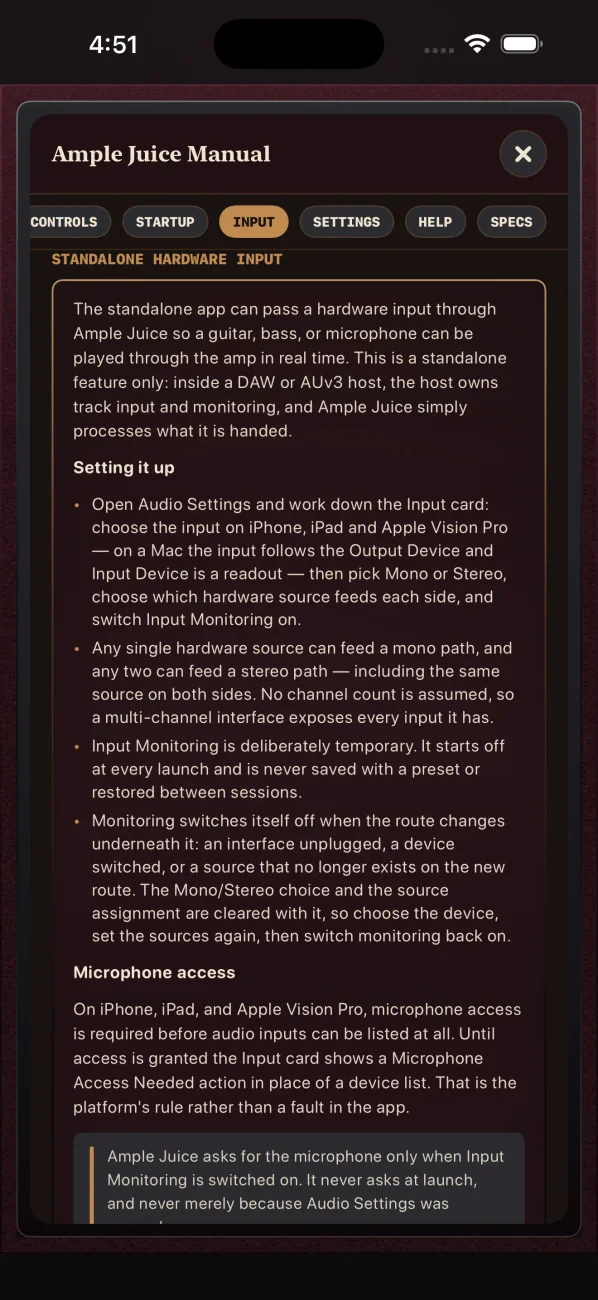
- Built-in user manual
Confidentialité de l’application
Ce que Christian Thompson déclare sur l’App Store au sujet du traitement des données par cette application.
-
Données non collectées
Le développeur ne collecte aucune donnée à partir de cette application.
Les pratiques en matière de confidentialité peuvent varier, notamment en fonction des fonctionnalités que vous utilisez ou de votre âge.
Informations
- Vendeur
- Christian Thompson
- Catégorie
- Musique
- Version
- 1.0
- Mis à jour
- 18/08/2026
- Publié
- 18/08/2026
- Taille
- 16,4 Mo
- Nécessite
- iOS 17.0 ou version ultérieure
- Classification d’âge
- 4+
- Prix
- 17,99 €
- Langues
- Anglais
- Copyright
- ©2026 Christian C. Thompson. All Rights Reserved.