
- Classification d’âge4+
- CatégoriePhoto et vidéo
- DéveloppeurWebcut GmbH
- LanguesAnglais
- Taille23,1 Mo
Arrow Camera n’est peut-être pas disponible sur App Store pour le moment
La fiche de la boutique était inaccessible lors de notre dernière vérification. Le lien mène toujours à la page App Store officielle.
Captures d’écran

À propos
Le développeur n’a pas fourni ce texte dans votre langue.
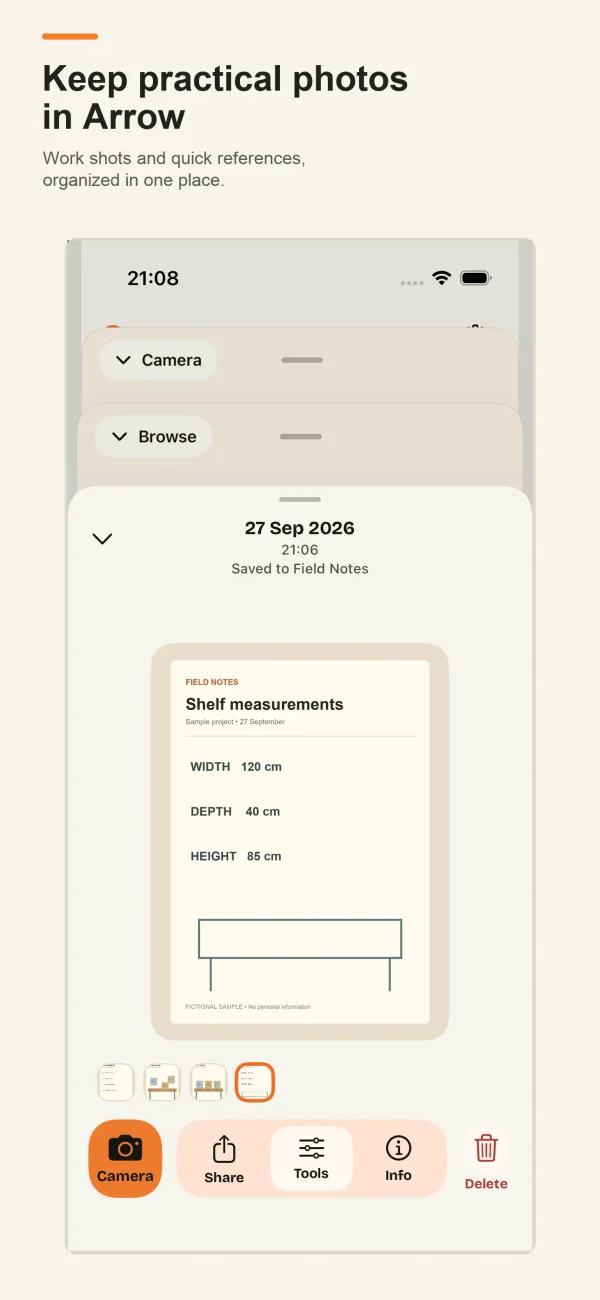
Arrow is a second camera for practical photos: receipts, labels, work shots and references you want to keep separate from your personal photo library.
CHOOSE WHERE PHOTOS GO
Pick an album before you shoot. Find your photos inside Arrow, move them between albums, or import photos as copies.
PREPARE A USEFUL COPY
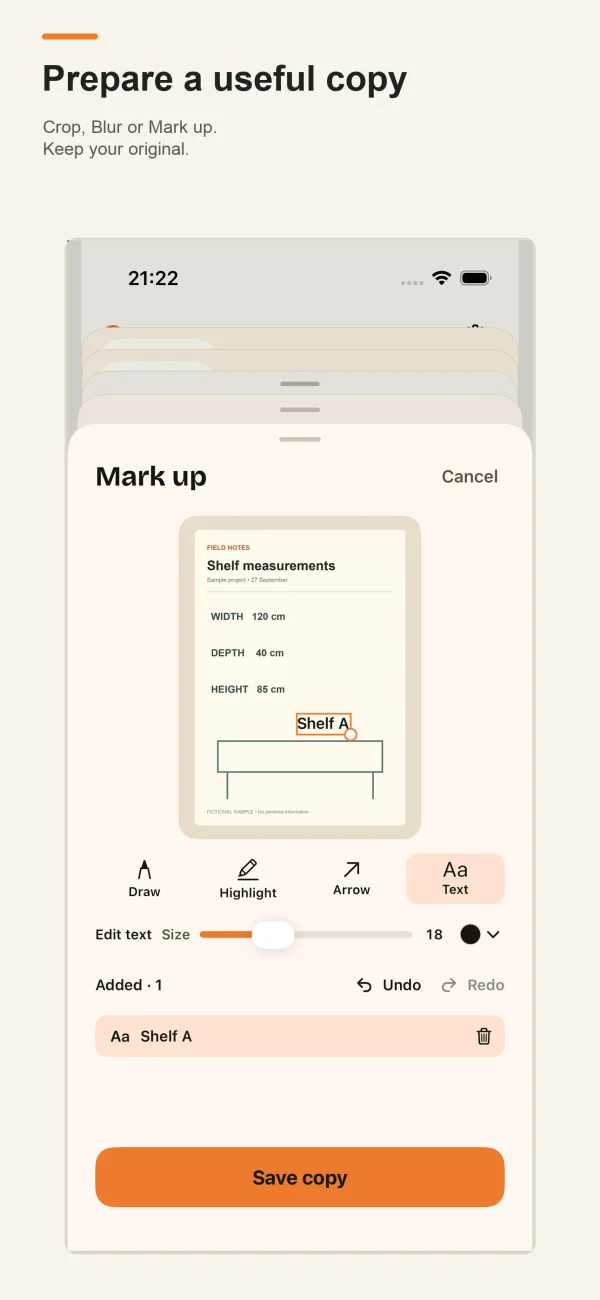
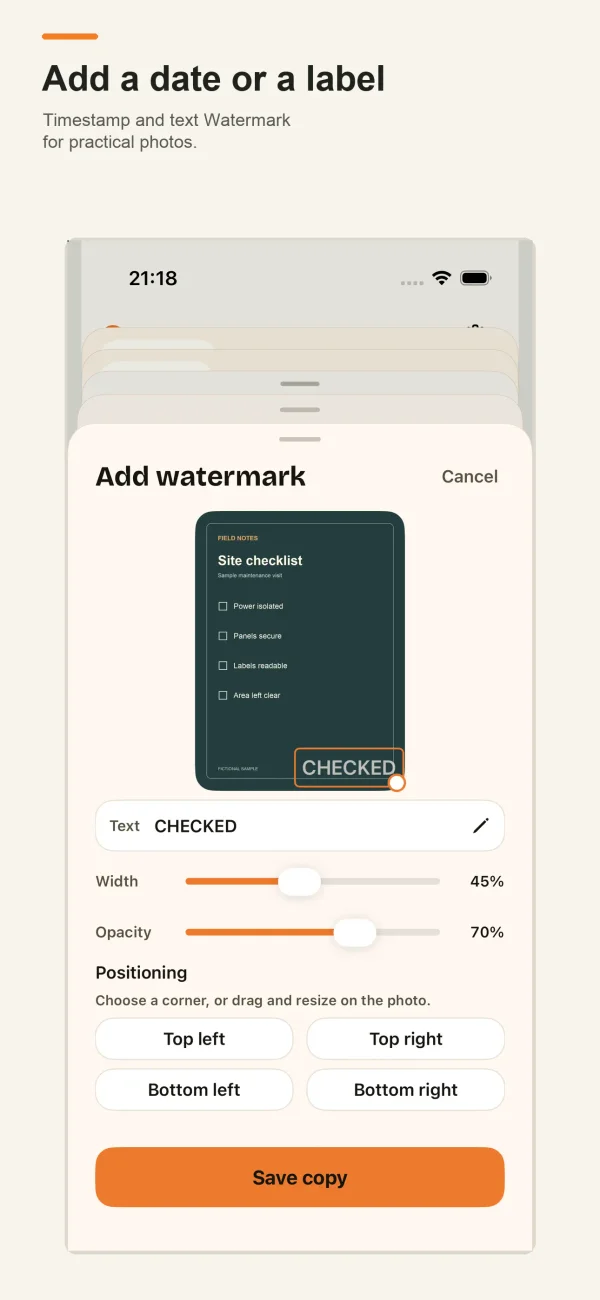
Crop a photo, Blur part of a photo or Mark up something worth noticing. Add a Timestamp or text Watermark. Save your edits as a new copy while keeping the original.
MAKE SOMETHING YOU CAN SHARE
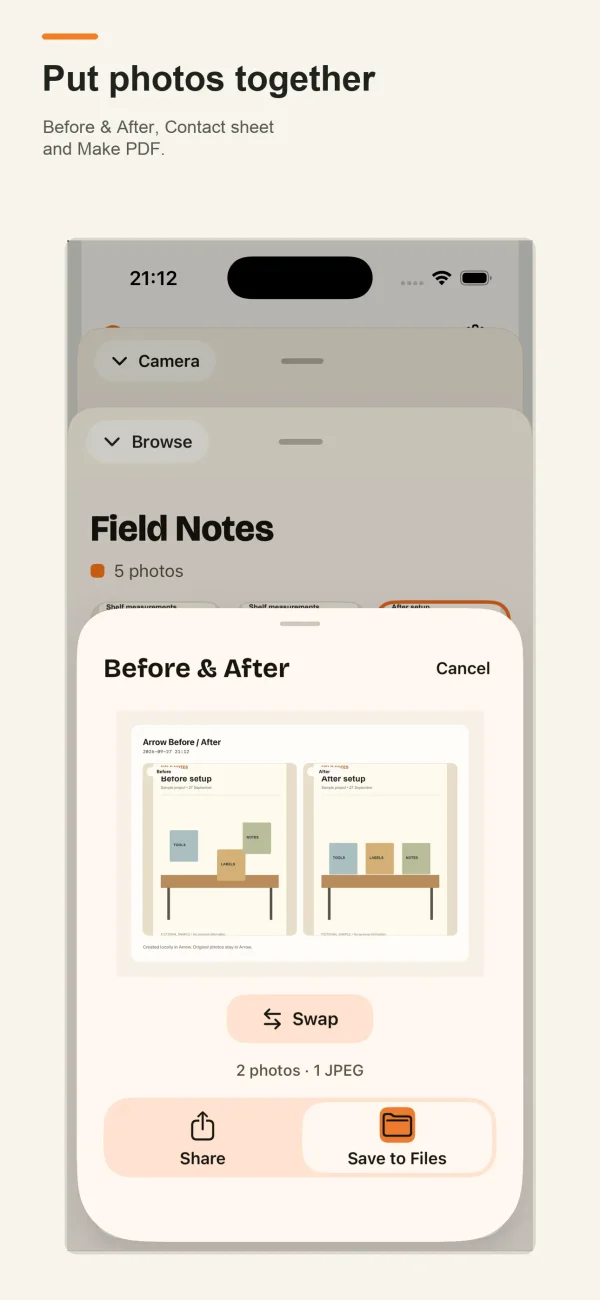
Use Before & After to compare two photos, Contact sheet to bring selected photos together, or Make PDF to prepare a document. Share or export the result to a destination you choose.
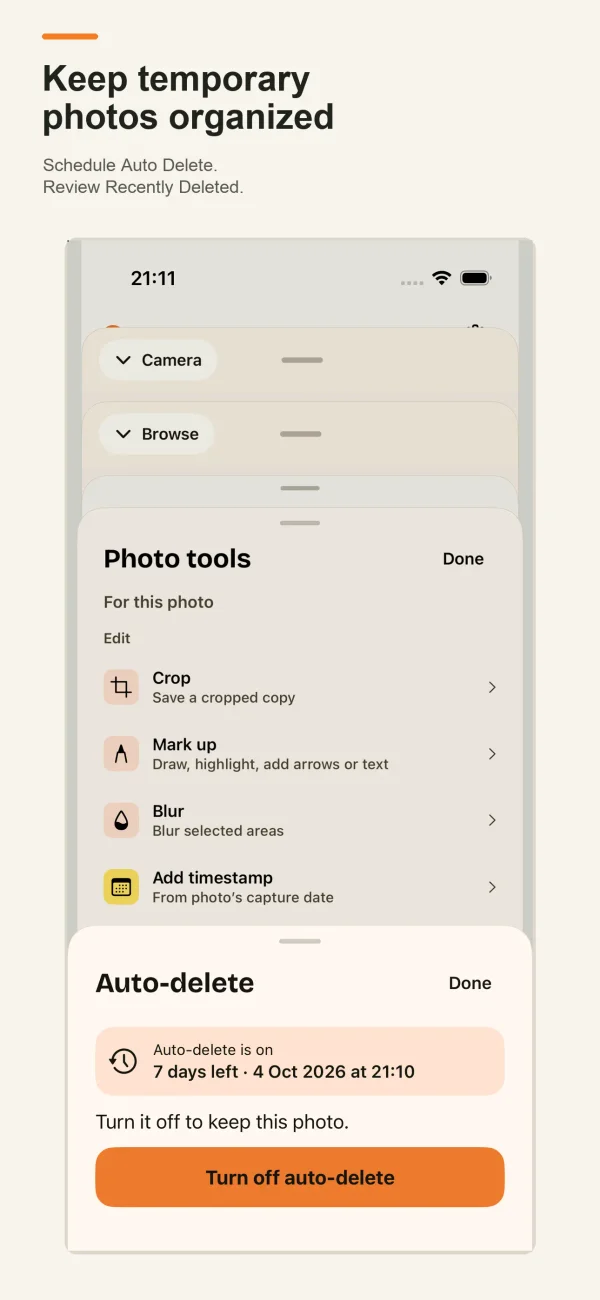
KEEP TEMPORARY PHOTOS ORGANIZED
Use Auto Delete to schedule temporary photos to move to Recently Deleted when Arrow next refreshes. Find deleted photos in Recently Deleted and restore them while available.
SET UP YOUR NEXT SHOTS
Configure Timestamp and Watermark Actions for new captures. Save Location is optional: when enabled and permitted, it saves available location information with new photos. You can use the camera without it.
YOUR PHOTO LIBRARY STAYS LOCAL
No account is required. Arrow stores your photo library on your device; you choose when to share or export photos. Usage analytics, diagnostics and optional Feedback are described in our Privacy Policy. Your photos are not attached to those reports.
Nine tools for practical photos: Crop, Blur, Mark up, Timestamp, Watermark, Before & After, Contact sheet, Make PDF and Auto Delete.
Nouveautés
Version 1.1.0 · 30/09/2026
Arrow 1.1.0 makes practical photos easier to capture, organize and use.
• A refreshed camera, Browse and photo-detail experience.
• Crop photos or add a timestamp or watermark, then save an edited copy while keeping the original.
• Clearer album selection, sharing and export controls.
• Refined Settings, storage information and feedback tools.
Confidentialité de l’application
Ce que Webcut GmbH déclare sur l’App Store au sujet du traitement des données par cette application.
-
Données établissant un lien avec vous
Peuvent être collectées et liées à votre identité.
- Emplacement
- Coordonnées
- Contenu utilisateur
- Identifiants
- Données d’utilisation
- Diagnostic
Les pratiques en matière de confidentialité peuvent varier, notamment en fonction des fonctionnalités que vous utilisez ou de votre âge.
Informations
- Vendeur
- Webcut GmbH
- Catégorie
- Photo et vidéo
- Version
- 1.1.0
- Mis à jour
- 30/09/2026
- Publié
- 31/03/2026
- Taille
- 23,1 Mo
- Nécessite
- iOS 17.0 ou version ultérieure
- Classification d’âge
- 4+
- Langues
- Anglais
- Copyright
- © 2026 Webcut GmbH
Vous aimerez peut-être aussi
-
 Pixdex: Find Your InspirationPhoto et vidéo
-
 Snoof - Disappearing CameraPhoto et vidéo
-
 SortCam: Album CameraPhoto et vidéo
-
 PrivacyCam: Hide My PhotosPhoto et vidéo
-
 FOTO- Classement IntelligentGPS, Horodatage & Drive
-
 Run That BackPhoto et vidéo
-
 EmoryxPhoto et vidéo
-
 MP3 Converter – Video to AudioPhoto et vidéo
-
 Viddycom: Voice CameraPhoto et vidéo
-
 Sequester AppPrivate photo vault + backup.