
Ascent: Screen Time Control
App Blocker, Limit screen time
Conçue pour iPhone
Gratuit · Achats intégrés
- Classification d’âge4+
- CatégorieProductivité
- DéveloppeurAscent Apps TOO
- LanguesAnglais
- Taille213,3 Mo
Renvoie vers la page App Store officielle
Download.org n’héberge aucun fichier de Ascent: Screen Time Control. Le bouton ouvre la page de l’application sur App Store, où Ascent Apps TOO la publie. Fiche vérifiée pour la dernière fois le 12/11/2026.
Captures d’écran

À propos
Le développeur n’a pas fourni ce texte dans votre langue.
The main goal of Ascent is to build healthy phone usage habits in the long term. Ascent pauses distracting apps giving the ability to avoid procrastination loop from the start. App prevents undesired scrolling through news feeds and short videos. Instead Ascent allows to spend time on mindful working and creating.
Ascent is a powerful and intuitive app blocker that helps you stay focused and combat procrastination. With its advanced blocking and tracking features, Ascent makes it easy to take control of your screen time and achieve your goals.
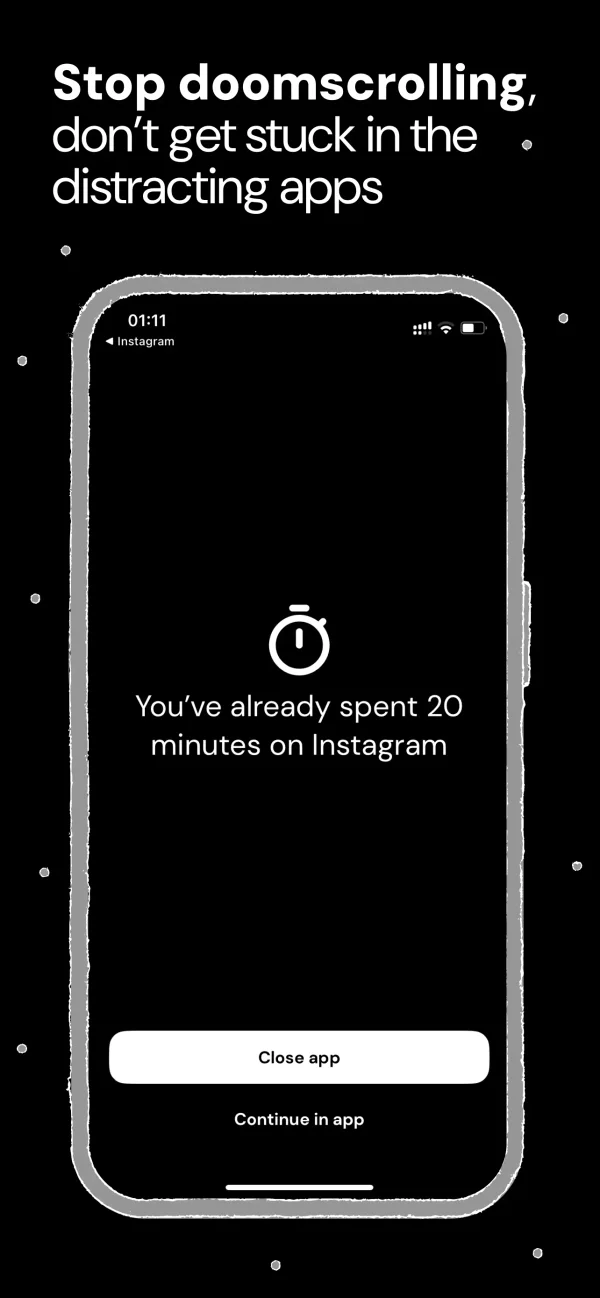
Pause Exercise:
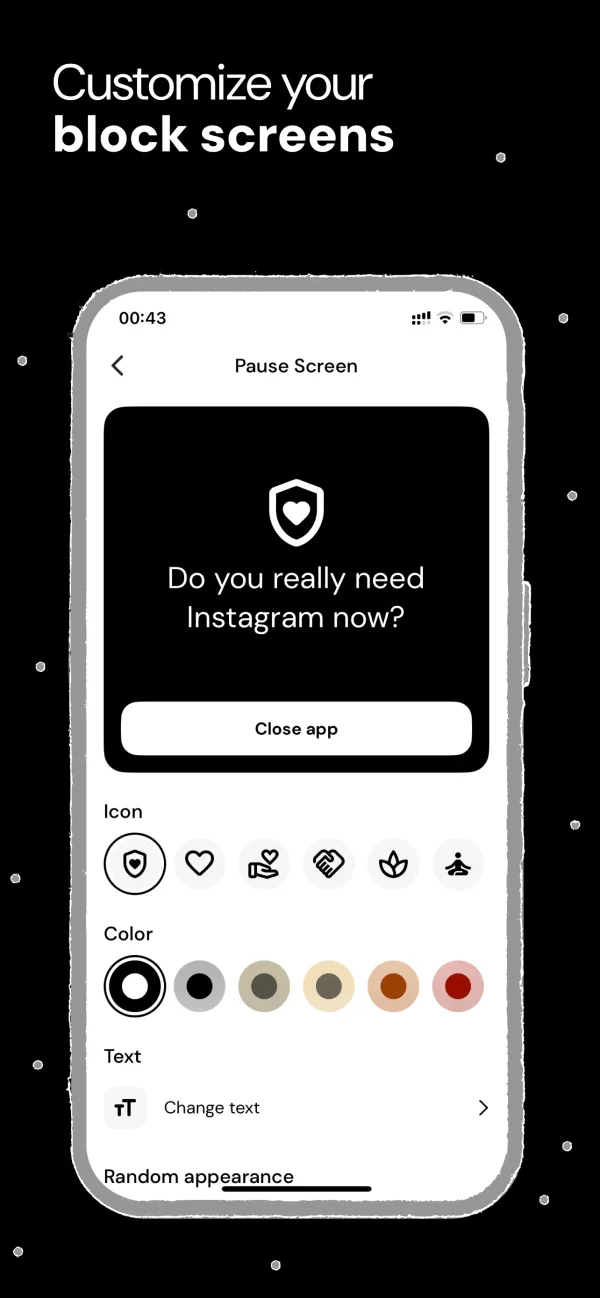
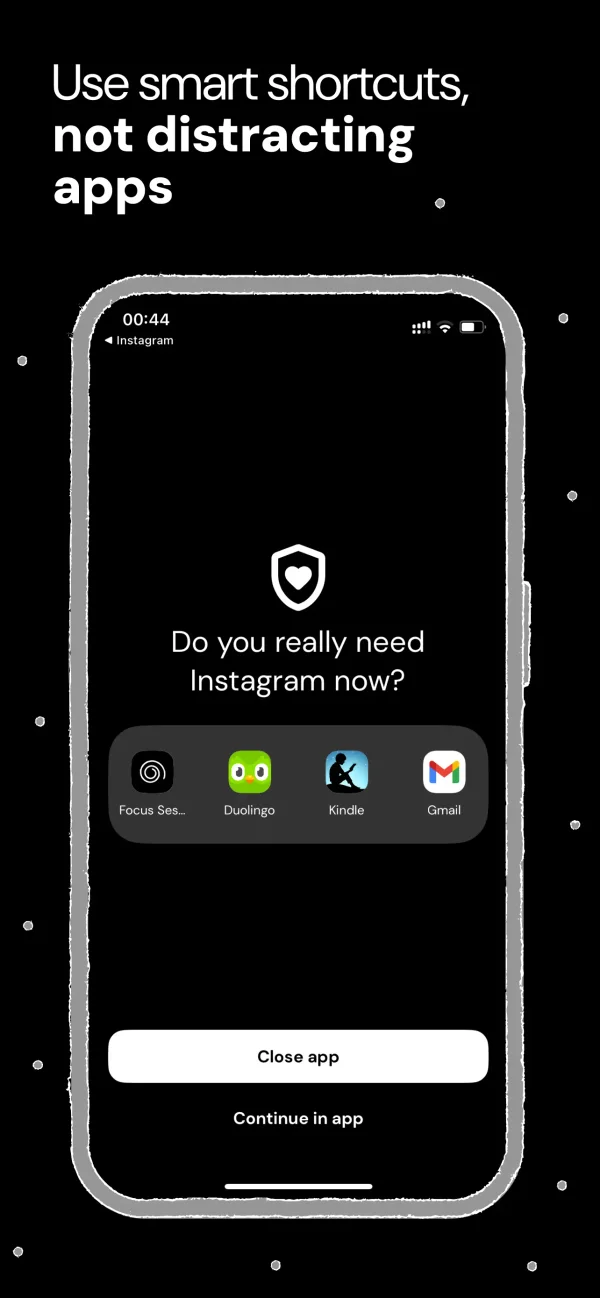
Ascent makes you take pause before opening a destructing app. Take your time to reflect on whether you really want to open it. You can choose to either close the app or continue using it. This feature helps you to avoid compulsive app opening and makes your phone usage more mindful and reasonable.
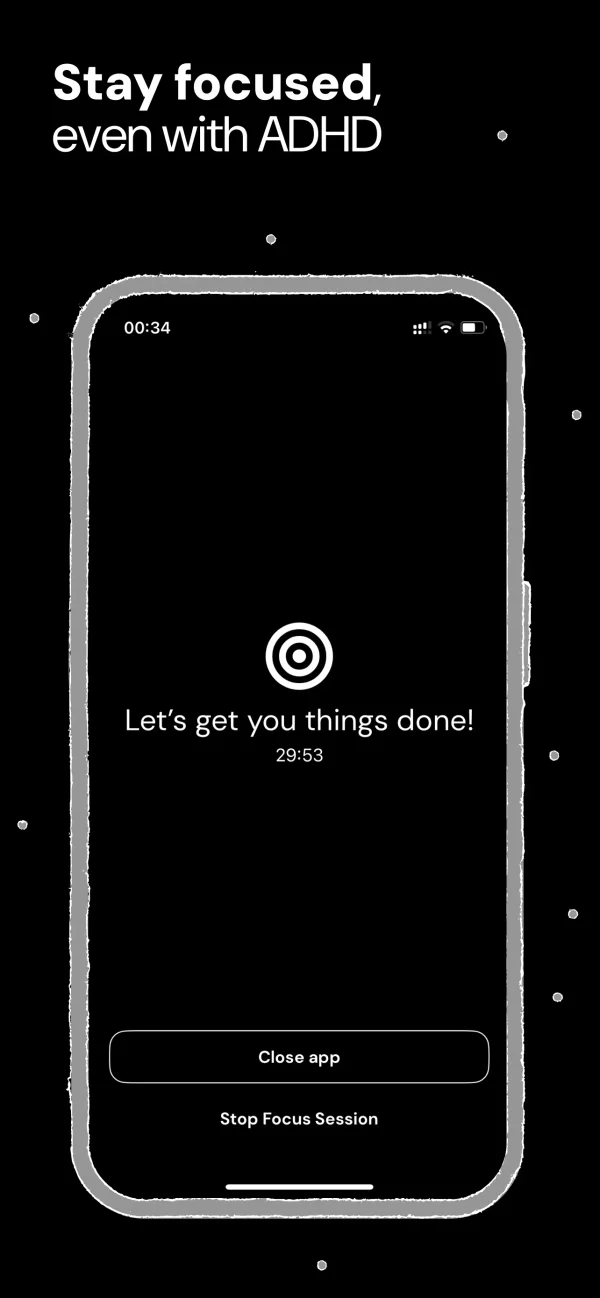
Focus Session:
Focus Session elevates your productivity by creating a dedicated space with minimized distractions. It temporarily restricts access to specific apps, ensuring your attention stays on the task at hand. This feature helps you stay deeply engaged, promoting a state of flow and maximizing your efficiency.
Reminder:
Reminder helps you regain control over your digital habits by guiding you away from time-consuming apps. Set reminders to activate the Pause Screen, nudging you to step back and break free from unhealthy screen time patterns, fostering a more balanced relationship with your digital environment.
App Limits:
Set daily usage limits on apps and websites to automatically block them and prevent overuse. Limit screen time and stay focused!
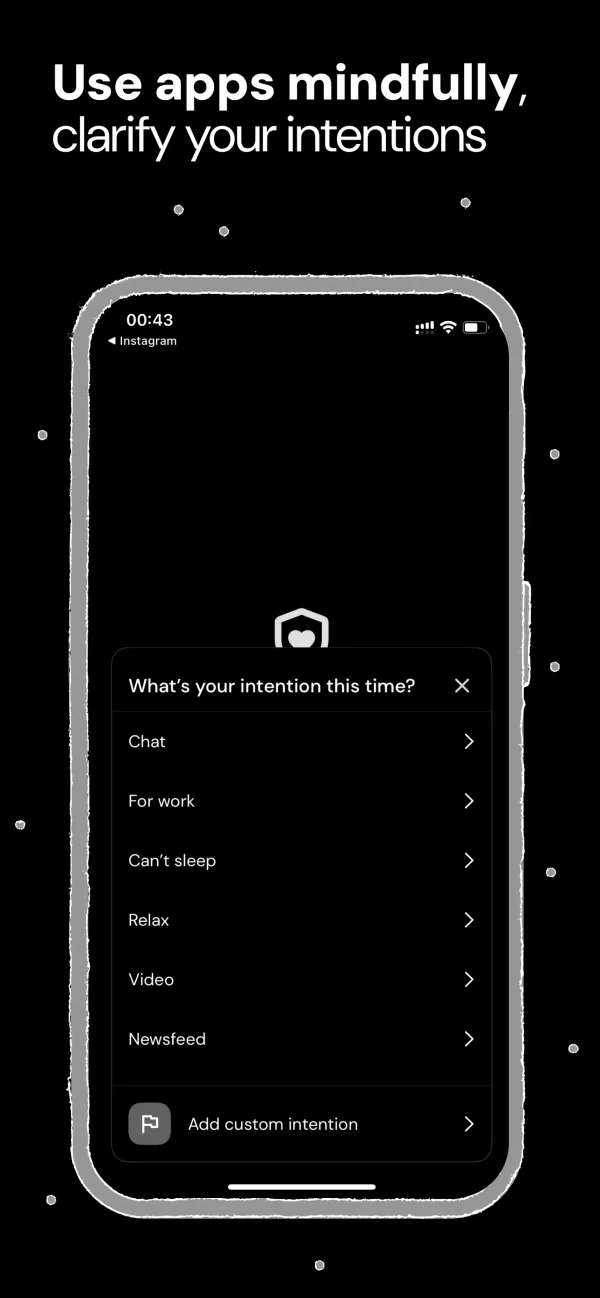
Intentions:
Intentions reshape your interaction with digital distractions by prompting you to pause and state your purpose before using potentially harmful apps. This feature turns impulsive screen time into a deliberate choice, helping you build a more mindful and intentional relationship with your digital habits.
Shortcuts:
Shortcuts transform your digital habits by letting you get more done with less taps, streamlining your workflow and minimizing interruptions. Arrange essential apps and links for quick access, so you can retrieve them when needed. By keeping your focus sharp and avoiding distractions, Shortcuts help you stay productive and intentional.
Bookmarks:
Bookmarks transform your screen habits by shifting your focus from algorithmic content to what truly matters. Ascent helps you save bookmarks as valuable resources, providing a mindful alternative to chaotic feeds and integrating quality knowledge into your daily routine for a more meaningful and intentional digital experience.
Ascent makes it easy to set up custom blocking schedules and stay on track. You can choose to block apps for a specific period of time or during certain times of the day, and receive notifications when your blocking schedule is about to end or when you're approaching or exceeding your daily limits. This helps you stay aware of your habits and make positive changes to your daily routine.
Benefits:
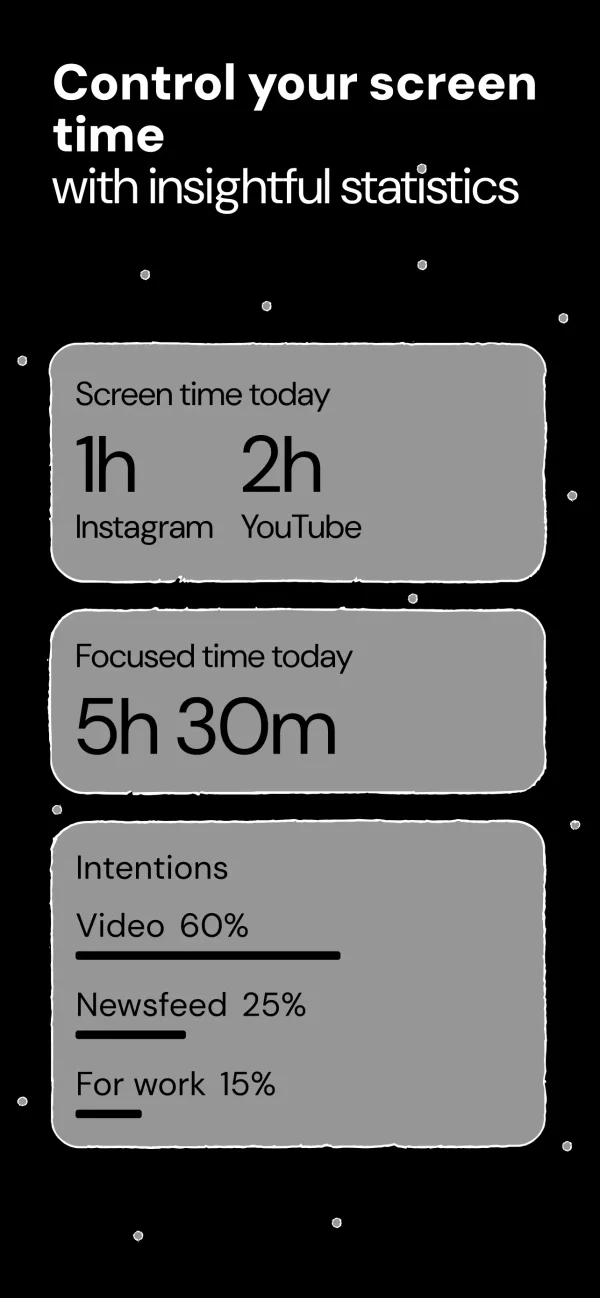
- Better screen time control
- Better productivity at work
- Reduce stress, be more mindful
- Better manage ADHD
- Set daily work hours, sleep, and routines
- Block apps to unplug and detox
- Stay in focus when you need it most
- You're happy and in control of your screen time
screen time, offtime, screen time for focus, screen time control, limit screen time, app time limit, screen time blocker, social media blocker, app blocker, appblock, focus, stay focused, focus timer, productivity, procrastination, stop scrolling
Terms (EULA): https://www.apple.com/legal/internet-services/itunes/dev/stdeula/
Privacy Policy: https://ascent-app.com/app-store-privacy-policy
Nouveautés
Version 1.5.1 · 06/11/2026
— Technical improvements.
Thank you for being part of the Ascent project. We are happy to help you block all your distractions, reduce your screen time and focus on what is really important to you!
Confidentialité de l’application
Ce que Ascent Apps TOO déclare sur l’App Store au sujet du traitement des données par cette application.
-
Données n’établissant aucun lien avec vous
Peuvent être collectées, mais ne sont pas liées à votre identité.
- Données d’utilisation
- Diagnostic
Les pratiques en matière de confidentialité peuvent varier, notamment en fonction des fonctionnalités que vous utilisez ou de votre âge.
Informations
- Vendeur
- Ascent Apps TOO
- Catégorie
- Productivité
- Version
- 1.5.1
- Mis à jour
- 06/11/2026
- Publié
- 16/12/2024
- Taille
- 213,3 Mo
- Nécessite
- iOS 17.0 ou version ultérieure
- Classification d’âge
- 4+
- Prix
- Gratuit
- Achats intégrés
- Oui
- Langues
- Anglais
- Copyright
- © 2026 Ascent Apps TOO
Vous aimerez peut-être aussi
-
 Agenda quotidien pour femmesPlanner mignon & to do list
-
 CliperX-Inspiration CollectionHistorique illimité, clips
-
 CalendarSpeak: Voice PlannerAgenda IA & planning vocal
-
 CalUnityProductivité
-
 Just Did - Task TrackerProductivité
-
 Obsession: Goal AccountabilityProductivité
-
 GitBotProductivité
-
 OffShelf: Focus, Plan & StudyAI Tutor, Focus, Study, Learn
-
 Own Your Life: Regarde ta vieTemps, liens et corps réunis
-
 CureX: Adult Content BlockerProductivité