Asset Diary
Net worth tracker & goals
Conçue pour iPhone, iPod touch
Achats intégrés
- Classification d’âge4+
- CatégorieFinance
- Développeurkazuki kunimura
- LanguesAnglais+ 1 de plus
- Taille24,7 Mo
Asset Diary n’est peut-être pas disponible sur App Store pour le moment
La fiche de la boutique était inaccessible lors de notre dernière vérification. Le lien mène toujours à la page App Store officielle.
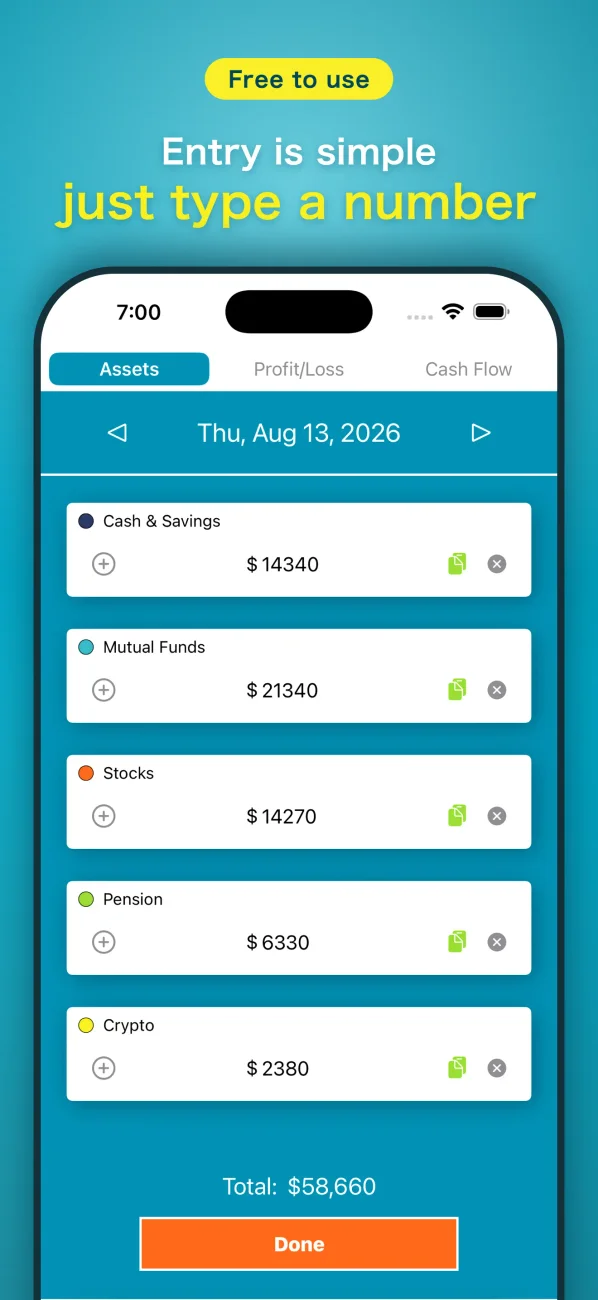
Captures d’écran

À propos
Le développeur n’a pas fourni ce texte dans votre langue.
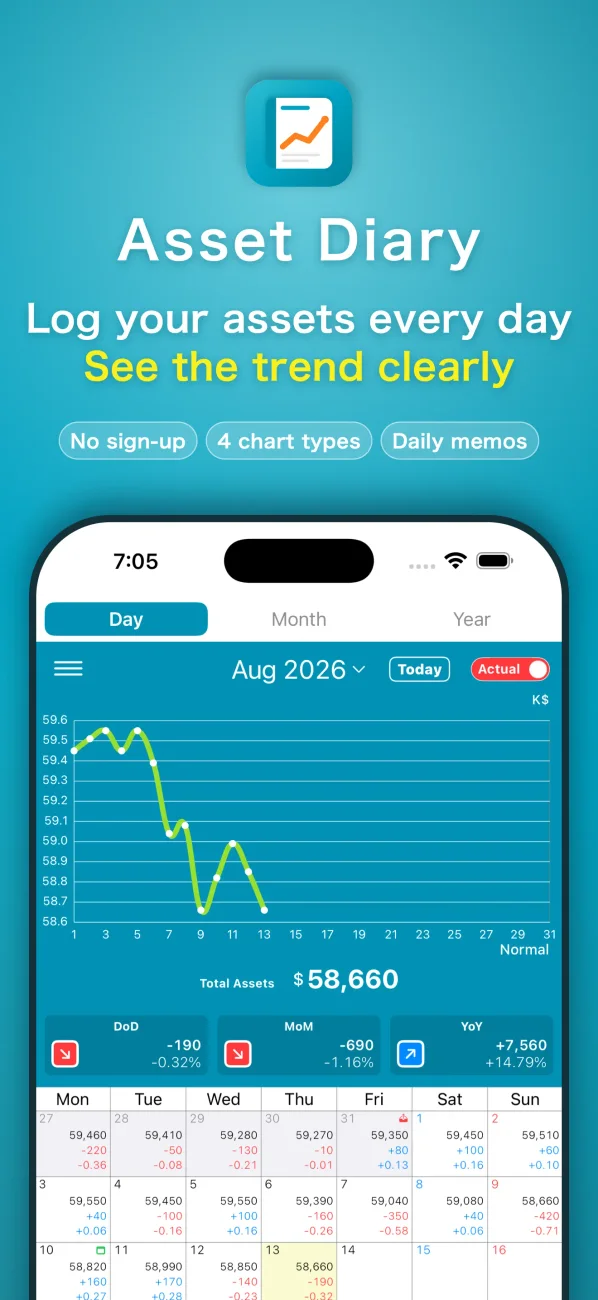
Log your total assets every day and see the trend at a glance.
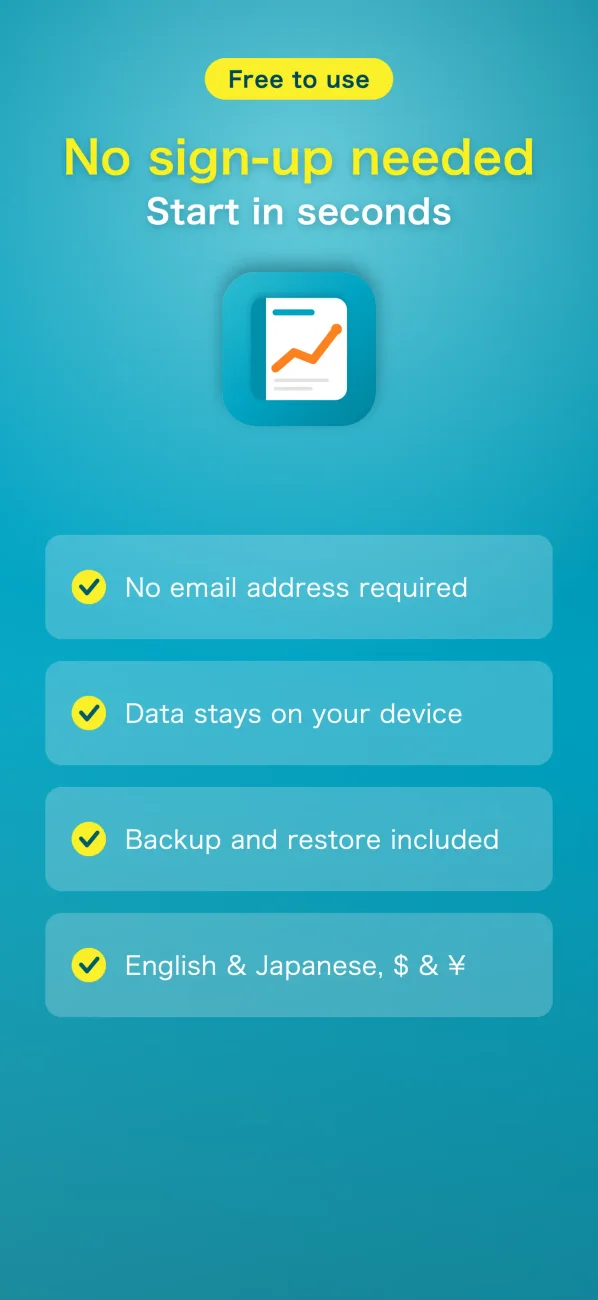
No sign-up required. Your data stays on your device.
WHAT YOU CAN DO
• Record your total assets
• Record deposits and withdrawals
• Record gains and losses
• Add daily memos
• Recording reminders (daily / weekly / end of month, at a time you choose)
Reminders arrive only on days you haven't recorded yet.
• Day-over-day change (amount and %)
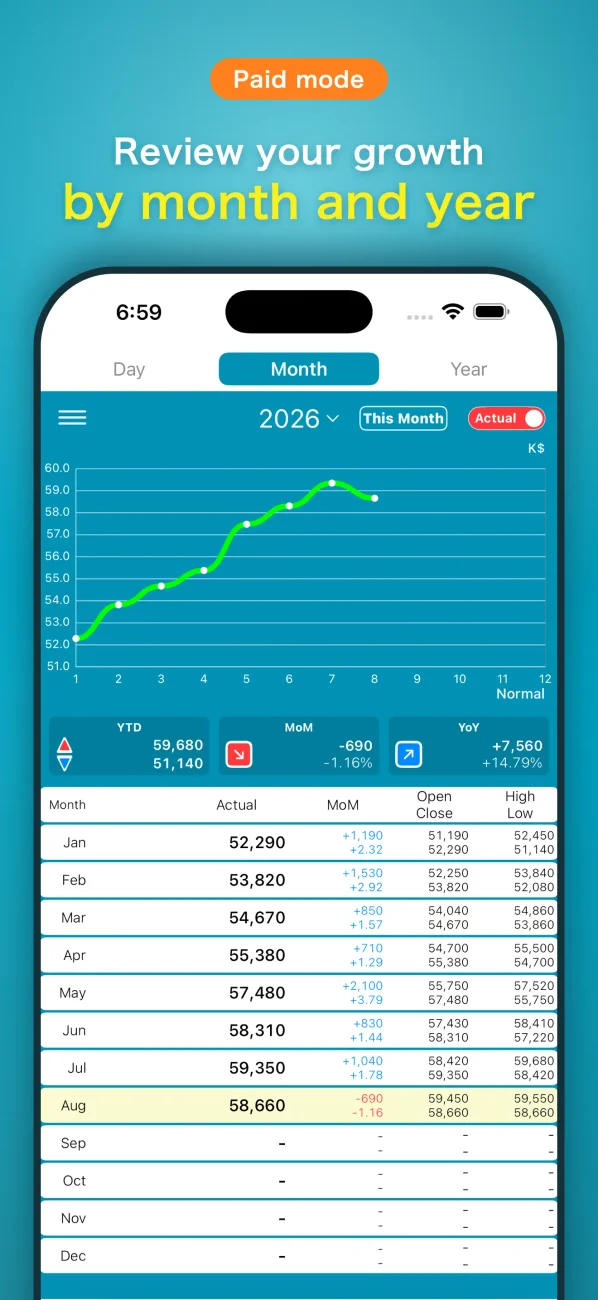
• Month-over-month change (amount and %)
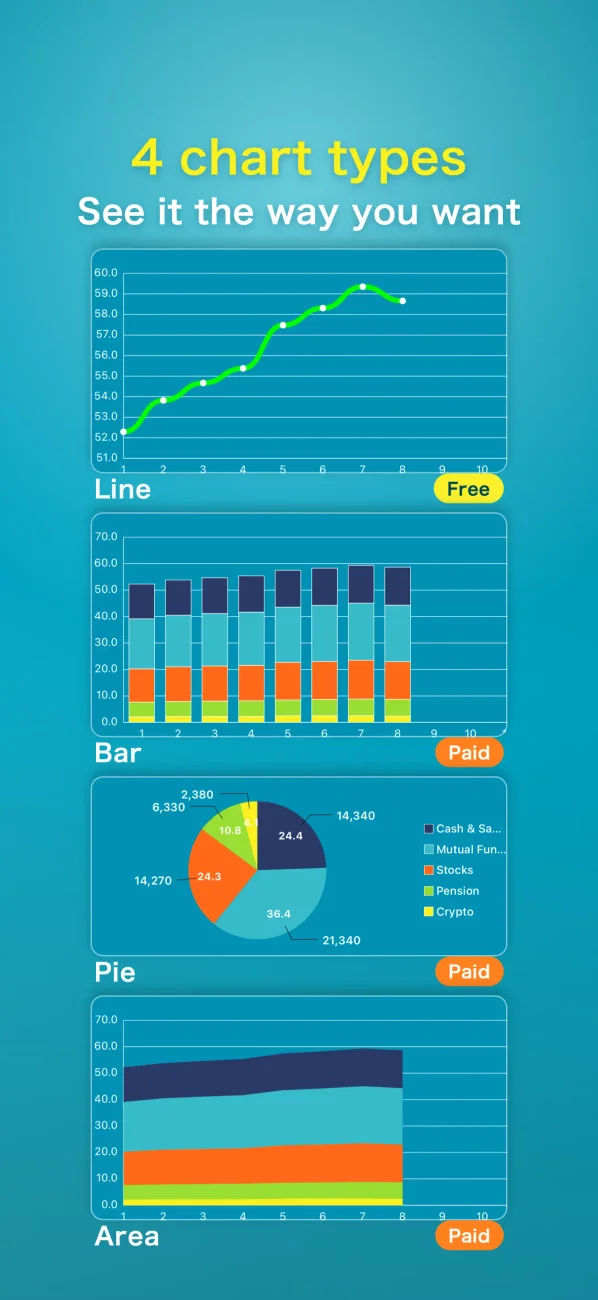
• Daily asset chart (line)
• Daily calendar view
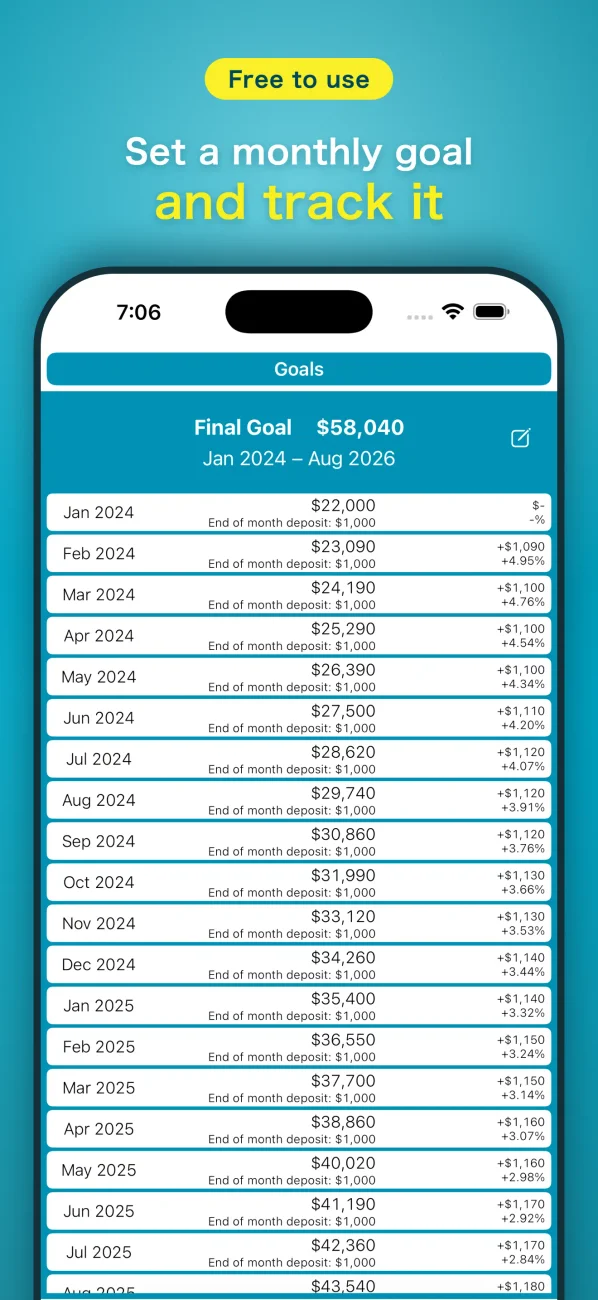
• Monthly targets calculated from a starting amount, a final goal
and a period (up to 1 year)
Targets assume compounding at a fixed rate.
• Switch the display language (Japanese / English)
• Switch the currency unit (yen / dollars)
Display only — no currency conversion is applied.
• Create a backup
• Restore from a backup
PAID MODE
Performance
• Year-over-year change (amount and %)
• Year-to-date high
• Year-to-date low
• Bar, pie and area charts added to the daily view
• Monthly asset charts (bar, line, pie, area)
• Monthly calendar view
• Yearly asset charts (bar, line, pie, area, candlestick)
Line charts can show this year and last year together.
• Yearly calendar view
• All-time asset charts (bar, line, pie, area, candlestick)
Goals
• Set a period of up to 100 years
• Set a monthly contribution
• Adjust each month's target individually
• Update your goals as you go
Categories
• Split and manage your assets by category
Ads
• Removes ads
Memos
• Up to 300 characters
Nouveautés
Version 1.3.2 · 20/09/2026
• Added recording reminders. Choose daily, weekly, or end of month.
Reminders arrive only on days you haven't recorded yet, so they stay
out of your way once you've entered your assets.
• You can now choose Japanese or English.
Change it under Settings > Display > Language.
• You can now show amounts in yen or dollars.
Change it under Settings > Display > Currency.
Display only — no currency conversion is applied.
• Redesigned the date picker on the home screen with a year scroller
and a month grid.
• Refreshed the app icon.
• Fixed crashes when restoring from a backup and when moving between
pages.
• Fixed charts and calendars not refreshing, and text being cut off in
the memo field.
Confidentialité de l’application
Ce que kazuki kunimura déclare sur l’App Store au sujet du traitement des données par cette application.
-
Données utilisées pour vous suivre
Peuvent être utilisées pour vous suivre sur des applications et des sites web appartenant à d’autres sociétés.
- Emplacement
- Identifiants
- Données d’utilisation
- Diagnostic
-
Données établissant un lien avec vous
Peuvent être collectées et liées à votre identité.
- Emplacement
- Coordonnées
- Identifiants
- Données d’utilisation
- Diagnostic
-
Données n’établissant aucun lien avec vous
Peuvent être collectées, mais ne sont pas liées à votre identité.
- Diagnostic
Les pratiques en matière de confidentialité peuvent varier, notamment en fonction des fonctionnalités que vous utilisez ou de votre âge.
Informations
- Vendeur
- kazuki kunimura
- Catégorie
- Finance
- Version
- 1.3.2
- Mis à jour
- 20/09/2026
- Publié
- 05/03/2022
- Taille
- 24,7 Mo
- Nécessite
- iOS 15.0 ou version ultérieure
- Classification d’âge
- 4+
- Achats intégrés
- Oui
- Langues
- Anglais, Japonais
- Copyright
- © 2022 K.K.F