- Classification d’âge4+
- CatégorieFinance
- DéveloppeurJingyi Li
- LanguesAnglais+ 3 de plus
- Taille6,9 Mo
Asset Trainer n’est peut-être pas disponible sur App Store pour le moment
La fiche de la boutique était inaccessible lors de notre dernière vérification. Le lien mène toujours à la page App Store officielle.
Captures d’écran


À propos
Le développeur n’a pas fourni ce texte dans votre langue.
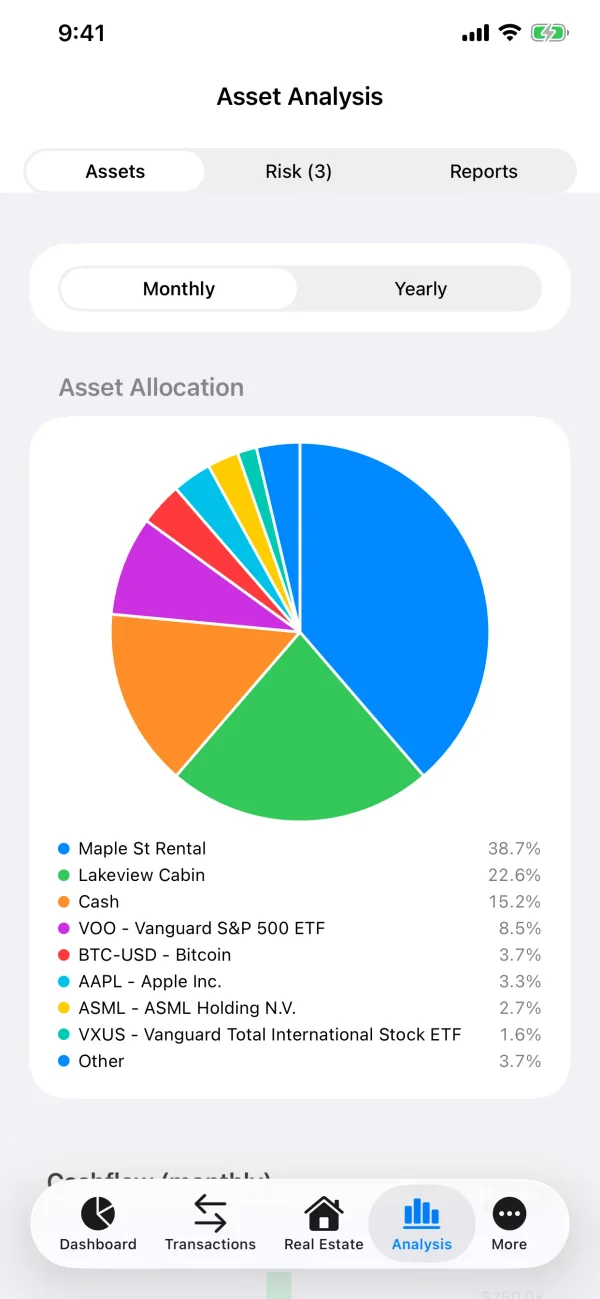
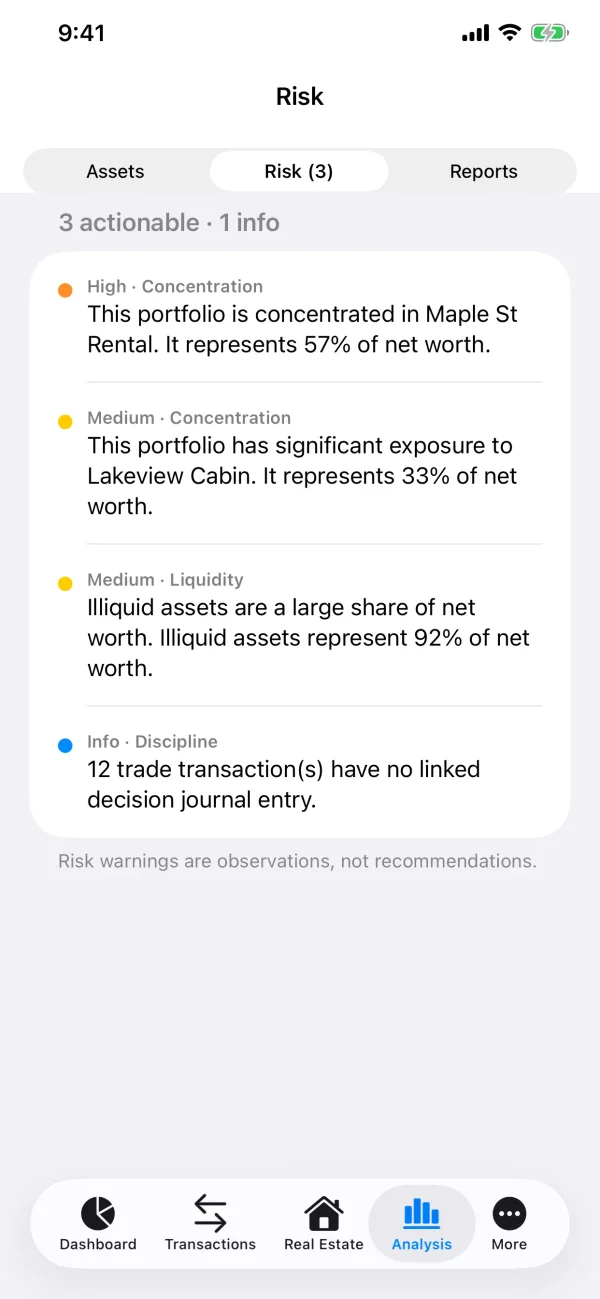
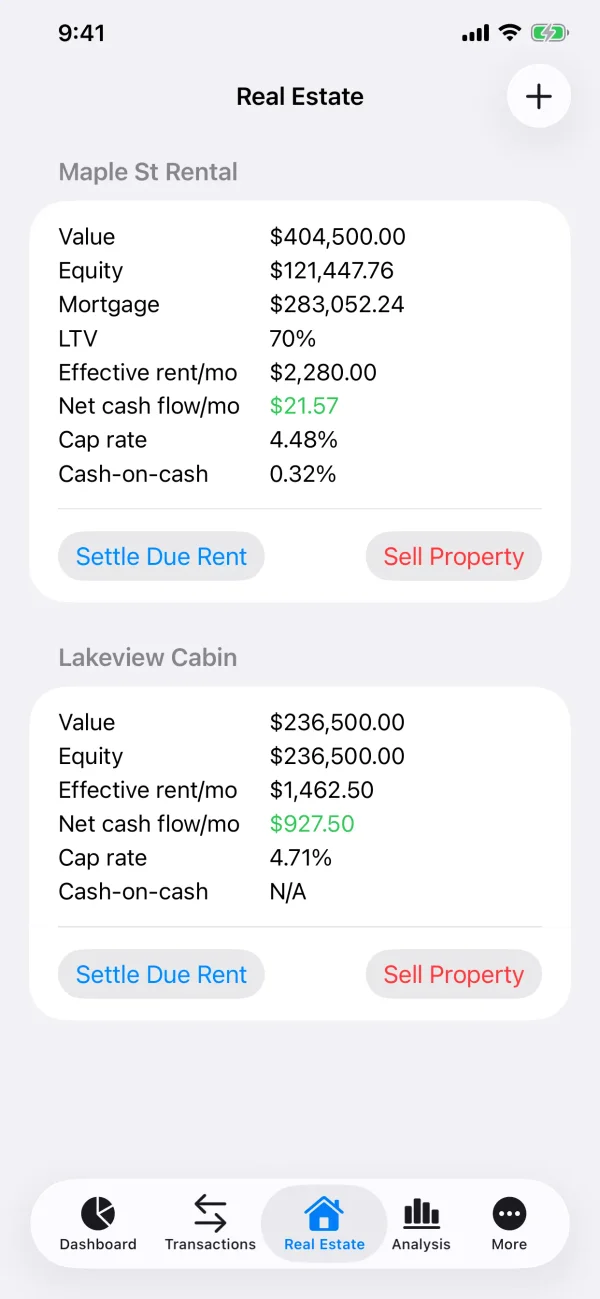
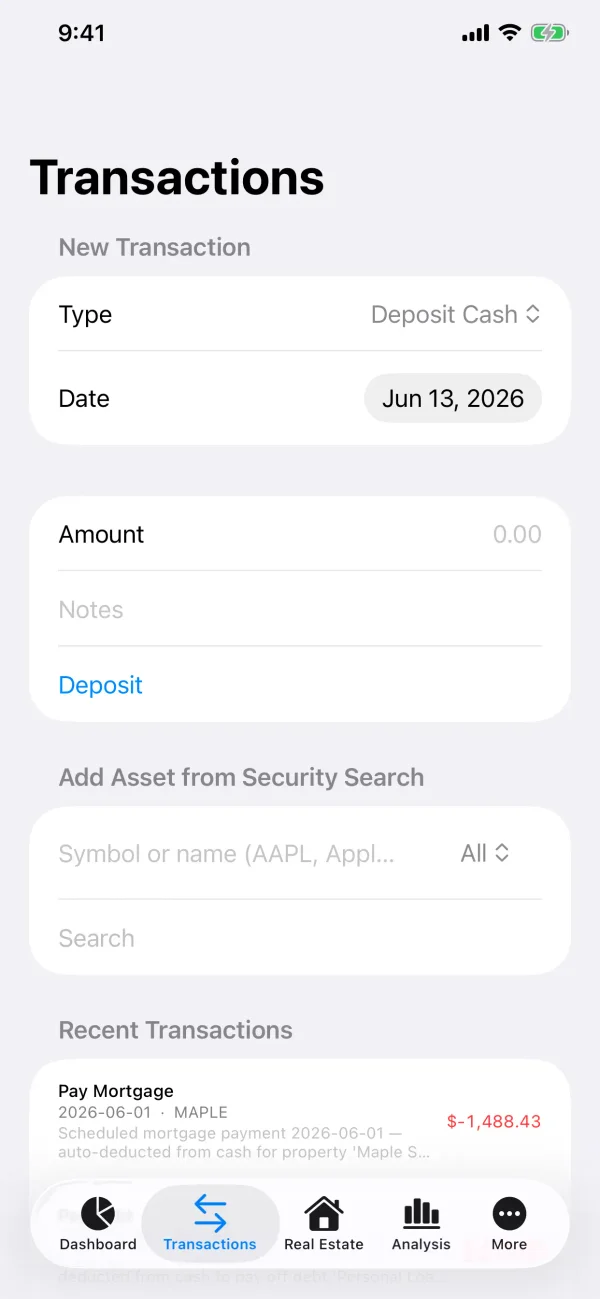
Asset Trainer is a personal portfolio training simulator. It helps you practice asset-allocation thinking across stocks, ETFs, crypto, real estate, cash, debt, and custom assets — and keeps a record of why you made each move.
Nouveautés
Version 1.5 · 04/10/2026
Clearer charts: readable month labels, a zoomed-in net worth trend, and tap-to-see values.
• Dates you can read: the Net Worth Trend and Cashflow charts on the Dashboard and in Analysis now use a true time axis. Months are labeled cleanly (for example "Aug 2026 · Sep · Oct") instead of a crowded, cut-off label under every point, and the year appears on the first label and on each January. Yearly cashflow shows one label per year.
• Net worth trend, zoomed in: the chart now focuses on the range your net worth actually moves in instead of always starting at $0, so small changes are easy to see. Above the chart you'll find the date range and the change over it.
• Net Worth / Balance Sheet switch: if you have debts, switch between net worth alone and assets, liabilities, and net worth together.
• Tap for details: tap a point on the Net Worth Trend to see its date and value (plus assets and liabilities when you have debts), or tap a month or year on a Cashflow chart to see its net cash flow. Tap again to clear.
• Tidier cashflow charts: cleaner amounts on the value axis (for example "$10K" instead of "$7,500.00"), and a header with the period covered and its total net flow. Bars still start at $0, so their sizes stay comparable.
Confidentialité de l’application
Ce que Jingyi Li déclare sur l’App Store au sujet du traitement des données par cette application.
-
Données non collectées
Le développeur ne collecte aucune donnée à partir de cette application.
Les pratiques en matière de confidentialité peuvent varier, notamment en fonction des fonctionnalités que vous utilisez ou de votre âge.
Informations
- Vendeur
- Jingyi Li
- Catégorie
- Finance
- Version
- 1.5
- Mis à jour
- 04/10/2026
- Publié
- 16/06/2026
- Taille
- 6,9 Mo
- Nécessite
- iOS 17.0 ou version ultérieure
- Classification d’âge
- 4+
- Langues
- Anglais, Espagnol, Chinois traditionnel, Chinois simplifié
- Copyright
- © 2026 Jingyi Li