Authenticator App - 2FA.
Multi Factor Authentication
Conçue pour iPhone
Gratuit · Achats intégrés
- Classification d’âge4+
- CatégorieUtilitaires
- DéveloppeurTemurbek Rakhimov
- LanguesAnglais
- Taille23,7 Mo
Renvoie vers la page App Store officielle
Download.org n’héberge aucun fichier de Authenticator App - 2FA. Le bouton ouvre la page de l’application sur App Store, où Temurbek Rakhimov la publie. Fiche vérifiée pour la dernière fois le 23/11/2026.
Captures d’écran
À propos
Le développeur n’a pas fourni ce texte dans votre langue.
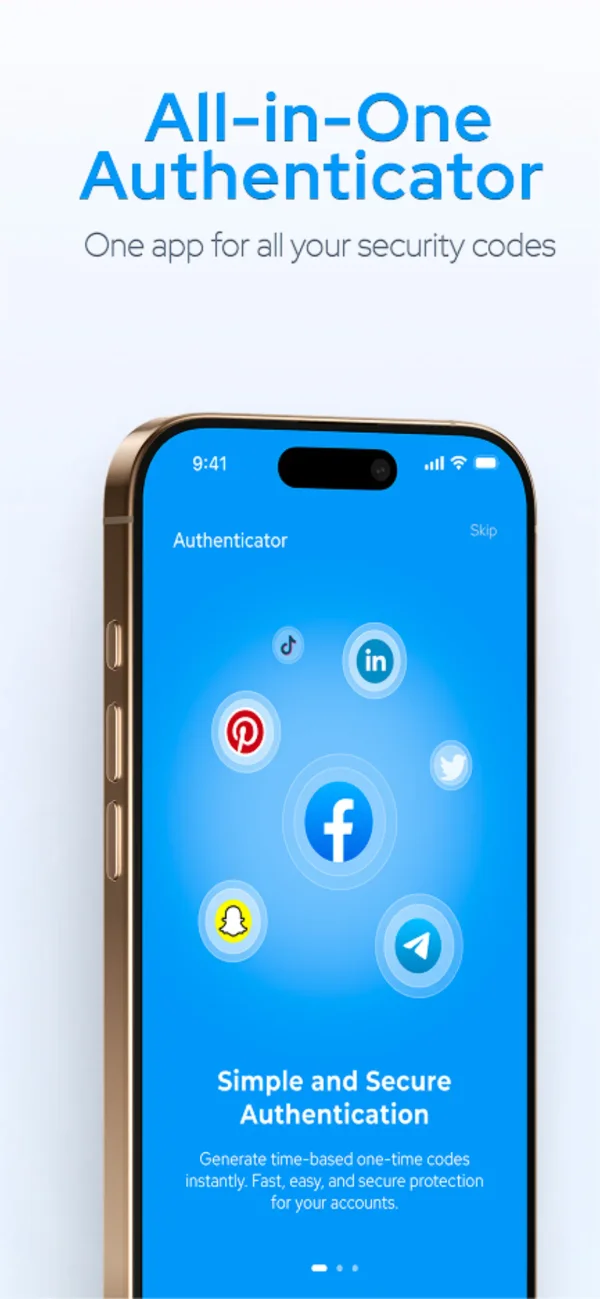
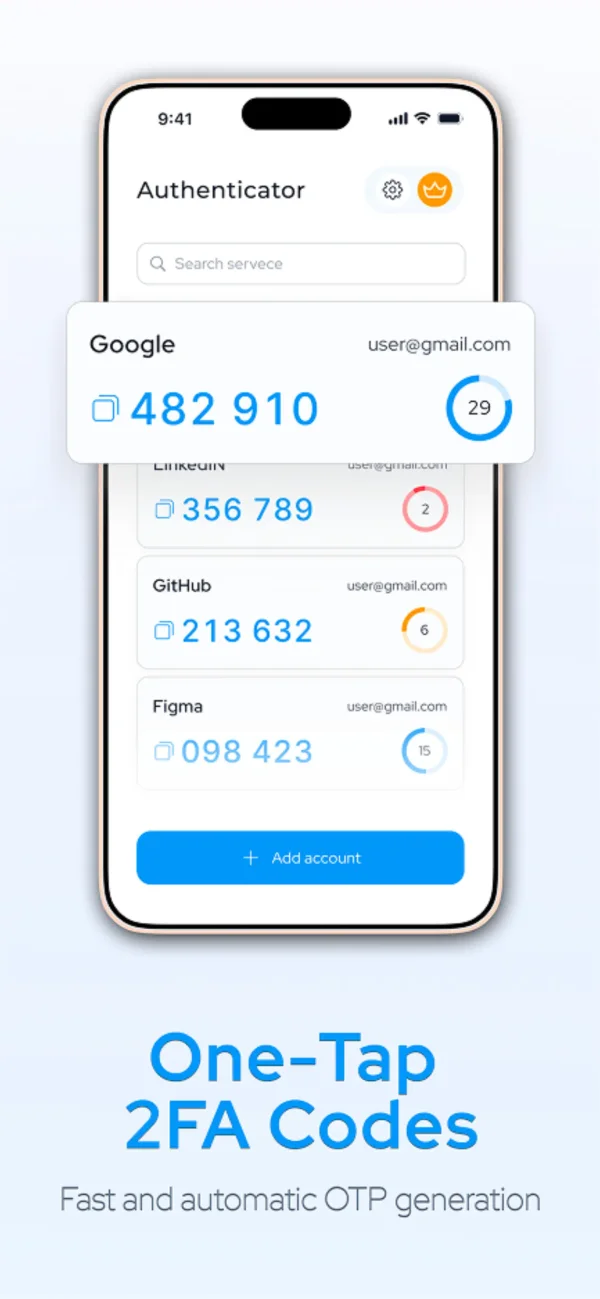
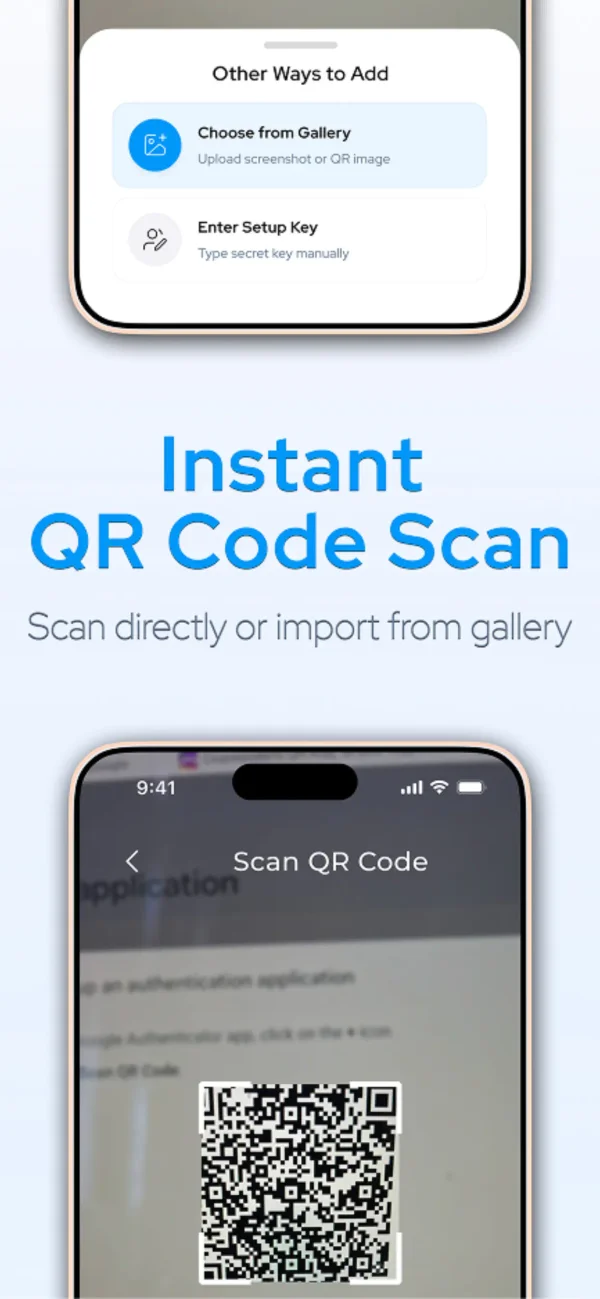
Authenticator is a simple two-factor authentication (2FA) app that helps you generate time-based one-time passwords (TOTP) for your online accounts. Add accounts by scanning a QR code with your camera, importing a QR code from your photo library, or entering setup details manually. Your codes are stored securely on your device and are available whenever you need to sign in.
The app is designed to be fast and easy to use. View all your accounts in one place, search by name, and copy verification codes with a tap. Optional Face ID protection helps keep your codes private when the app is opened or returned from the background. Authenticator works offline and does not require an account to get started.
Your verification codes are stored securely on your device, so you can access them even without an internet connection. Authenticator is built for everyday use: a clean interface, quick search, and reliable code generation when you sign in to your accounts. Use it at home, at work, or while traveling to keep your logins protected with two-factor authentication.
Terms of use: "https://docs.google.com/document/d/1w-wfIw09lVwI9CAwPYP9eG5gRLF1vXXGvn_wnmT8GD0/edit?tab=t.0"
Policy Privacy: "https://docs.google.com/document/d/1kSN9eEWsc42N5gnHMgHbwz1akxfTnCMqpJTJExIEJaM/edit?tab=t.0"
Nouveautés
Version 5.0 · 18/11/2026
• Save passwords. Store logins and Wi-Fi passwords, and generate a strong password in one tap.
• Transfer accounts. Move your 2FA codes with a QR code, the same way as Google Authenticator. Import and export are in Settings.
Confidentialité de l’application
Ce que Temurbek Rakhimov déclare sur l’App Store au sujet du traitement des données par cette application.
-
Données non collectées
Le développeur ne collecte aucune donnée à partir de cette application.
Les pratiques en matière de confidentialité peuvent varier, notamment en fonction des fonctionnalités que vous utilisez ou de votre âge.
Informations
- Vendeur
- Temurbek Rakhimov
- Catégorie
- Utilitaires
- Version
- 5.0
- Mis à jour
- 18/11/2026
- Publié
- 29/06/2026
- Taille
- 23,7 Mo
- Nécessite
- iOS 16.0 ou version ultérieure
- Classification d’âge
- 4+
- Prix
- Gratuit
- Achats intégrés
- Oui
- Langues
- Anglais
- Copyright
- © Temurbek Rakhimov
Vous aimerez peut-être aussi
-
 My Solar RXUtilitaires
-
 Data SaveUtilitaires
-
 Authentification₊ - 2FA OTPMFA,Vérif. ID,2 facteurs pour
-
 Authenticator AppAuthentificateur 2FA, MFA, OTP
-
 Authenticator+ 2FA AppUtilitaires
-
 Authentificateur - 2FA, OTPSauver, migrer, sécuriser
-
 Authentificateur 2FA, MFA, OTPConnexion sécurisée & TOTP
-
 Authenticator App − 2FAAuthentificateur MFA & OTP App
-
 Tension Artérielle: Health LogSmart Santé Tracker: BPM, ECG
-
 Copy my data - Easy TransferUtilitaires