BeadPatternCreator
Bead Pattern Creator
Conçue pour iPhone, iPad, iPod touch
Gratuit · Achats intégrés
- Classification d’âge4+
- CatégorieGraphisme et design
- DéveloppeurSand Castle Designs, Inc
- LanguesAnglais
- Taille13,2 Mo
Renvoie vers la page App Store officielle
Download.org n’héberge aucun fichier de BeadPatternCreator. Le bouton ouvre la page de l’application sur App Store, où Sand Castle Designs, Inc la publie. Fiche vérifiée pour la dernière fois le 23/11/2026.
Captures d’écran
À propos
Le développeur n’a pas fourni ce texte dans votre langue.
Bead Pattern Creator for your mobile device.
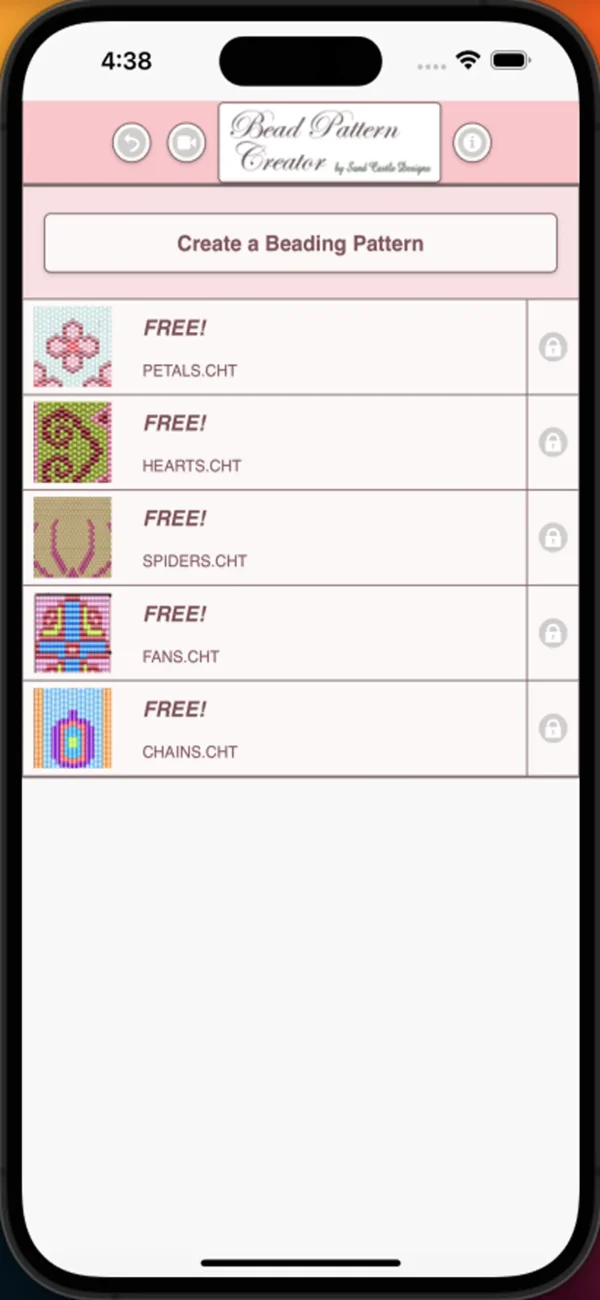
Comes with 5 free bead patterns. Download is free. To activate creation is $2.99.
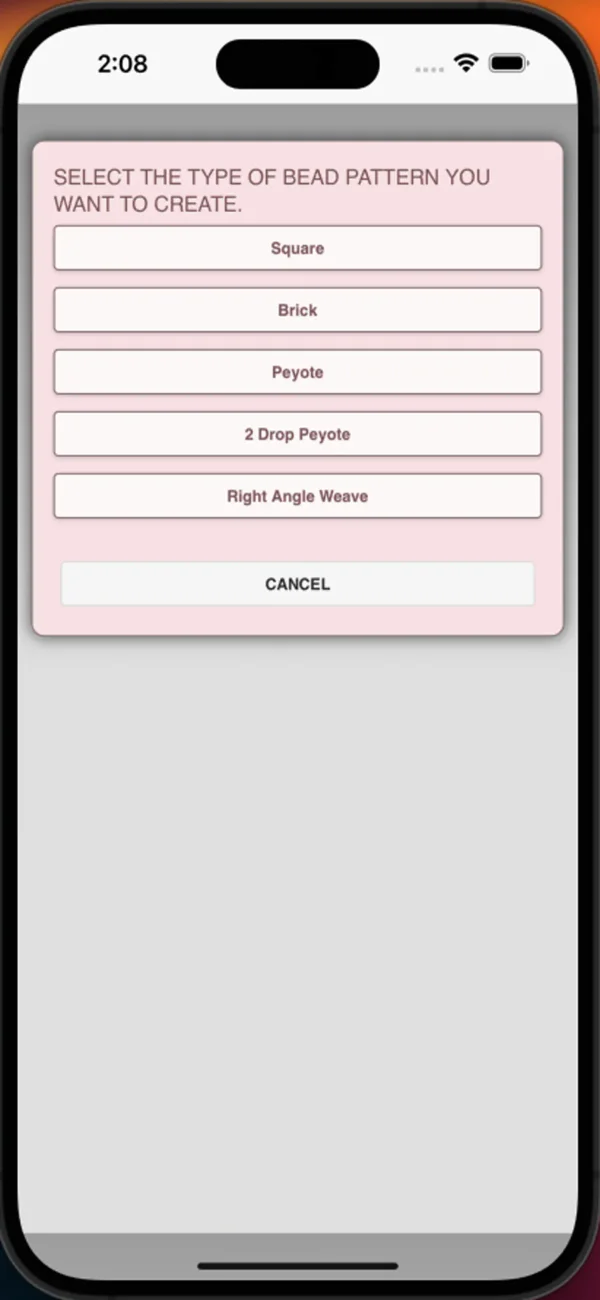
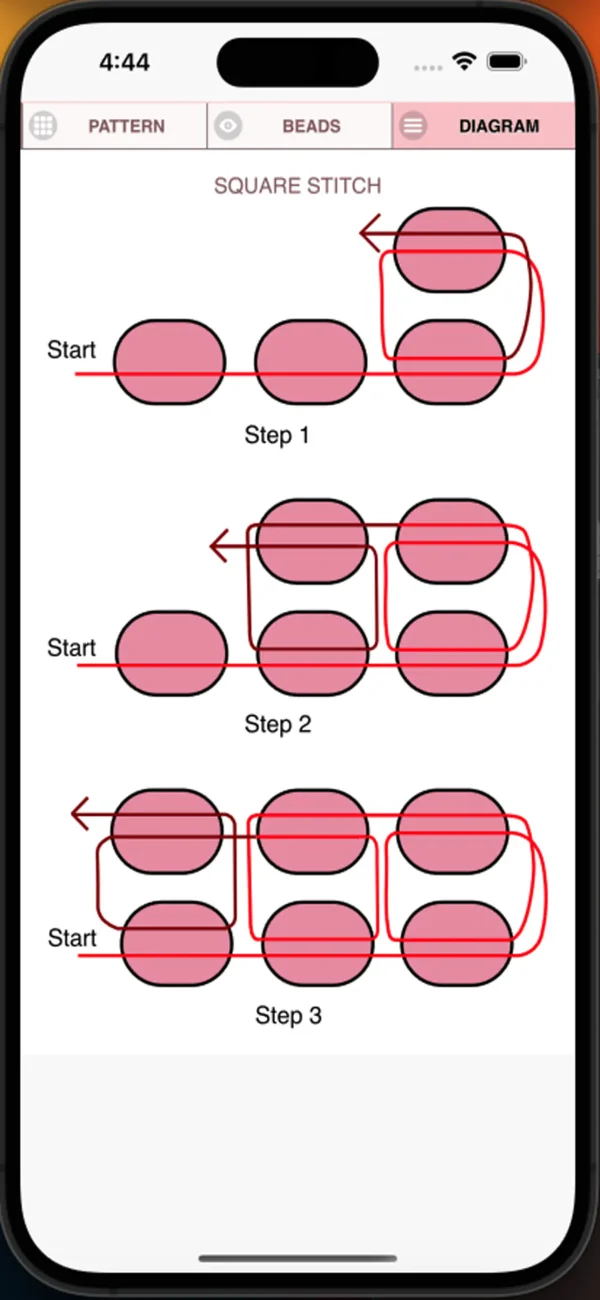
Create bead patterns for Square Stitch, Brick Stitch, Peyote Stitch, 2 drop Peyote Stitch and Right Angle Weave.
To create bead patterns, select Create a Beading Pattern button.
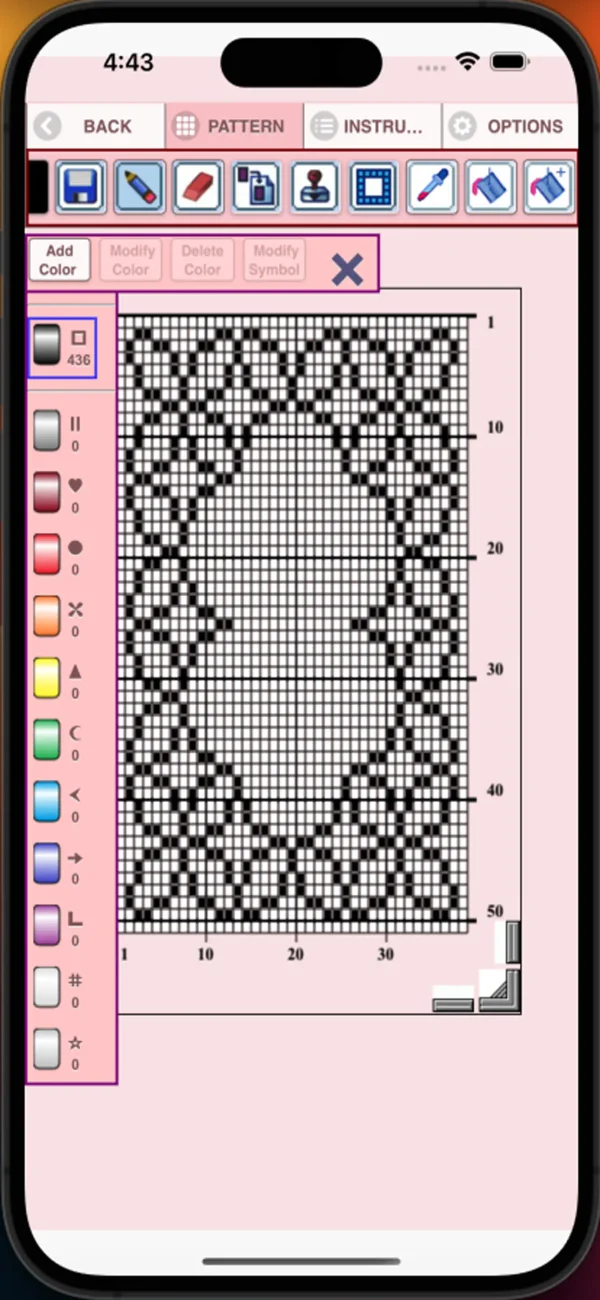
The Bead Pattern Editor will appear. Fill in the squares with beads of any color.
To get started - Use the pencil to add beads to your bead pattern. Use the Eraser to remove beads from your bead pattern.
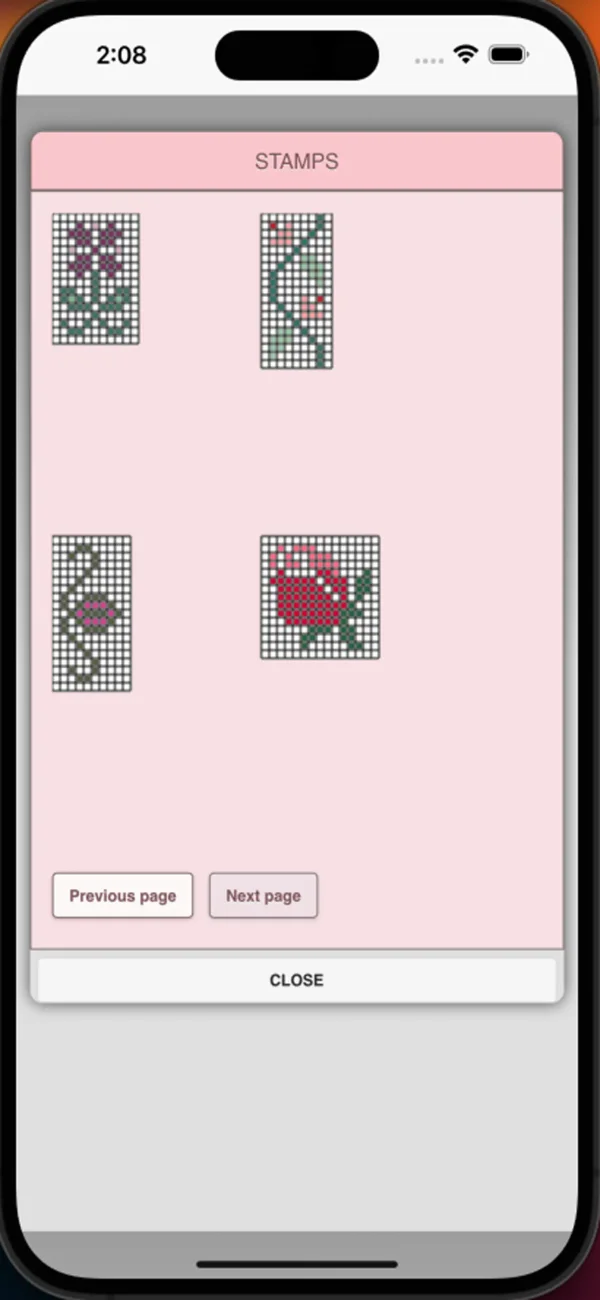
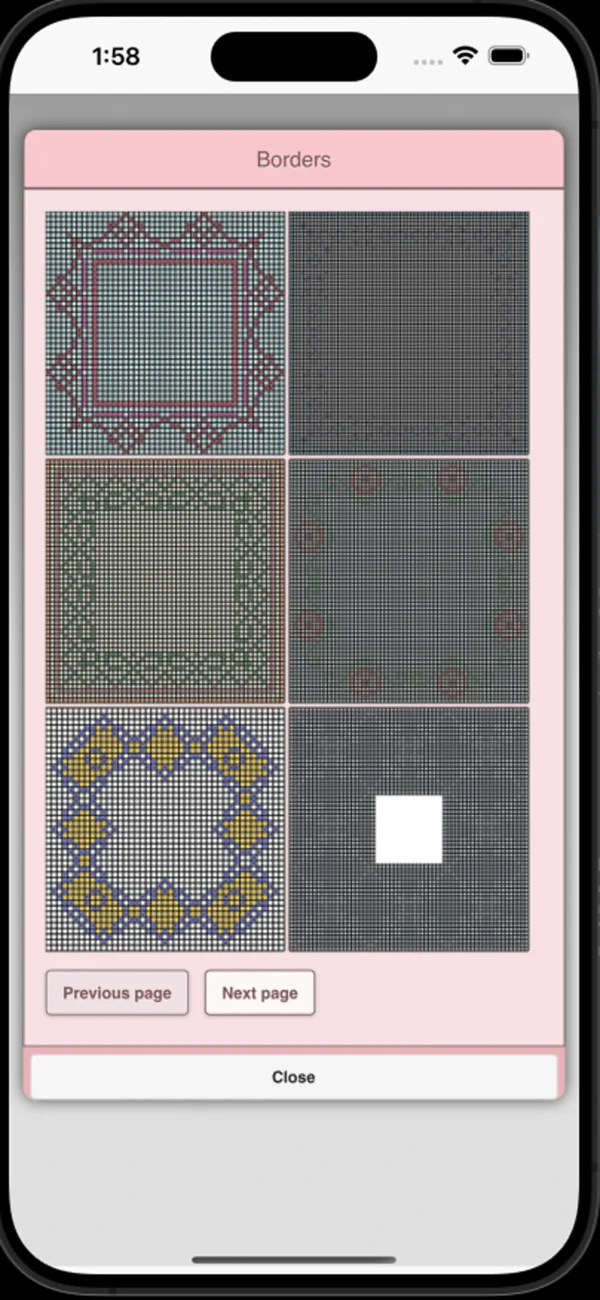
You also can select from over 150 stamps and borders to apply to your bead pattern.
Icons from left to right in the icon bar are:
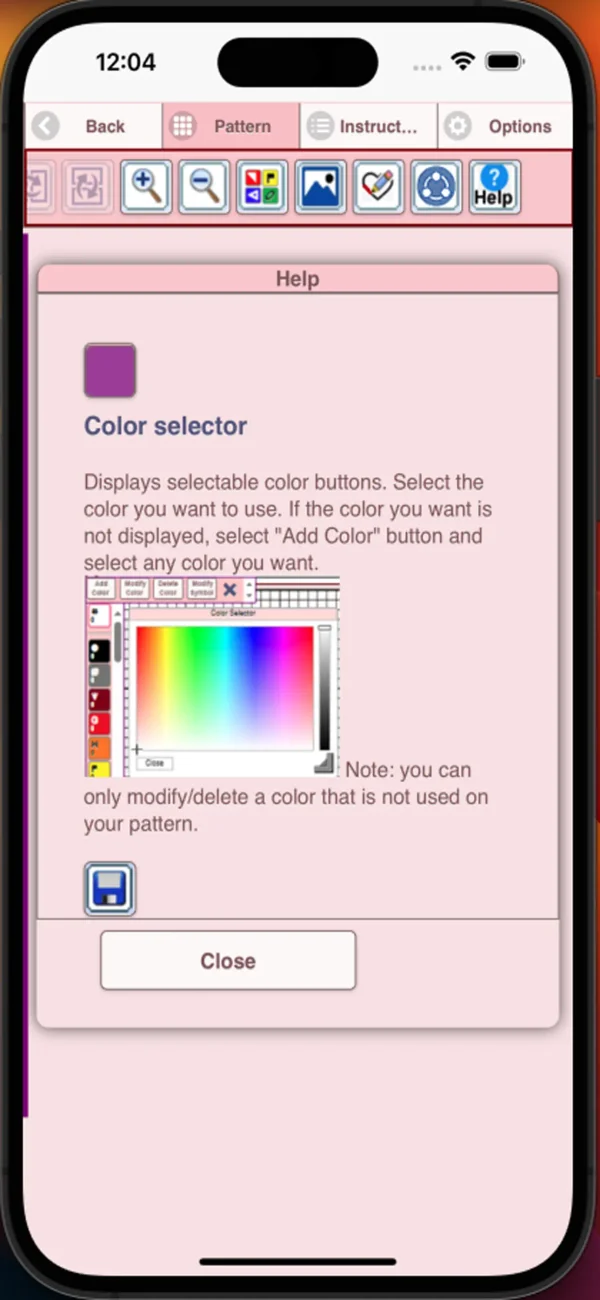
Color button - Use to add new beads with different colors to your bead list.
Save button - Use to save your bead pattern.
Pencil button - Use to add beads to your bead pattern.
Eraser button - Use to remove beads from your bead pattern.
Trim button- Remove squares from your bead pattern.
Stamps button - Selectable little stamps (little bead designs) to add to your bead pattern.
Borders button - Selectable borders to add to your pattern. Borders automatically wrap around your bead pattern.
Dropper button -Lets you extract a bead color from your pattern and add more of that bead to your bead pattern.
Bucket button- Use to fill selected area with beads of the current color.
Bucket+ button - Used to change the color of all beads of the same color to a different color.
Undo button- Undo each last change you made to the bead pattern.
Redo button- Redo each change you undid.
Selection button - Select an area of the pattern, you want to Cut, Copy, Paste.
Cut button- Remove some beads from the pattern.
Copy button- Copy some beads from the pattern.
Paste button- Paste copied beads to the pattern.
Resize button - Resize your pattern.
Rotate button - Rotated a select area of the bead pattern.
Flip right/left button - Flip a selected area of the bead pattern.
Flip top/bottom button - Flip a selected area of the bead pattern.
Zoom in button- Magnify the bead pattern.
Zoom out button- Minify the bead pattern.
Print button - Print your bead pattern.
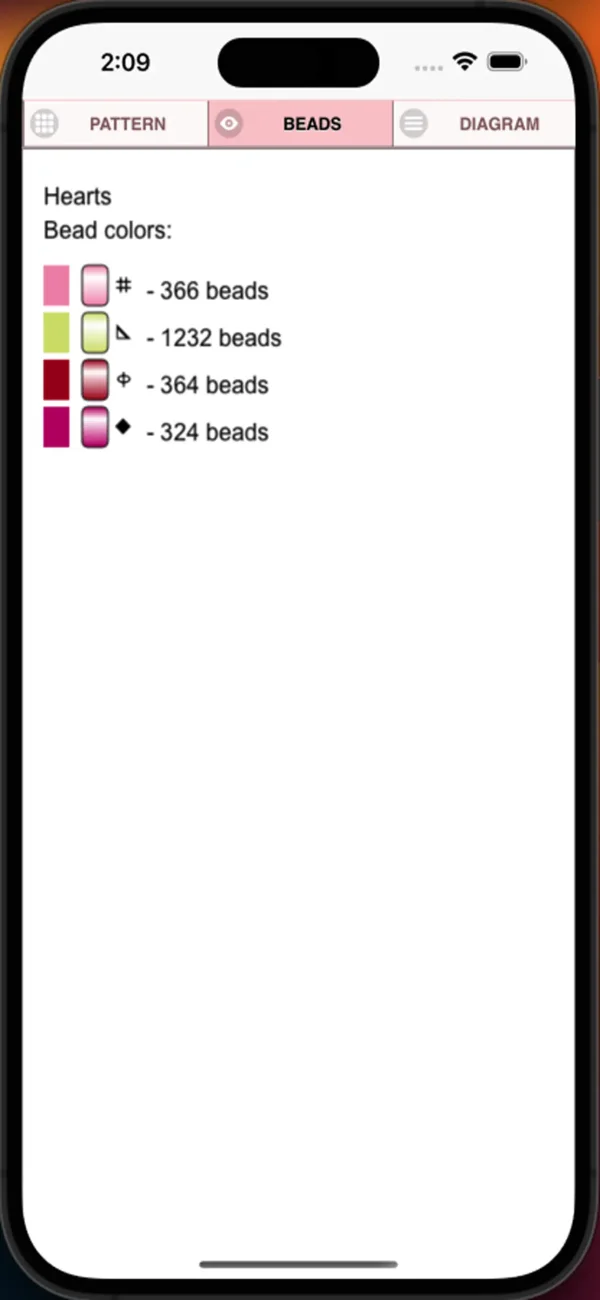
Symbols button- Display a unique symbol on the bead to indicate its color value.
Picture button- Select a picture from your device and convert to a pattern.
Social media button- Use social media to share your pattern (email, text etc.).
Help button- Learn how to use all the tools in the button bar.
Resize bars - Resize bars are display at the bottom right corner of your pattern. Drag them to resize your bead pattern.
Nouveautés
Version 12 · 21/11/2026
Minor fixes
Confidentialité de l’application
Ce que Sand Castle Designs, Inc déclare sur l’App Store au sujet du traitement des données par cette application.
-
Données non collectées
Le développeur ne collecte aucune donnée à partir de cette application.
Les pratiques en matière de confidentialité peuvent varier, notamment en fonction des fonctionnalités que vous utilisez ou de votre âge.
Informations
- Vendeur
- Sand Castle Designs, Inc
- Catégorie
- Graphisme et design
- Version
- 12
- Mis à jour
- 21/11/2026
- Publié
- 02/05/2023
- Taille
- 13,2 Mo
- Nécessite
- iOS 15.6 ou version ultérieure
- Classification d’âge
- 4+
- Prix
- Gratuit
- Achats intégrés
- Oui
- Langues
- Anglais
- Copyright
- © Sand Castle Designs, Inc.
Vous aimerez peut-être aussi
-
 BeadsDesignGraphisme et design
-
 Threadologie: Bead PatternPeyote, Brick, Loom Designs
-
 Rosario beads craftGraphisme et design
-
 Stitcher Pixel ArtGraphisme et design
-
 StitchSketchGraphisme et design
-
 Friendship Bracelet DesignerGraphisme et design
-
 Dot Lab - Perler beads patternGraphisme et design
-
 Peyo - Tissage PeyoteGrilles de perles de rocaille
-
 Convertisseur Pixel: PixelMeCréateur Jeu Retro Editeur IA
-
 Studio Motifs PerlesPhotos en motifs de perles