
- Classification d’âge4+
- CatégorieÉconomie et entreprise
- DéveloppeurWellington Mukahiwa
- LanguesAnglais
- Taille3,2 Mo
Renvoie vers la page App Store officielle
Download.org n’héberge aucun fichier de BillSwift. Le bouton ouvre la page de l’application sur App Store, où Wellington Mukahiwa la publie. Fiche vérifiée pour la dernière fois le 18/11/2026.
Captures d’écran

À propos
Le développeur n’a pas fourni ce texte dans votre langue.
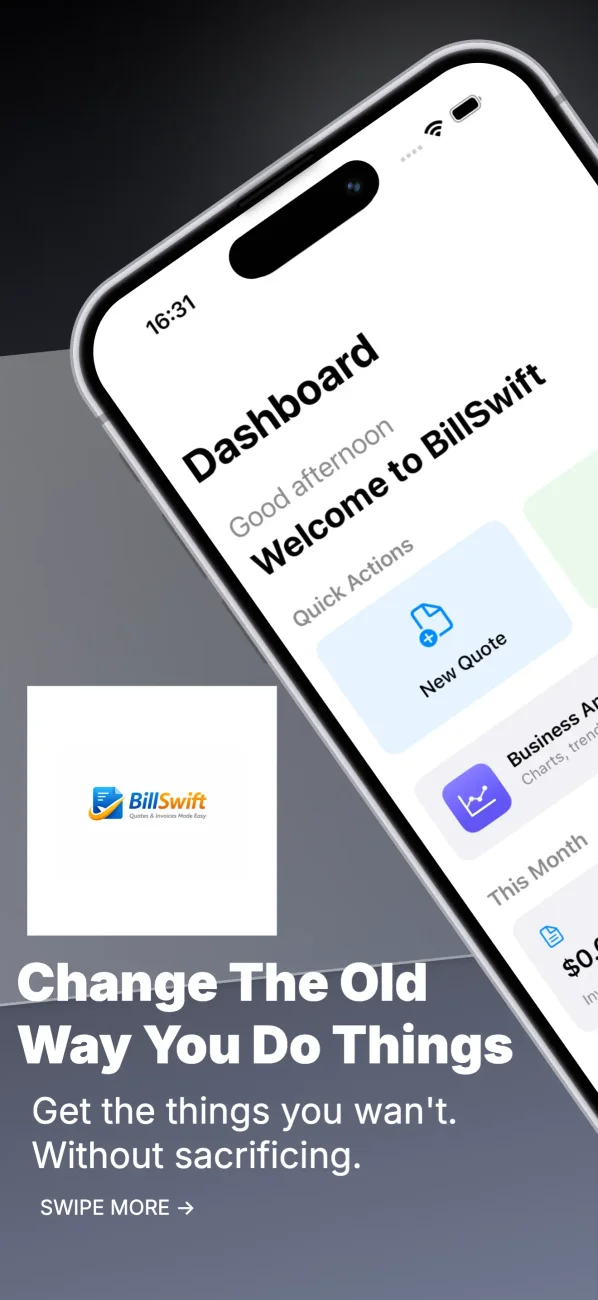
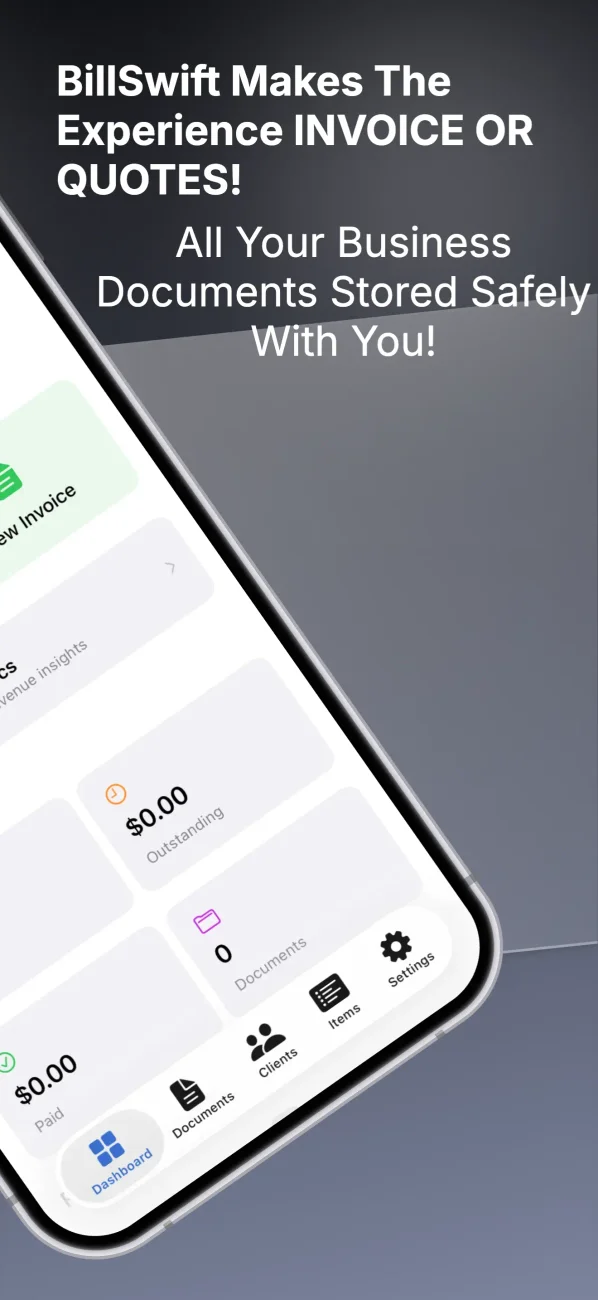
BillSwift is the fastest way to create professional quotes and invoices on your iPhone. Built for contractors, freelancers, and business owners who need to bill clients — without the complexity.
QUOTE & INVOICE IN UNDER 30 SECONDS
• Create, preview, and share a PDF in three taps
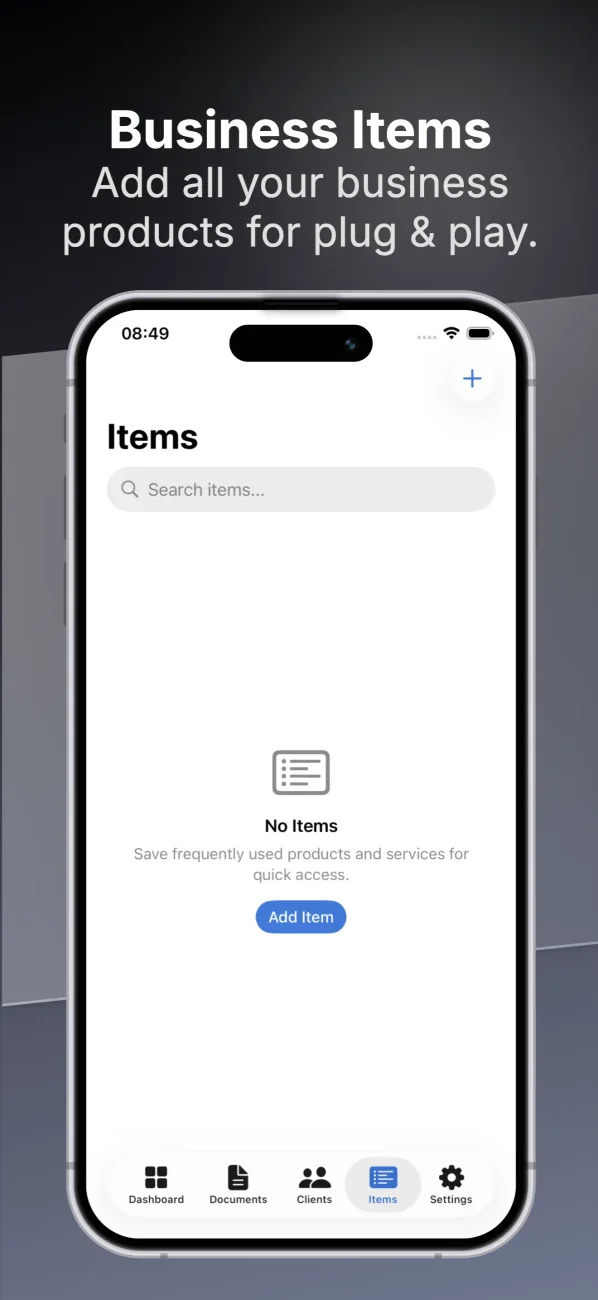
• Save clients and items to reuse instantly
• Convert accepted quotes to invoices with one tap
• Works completely offline — no internet required
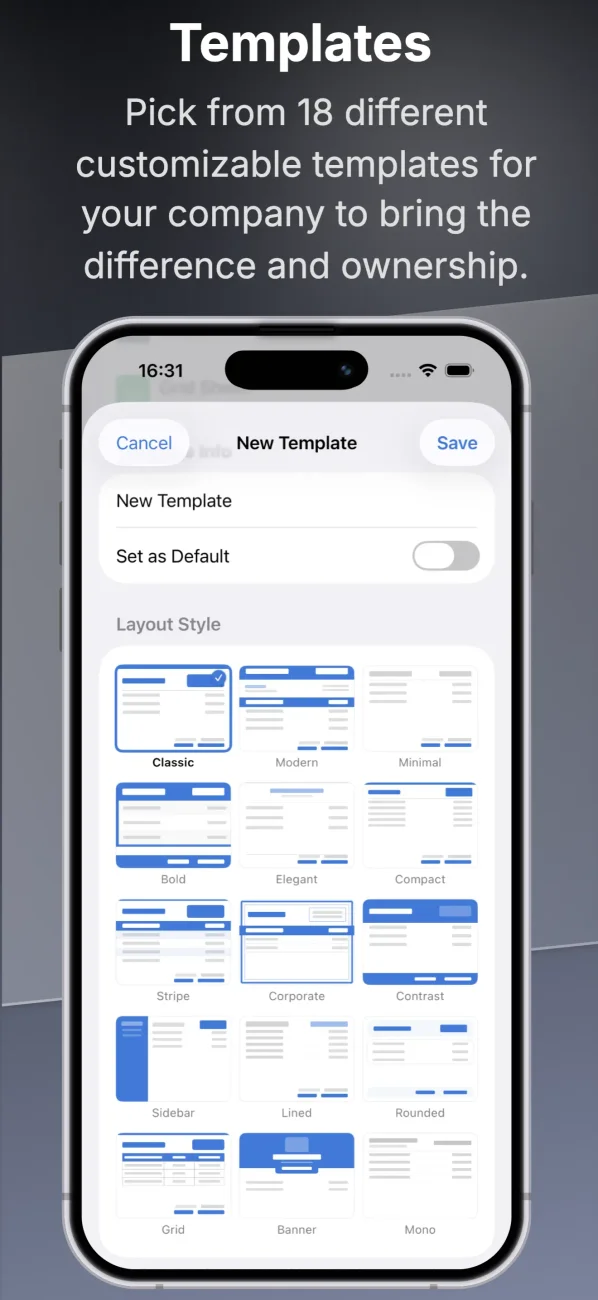
15 PROFESSIONAL PDF TEMPLATES
• Classic, Modern, Minimal, Bold, Elegant, Executive, and more
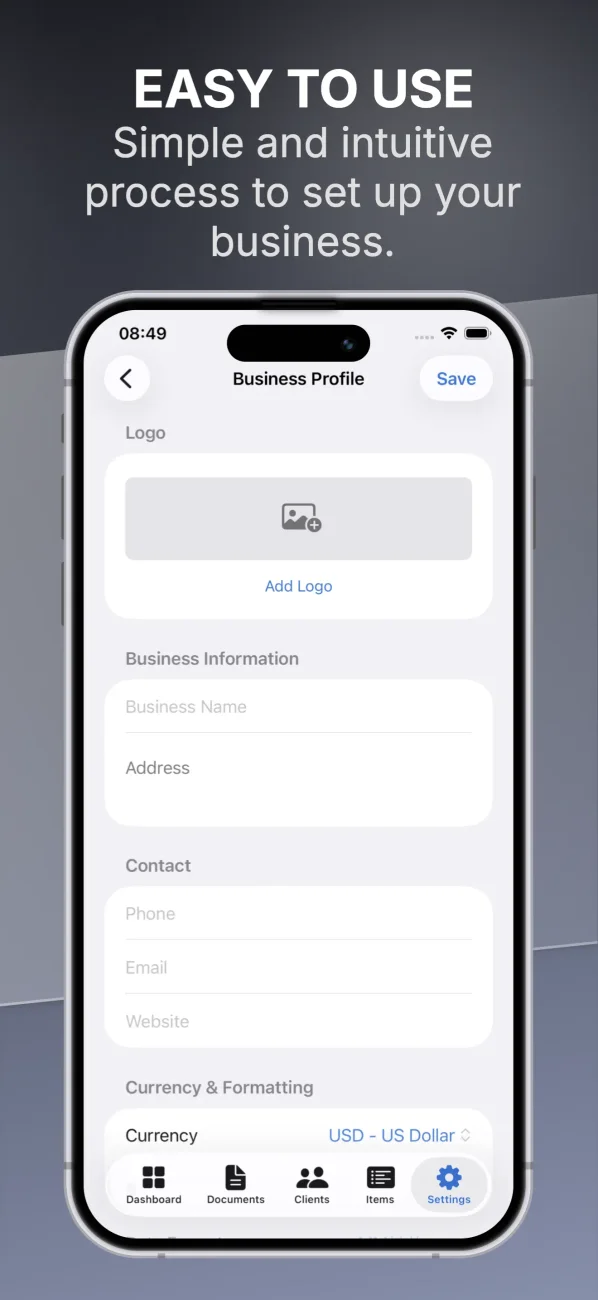
• Add your business logo and brand colors
• Customize fonts, columns, headers, and layout
• Include payment details, notes, and terms
BUSINESS ANALYTICS DASHBOARD
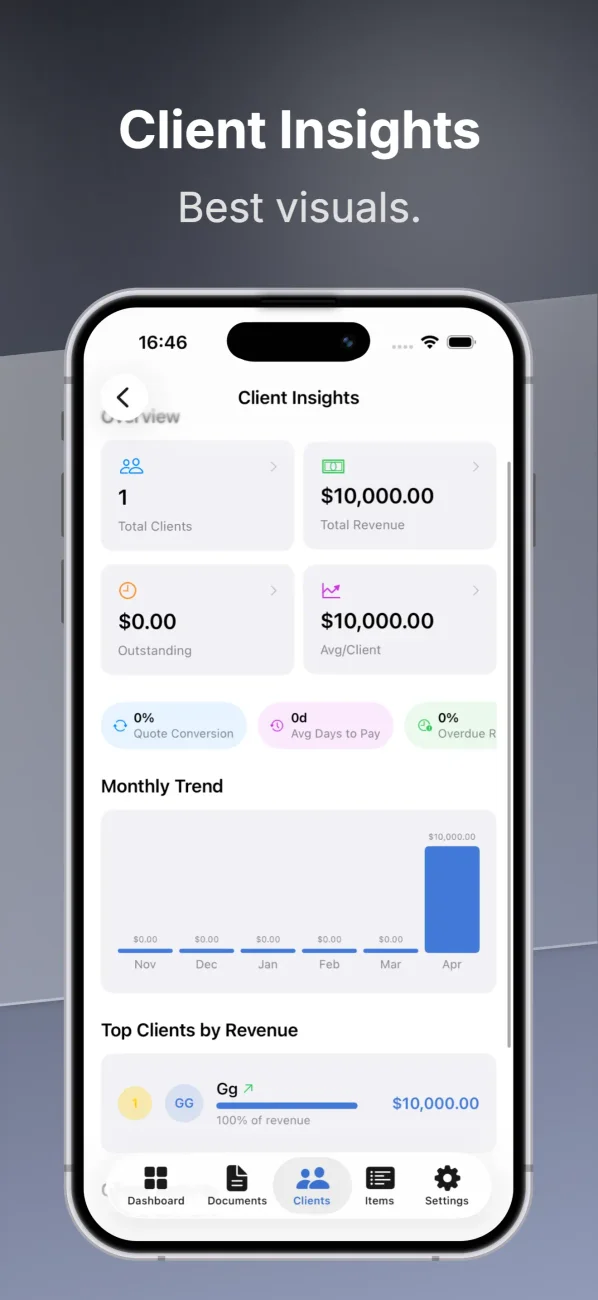
• Revenue trends, monthly income, and growth tracking
• Document status breakdowns at a glance
• Top clients ranked by revenue
• Aging analysis for overdue invoices
• Compare performance across multiple businesses
MULTI-BUSINESS SUPPORT
• Run multiple businesses from one app
• Switch between profiles with a single tap
• Documents stay linked to the right business
• Clients and items shared across all profiles
STAY ORGANIZED
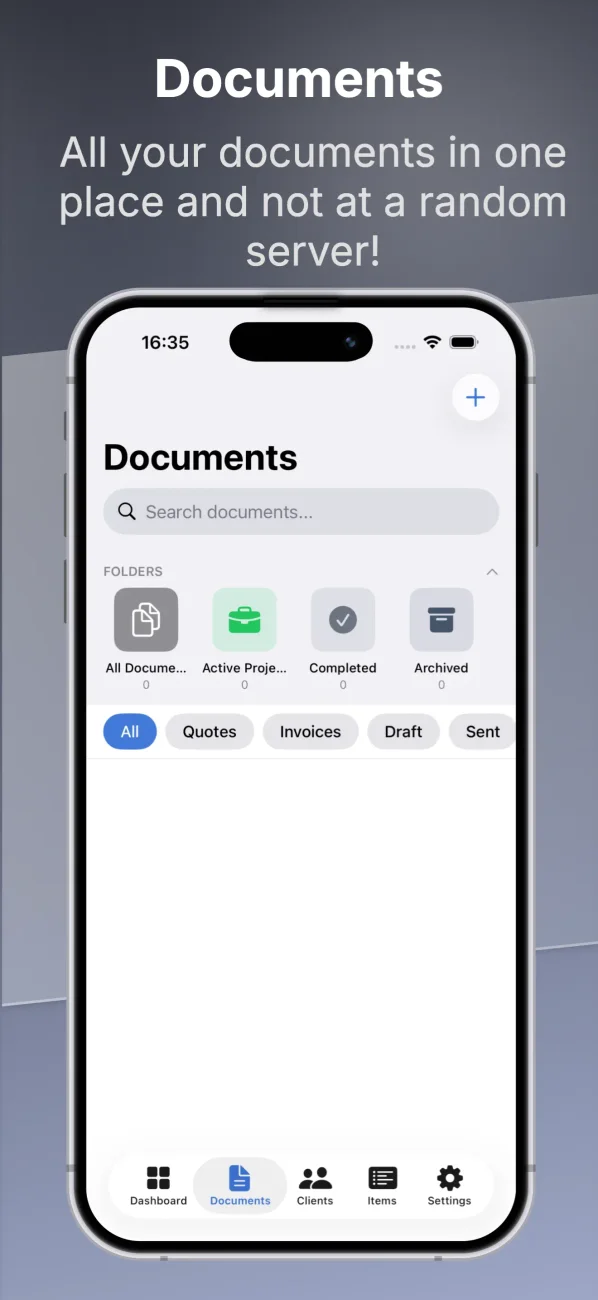
• Organize documents in custom folders
• Track status: Draft, Sent, Accepted, Paid, Overdue
• Search, filter, and sort your documents
• Client insights with spending history and trends
FULLY CUSTOMIZABLE
• Multiple tax rules for different rates
• Automatic document numbering with custom prefixes
• Currency and date format options
• Default terms and payment info per template
YOUR DATA, YOUR DEVICE
• All data stored locally — nothing leaves your phone
• Optional iCloud sync across your Apple devices
• Export and import your data anytime
• No account required. No sign-up. No tracking.
BillSwift respects your privacy. We collect zero data. Your invoices and client information never leave your device unless you choose to share them.
Perfect for:
• Freelancers and consultants
• Contractors and tradespeople
• Business owners
• Anyone who needs to send professional invoices
Download BillSwift and start billing like a pro.
Nouveautés
Version 2.1.0 · 20/04/2026
BillSwift 2.1 is a major update packed with features you've been asking for.
PAYMENT TRACKING
Record full or partial payments on any invoice. See payment history, balance due, and payment methods at a glance. Swipe left on any invoice in your list
to mark it as paid in one gesture.
PAYMENT REMINDERS
Never chase a payment again. BillSwift now sends you automatic reminders when invoices are coming due, on the due date, and when they're overdue. Tap the
notification to confirm payment instantly — "Yes, Paid" or "Not Yet." We'll keep reminding you every 3 days until it's resolved.
iCLOUD SYNC
Your invoices, clients, and templates now sync across all your Apple devices. Enable it in Settings > Cloud. Your data stays in your personal iCloud — no
third-party servers ever touch it.
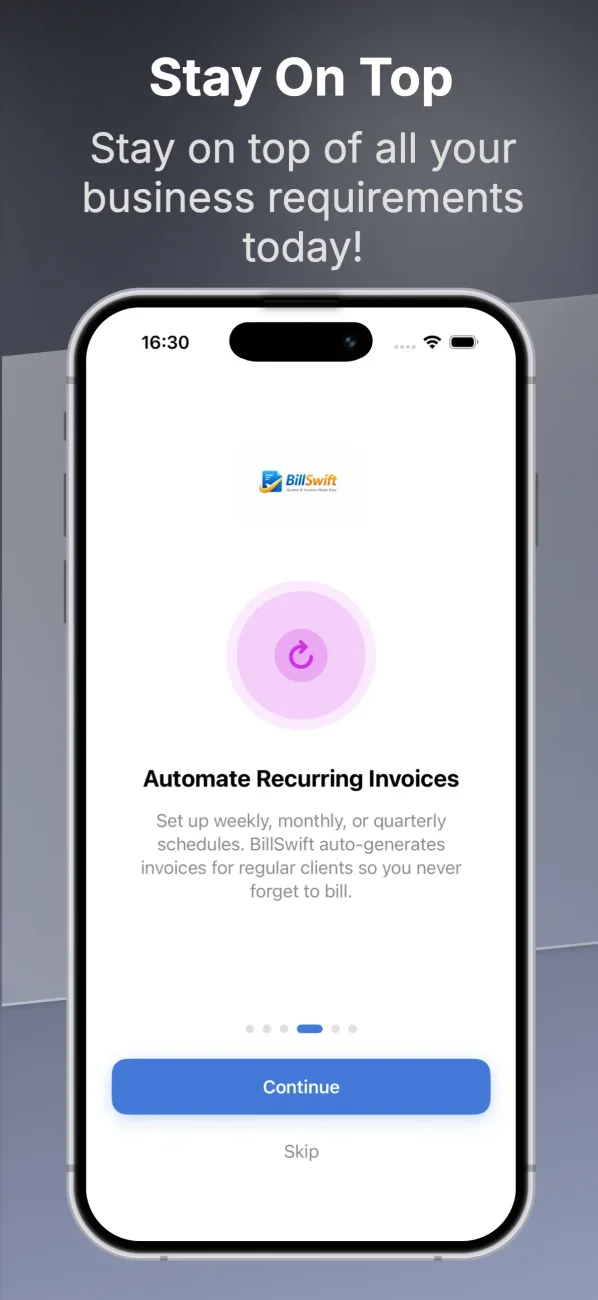
RECURRING INVOICES
Set up automatic invoice generation for regular clients. Choose weekly, every 2 weeks, monthly, quarterly, or yearly. BillSwift generates the invoice and
schedules payment reminders automatically. Perfect for retainers, subscriptions, and ongoing services.
SMARTER EDITOR
- Save button is now right in the toolbar — one tap, not buried in a menu
- Document title field so you can name your invoices beyond just numbers
- Unsaved changes protection — accidentally swipe to dismiss and we'll ask before discarding
- Keyboard "Done" button on all number fields
- Search in client and item pickers — find what you need instantly
- Status picker now only shows valid transitions (no more setting a draft to "Overdue")
MARK AS SENT
After sharing a PDF, BillSwift asks if you want to update the status to Sent. One less step in your workflow.
OVERDUE DASHBOARD
The dashboard now shows each overdue invoice with client name, days overdue, balance due, and a "Mark Paid" button right there. No more digging through
menus to resolve overdue invoices.
Confidentialité de l’application
Ce que Wellington Mukahiwa déclare sur l’App Store au sujet du traitement des données par cette application.
-
Données non collectées
Le développeur ne collecte aucune donnée à partir de cette application.
Les pratiques en matière de confidentialité peuvent varier, notamment en fonction des fonctionnalités que vous utilisez ou de votre âge.
Informations
- Vendeur
- Wellington Mukahiwa
- Catégorie
- Économie et entreprise
- Version
- 2.1.0
- Mis à jour
- 20/04/2026
- Publié
- 23/01/2026
- Taille
- 3,2 Mo
- Nécessite
- iOS 17.0 ou version ultérieure
- Classification d’âge
- 4+
- Prix
- Gratuit
- Langues
- Anglais
- Copyright
- © 2026 BillSwift
Vous aimerez peut-être aussi
-
 WrongPersonProductivité
-
 SwiftInvoice AIFinance
-
 MotoTrustÉconomie et entreprise
-
 Faarli for AgenciesÉconomie et entreprise
-
 Vekta : gestion de flotteLocation de véhicules
-
 PayTrack : Paiements ClientsReçus, factures & impayés
-
 ClientPay: Client Billing AppÉconomie et entreprise
-
 Econet Facilities ManagementÉconomie et entreprise
-
 FleetrosProductivité
-
 RecaudoÉconomie et entreprise