- Classification d’âge4+
- CatégorieUtilitaires
- DéveloppeurToshinori Matsui
- LanguesAnglais+ 8 de plus
- Taille8,7 Mo
Renvoie vers la page App Store officielle
Download.org n’héberge aucun fichier de Blue Post Cross. Le bouton ouvre la page de l’application sur App Store, où Toshinori Matsui la publie. Fiche vérifiée pour la dernière fois le 21/11/2026.
Captures d’écran

À propos
Le développeur n’a pas fourni ce texte dans votre langue.
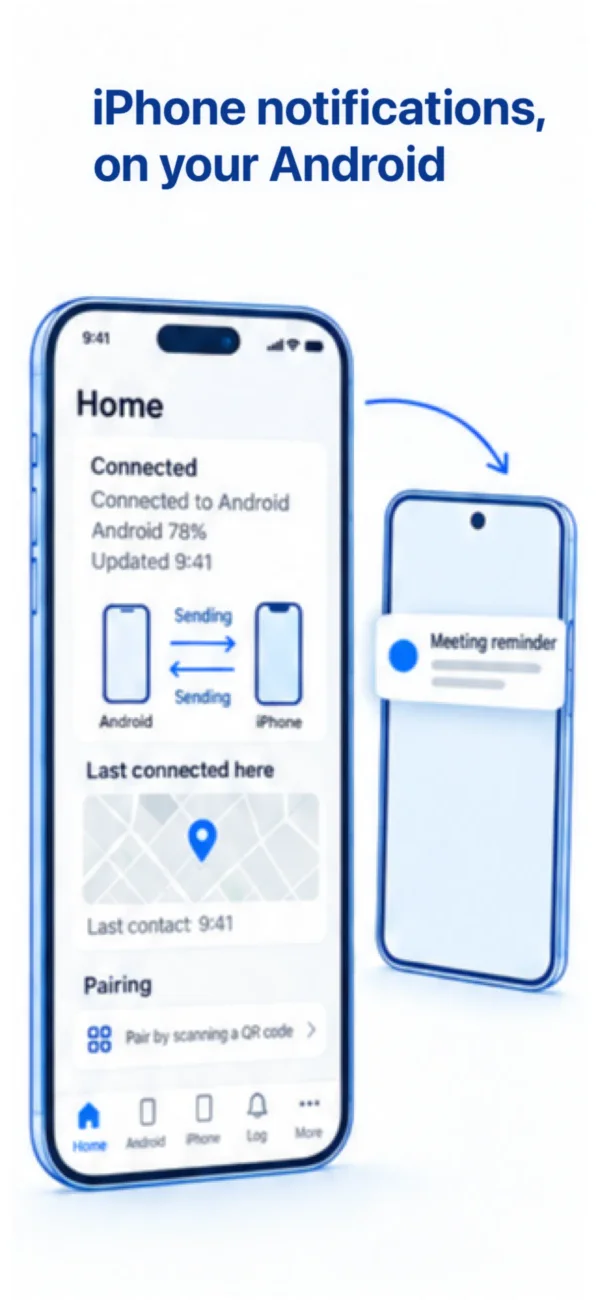
Blue Post brings the notifications from your other phone to your iPhone.
If you carry two phones, the notifications keep arriving on the one that is in your bag. Blue Post lets you read them on the iPhone in your hand, without taking the other phone out.
■ What this app does
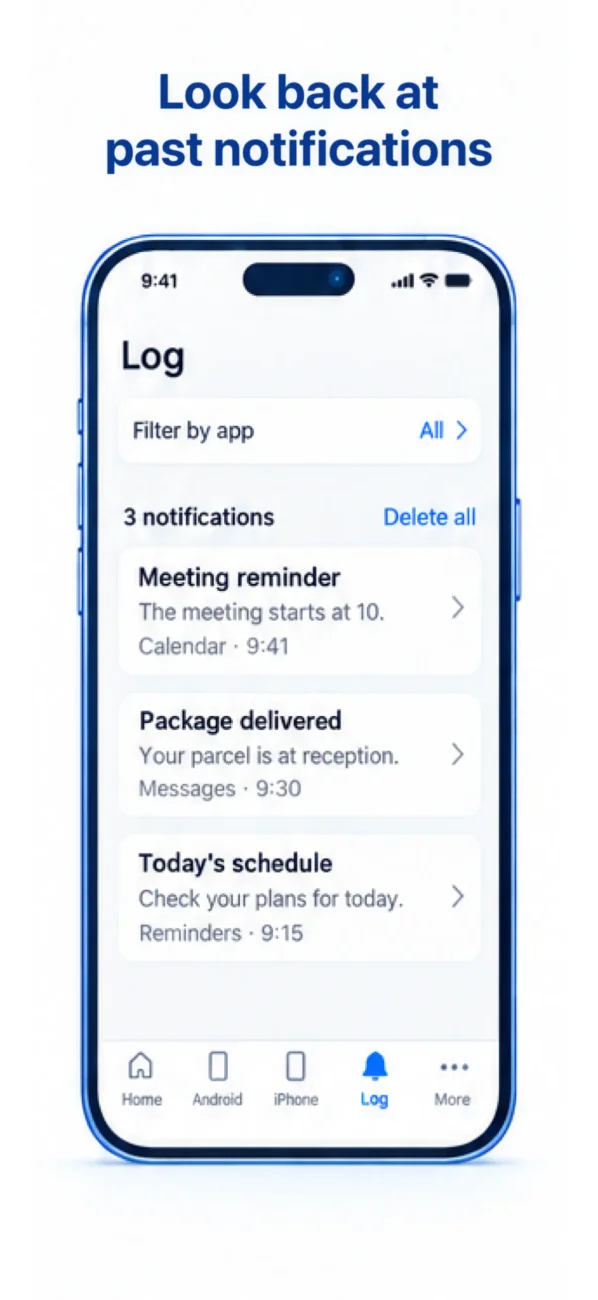
• Shows the notifications that arrive on your other phone here on your iPhone. They are kept in a list, so you can read them again after you dismiss them.
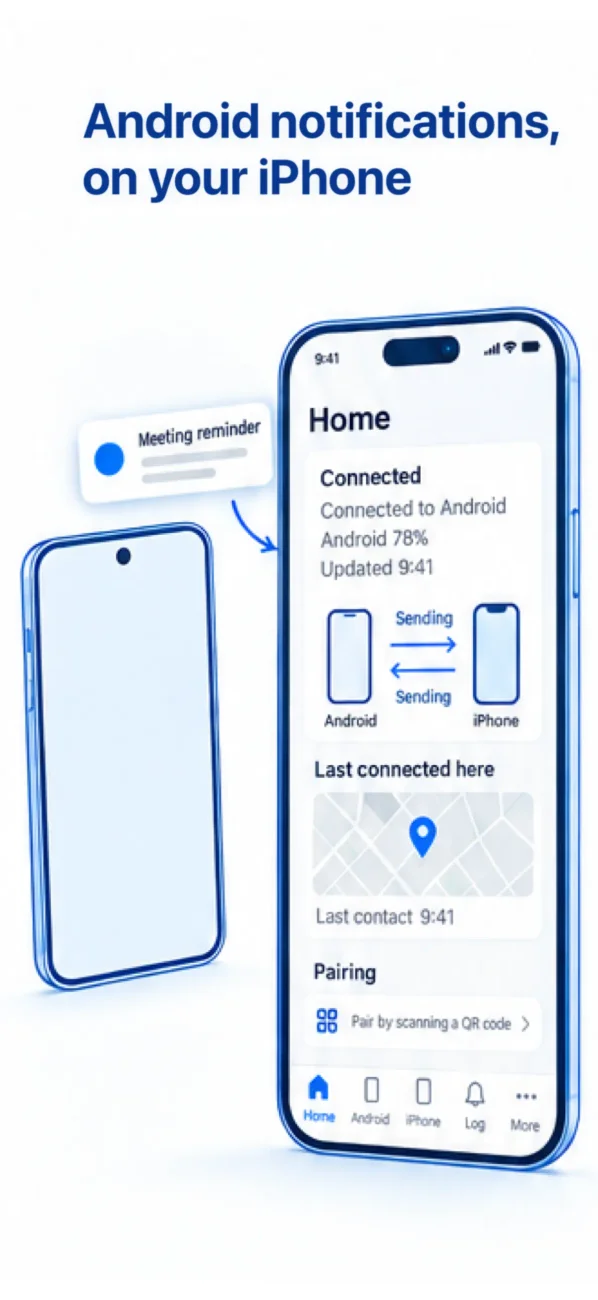
• Sends the notifications that arrive on this iPhone to your other phone, so you can leave this iPhone in your bag instead.
• Each direction has its own switch. You can use just one of them.
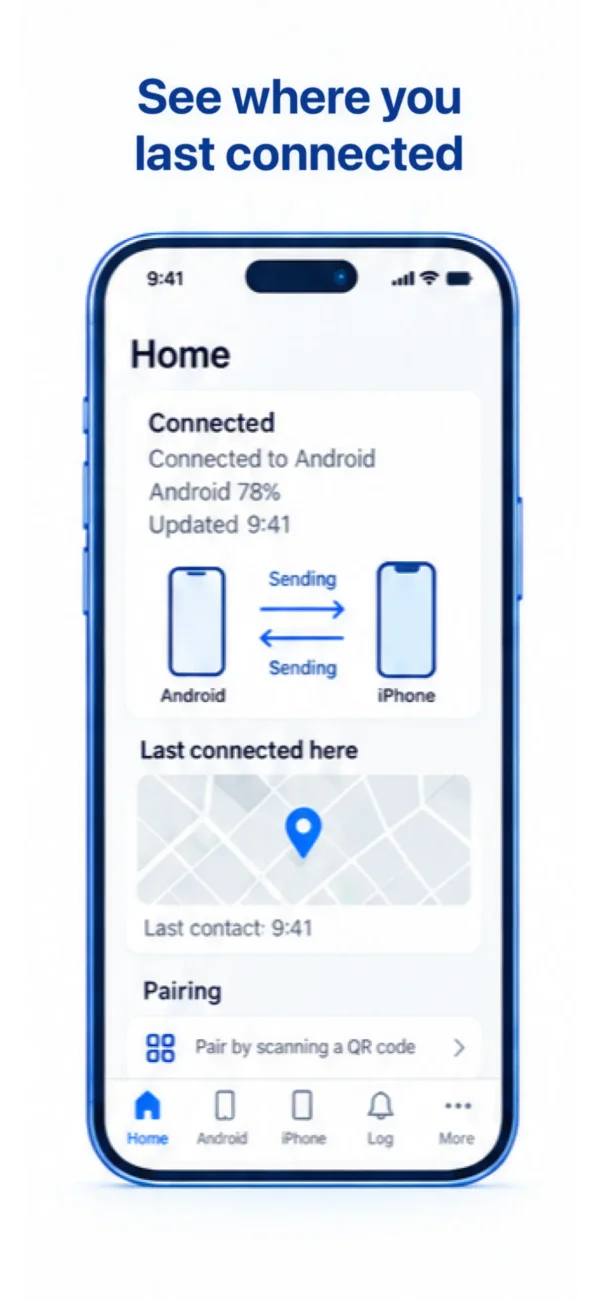
• Shows the battery level of your other phone, and tells you when it is running low.
• Shows where you were the last time the two phones were connected, so you can tell where you left the other one. That place stays on this iPhone and is never sent anywhere.
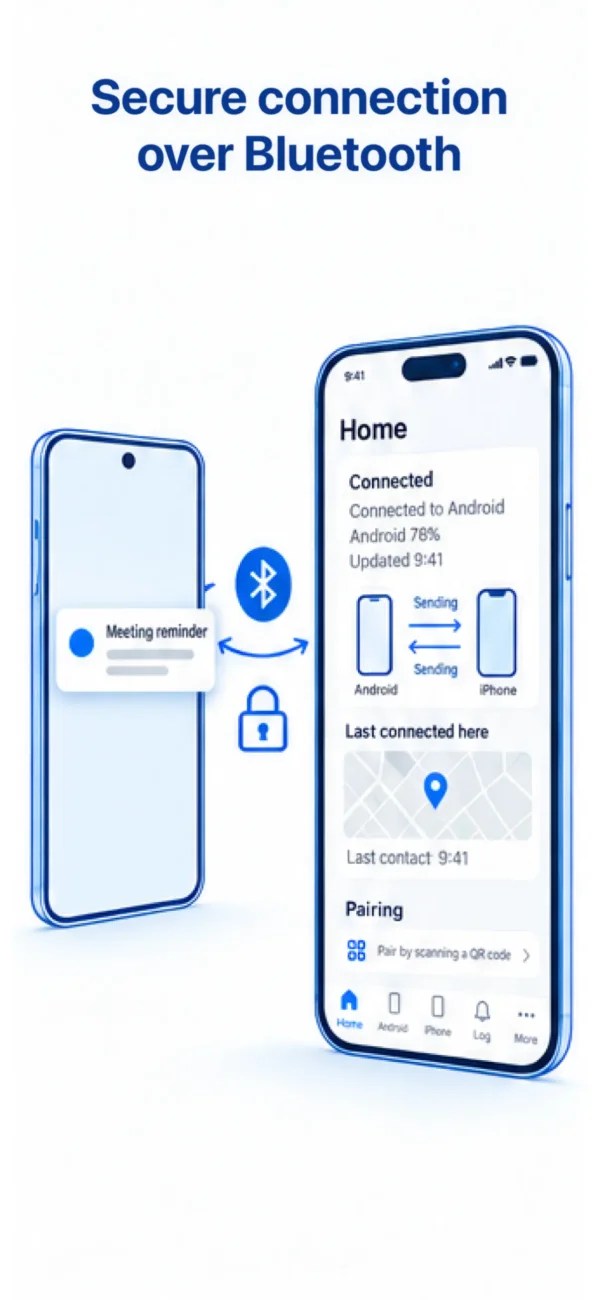
■ Connected directly over Bluetooth
The two phones talk to each other directly over Bluetooth. Notifications do not travel over the Internet, there is no account to create, and nothing is sent to us or to anyone else.
Because it is a Bluetooth link, the connection depends on the distance between the two phones and on the radio conditions around you, and it can drop.
■ What you need
• This iPhone, and one other phone to pair it with.
• The other phone must be an Android phone with the Blue Post companion app installed. The two apps are one product: neither half does anything on its own.
• Bluetooth turned on on both phones.
• Two iPhones cannot be paired with each other.
■ Setting up
1. Install Blue Post on both phones.
2. Grant the permissions this app asks for, in the order it asks.
3. Scan the pairing QR code shown on the other phone.
4. Send yourself a test notification and check that it arrives on the other side.
■ Made for
• People who carry two phones — one for work and one for private life, or a main phone and a spare.
• People who keep the second phone in a bag or a pocket and miss what arrives on it.
• People who would rather not pick up both phones every time one of them buzzes.
Nouveautés
Version 1.2.4 · 30/10/2026
1.2.4
• You can now view the last connected location in full screen.
1.2.3
• Android → iPhone notifications now show the icon of the app they came from.
1.2.1
• Fixed an issue where the last connected location appeared in the wrong place.
• Added an on/off switch for the connection status notification to the iPhone tab.
1.2
• Bug fixes.
• Improved power consumption.
Confidentialité de l’application
Ce que Toshinori Matsui déclare sur l’App Store au sujet du traitement des données par cette application.
-
Données non collectées
Le développeur ne collecte aucune donnée à partir de cette application.
Les pratiques en matière de confidentialité peuvent varier, notamment en fonction des fonctionnalités que vous utilisez ou de votre âge.
Informations
- Vendeur
- Toshinori Matsui
- Catégorie
- Utilitaires
- Version
- 1.2.4
- Mis à jour
- 30/10/2026
- Publié
- 31/08/2026
- Taille
- 8,7 Mo
- Nécessite
- iOS 17.0 ou version ultérieure
- Classification d’âge
- 4+
- Prix
- Gratuit
- Langues
- Anglais, Arabe, Français, Allemand, Japonais, Coréen, Portugais, Espagnol, Chinois traditionnel
- Copyright
- © 2026 Toshinori Matsui