
- Classification d’âge17+
- CatégorieProductivité
- DéveloppeurJakov-Marin Vezic
- LanguesAnglais
- Taille3,5 Mo
Renvoie vers la page App Store officielle
Download.org n’héberge aucun fichier de Brickby. Le bouton ouvre la page de l’application sur App Store, où Jakov-Marin Vezic la publie. Fiche vérifiée pour la dernière fois le 17/11/2026.
Captures d’écran


À propos
Le développeur n’a pas fourni ce texte dans votre langue.
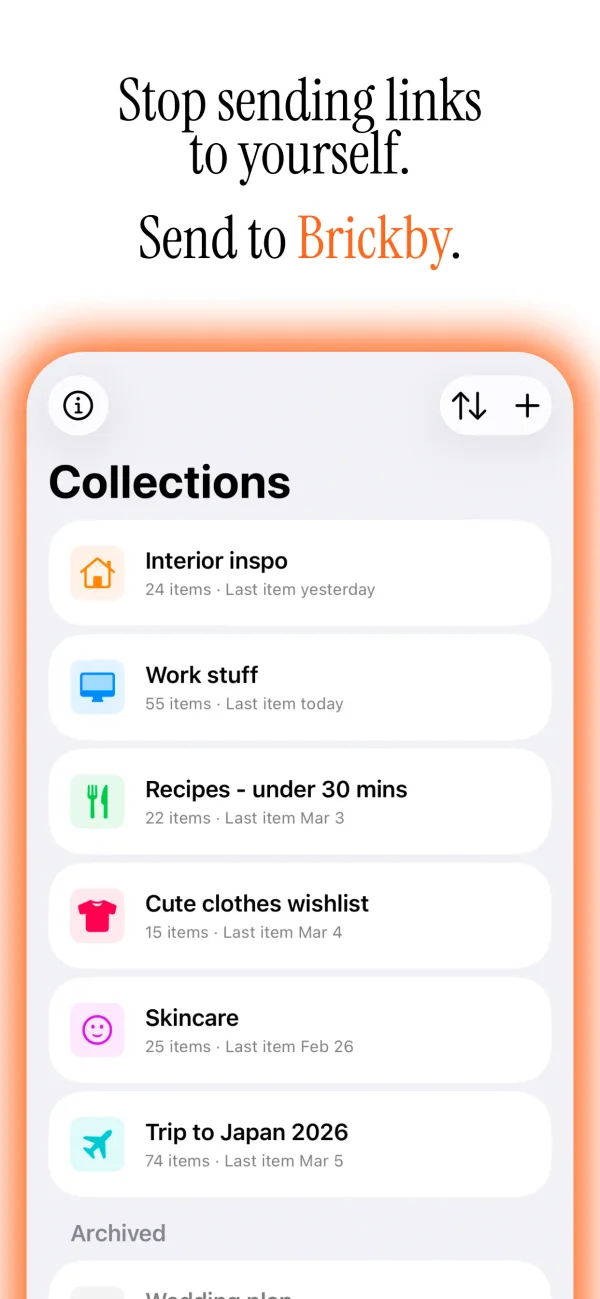
Brickby is the simplest way to save and organize anything from your iPhone. Links, images, notes, files — capture it all in one tap from any app using the Share Sheet, then sort everything into beautiful collections.
SAVE ANYTHING, INSTANTLY
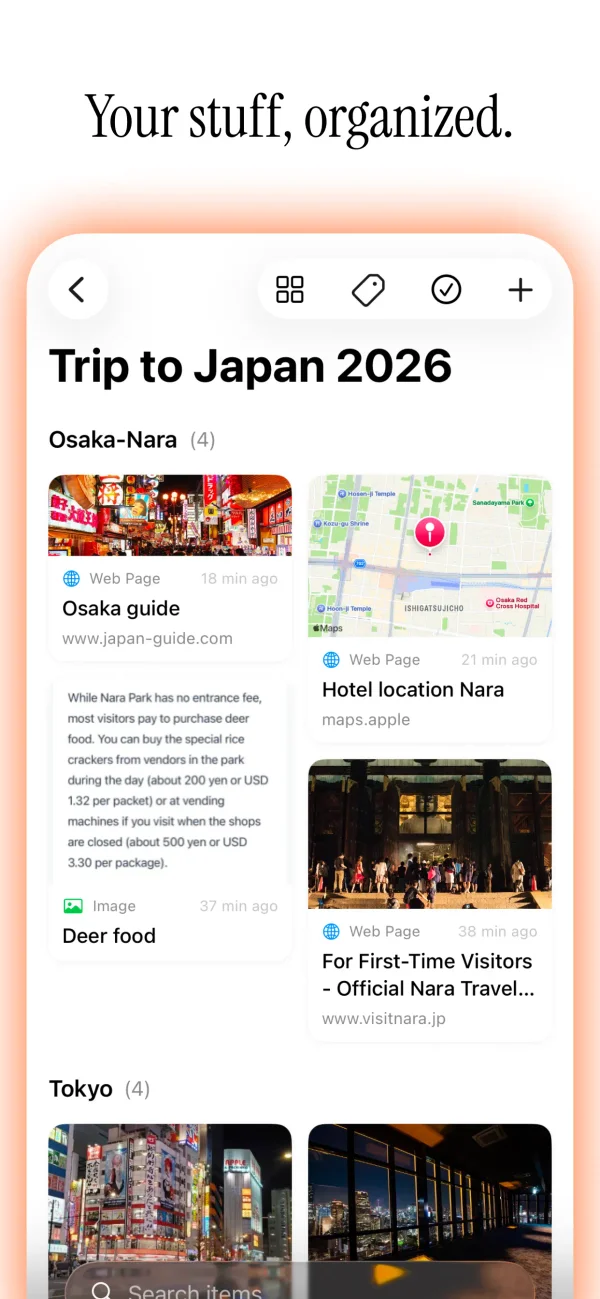
Share a link, photo, document, or note from any app and it lands in Brickby. The app auto-detects content types — web pages, videos, music, social posts, images, and files — and fetches rich previews with titles and thumbnails.
ORGANIZE YOUR WAY
• Create collections with custom icons and colors
• Add items to multiple collections at once
• Tag items with color-coded labels for finer organization
• Pin important items to the top of any collection
• Mark favorites for quick access
• Group items by domain, date, type, or label
• Sort collections by name, date, item count, or last updated
• Archive collections you're done with but want to keep
NEVER FORGET
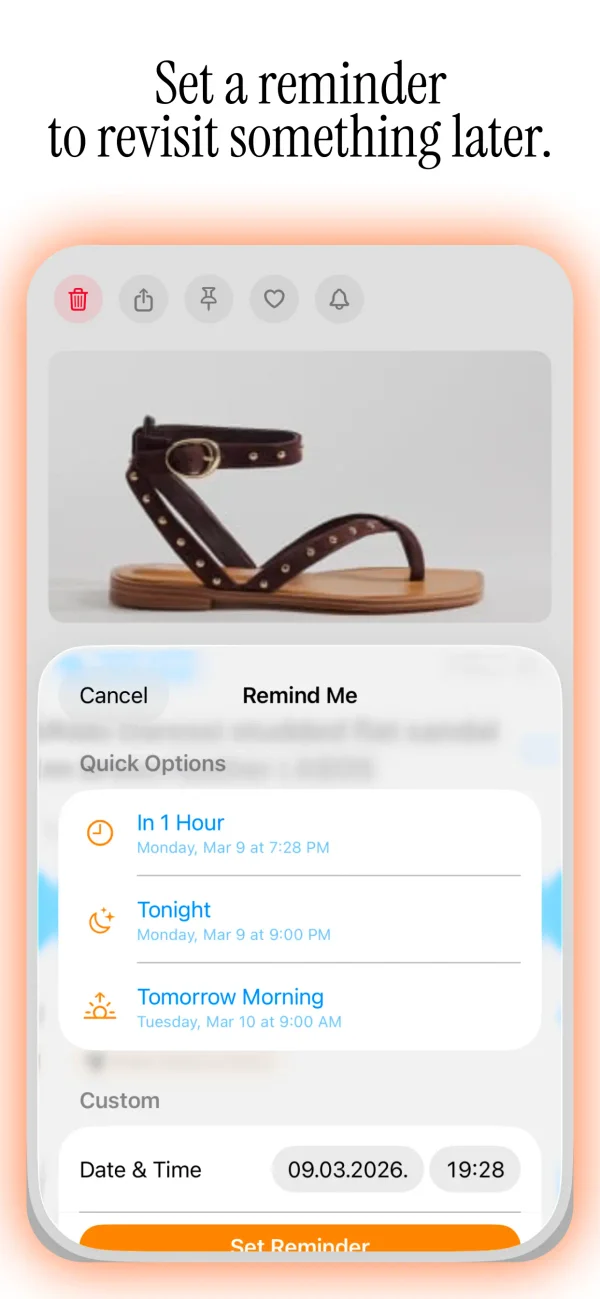
• Set reminders on any item — get notified in 1 hour, tonight, tomorrow, or pick a custom time
• Tap the notification to jump straight to the item
FIND IT FAST
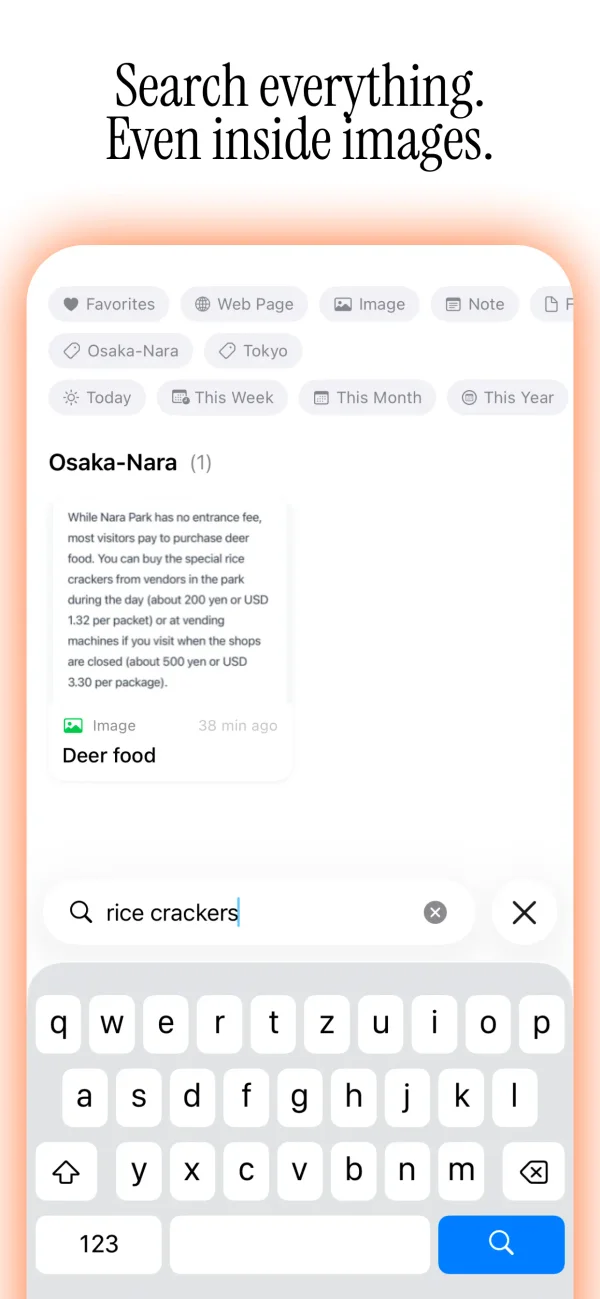
• Full-text search across titles, images, notes, and URLs
• Filter by content type, label, date range, or favorites
• Duplicate detection warns you before saving the same content twice
HOME SCREEN WIDGETS
• Recent Items widget — see your latest saves at a glance
• Favorites widget — keep your best finds one tap away
• Small, medium, and large sizes with thumbnails
SYNC ACROSS DEVICES
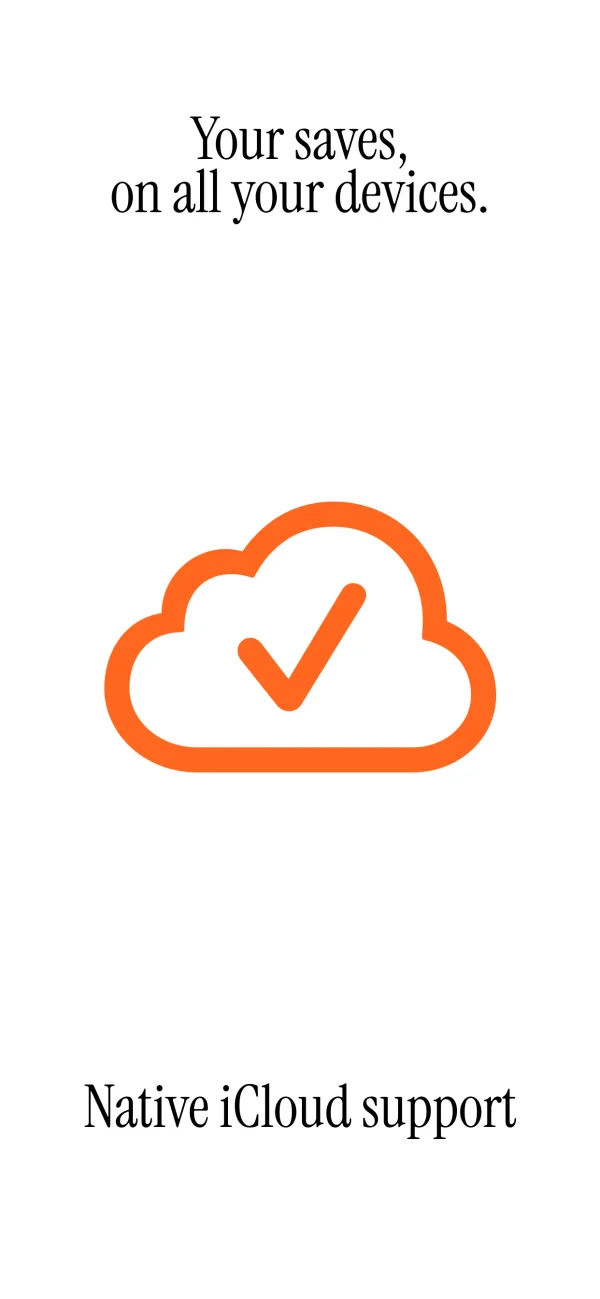
• iCloud sync keeps your collections up to date on all your devices
• Your data stays private in your personal iCloud account
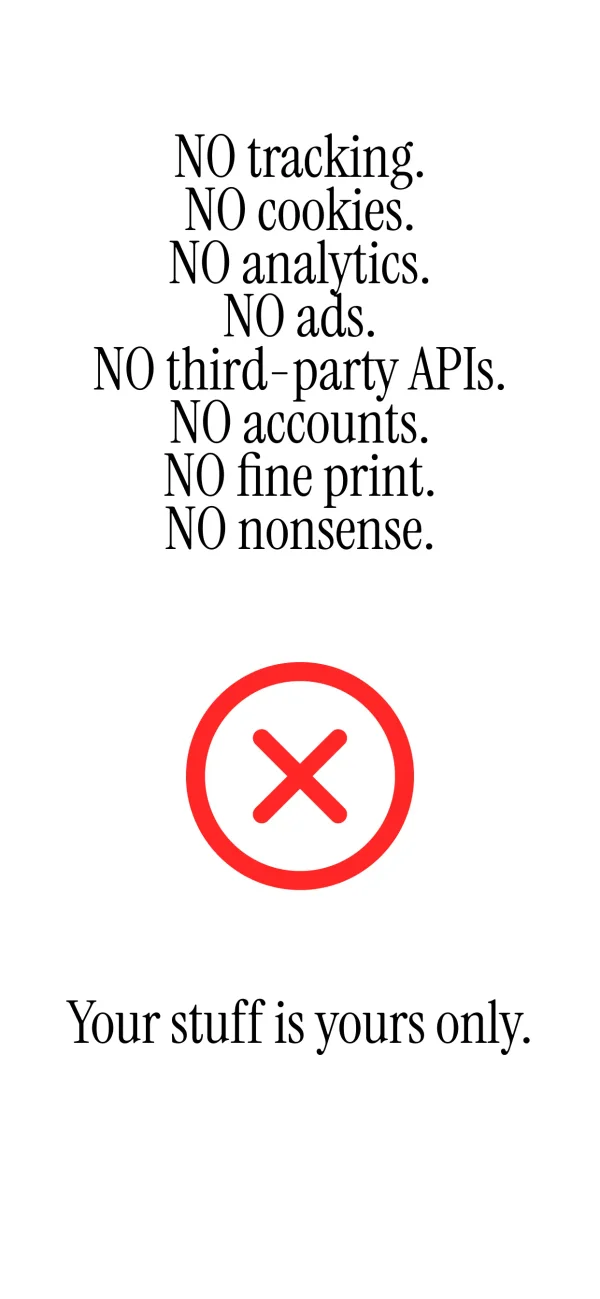
Built with privacy in mind. No accounts, no tracking, no ads. Your content is yours.
Nouveautés
Version 1.1.0 · 11/04/2026
QUICK SAVE ITEMS
For all those links and images you stumble upon and want to save quickly, but don't want to decide which collection they go to just yet, you can now quick-save items without choosing a collection. These items automatically go to a dynamic Unassigned collection on the home screen.
FAVORITES IN ONE PLACE
The home screen now features a dynamic Favorites collection, where you will find all items you have marked as favorite.
PASTE INTO BRICKBY
If you have an image, text, or URL you have copied, or you simply don't fancy using the Share to Brickby option, you can now paste into Brickby.
Confidentialité de l’application
Ce que Jakov-Marin Vezic déclare sur l’App Store au sujet du traitement des données par cette application.
-
Données non collectées
Le développeur ne collecte aucune donnée à partir de cette application.
Les pratiques en matière de confidentialité peuvent varier, notamment en fonction des fonctionnalités que vous utilisez ou de votre âge.
Informations
- Vendeur
- Jakov-Marin Vezic
- Catégorie
- Productivité
- Version
- 1.1.0
- Mis à jour
- 11/04/2026
- Publié
- 13/03/2026
- Taille
- 3,5 Mo
- Nécessite
- iOS 17.6 ou version ultérieure
- Classification d’âge
- 17+
- Prix
- 1,99 €
- Langues
- Anglais
- Copyright
- © 2026 Code Monkey
Vous aimerez peut-être aussi
-
 OrrdoVos documents dans votre poche
-
 Elephant Folio: PDF LibraryProductivité
-
 HibiDo: Todo, Calendar & NotesProductivité
-
 Bookmark Links: PostPocketProductivité
-
 Weeklist: Weekly PlannerProductivité
-
 Metaslip: Note & ZettelkastenProductivité
-
 Solos AirGoProductivité
-
 a Notepad - Take & Share NotesProductivité
-
 Text to Speech Reader: ReadBitProductivité
-
 fileee - for your paperworkProductivité