Building Code Inspector 3D Pro
Illustrated Building Code Lab
Conçue pour iPhone, iPad
Gratuit · Achats intégrés
- Classification d’âge4+
- CatégorieÉducation
- DéveloppeurYuhsiu Lai
- LanguesAnglais
- Taille163,9 Mo
Renvoie vers la page App Store officielle
Download.org n’héberge aucun fichier de Building Code Inspector 3D Pro. Le bouton ouvre la page de l’application sur App Store, où Yuhsiu Lai la publie. Fiche vérifiée pour la dernière fois le 23/11/2026.
Captures d’écran
À propos
Le développeur n’a pas fourni ce texte dans votre langue.
Code Inspector 3D brings building-system learning into view with a detailed, rotatable building explorer, interactive engineering labs, illustrated references, and inspection practice.
TECHNICAL WORKSPACES
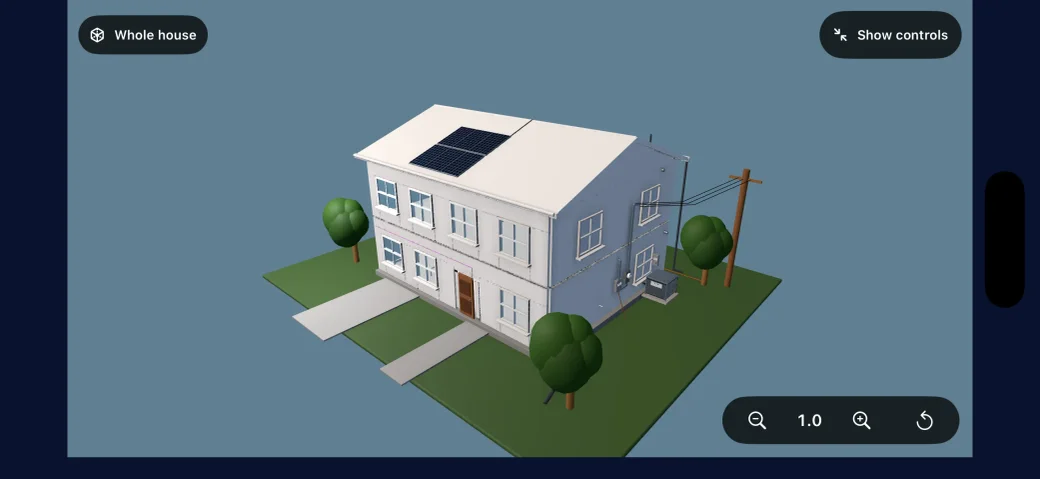
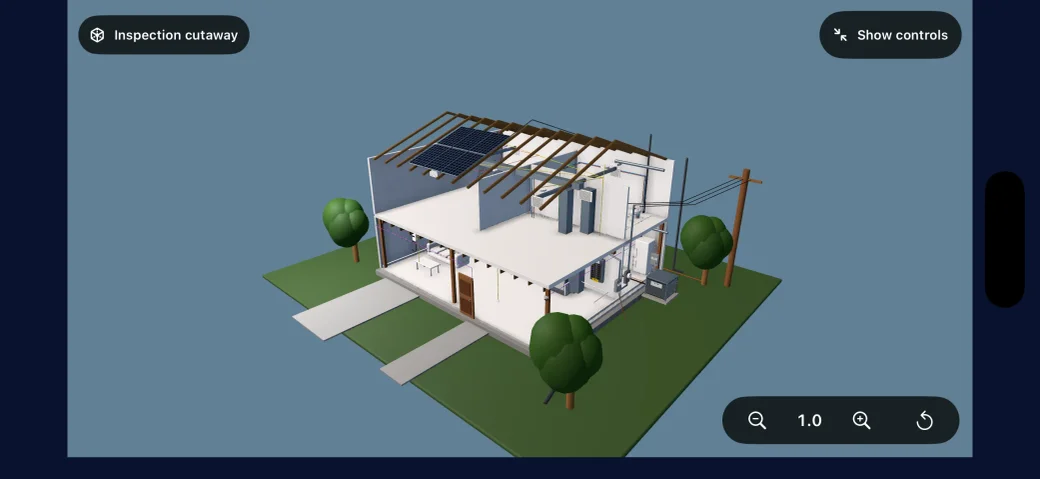
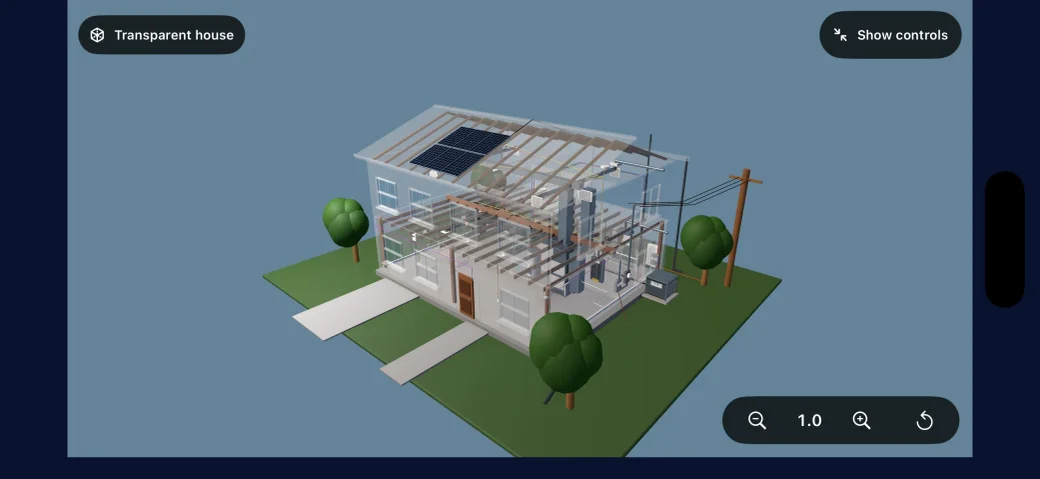
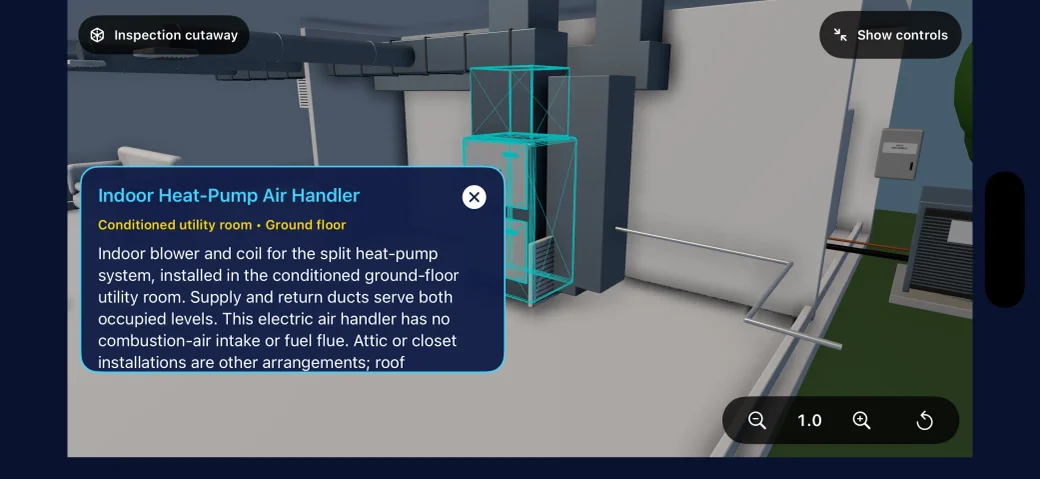
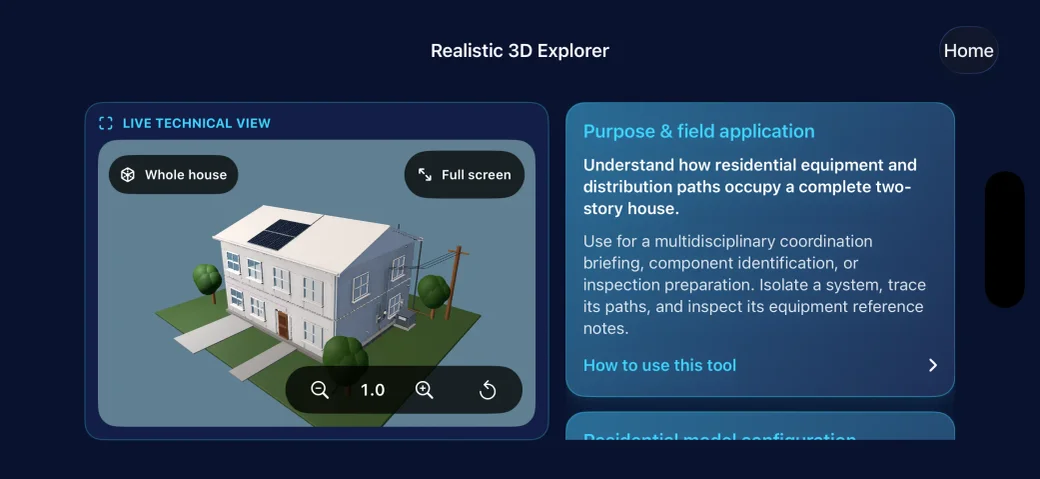
• Realistic 3D Explorer — orbit a furnished two-story building; inspect 67 selectable equipment assemblies; isolate systems and floors; use explicit zoom controls and switch between solid, transparent, cutaway, plan, and exploded views. Full-screen component selection shows an information popup and highlights the selected geometry. Explore detailed panels, condensers, air handlers, a water heater, ducts, pipes, network equipment, solar modules, and more.
• Visual Inspection Practice — tap inspection points, classify conditions, select technical follow-ups, and apply reference corrections. Guided practice and three scored walkthrough scopes share one workspace with saved results and shareable reports.
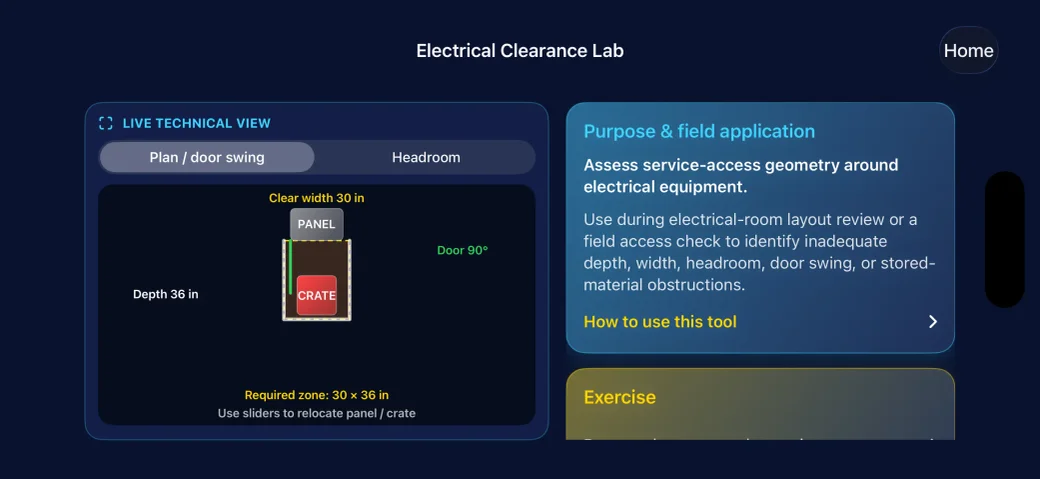
• Electrical Clearance Lab — adjust equipment width, room clearance, voltage-to-ground conditions, headroom, and door opening. Relocate a storage crate and see live working-space checks across four exercises.
• Plumbing Drainage Lab — change pipe size, length, uniform slope, trap configuration, vents, and blockages. See total fall and illustrated flow, with four practice scenarios.
• HVAC Airflow Simulator — balance two room branches using fan speed and dampers, diagnose filter loading, and seal modeled leakage. View airflow, pressure, and estimated input power from a simplified network model.
Each engineering workspace keeps the visual visible while the controls scroll separately. Purpose, field application, input guidance, calculations, interpretation, and technical-review sharing are included.
ILLUSTRATED BUILDING REFERENCES
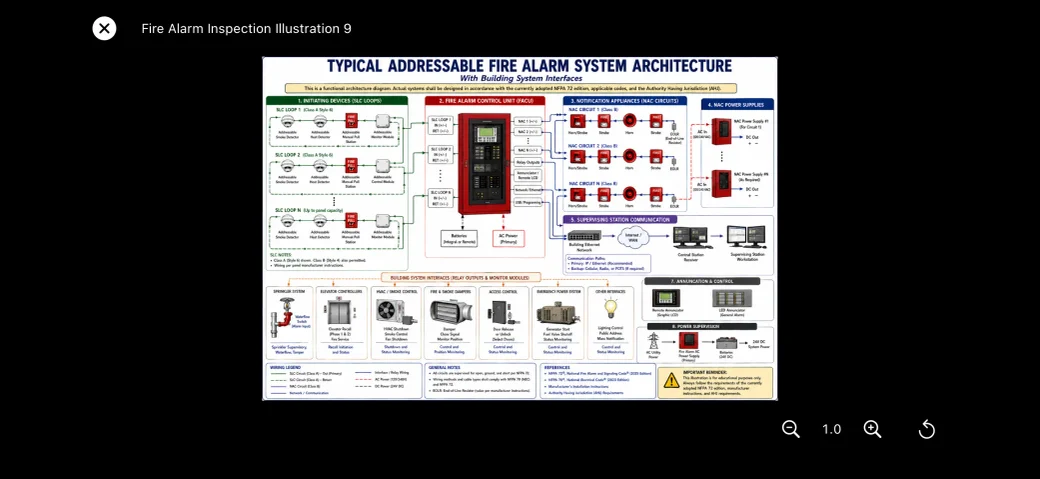
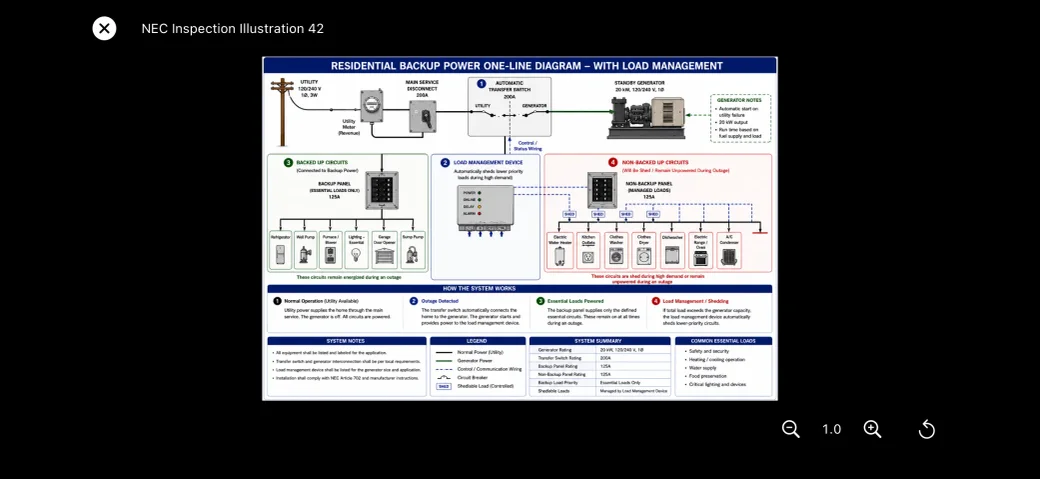
Explore 13 building-system disciplines through illustrated cutaways and tappable inspection points: electrical, mechanical, HVAC, plumbing, architectural, structural, civil, fire alarm, security, communications, building automation, solar, and EV charging.
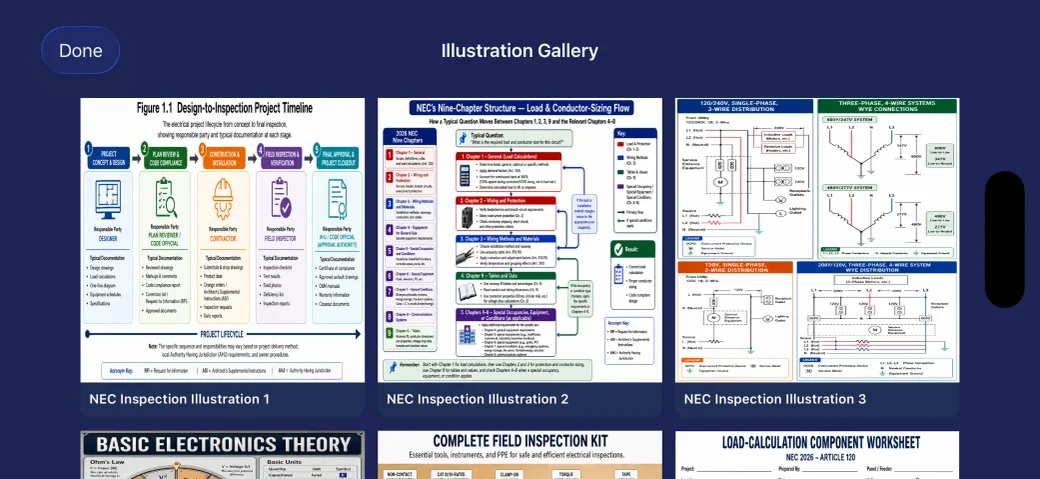
Learn component purposes, inspection points, measurements, common violations, and code-reference notes. Browse schematics, search the component catalog, and study the illustration gallery.
LEARNING & INSPECTION TOOLS
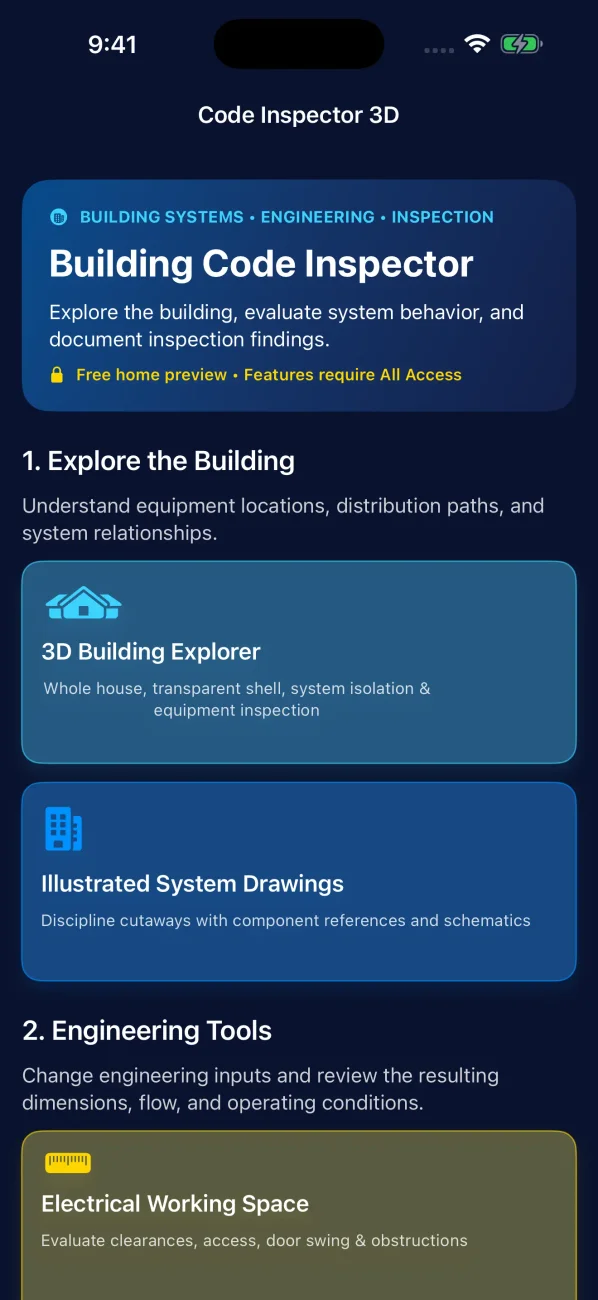
Use quizzes, a glossary, a guided tour, inspection scenarios, checklists, and reports. Checklist determinations populate findings, and inspection work is saved on the device between launches.
ACCESS
The app is free to download. The home dashboard is free to explore. Opening any feature requires the existing All Access non-consumable in-app purchase. One purchase unlocks the features, including reference activities and interactive tools. No subscription. Restore Purchases is available on the paywall. The purchase price is supplied by the App Store.
EDUCATIONAL SCOPE
The 3D model depicts an all-electric dwelling with a ground-floor indoor heat-pump air handler and electric water heater. Optional PV equipment is on the ground-floor rear exterior wall. Residential alarm devices replace commercial-style fire-panel/strobe assemblies. The assemblies are custom-authored illustrative models, not manufacturer-specific products or coordinated construction designs. Lab assumptions and reference links appear in the tools. Flow illustrations are not CFD, and the clearance lab is a limited teaching example rather than a complete compliance evaluation.
Requirements vary with adopted code editions, amendments, equipment listings, and project conditions. Confirm actual requirements with the authority having jurisdiction and applicable equipment instructions. The app does not certify compliance or replace qualified design, field inspection, or code officials. Referenced codes, standards, names, and marks belong to their respective owners; no endorsement or affiliation is implied.
Nouveautés
Version 2.0 · 18/11/2026
Version 2.0 brings a new way to explore building systems and practice inspection skills.
• Detailed 3D residential building with 67 selectable equipment assemblies.
• Full-screen exploration with zoom, transparent walls, cutaways, floor and system isolation, and highlighted component information.
• Interactive electrical working-space, plumbing drainage, and HVAC airflow workspaces with live visual feedback.
• Guided visual inspection practice, reference corrections, and scored walkthroughs.
• Reorganized Home page with clear paths to exploration, engineering tools, inspection records, and learning resources.
• Improved illustration viewing, accessible component buttons, responsive layouts, and saved checklist findings.
The Home page remains free to explore. Features use the existing one-time All Access purchase.
Confidentialité de l’application
Ce que Yuhsiu Lai déclare sur l’App Store au sujet du traitement des données par cette application.
-
Données non collectées
Le développeur ne collecte aucune donnée à partir de cette application.
Les pratiques en matière de confidentialité peuvent varier, notamment en fonction des fonctionnalités que vous utilisez ou de votre âge.
Informations
- Vendeur
- Yuhsiu Lai
- Catégorie
- Éducation
- Version
- 2.0
- Mis à jour
- 18/11/2026
- Publié
- 14/09/2026
- Taille
- 163,9 Mo
- Nécessite
- iOS 17.0 ou version ultérieure
- Classification d’âge
- 4+
- Prix
- Gratuit
- Achats intégrés
- Oui
- Langues
- Anglais
- Copyright
- © 2026 iTech Tools
Vous aimerez peut-être aussi
-
 ICC B1, B2 & F3 Exam PrepÉducation
-
 Construction PM MasteryÉducation
-
 Plumbing Exam Prep 2026Éducation
-
 Contractor License PrepÉducation
-
 Learn Building ConstructionÉducation
-
 NEC Electrical Exam Prep 2027Éducation
-
 aQuiRe Construction AcademyÉducation
-
 Fire Connect by OCVRéférences
-
 Plumbing: Theory & SafetyÉducation
-
 Russian-Tajik DictionaryÉducation