Cam Scanner PDF - Document
Conçue pour iPhone, iPod touch
Gratuit · Achats intégrés
- Classification d’âge4+
- CatégorieUtilitaires
- DéveloppeurAgus Riyanto
- LanguesAnglais
- Taille82,8 Mo
Renvoie vers la page App Store officielle
Download.org n’héberge aucun fichier de Cam Scanner PDF - Document. Le bouton ouvre la page de l’application sur App Store, où Agus Riyanto la publie. Fiche vérifiée pour la dernière fois le 09/11/2026.
Captures d’écran
À propos
Le développeur n’a pas fourni ce texte dans votre langue.
Cam Scanner PDF - Document is a versatile and practical application designed to meet all your scanning, document management, and conversion needs—right from your iOS device. With a wide range of powerful features and a user-friendly interface, this app is the perfect solution for students, professionals, and anyone looking to work more efficiently with digital documents.
Key Features:
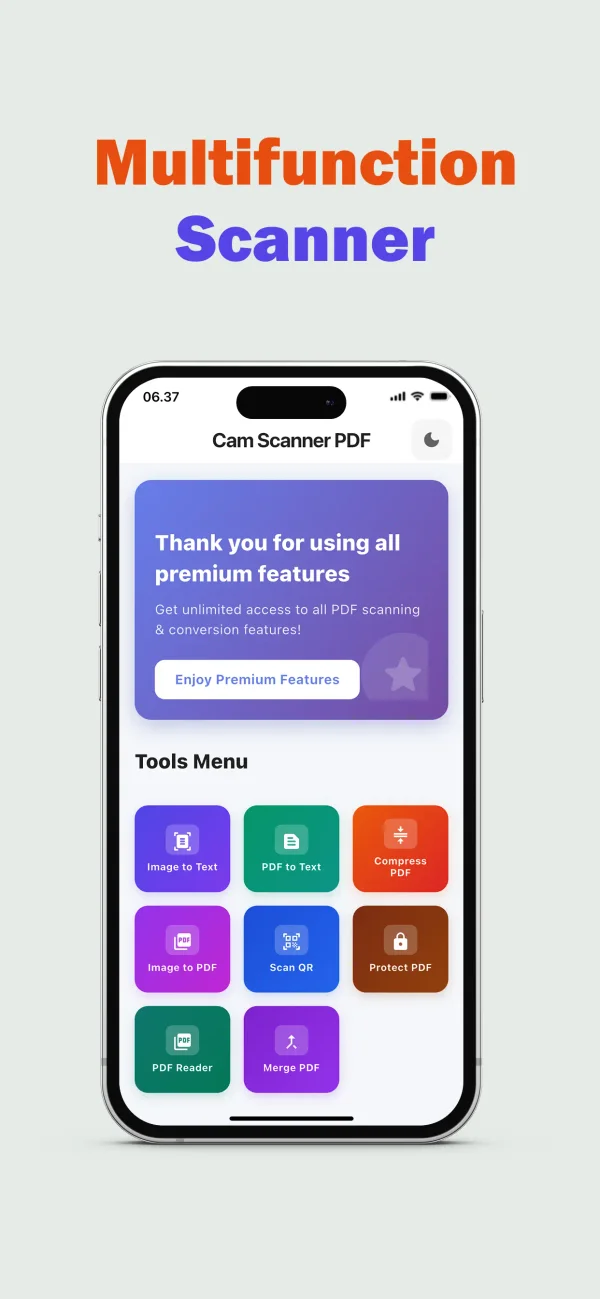
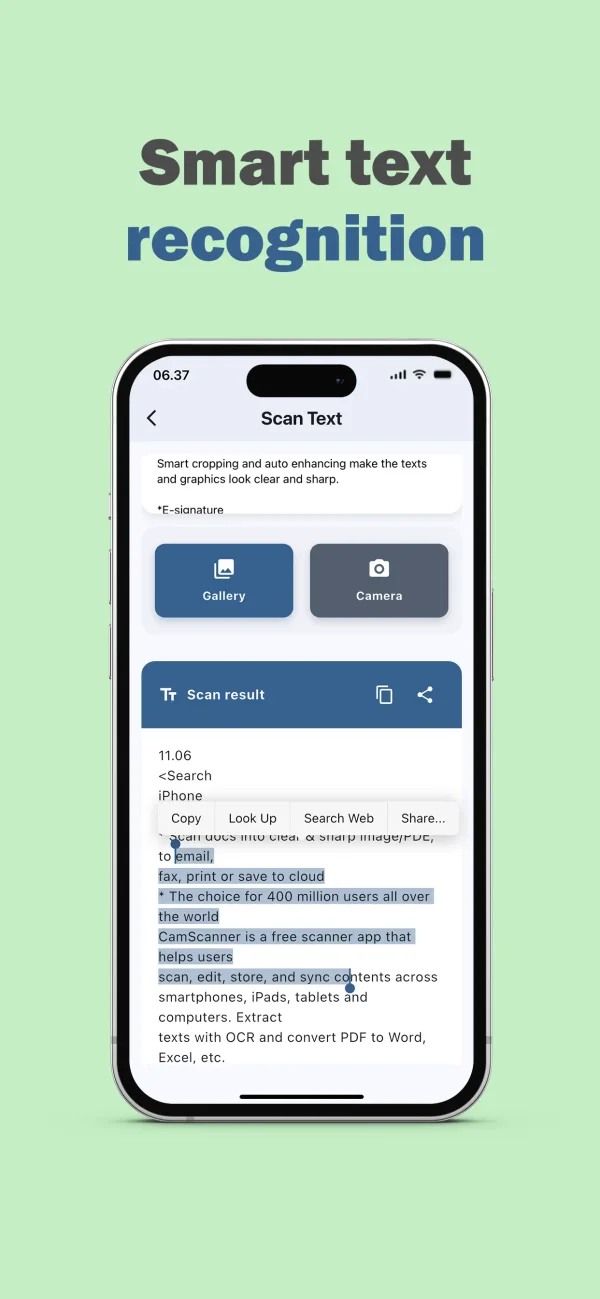
Image to Text
Convert images into digital text in just seconds! You can select images from your gallery or capture them directly using the camera. The extracted text can be copied, edited, and shared easily. Perfect for digitizing notes, printed documents, or important articles.
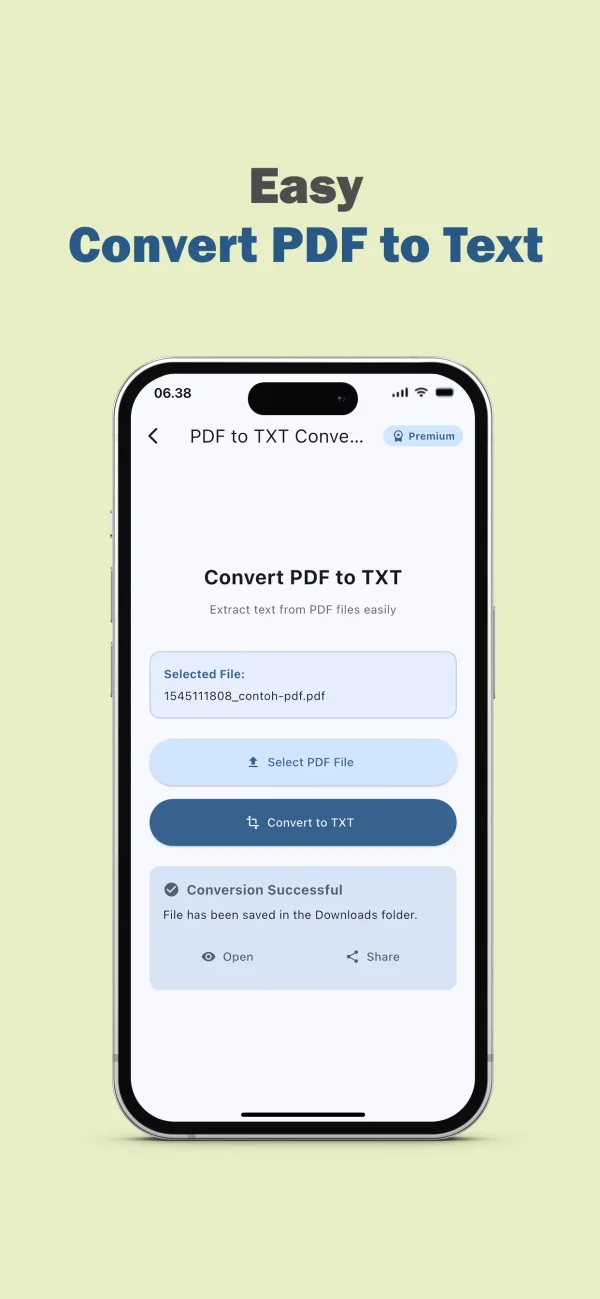
PDF to Text
Quickly and accurately convert PDF files into editable text. Extract important information and share the result via email, note apps, or social media.
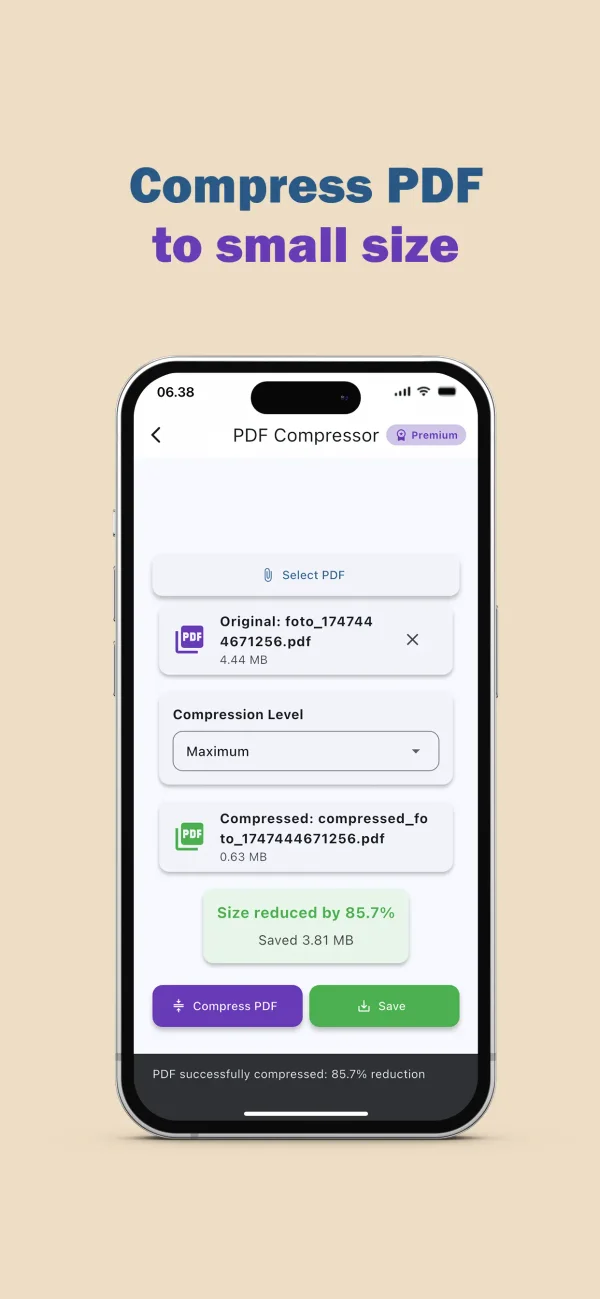
Compress PDF
Reduce the size of PDF files without compromising quality. This feature is especially useful for saving storage space and speeding up file sharing via email or messaging apps.
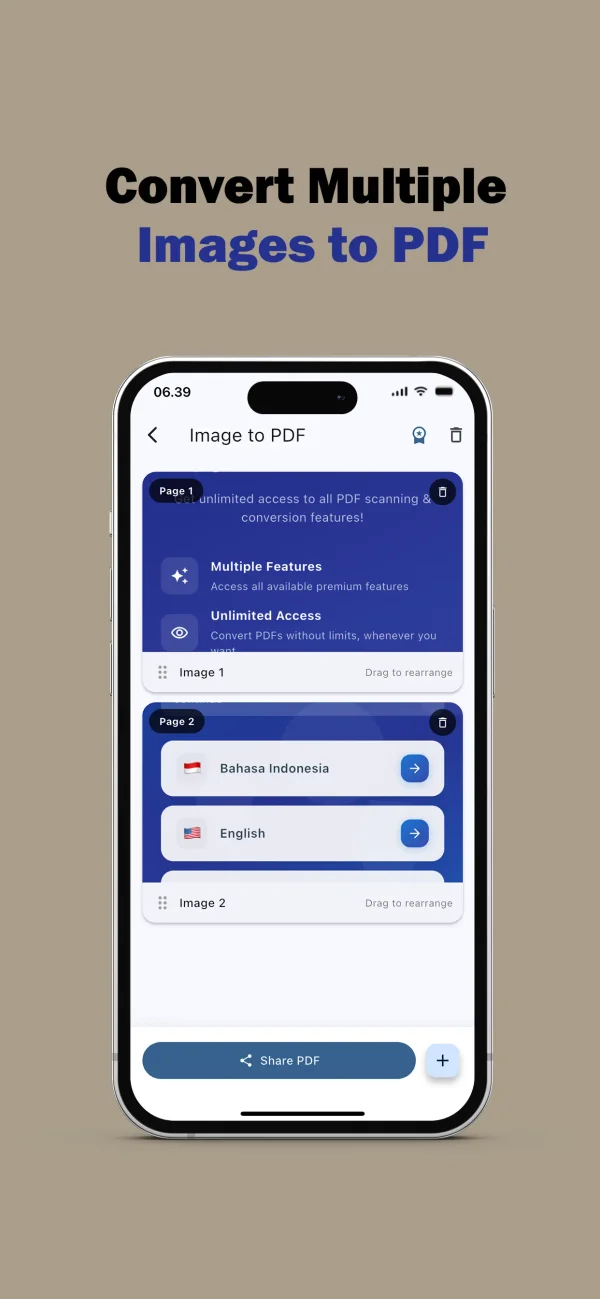
Image to PDF
Create PDF files from one or multiple images, either from your gallery or directly using your camera. Supports batch processing, making it easy to generate digital documents quickly.
Scan QR/Barcode
Scan QR codes or barcodes using the camera, or select an image containing the code from your gallery. The app will automatically recognize and display the code's content.
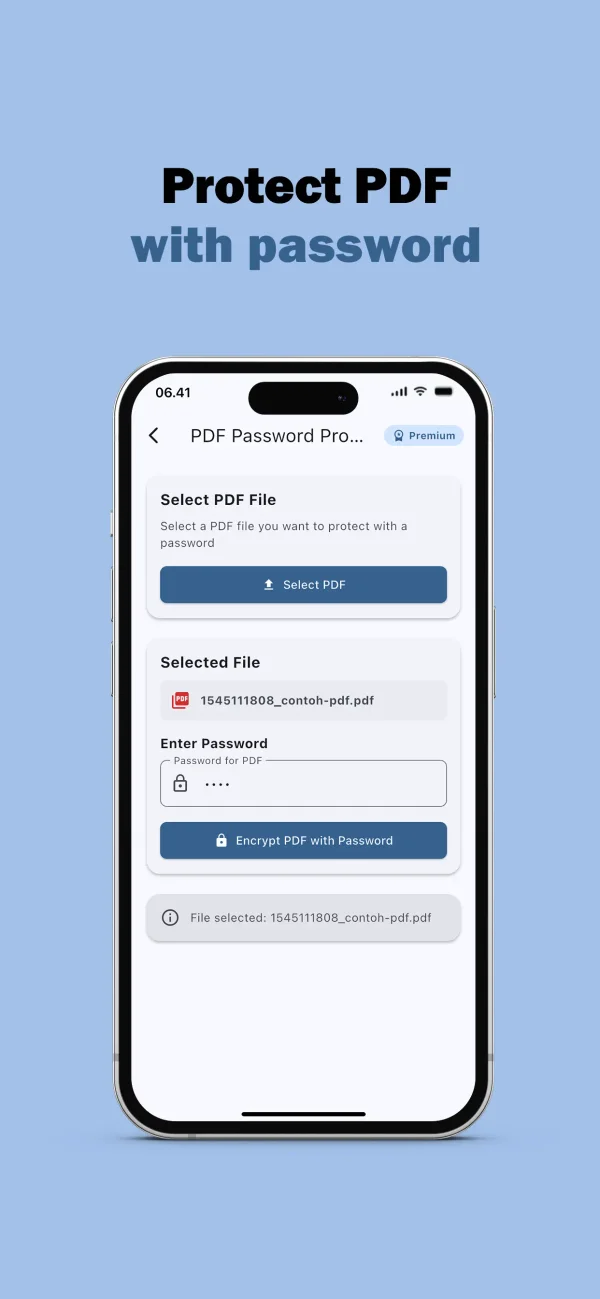
Protect PDF
Secure your important documents by adding a password to your PDF files. Protect your personal or professional data with ease.
PDF Reader
Open and view all types of PDF files within the app. Enjoy a smooth navigation experience and comfortable reading interface.
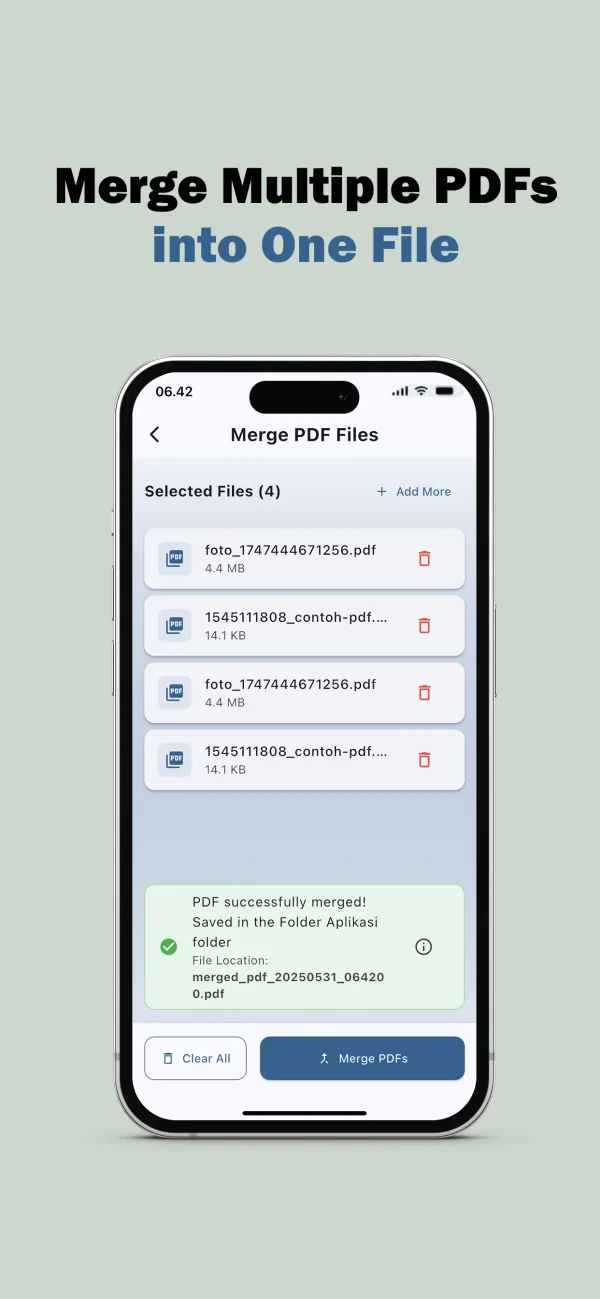
Merge PDF
Combine multiple PDF files into a single, well-organized document. Ideal for merging reports, invoices, or notes into one cohesive file.
International Language Support
The app supports more than 10 languages, making it accessible to users from different countries and backgrounds.
App Advantages:
- Intuitive and easy-to-use interface
- Fast and accurate processing
- Compatible with both iPhone and iPad
- Suitable for students, office workers, and personal use
What You Get with a Premium Subscription:
- Unlimited access to all features without restrictions
- Unlimited PDF conversions, anytime
- Unlimited image-to-text scanning, anytime
- Unlimited PDF-to-text conversions, anytime
- Unlimited PDF compression without reducing quality, anytime
- Unlimited image-to-PDF conversions, anytime
- Unlimited QR code scanning using camera or images, anytime
- Unlimited PDF file protection, anytime
- Unlimited PDF file viewing, anytime
- Unlimited merging of multiple PDF files, anytime
- Enjoy an ad-free experience
– Subscription renews automatically unless auto-renew is turned off at least 24 hours before the end of the current period.
– The renewal will be charged to your account within 24 hours before the end of the current period. The cost depends on the selected plan.
– Subscriptions can be managed by the user, and auto-renewal can be turned off by going to the user’s Account Settings after purchase.
For Terms of Use, please visit:
https://www.apple.com/legal/internet-services/itunes/dev/stdeula/
For Privacy Policy, please visit:
https://sites.google.com/view/softiddeveloper
Nouveautés
Version 1.1 · 01/10/2025
Bug fixes and performance improvements.
Update Support URL and Marketing URL.
Confidentialité de l’application
Ce que Agus Riyanto déclare sur l’App Store au sujet du traitement des données par cette application.
-
Données non collectées
Le développeur ne collecte aucune donnée à partir de cette application.
Les pratiques en matière de confidentialité peuvent varier, notamment en fonction des fonctionnalités que vous utilisez ou de votre âge.
Informations
- Vendeur
- Agus Riyanto
- Catégorie
- Utilitaires
- Version
- 1.1
- Mis à jour
- 01/10/2025
- Publié
- 03/06/2025
- Taille
- 82,8 Mo
- Nécessite
- iOS 13 ou version ultérieure
- Classification d’âge
- 4+
- Prix
- Gratuit
- Achats intégrés
- Oui
- Langues
- Anglais
- Copyright
- © 2025 Softid Dev
Vous aimerez peut-être aussi
-
 Sketch 3D Model for ViewerUtilitaires
-
 Timer - Dial & StopwatchGlissez, relâchez, c'est parti
-
 AI Cleaner : Nettoyage PhotosDoublons et vidéos lourdes
-
 RF Signal Detector - ReFiUtilitaires
-
 How Much Is It Worth: ValyzeUtilitaires
-
 Voice Changer: Sound EffectUtilitaires
-
 RF Signal Detector, Anti SpyCaméra Cachée Caméra Espion
-
 LockBox – Photo Video VaultUtilitaires
-
 Phone Cleaner: Clean Up PhotosNettoyage galerie et espace
-
 minuterie de cuisine(d'alarme)