- Classification d’âge4+
- CatégorieShopping
- DéveloppeurExpress Checkout LLC
- LanguesAnglais
- Taille80,2 Mo
CardStar n’est peut-être pas disponible sur App Store pour le moment
La fiche de la boutique était inaccessible lors de notre dernière vérification. Le lien mène toujours à la page App Store officielle.
Captures d’écran



À propos
Le développeur n’a pas fourni ce texte dans votre langue.
Every loyalty, rewards and membership card you own, on your iPhone. CardStar puts the right card in front of the cashier in a second, so your wallet and keychain can go on a diet.
THE ALL-NEW CARDSTAR
Rebuilt from the ground up for today's iPhone: a fresh design, dark mode, and Face ID or Touch ID unlock. Upgrading from the old app? Your cards and lists come with you, and a quick guide shows you what's new.
ADD ANY CARD
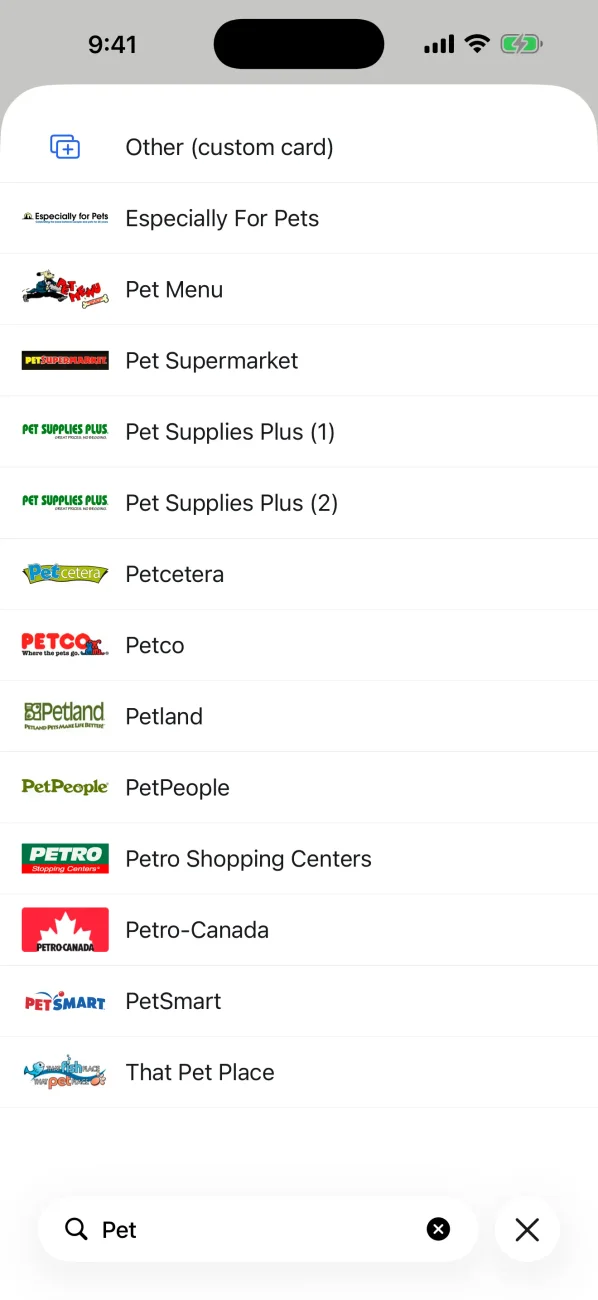
Point your camera at the barcode and CardStar reads it, or type the number in. Pick your store from hundreds of logos so every card is easy to spot. No barcode? Snap a photo of the card instead.
PHOTOS OF YOUR CARDS
Keep a picture of the front and back of any card, right under its barcode. Perfect for gym, library and membership cards that the cashier just needs to see. Tap a photo to fill the screen.
FAST AT THE REGISTER
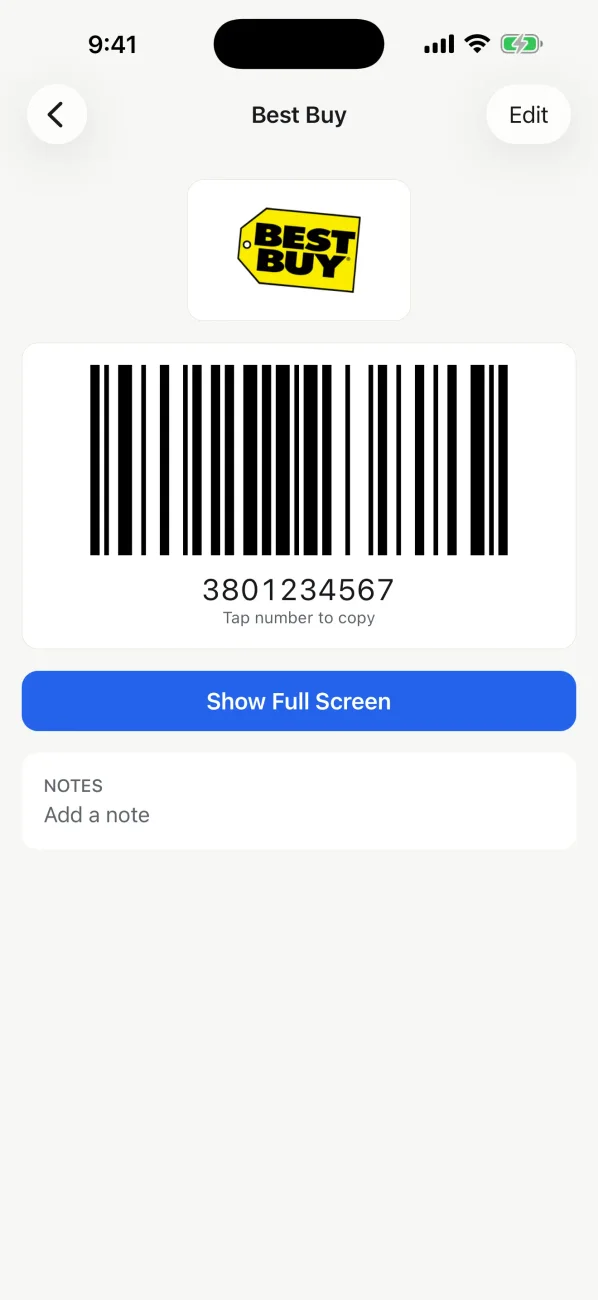
Open a card and the cashier scans the barcode straight off your screen. CardStar turns up the brightness so scanners read it the first time, and one tap makes the barcode full screen. In a hurry? Touch and hold the CardStar icon on your Home Screen to jump straight to a recent card.
ALWAYS THE RIGHT CARD
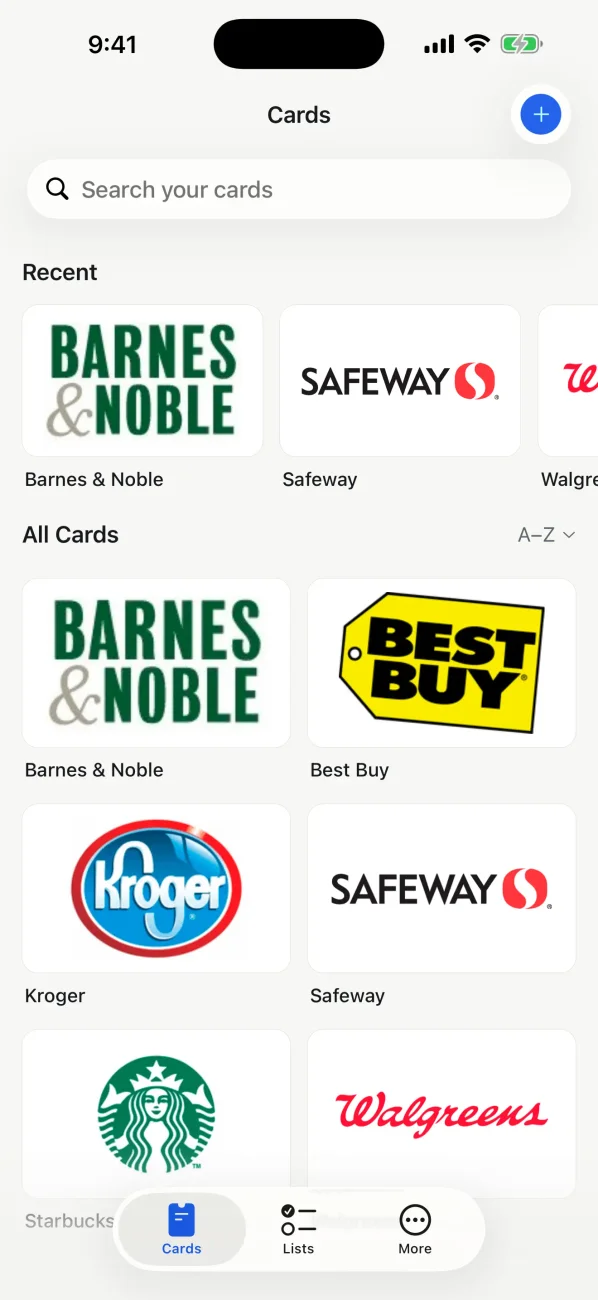
Your recently used cards sit at the top. Sort the rest A–Z, by most used, or in your own order, and search finds any card by name.
SHOPPING LISTS
Keep your shopping list next to your cards and check things off as you go.
SHARE WITH YOUR HOUSEHOLD
Send a card to a family member by email, so a shared membership is on both of your phones.
YOUR CARDS, YOUR CONTROL
CardStar works without an account: your cards stay on your iPhone and in its backups. Add a passcode lock with Face ID or Touch ID. Create a free account to back up your cards and photos and use them on all your devices. Export everything as a spreadsheet any time, change your email or contact support right in the app.
Nouveautés
Version 6.0.13 · 24/11/2026
• Clear Completed is now always in a list's ••• menu, so it's easy to find. Check items off, then tap it to remove them all at once.
Confidentialité de l’application
Ce que Express Checkout LLC déclare sur l’App Store au sujet du traitement des données par cette application.
-
Données établissant un lien avec vous
Peuvent être collectées et liées à votre identité.
- Coordonnées
- Identifiants
-
Données n’établissant aucun lien avec vous
Peuvent être collectées, mais ne sont pas liées à votre identité.
- Coordonnées
- Diagnostic
Les pratiques en matière de confidentialité peuvent varier, notamment en fonction des fonctionnalités que vous utilisez ou de votre âge.
Informations
- Vendeur
- Express Checkout LLC
- Catégorie
- Shopping
- Version
- 6.0.13
- Mis à jour
- 24/11/2026
- Publié
- 15/01/2009
- Taille
- 80,2 Mo
- Nécessite
- iOS 16.4 ou version ultérieure
- Classification d’âge
- 4+
- Langues
- Anglais
- Copyright
- © 2017-2026 FutureProof Retail
Vous aimerez peut-être aussi
-
 Key Ring Rewards Card WalletShopping
-
 Mobile-pocket cartes fidélitéLoyalty card wallet
-
 FIDME Carte de Fidélité PromosCartes Bons d'achat Prospectus
-
 Barcodes: Carte FidélitéAdhésion, récompense, passer
-
 Store Cards・Cartes de fidélitéVotre portefeuille numérique
-
 Fotom - Loyalty Card WalletShopping
-
 SuperCards: Carte de FidélitéPortefeuille Pour Cartes
-
 Pass2Wallet Add Card to WalletLoyalty, Coupon Cards, Tickets
-
 eGifter – Discounted Gift CardShopping
-
 Store Cards: Cartes FidélitéScannez cartes et réductions