
Chart Maker: Pic2Graph
Scan data -> Instant charts
Conçue pour iPhone, iPad
Gratuit · Achats intégrés
- Classification d’âge4+
- CatégorieProductivité
- DéveloppeurRussell Metzger
- LanguesAnglais
- Taille87,6 Mo
Renvoie vers la page App Store officielle
Download.org n’héberge aucun fichier de Chart Maker: Pic2Graph. Le bouton ouvre la page de l’application sur App Store, où Russell Metzger la publie. Fiche vérifiée pour la dernière fois le 17/11/2026.
Captures d’écran
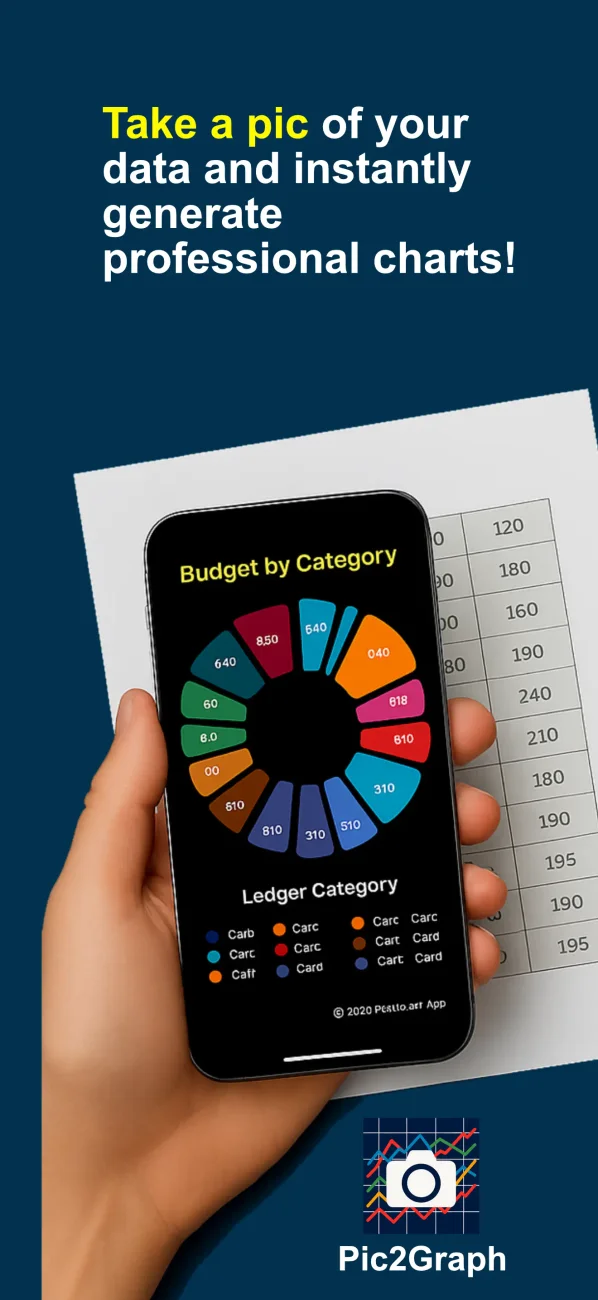

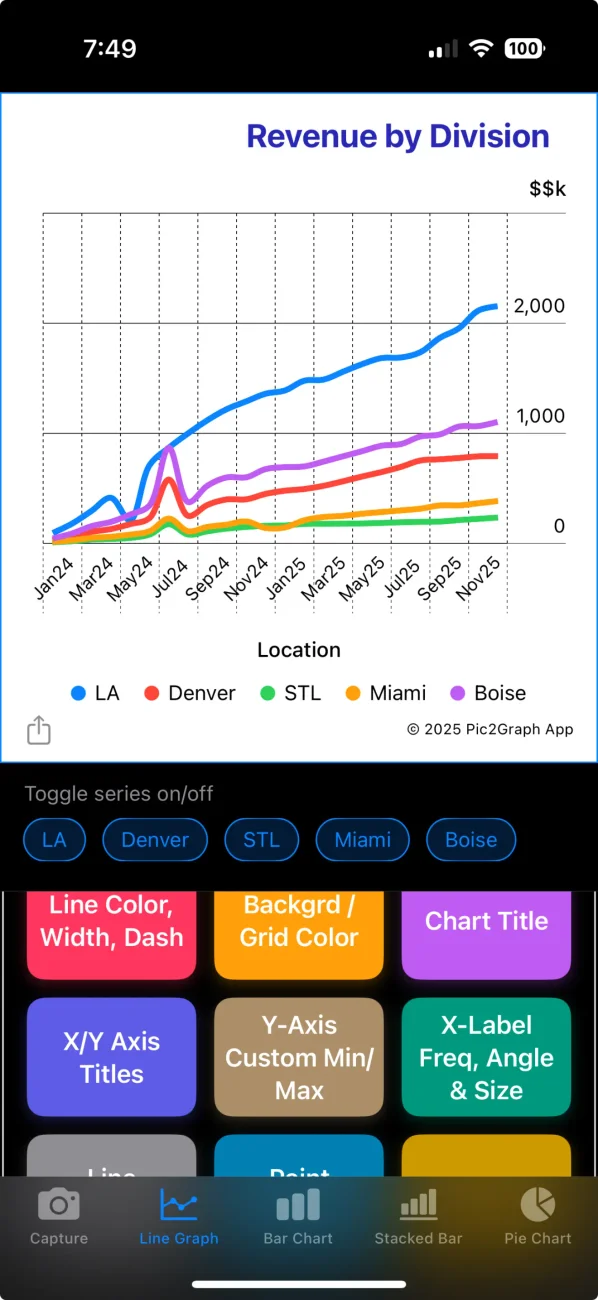
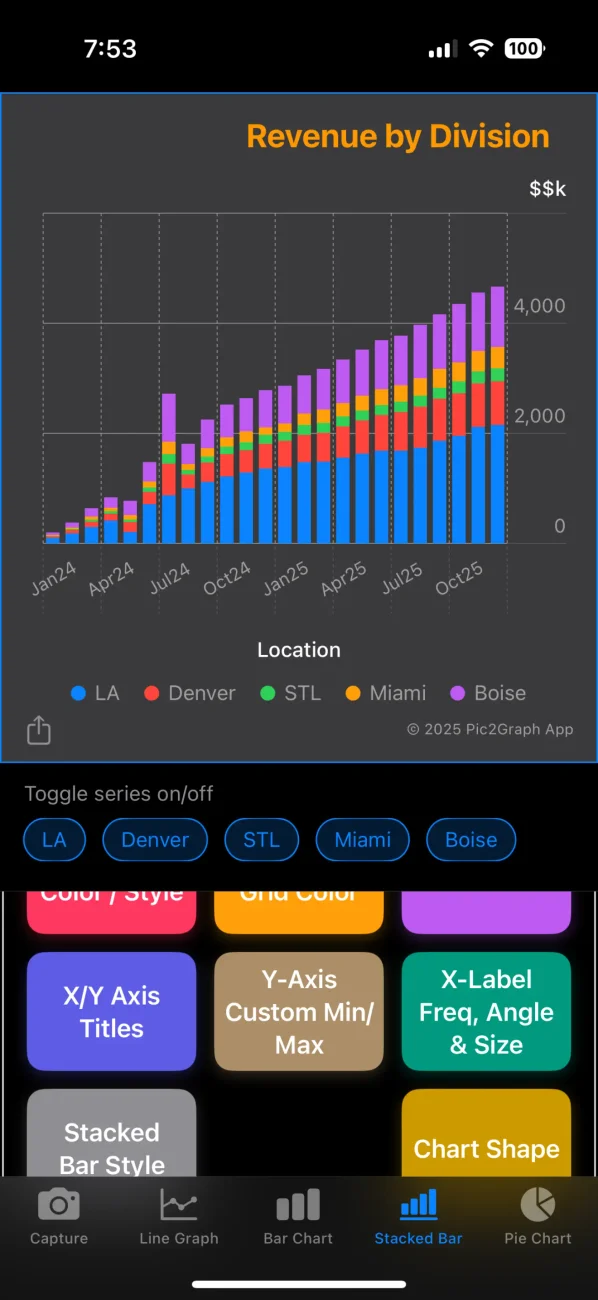
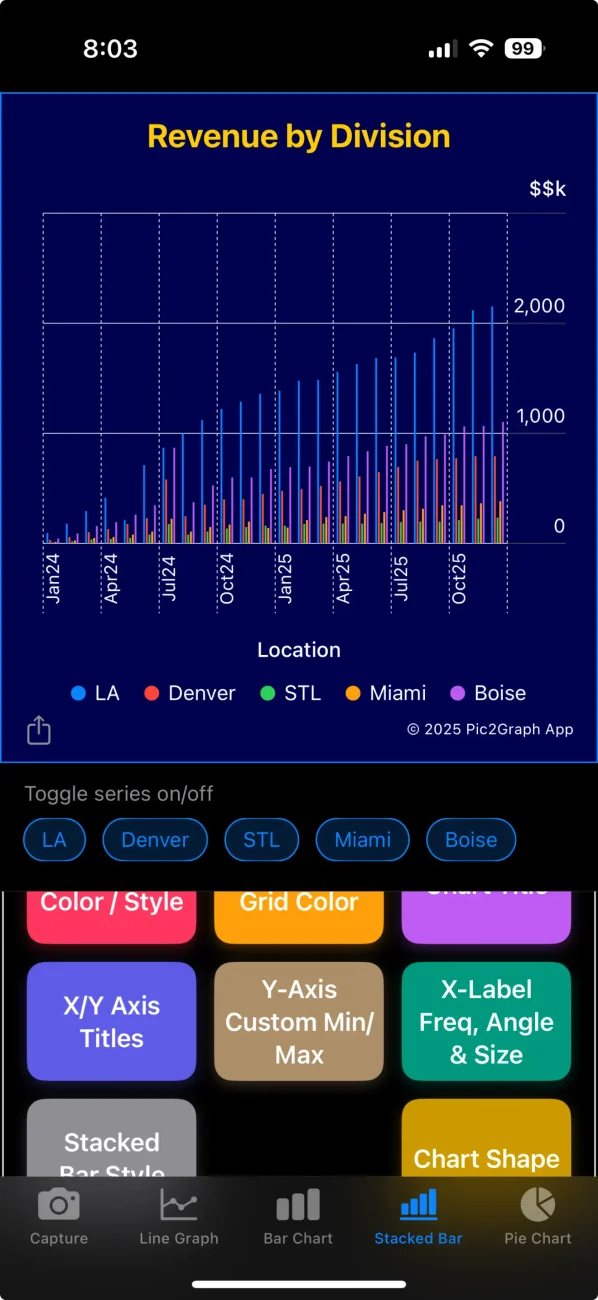


À propos
Le développeur n’a pas fourni ce texte dans votre langue.
Pic2Graph — Turn Pictures of Data into Beautiful Charts
Have a table of numbers on a screen or in a book, report, document, or photograph? Pic2Graph makes it easy to turn that information into clear, customizable charts—without manually retyping every number.
Simply select a photo, review the recognized data, and choose how you want to visualize it. Creating high-quality charts is easier with this app than using spreadsheet programs.
FROM PHOTO TO CHART
Pic2Graph uses Apple's powerful on-device Vision technology to recognize numbers and text in photographed tables. Crop your image to focus on the information you want, then review and edit the extracted data before creating your chart.
No account required. No uploading your data to external servers.
FOUR WAYS TO VISUALIZE YOUR DATA
• Line Charts — Explore trends and changes over time.
• Bar Charts — Compare values across categories.
• Stacked Bar Charts — See how multiple values contribute to a total.
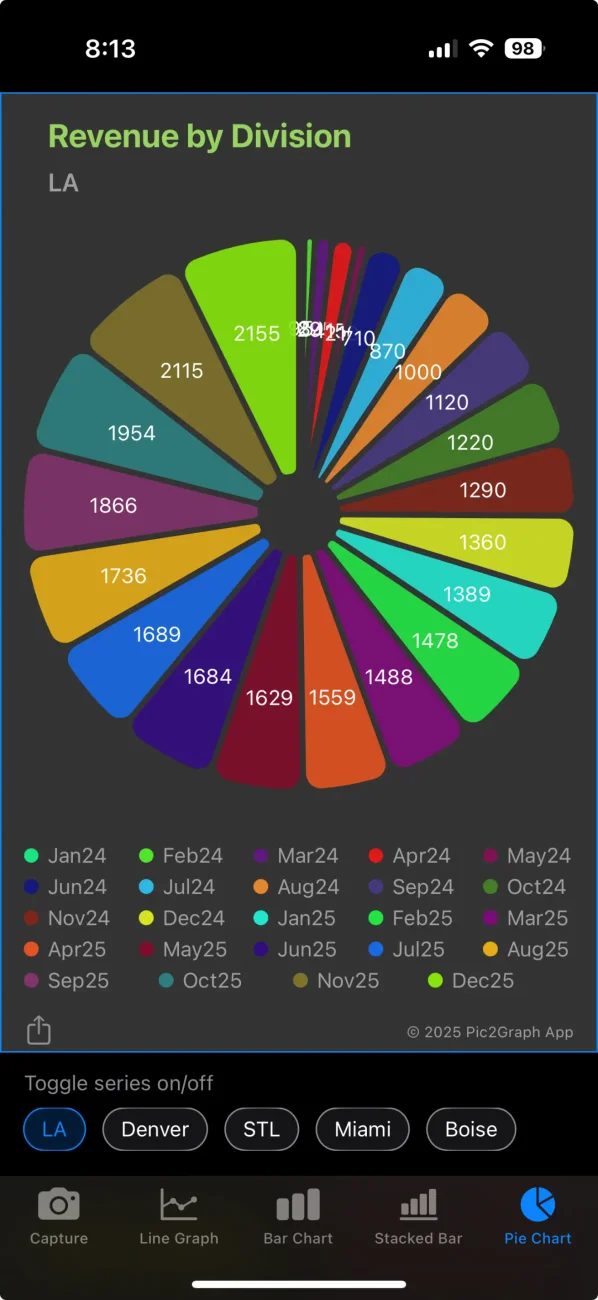
• Pie Charts — Visualize proportions and relative shares.
Customize your charts to present your information clearly and effectively.
YOU'RE IN CONTROL OF YOUR DATA
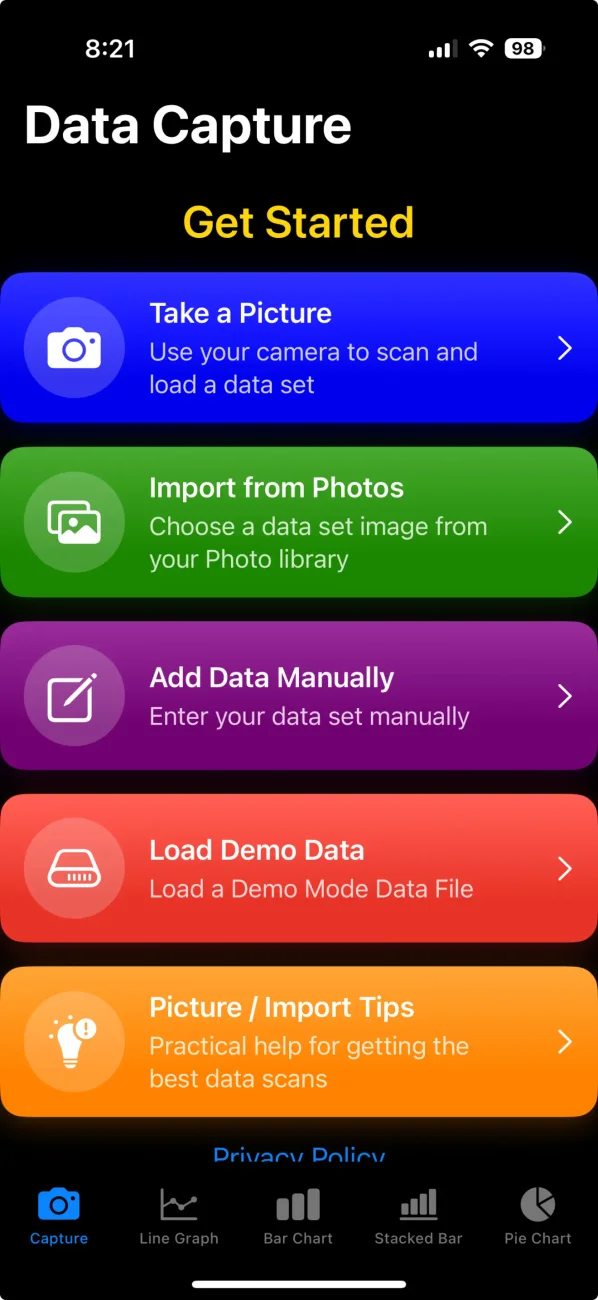
• Import photographs of printed data tables.
• Enter data manually when you prefer.
• Review and correct recognized values.
• Edit table headings and labels.
• Use Undo and Redo while editing.
• Work with up to 24 data rows and five value columns.
• Share or copy/paste your finished charts using your device's sharing options.
• Keep your current dataset on your device.
TRY PIC2GRAPH FREE
Create your first three datasets at no charge. There is no deadline to use your three free creations, and every chart type and customization feature is available during free use.
Your first two free datasets have no timed editing limit while they remain your current dataset. Your third free dataset includes a two-hour window for editing its source data. After that window, you can continue viewing and customizing its charts.
UNLIMITED ACCESS WHEN YOU NEED IT
When you're ready to create more datasets, choose the option that works best for you:
• Annual Access — $19.99/year: Unlimited dataset creation and editing while your subscription is active. Automatically renews unless cancelled.
• Lifetime Access — $39.99 one-time: Unlimited dataset creation and editing with no recurring subscription.
Prices shown are U.S. prices; actual prices may vary by country or region. Annual subscriptions are managed through your Apple Account and can be cancelled in your device's subscription settings.
Already purchased the original Pic2Graph Pro upgrade? Your lifetime access is preserved automatically.
PRIVATE BY DESIGN
Your photographs and chart data are processed locally on your device. Pic2Graph does not require an account, an upload of your datasets to EXAQ Services servers, or use third-party advertising networks. Your data stays private.
Whether you're a student, educator, engineer, researcher, business professional, or simply someone who works with numbers, Pic2Graph helps you turn data into something easier to understand.
Turn your data into a picture worth sharing.
Privacy Policy: https://www.exaqservices.com/#privacy-policy---pic2graph
Terms of Use: https://www.apple.com/legal/internet-services/itunes/dev/stdeula/
Nouveautés
Version 2.0.1 · 31/10/2026
Pic2Graph 2.0.1 — Smarter Scanning, Easier Charting!
We've made Pic2Graph more accurate, flexible, and easier to use.
• Improved Table Recognition — Enhanced photo scanning with better cropping, row and column detection, and data extraction using Apple's on-device Vision technology.
• More Editing Control — Review and correct recognized data, edit headings, and use Undo and Redo.
• Four Chart Types — Create line, bar, stacked bar, and pie charts with a full range of customization options.
• Try It Free — Create three datasets free, with no deadline to use your free creations.
• New Access Options — Choose an affordable Annual subscription or one-time Lifetime Access for unlimited dataset creation and editing.
Existing Pro purchasers automatically retain their lifetime access.
Thank you for using Pic2Graph!
Confidentialité de l’application
Ce que Russell Metzger déclare sur l’App Store au sujet du traitement des données par cette application.
-
Données non collectées
Le développeur ne collecte aucune donnée à partir de cette application.
Les pratiques en matière de confidentialité peuvent varier, notamment en fonction des fonctionnalités que vous utilisez ou de votre âge.
Informations
- Vendeur
- Russell Metzger
- Catégorie
- Productivité
- Version
- 2.0.1
- Mis à jour
- 31/10/2026
- Publié
- 30/07/2025
- Taille
- 87,6 Mo
- Nécessite
- iOS 17.6 ou version ultérieure
- Classification d’âge
- 4+
- Prix
- Gratuit
- Achats intégrés
- Oui
- Langues
- Anglais
- Copyright
- © 2025 EXAQ Services LLC
Vous aimerez peut-être aussi
-
 VIA Créateur de GraphiquesCamembert, histogramme, Gantt
-
 Chart Maker: AI Graph CreatorProductivité
-
 ChartPrism - Graphiques41 graphiques, 400 thèmes
-
 Chart Maker - Build GraphsProductivité
-
 Chart BuilderBarres, lignes, camembert
-
 Rescue HomeopathyProductivité
-
 Mountain TempsProductivité
-
 Tablo : PDF & Photo en XLSNumériser tableau en tableur
-
 Nowhat? - Ideas organizerProductivité
-
 Survey Scanner AI: Paper FormsProductivité