
Chisel Keyboard
Private AI, in every app
Conçue pour iPhone
Gratuit · Achats intégrés
- Classification d’âge4+
- CatégorieUtilitaires
- DéveloppeurCezar Valentin Broscaru
- LanguesAllemand+ 20 de plus
- Taille9,3 Mo
Renvoie vers la page App Store officielle
Download.org n’héberge aucun fichier de Chisel Keyboard. Le bouton ouvre la page de l’application sur App Store, où Cezar Valentin Broscaru la publie. Fiche vérifiée pour la dernière fois le 13/11/2026.
Captures d’écran
À propos
Le développeur n’a pas fourni ce texte dans votre langue.
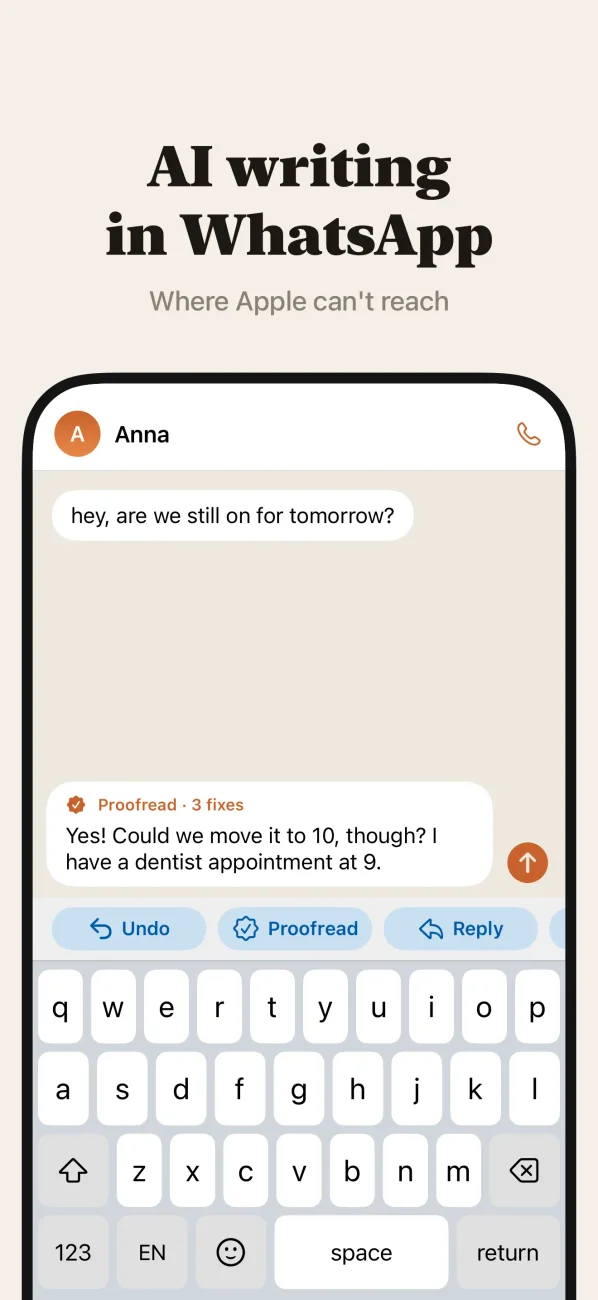
Chisel is the AI keyboard that works in WhatsApp, Mail and every app where you type — where Apple's Writing Tools can't. Hold the return key and ask the assistant anything. It replies to messages, rewrites, proofreads, translates, finishes your sentences and learns your style — 100% on your iPhone. No account, no cloud, no subscription.
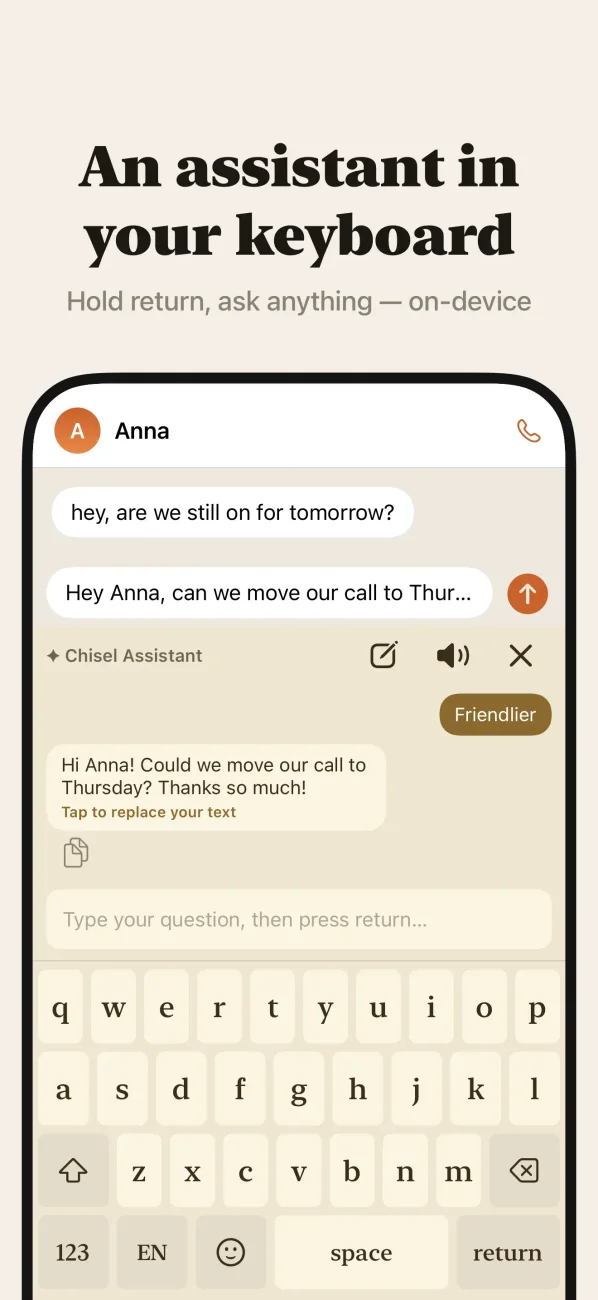
• Your keyboard assistant. Hold return and a chat opens above the keys — ask a question, get an answer, tap it to insert. It knows the text you're writing: "is this polite?", "make it shorter", "translate this to German". It can read answers aloud. Entirely on-device.
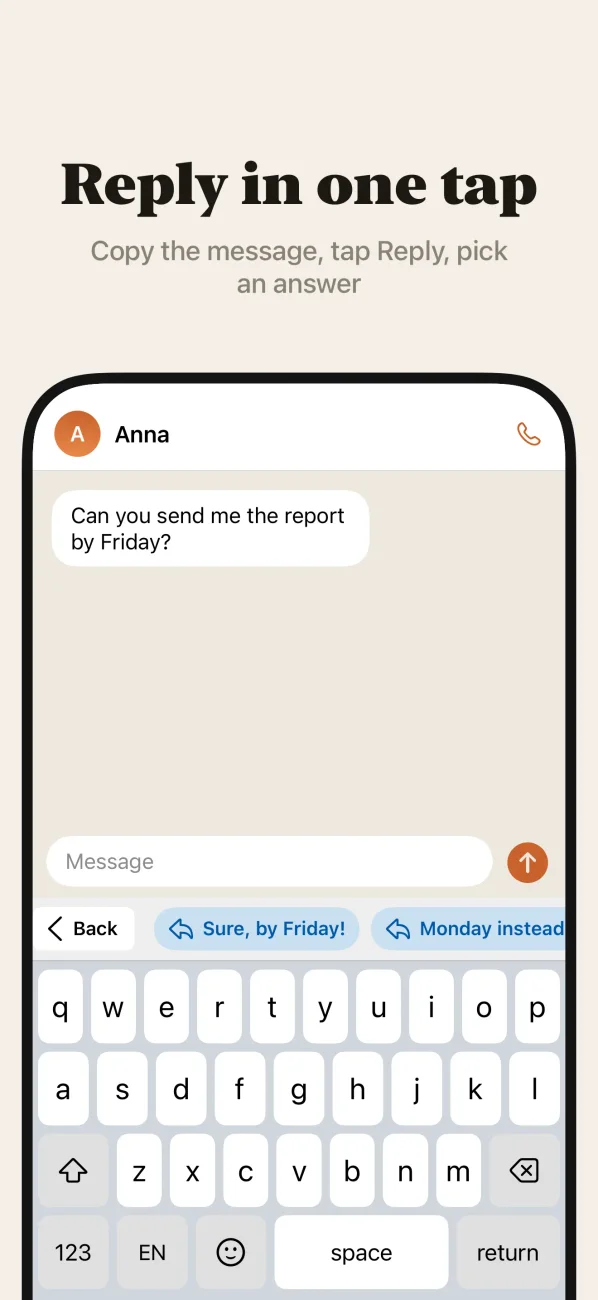
• Reply in one tap. Copy the message you got, tap Reply: three answers in the message's language, ready to send. Or share a screenshot of a whole chat to Chisel and the replies land on the keyboard.
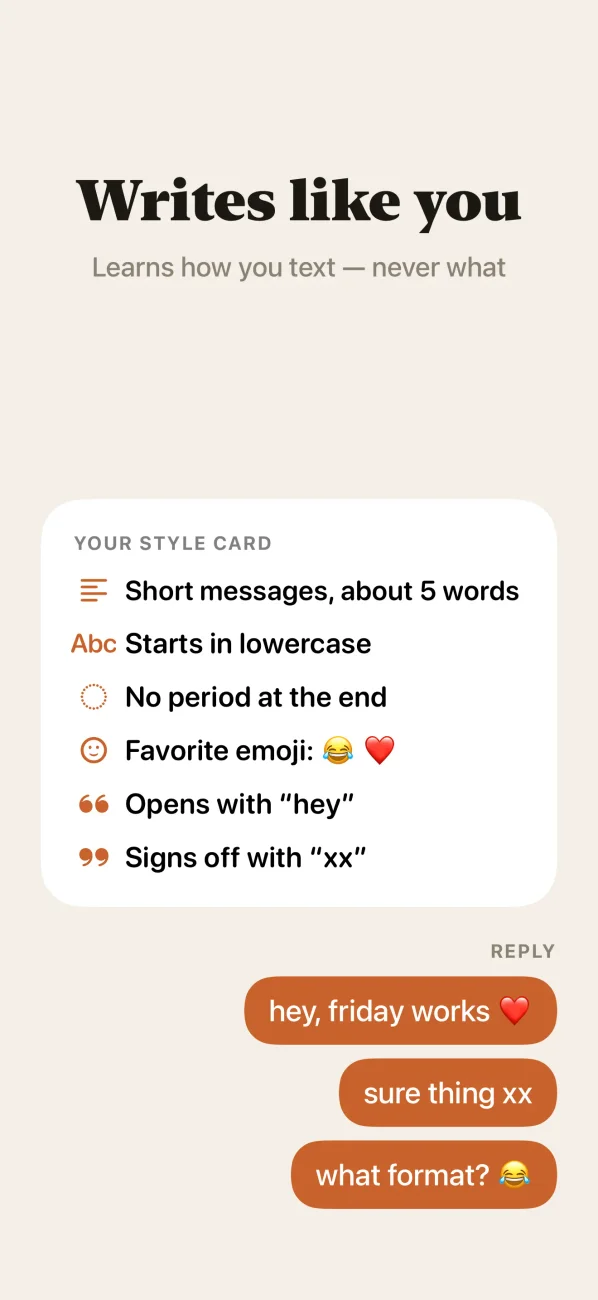
• Writes like you. Switch on Your style and Chisel learns how you text — short, lowercase, emoji — then Reply, the My style chip and the assistant write like you. Habits only, never messages.
WHY CHISEL
• Works in WhatsApp. Chisel is a keyboard — it works wherever you type, including WhatsApp, Instagram and Messenger, where system writing tools can't reach.
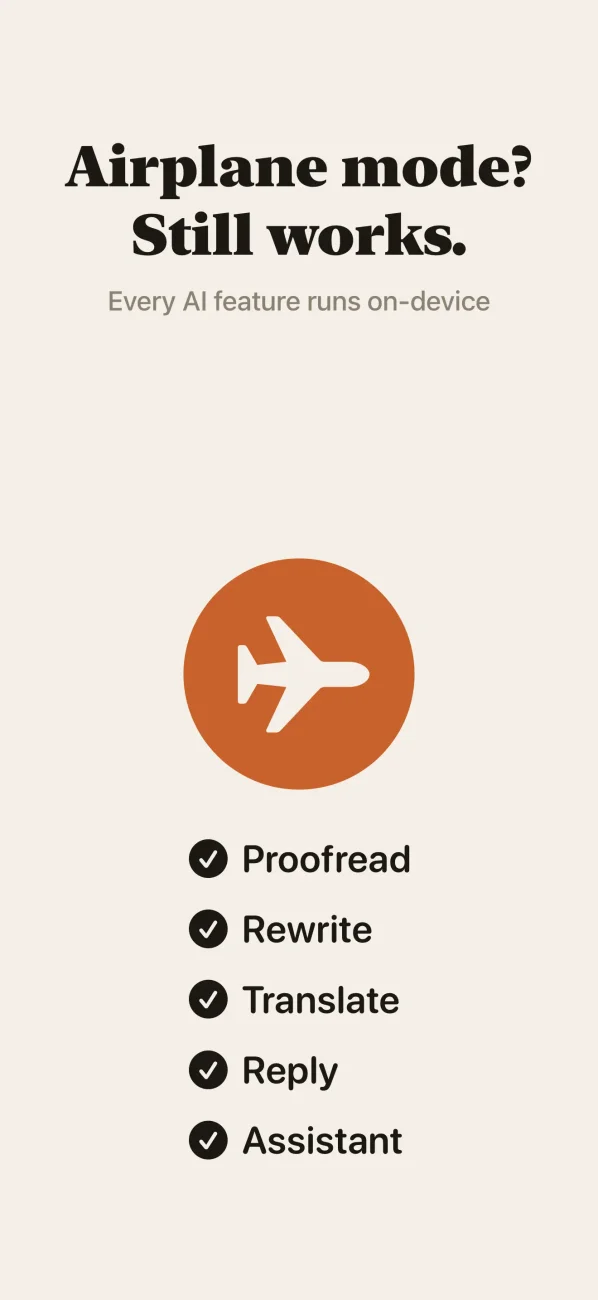
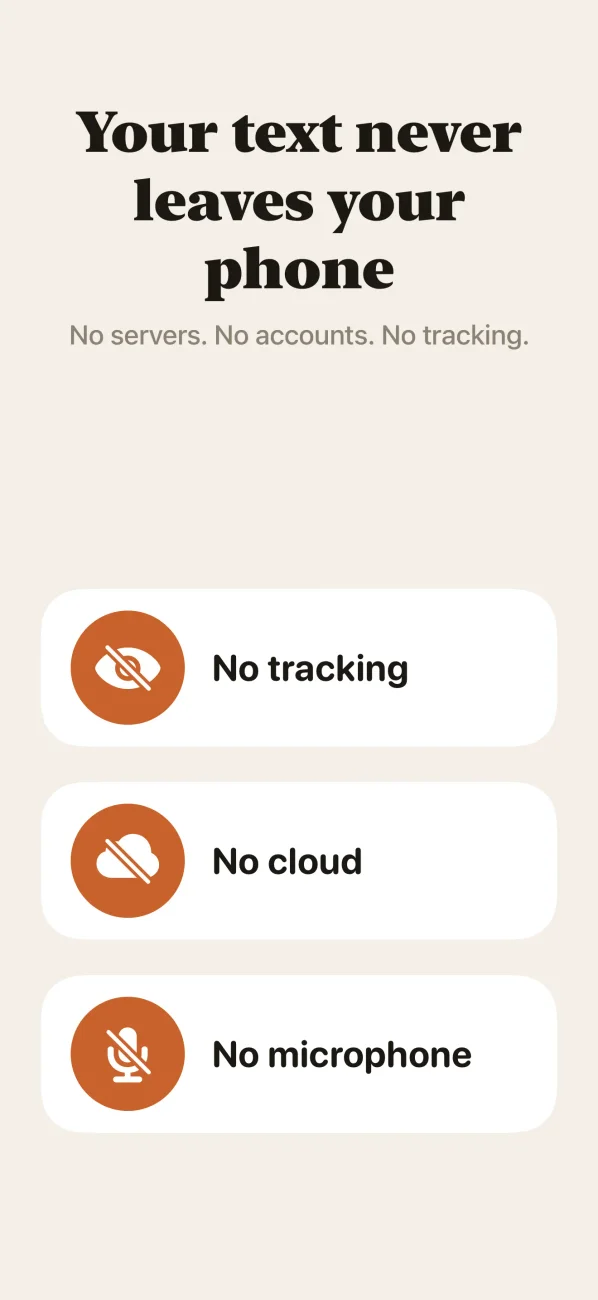
• 100% on your device. Your text never leaves your phone. No cloud, no servers, no accounts. Works in Airplane Mode.
• Private by architecture. Everything works without Full Access; it stays off unless YOU enable it, and only adds key vibration and the Copied and Reply chips — never network.
• Free to try, Pro to own. 150 AI uses and 20 skin changes are free; System and Liquid Glass stay free forever. Pro (one purchase, no subscription) lifts every limit.
WHAT IT DOES
• Assistant — hold return, ask anything, tap a reply to insert.
• Reply — copy a message, tap Reply, choose one of three answers.
• Proofread — grammar, spelling, punctuation and capitalization.
• Rewrite — clearer phrasing, keeping your meaning; then pick a tone: friendlier, shorter, formal.
• Translate — 14 languages, picked on the bar.
• Autocomplete — a short continuation as a chip; tap to insert.
• Long texts — Proofread or Rewrite a whole email, in parts, safely.
• Your month — mistakes fixed, time saved, a widget, a card to share.
• Enhanced Mode (optional) — Full Access adds key vibration and the message you copied: Reply answers it, Copied corrects, rewrites or translates it. Still zero network.
Tap an action with the cursor in the text; Undo or Redo if you change your mind.
AI LANGUAGES
The AI writes English, German, French, Spanish, Italian, Portuguese, Dutch, Danish, Norwegian, Swedish and Turkish. On other layouts (Romanian, Polish, Czech, Hungarian, Finnish, Greek, Russian, Ukrainian…) Proofread runs on your iPhone's spell checker and the other AI buttons hide instead of guessing — the layout and the right diacritics always work, and the AI is one language switch away.
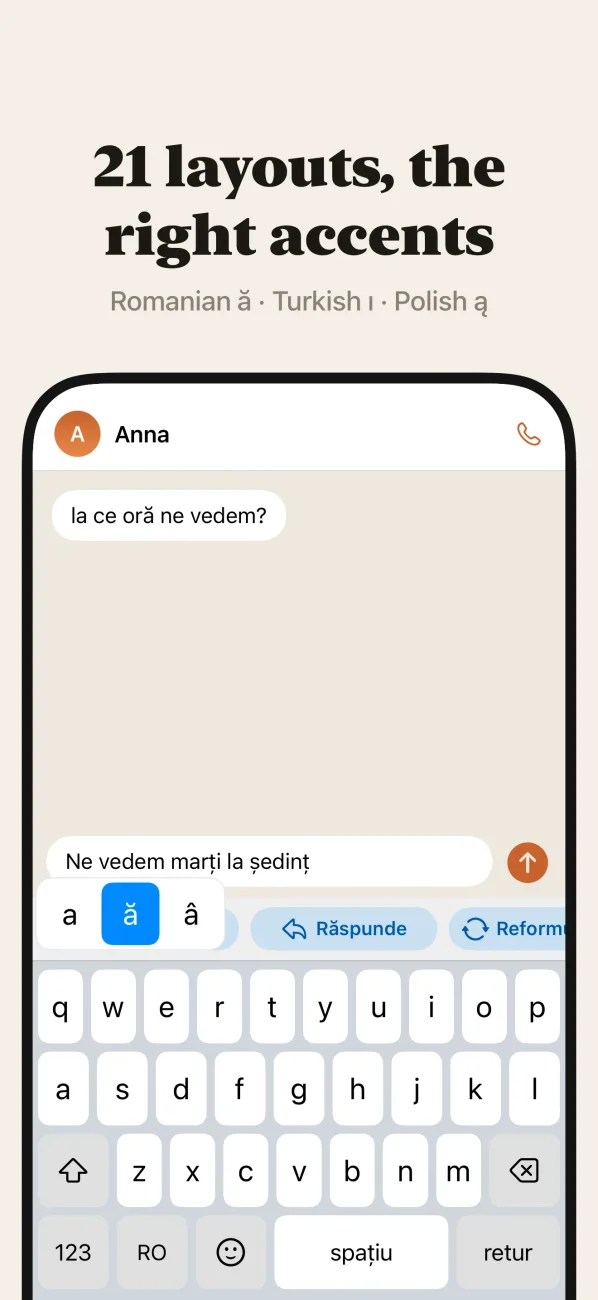
21 layouts with the right diacritics (Romanian ă/â/î/ș/ț, Turkish ı/ç/ğ/ş, Polish ą/ć/ę/ł, German ä/ö/ü/ß…). Starts in your iPhone's language; the return key says send, search or go; hold the space bar and slide to move the cursor.
KEYBOARD SKINS
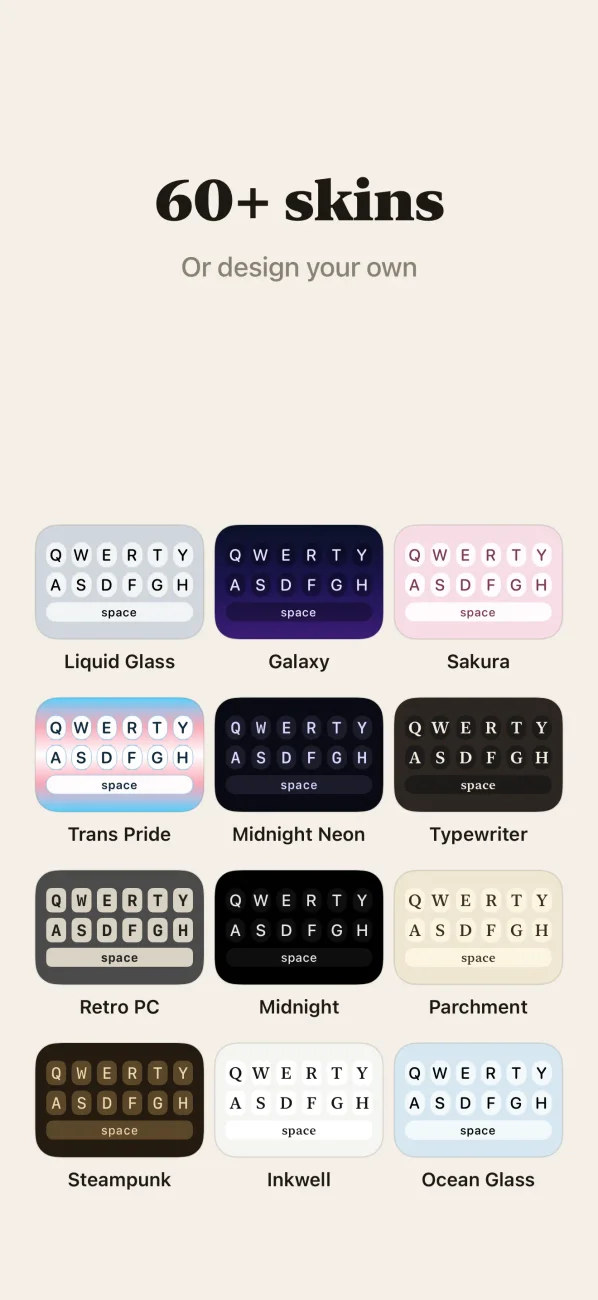
60+ skins with live preview: Liquid Glass (free), Pride, Trans Pride, Galaxy, Sunset, Terminal, Sakura, Dark Academia, Forest, Typewriter, Retro PC and more (Pro). Or build your own: colors, gradients, fonts, press effects, key sounds. Hold the language key to switch skins without leaving the chat; Auto skin follows light and dark.
PRIVACY
• Works fully without Full Access; enabling it is optional and never adds network access.
• No microphone, ever. No cloud, no telemetry, no accounts.
• AI runs on Apple's on-device model.
REQUIREMENTS
AI features use Apple Intelligence (iPhone 15 Pro and later, iOS 26) in the 11 languages above. On other iPhones the keyboard, layouts, skins and spell-checker Proofread still work; the AI buttons are not shown, and the app tells you before you pay.
Chisel Pro: one purchase, no subscription — unlimited AI, all 60+ skins and the skin builder.
Nouveautés
Version 2.0.1 · 19/10/2026
Fixes the bar above the keys on iOS 27, where Proofread, Reply and the other chips appeared blurred. Everything else is as in 2.0: on-device AI that works in every app, one-time purchase, nothing leaves your iPhone.
Confidentialité de l’application
Ce que Cezar Valentin Broscaru déclare sur l’App Store au sujet du traitement des données par cette application.
-
Données non collectées
Le développeur ne collecte aucune donnée à partir de cette application.
Les pratiques en matière de confidentialité peuvent varier, notamment en fonction des fonctionnalités que vous utilisez ou de votre âge.
Informations
- Vendeur
- Cezar Valentin Broscaru
- Catégorie
- Utilitaires
- Version
- 2.0.1
- Mis à jour
- 19/10/2026
- Publié
- 18/07/2026
- Taille
- 9,3 Mo
- Nécessite
- iOS 26.0 ou version ultérieure
- Classification d’âge
- 4+
- Prix
- Gratuit
- Achats intégrés
- Oui
- Langues
- Allemand, Danois, Anglais, Finnois, Français, Grec, Indonésien, Italien, Catalan, Néerlandais, Norvégien, Polonais + 9 de plus
- Copyright
- © 2026 Cezar Valentin Broscaru
Vous aimerez peut-être aussi
-
 Number Keys+ KeyboardUtilitaires
-
 jKey: Big Keys KeyboardUtilitaires
-
 ReplyMate: Clavier IADes réponses qui font craquer
-
 Snippad: Smart AI KeyboardUtilitaires
-
 KIBrowserNavigateur IA avec Assistant
-
 Xboard: AI Voice Dictation AppUtilitaires
-
 Le Grand ClavierGrandes touches, saisie facile
-
 Viskey: Clavier AccessibleTexte grand pour malvoyants
-
 English Kurdish (Sorani) TransUtilitaires
-
 Car Sync & Play DashboardUtilitaires