
- Classification d’âge4+
- CatégorieProductivité
- DéveloppeurChurchTools Innovations GmbH
- LanguesAnglais+ 9 de plus
- Taille190,9 Mo
Renvoie vers la page App Store officielle
Download.org n’héberge aucun fichier de ChurchTools. Le bouton ouvre la page de l’application sur App Store, où ChurchTools Innovations GmbH la publie. Fiche vérifiée pour la dernière fois le 26/11/2026.
Captures d’écran


À propos
Le développeur n’a pas fourni ce texte dans votre langue.
ChurchTools is the perfect app for your church community. You can use it to get the latest info, keep an eye on dates, confirm or decline your assignments and much more. To use the app, you first need access to ChurchTools.
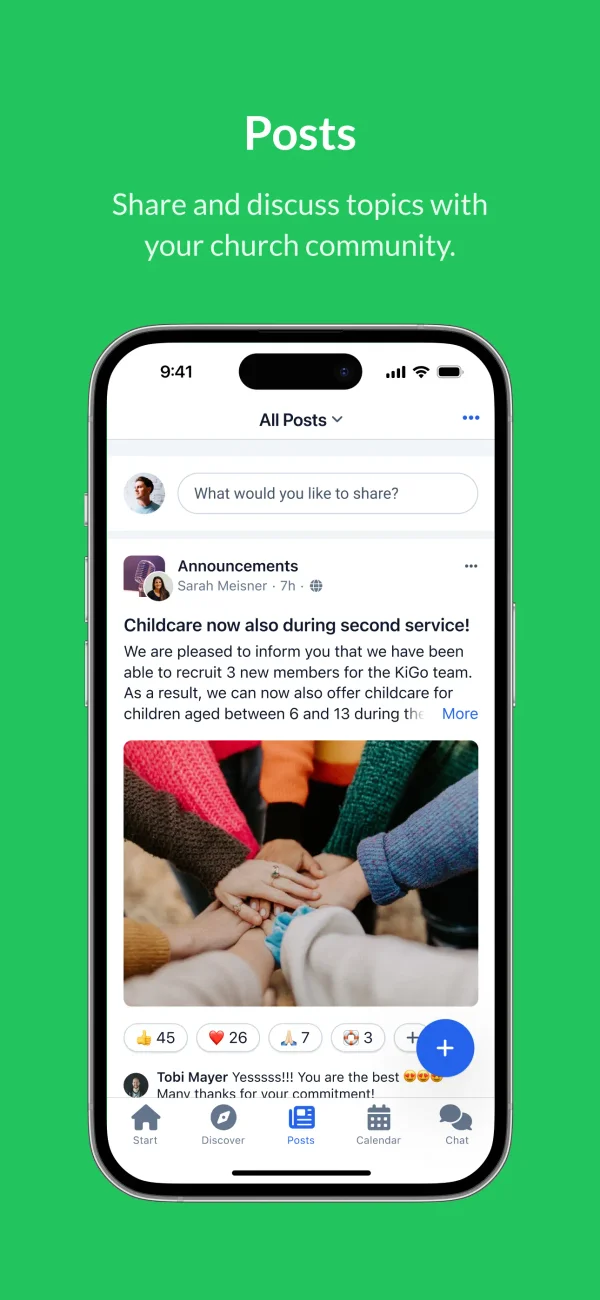
POSTS
Posts enable your church community to share information about congregational topics at any time and from anywhere. This means you know more about each other and it is easier for people in your church to stay informed and get involved. It also opens up another way to reach those who are not yet in your congregation.
EVENTS
Service assignments are brought to your mobile phone by push. You can confirm, decline and comment on them.
For example, if you are leading a church service or event, or simply volunteering, you can easily read the agenda of the event by using the app. Furthermore, you can see with whom you are assigned to a for an event or service. At the tab Discover you will find more future events.
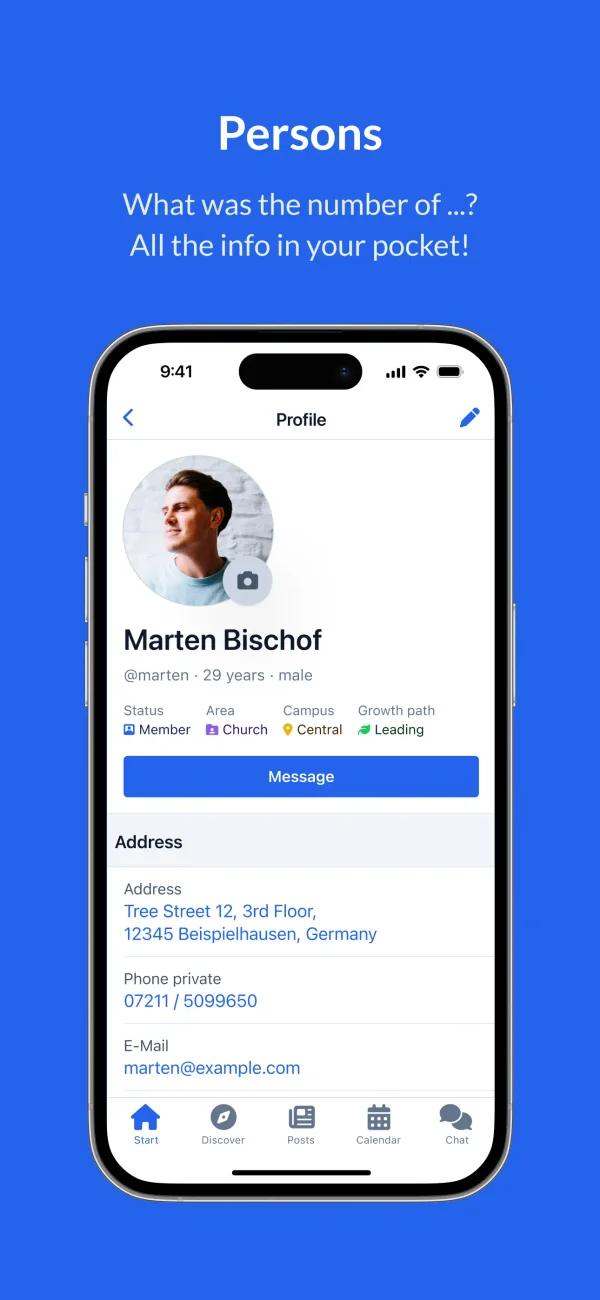
PEOPLE
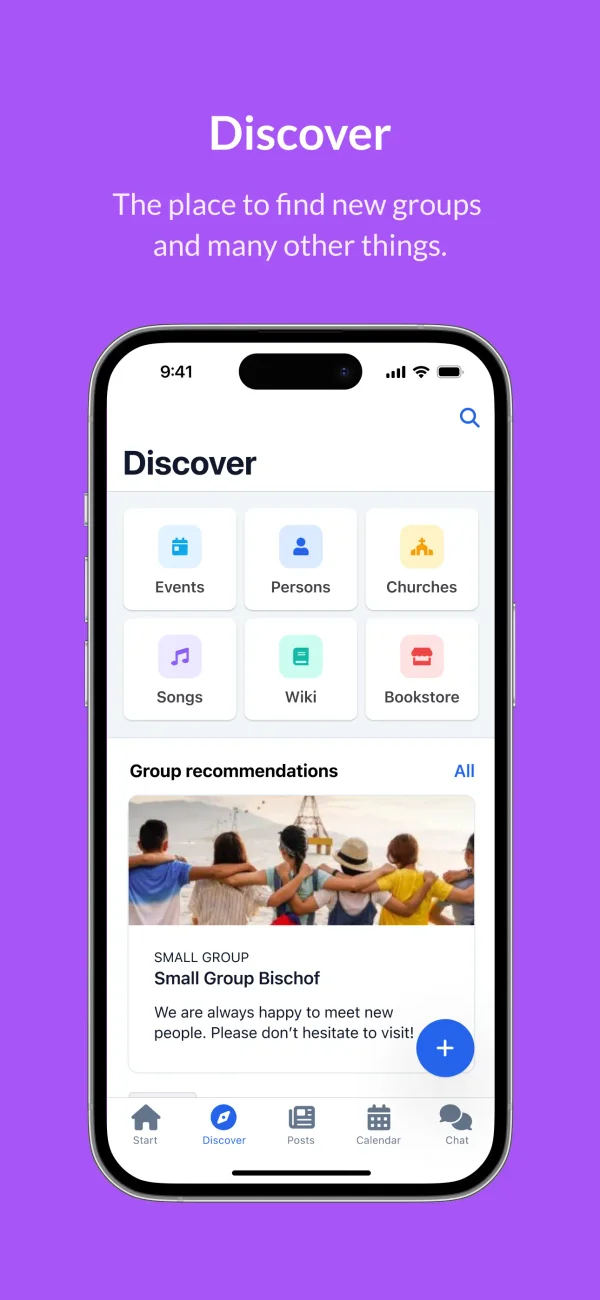
With the search in Discover you can find people and contact them directly. It also displays additional information such as relationships and tags. And for sure, you can upload a nice new picture for your own profile.
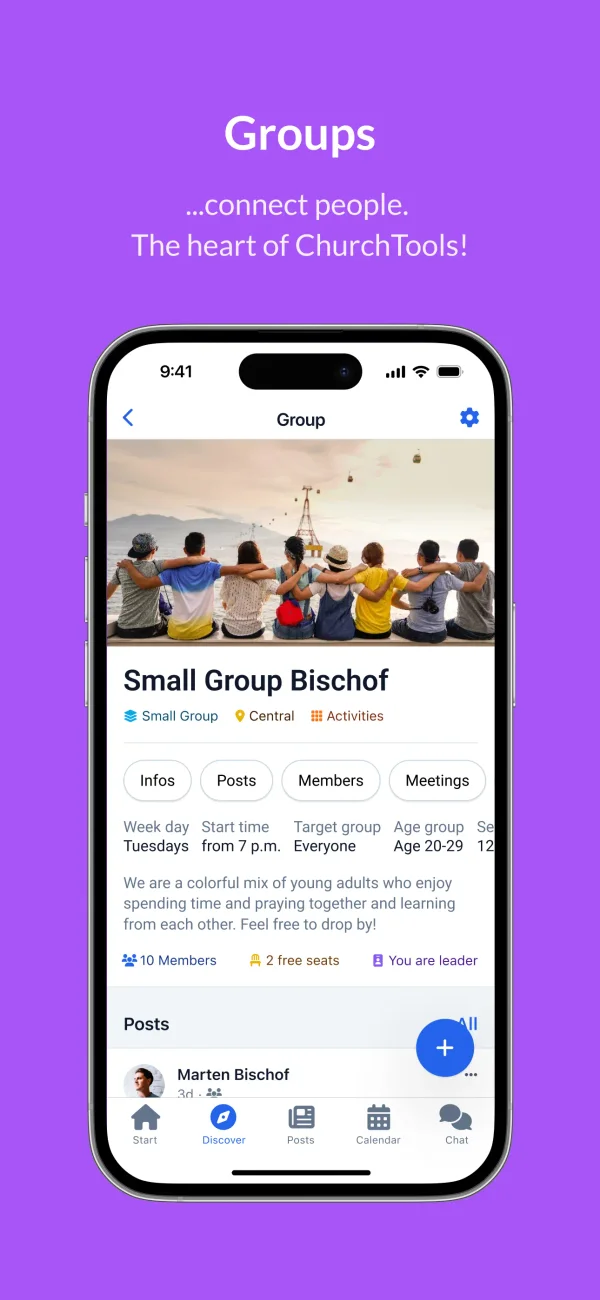
GROUPS
Find interesting public groups within your church community and register directly.
All other groups that are visible to you will be listed and with the appropriate permission you can also view the participants of the group.
CHAT
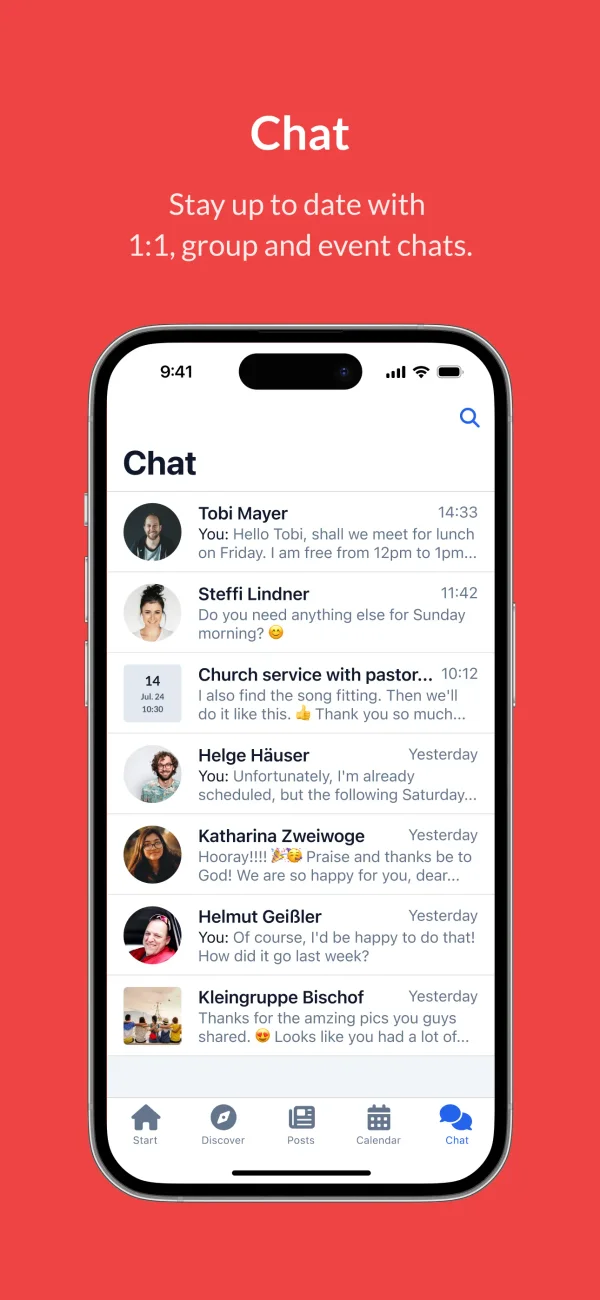
From now on you can use the app to chat with individual people, with all members in a specific event or, for example, with your small group. You can create news channels in which only people with a specific role can write, all others have read-only access.
Furthermore, the chat allows you to send pictures and documents.
ABOUT CHURCHTOOLS
ChurchTools is the ideal software for churches to connect church members in one place. We are constantly working on new updates and features to make our app more complete for you and your church.
Nouveautés
Version 0.82.0 · 24/11/2026
### **Improvements**
* Agendas can now be created and edited directly in the app with the appropriate permissions.
* On the event details page, you can now add an agenda with or without a template.
* The options for requested and upcoming roles in the corresponding Home widgets have been revised.
* Navigation between schedule items has been redesigned and clearly displays the time, duration, title, and assigned responsibilities of adjacent items.
* Agendas now display the “Finalized” status in the item details as well. Users with permission can switch between “Draft” and “Finalized.”
* Notes for one’s own roles are now indicated in the Agenda by an icon next to the title.
* Links to supported content in the current ChurchTools instance now open that content directly in the app.
### **Fixed errors**
* Quick Search no longer pushes the most recently searched results out of view due to a delayed autofocus.
* Existing group tags can also be assigned to groups without tags. If no tags are available, a blank state is displayed.
* When you tap the notification for a chat invitation to an event chat, the app opens in that chat.
* When sharing chat images, the file extension matches the image format so that other apps can recognize the file correctly.
* The search in the chat overview now only displays groups in which the chat is active.
* The chat avoids immediate reconnection attempts in the background and performs them as needed when the app is opened. If the chat content hasn’t changed, synchronization requests are made less frequently.
* The placeholder text in the Markdown editor is now displayed correctly even on empty lines.
* A success message is no longer displayed when canceling a booking status change.
* The map for group meeting locations now displays the appropriate section even when only one meeting location can be shown on the map.
* In the poll overview, “End Poll” is displayed as text rather than a bordered button.
* Times for group meetings are consistently displayed in 24-hour format in both the list and detail views. The unnecessary suffix “o’clock” has been removed.
* Chats open faster, even on slow connections. Rapidly tapping multiple times no longer opens a chat multiple times, so tapping once to go back returns you to the chat list.
* When opening a push notification for a poll, an additional notification sound is no longer played in the chat.
* When opening a linked file without sufficient permissions, a clear note is now displayed instead of a technical filename.
* Wiki links in posts now load correctly as previews even when the page name contains special characters.
* The time for chat polls is now always displayed on the right, even for polls that are currently in progress.
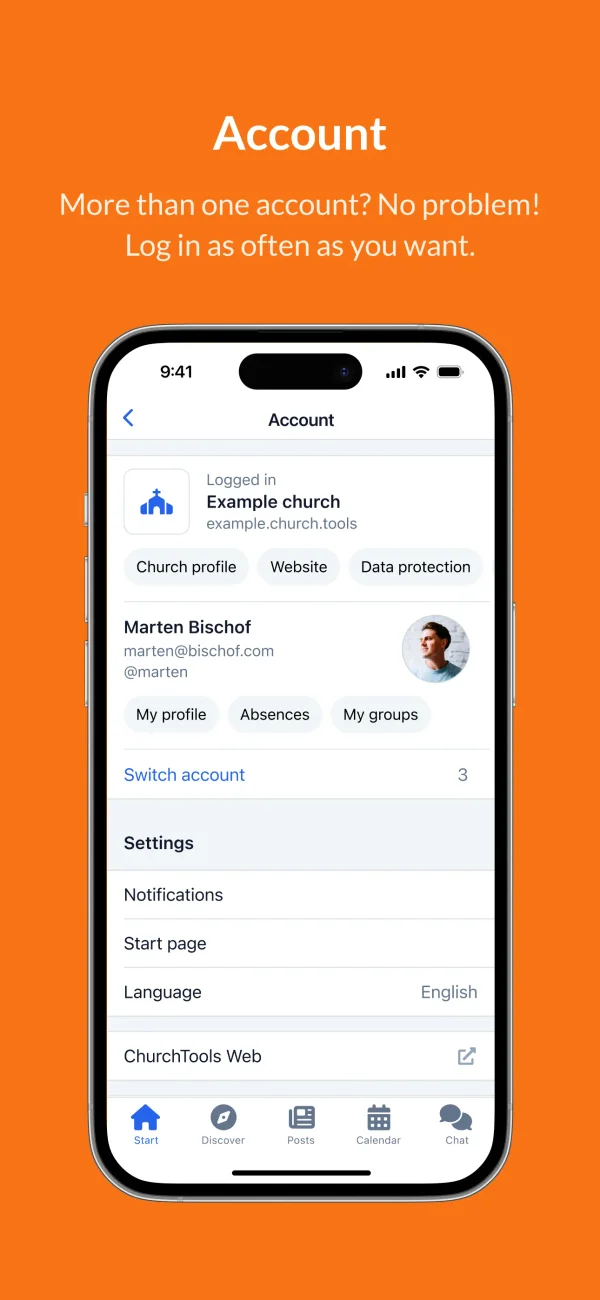
* After updating account information, the account switcher displays the current e-mail address.
* When applying an event template, roles and visible facts are carried over and can be reviewed before saving. Existing values for which you do not have editing permissions are retained when switching templates.
* After editing a survey title in the web chat, the chat list once again displays the survey with the current title.
* The service cards on the event details page display all applicable absences individually and feature consistent menu actions with icons.
* The processing of read receipts in chat has been sped up, especially in groups with many participants.
* Changes to your profile information are now also applied to the account selection when you update your profile.
* When opening a chat invitation via a notification, the chat list is displayed without unnecessary loading time. Invitations set to be accepted automatically are accepted, and the chat is then opened.
* For accepted roles, “Swap” is displayed again instead of “Manage Swap Requests” if there are no existing swap requests.
Confidentialité de l’application
Ce que ChurchTools Innovations GmbH déclare sur l’App Store au sujet du traitement des données par cette application.
-
Données établissant un lien avec vous
Peuvent être collectées et liées à votre identité.
- Identifiants
- Données d’utilisation
-
Données n’établissant aucun lien avec vous
Peuvent être collectées, mais ne sont pas liées à votre identité.
- Identifiants
- Diagnostic
Les pratiques en matière de confidentialité peuvent varier, notamment en fonction des fonctionnalités que vous utilisez ou de votre âge.
Informations
- Vendeur
- ChurchTools Innovations GmbH
- Catégorie
- Productivité
- Version
- 0.82.0
- Mis à jour
- 24/11/2026
- Publié
- 13/12/2018
- Taille
- 190,9 Mo
- Nécessite
- iOS 16.4 ou version ultérieure
- Classification d’âge
- 4+
- Prix
- Gratuit
- Langues
- Anglais, Néerlandais, Finnois, Français, Allemand, Italien, Polonais, Portugais, Russe, Espagnol
- Copyright
- © 2025 ChurchTools Innovations GmbH
Vous aimerez peut-être aussi
-
 DATEV SmartLoginProductivité
-
 Nect WalletProductivité
-
 Post - Parcel Tracking AppProductivité
-
 immowelt – Real EstateProductivité
-
 ID AustriaProductivité
-
 WEB.DE - Mail, Cloud & NewsProductivité
-
 ChMeetingsProductivité
-
 OnStage: Worship Team PlannerProductivité
-
 EpistleProductivité
-
 Planning by WorshipToolsProductivité