
- Classification d’âge4+
- CatégorieÉconomie et entreprise
- DéveloppeurCitrix Systems, Inc.
- LanguesAnglais+ 11 de plus
- Taille104,5 Mo
Renvoie vers la page App Store officielle
Download.org n’héberge aucun fichier de Citrix Workspace. Le bouton ouvre la page de l’application sur App Store, où Citrix Systems, Inc. la publie. Fiche vérifiée pour la dernière fois le 23/11/2026.
Captures d’écran
À propos
Le développeur n’a pas fourni ce texte dans votre langue.
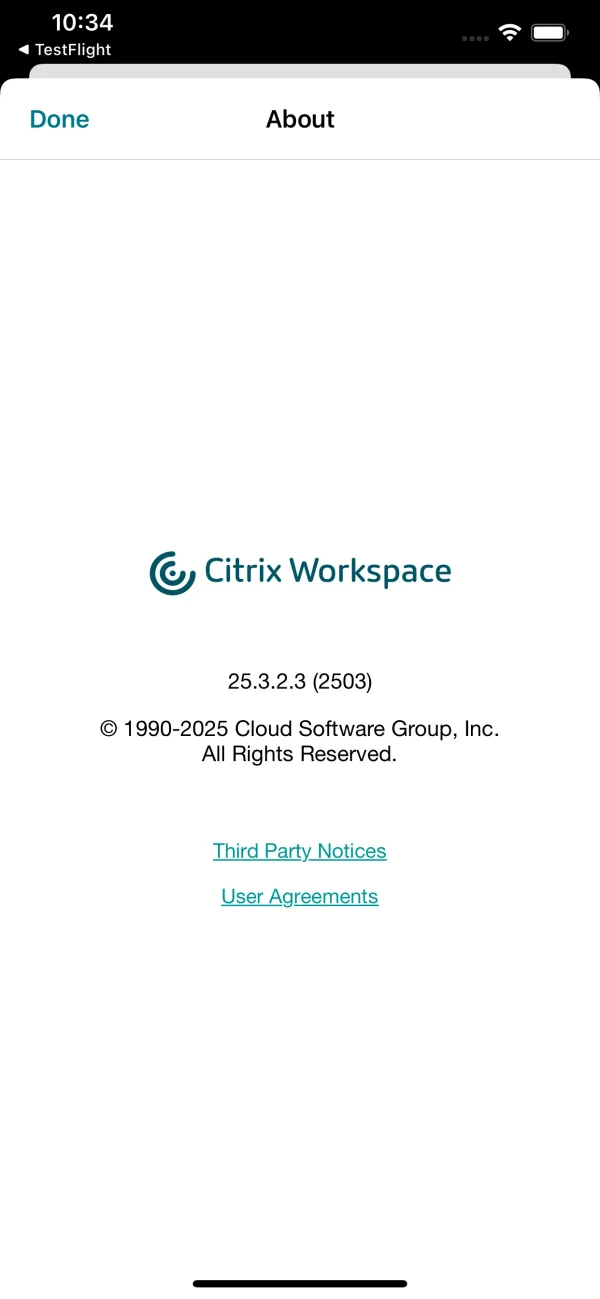
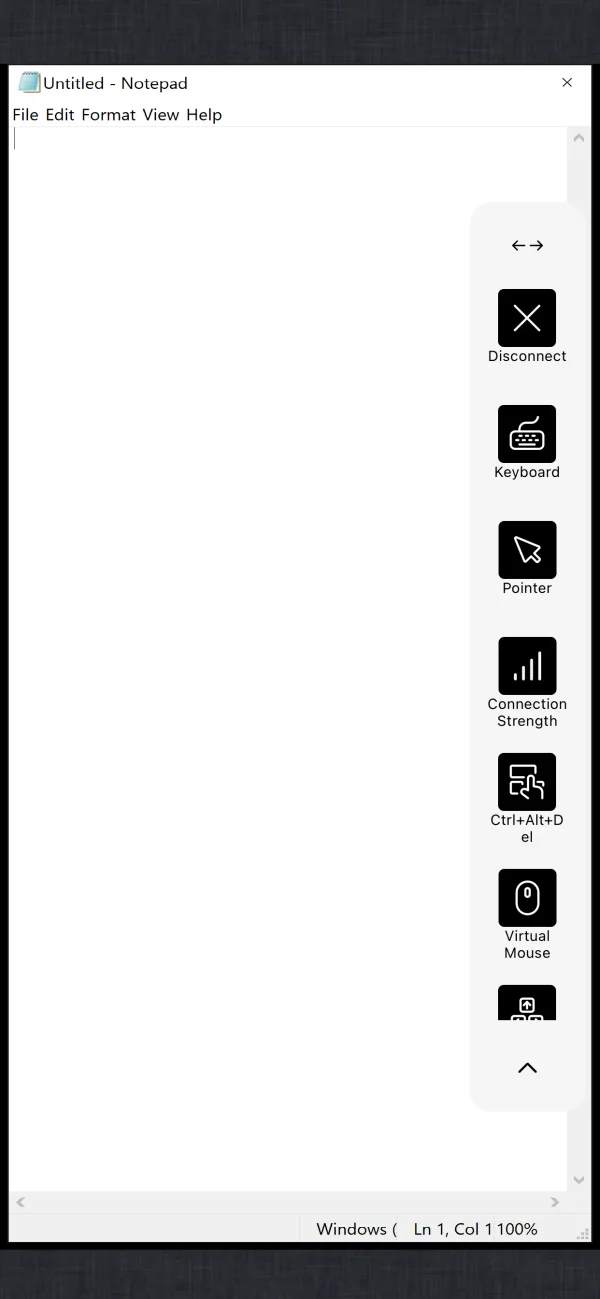
Citrix Workspace app lets you access your SaaS, web apps, mobile, virtual apps, files, and desktops to help you be as productive on the go as you are in the office. If your company uses Citrix, you have the freedom to work on your favourite device from wherever you are. Just ask your IT department how to get started.
HOW TO USE CITRIX Workspace app
1. Open Citrix Workspace app and tap on Get Started.
2. Enter the Server or email address as instructed by Your IT Help Desk or system administrator.
3. Enter your User Name and Password.
4. Select the applications you want to use.
5. For adding multiple accounts, navigate to Settings and tap on Manage Accounts.
6. For Deleting/Editing Account already added navigate to Settings and tap on the Store.
HOW TO REPORT AN ISSUE TO CITRIX - Please contact your company's IT support team before following these steps:
Option 1
1. Open Citrix Workspace app and tap 'Settings' and then 'Report Issue'.
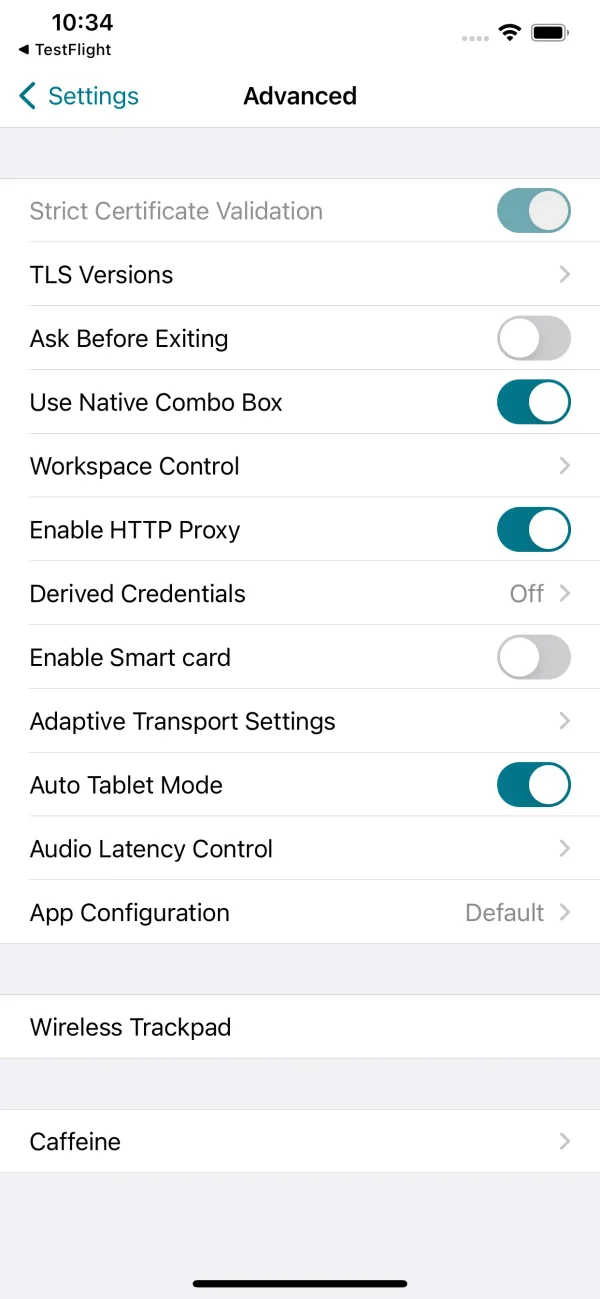
2. Click on Advanced, choose Location as File & Console, Log Level as Verbose, click on the back arrow.
3. Type in a description of the issue and click Share. Choose your Email app. This will generate a log file attached to the draft email.
4. Send the email to your company's IT support team.
Option 2
1. In the App Store, go to Citrix Workspace
2. Tap 'Reviews' and then tap 'App Support' found at the bottom right of the screen.
3. This launches the Citrix support forum where you can review reported issues OR
4. To report issues, tap the menu icon and create an account first.
Nouveautés
Version 26.9.0 · 17/09/2026
Support for iOS/iPadOS 27 and general bug fixes
Confidentialité de l’application
Ce que Citrix Systems, Inc. déclare sur l’App Store au sujet du traitement des données par cette application.
-
Données établissant un lien avec vous
Peuvent être collectées et liées à votre identité.
- Emplacement
- Coordonnées
- Identifiants
-
Données n’établissant aucun lien avec vous
Peuvent être collectées, mais ne sont pas liées à votre identité.
- Données d’utilisation
- Diagnostic
Les pratiques en matière de confidentialité peuvent varier, notamment en fonction des fonctionnalités que vous utilisez ou de votre âge.
Informations
- Vendeur
- Citrix Systems, Inc.
- Catégorie
- Économie et entreprise
- Version
- 26.9.0
- Mis à jour
- 17/09/2026
- Publié
- 01/04/2010
- Taille
- 104,5 Mo
- Nécessite
- iOS 17.0 ou version ultérieure
- Classification d’âge
- 4+
- Prix
- Gratuit
- Langues
- Anglais, Danois, Néerlandais, Français, Allemand, Italien, Japonais, Coréen, Portugais, Chinois simplifié, Espagnol, Suédois
- Copyright
- © 2026 Cloud Software Group, Inc. All Rights Reserved.
Vous aimerez peut-être aussi
-
 Intelligent HubOmnissa Workspace ONE
-
 Smart Log OnÉconomie et entreprise
-
 Cisco JabberÉconomie et entreprise
-
 symplr WorkforceÉconomie et entreprise
-
 GlobalProtect™Économie et entreprise
-
 Infor GoÉconomie et entreprise
-
 Ivanti Mobile@Work™ ClientÉconomie et entreprise
-
 RSA Authenticator (SecurID)Économie et entreprise
-
 Windows App MobilePrécédemment Bureau à distance
-
 Microsoft AzureAzure – anytime, anywhere