ClassPilot - School Planner
Your Smart Study Companion!
Conçue pour iPhone, iPad
Gratuit · Achats intégrés
- Classification d’âge4+
- CatégorieÉducation
- DéveloppeurEfthymios Tampouris
- LanguesAnglais+ 21 de plus
- Taille13,6 Mo
Renvoie vers la page App Store officielle
Download.org n’héberge aucun fichier de ClassPilot - School Planner. Le bouton ouvre la page de l’application sur App Store, où Efthymios Tampouris la publie. Fiche vérifiée pour la dernière fois le 10/11/2026.
Captures d’écran
À propos
Le développeur n’a pas fourni ce texte dans votre langue.
** ClassPilot ** helps you plan a semester, manage daily lessons, track grades, and stay on top of deadlines — whether you’re trying the app for free or running a full classroom workflow on Pro.
** ClassPilot - School Planner is translated in 22 Languages! **
Core capabilities:
• Course management: create and organize courses with metadata.
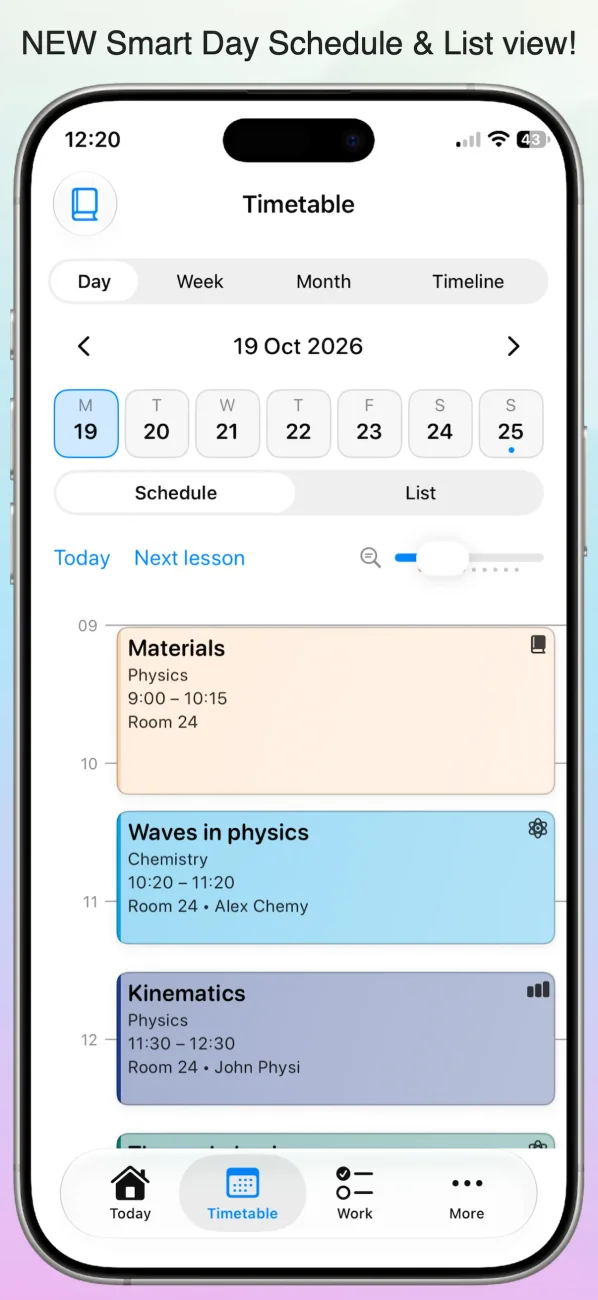
• Lesson planner: schedule lessons with start/end times, locations, and quick links.
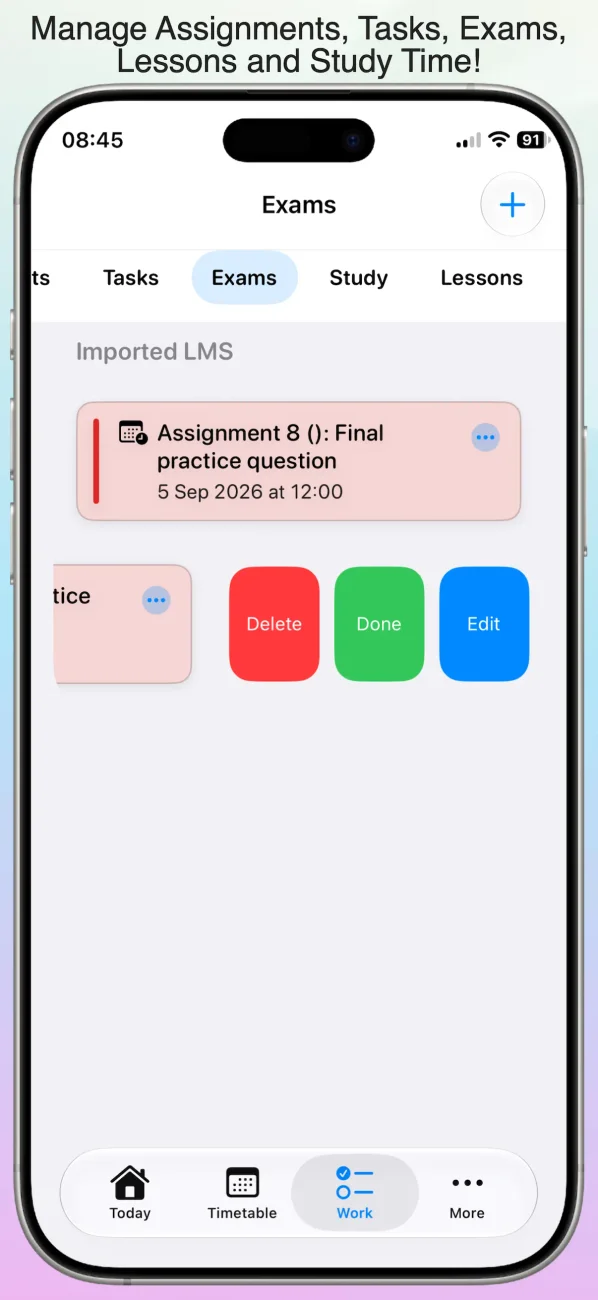
• Assignments & exams: add assignments and exams with due dates, priorities, estimated effort, and status.
• Tasks & checklists: lightweight tasks with subtasks, priorities, and completion history.
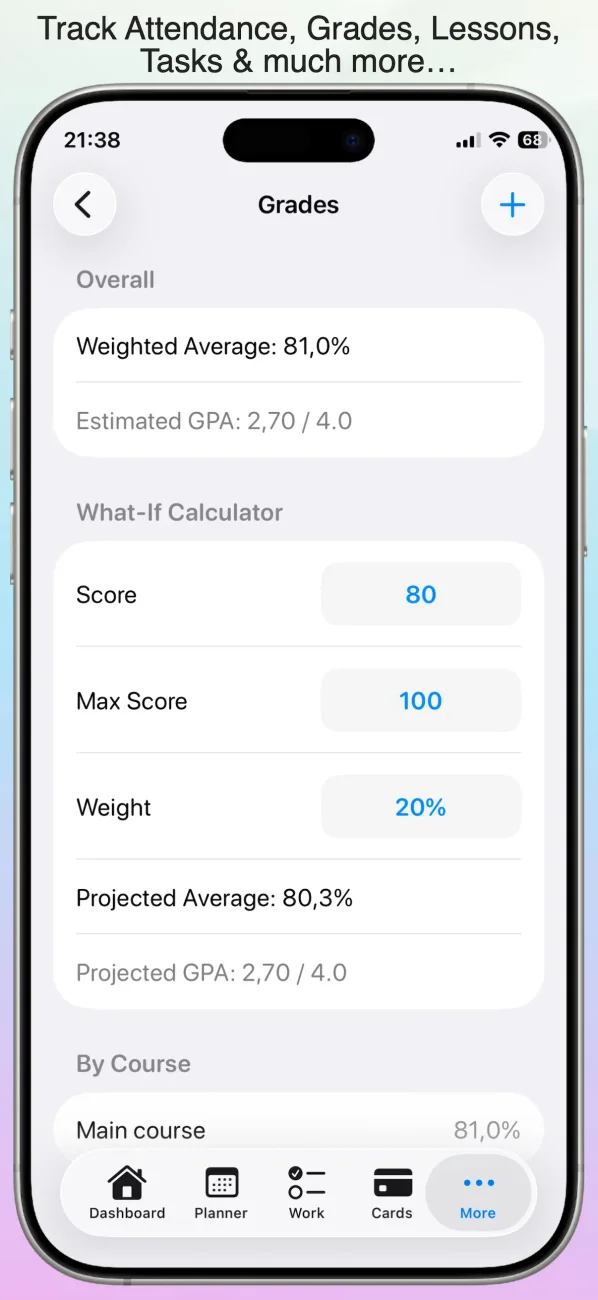
• Grades: full grade visibility with weighted categories and quick grade entry.
• Study cards: create flashcards for quick review and spaced practice.
• Documents & attachments: attach documents; preview and open files from the app.
• Reminders & notifications: set reminders for items and receive local notifications.
• Appearance & themes: choose light/dark and theme accents.
• Import options: import course data from standard LMS exports.
• Local backups: export and restore data.
• iCloud sync & background sync: automatic cross‑device sync and conflict resolution.
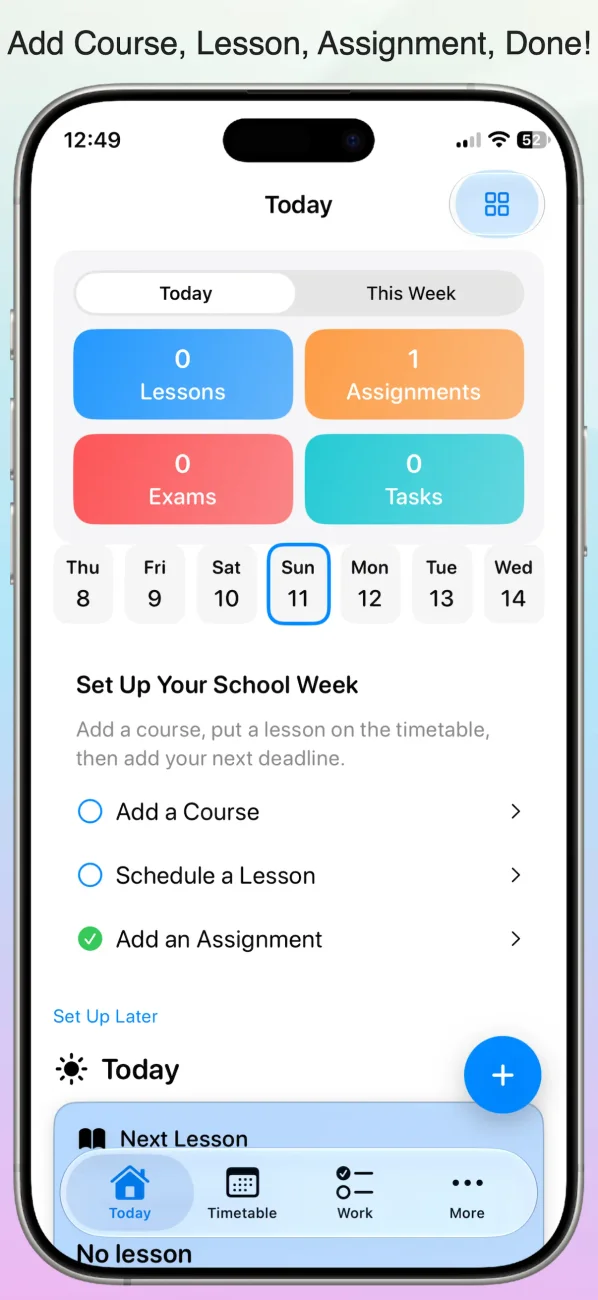
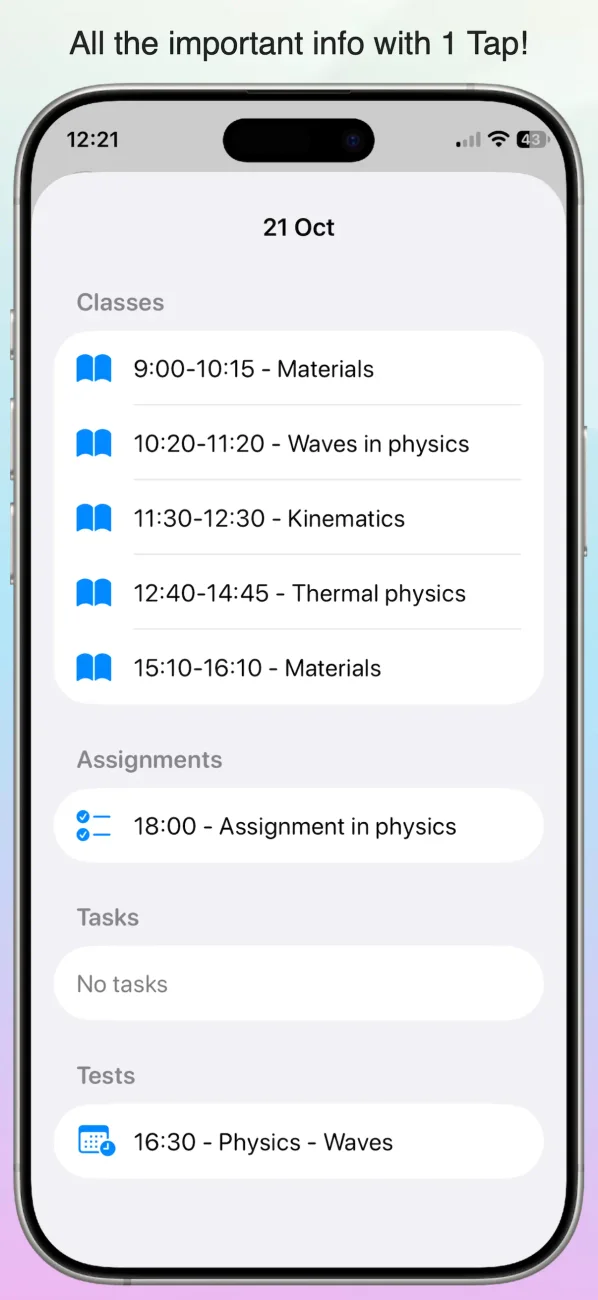
• Dashboard: concise dashboard showing next lesson, upcoming deadlines, and quick actions.
• Security & privacy: iCloud sync for cross‑device continuity.
• Deep links & sharing: open specific lessons, assignments or courses with classmates or teachers.
• Performance: timeline views optimised for smooth scrolling.
Extra Advanced Pro features:
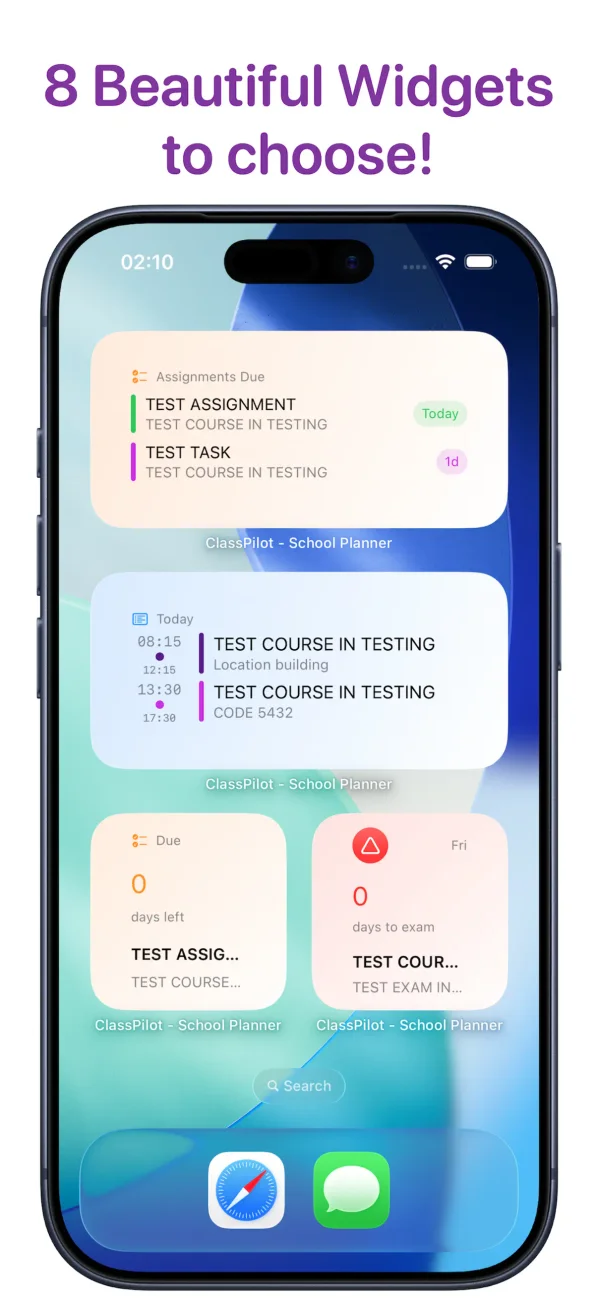
• Home‑screen widgets: full home widgets (Next Lesson, Today, Assignments, Exams, Course) with multi‑instance support and per‑widget configuration.
• Expanded imports: direct imports from MSTeams, Moodle, Google Classroom, Canvas.
• Dashboard customization: add, remove and rearrange dashboard modules and widgets.
• Calendar sync: two‑way calendar integration with system calendars and advanced sync options.
• Advanced exports & sharing: export full course packages, share read/write links, and bulk CSV/ICS export.
Usability & reliability:
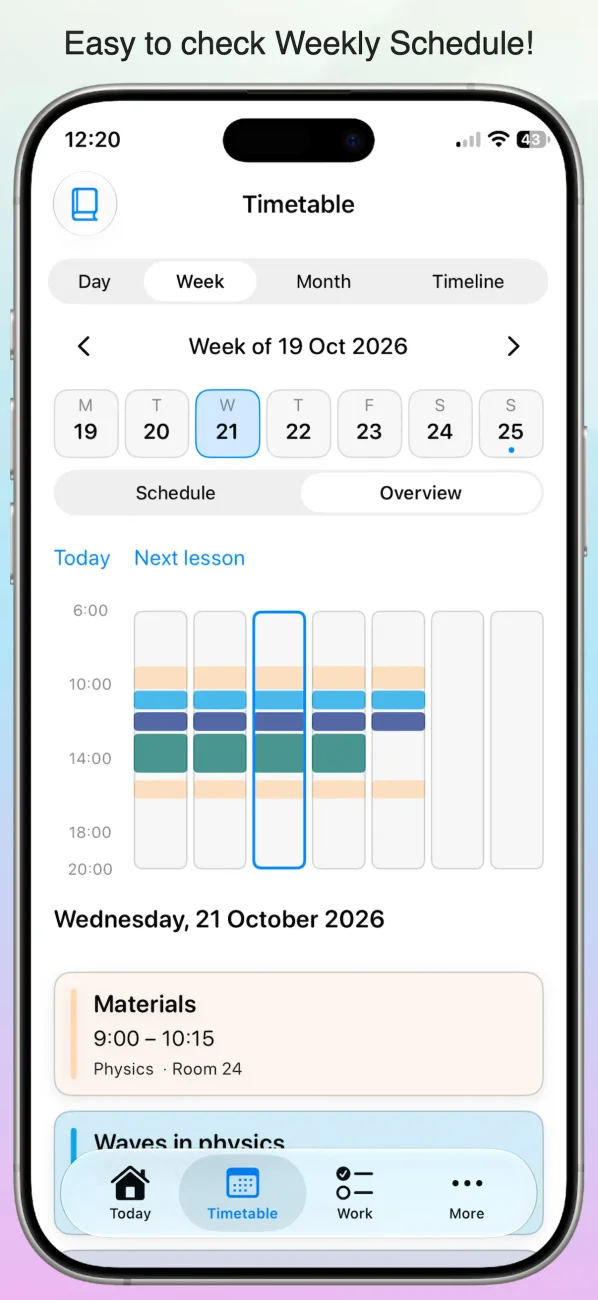
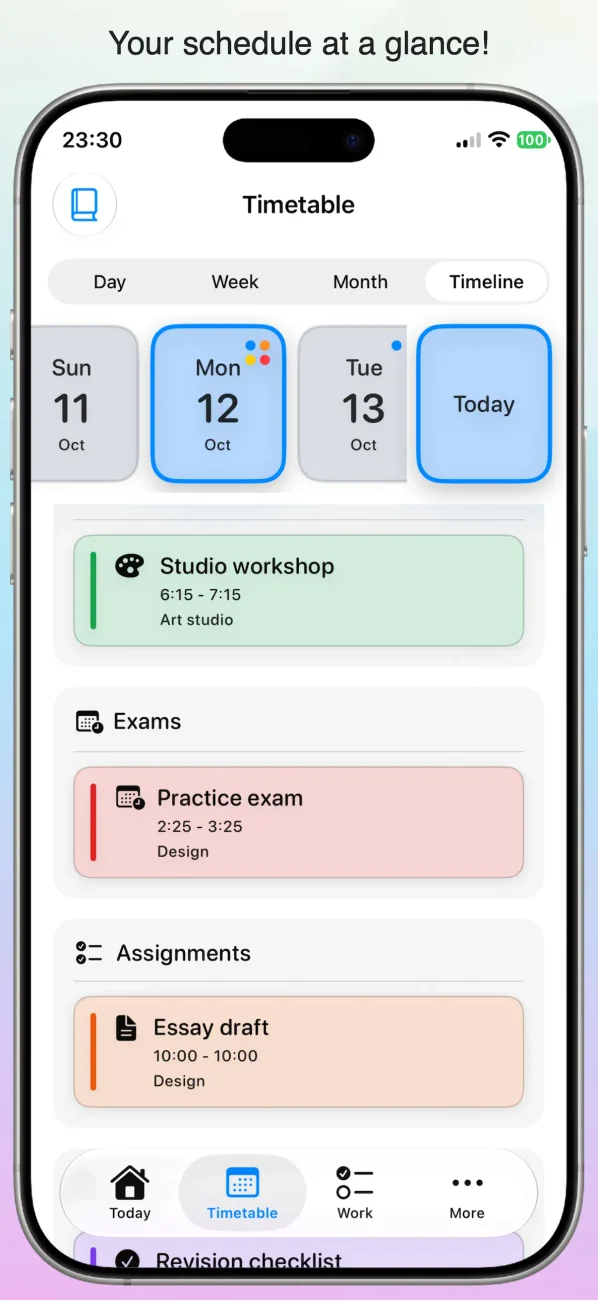
• Deterministic day and week timeline rendering for clear, non‑overlapping event placement.
• Overlap resolution and columned event layout for readable schedules.
* Free vs Pro — Feature comparison
Free:
• Courses: 2
• Teachers: 3
• Lessons: 3
• Assignments: 3
• Exams: 3
• Tasks: 3
• Cards: 3
• Documents: 5
• Reminders: 1
• Grade visibility: Full
• Appearance/themes: Included
• In‑app widget preview: Included
• Imports: LMS only
• Calendar sync: No
• iCloud sync: Yes
• Backup & restore: No
• Dashboard customisation: Partial
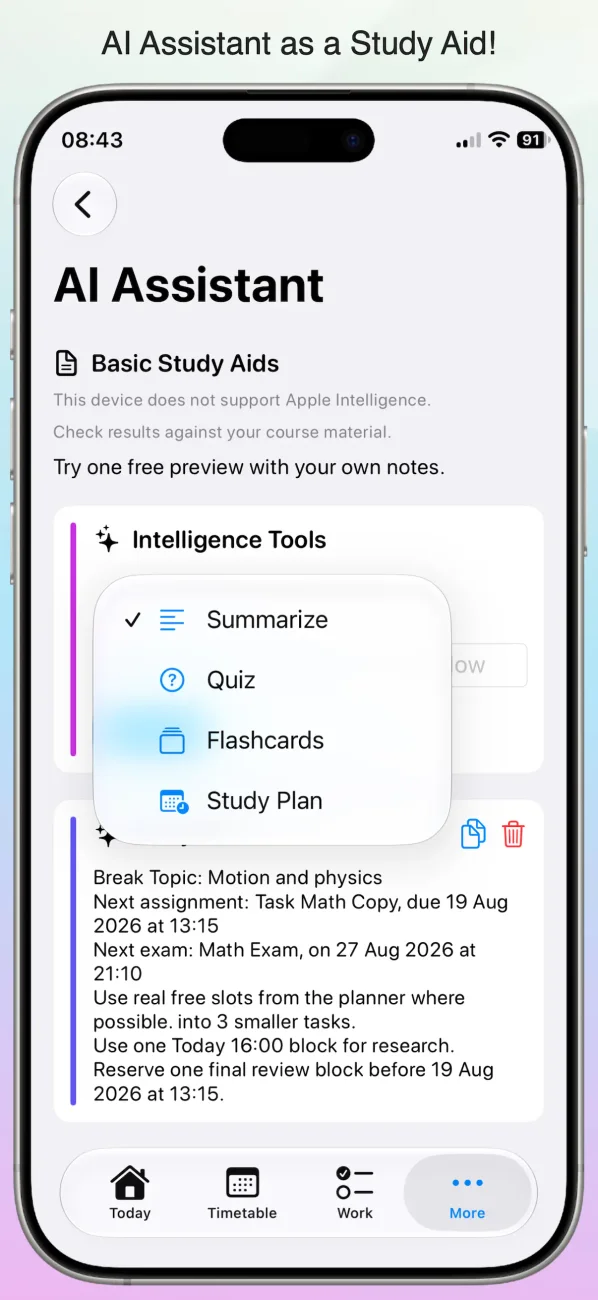
• Intelligence access: Free to try
Pro (only for 1,99 EUR/month):
• Unlimited courses, teachers, lessons, assignments, exams, tasks, cards, documents
• Home‑screen widgets (multi‑instance, customisable)
• iCloud sync & background sync across devices
• Imports: MSTeams, Moodle, Google Classroom, Canvas
• Backup & restore, encrypted exports
• Dashboard customisation and advanced widgets
• Calendar sync and advanced export/sharing options
• Priority support and migration assistance
Terms of Use (EULA): https://www.apple.com/legal/internet-services/itunes/dev/stdeula/
Privacy Policy URL: https://ops-eng.github.io/ClassPilot/privacy.html
- ClassPilot is free to download and use. ClassPilot Pro Subscription gives you unlimited access to our premium content and features.
- Payment will be charged to your iTunes Account at confirmation of your subscription. Subscription automatically renews unless auto-renew is turned off at least 24-hours before the end of the current period.
Nouveautés
Version 1.6.1 · 25/10/2026
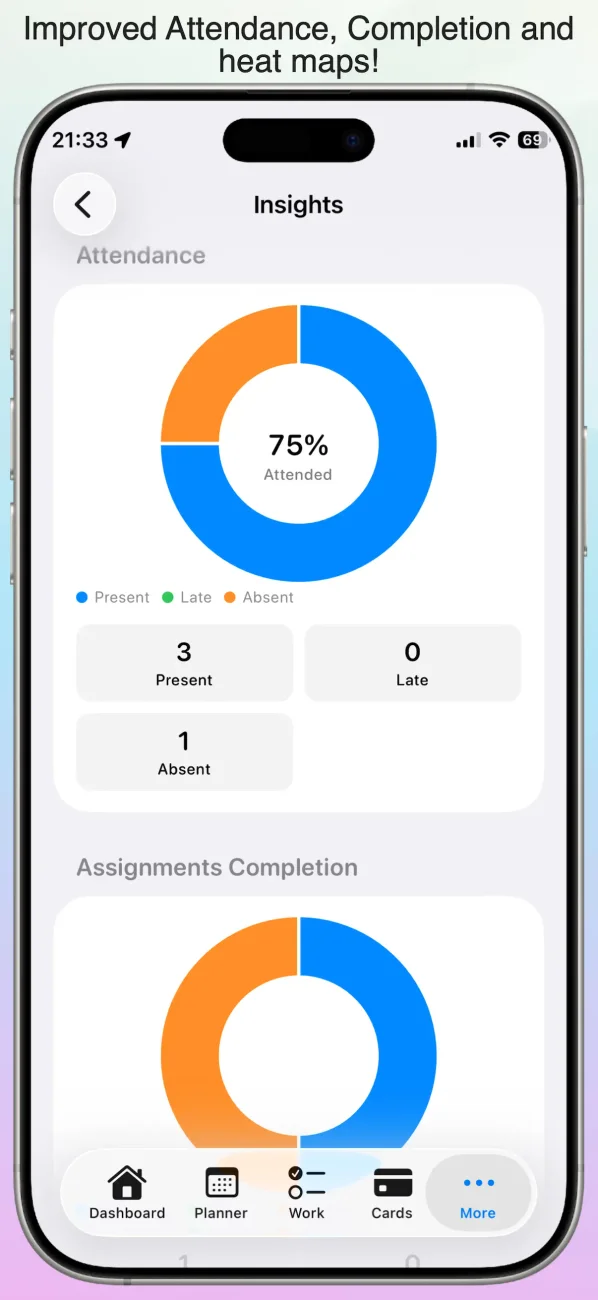
NEW: attendance for every lesson!
- Timetable → Day or Week → tap a lesson → Attendance: choose Presence, Absence or Lateness, then Save. Or long-press a lesson → Attendance for a quick update.
- To mark several lessons, open Today → Show More → Attendance, or Course Details → Record Attendance. Choose the date, mark each lesson, then Save.
- Follow your attendance in More → Insights.
- Course Details → View Lessons now groups scheduled lessons by month and year.
Plus: navigation improvements and updated help and support links.
** Enjoy the app? Please take a moment to rate it!
** Need Support? Contact us: https://www.yetanotherswift.app/ios/classpilot/support
Confidentialité de l’application
Ce que Efthymios Tampouris déclare sur l’App Store au sujet du traitement des données par cette application.
-
Données non collectées
Le développeur ne collecte aucune donnée à partir de cette application.
Les pratiques en matière de confidentialité peuvent varier, notamment en fonction des fonctionnalités que vous utilisez ou de votre âge.
Informations
- Vendeur
- Efthymios Tampouris
- Catégorie
- Éducation
- Version
- 1.6.1
- Mis à jour
- 25/10/2026
- Publié
- 18/05/2026
- Taille
- 13,6 Mo
- Nécessite
- iOS 18.6 ou version ultérieure
- Classification d’âge
- 4+
- Prix
- Gratuit
- Achats intégrés
- Oui
- Langues
- Anglais, Arabe, Danois, Néerlandais, Français, Allemand, Grec, Hindi, Hongrois, Indonésien, Italien, Japonais + 10 de plus
- Copyright
- Copyright ©2026 Efthymios Tampouris. All Rights Reserved.