Clean Prompter
Clean, Easy, Powerful Prompter
Conçue pour iPhone
Gratuit · Achats intégrés
- Classification d’âge4+
- CatégoriePhoto et vidéo
- DéveloppeurNamsun Bertin Sembiring
- LanguesAnglais
- Taille2,9 Mo
Renvoie vers la page App Store officielle
Download.org n’héberge aucun fichier de Clean Prompter. Le bouton ouvre la page de l’application sur App Store, où Namsun Bertin Sembiring la publie. Fiche vérifiée pour la dernière fois le 12/11/2026.
Captures d’écran


À propos
Le développeur n’a pas fourni ce texte dans votre langue.
Simply the best teleprompter.
The cleanest and easiest to use.
IN-APP PURCHASE REQUIRED FOR FULL ACCESS
The features described below require an in-app purchase. You can start with a 3-day free trial of the yearly plan or choose lifetime access with a one-time purchase. Exact pricing and billing details are listed under “Choose Your Access.”
Clean Prompter puts your script where your eyes should be — right by the lens — so you look at the camera instead of down at your notes.
FLOAT IT OVER YOUR CAMERA
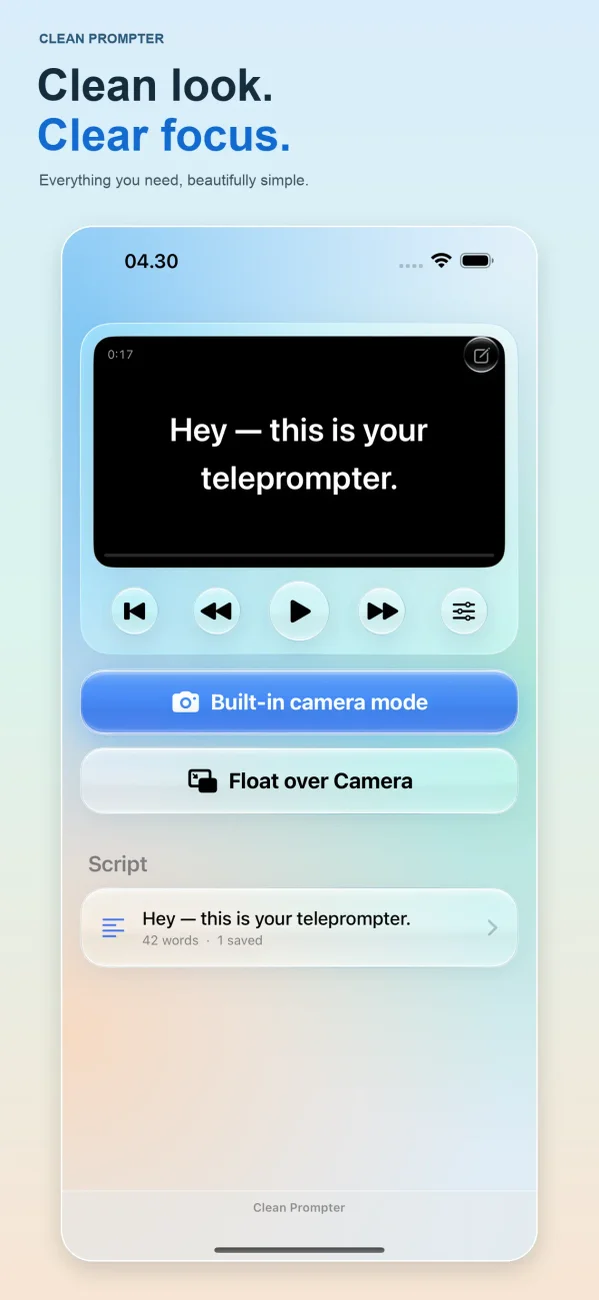
Send the prompter into a floating window that stays on top of the Camera app. Pinch it to the size you want, drag it next to the lens, and double-tap to run your script from the top after a countdown.
OR RECORD IN THE APP
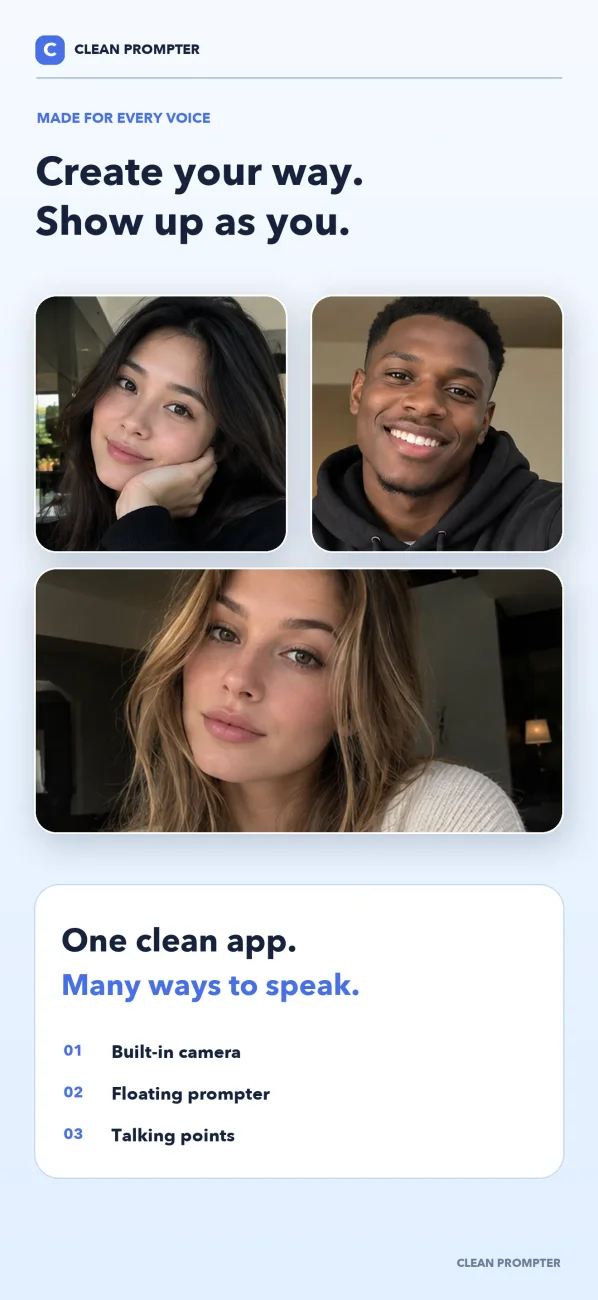
The built-in camera mode puts a see-through prompter panel over a live preview, with every control close at hand: back to the beginning, rewind, play, pause, fast forward, and text size. Drag the panel anywhere, pinch to resize, and record straight to your photo library.
CINEMATIC BACKGROUND BLUR
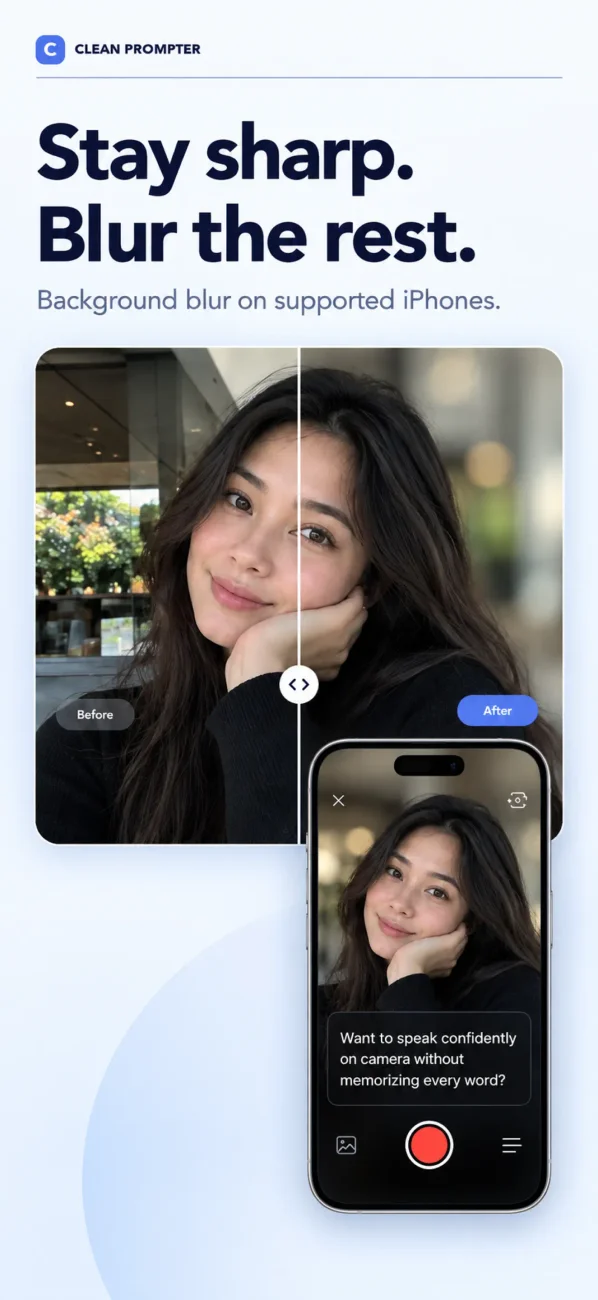
On supported iPhones, record with Apple's Cinematic Video — a real depth-of-field effect with a simulated aperture you set yourself, from f/2 for a soft background to f/16 for everything sharp.
BUILT FOR TAKES
• Keeps your last ten scripts, newest first
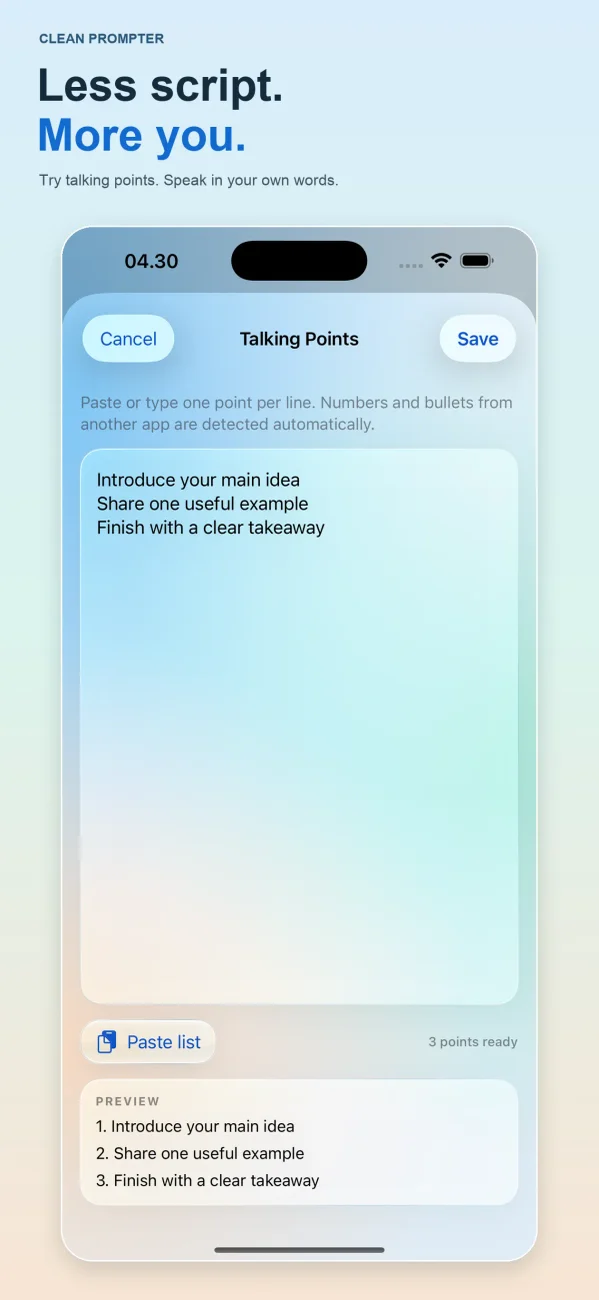
• Paste a script straight from the clipboard
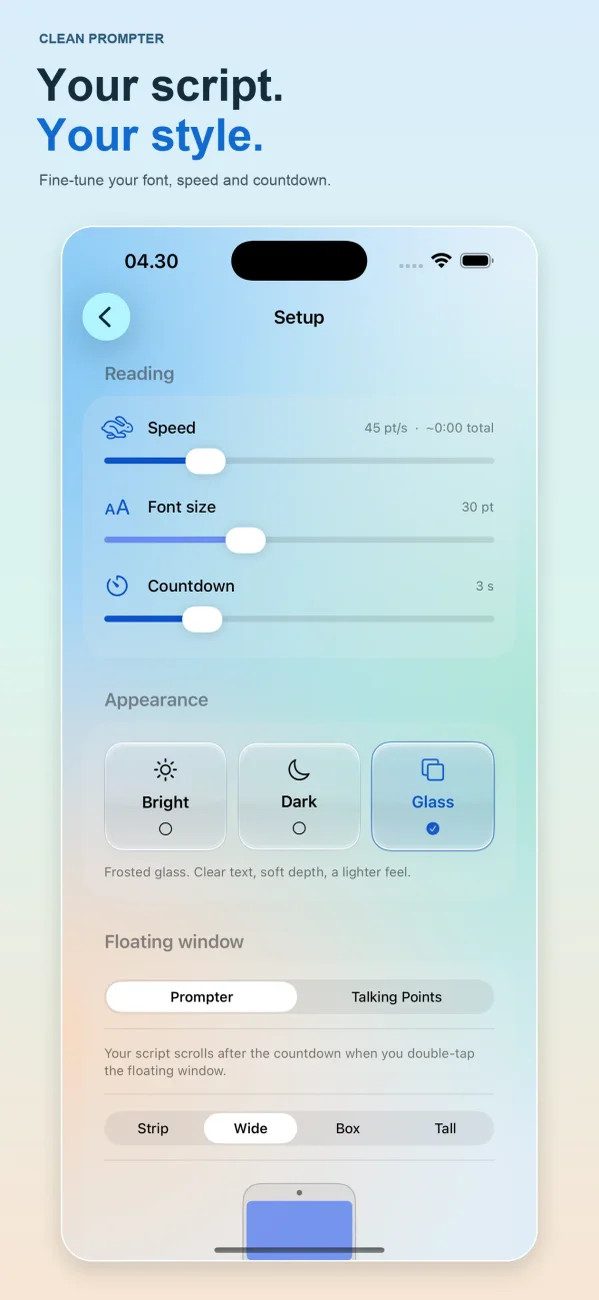
• Adjust speed, font size, and opacity to suit your delivery
• Choose a countdown from 1 to 10 seconds
• Choose four window shapes, from a wide strip to a tall column
Nothing you write or record leaves your iPhone.
CHOOSE YOUR ACCESS
Start a 3-day free trial of the yearly plan. Confirm with Apple today; after the trial, Apple charges US$24.99 per year (or your local price) and renews yearly unless canceled. Or buy lifetime access once for US$34.99 (or your local price), with no renewal. Restore Purchases is available in the app.
Terms of Use (EULA): https://www.apple.com/legal/internet-services/itunes/dev/stdeula/
Nouveautés
Version 1.3.1 · 11/10/2026
Introducing a refined frosted Glass theme with translucent menus, reflective buttons, and a soft blue, mint, and peach background. Bright and Dark themes remain available. Improved visual consistency across Home, Setup, Scripts, Talking Points, and camera controls.
Confidentialité de l’application
Ce que Namsun Bertin Sembiring déclare sur l’App Store au sujet du traitement des données par cette application.
-
Données non collectées
Le développeur ne collecte aucune donnée à partir de cette application.
Les pratiques en matière de confidentialité peuvent varier, notamment en fonction des fonctionnalités que vous utilisez ou de votre âge.
Informations
- Vendeur
- Namsun Bertin Sembiring
- Catégorie
- Photo et vidéo
- Version
- 1.3.1
- Mis à jour
- 11/10/2026
- Publié
- 05/10/2026
- Taille
- 2,9 Mo
- Nécessite
- iOS 17.0 ou version ultérieure
- Classification d’âge
- 4+
- Prix
- Gratuit
- Achats intégrés
- Oui
- Langues
- Anglais
- Copyright
- © 2026 MrBert
Vous aimerez peut-être aussi
-
 Hardlight: Effect & TransitionPhoto et vidéo
-
 Téléprompteur : CueCasterLe texte suit votre voix
-
 Smart Teleprompter for VideoPhoto et vidéo
-
 Teleprompter IA & Vidéo-CuePrompteur pour lire et filmer
-
 Téléprompteur IA: PromptOneScripts & Enregistrement Vidéo
-
 Daily Studio : Prompteur IAScripts MCP, zones de sécurité
-
 Prompts pour Wan AICréer Vidéos IA
-
 Teleprompter for Ai VideosPhoto et vidéo
-
 Headsy: AI Headshot GeneratorPhoto et vidéo