- Classification d’âge4+
- CatégoriePhoto et vidéo
- DéveloppeurVasilij Sviridov
- LanguesAnglais+ 4 de plus
- Taille5,3 Mo
Renvoie vers la page App Store officielle
Download.org n’héberge aucun fichier de Cliptum. Le bouton ouvre la page de l’application sur App Store, où Vasilij Sviridov la publie. Fiche vérifiée pour la dernière fois le 14/11/2026.
Captures d’écran
À propos
Le développeur n’a pas fourni ce texte dans votre langue.
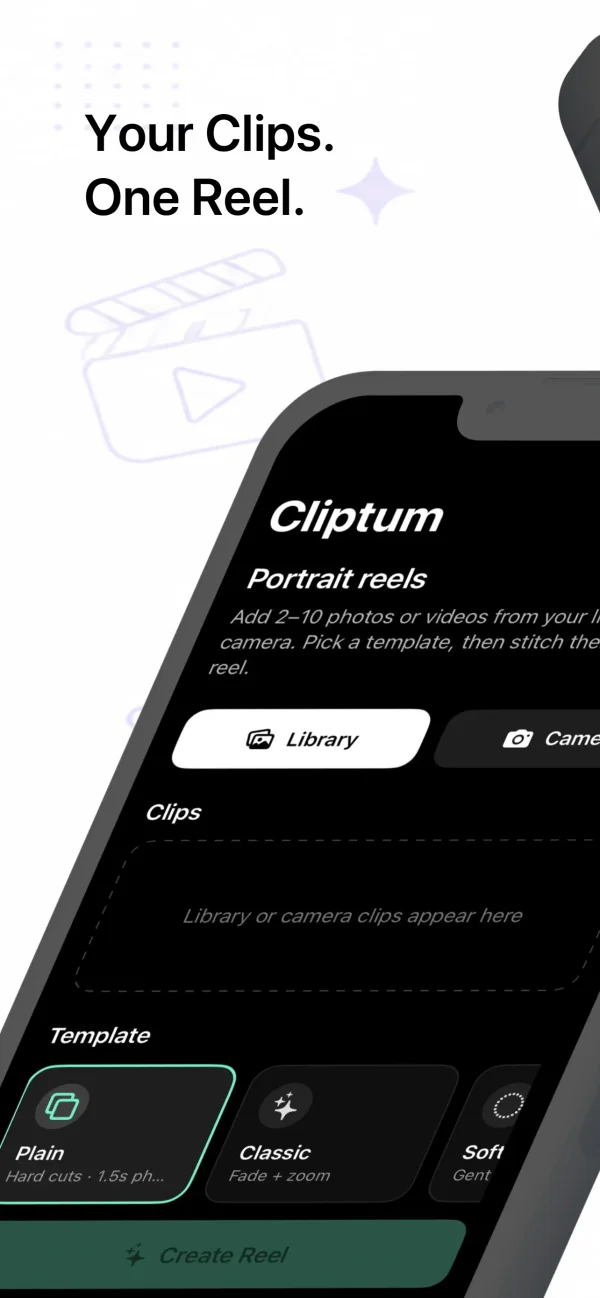
Create polished portrait reels from your favourite photos and videos with Cliptum.
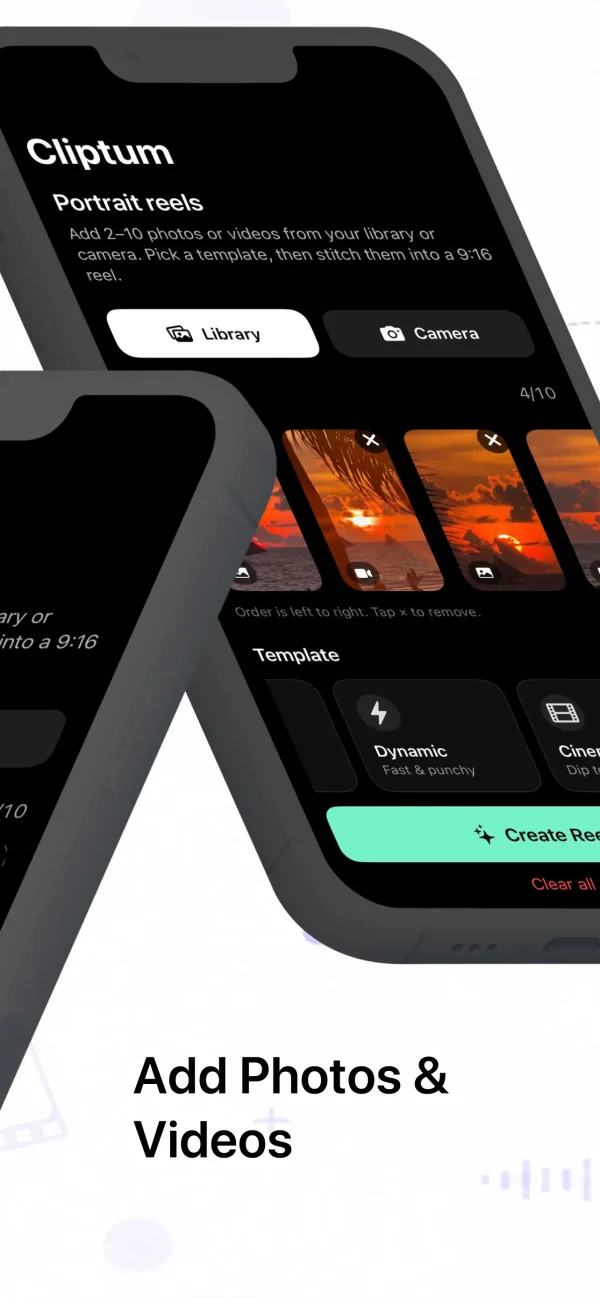
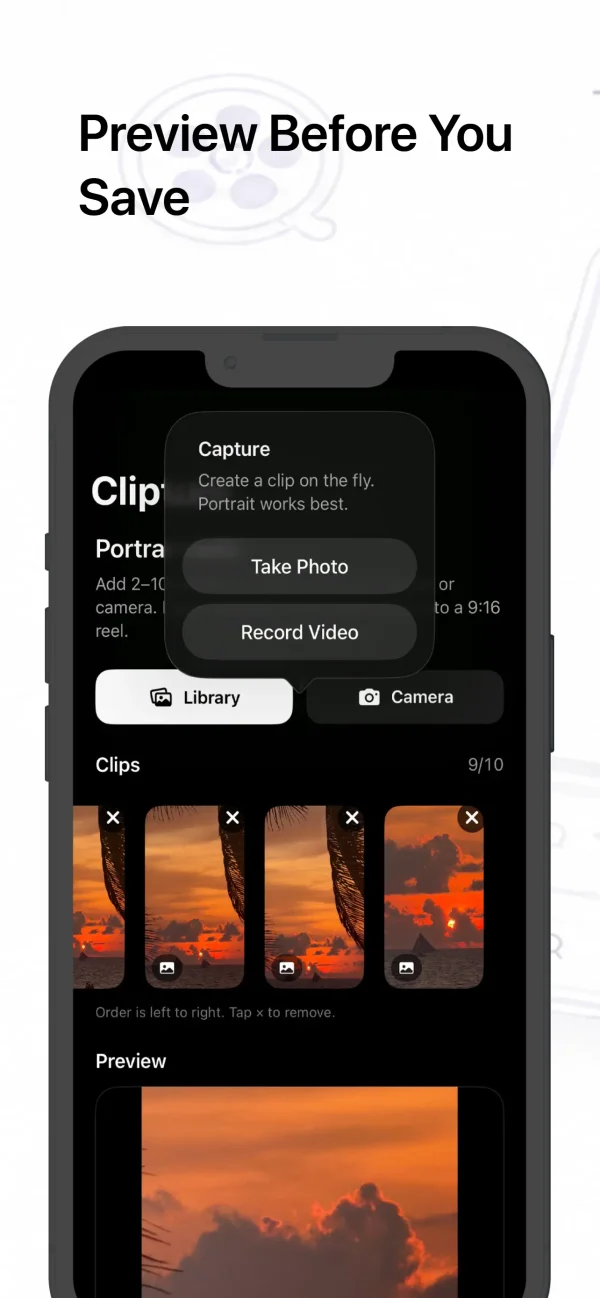
Choose 2–10 clips from your photo library or capture something new with the camera. Arrange your moments, select a template, preview the result, and save your finished 9:16 reel directly to Photos.
Features:
• Combine photos and videos
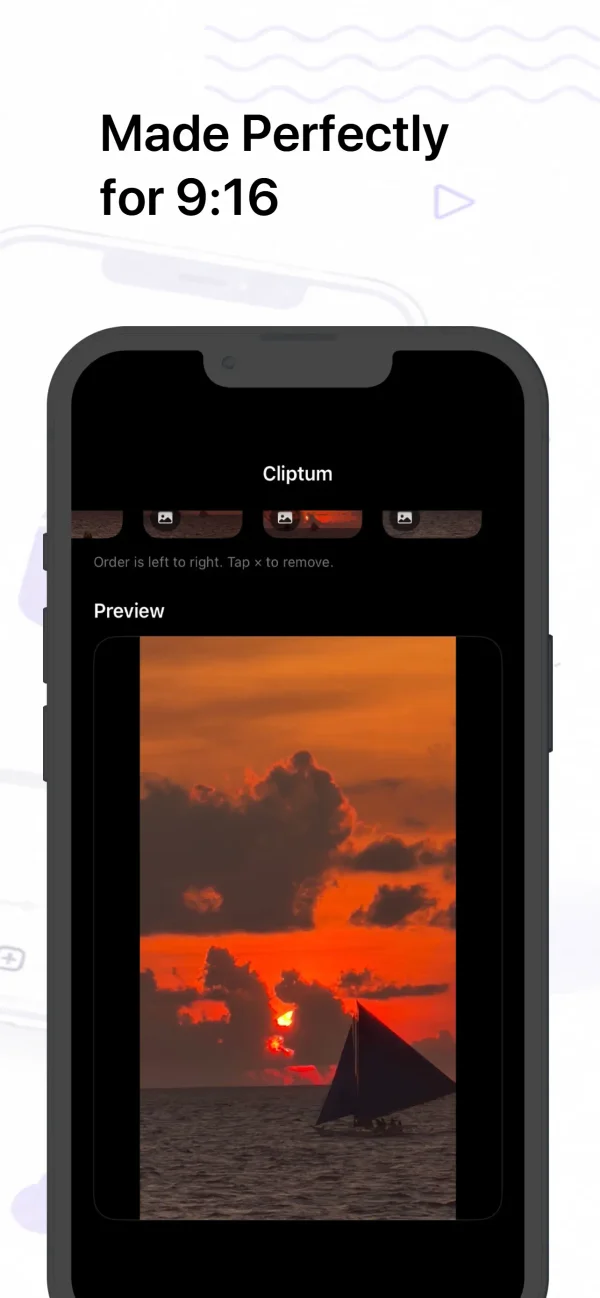
• Create portrait 9:16 reels
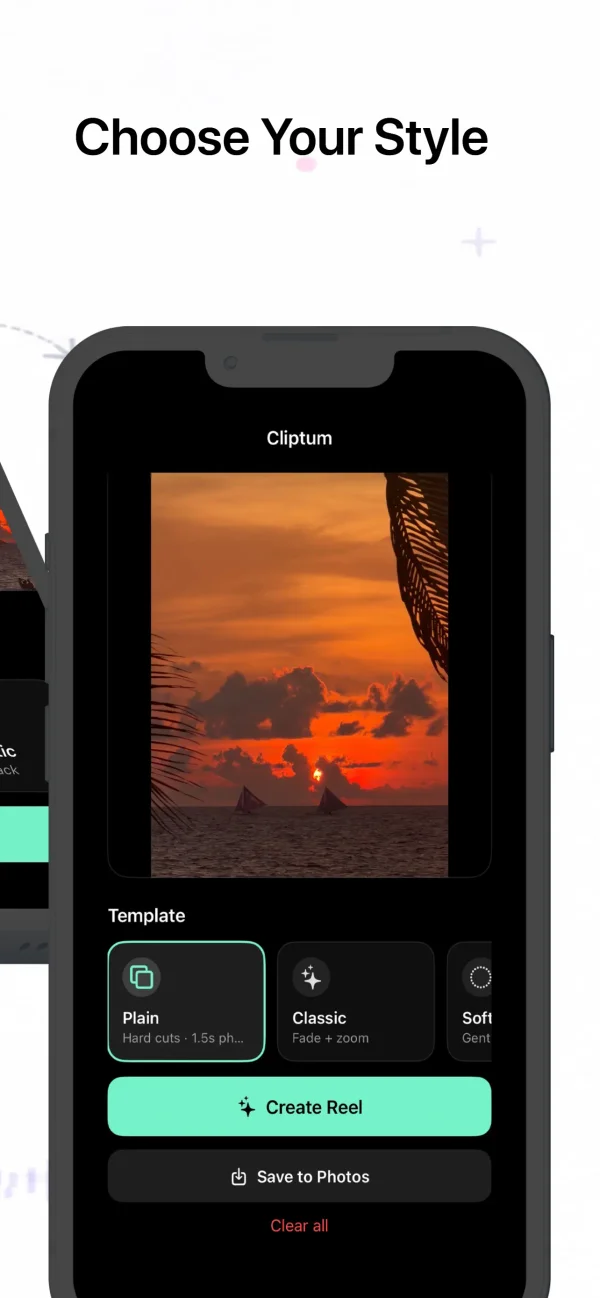
• Choose from multiple visual templates
• Use Plain mode for clean cuts without effects
• Preview your reel before exporting
• Export in 1080 × 1920 resolution
• Capture new photos and videos in the app
• Media processing stays on your device
Cliptum keeps reel creation simple — without a complicated editing timeline.
Terms of Use (EULA): https://qaimos.co.uk/cliptum/terms.html
Privacy Policy: https://qaimos.co.uk/cliptum/privacy.html
Cliptum Free:
• Using third‑party advertising / AdMob data types.
Cliptum Pro Subscriptions:
• Cliptum Pro Weekly – 1 week, auto-renewable
• Cliptum Pro Monthly – 1 month, auto-renewable
Payment is charged to your Apple ID account at confirmation of purchase. Subscriptions automatically renew unless cancelled at least 24 hours before the end of the current period. Manage or cancel anytime in your Apple ID account settings.
Nouveautés
Version 1.4 · 13/10/2026
Here’s **what’s new** in this Cliptum version:
### Monetization
- **Free with ads** as the default plan
- **Watch ad → unlock Save** (rewarded ads)
- Pro = **no ads + Pro templates + 1080p**
- Weekly / Monthly still available
### New / upgraded templates
- **Plain+** — long video → ~**20s** of random **5s** cuts
- **Plain++** — long video → ~**40s** of random **5s** cuts
- **Highlights** — long video → ~20s highlight-style cuts
- Stronger looks: color washes, frames, neon, circle focus, letterbox
- Better motion: pan zoom, punch, drift
### Fixes / polish
- Preview no longer crashes with fancy looks (looks apply on export)
- Plain+ / Highlights / Plain++ preview fixed (was black) via file-based preview
- Smaller template picker UI
### Still free forever
- **Plain** template at **720p** (Standard)
Confidentialité de l’application
Ce que Vasilij Sviridov déclare sur l’App Store au sujet du traitement des données par cette application.
-
Données n’établissant aucun lien avec vous
Peuvent être collectées, mais ne sont pas liées à votre identité.
- Emplacement
- Identifiants
- Données d’utilisation
- Diagnostic
Les pratiques en matière de confidentialité peuvent varier, notamment en fonction des fonctionnalités que vous utilisez ou de votre âge.
Informations
- Vendeur
- Vasilij Sviridov
- Catégorie
- Photo et vidéo
- Version
- 1.4
- Mis à jour
- 13/10/2026
- Publié
- 21/07/2026
- Taille
- 5,3 Mo
- Nécessite
- iOS 17.0 ou version ultérieure
- Classification d’âge
- 4+
- Prix
- Gratuit
- Achats intégrés
- Oui
- Langues
- Anglais, Arabe, Français, Allemand, Portugais
- Copyright
- © Vasilij Sviridov
Vous aimerez peut-être aussi
-
 RemoteLens ProPhoto et vidéo
-
 TAME Video CompressorPhoto et vidéo
-
 ComeCloser CameraPhoto et vidéo
-
 moarpixelsPhoto et vidéo
-
 Flouter visage - MasquerMasquer captures, PDF et vidéo
-
 BGAway - Effaceur de fondDétourage photo avec IA
-
 PulseDrivePhoto et vidéo
-
 ZestCam - Live in film zestPhoto et vidéo
-
 Vanishing FramePhoto et vidéo
-
 LumiRoll – Film Cam & EditorPhoto et vidéo