
- Classification d’âge4+
- CatégorieÉconomie et entreprise
- DéveloppeuronCloud
- LanguesAnglais
- Taille15,2 Mo
Renvoie vers la page App Store officielle
Download.org n’héberge aucun fichier de Cloudspire. Le bouton ouvre la page de l’application sur App Store, où onCloud la publie. Fiche vérifiée pour la dernière fois le 17/11/2026.
Captures d’écran




À propos
Le développeur n’a pas fourni ce texte dans votre langue.
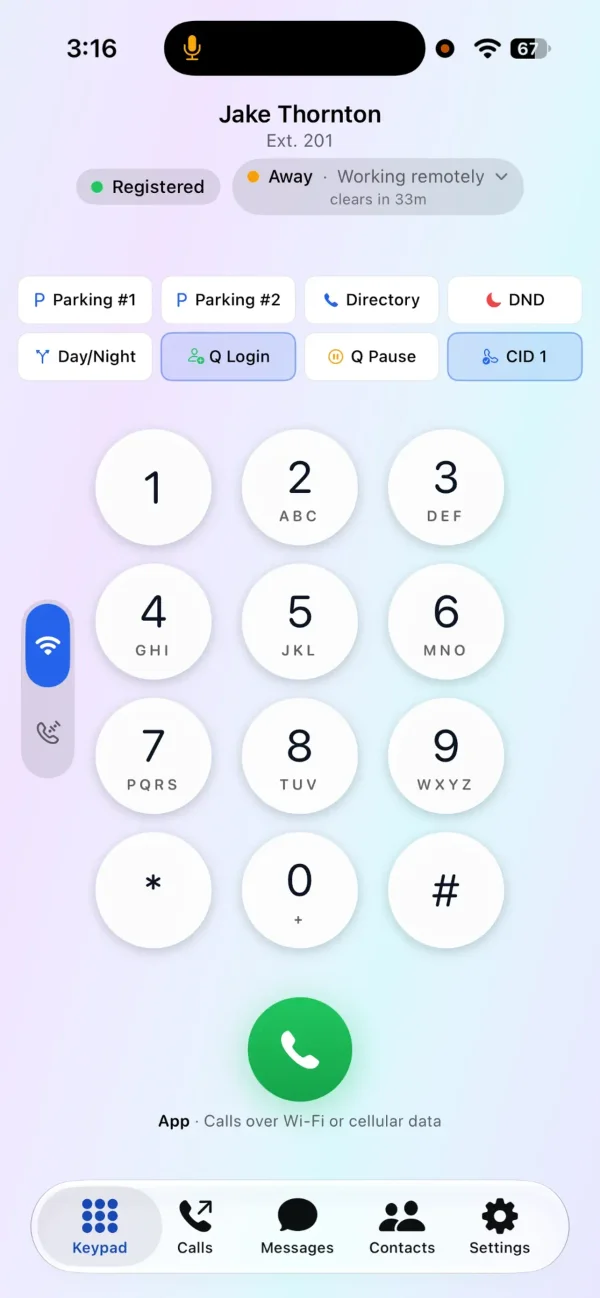
Cloudspire puts your business phone and your AI agents in one app. On the Voice side, your Cloudspire extension becomes a mobile phone line: calls, texts, team chat, voicemail and your team's status, anywhere you have Wi-Fi or cellular data. On the AI side, for companies with Cloudspire AI, you run the AI agents that answer your calls: requests they take, questions they ask you during a call, transfers to your cell, conversations and controls. People with both switch sides with one button in the tab bar.
VOICE
Calling
• Make and receive business calls over Wi-Fi or cellular with HD audio
• Native iPhone call screen: incoming calls ring on the lock screen like any phone call
• Bluetooth, wired headset and speakerphone
• Blind and attended transfer, and 3-way conference
• Keypad tones for phone menus
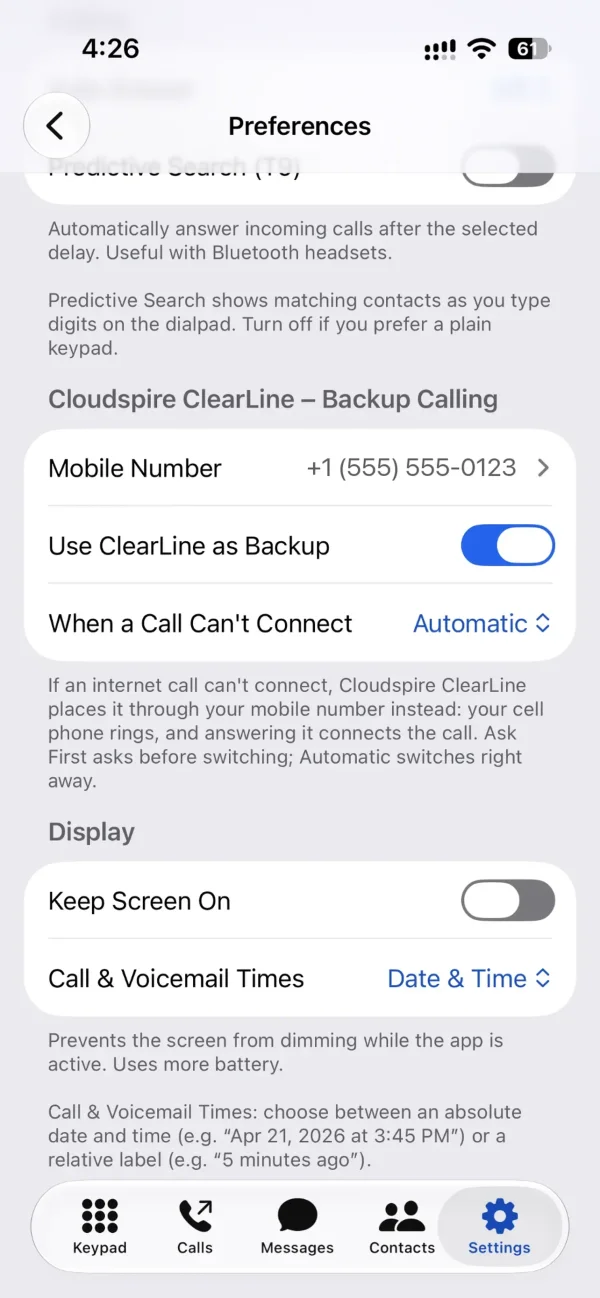
• Cloudspire ClearLine: when an internet call can't connect, place it through your mobile number instead (where your company has ClearLine)
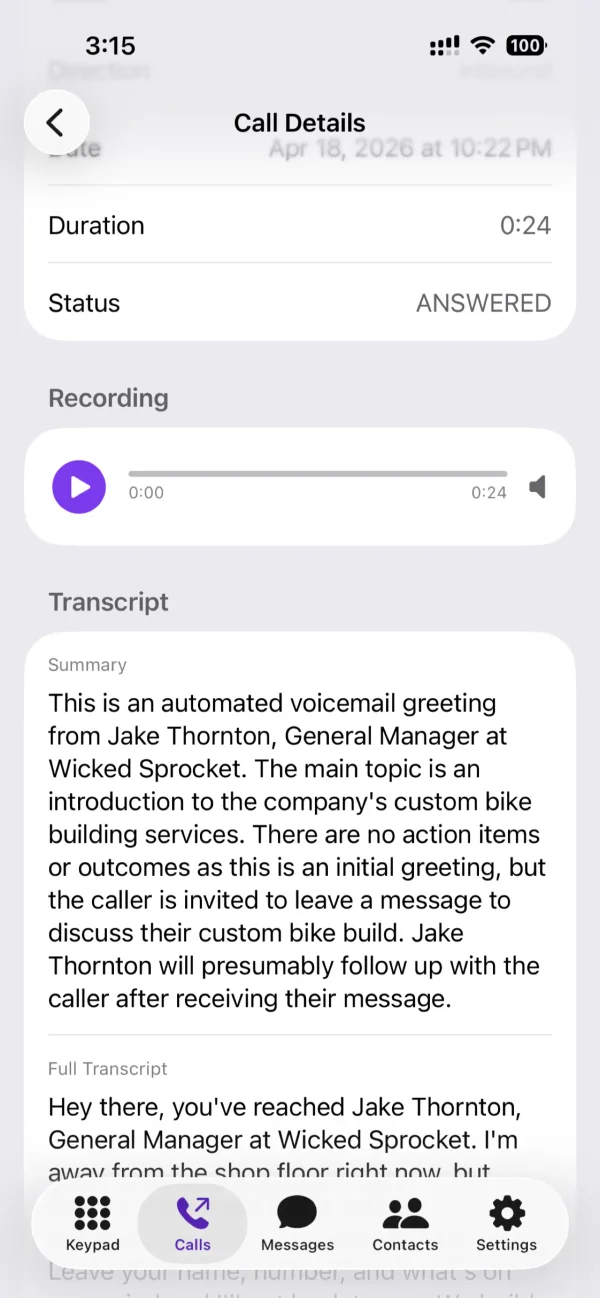
• Call recordings and AI call summaries (where enabled by your administrator)
Messaging
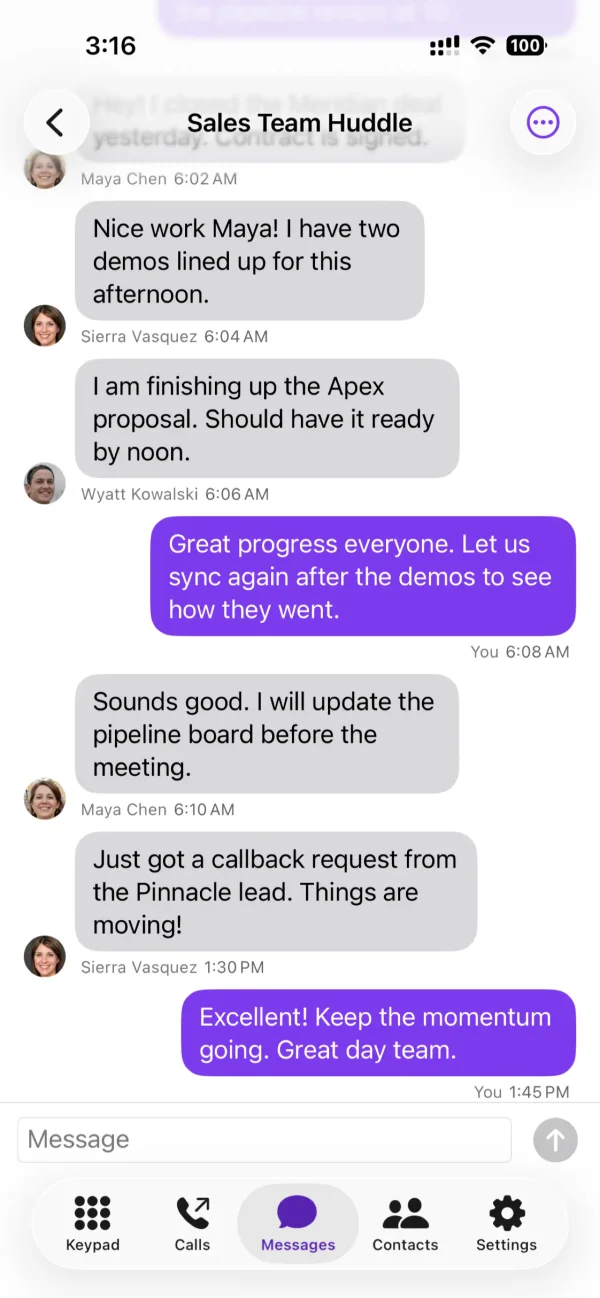
• Direct and group chats with coworkers
• Business texting (SMS) from your company's phone numbers
• Send pictures; open PDFs and other attachments
• Reply and mark as read from the notification
Voicemail
• Visual voicemail: see who called and listen without dialing in
• Transcripts (where enabled)
Contacts and Presence
• Search your team by name or extension, plus your iPhone contacts
• Live status: available, away, in a meeting, on a call
• Set your own status with a custom message and an auto-clear time
• One-tap feature keys show coworkers' status in real time
Settings
• Do Not Disturb, call forwarding and caller ID
• Queue agent login, logout and pause reasons
AI (for companies with Cloudspire AI)
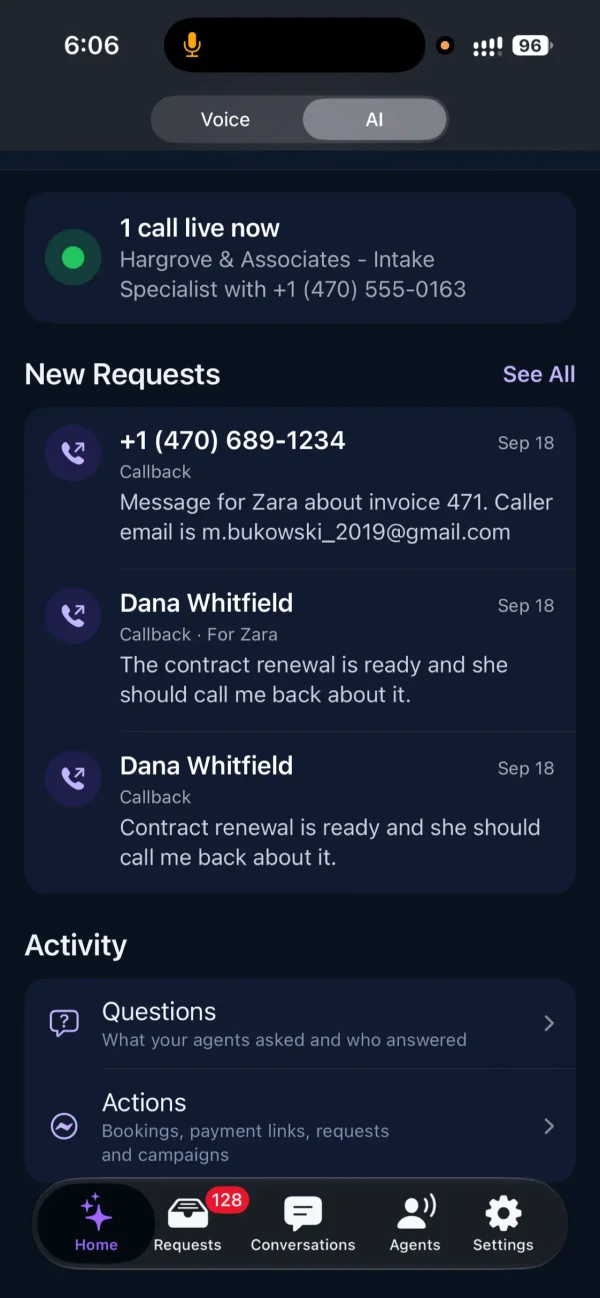
• Requests: messages, callback and after-hours requests your AI agents take arrive as alerts. Call back, text back or acknowledge them right from the alert, and work a shared inbox with your team. Emergency requests can arrive as Time Sensitive notifications.
• Ask the owner: when an agent needs your answer during a live call, the question arrives on your phone. Answer with one tap, even from the lock screen, while the caller waits.
• Transfers: when an agent transfers a caller to your cell, a card shows who is calling and why.
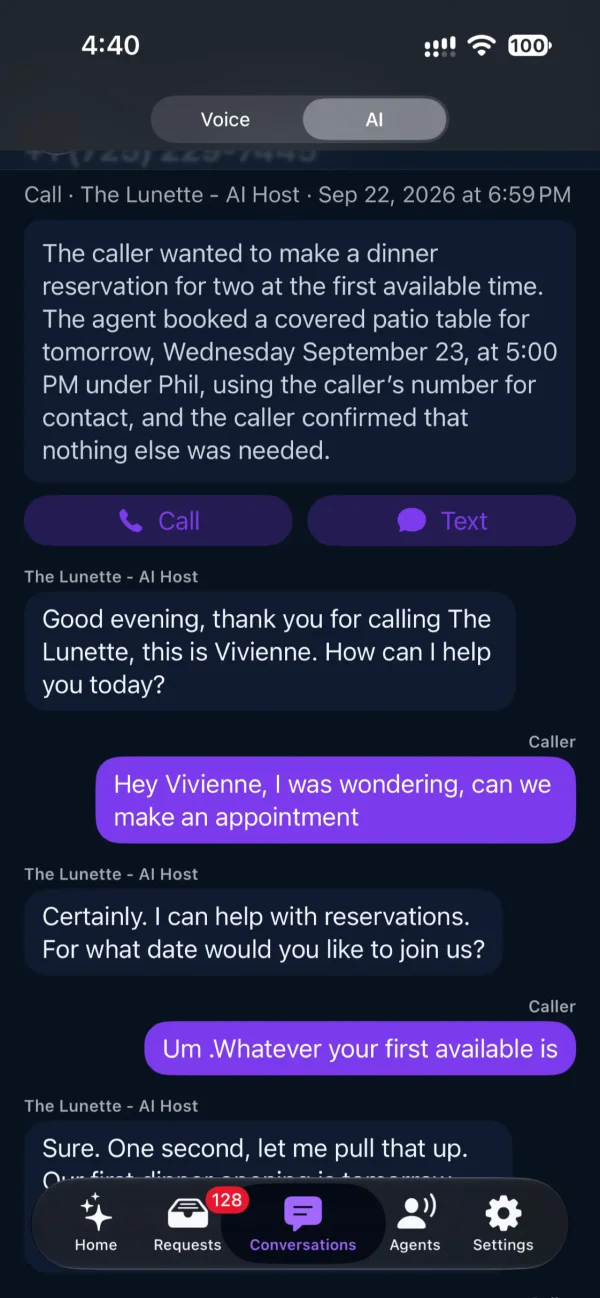
• Conversations: every call, text and web chat your agents handled, with summaries and transcripts.
• Agents: see who is on a call right now, pause or resume an agent, switch between open and closed hours, leave a note for the day, and call an agent to hear what your callers hear.
• Actions: bookings, payment links, requests and outbound campaign results in one feed.
IMPORTANT: EMERGENCY CALLS
Cloudspire uses Voice over IP and CANNOT place emergency calls (911 / E911). In an emergency, use a landline or a cellular phone.
ACCOUNT REQUIRED
Cloudspire requires an account set up by your organization's administrator: a Cloudspire extension for the Voice side, Cloudspire AI access for the AI side, or both. Sign in with the email and password your administrator provides, or scan the setup QR code they send you. The app has no self sign-up. For help, visit https://portal.cloudspirevoice.com.
Nouveautés
Version 2026.10.02 · 08/10/2026
• The app is now Cloudspire: your business phone on the Voice side and, for companies with Cloudspire AI, your AI agents on the AI side. One button in the tab bar switches between them.
• AI Requests: messages and callback requests your AI agents take arrive as alerts. Call back, text back or acknowledge them right from the alert.
• Answer your AI agent's questions during a live call with one tap, even from the lock screen.
• When an agent transfers a caller to your cell, see who is calling and why.
• See your agents' conversations and transcripts, pause an agent, switch business hours and leave it a note for the day.
• Send pictures in texts and chats, and open PDFs and other attachments in the app.
• Tapping a message notification opens that conversation.
• Faster audio recovery when switching between Wi-Fi and cellular, and declined calls stop ringing right away.
• A new opening screen. Siri now uses the new name: "Call John using Cloudspire".
• Call reliability improvements and bug fixes.
Confidentialité de l’application
Ce que onCloud déclare sur l’App Store au sujet du traitement des données par cette application.
-
Données établissant un lien avec vous
Peuvent être collectées et liées à votre identité.
- Coordonnées
- Contenu utilisateur
- Identifiants
- Données d’utilisation
- Diagnostic
Les pratiques en matière de confidentialité peuvent varier, notamment en fonction des fonctionnalités que vous utilisez ou de votre âge.
Informations
- Vendeur
- onCloud, LLC
- Catégorie
- Économie et entreprise
- Version
- 2026.10.02
- Mis à jour
- 08/10/2026
- Publié
- 22/04/2026
- Taille
- 15,2 Mo
- Nécessite
- iOS 16.0 ou version ultérieure
- Classification d’âge
- 4+
- Prix
- Gratuit
- Langues
- Anglais
- Copyright
- © 2026 onCloud Cloudspire
Vous aimerez peut-être aussi
-
 Essimu PlusProductivité
-
 After Hours by OdileÉconomie et entreprise
-
 Truva — AI ReceptionistÉconomie et entreprise
-
 TawkBase - AI ReceptionistÉconomie et entreprise
-
 OrateurVotre accueil IA, 24h/24
-
 VoiceML PhoneÉconomie et entreprise
-
 GA Golf LabÉconomie et entreprise
-
 26 Connect : Téléphone pro IADeuxième numéro + AI Voice
-
 Servant VoiceÉconomie et entreprise
-
 dasfone: Appels internationauxPas chers, traduits en direct