
CodeMecha
Cloud Dev Environment with AI
Conçue pour iPhone, iPad
Gratuit · Achats intégrés
- Classification d’âge4+
- CatégorieOutils de développement
- DéveloppeurLuis Miranda
- LanguesAnglais
- Taille5,3 Mo
Renvoie vers la page App Store officielle
Download.org n’héberge aucun fichier de CodeMecha. Le bouton ouvre la page de l’application sur App Store, où Luis Miranda la publie. Fiche vérifiée pour la dernière fois le 18/11/2026.
Captures d’écran
À propos
Le développeur n’a pas fourni ce texte dans votre langue.
Build real apps from anywhere with CodeMecha — an AI-powered code editor that runs in the cloud.
Every project gets its own isolated workspace with a full development environment, terminal, and live preview. Write code, ask AI for help, and see your changes instantly, all from your iPhone.
AI-Powered Coding
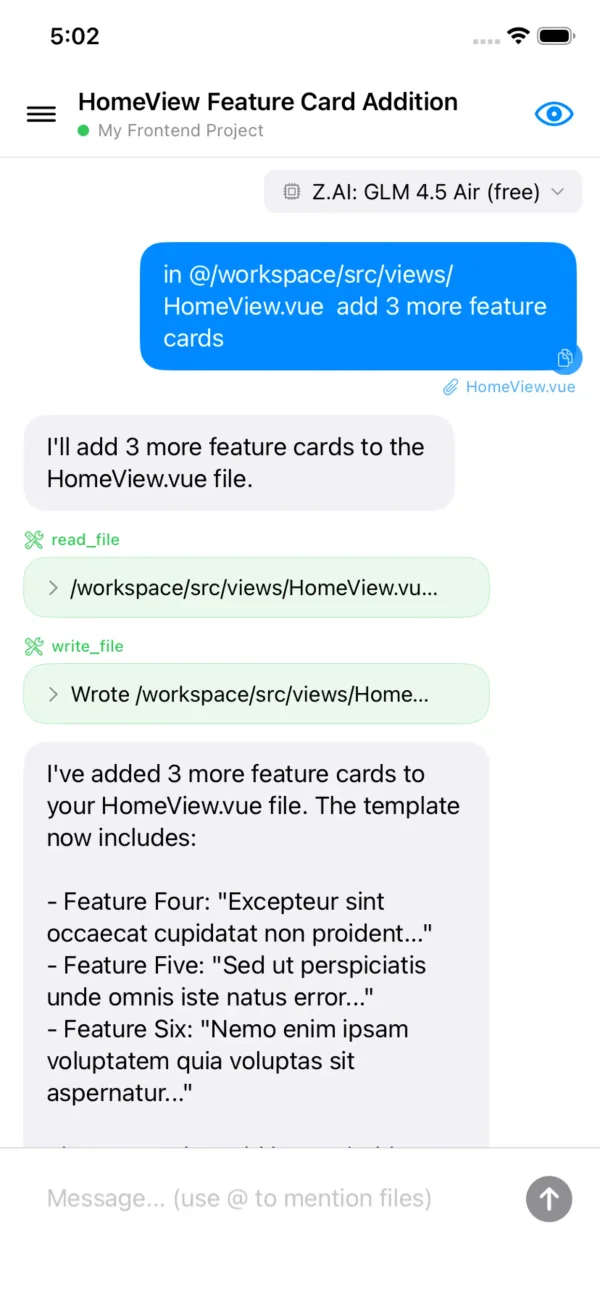
Chat with AI to build features, fix bugs, or scaffold entire projects. The assistant can read your files, write code, run commands, and search your codebase, all in one conversation. Attach files for context and watch the AI work in real time with streaming responses.
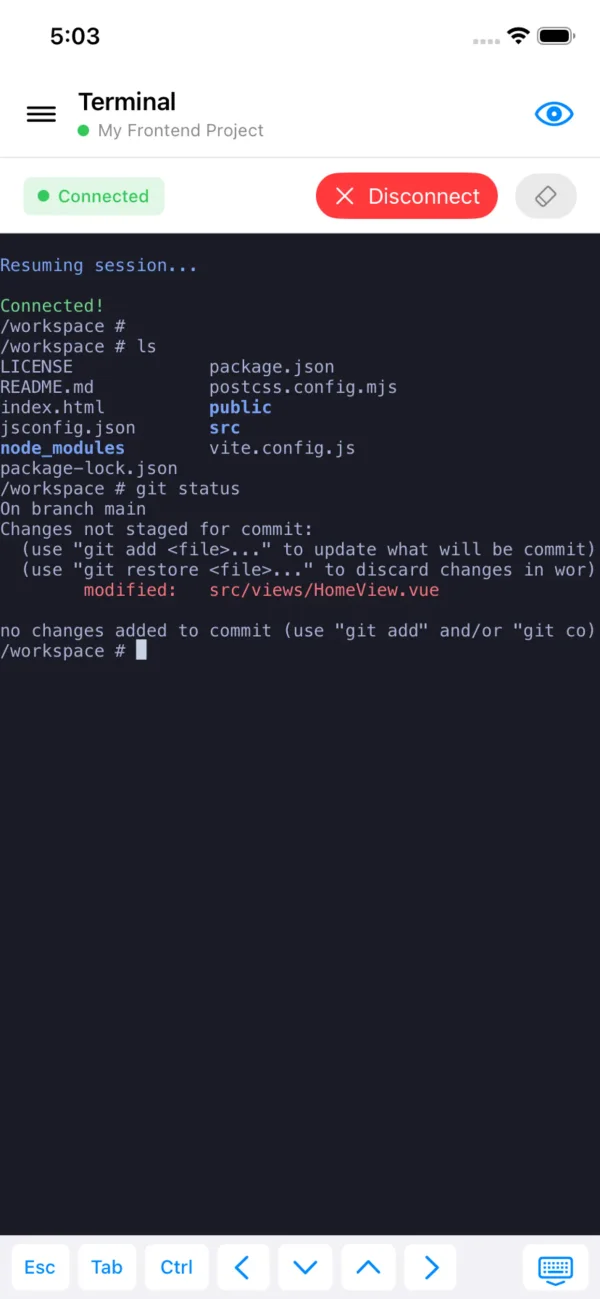
Full Terminal Access
Run commands, install packages, and manage your project with a built-in terminal. Persistent sessions mean you can pick up right where you left off.
Live Preview
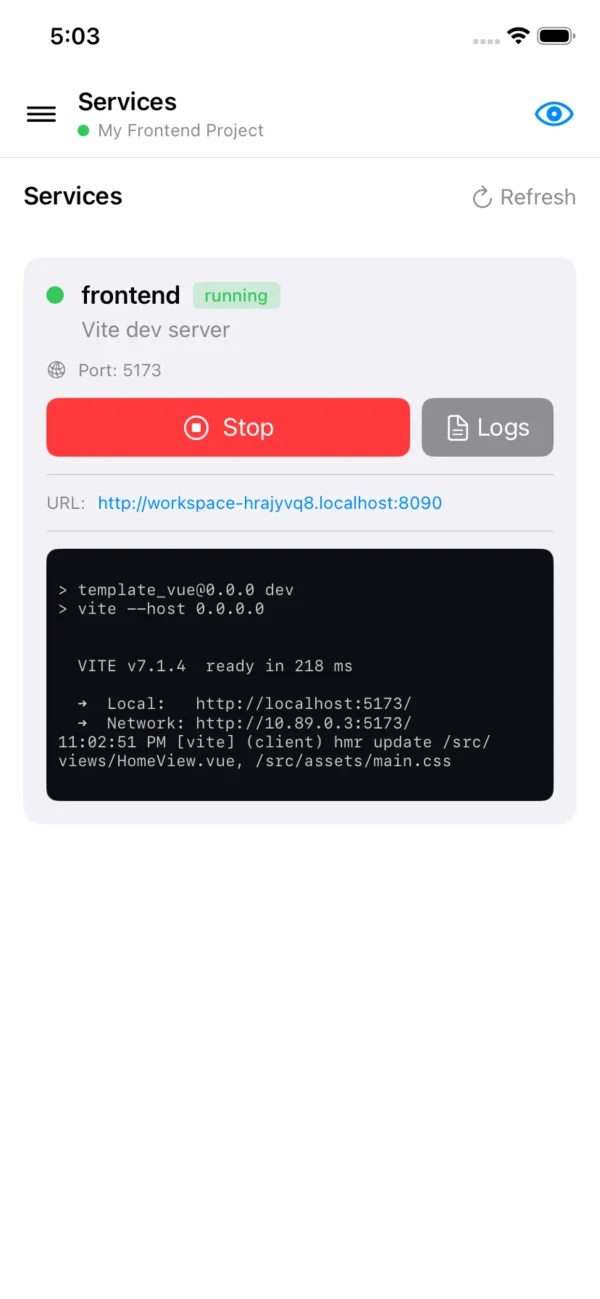
See your app running live as you build. Frontend and backend services start automatically and are accessible through your workspace.
Git & GitHub Integration
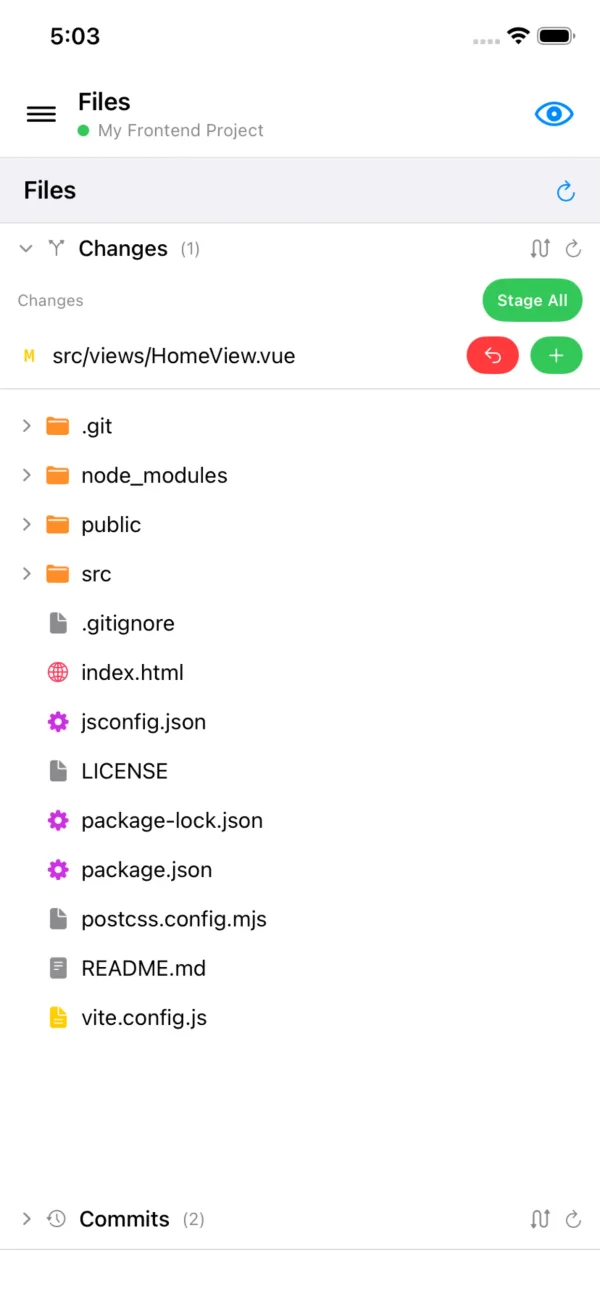
Track changes, stage files, view diffs, and commit — all built in. Connect your GitHub account to import repos, create new ones, or push and pull directly from your device.
Choose Your AI Model
Select from a range of free AI models, or bring your own OpenRouter API key to unlock premium models like GPT-5 and Claude.
Cloud Workspaces
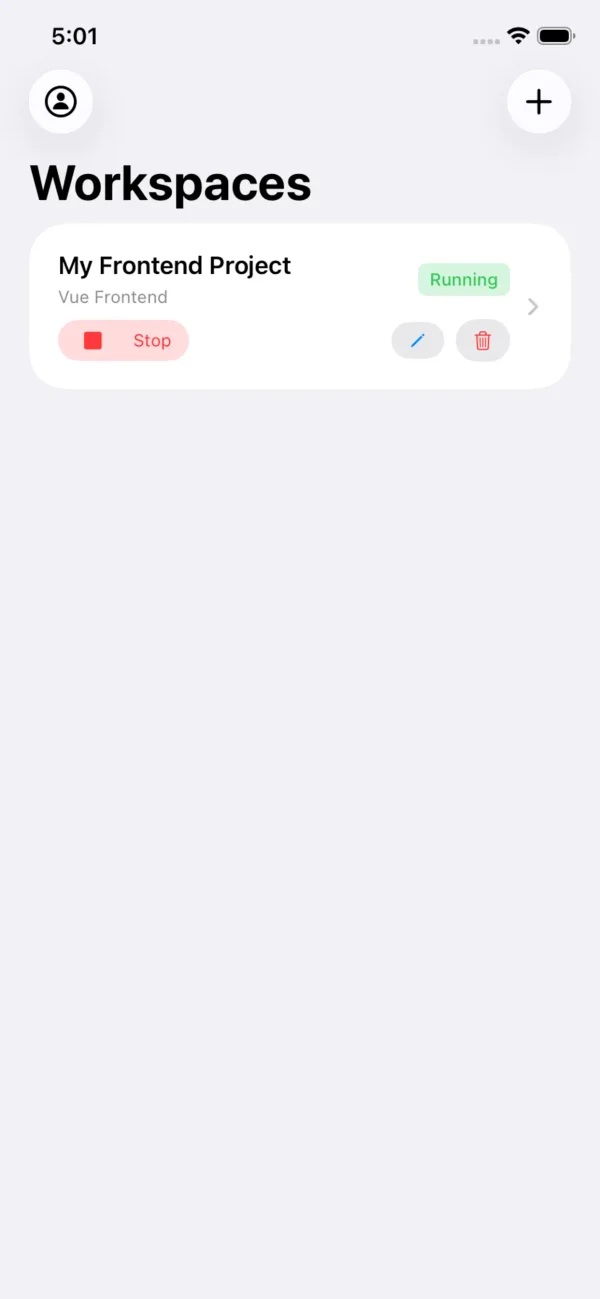
Each workspace is a full container environment with Node.js, Go, and more. Start with a Vue frontend template or a fullstack Vue + Go template. No configuration needed.
Key Features:
- AI assistant that writes, reads, and runs code
- Built-in terminal with persistent sessions
- File browser with inline editing
- Git status, staging, diffs, and commits
- GitHub import, push, and pull
- Live service preview
- Service logs monitoring
- Multiple AI model options
- Works on iPhone and iPad
Get started instantly as a guest, or sign in with Google or Apple to keep your workspace permanently.
Terms of Use: https://www.apple.com/legal/internet-services/itunes/dev/stdeula/
Nouveautés
Version 1.0.1 · 06/06/2026
- Minor improvements
Confidentialité de l’application
Ce que Luis Miranda déclare sur l’App Store au sujet du traitement des données par cette application.
-
Données non collectées
Le développeur ne collecte aucune donnée à partir de cette application.
Les pratiques en matière de confidentialité peuvent varier, notamment en fonction des fonctionnalités que vous utilisez ou de votre âge.
Informations
- Vendeur
- Luis Miranda
- Catégorie
- Outils de développement
- Version
- 1.0.1
- Mis à jour
- 06/06/2026
- Publié
- 12/02/2026
- Taille
- 5,3 Mo
- Nécessite
- iOS 17.6 ou version ultérieure
- Classification d’âge
- 4+
- Prix
- Gratuit
- Achats intégrés
- Oui
- Langues
- Anglais
- Copyright
- © 2026 Lumbago
Vous aimerez peut-être aussi
-
 RepoRouteOutils de développement
-
 ZeriqOutils de développement
-
 DevChainOutils de développement
-
 Codara AIOutils de développement
-
 ShannonlogOutils de développement
-
 Git Rover - Native Git ClientOutils de développement
-
 Pull requests ManagerOutils de développement
-
 HiDevOutils de développement
-
 Developer-PROOutils de développement
-
 ApiClientSyncOutils de développement