Countdown: Big Timer & Clock
Minimalist full-screen timer
Conçue pour iPhone, iPad
1,99 €
- Classification d’âge4+
- CatégorieUtilitaires
- DéveloppeurBitBit Apps
- LanguesAnglais
- Taille999,0 Ko
Renvoie vers la page App Store officielle
Download.org n’héberge aucun fichier de Countdown: Big Timer & Clock. Le bouton ouvre la page de l’application sur App Store, où BitBit Apps la publie. Fiche vérifiée pour la dernière fois le 12/11/2026.
Captures d’écran
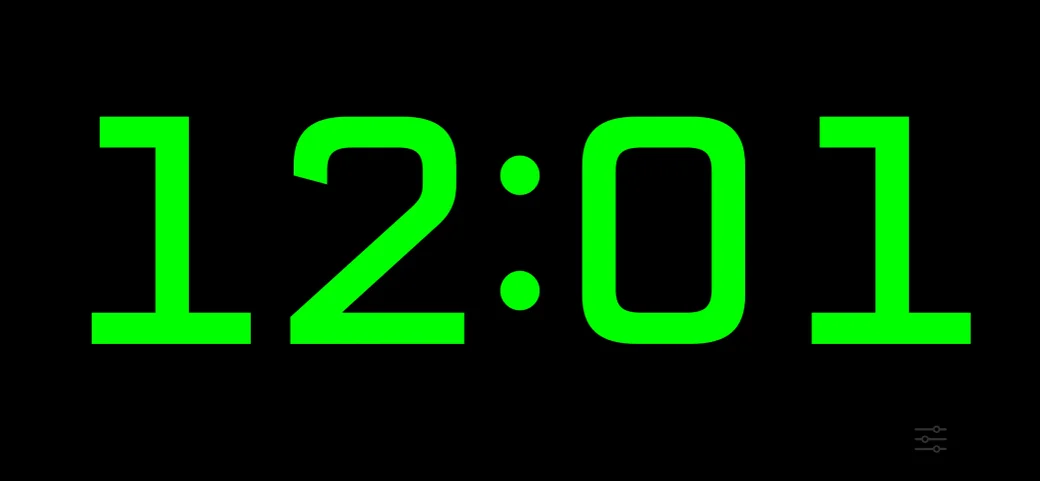
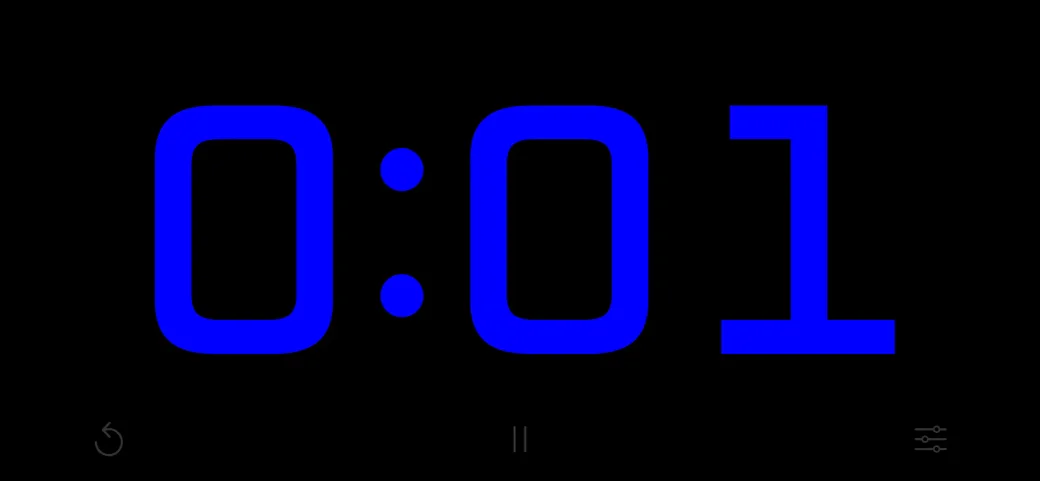
À propos
Le développeur n’a pas fourni ce texte dans votre langue.
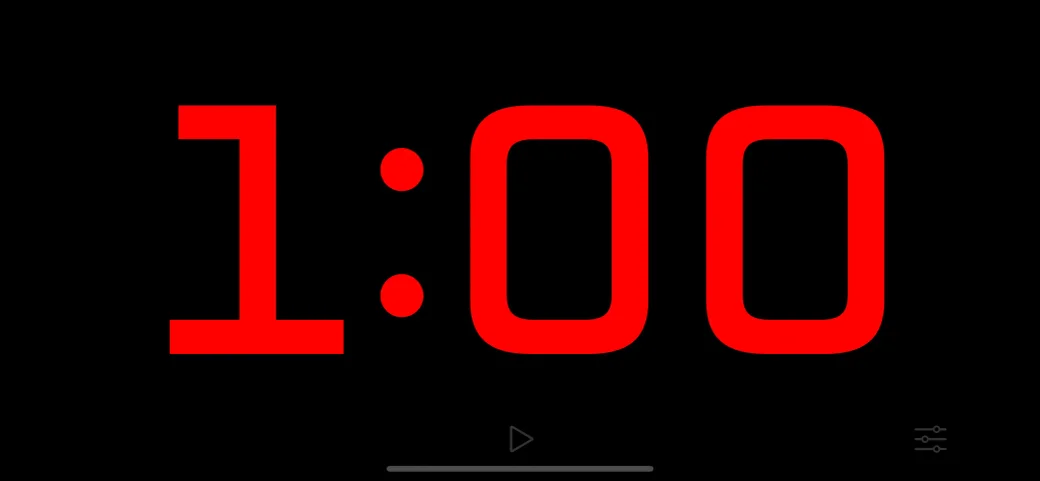
Replace the old sand timer in your favorite game with one that packs a punch! The countdown takes center stage in this app as a full-screen timer counts down the seconds. Run silently, or play a chime or air horn sound to let everyone know that time is up!
Perfect for TV broadcasts, classrooms, debates, game shows, sporting events, or anywhere a highly visible stopwatch, timer, or clock with a streamlined appearance is needed.
Features:
+ Beautiful design, maximizing countdown visibility
+ Tap anywhere to start or stop the countdown
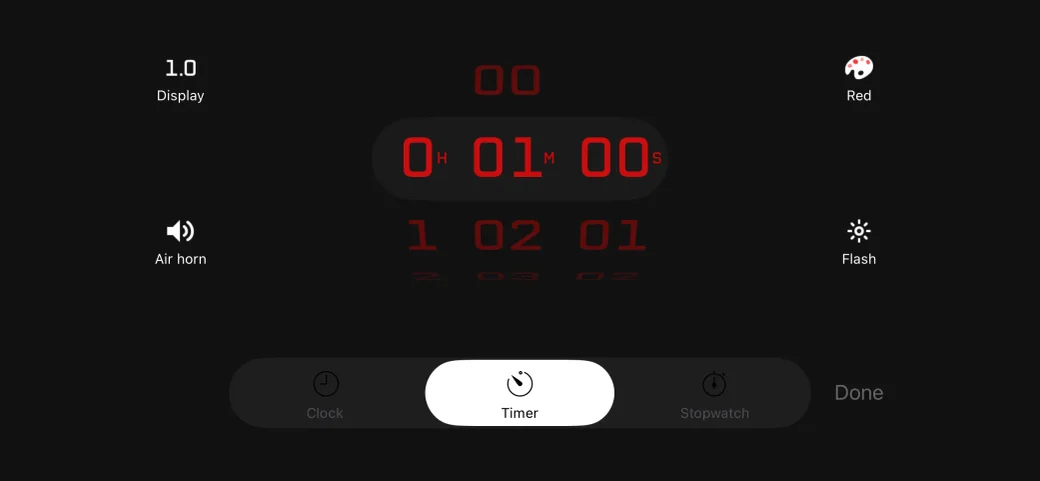
+ Three modes - stopwatch, timer, or clock
+ Set a countdown up to 10 hours
+ Display the time in red, orange, yellow, green, blue, or purple
Advanced features:
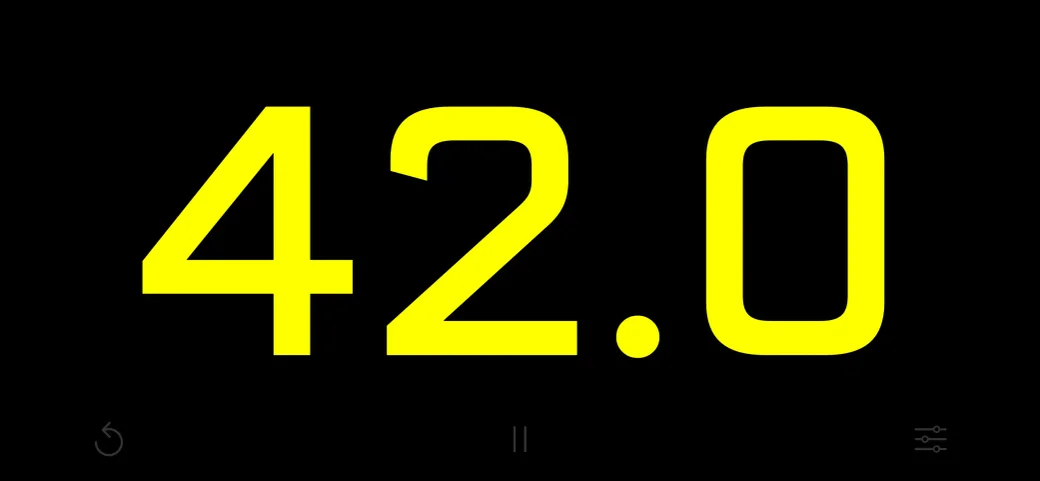
+ Optionally show tenths of a second during the last minute for extra excitement
+ Optionally flash during the last ten seconds
+ Optionally play an air horn or a chime sound when time is up
+ Optionally show elapsed time after the timer reaches 0:00 (double-tap or long-press the Timer icon on the settings screen to choose)
+ The device will not sleep while the timer is running
+ Background notifications make sure you know when your timer ends
+ Double-tap the time on the settings screen to switch between 1, 5, and 15-second increments
Super-advanced features:
+ Control the timer remotely using a Bluetooth keyboard: The space bar starts/stops, escape resets, and you can change the countdown time by typing a number followed by enter.
+ Display the timer on an external screen using AirPlay mirroring, while keeping the controls visible only on your device!
+ Use side-by-side with other apps on iPad in slide-over or split-view mode
Nouveautés
Version 3.0 · 31/01/2026
Added an option to display seconds in clock mode
Added support for controlling the timer, stopwatch, and clock via the iOS Shortcuts app
Made the flash effect more subtle when the system "Accessibility > Motion > Dim Flashing Lights" option is enabled
Confidentialité de l’application
Ce que BitBit Apps déclare sur l’App Store au sujet du traitement des données par cette application.
-
Données non collectées
Le développeur ne collecte aucune donnée à partir de cette application.
Les pratiques en matière de confidentialité peuvent varier, notamment en fonction des fonctionnalités que vous utilisez ou de votre âge.
Informations
- Vendeur
- BitBit Apps, LLC
- Catégorie
- Utilitaires
- Version
- 3.0
- Mis à jour
- 31/01/2026
- Publié
- 10/12/2012
- Taille
- 999,0 Ko
- Nécessite
- iOS 18.0 ou version ultérieure
- Classification d’âge
- 4+
- Prix
- 1,99 €
- Langues
- Anglais
- Copyright
- © 2012 BitBit Apps
Vous aimerez peut-être aussi
-
 Timer for Rehearsal: FinUtilitaires
-
 Disco Timer: Visual CountdownUtilitaires
-
 Minuteur®Compte à rebours
-
 Minuteur Plein Écran: PomodoroChrono, Répétition, Presets
-
 LiveTime ViewerUtilitaires
-
 Big Red ClockUtilitaires
-
 Stopwatch & CountdownUtilitaires
-
 Countdown Timer ButtonUtilitaires
-
 Minuteur - ChronomètreCuisine Minuteur & Chronomètre
-
 Grand Chronomètre TactileAffichage personnalisable