DeepSurfCut
AI Surf Video Clip Editor
Conçue pour iPhone, iPad, Mac
Gratuit · Achats intégrés
- Classification d’âge4+
- CatégorieSports
- DéveloppeurYao Zhao
- LanguesAnglais+ 1 de plus
- Taille146,0 Mo
Renvoie vers la page App Store officielle
Download.org n’héberge aucun fichier de DeepSurfCut. Le bouton ouvre la page de l’application sur App Store, où Yao Zhao la publie. Fiche vérifiée pour la dernière fois le 10/11/2026.
Captures d’écran

À propos
Le développeur n’a pas fourni ce texte dans votre langue.
Turn long standing-wave sessions into organized, editable surf clips.
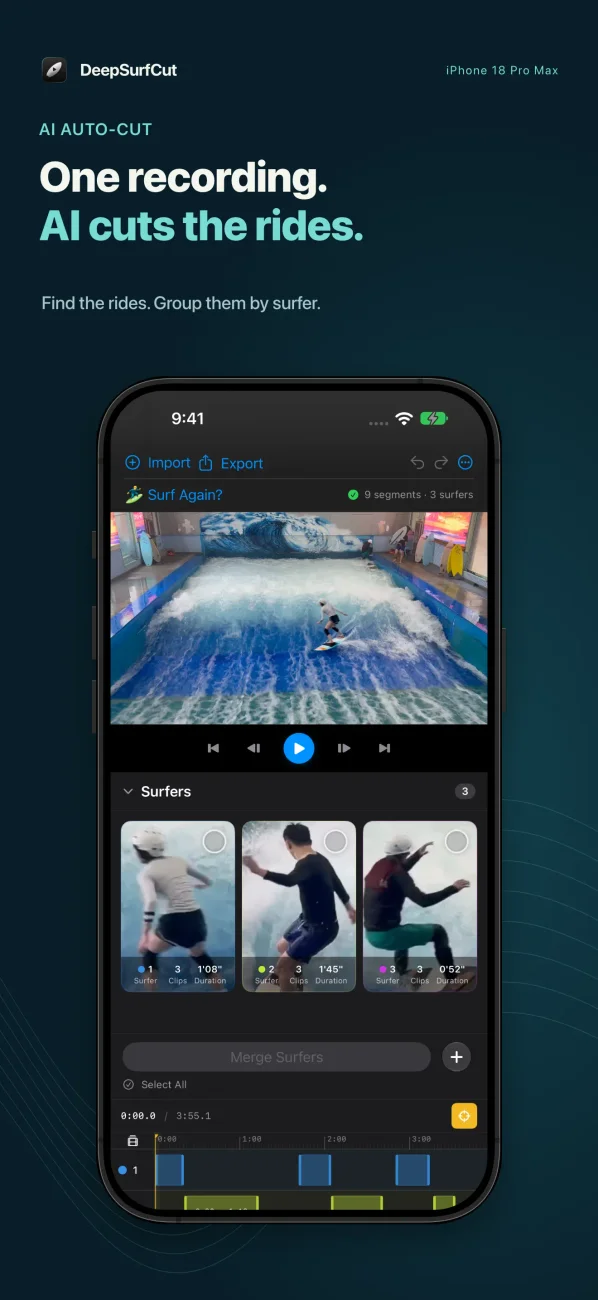
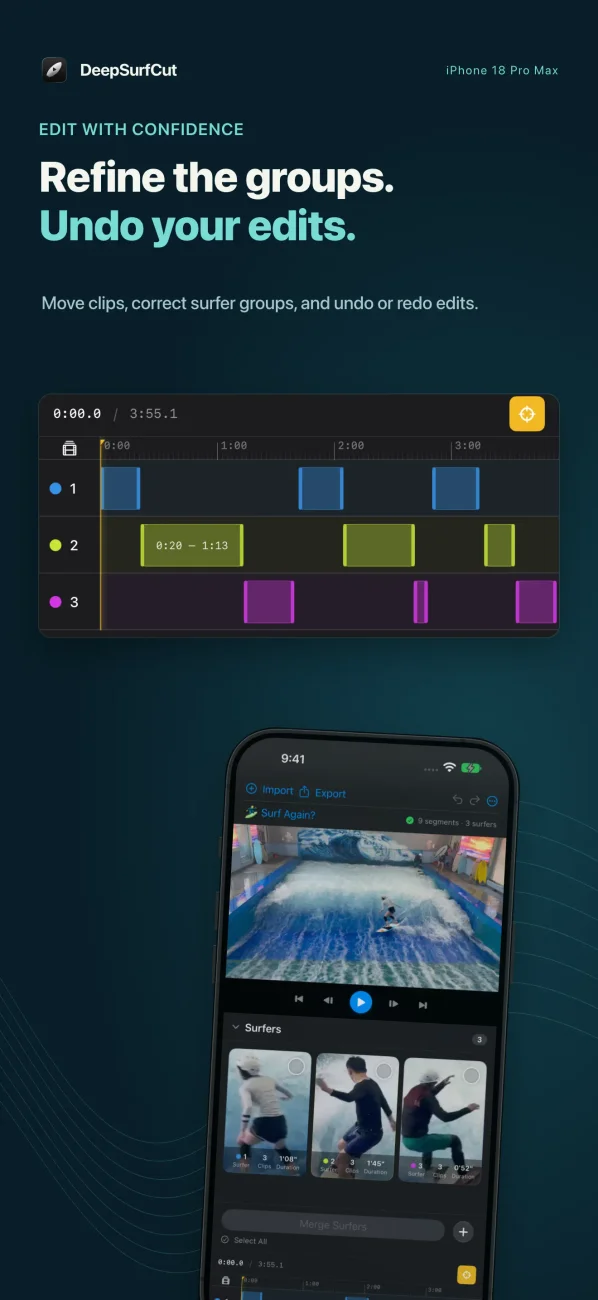
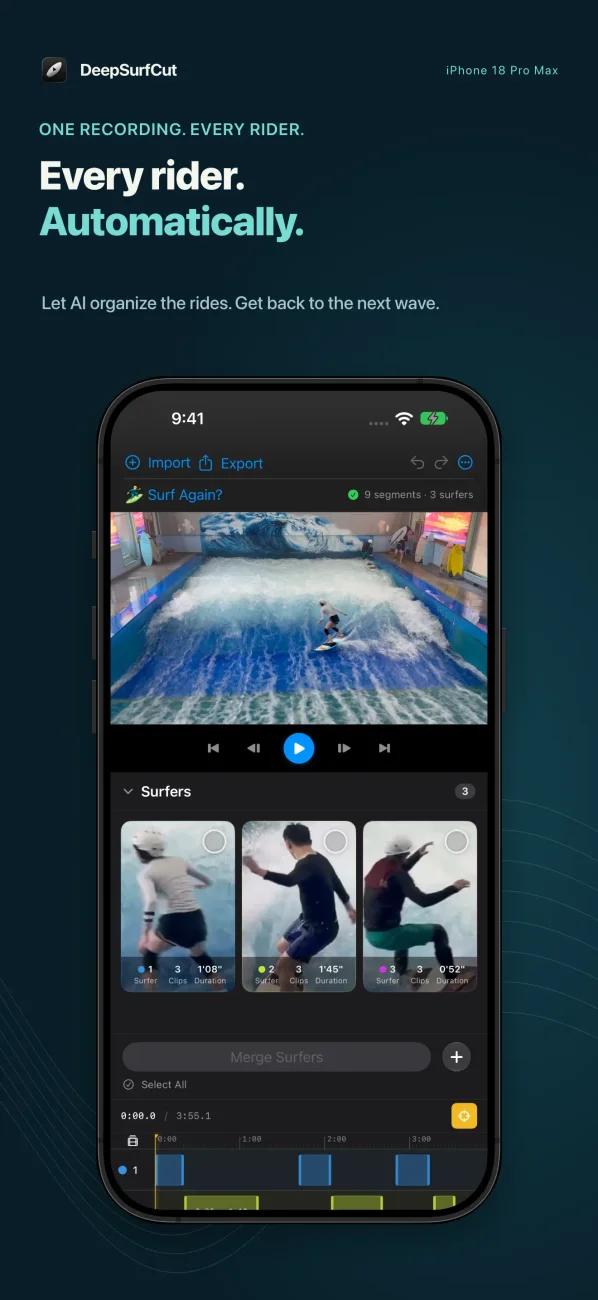
DeepSurfCut is an AI surf video editor for fixed-camera recordings of stationary waves and wave pools. Import a session, find rides with on-device analysis, group repeat rides by surfer, then review and refine the timeline without uploading the video for analysis.
FIND AND ORGANIZE RIDES
• Automatically find rides in long recordings
• Group repeat rides by surfer
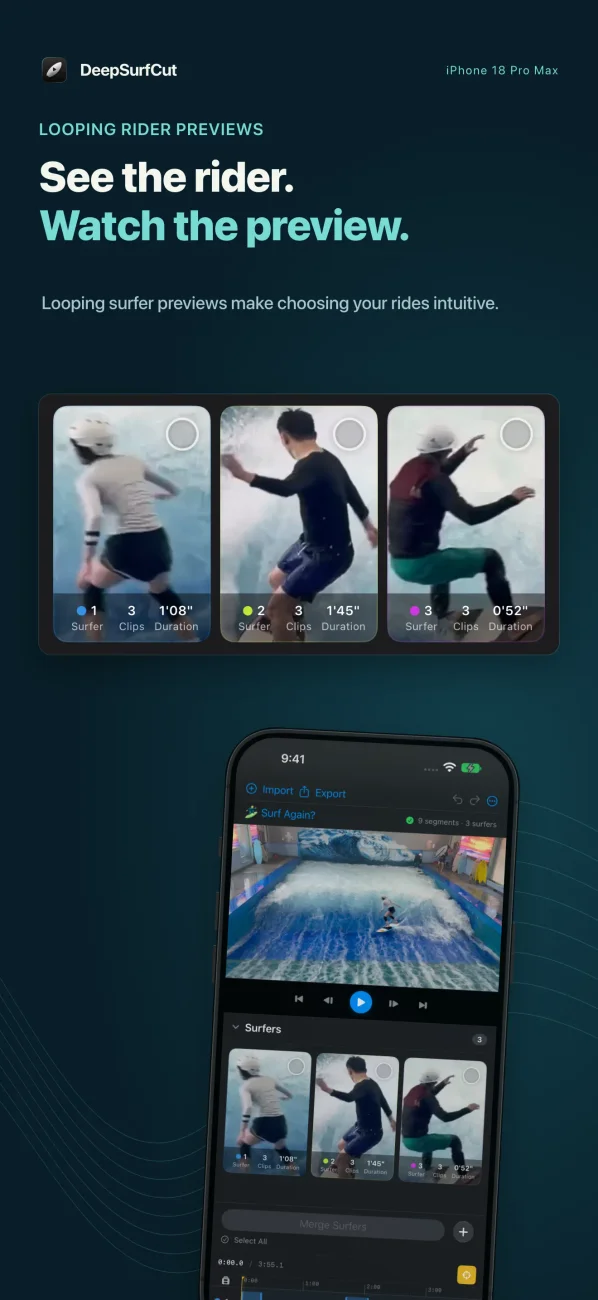
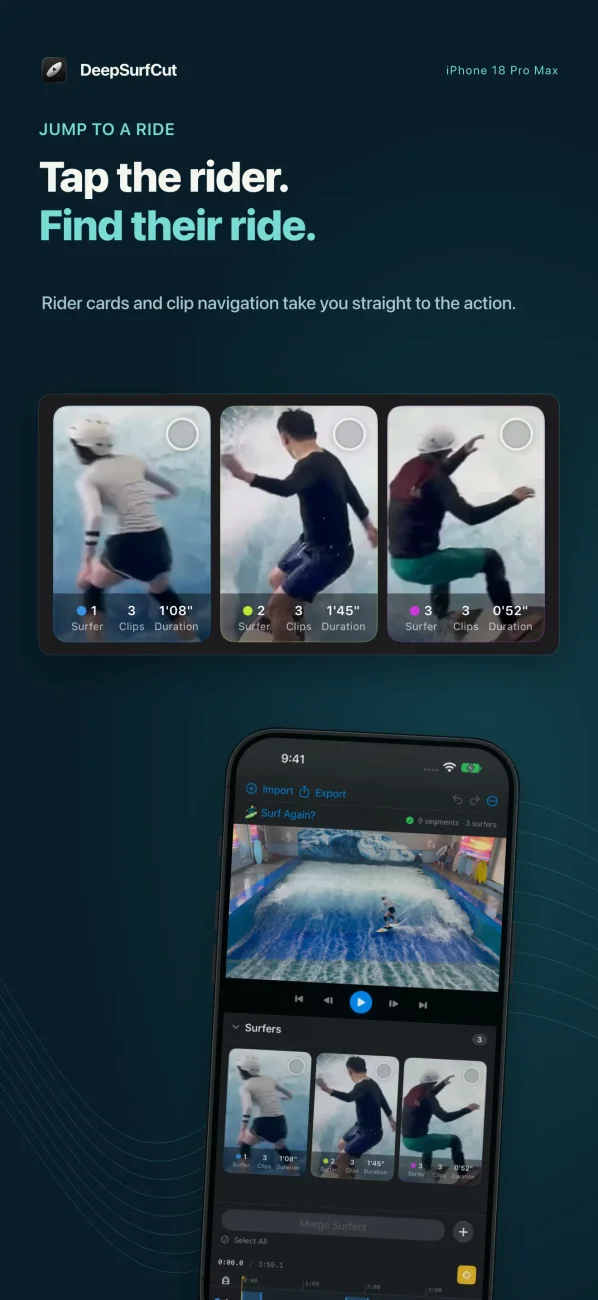
• Review every surfer and play complete clips
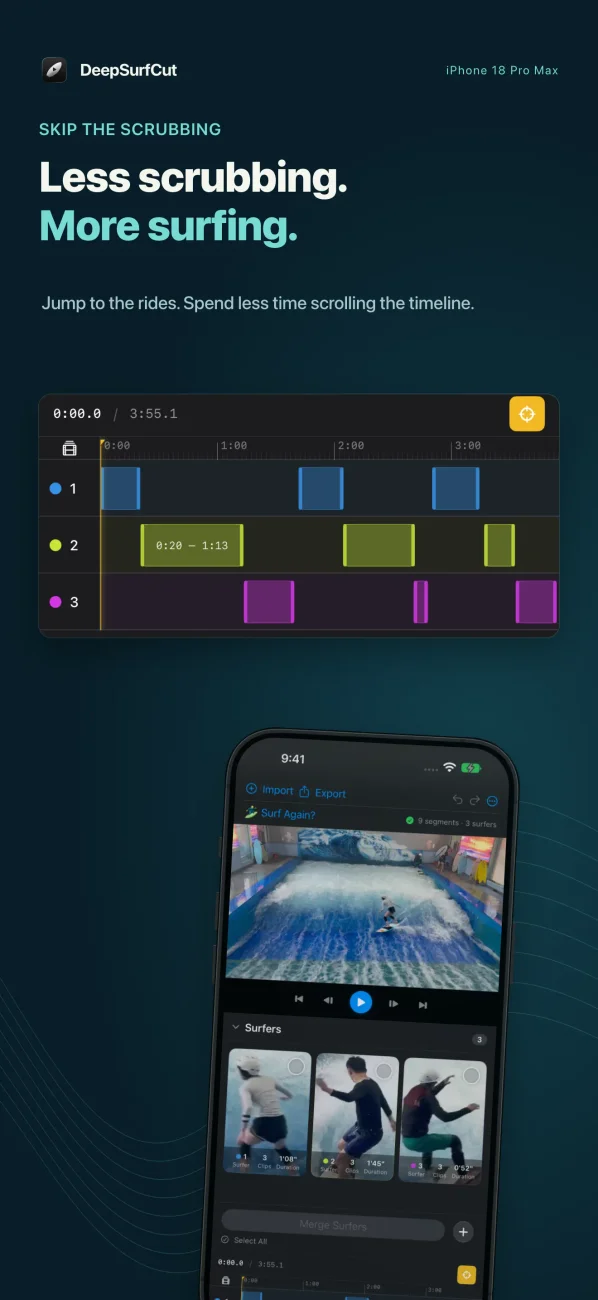
REFINE YOUR TIMELINE
• Trim, split, merge, delete and move clips
• Create surfer tracks and correct groups
• Work with landscape and portrait footage
• Keep the original video unchanged
EXPORT WITH PRO
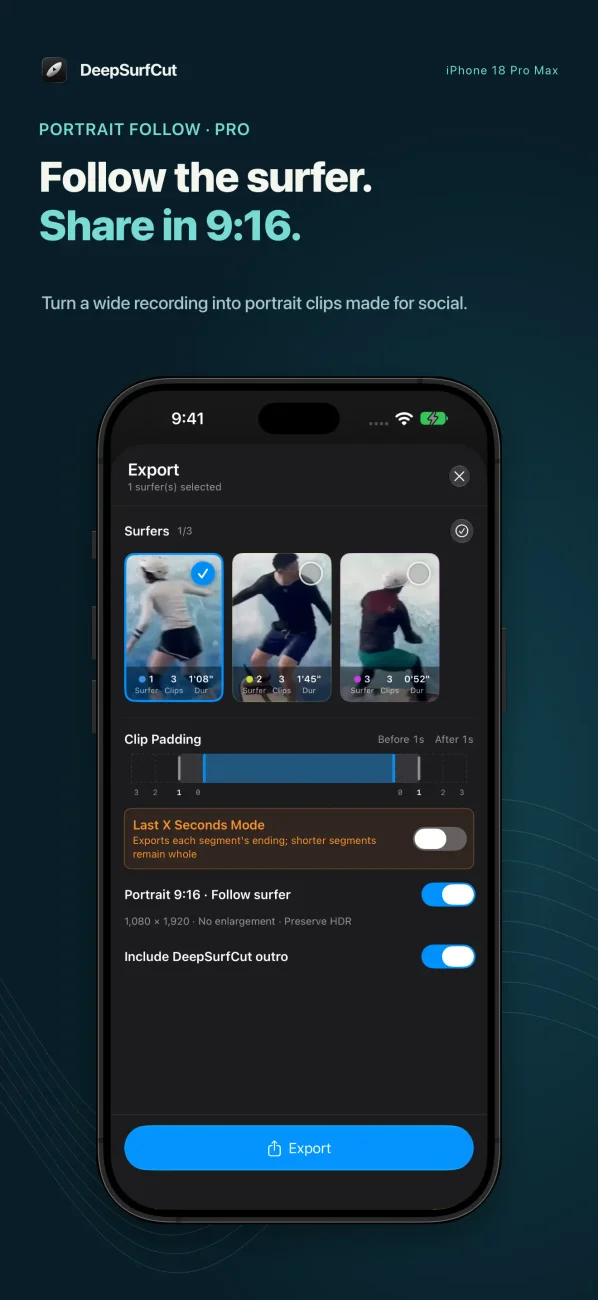
• Export individual clips, batches or a complete surfer reel
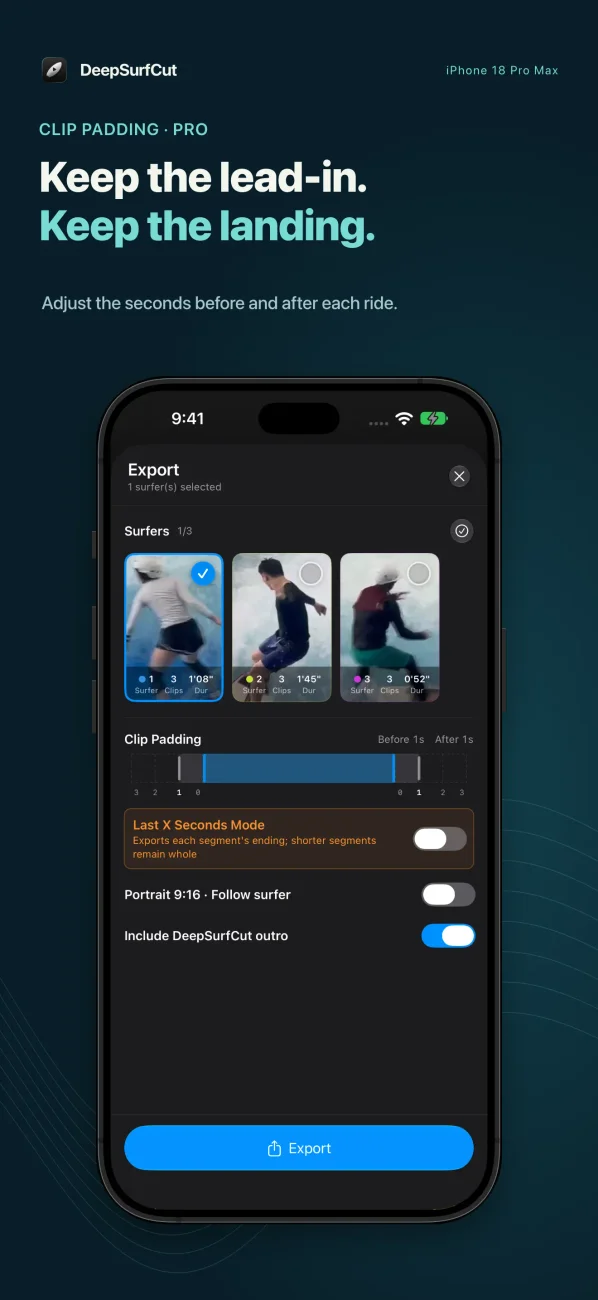
• Adjust time before and after each ride
• Use portrait follow to frame the action
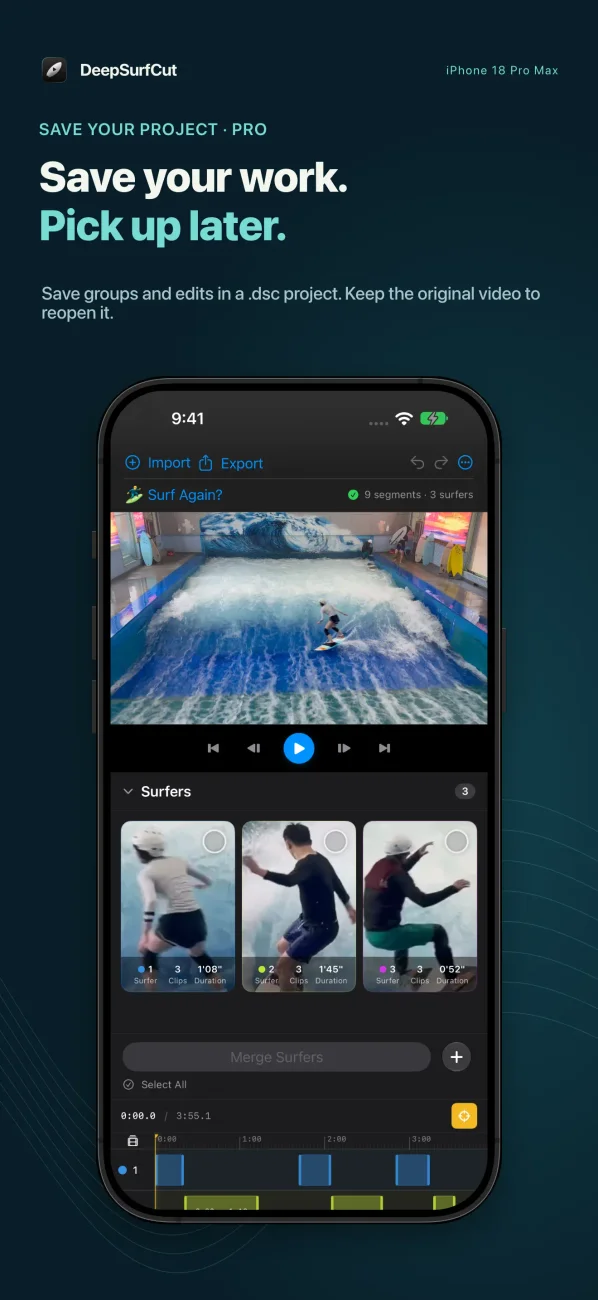
• Save projects and use Restore Last Scan
Free features include importing, opening existing projects, unlimited analysis and grouping, playback and timeline editing. DeepSurfCut Pro is required for saving projects, all video exports, portrait follow and Restore Last Scan. Subscription options and any eligible trial are shown before purchase. Use the same Apple Account across iPhone, iPad and Mac.
For best results, use stable, wide fixed-camera footage with the entry, wave and fall zone visible. Performance depends on the device, footage and operating conditions.
The app interface is available in English and Simplified Chinese.
Terms of Use (EULA): https://www.apple.com/legal/internet-services/itunes/dev/stdeula/
Nouveautés
Version 1.4.2 · 28/10/2026
• Clearer overall export progress, with distinct preparation, video creation and checking stages.
• Prepare end cards for selected clips ahead of export and reuse matching results.
• More reliable end-card timing and compatibility, including high-quality HEVC recordings and multi-clip videos.
• Preserve native 9:16 framing without a second portrait-follow crop.
• Replay the portrait introduction in Quick Start, with clearer filming guidance that recommends including both banks whenever possible.
• Fix the iPhone editor background and keep Surfer cards visible in the fully open workspace.
Confidentialité de l’application
Ce que Yao Zhao déclare sur l’App Store au sujet du traitement des données par cette application.
-
Données non collectées
Le développeur ne collecte aucune donnée à partir de cette application.
Les pratiques en matière de confidentialité peuvent varier, notamment en fonction des fonctionnalités que vous utilisez ou de votre âge.
Informations
- Vendeur
- Yao Zhao
- Catégorie
- Sports
- Version
- 1.4.2
- Mis à jour
- 28/10/2026
- Publié
- 22/07/2026
- Taille
- 146,0 Mo
- Nécessite
- iOS 26.0 ou version ultérieure
- Classification d’âge
- 4+
- Prix
- Gratuit
- Achats intégrés
- Oui
- Langues
- Anglais, Chinois simplifié
- Copyright
- © 2026 Yao Zhao
Vous aimerez peut-être aussi
-
 记刻相机Sports
-
 little parkSports
-
 Timeout ProSports
-
 WindsportTracker: Journal GPSWingfoil · Windsurf · Kitesurf
-
 飞台子Sports
-
 Indoor BoulderingTracking progress made easy
-
 Ringside par DogShow.caÉvénements canins en direct
-
 Surflens: AI Surf CameraCámara de Surf con IA
-
 自由潜水Sports
-
 KEKE: Bouldering & Climb LogSports