Dig Here
Where the data meets the dirt
Conçue pour iPhone, iPad, iPod touch
Gratuit · Achats intégrés
- Classification d’âge4+
- CatégorieNavigation
- DéveloppeurAndrew Davis
- LanguesAnglais
- Taille88,3 Mo
Renvoie vers la page App Store officielle
Download.org n’héberge aucun fichier de Dig Here. Le bouton ouvre la page de l’application sur App Store, où Andrew Davis la publie. Fiche vérifiée pour la dernière fois le 14/11/2026.
Captures d’écran




À propos
Le développeur n’a pas fourni ce texte dans votre langue.
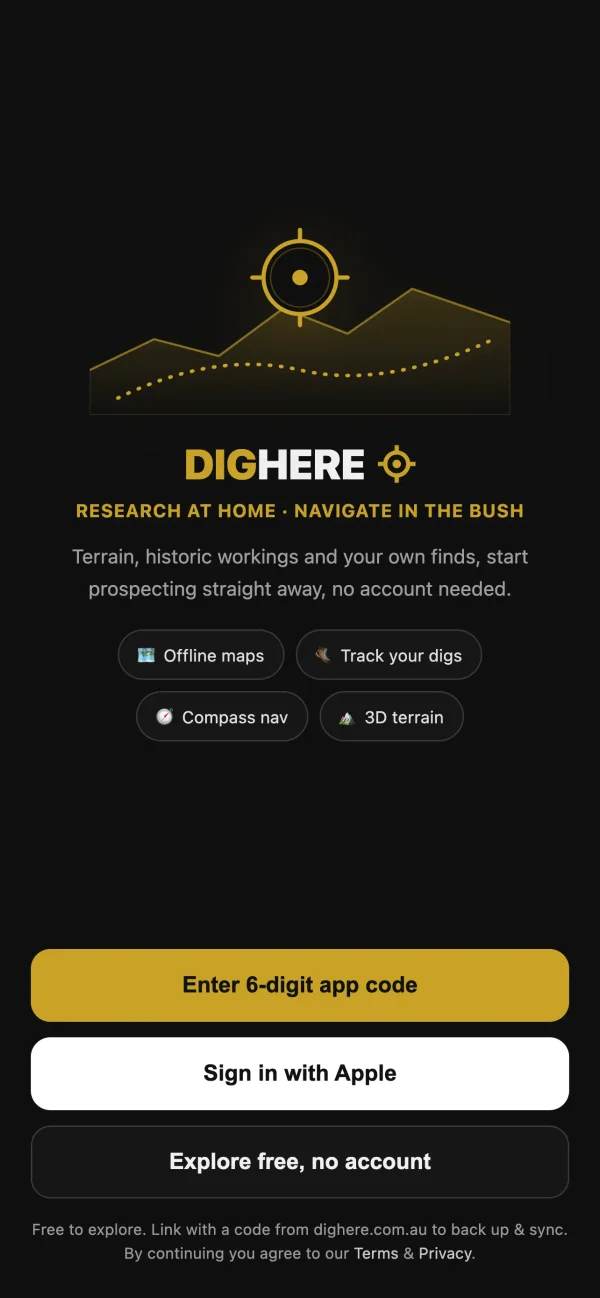
DigHere is a map for gold prospectors. It shows the ground the way a fossicker needs to see it, then helps you find your way out again when you are done.
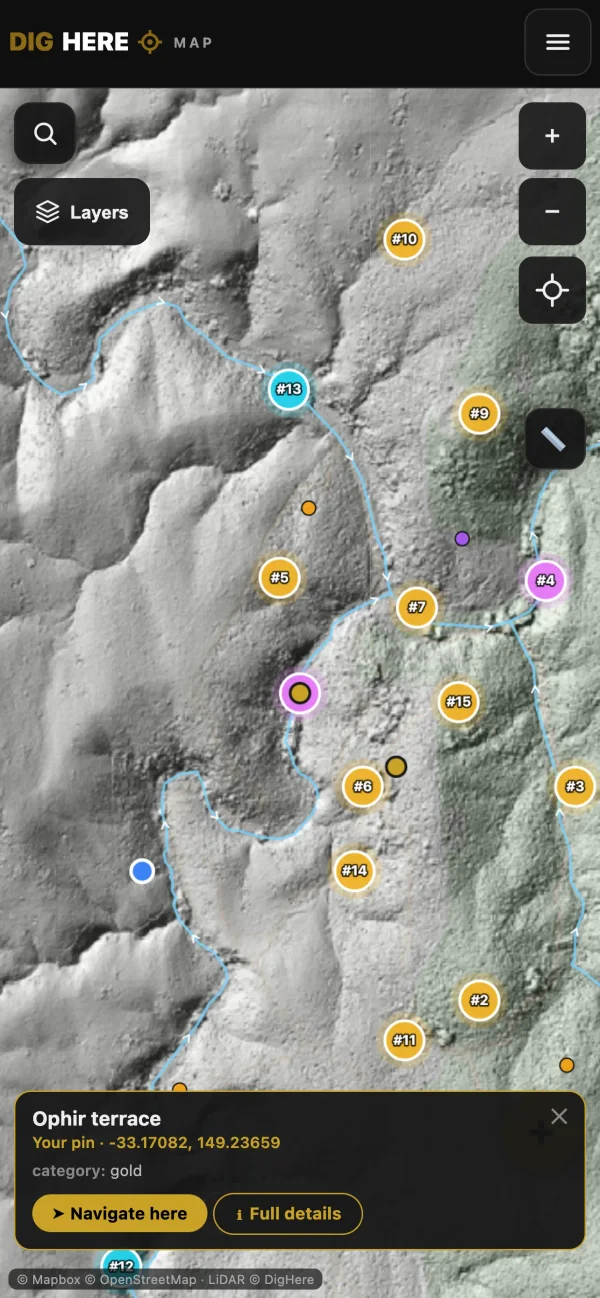
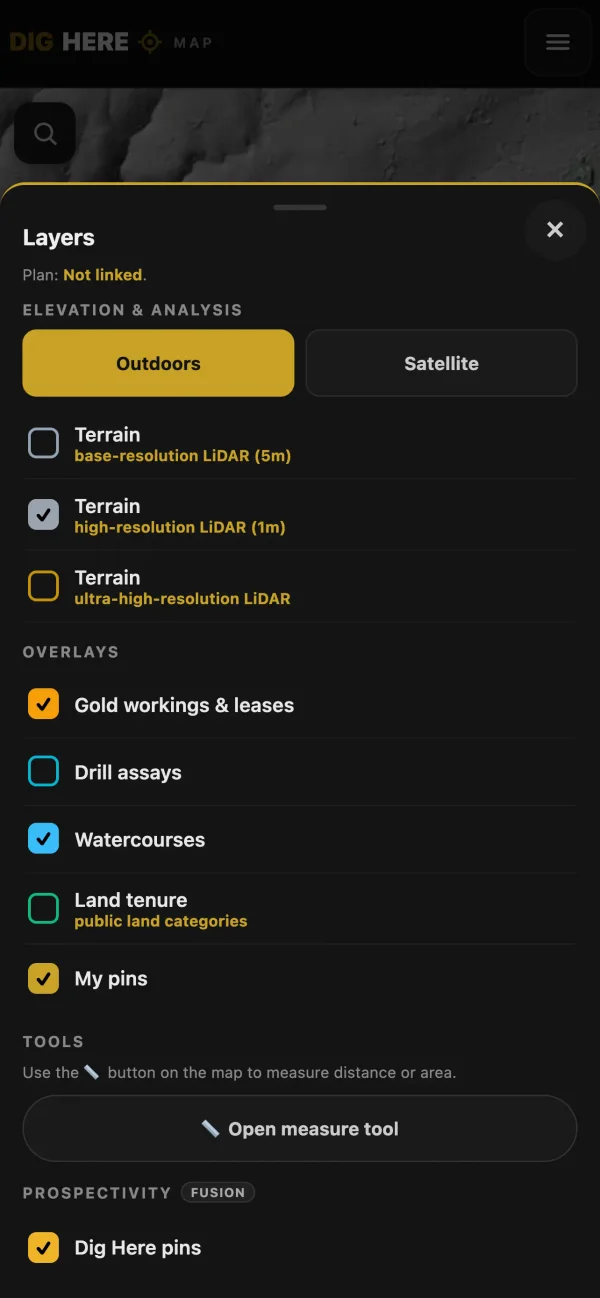
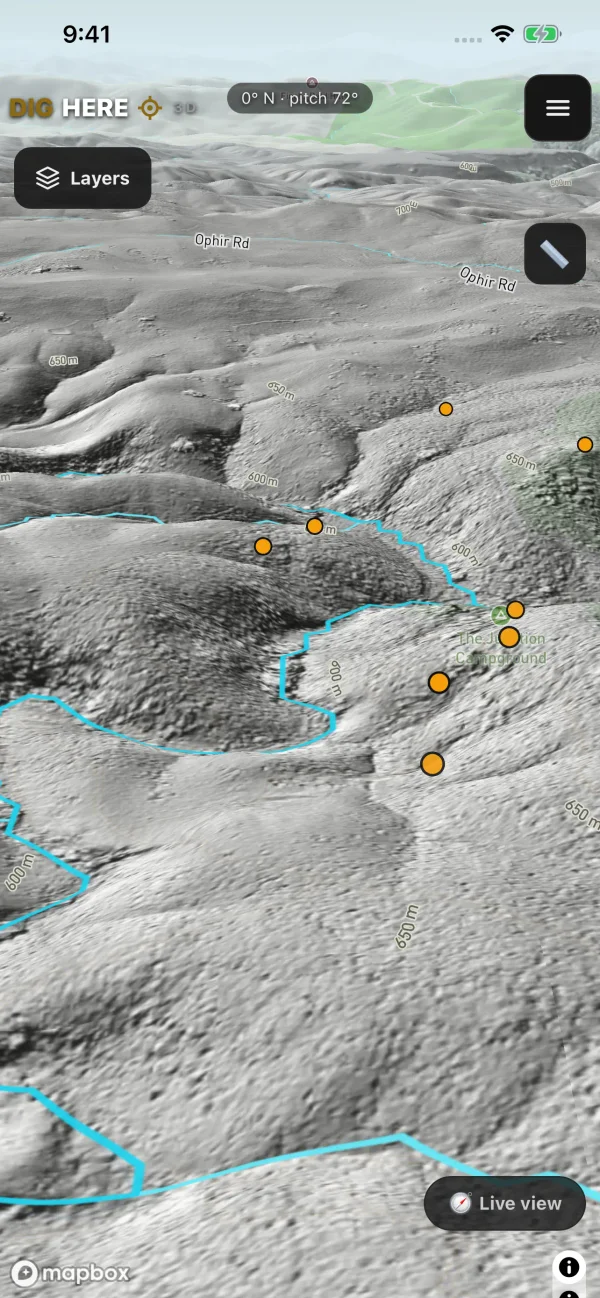
Turn on the terrain and LiDAR layers to read the landscape before you walk it. Hillshade and slope bring out the gullies and benches. The LiDAR analysis layers pick out things that are hard to see on the ground or on satellite imagery: old alluvial workings, terrace benches, paleochannels, and sudden changes in relief. Use them to decide where to swing the coil instead of wandering.
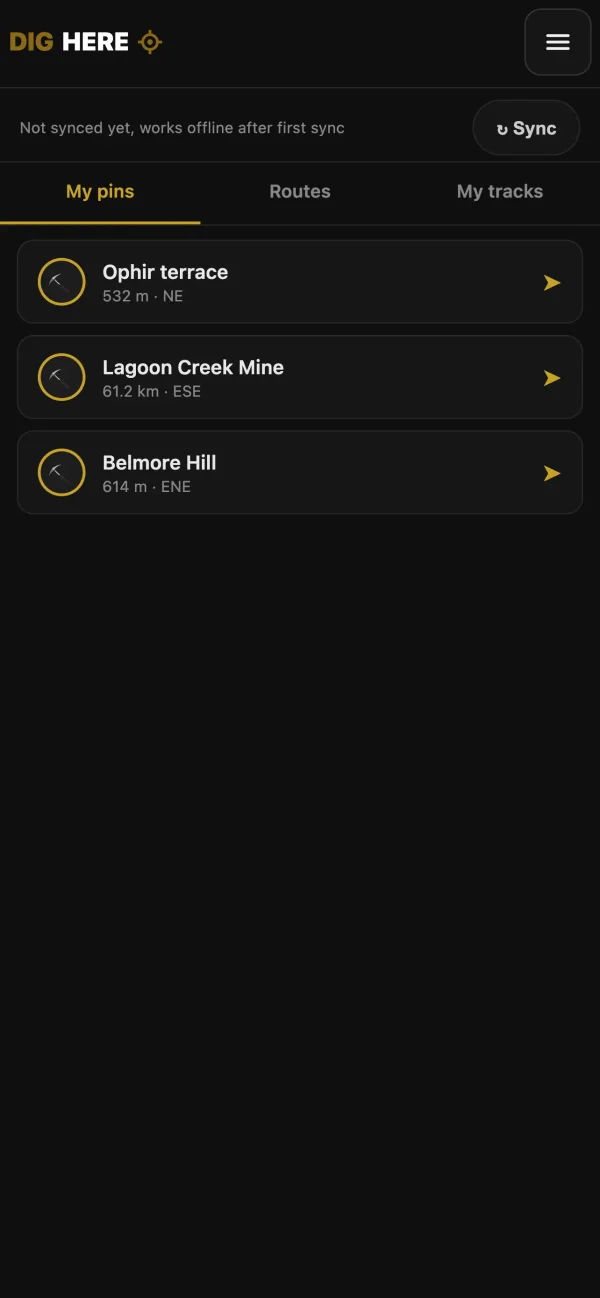
Drop a pin the moment you find something. Every pin has a type, such as gold, water, camp, vehicle access or hazard, so your map stays readable. Pins are saved on your phone and sync to your account, so a good spot is still there next trip.
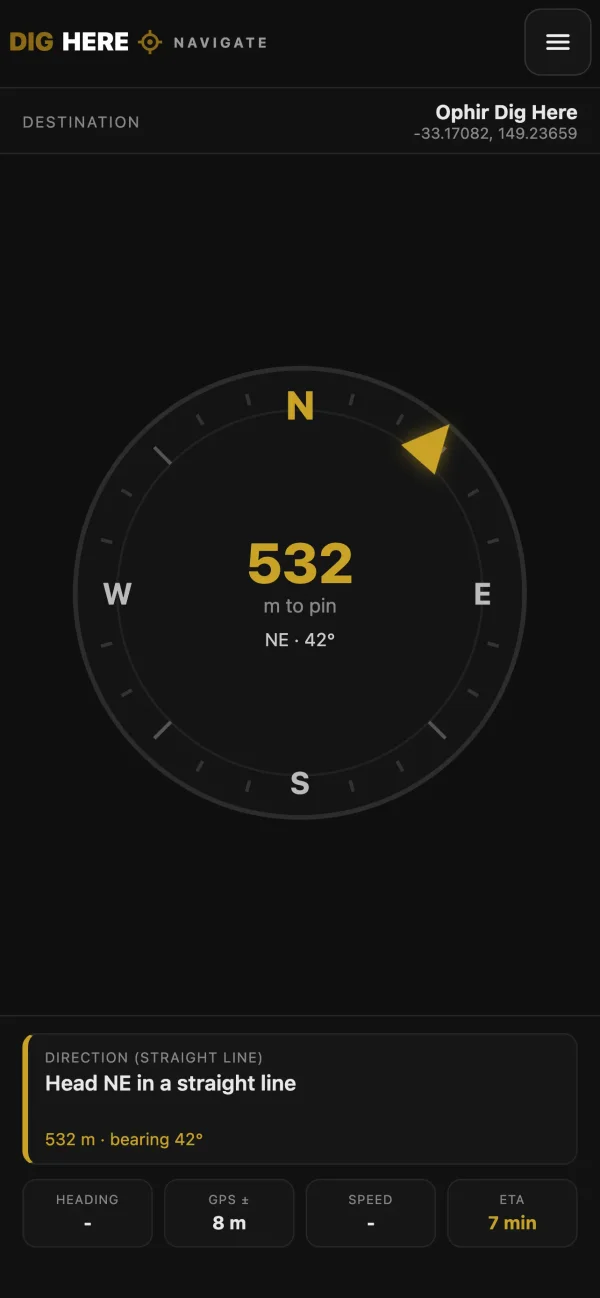
Get Me Back records your track as you walk in. When you are ready to leave, it turns that track around and points you back to where you started, with a compass and a line on the map. It runs offline and keeps going with the screen locked, so it works deep in the scrub where there is no signal.
Everything works without a connection. Cache the terrain and layers for an area over wifi, then head out. Your pins, tracks and maps are all there when you are off the grid.
DigHere also runs on CarPlay and Apple Watch. On CarPlay you can navigate to a pin, drive back to your start, and see terrain on the car screen. On Apple Watch you can drop a pin, record a Get Me Back trail, keep a named Dig Track, and follow the compass to a pin without pulling your phone out.
Some layers and areas need a subscription, and you can see what is available before you subscribe.
Covers Australia and New Zealand, Canada and the USA.
Terms of Use (EULA): https://dighere.com.au/terms
Privacy Policy: https://dighere.com.au/privacy
Nouveautés
Version 1.0.8 · 07/10/2026
Hot Ground layer: Digger members can switch on Hot Ground in the map's Layers menu. It shows our evidence map of the most promising ground, with numbered targets you can tap for the score, what drives it, nearby drilling and old workings. It saves offline with your map areas.
Map compass: a heading pill and a facing beam on your location show which way you're pointing.
Smarter car voice: CarPlay now waits for phone calls and other audio, and paused podcasts and music resume afterwards.
Tracks: a live recording keeps going when you move between screens, there's a new My tracks tab, and Apple Watch GPS is more accurate.
Plus fixes and performance improvements.
Confidentialité de l’application
Ce que Andrew Davis déclare sur l’App Store au sujet du traitement des données par cette application.
-
Données établissant un lien avec vous
Peuvent être collectées et liées à votre identité.
- Coordonnées
Les pratiques en matière de confidentialité peuvent varier, notamment en fonction des fonctionnalités que vous utilisez ou de votre âge.
Informations
- Vendeur
- Andrew Davis
- Catégorie
- Navigation
- Version
- 1.0.8
- Mis à jour
- 07/10/2026
- Publié
- 12/09/2026
- Taille
- 88,3 Mo
- Nécessite
- iOS 15.0 ou version ultérieure
- Classification d’âge
- 4+
- Prix
- Gratuit
- Achats intégrés
- Oui
- Langues
- Anglais
- Copyright
- © Dig Here