Dit - Practice Morse Code
Learn Morse code by ear
Conçue pour iPhone, iPad
Gratuit
- Classification d’âge4+
- CatégorieÉducation
- DéveloppeurTyler Robinson
- LanguesAnglais
- Taille68,5 Mo
Renvoie vers la page App Store officielle
Download.org n’héberge aucun fichier de Dit - Practice Morse Code. Le bouton ouvre la page de l’application sur App Store, où Tyler Robinson la publie. Fiche vérifiée pour la dernière fois le 14/11/2026.
Captures d’écran

À propos
Le développeur n’a pas fourni ce texte dans votre langue.
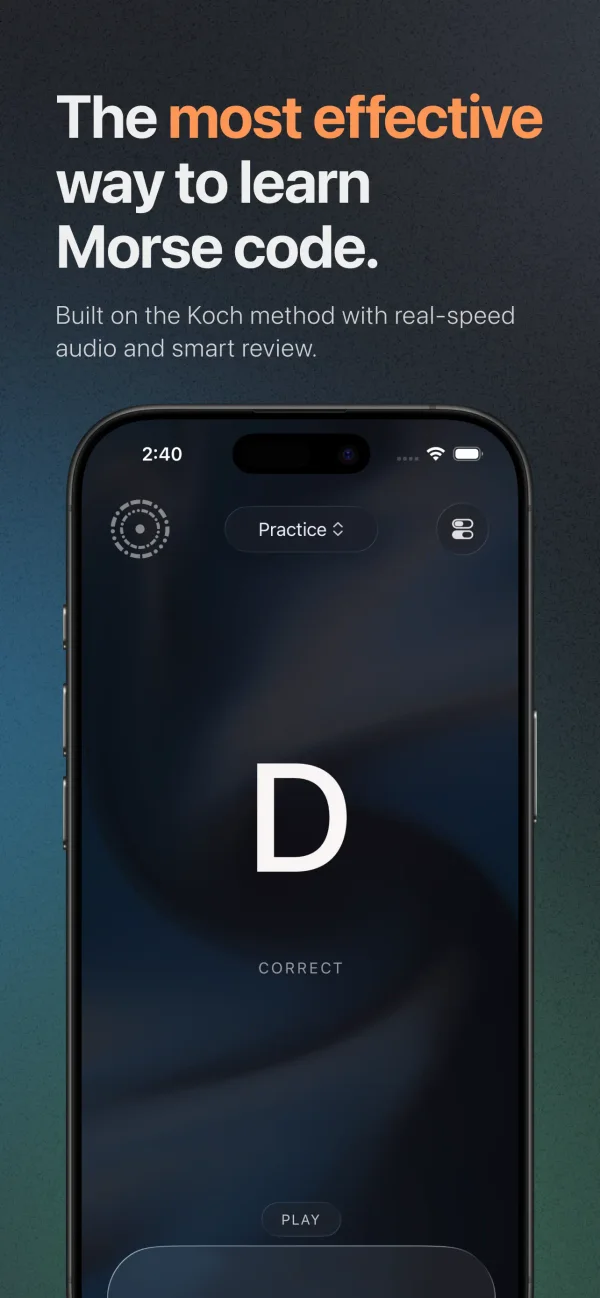
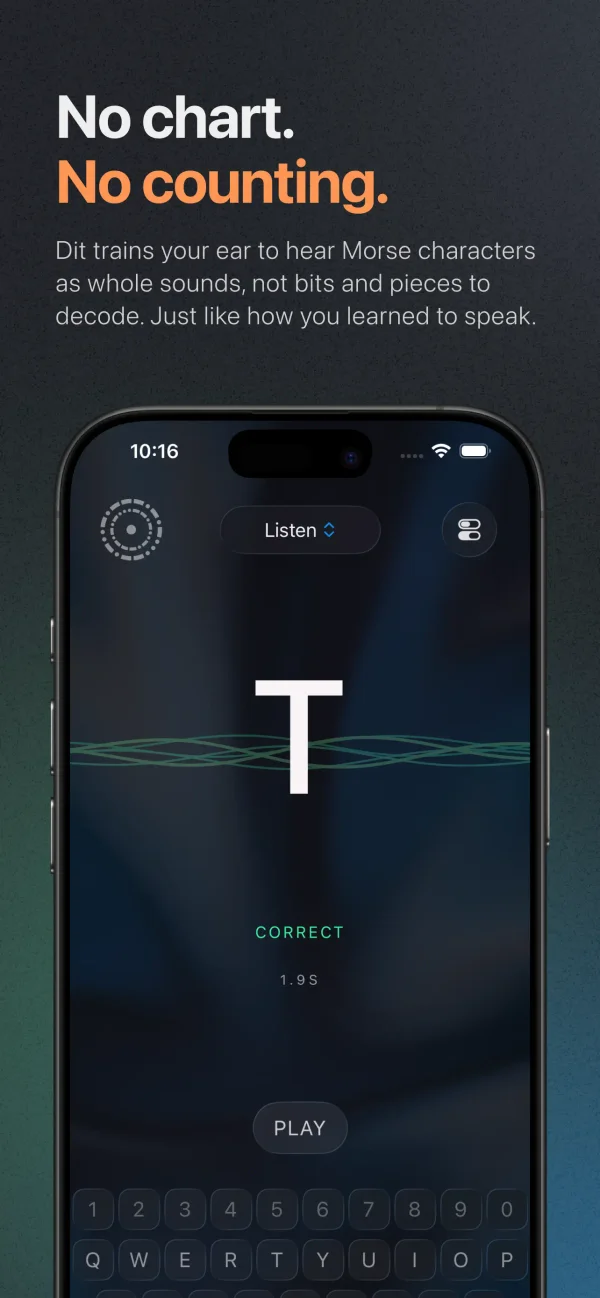
Dit teaches Morse code by ear, not by eye. There's no need to memorize a dot-and-dash chart. You hear each character as a sound and tap it back.
Characters play at real speed from the start. If they played slowly enough to count individual dots and dashes, you'd do exactly that, and then you'd be stuck translating forever instead of just hearing the letter. The spacing between letters starts generous and tightens as you improve.
Choose how you practice:
- Practice walks you through small groups of letters and advances when you're ready.
- Freestyle lets you tap whatever you want and see what it decodes to.
- Listen trains recognition of characters, common English words, and Q codes. You can also play your own text and optionally type along to check your copy.
- Conversation lets you practice a simulated CW contact with an AI operator. Hear the other station, then key your reply, including continuous prosigns.
Practice and Freestyle also support external Morse paddles through VBand-compatible adapters. For example, you can use a Bencher BY-1 iambic paddle with a compatible USB=C adapter. Connect your adapter to your iPhone or iPad, open Practice or Freestyle, and use the left paddle for dits and the right for dahs.
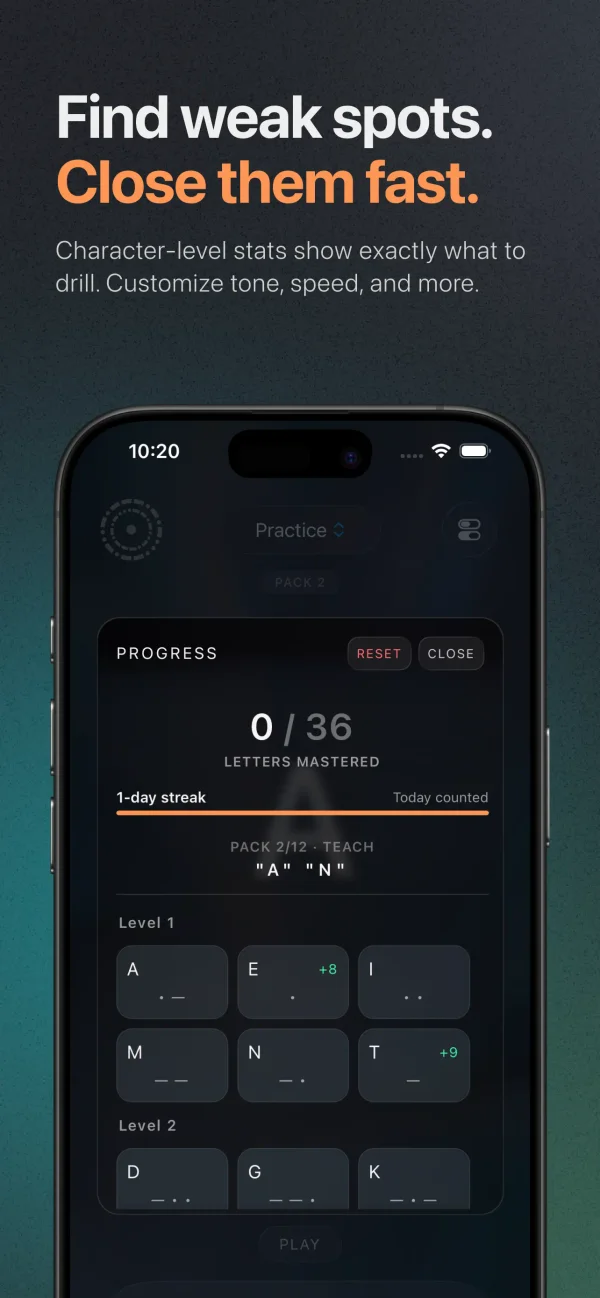
Letter practice notices which characters trip you up and brings them back more often. Review Misses drills your weak spots. Dit tracks how quickly you recognize each character, so you can tell where you're sharp versus where you're still guessing.
Letters are introduced in small packs that let you build common words and radio abbreviations. Track your progress in the app and with Home Screen or Lock Screen widgets.
Core practice works offline. Progress saves on your device. Sign in to sync across devices if you want, but you don't have to.
Conversation mode requires an internet connection. Before each contact, you choose whether to send your keyed messages and conversation history to Google Gemini to generate replies. Typed reception copy stays on your device.
Nouveautés
Version 2026.10.25 · 28/10/2026
This update adds new ways to build your Morse listening and sending skills, along with improvements throughout the app.
New ways to practice
- Conversation: Practice a simulated CW contact with an AI radio operator. Listen to the other station, then key your reply at your own pace.
- Words and Q codes: Move beyond individual characters. Listen to common words and radio codes, choose what you heard, and learn the meaning of each Q code.
- Custom listening: Turn your own text into Morse practice. Pause, replay, and optionally type along to check your copy.
Improvements and fixes
- Fixed widgets appearing blank or showing a warning instead of your progress.
- Refreshed onboarding with clearer guidance and listening exercises.
- Improved the Progress view so it's easier to see which letters you've learned and how quickly you recognize them.
- Improved Morse playback timing, Practice feedback, and listening controls. You can also test your sound settings directly from Settings.
Confidentialité de l’application
Ce que Tyler Robinson déclare sur l’App Store au sujet du traitement des données par cette application.
-
Données établissant un lien avec vous
Peuvent être collectées et liées à votre identité.
- Emplacement
- Coordonnées
- Contenu utilisateur
- Identifiants
- Données d’utilisation
-
Données n’établissant aucun lien avec vous
Peuvent être collectées, mais ne sont pas liées à votre identité.
- Diagnostic
Les pratiques en matière de confidentialité peuvent varier, notamment en fonction des fonctionnalités que vous utilisez ou de votre âge.
Informations
- Vendeur
- Tyler Robinson
- Catégorie
- Éducation
- Version
- 2026.10.25
- Mis à jour
- 28/10/2026
- Publié
- 19/03/2026
- Taille
- 68,5 Mo
- Nécessite
- iOS 16.4 ou version ultérieure
- Classification d’âge
- 4+
- Prix
- Gratuit
- Langues
- Anglais
- Copyright
- © Tylr
Vous aimerez peut-être aussi
-
 Morse ICRÉducation
-
 Morse Hub - Learn Morse CodeÉducation
-
 MTP Morse MachineÉducation
-
 Morse - Easy to learnÉducation
-
 Learn Morse Code - DotDashMéthode Koch · CW à l'oreille
-
 MorseCAT: Morse Code TrainerÉducation
-
 MorseCode MentorÉducation
-
 Morse Code Trainer & PracticeÉducation
-
 Learn Morse Code - CW TrainerÉducation
-
 Morse OperatorÉducation