Doc Scanner: PDF & OCR
Scan, Sign & Edit Files
Conçue pour iPhone
Gratuit · Achats intégrés
- Classification d’âge4+
- CatégorieProductivité
- DéveloppeurVenish Rakholia
- LanguesAnglais
- Taille27,9 Mo
Renvoie vers la page App Store officielle
Download.org n’héberge aucun fichier de Doc Scanner: PDF & OCR. Le bouton ouvre la page de l’application sur App Store, où Venish Rakholia la publie. Fiche vérifiée pour la dernière fois le 25/11/2026.
Captures d’écran
À propos
Le développeur n’a pas fourni ce texte dans votre langue.
Doc Scanner turns your phone camera into a powerful, pocket-sized scanner. Scan receipts, contracts, IDs, passports, and notes — then clean them up, sign them, and share them in the format you need.
WHY YOU'LL LOVE IT
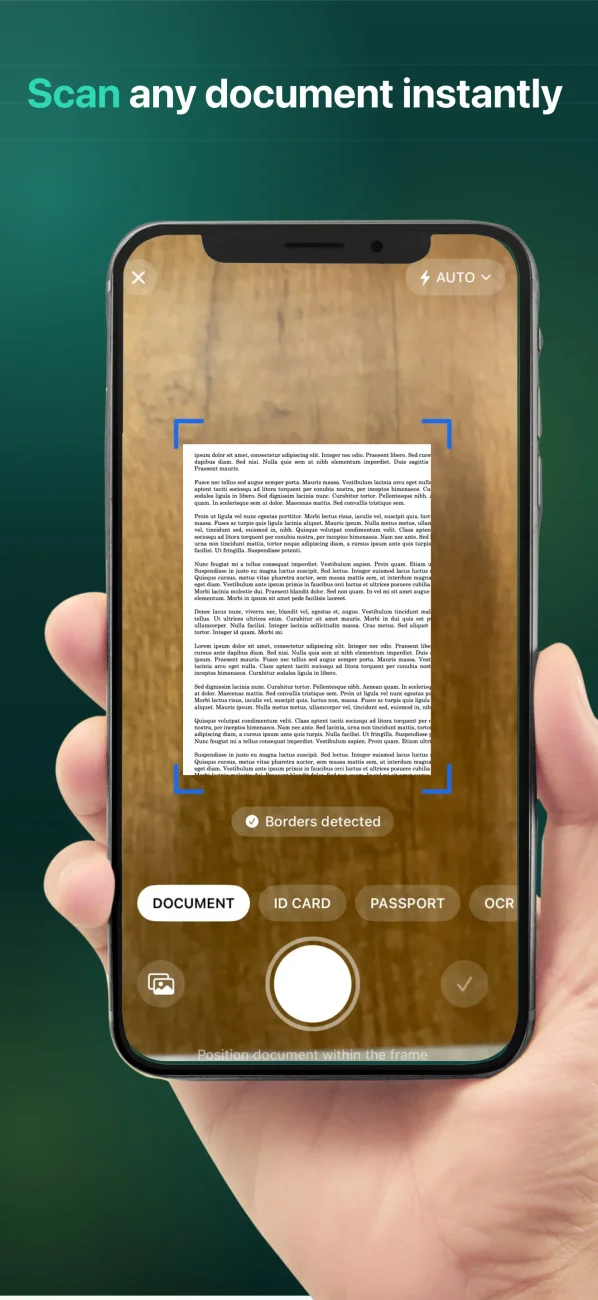
Scan anything, instantly
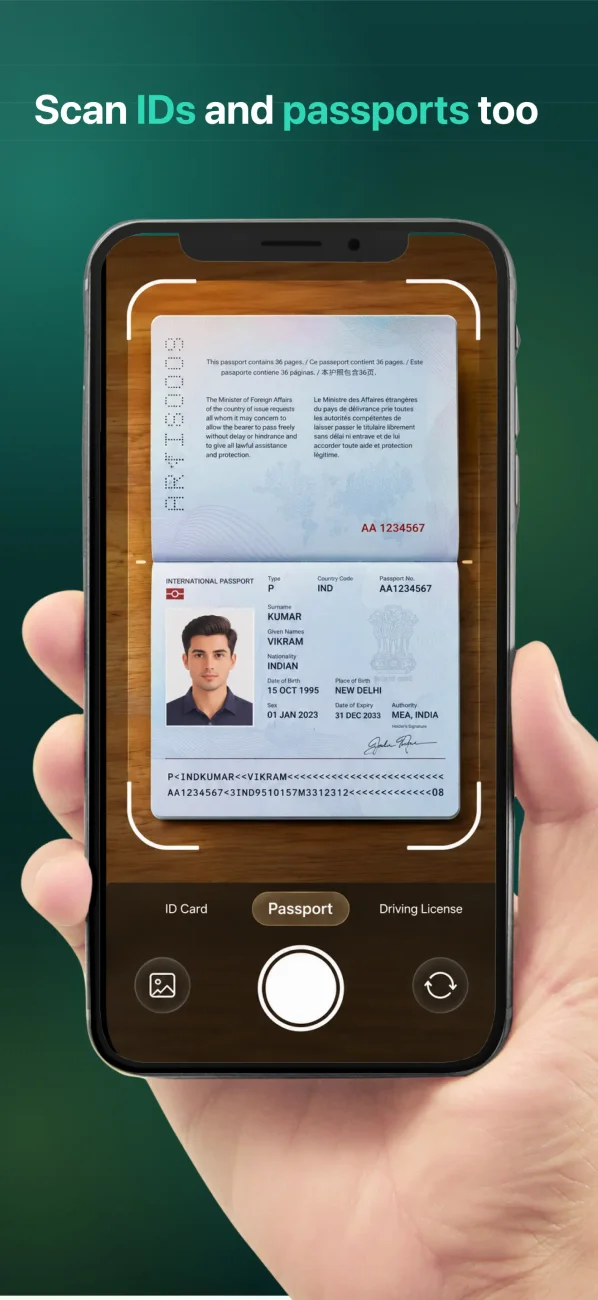
Auto edge detection captures perfect scans of documents, ID cards, and passports — even on messy backgrounds.
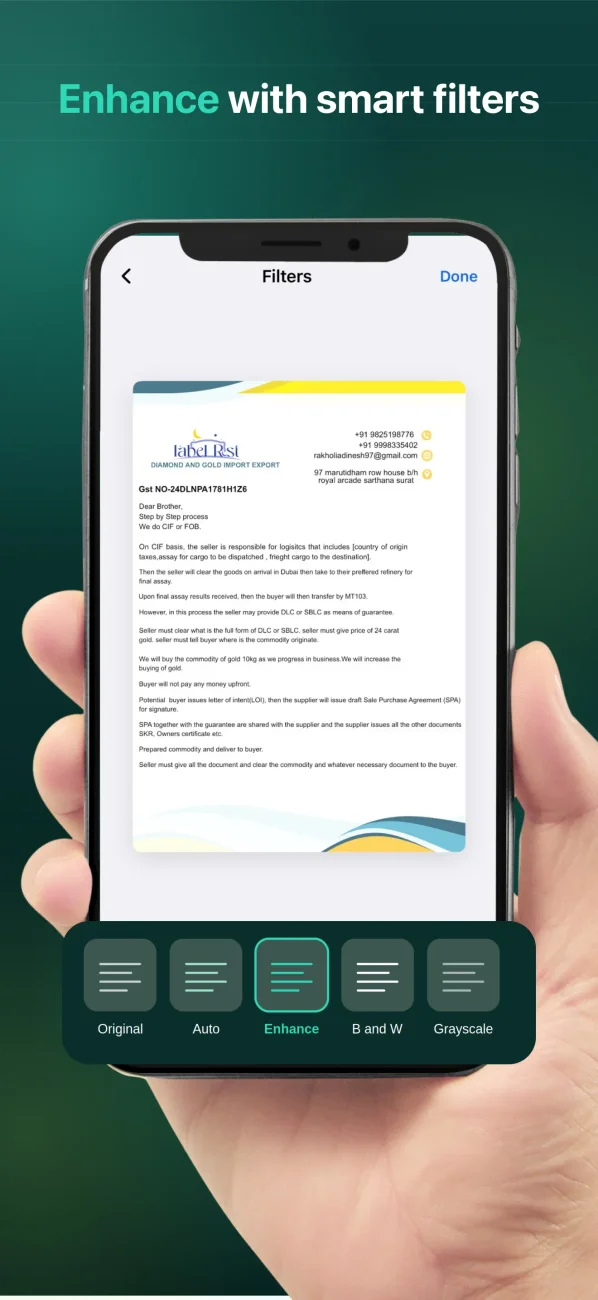
Smart filters, one tap
Auto-enhance, black & white, grayscale, or original — make every scan sharp and easy to read.
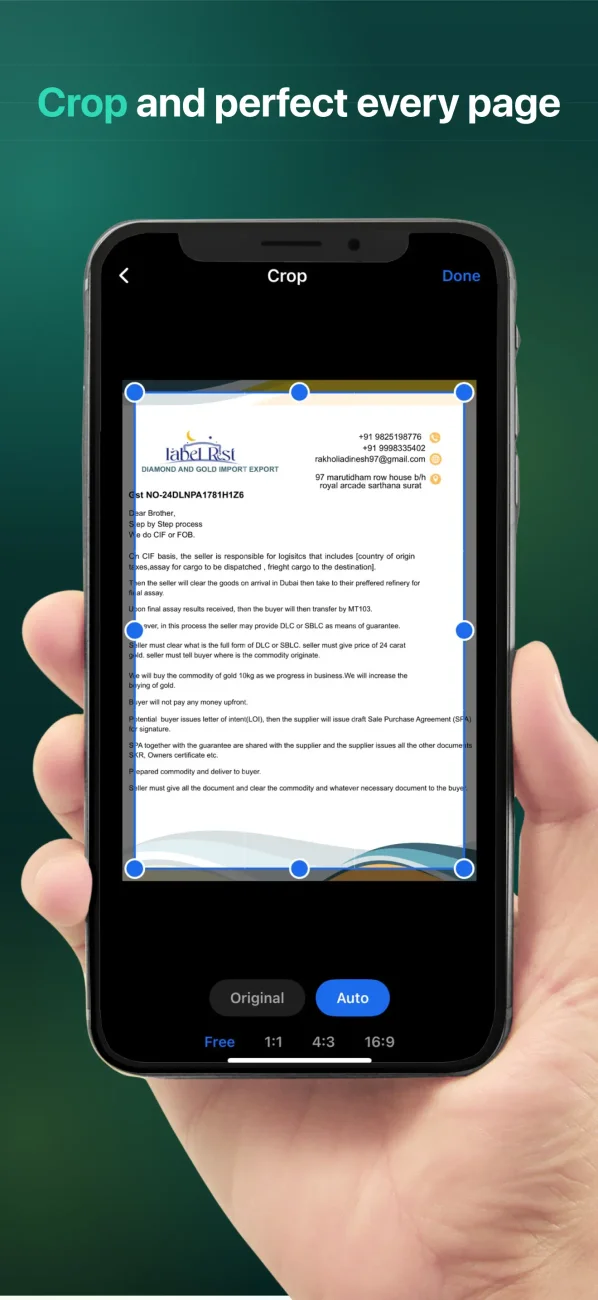
Crop and clean up
Straighten, crop, and adjust every page until it looks exactly right.
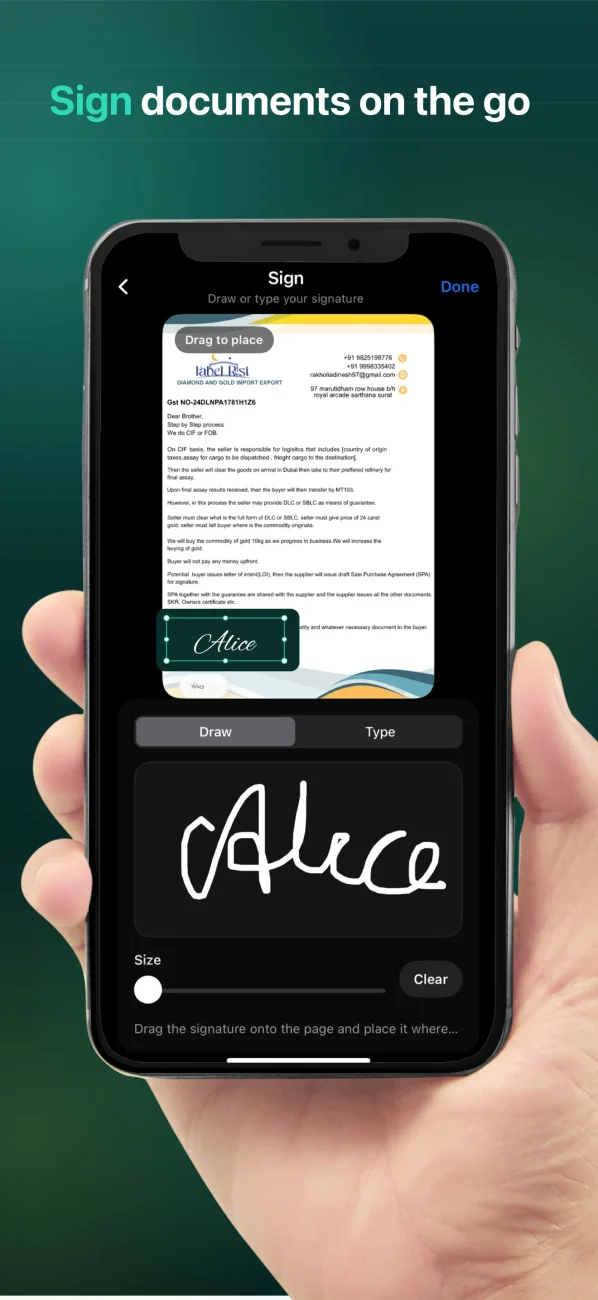
Sign without printing
Draw or type your signature and drop it right onto the page.
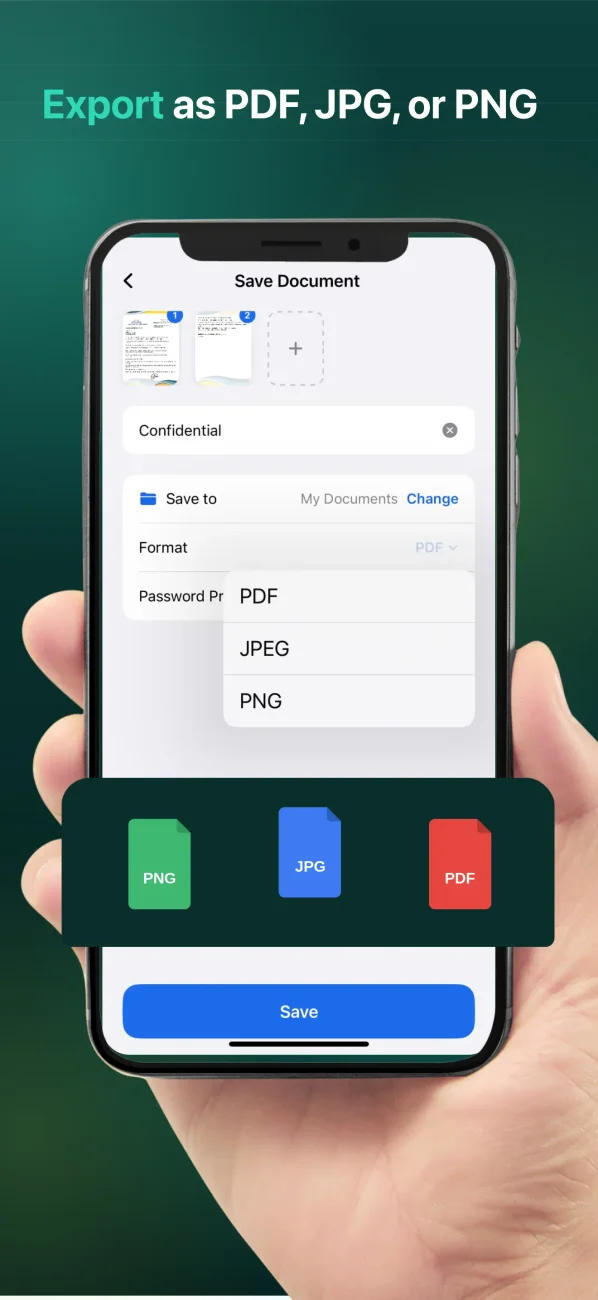
Export your way
Save as PDF, JPG, or PNG — ready to email, upload, or store.
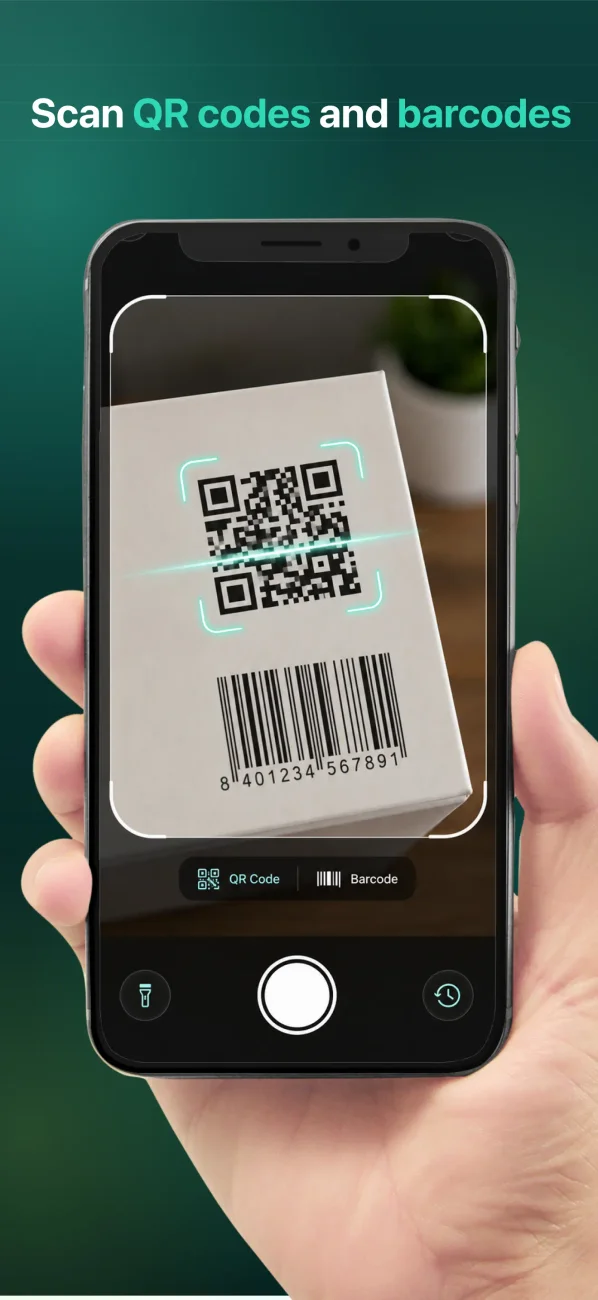
Scan QR codes and barcodes
One app for all your scanning needs, not just paperwork.
A full toolkit, built in
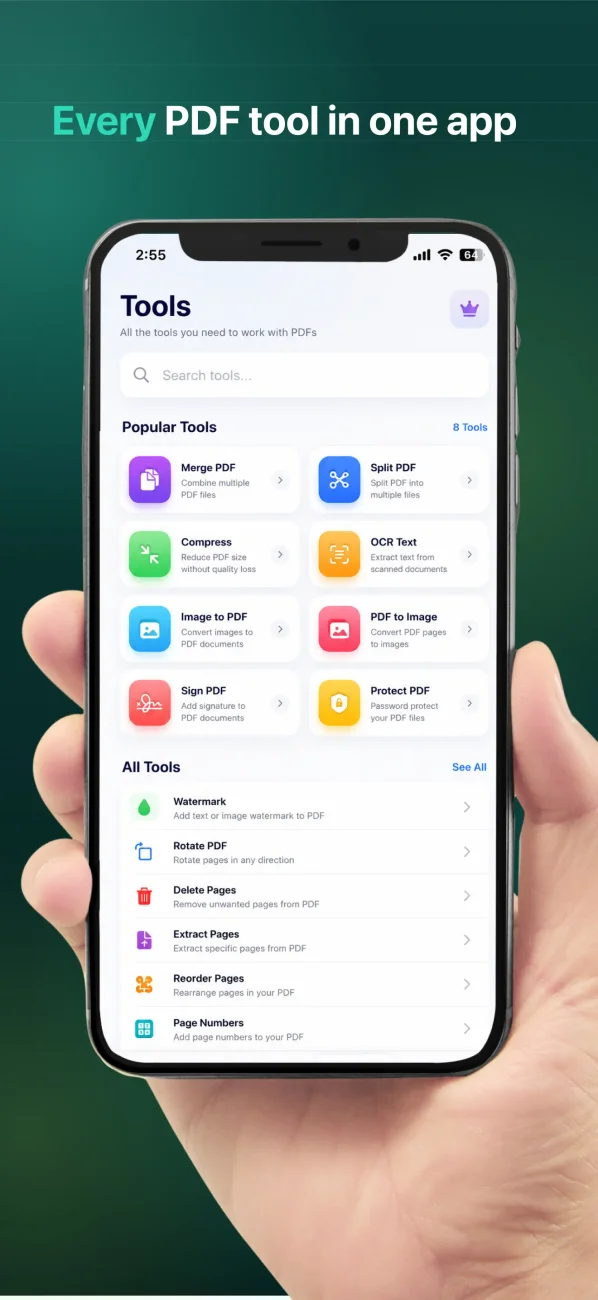
Merge, split, compress, rotate, watermark, and extract pages — everything you need for PDFs in one place.
WHO IT'S FOR
Students, freelancers, small businesses, and anyone tired of hunting for a scanner or a printer. If you've ever taken a blurry photo of a document and hoped for the best, this app is for you.
Your documents. Your privacy.
We take your data seriously. Read our Privacy Policy: https://doc-scanner-privacypolicy.blogspot.com/p/doc-scanner-privacy-policy-privacy.html
Terms of Use: https://sites.google.com/view/terms-of-use-00/home
Download Doc Scanner today and leave the paper trail behind.
Nouveautés
Version 1.4 · 24/11/2026
• Improved document scanning experience.
• Enhanced scan quality and performance.
• Bug fixes and stability improvements.
Thank you for using Doc Scanner!
Confidentialité de l’application
Ce que Venish Rakholia déclare sur l’App Store au sujet du traitement des données par cette application.
-
Données utilisées pour vous suivre
Peuvent être utilisées pour vous suivre sur des applications et des sites web appartenant à d’autres sociétés.
- Identifiants
- Données d’utilisation
-
Données établissant un lien avec vous
Peuvent être collectées et liées à votre identité.
- Achats
- Identifiants
- Données d’utilisation
- Diagnostic
Les pratiques en matière de confidentialité peuvent varier, notamment en fonction des fonctionnalités que vous utilisez ou de votre âge.
Informations
- Vendeur
- Venish Rakholia
- Catégorie
- Productivité
- Version
- 1.4
- Mis à jour
- 24/11/2026
- Publié
- 31/07/2026
- Taille
- 27,9 Mo
- Nécessite
- iOS 17.0 ou version ultérieure
- Classification d’âge
- 4+
- Prix
- Gratuit
- Achats intégrés
- Oui
- Langues
- Anglais
- Copyright
- © 2026 Venish Rakholiya
Vous aimerez peut-être aussi
-
 TADA - Task ManagerProductivité
-
 DocScanner: Scanner PDFScannez, OCR et signature
-
 Doc Scanner - PDF doc ScannerProductivité
-
 All Files Reader and ViewerProductivité
-
 Ink: Notes, Lists & To-DosProductivité
-
 Scanner PDF: Modifier & SignerNumériser, Convertir & Annoter
-
 SwiftScan: PDF Scanner & ToolsProductivité
-
 Doc Scanner - ScanGenius AIProductivité
-
 Serious ScannerProductivité
-
 Documents Editor - Read & EditProductivité