
- Classification d’âge4+
- CatégorieProductivité
- DéveloppeurTopal Oleg
- LanguesAnglais
- Taille21,7 Mo
Renvoie vers la page App Store officielle
Download.org n’héberge aucun fichier de Docu Nest. Le bouton ouvre la page de l’application sur App Store, où Topal Oleg la publie. Fiche vérifiée pour la dernière fois le 18/11/2026.
Captures d’écran
À propos
Le développeur n’a pas fourni ce texte dans votre langue.
Docu Nest – All-in-One Document Manager, Scanner & Quick Look Viewer
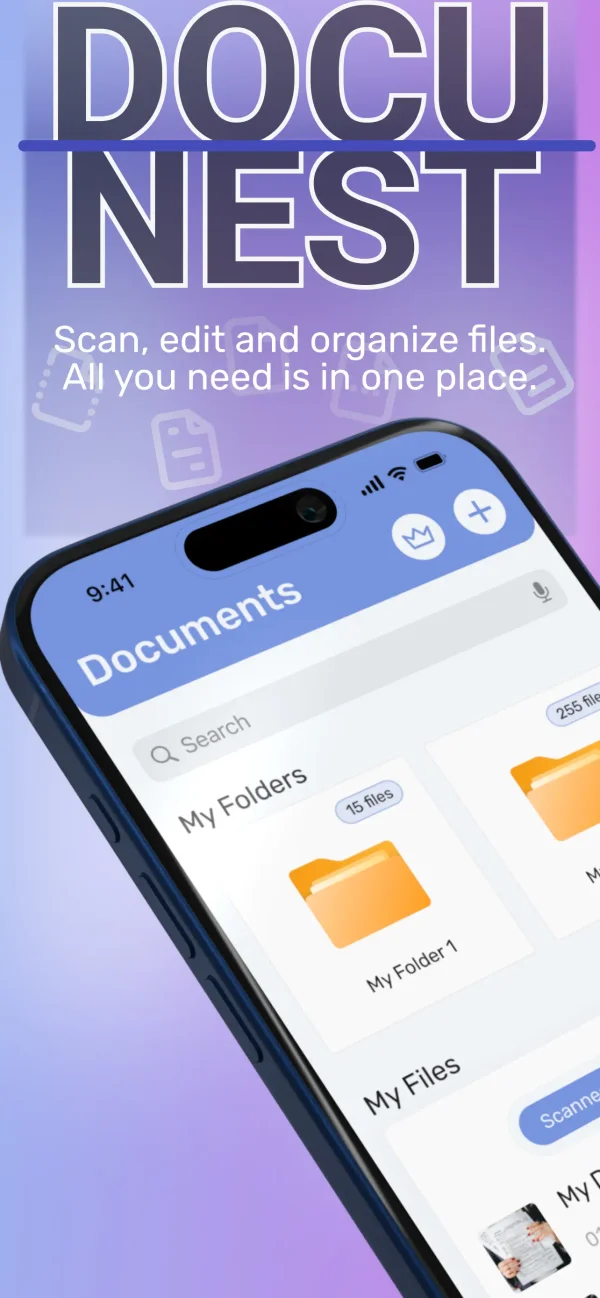
Docu Nest is the ultimate solution for managing, scanning, and viewing documents directly from your phone.
Designed for efficiency and simplicity, Docu Nest ensures that you can organize, preview, and share documents wherever you are, with just a few taps.
Whether you’re scanning physical papers, organizing your files, jotting down notes, or adding a signature, Docu Nest makes document management easy and accessible.
KEY FEATURES of Docu Nest:
Document Manager
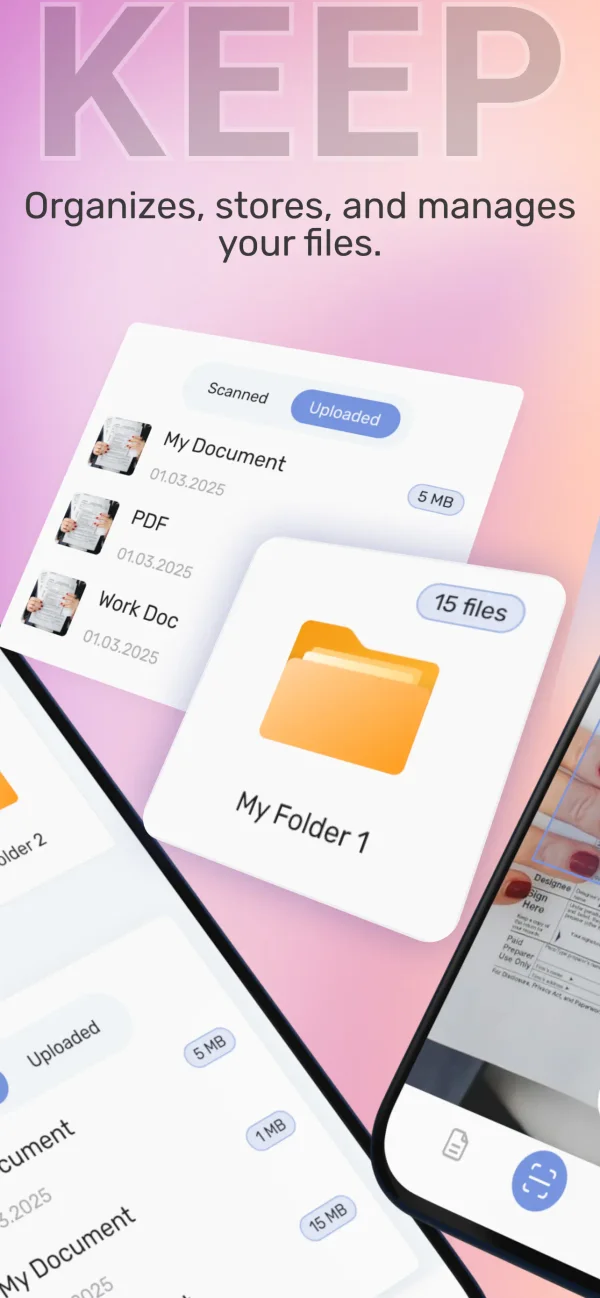
Create and manage folders, upload documents, rename or delete files, and easily find everything with the search bar. Keep your documents organized and at your fingertips.
Smart Scanner
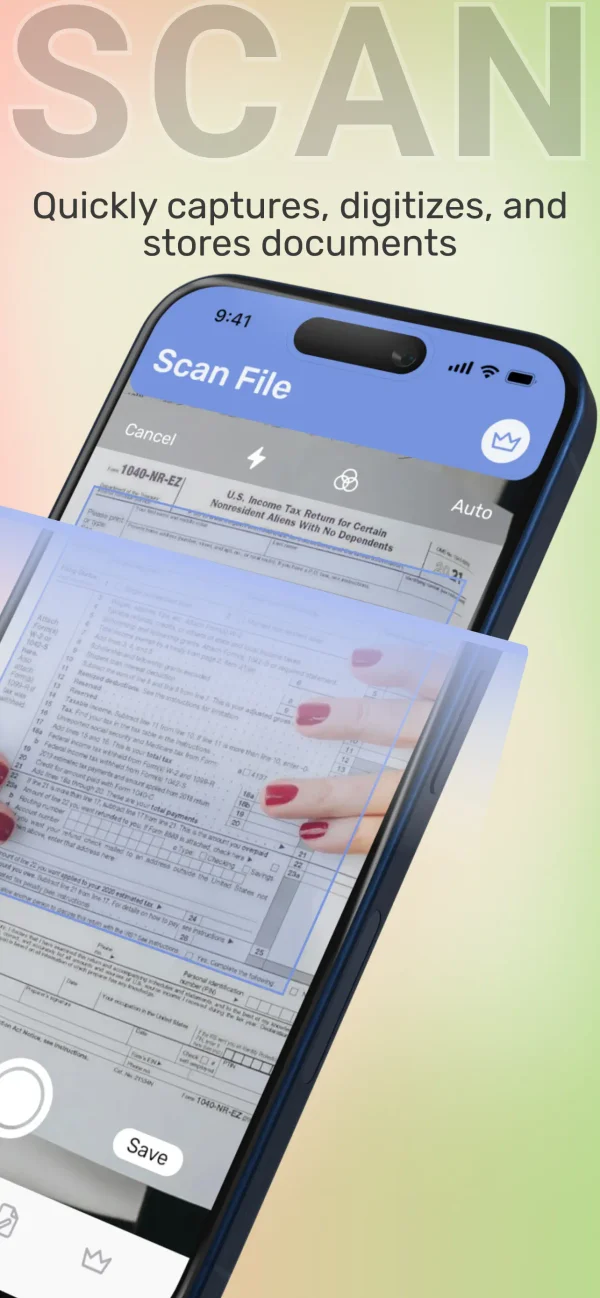
Quickly scan documents using your phone’s camera with automatic edge detection, ensuring clean scans every time. Save documents directly to your library and rename them for easy reference.
Quick Look Viewer
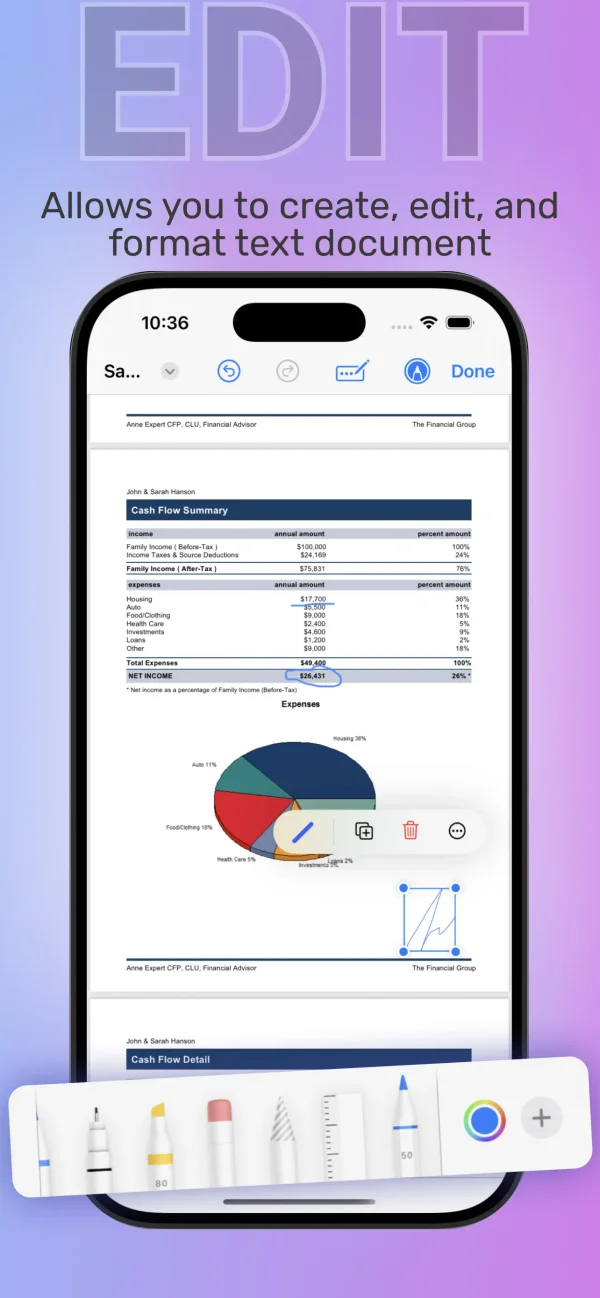
Instantly preview your documents, images, and PDFs with Quick Look—fast, smooth, and without the need for additional editing tools.
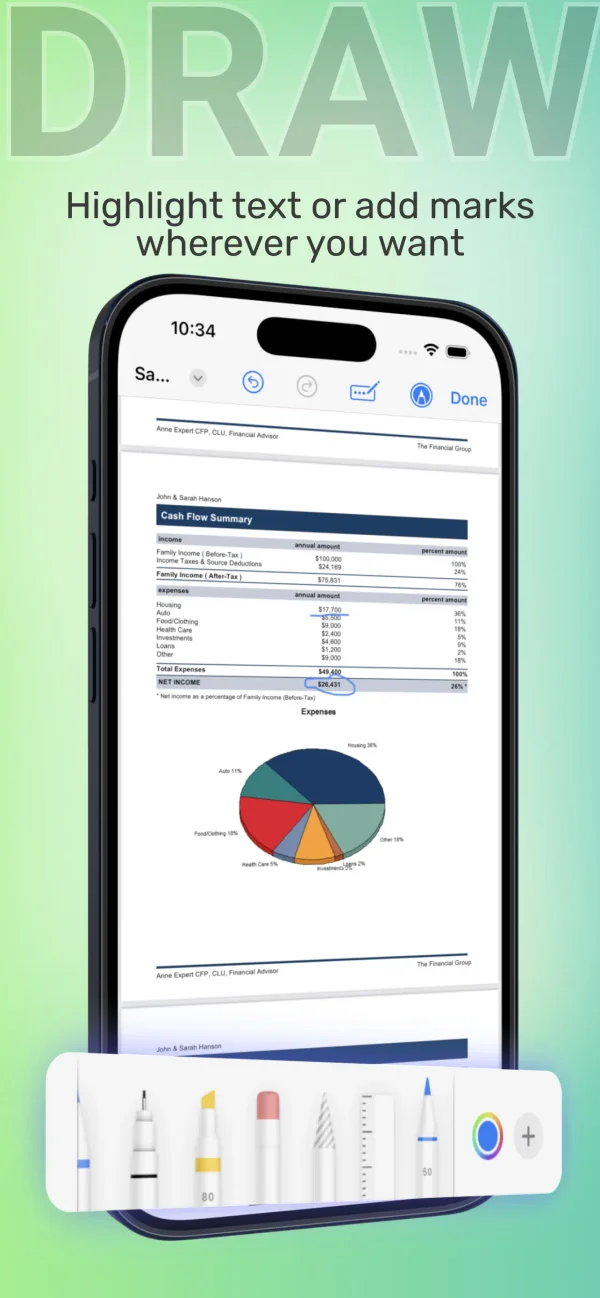
Includes simple editing options like crop, pen, and signature for quick adjustments.
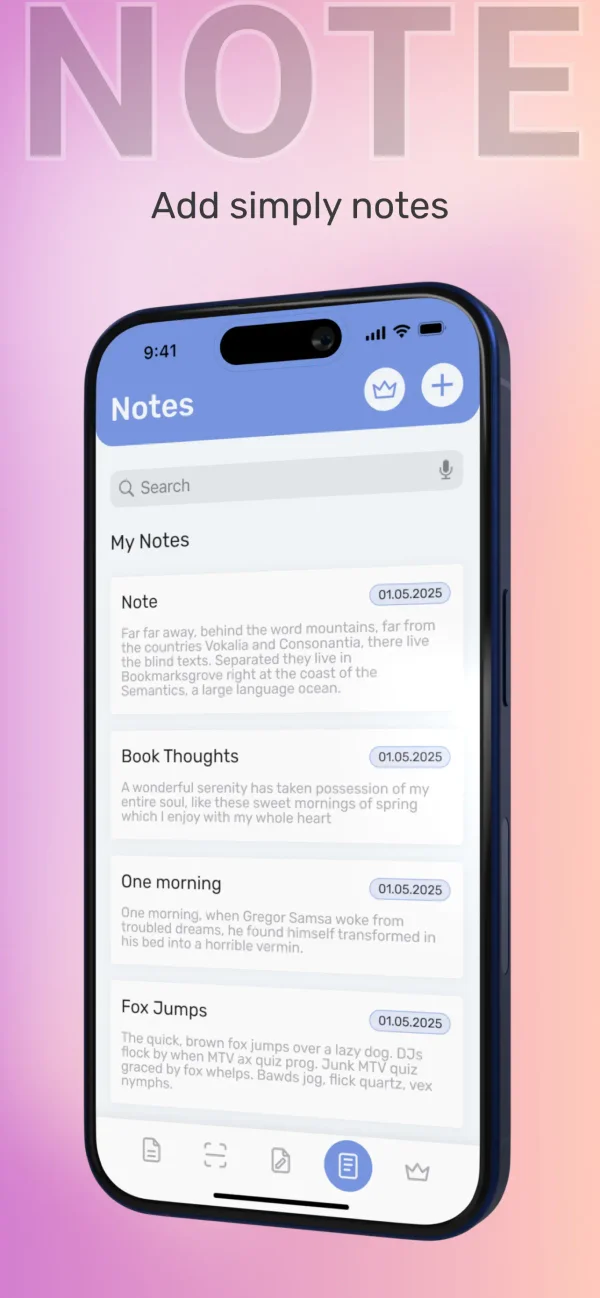
Notes Functionality
Quickly jot down ideas, tasks, and reminders with the built-in Notes feature. Keep everything in one place!
In the free version, you can enjoy the following options:
Keep up to 3 documents
Scan up to 2 documents
Quick Look up to 2 times
3 notes for your ideas
Need more? Upgrade to Premium for unlimited access
Docu Nest Subscription
Subscribe to stay informed about the latest innovations in Docu Nest.
Auto-Renewal: Subscriptions automatically renew unless canceled 24 hours before the end of the current period.
Manage Settings: You can adjust your subscription settings anytime in your Account Settings.
By subscribing, you agree to our Privacy Policy and Terms of Use.
Continued use indicates your acceptance.
Docu Nest is perfect for professionals, students, or anyone who needs a simple, efficient way to manage and view their documents on the go.
Download Docu Nest now and experience the ultimate document management tool in your pocket!
Privacy Policy: https://docs.google.com/document/d/1N8Nptm_f6IiqLk3aw4Hdf7em8wLEvbLCiMl9_FXfLDU
Terms of Use: https://docs.google.com/document/d/14a-BwcB3koh_mX1Y0uFtWMN3yDJ1jYtEoyMTyn4u95c
Nouveautés
Version 1.1 · 04/06/2025
Improvements of user experience
Confidentialité de l’application
Ce que Topal Oleg déclare sur l’App Store au sujet du traitement des données par cette application.
-
Données non collectées
Le développeur ne collecte aucune donnée à partir de cette application.
Les pratiques en matière de confidentialité peuvent varier, notamment en fonction des fonctionnalités que vous utilisez ou de votre âge.
Informations
- Vendeur
- Topal Oleg
- Catégorie
- Productivité
- Version
- 1.1
- Mis à jour
- 04/06/2025
- Publié
- 01/06/2025
- Taille
- 21,7 Mo
- Nécessite
- iOS 16.0 ou version ultérieure
- Classification d’âge
- 4+
- Prix
- Gratuit
- Achats intégrés
- Oui
- Langues
- Anglais
- Copyright
- © Topal2025
Vous aimerez peut-être aussi
-
 Team To Do ListProductivité
-
 AM GPTProductivité
-
 Leexi - AI NotetakerEnregistreur vocal, texte IA
-
 Littlebird AIProductivité
-
 Journey: Screen Time ControlProductivité
-
 SynGene. Synchronisation CloudContacts, Calendrier et Tâches
-
 Carnet sécuriséNotes privées par mot de passe
-
 Zoho CalendarProductivité
-
 SunsamaProductivité
-
 Things 3Liste de tâches