
DoMemo - Simple Notes System
200 words per note is enough!
Conçue pour iPhone, iPad, Mac, iPod touch
Gratuit · Achats intégrés
- Classification d’âge4+
- CatégorieProductivité
- DéveloppeurHangzhou Quanduan Technology Co., Ltd.
- LanguesAnglais+ 2 de plus
- Taille58,7 Mo
Renvoie vers la page App Store officielle
Download.org n’héberge aucun fichier de DoMemo - Simple Notes System. Le bouton ouvre la page de l’application sur App Store, où Hangzhou Quanduan Technology Co., Ltd. la publie. Fiche vérifiée pour la dernière fois le 22/11/2026.
Captures d’écran

À propos
Le développeur n’a pas fourni ce texte dans votre langue.
## A New Balance
A typical note is more words and complex; a typical memo is less wordy and sometimes ad hoc, and much lighter too.
We found that there is a new balance between "notes" and "memos", also the scenarios that we often encounter, such as writing inspirations down, or a reverie, or the deepest feeling after reading a book. There are not too many words, but is not temporary; it should be light, but also can be complex, like giving tags and connections for future management and review.
That's why we designed DoMemo this App, a new balance, a new personal note system. We believe that, be simple and be powerful are never contradictory.
## About DoMemo, Some Keywords
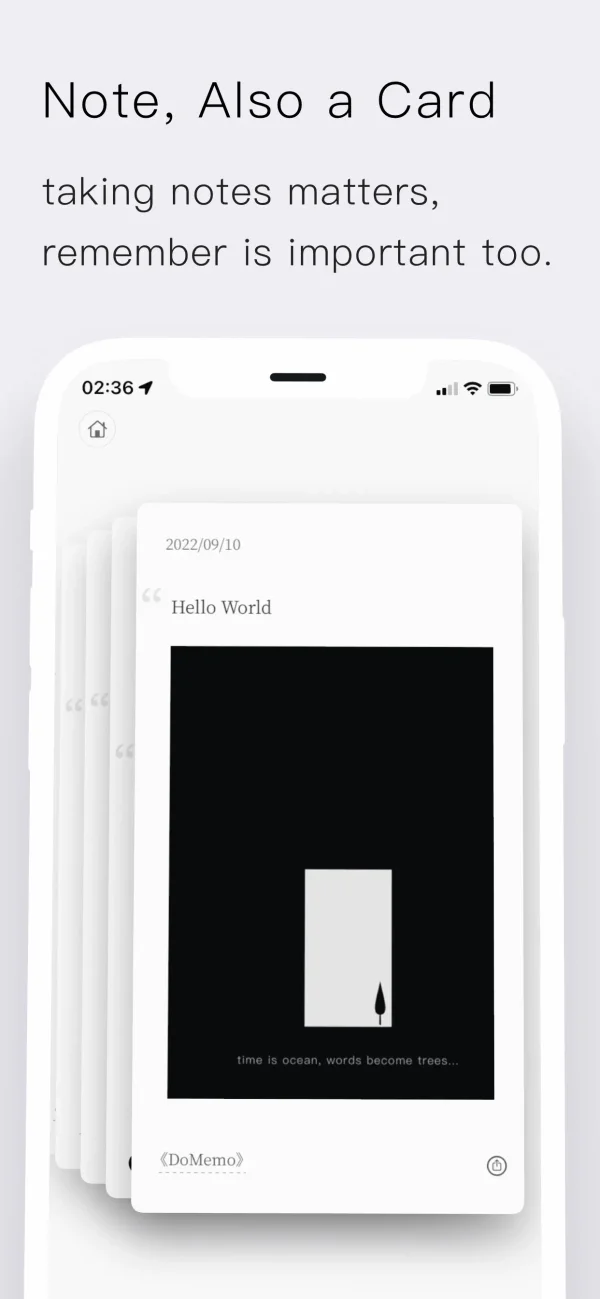
Local, Full Text Search, History Versions, Voice Recording, Voice to Text, iCloud Drive sync, Git sync, Card Notes, Memory Curve, 200 Words, Tags, Backward Links...
## Above Simplicity, Make Yourself as The Method
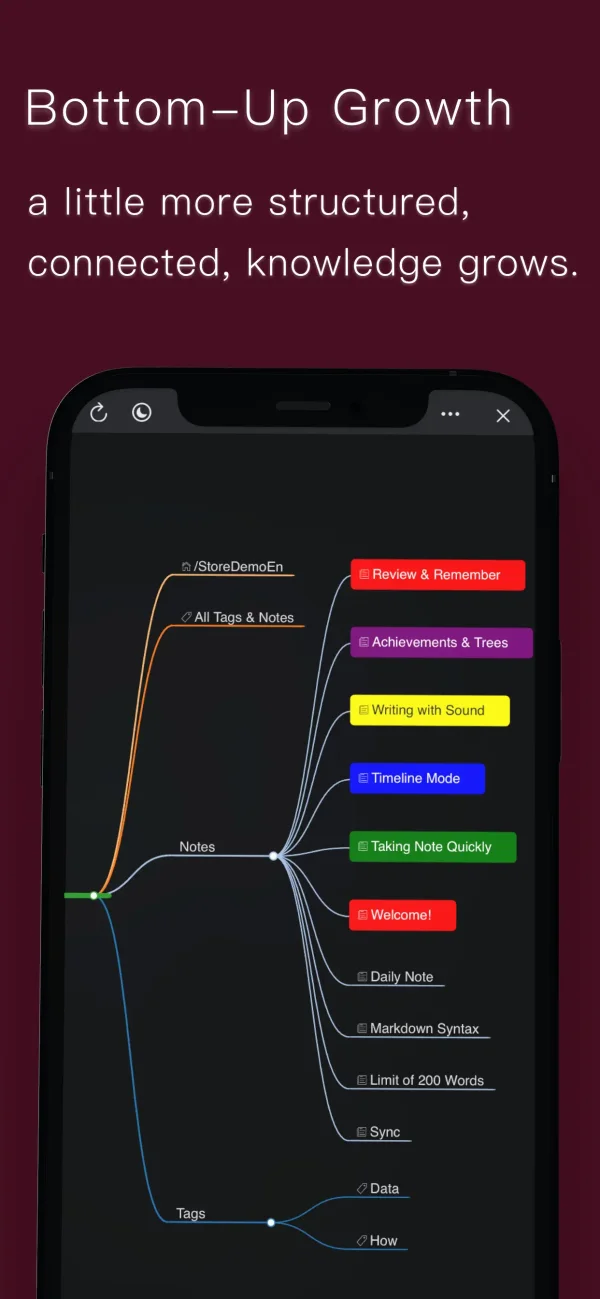
Notes in DoMemo can have tags or not, have backward links or not, use Markdown syntax or not, cardify or ignore the cards, be scientific or humanistic.
DoMemo will not deliberately cut down the features to keep the simplicity; as a tool, it should provide convenience to users without thinking about how to use it.
## 200 Words, The Liberation
The default maximum words per DoMemo note is 200, you can adjust it in the App settings.
The 200 words limit does not limit human imagination, but rather liberates the boundaries of our thinking at another level.
Because of this limit, when we need to summarize what we have read in a book, we will deliberately keep it concise and concise; when we take notes as we go, we don't need to consider the structure of the context, so we really can write freely.
When writing, become of stress-free, there will be a magical effect produced, simply put, it will be easier to write, and will write more words finally ......
## Local First, No Registration Required
DoMemo's notes data is stored locally and does not depend on any official servers, so you don't have to worry that one day the data service will be unavailable and the notes will not be migrated any more.
There is no need to register an account to use DoMemo, so you don't have to worry about compromising your account password.
DoMemo uses an open file system structure, with folders, text documents, images, and audio files, so all you need to do to back up or migrate DoMemo data is copy a folder, paste it into the location you need (in Finder or Filess), and it's done.
## Syncing by iCloud Drive or Git
As the designer and developer of DoMemo, we don't want to touch users' notes data, and we believe most of users don't want their data to be hosted by a notes tool provider. It's not just about data privacy and data security, but also about the long-term life of the notes system from a longer-term perspective. That's why DoMemo adopts the principle of local-first data.
Even if it is local-first, it can also be synced across devices.
DoMemo's notes are synced using iCloud Drive by default. Domemo just simply put an additional copy of each note to be stored on iCloud Drive for sync purpose.
If you need more controlable, and more stable, you can use Git, a tool that requires some IT technical skills. DoMemo integrates this powerful engine and does a lot of automated logic; sometimes you can barely notice Git running in DoMemo but you're already using it.
## Voice Rocording, Taking Note Efficiently
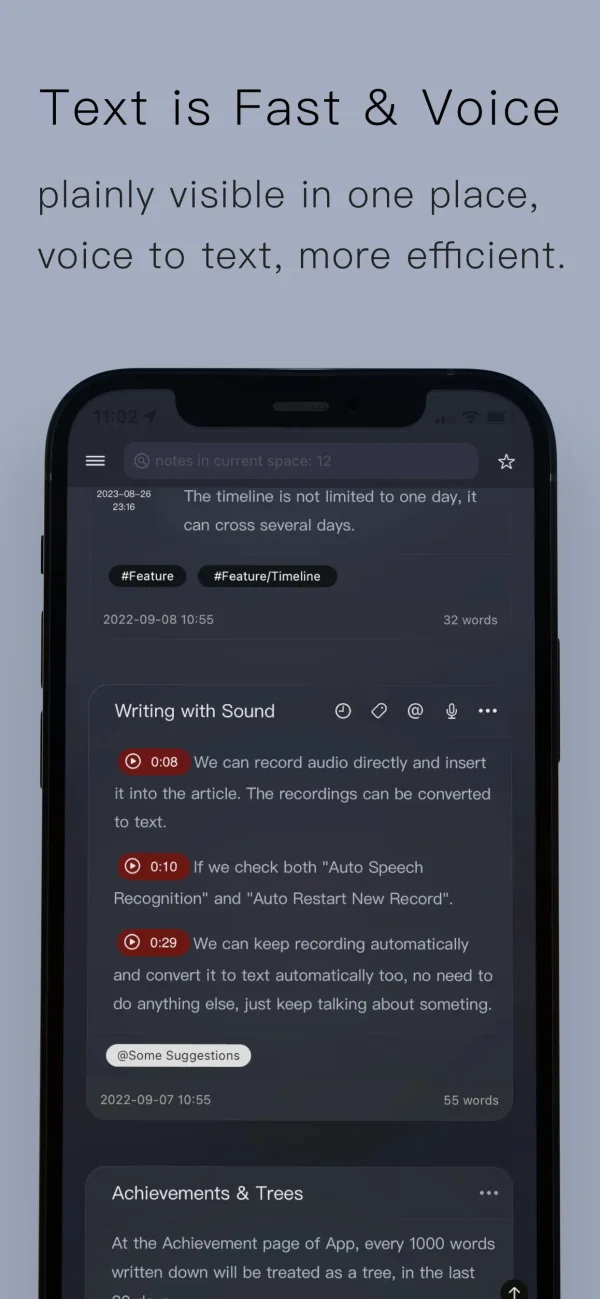
DoMemo allows you to record audio and insert it into notes, and you can convert the voice into text too.
Voice is great as an input method, and once you get used to it, it can be very efficient. And don't worry about privacy issues, because everything is powered by the machine learning capability of your current device (iPhone or iPad). And it works just as well without a network.
- - - - - - - - - - - -
Privacy Policy: http://www.markeditor.com/privacy-policy.html
Terms of Use: http://www.markeditor.com/page/terms.md
Nouveautés
Version 3.2.5 · 24/10/2026
- Enhancement: Rewrote the interface of the keyboard auxiliary area to adapt to the new operating system
- Adjustment: The minimum version requirement is adjusted to OS 12.0 for desktop and OS 15.0 for mobile
- Other minor detail corrections
Confidentialité de l’application
Ce que Hangzhou Quanduan Technology Co., Ltd. déclare sur l’App Store au sujet du traitement des données par cette application.
-
Données n’établissant aucun lien avec vous
Peuvent être collectées, mais ne sont pas liées à votre identité.
- Diagnostic
Les pratiques en matière de confidentialité peuvent varier, notamment en fonction des fonctionnalités que vous utilisez ou de votre âge.
Informations
- Vendeur
- Hangzhou Quanduan Technology Co., Ltd.
- Catégorie
- Productivité
- Version
- 3.2.5
- Mis à jour
- 24/10/2026
- Publié
- 17/09/2022
- Taille
- 58,7 Mo
- Nécessite
- iOS 15.0 ou version ultérieure
- Classification d’âge
- 4+
- Prix
- Gratuit
- Achats intégrés
- Oui
- Langues
- Anglais, Chinois simplifié, Chinois traditionnel
- Copyright
- © Z.R.E.Y
Vous aimerez peut-être aussi
-
 Monolog - Minimalist NotesProductivité
-
 Metaslip: Note & ZettelkastenProductivité
-
 MergeX - Calendriers TâchesOutils modulaires d'efficacité
-
 Eventline - Threads of eventsProductivité
-
 Mindbox: 全平台 All in one 资料收藏夹Productivité
-
 Link - Connect Related ThingsProductivité
-
 GikaProductivité
-
 CatNote卡片笔记Productivité
-
 WizNoteProductivité
-
 即我-记想法灵感闪念日记Productivité