
- Classification d’âge4+
- CatégorieMusique
- DéveloppeurRob Oorlog
- LanguesAnglais
- Taille398,4 Mo
DrumStrike n’est peut-être pas disponible sur App Store pour le moment
La fiche de la boutique était inaccessible lors de notre dernière vérification. Le lien mène toujours à la page App Store officielle.
Captures d’écran



À propos
Le développeur n’a pas fourni ce texte dans votre langue.
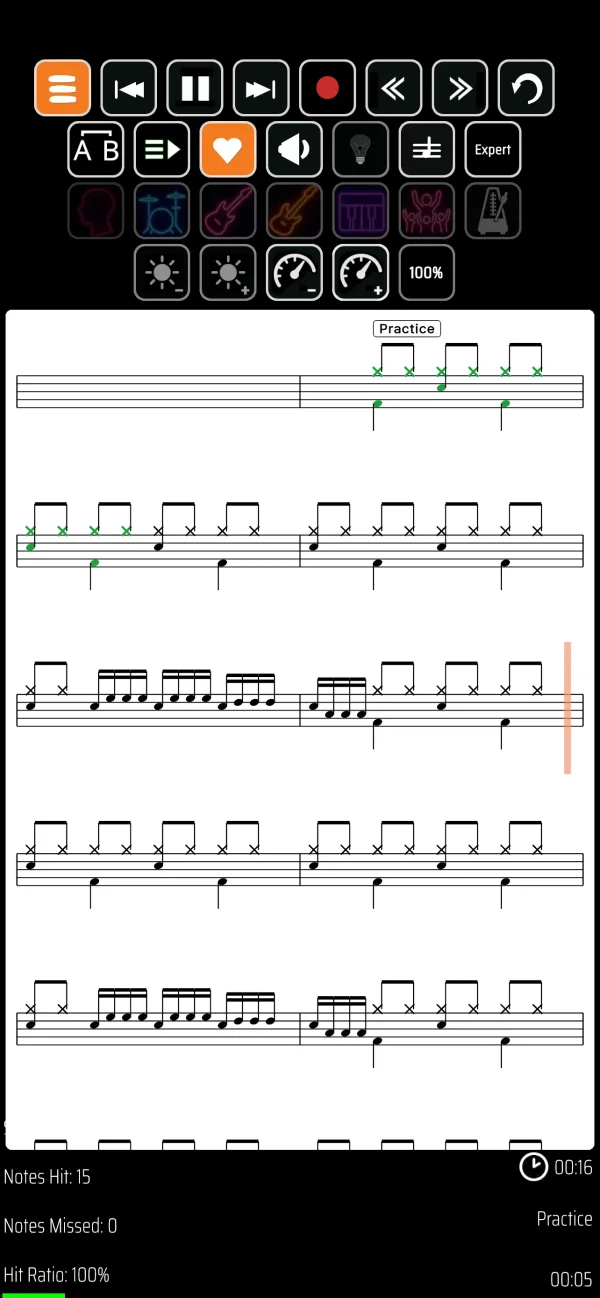
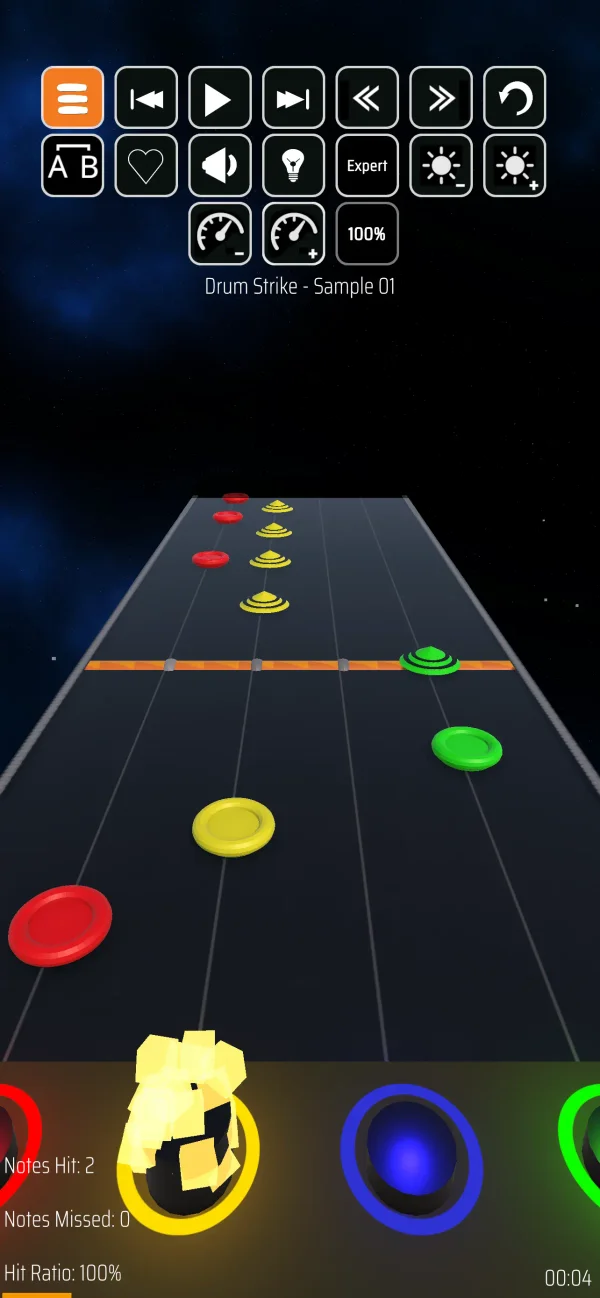
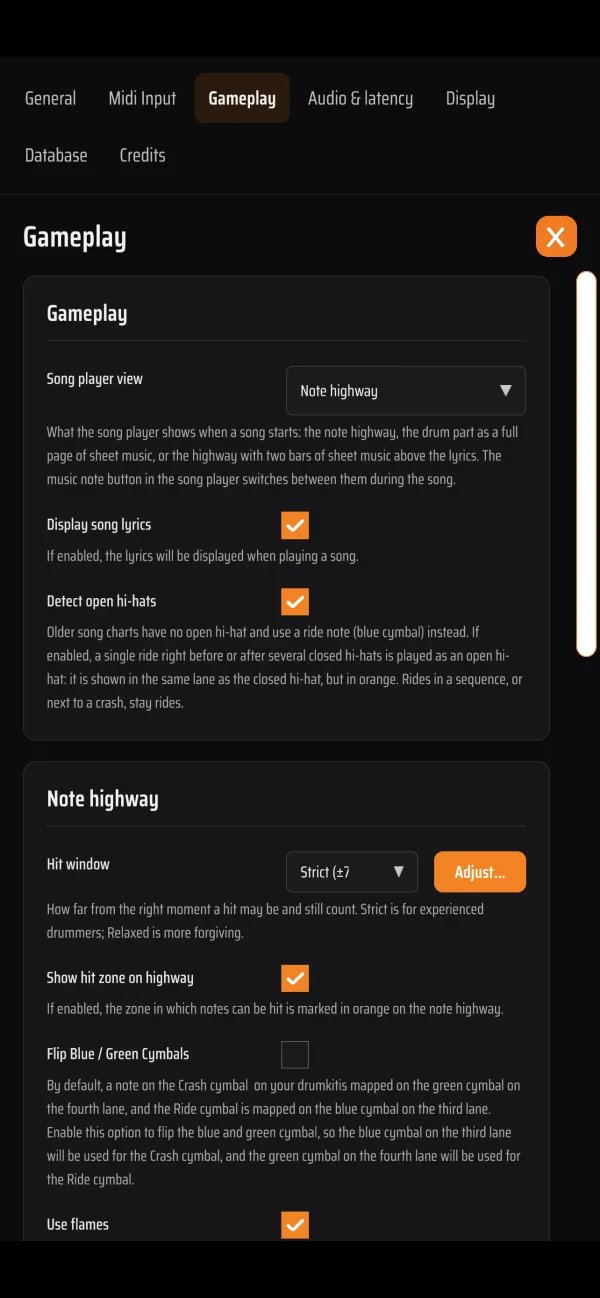
Play drums along the incoming notes on the highway — time your hits to the lane markers and score big!
Bring your own songs: this app supports Pro-Drums, 4-Lane and 5-Lane files that are widely used in the rhythm game community (notes.mid, song.ini, song.ogg in a folder, plus .chart files). Drag and drop those file folders into the app folder to play along and practice your grooves and fills!
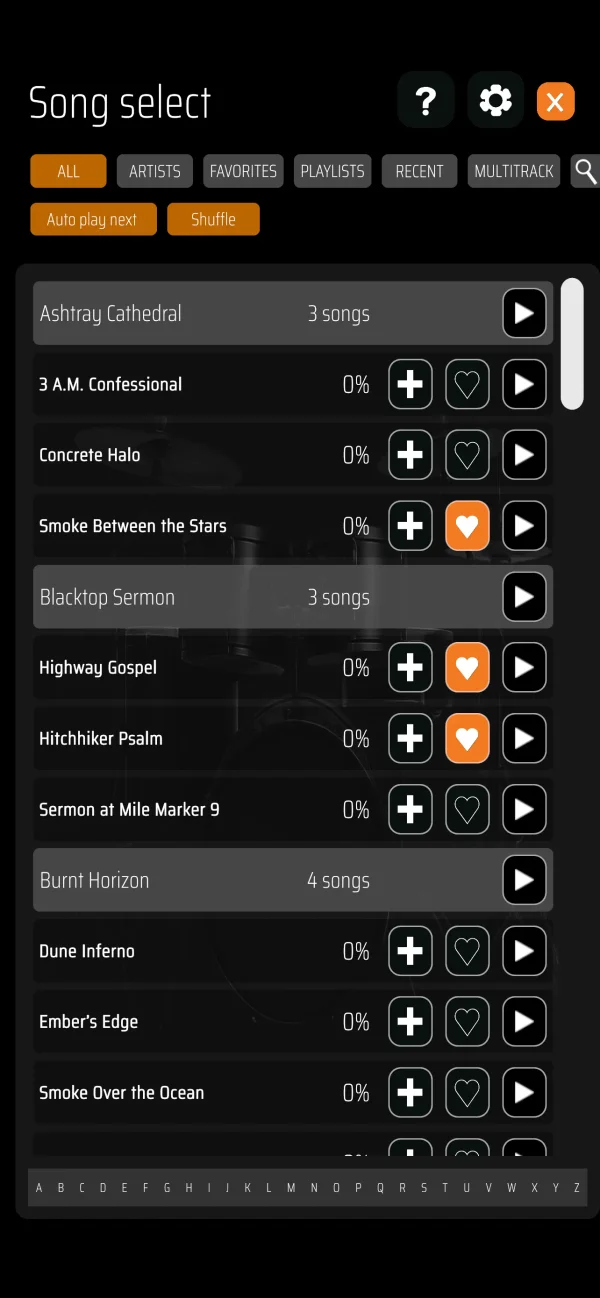
Enjoy an ultra-easy song menu: Our menu is built for speed. After loading, all your songs are instantly displayed. Scroll, filter, and sort the list, then simply tap once on a track to start playing. Activate Auto-Play for a continuous groove - after finishing a song the next song is automatically loaded. No complicated menus!
Connect your e-Drumkit with your iPhone or iPads using a USB adapter. The app automatically detects class-compliant USB-MIDI eDrum kits.
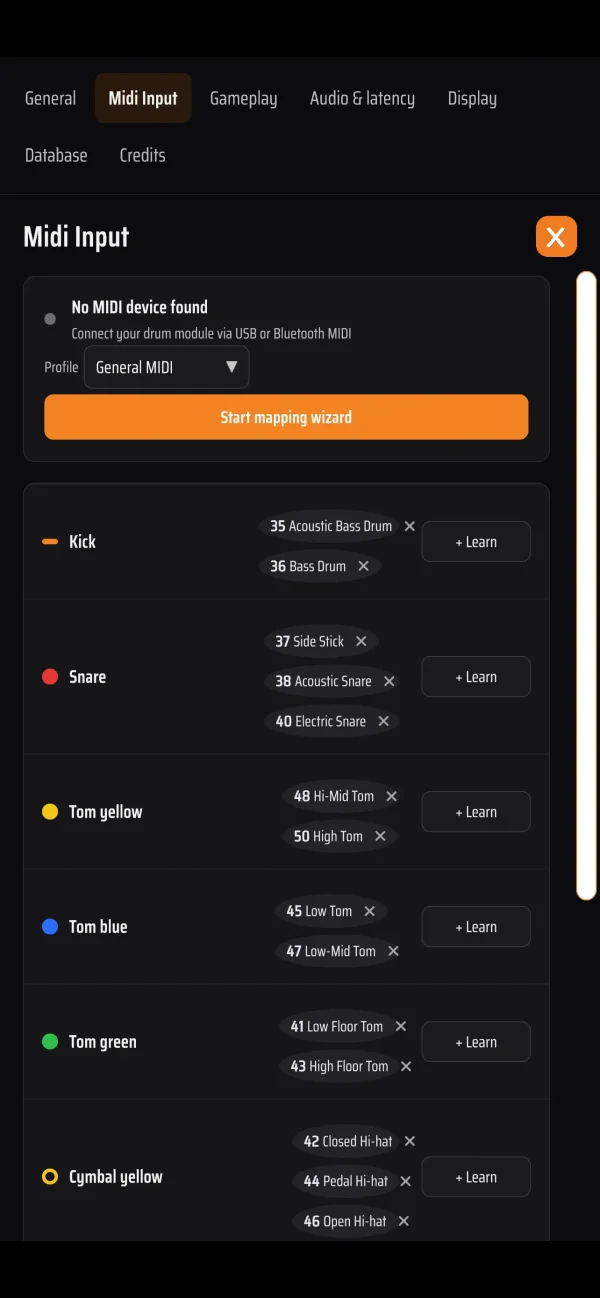
Via the Settings menu you can create or update the MIDI Mapping to assign each pad or cymbal of your e-drum kit to a lane or symbol in the game — fully customizable!
During play you can use the buttons at the top to pause / play, restart, toggle the highway on/off, increase/decrease the speed or add the song to your favorites list. The A-B Loop button lets you repeat a selected section of a song or audio track. Press it once to set the start point ("A") and again to set the end point ("B"). The audio and notes will then loop continuously between those points until you stop or press the button a third time to clear the loop. Great for practice!
Support for Multitrack songs: include separate audio tracks for each instrument and vocal part, such as drums, bass, guitar, and vocals. While playing a multitrack song, you can use the multitrack controls to turn individual instruments or vocals on or off, letting you customize the mix to your liking.
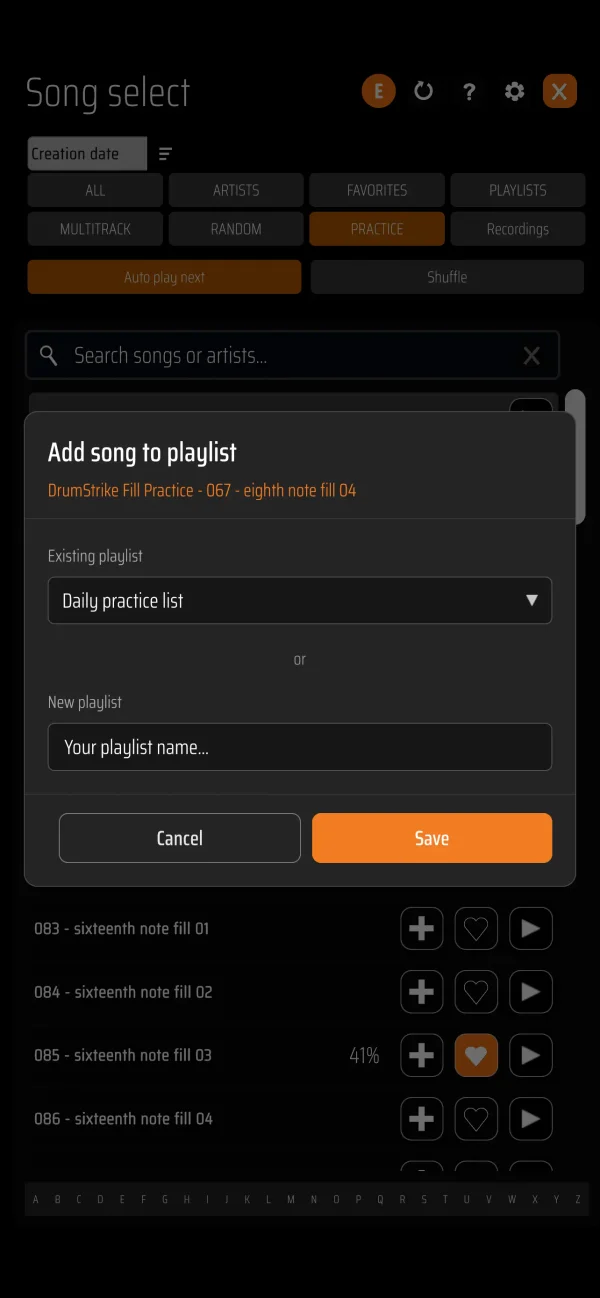
Build custom playlists: Tap the Plus button to create one and easily add your imported songs. Play through your entire custom song list with a single button press.
Nouveautés
Version 1.16 · 02/11/2026
New:
• Highway speed: change how fast the notes move on the highway, separate from the song speed. Find it in the View menu of the song player.
• Import songs straight from the song list: tap the new + button next to Refresh. With a new library, an "Add your own songs" card helps you get started.
• Check song folders (Settings > Database): see which songs don't show up in your library, or have no drum part, and why.
• Mute the song preview with the new speaker button next to Play. Your choice is remembered.
Improvements
• The A-B loop button now tells you what to do next: "Now set B" after the first tap, "Stop loop" while looping.
• Speed Trainer shows the speed of your next clean pass and reminds you to set an A-B loop first.
• A loading wheel now shows in the song player while a song loads.
• The streak counter keeps showing your streak when it ends, instead of counting up again.
• Sorting by difficulty now puts songs without a difficulty at the bottom.
• Clearer help on how to import your own songs.
• Visual polish: cleaner Favorite and Difficulty buttons, separate Audio and Video buttons in the record menu, and the app font in the metronome view.
• Performance improvements.
Confidentialité de l’application
Ce que Rob Oorlog déclare sur l’App Store au sujet du traitement des données par cette application.
-
Données non collectées
Le développeur ne collecte aucune donnée à partir de cette application.
Les pratiques en matière de confidentialité peuvent varier, notamment en fonction des fonctionnalités que vous utilisez ou de votre âge.
Informations
- Vendeur
- Rob Oorlog
- Catégorie
- Musique
- Version
- 1.16
- Mis à jour
- 02/11/2026
- Publié
- 04/11/2025
- Taille
- 398,4 Mo
- Nécessite
- iOS 15.0 ou version ultérieure
- Classification d’âge
- 4+
- Langues
- Anglais
- Copyright
- © 2025-2026, Rob Oorlog
Vous aimerez peut-être aussi
-
 DrumVerseMusique
-
 Chordfall: Piano Rhythm GameMusique
-
 TapAlong: Music Rhythm GameMusique
-
 Play Your Music: Rhythm GameMusique
-
 Palette: Chill RhythmMusique
-
 Pirochan: Rhythm GameMusique
-
 PARRYTHMMusique
-
 Héli Dansant : Tir en RythmeLe rythme fait ta puissance
-
 TapHorizon: AscendBreathe, Battle, Compete Daily
-
 Pulse Vector: Rhythm ArcadeMusique