- Classification d’âge4+
- CatégorieProductivité
- DéveloppeurPorego
- LanguesAnglais+ 1 de plus
- Taille11,6 Mo
DuoVNC n’est peut-être pas disponible sur App Store pour le moment
La fiche de la boutique était inaccessible lors de notre dernière vérification. Le lien mène toujours à la page App Store officielle.
Captures d’écran

À propos
Le développeur n’a pas fourni ce texte dans votre langue.
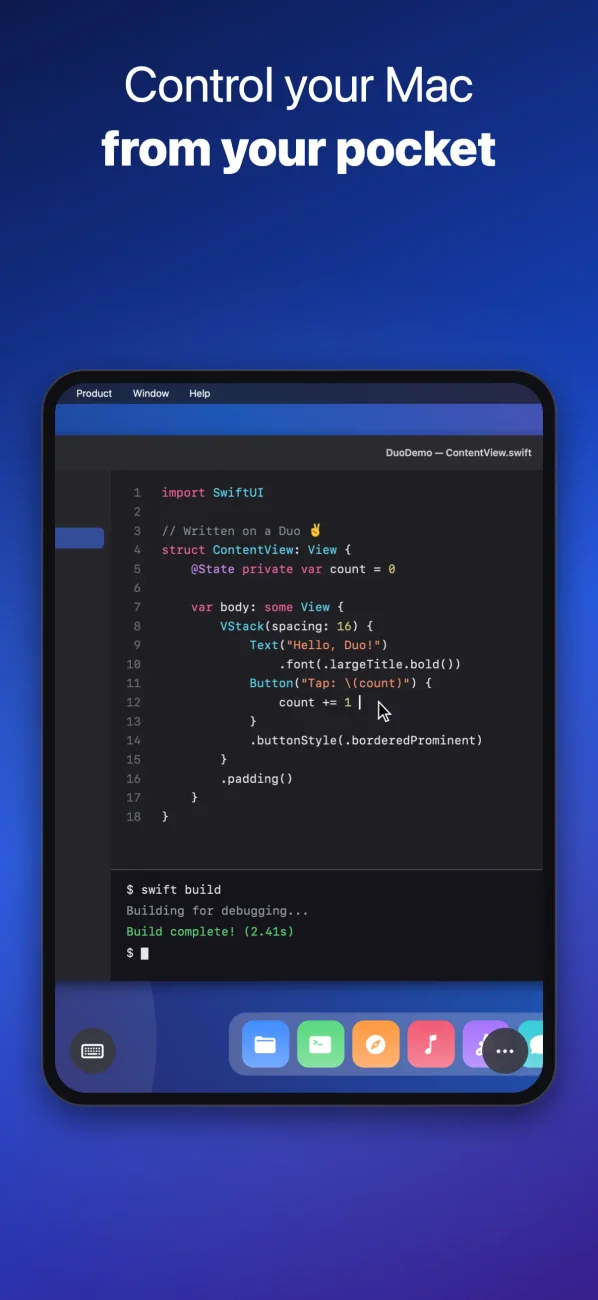
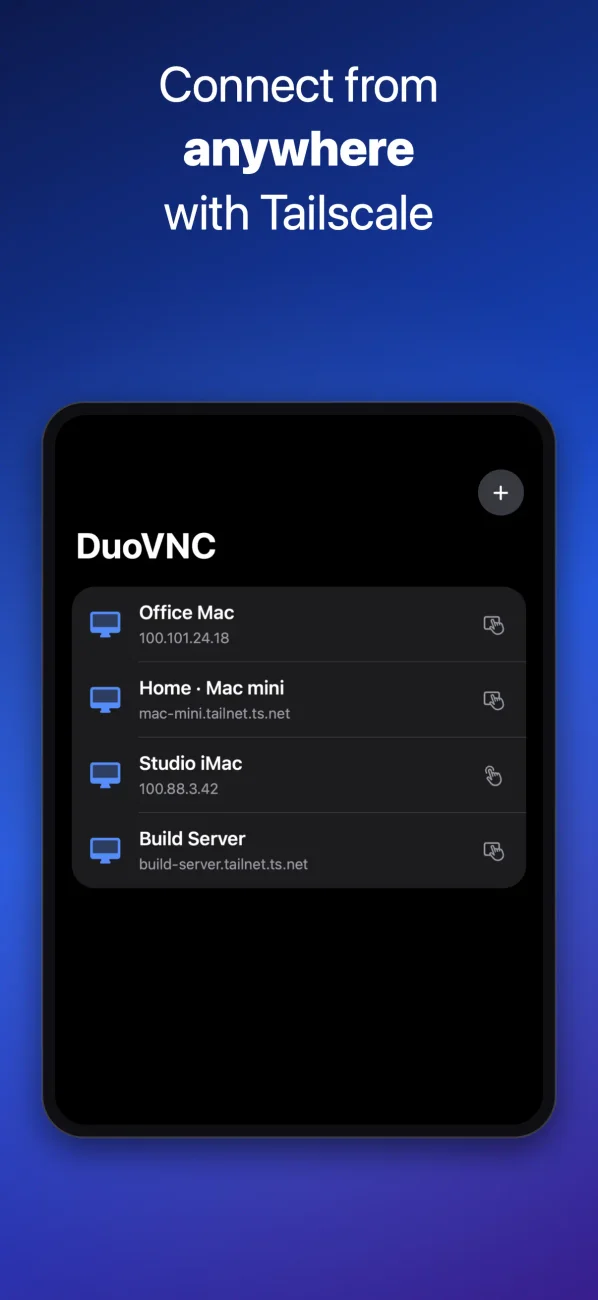
DuoVNC is the fastest way to work on your Mac from your iPhone: it brings your Mac's Terminal tabs to your phone, and opens the whole screen over remote desktop (VNC) when you need it.
Your Mac's Terminal, in your pocket
• See every Terminal.app tab on your Mac, grouped by window; tap one to watch its output live and type commands.
• Esc, Tab, arrow keys and Return one tap away; scroll back through long output.
• Open new windows or tabs on the Mac, close, rename and pin tabs.
• Browse folders on your Mac, start a new session in any folder and attach files from your phone.
Works with AI coding agents
• See at a glance what terminal agents such as Claude Code are doing: working, waiting for you, or asking a question.
• Answer the agent's questions and approval prompts by tapping an option.
• Switch its permission mode and expand long tool output.
Full screen when you need it
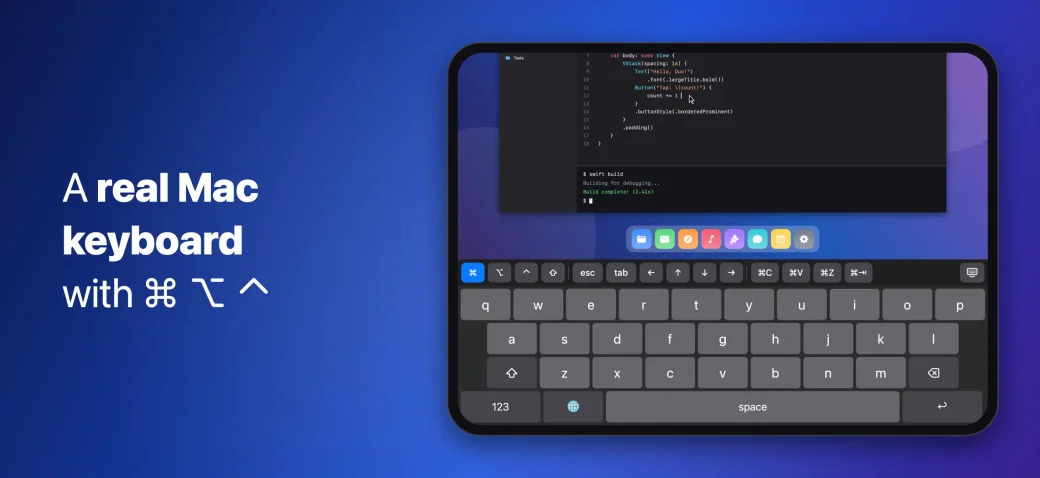
• Connect to your Mac's built-in Screen Sharing over VNC: trackpad and touch modes, a Mac keyboard with ⌘ ⌥ ⌃ ⇧, clipboard sharing.
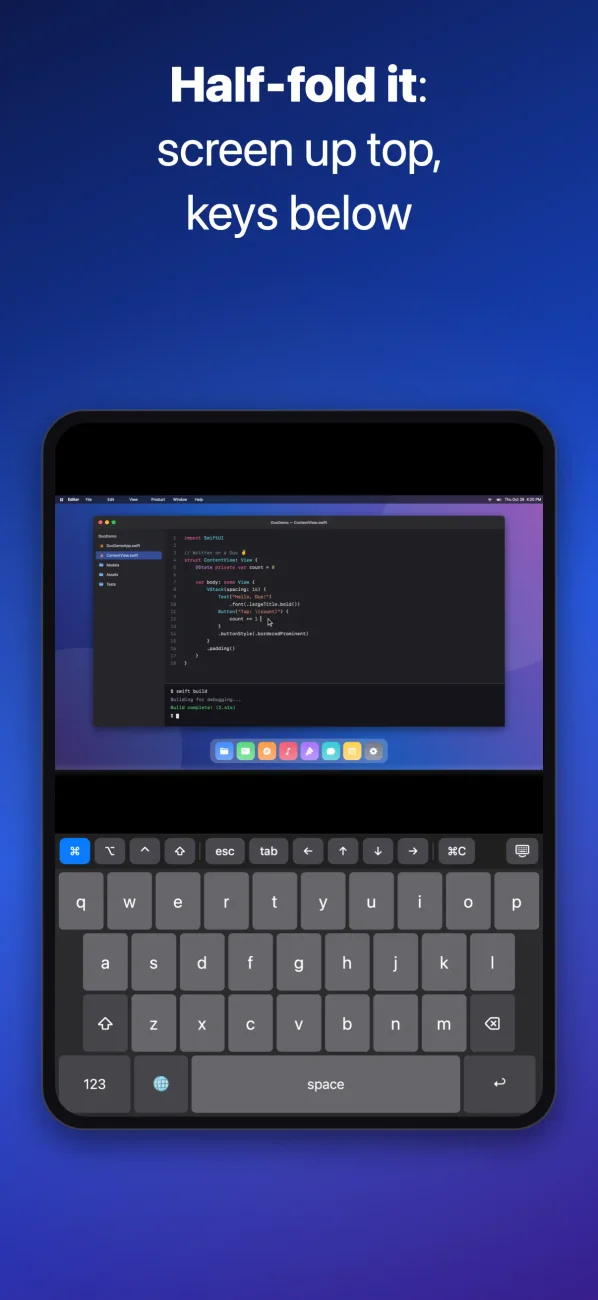
• Works on every iPhone; on foldable iPhones each screen gets its own layout, plus a half-folded tabletop mode.
Private and simple
• No account, no servers, no data collection. DuoVNC connects directly to your own Mac over SSH and VNC.
• Your password is stored only in your device's Keychain.
Getting started
On your Mac, turn on Remote Login (for the terminal) and Screen Sharing (for VNC) under System Settings › General › Sharing, then add your Mac's address to DuoVNC. Away from home, use a VPN such as Tailscale.
Claude and Claude Code are trademarks of Anthropic. DuoVNC is not affiliated with Anthropic.
Confidentialité de l’application
Ce que Porego déclare sur l’App Store au sujet du traitement des données par cette application.
-
Données non collectées
Le développeur ne collecte aucune donnée à partir de cette application.
Les pratiques en matière de confidentialité peuvent varier, notamment en fonction des fonctionnalités que vous utilisez ou de votre âge.
Informations
- Vendeur
- POREGO YAZILIM ANONIM SIRKETI
- Catégorie
- Productivité
- Version
- 1.1
- Mis à jour
- 09/11/2026
- Publié
- 09/11/2026
- Taille
- 11,6 Mo
- Nécessite
- iOS 17.0 ou version ultérieure
- Classification d’âge
- 4+
- Langues
- Anglais, Turc
- Copyright
- © 2026 Porego Yazılım Anonim Şirketi
Vous aimerez peut-être aussi
-
 UltravinerProductivité
-
 TimeKeep - Work Hours TrackerProductivité
-
 Timescape: Year PlannerProductivité
-
 Redde: Every AI agent, one appProductivité
-
 Tech WizardProductivité
-
 Queue Personal CRMProductivité
-
 TooTask·Checklist&Task ManagerTask Manager & To Do List
-
 Nota AI:Meeting Recorder AgentProductivité
-
 NexPaste - Clipboard ManagerProductivité
-
 SparkPDF: Scanner, Signer PDFRemplir, fusionner, diviser