EasyCanvas - Subscription
Digitizer app for iPad
Conçue pour iPad
Gratuit · Achats intégrés
- Classification d’âge4+
- CatégorieProductivité
- DéveloppeurDEVGURU Co., Ltd.
- LanguesAnglais
- Taille28,4 Mo
Renvoie vers la page App Store officielle
Download.org n’héberge aucun fichier de EasyCanvas - Subscription. Le bouton ouvre la page de l’application sur App Store, où DEVGURU Co., Ltd. la publie. Fiche vérifiée pour la dernière fois le 15/11/2026.
Captures d’écran


À propos
Le développeur n’a pas fourni ce texte dans votre langue.
EasyCanvas, turn your iPad into a wired or wireless liquid crystal tablet
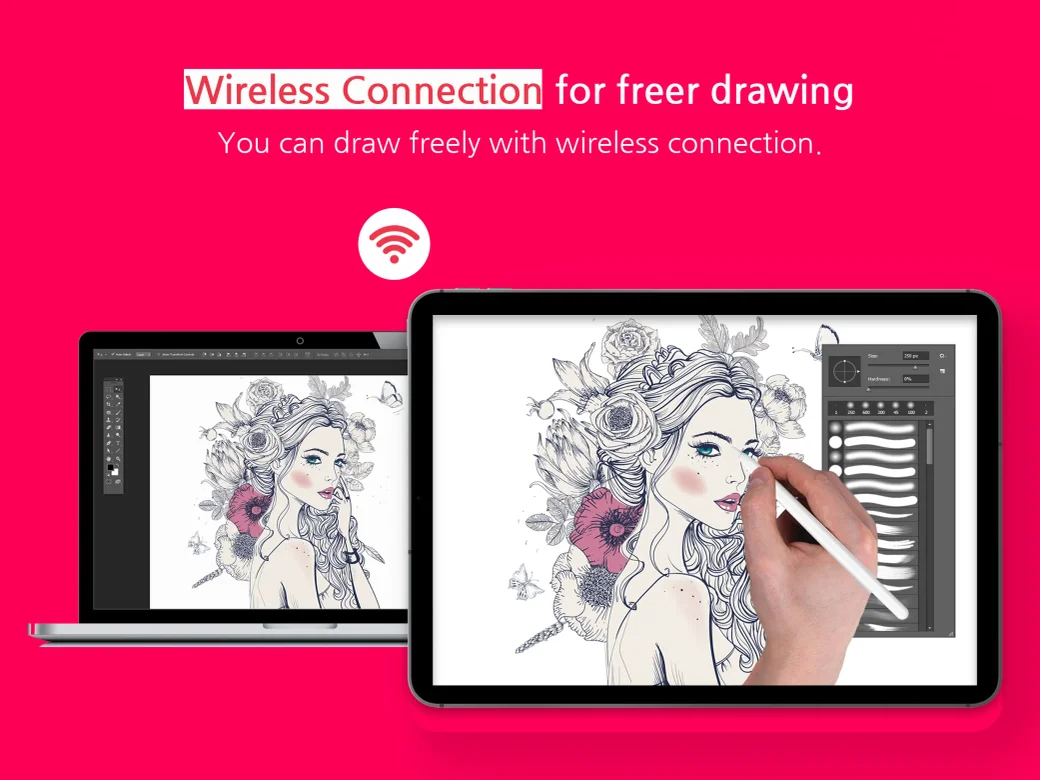
EasyCanvas is an app that lets you use your iPad as a wired or wireless liquid crystal tablet.
Draw directly in PC programs such as Photoshop and Clip Studio through your iPad.
▶ Excellent performance of iPad and Apple Pencil
Now, if you have a iPad and Apple Pencil, you don't need to buy an expensive LCD tablet.
The excellent hardware of the iPad is combined with the technology of EasyCanvas to make the perfect LCD tablet.
▶ Familiarize yourself with drawing on paper
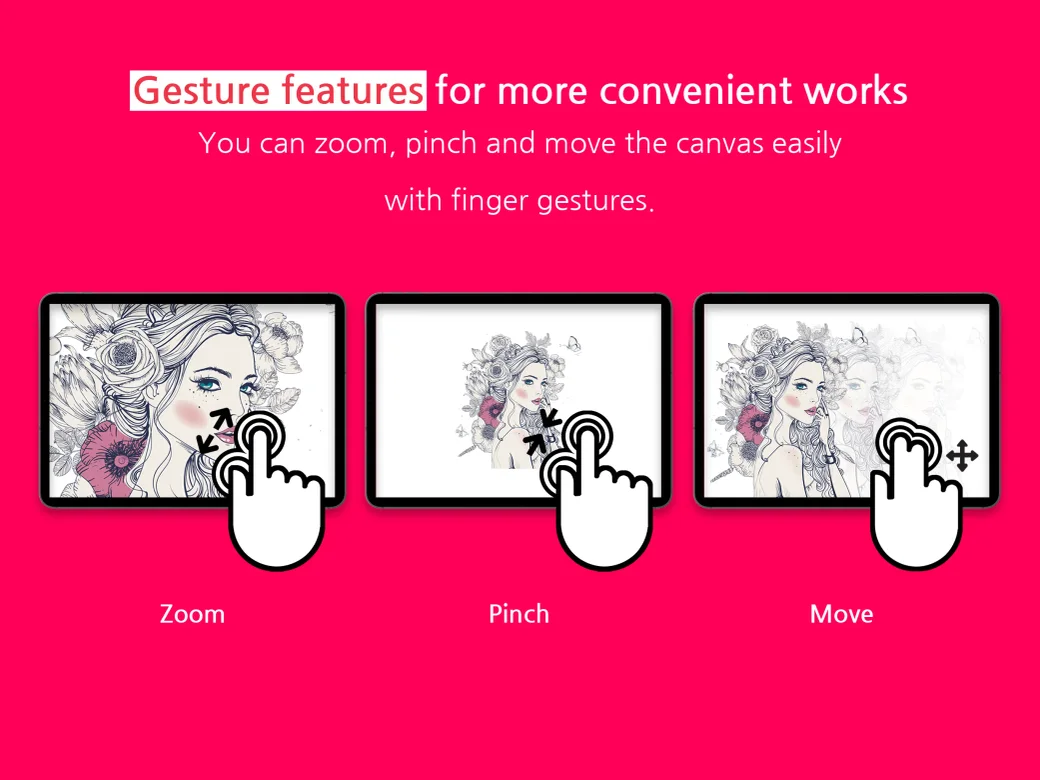
It fully supports "Palm Rejection", which allows you to draw with your palm on the screen, and "Pen Pressure" and "Tilt" of the Apple Pencil.
Also, the stable performance makes the screen and stylus movement smoother.
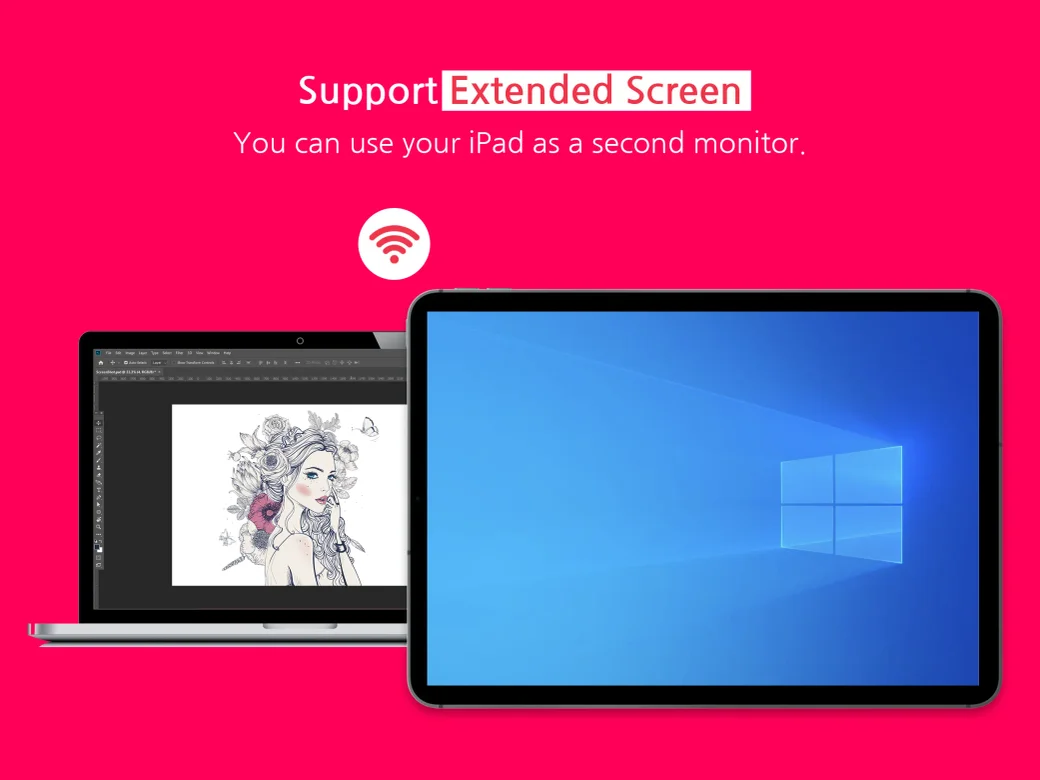
▶ Independent Virtual Display Solution
Easy&Light's virtual display solution provides extended display.
It can be used as an extended monitor in triple or higher environments as well as a dual monitor.
▶ Simultaneous wired/wireless connection support
It supports both stable USB connection and convenient wireless connection via Wi-Fi.
Now work anywhere, anytime, any way you want.
Pay after you experience it for yourself!
We provide a trial function that you can use for free for 3 days.
[Support Environment]
PC: Windows 10 (WDDM version 2.0 or later)
iPad : iOS 12.2 or later iPad
- Support : http://www.easynlight.com/en/supporteasycanvas
- Privacy policy : https://www.easynlight.com/easycanvaspolicy/
Nouveautés
Version 4.8.4 · 01/10/2024
v4.8.4
- Added support for the hovering feature
- Added support for Apple Pencil Pro
- Added support for the double-tap feature on Apple Pencil
Confidentialité de l’application
Ce que DEVGURU Co., Ltd. déclare sur l’App Store au sujet du traitement des données par cette application.
-
Données n’établissant aucun lien avec vous
Peuvent être collectées, mais ne sont pas liées à votre identité.
- Diagnostic
Les pratiques en matière de confidentialité peuvent varier, notamment en fonction des fonctionnalités que vous utilisez ou de votre âge.
Informations
- Vendeur
- DEVGURU Co., Ltd.
- Catégorie
- Productivité
- Version
- 4.8.4
- Mis à jour
- 01/10/2024
- Publié
- 01/06/2020
- Taille
- 28,4 Mo
- Nécessite
- iOS 12.2 ou version ultérieure
- Classification d’âge
- 4+
- Prix
- Gratuit
- Achats intégrés
- Oui
- Langues
- Anglais
- Copyright
- © Copyright DEVGURU Co., Ltd. All rights reserved.
Vous aimerez peut-être aussi
-
 Astropad Studio Drawing TabletProductivité
-
 Luna DisplayProductivité
-
 Duet Air - Remote DesktopProductivité
-
 Astropad Slate Pen TabletProductivité
-
 Lok BoardProductivité
-
 Duet DisplayBe Twice As Productive
-
 spacedesk - USB Display for PCProductivité
-
 Tab Display-Expand Your TabletProductivité
-
 Deckboard: Macropad for PCProductivité
-
 Yam Pad - Drawing TabletProductivité