
Emberlock: Study App Blocker
Earn screen time: quiz & notes
Conçue pour iPhone
Gratuit · Achats intégrés
- Classification d’âge4+
- CatégorieÉducation
- DéveloppeurTom Nguyen
- LanguesAnglais
- Taille22,5 Mo
Renvoie vers la page App Store officielle
Download.org n’héberge aucun fichier de Emberlock: Study App Blocker. Le bouton ouvre la page de l’application sur App Store, où Tom Nguyen la publie. Fiche vérifiée pour la dernière fois le 15/11/2026.
Captures d’écran
À propos
Le développeur n’a pas fourni ce texte dans votre langue.
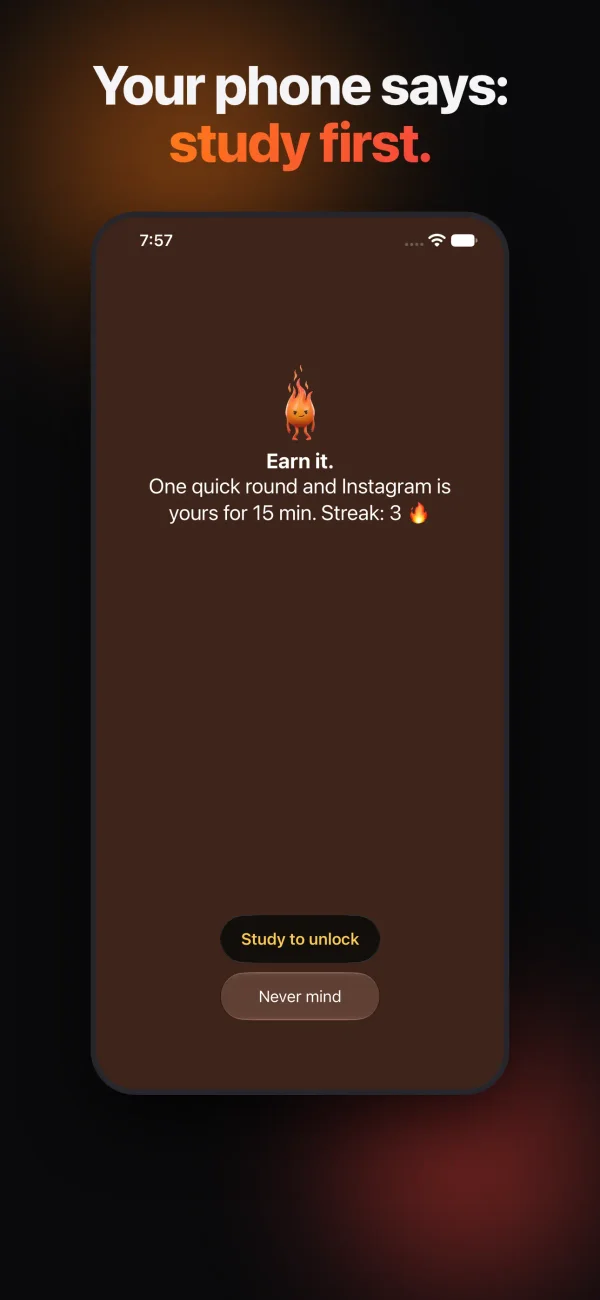
Your apps are locked. One right answer opens them.
> The problem: a phone wins every idle moment. Scrolling quietly eats whole evenings, and every "just five minutes" costs you the focus you had.
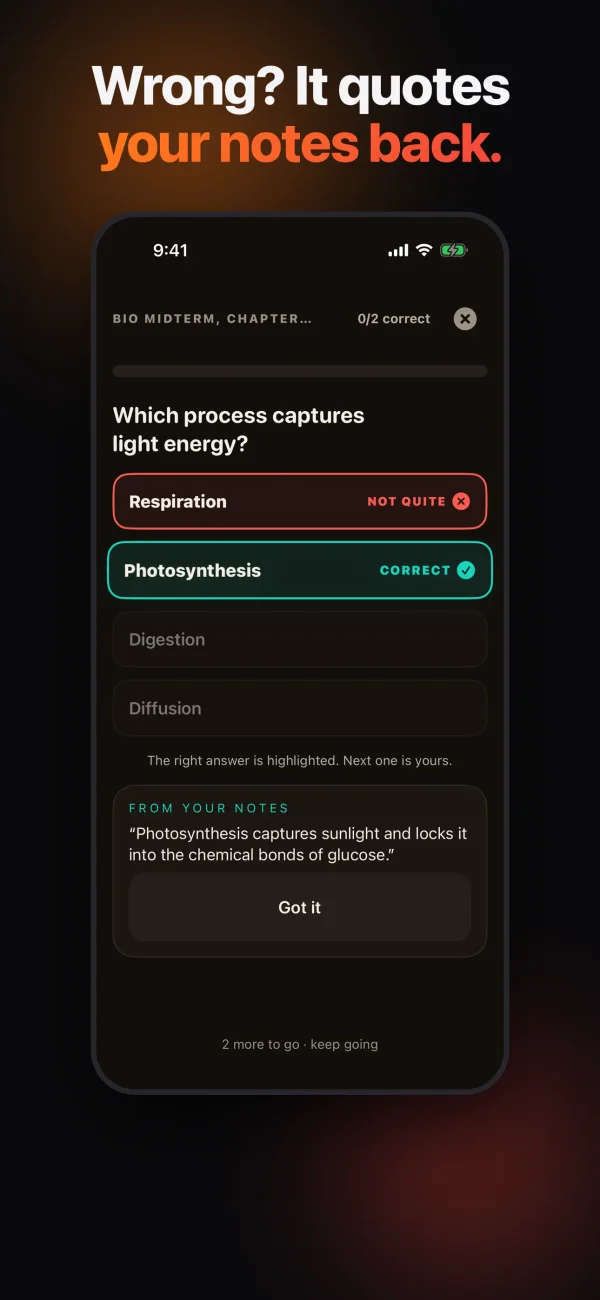
> The fix: Emberlock flips the trade. Your most distracting apps (Instagram, TikTok, games, whatever pulls you in) stay locked until you earn them. Answer flashcards on a subject YOU choose, or put the phone down and knock out a set of reps. Learn first. Scroll after.
WHAT CHANGES
• Opening an app becomes a decision, not a reflex: a 6-second gate beats endless willpower.
• Every doomscroll urge becomes a rep for your brain: real questions, real subjects, real recall.
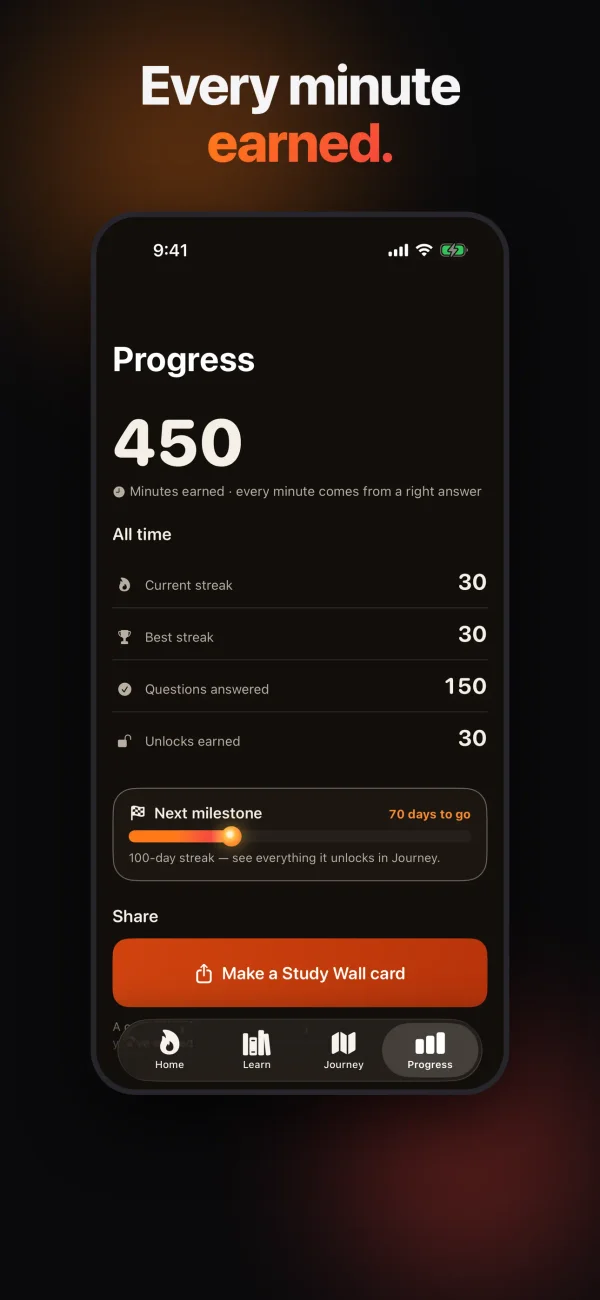
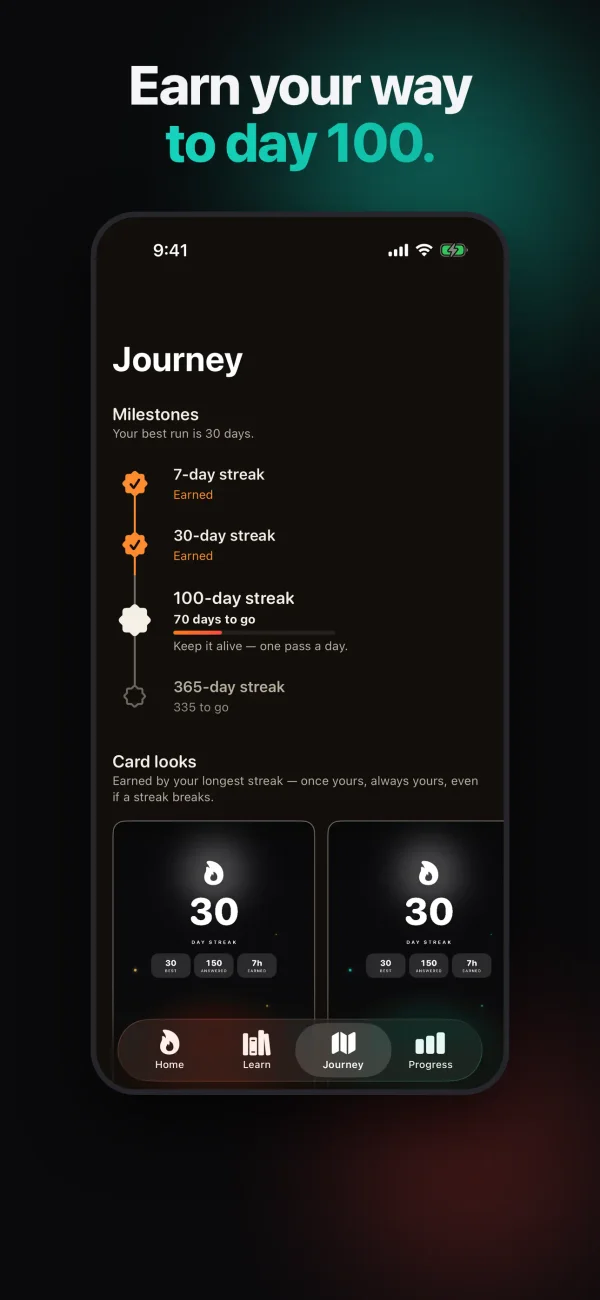
• Your streak compounds. Keep the ember lit day after day and watch the answered-questions count stack up.
• When the timer runs out, the apps lock again. The trade is always the same, and it is always in your favor.
HOW IT WORKS
1. Pick the apps to block and how you want to earn them back.
2. Open a blocked app → a challenge appears instead.
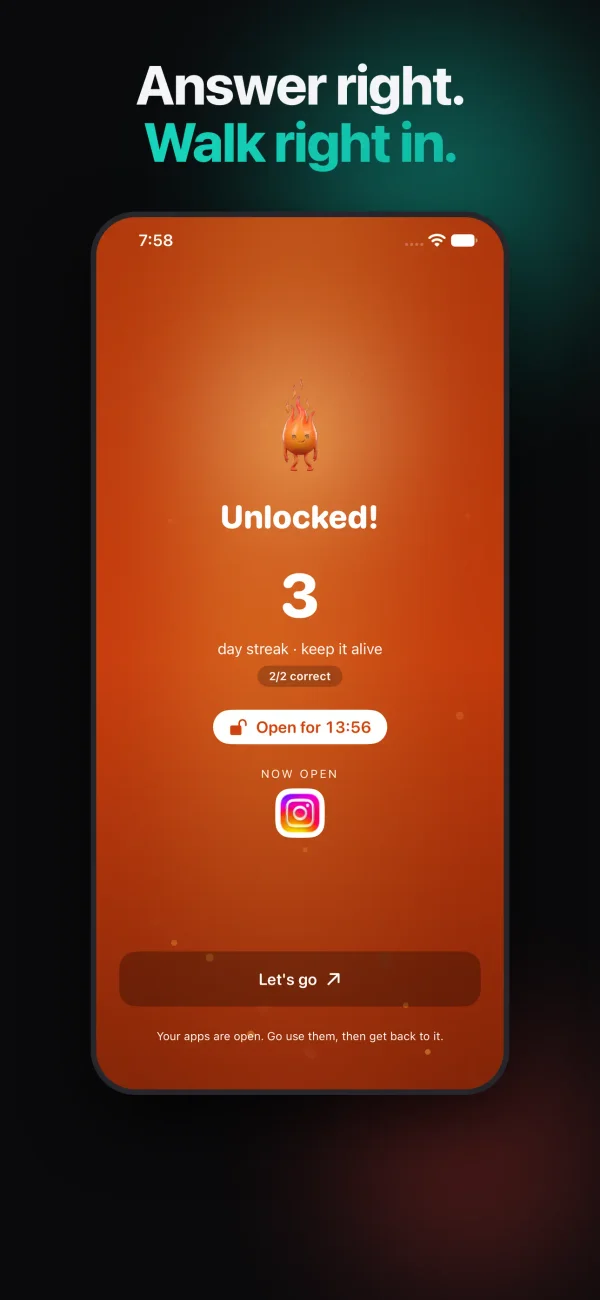
3. Answer correctly, or finish your set → your apps open for 15 to 120 minutes. You choose.
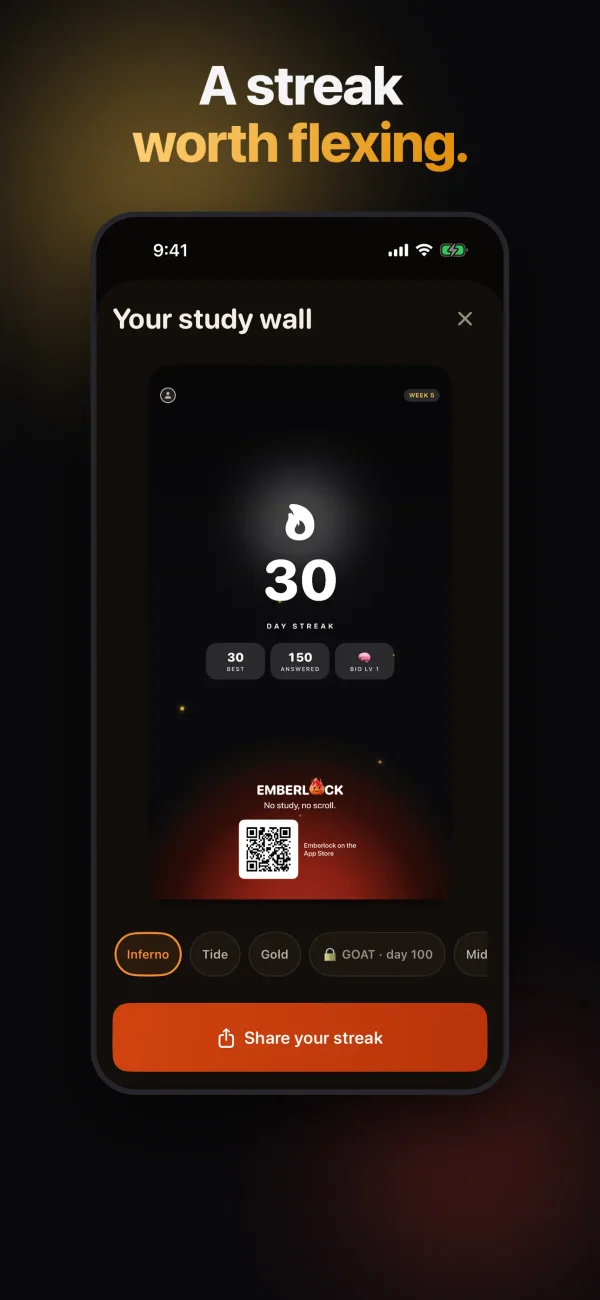
4. Keep the streak alive. Milestones, streak shields, and a shareable Study Wall card mark the run.
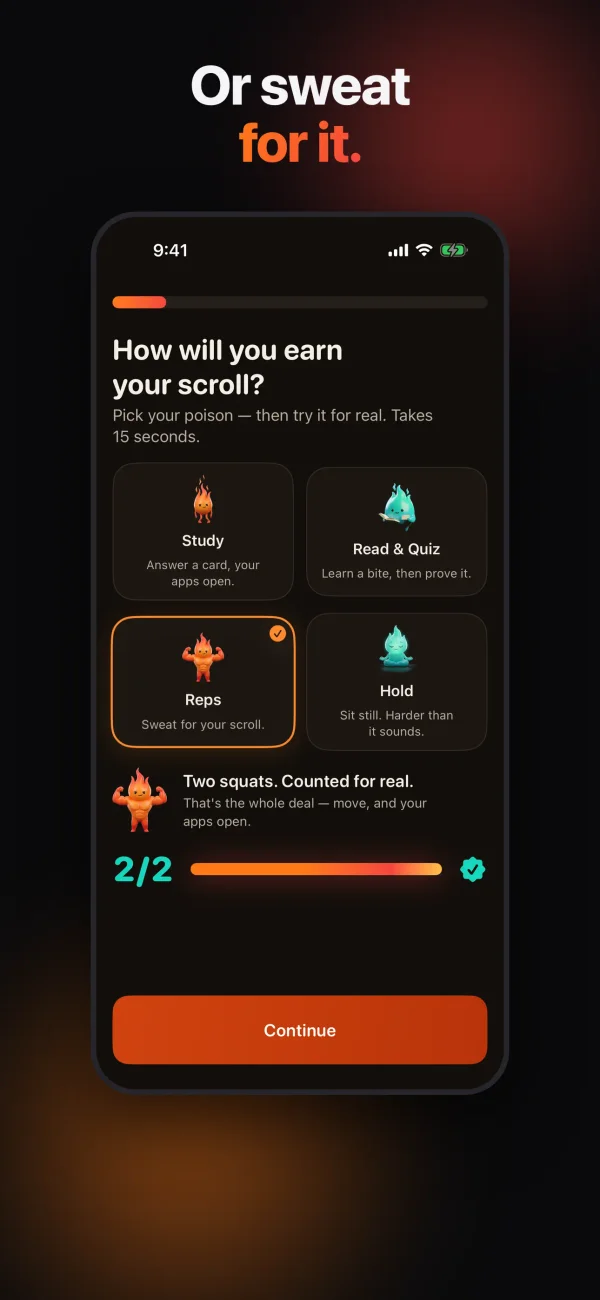
THREE WAYS TO EARN THE UNLOCK
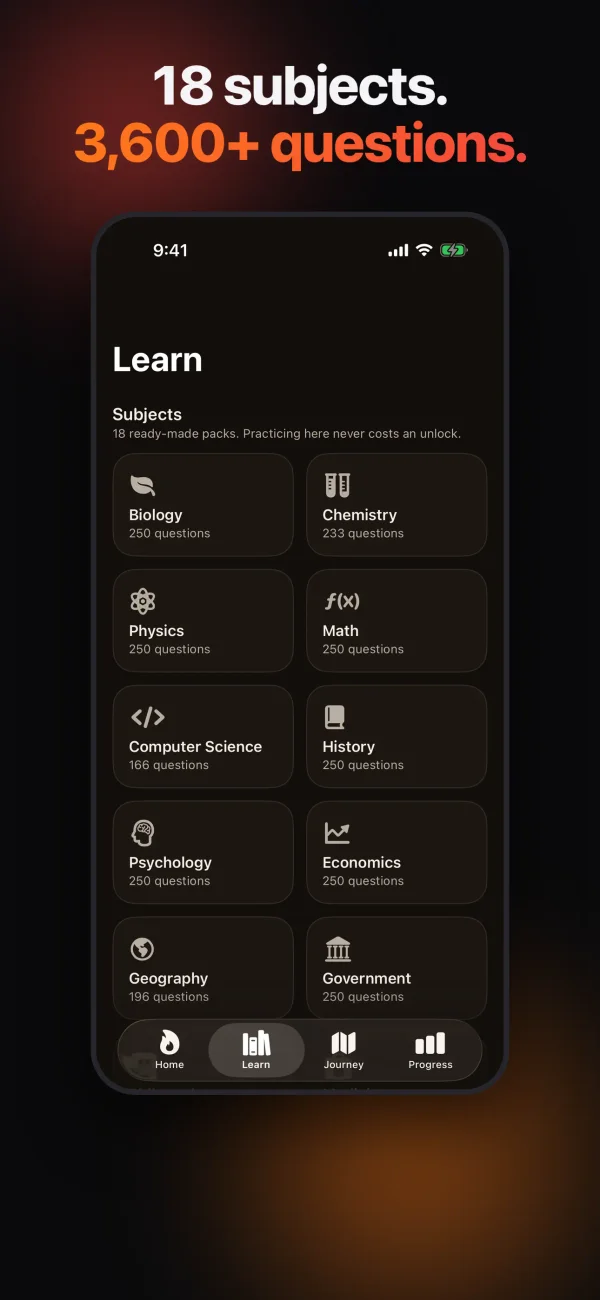
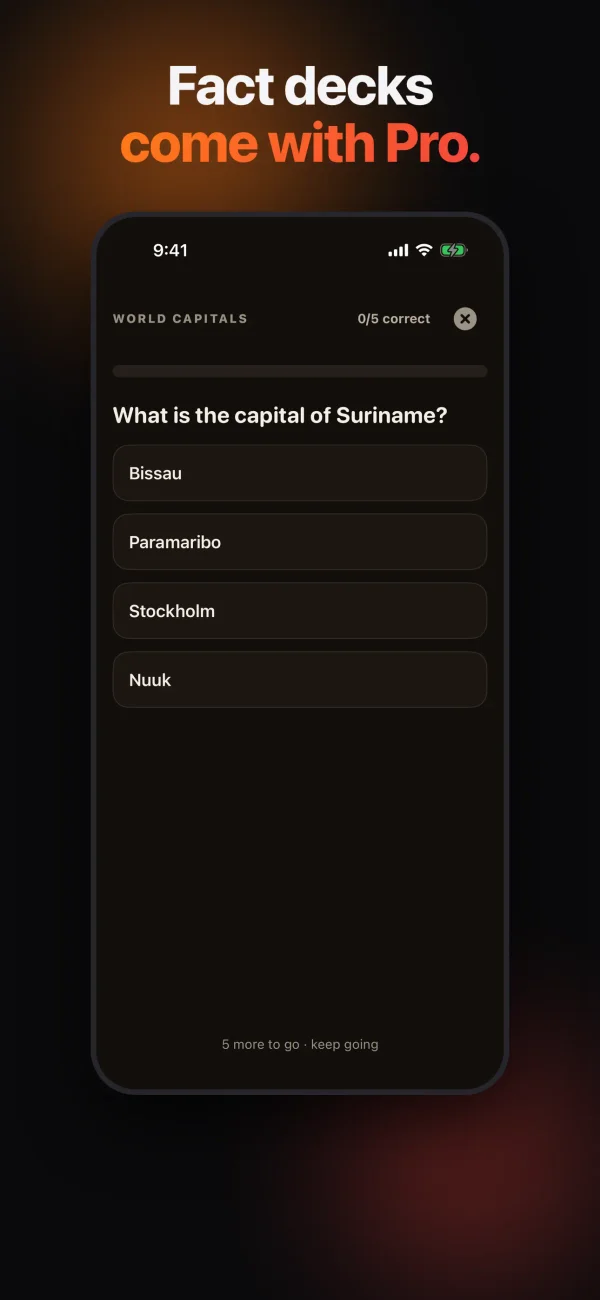
• Study: flashcards on a subject you pick. 18 ready-made subjects built in: SAT vocab, biology, chemistry, Spanish basics, coding, history, psychology, law, medicine, and more, plus fact sets for world capitals, currencies and elements. 3,600+ curated questions that work fully offline. Or your own deck: type or paste questions and answers, or import a CSV, and the next unlock asks them.
• Move: your phone counts reps with its motion sensors: push-ups, squats, jumping jacks. You choose how many it takes.
• Wait: a short cool-down you set. No quiz, no reps, just a pause the urge rarely survives.
PERFECT FOR
• Students who reach for TikTok instead of their notes
• Anyone with ADHD whose phone wins every fight for attention
• Professionals who lose evenings to the feed
• Language learners and exam preppers who want stolen minutes back
• Anyone who has tried deleting apps, and just reinstalled them
THE HONEST DEAL
• Free tier that stays free: five unlocks a day, every mode, every subject, resetting at midnight.
• Pay once and keep it forever. One price, no subscription.
• Pro adds unlimited decks of your own (one is free), 8 fact decks in Learn, and no daily cap.
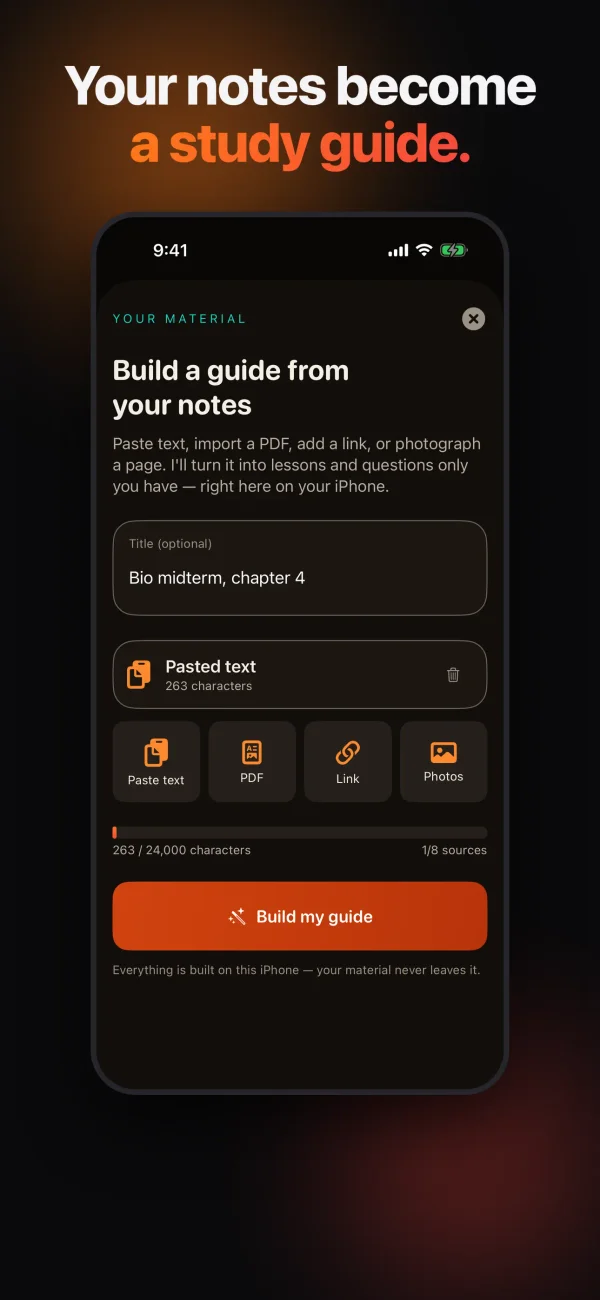
• On iPhones with Apple Intelligence, build a course from your notes, PDFs or links on the device itself; one is free, Pro adds unlimited.
• Private by design: no account, no ads, no tracking. Your decks and notes stay on your phone. Nothing is uploaded or shared.
• You are always in control: Emberlock uses Apple's Screen Time (Family Controls) so YOU choose what to block, and you can change it any time.
THE SCIENCE
Retrieval practice, recalling an answer instead of re-reading it, is one of the most consistently supported findings in learning research. Emberlock turns the moment you most want to waste into the moment you remember something. That is the whole trick: the habit you can't quit starts paying for the one you can't start.
Privacy: https://studylock-llm-proxy.mcggmjhp5p.workers.dev/privacy
Terms of Use (EULA): https://www.apple.com/legal/internet-services/itunes/dev/stdeula/
Nouveautés
Version 1.7.2 · 08/11/2026
Bring your own deck.
• Type or paste the questions you're studying, or import a CSV, and the next unlock asks them. Learn, under Make your own.
• Choose what unlocks ask in Settings, under Study: your typed subject or any deck of your own.
• One deck is free. Pro makes as many as you like.
• Your decks stay on your phone. Nothing is uploaded or shared.
Confidentialité de l’application
Ce que Tom Nguyen déclare sur l’App Store au sujet du traitement des données par cette application.
-
Données n’établissant aucun lien avec vous
Peuvent être collectées, mais ne sont pas liées à votre identité.
- Achats
- Contenu utilisateur
- Données d’utilisation
Les pratiques en matière de confidentialité peuvent varier, notamment en fonction des fonctionnalités que vous utilisez ou de votre âge.
Informations
- Vendeur
- Tom Nguyen
- Catégorie
- Éducation
- Version
- 1.7.2
- Mis à jour
- 08/11/2026
- Publié
- 30/07/2026
- Taille
- 22,5 Mo
- Nécessite
- iOS 17.0 ou version ultérieure
- Classification d’âge
- 4+
- Prix
- Gratuit
- Achats intégrés
- Oui
- Langues
- Anglais
- Copyright
- © 2026 Tech with Tom - Study Lock
Vous aimerez peut-être aussi
-
 DinoLock : Bloqueur d'appsRévise pour débloquer tes apps
-
 Lurn: AI Study lockÉducation
-
 Foxlin: Screen Time VocabularyÉducation
-
 Learn Before FlightÉducation
-
 VocabUnlock : Anti-scrollApprenez avant de scroller
-
 Shale: Bloquer Apps & RéviserTemps d'Écran par Flashcard
-
 ConjugaréÉducation
-
 Study Time: Bloquer AppRévise Bac, Quiz IA & Fiches
-
 QuranMemo: Hifz CompanionÉducation
-
 SynaptIQ RecallÉducation