Estello
Teach basic vocabulary easily
Conçue pour iPad
Gratuit · Achats intégrés
- Classification d’âge4+
- CatégorieÉducation
- DéveloppeurAssistiveWare
- LanguesAnglais
- Taille427,5 Mo
Renvoie vers la page App Store officielle
Download.org n’héberge aucun fichier de Estello. Le bouton ouvre la page de l’application sur App Store, où AssistiveWare la publie. Fiche vérifiée pour la dernière fois le 17/11/2026.
Captures d’écran

À propos
Le développeur n’a pas fourni ce texte dans votre langue.
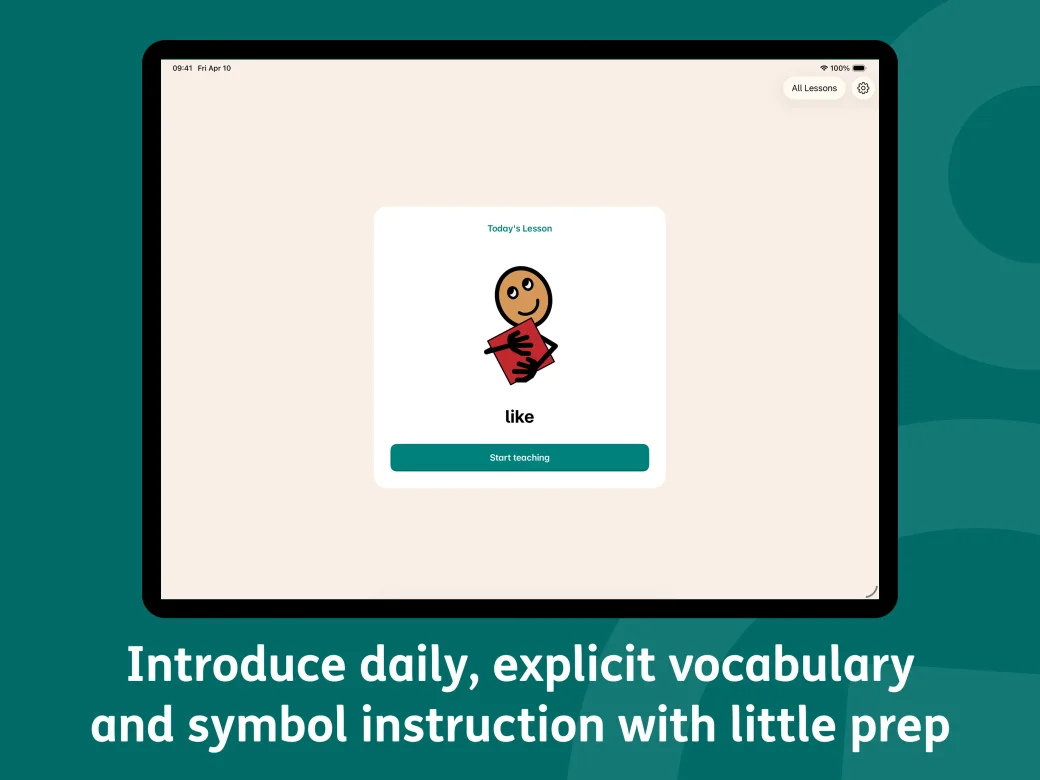
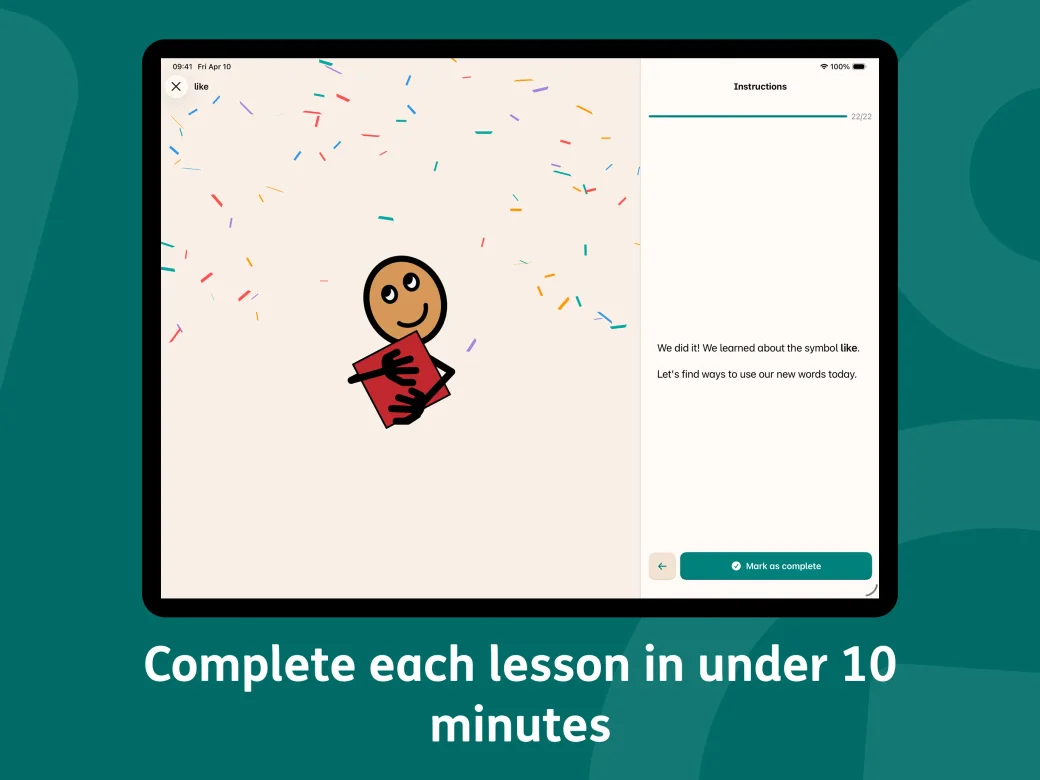
Estello gives educators a simple way to teach the most foundational core vocabulary to early language learners, such as students learning to use AAC. Each lesson is scripted and takes ten minutes or less.
READY TO TEACH, EVERY DAY
Each day, Estello recommends a new lesson to teach. Educators can open the app and begin right away. Lessons follow the same clear structure, which makes them easy to fit into a daily routine. Because the script is provided, educators spend less time preparing. This allows more time for adapting instruction for students.
EXPLICIT VOCABULARY AND SYMBOL INSTRUCTION
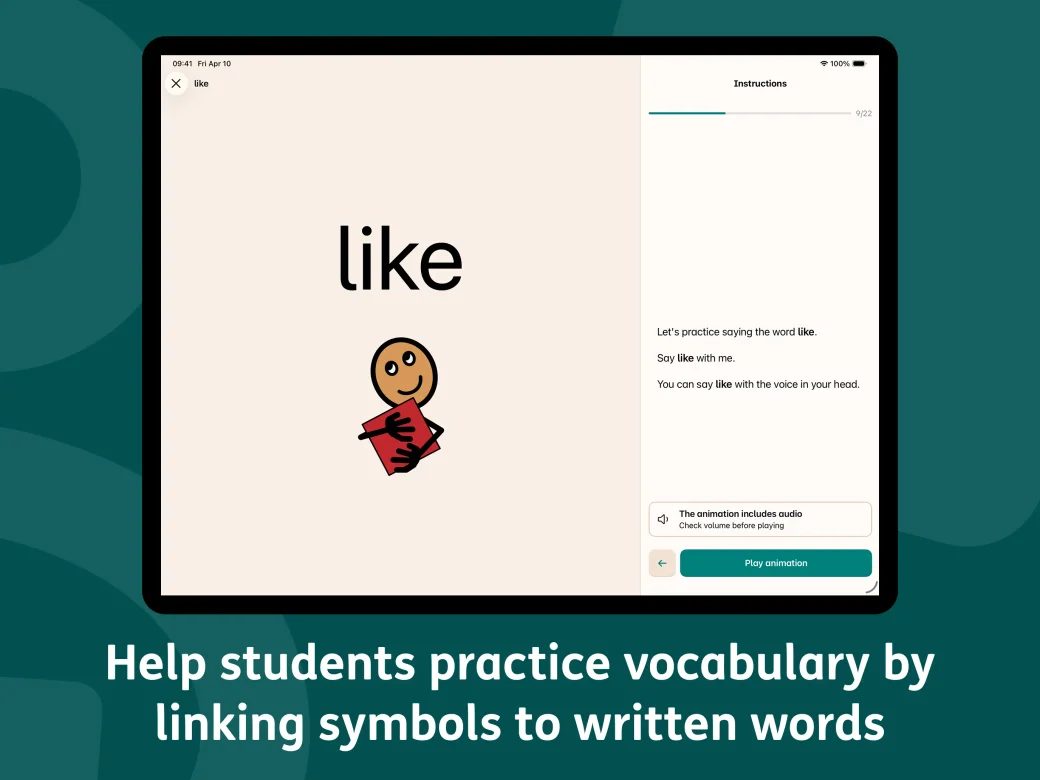
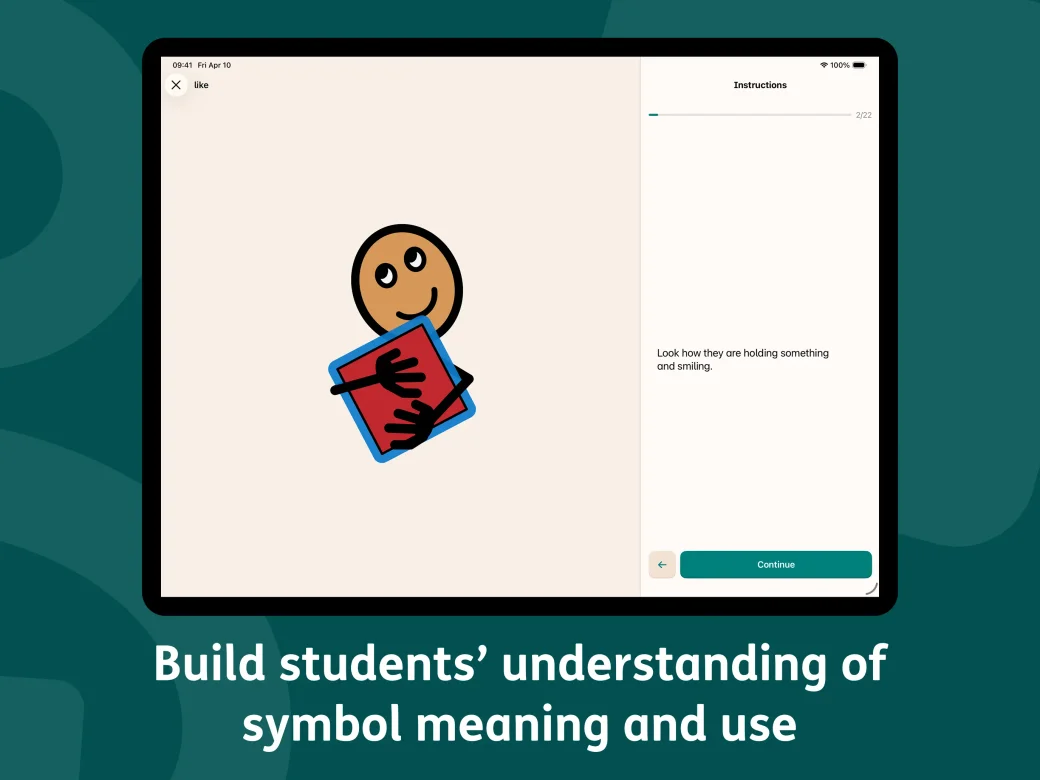
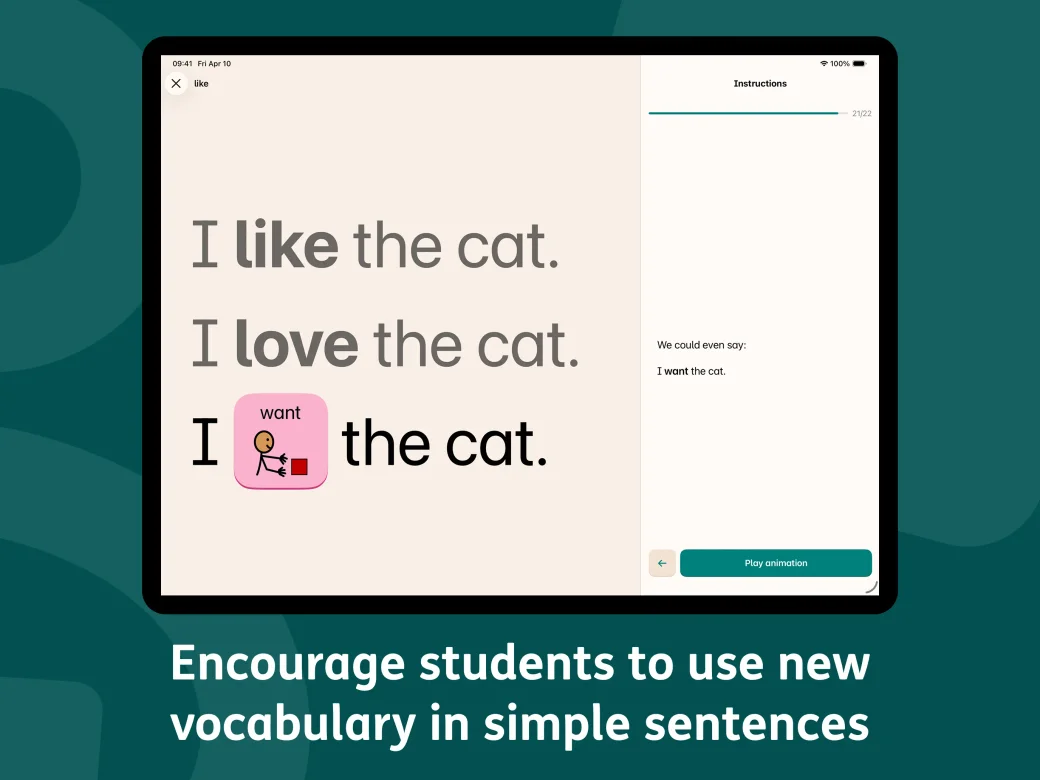
Educators often teach vocabulary tied to curriculum topics. But foundational language, such as core word vocabulary, is rarely taught in a clear and consistent way. Popular teaching methods, like “core word of the week”, rarely follow a scope and sequence. Estello provides a structured routine for explicit core vocabulary instruction. Estello uses SymbolStix AAC symbols as visual anchors for meaning. Graphic symbols give students a concrete representation of each word and support students' development of early language skills. Each symbol is paired with the written word and definition, and meaning is demonstrated in context. This helps all students understand and retain vocabulary. Each lesson introduces a primary word, a comparison or contrast word, and a related word. Students see how meanings connect, instead of learning words in isolation. Repeated exposure across lessons deepens contextual understanding of new core vocabulary.
EDUCATOR-GUIDED, STUDENT-FOCUSED
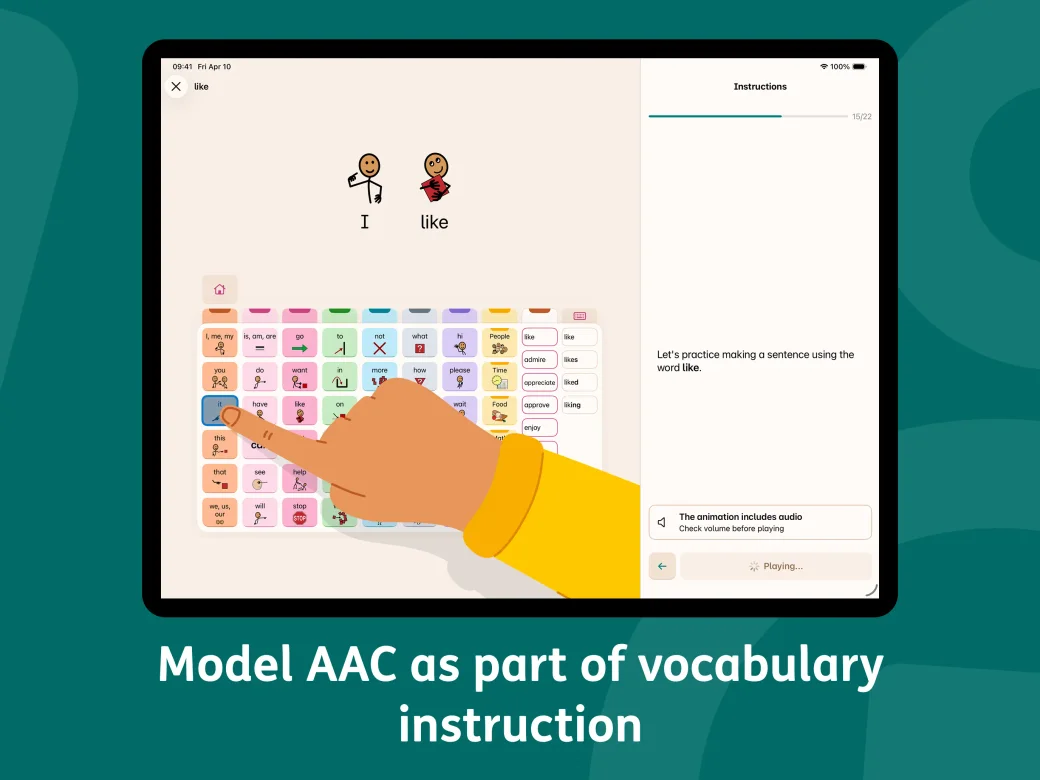
Each lesson provides educators with a detailed script on their iPad and a simplified view to display for students on any classroom board or screen. The script offers step-by-step language for introducing symbol meaning, comparing symbols, and guiding discussion. Because the lessons use consistent symbols and clear language, educators gain repeated practice describing symbols. This supports more confident AAC modeling during other parts of the school day.
FROM WORDS TO PHRASES AND SENTENCES
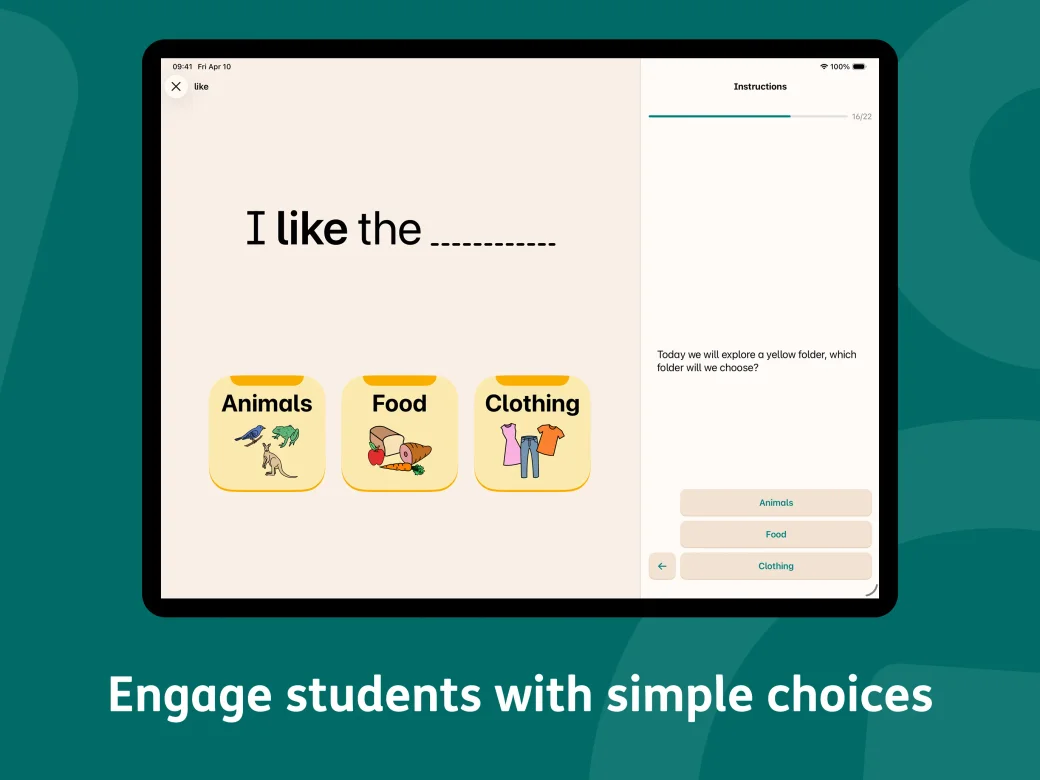
Lessons model how words can be built into phrases and simple sentences. Estello demonstrates this message construction consistent with the Micalo and Proloquo Crescendo Evolution™ vocabulary. Students see the symbol, hear the word, read the word, and then see how it combines with others. This supports early literacy by linking symbol meaning to written words. Lessons also offer small topic choices to keep students engaged.
BUILT FOR CONSISTENT PROGRESS
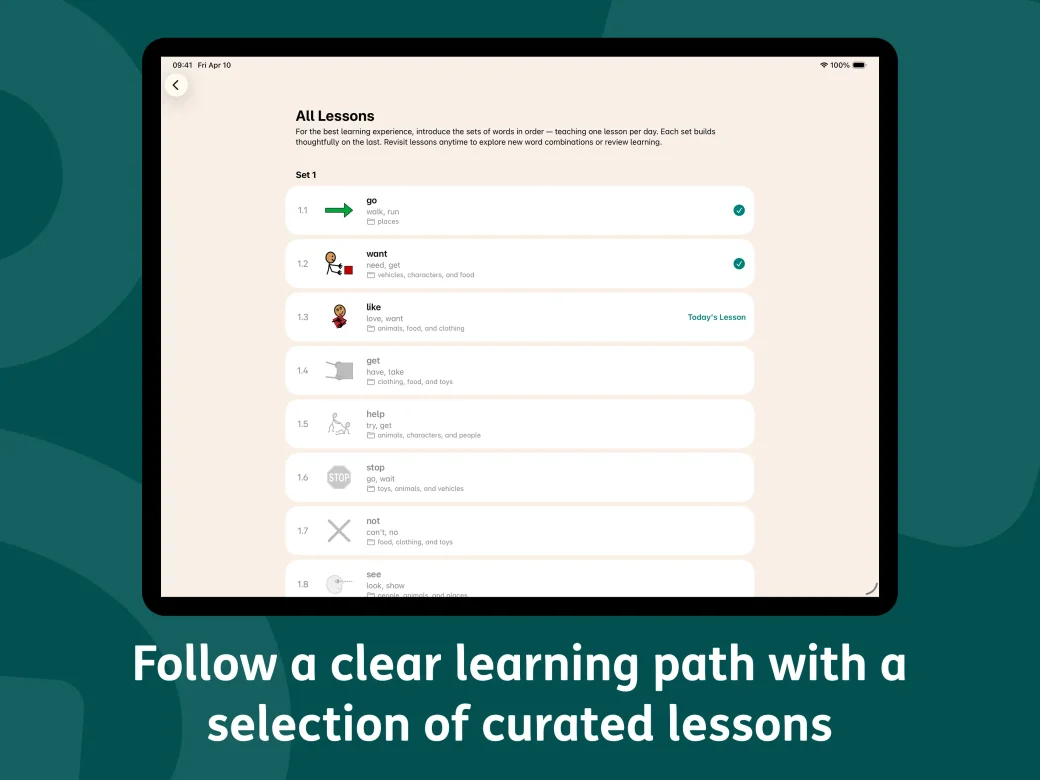
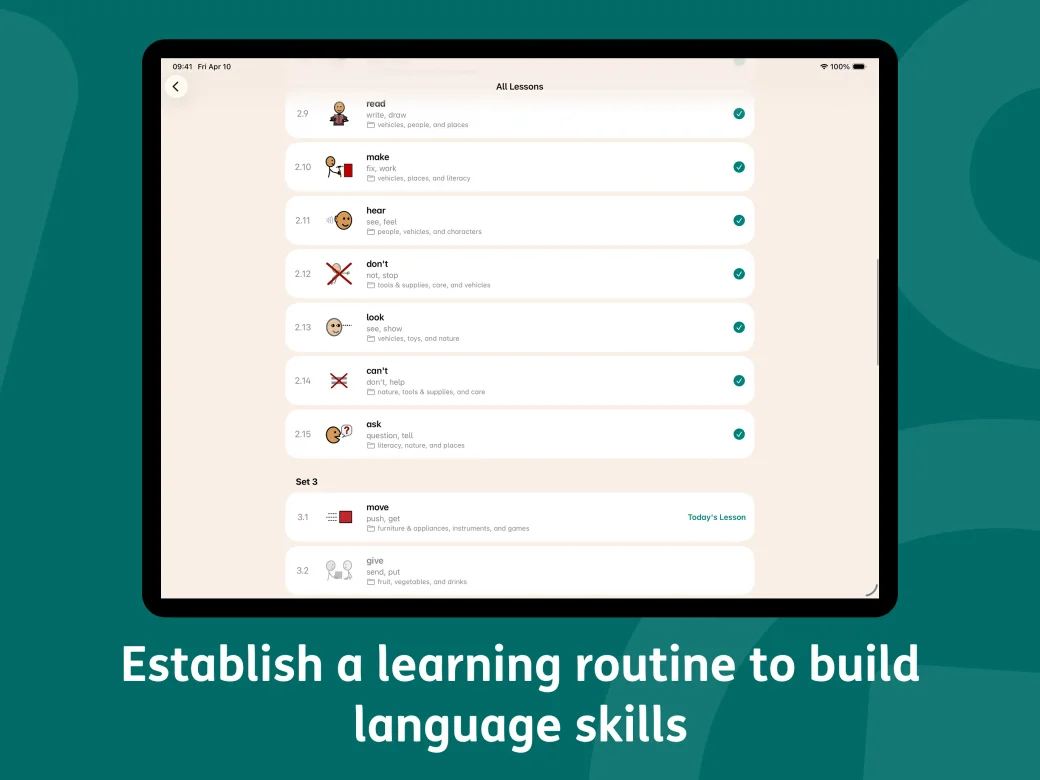
Lessons follow a guided sequence that gradually increases in complexity. Words reappear in later lessons in new contexts, strengthening understanding and retention.
Try Estello free for two months!
This app is part of the AssistiveWare Learning Service. A subscription includes access to Micalo, Estello, and Pictello.
How payment works:
• After your trial ends, payment will be charged to your Apple Account.
• Subscriptions renew automatically. Payment is charged 24 hours before the current subscription period ends.
• Don’t want to renew? Cancel more than 24 hours before the end of the current subscription period.
• Want to cancel or change your subscription? Manage it in your account settings on the App Store.
The standard Apple Terms of Use apply to this app:
https://www.apple.com/legal/internet-services/itunes/dev/stdeula/
Nouveautés
Version 1.3 · 07/09/2026
This update lets you export and import your lesson progress, so you can easily pick up where you left off on a new or shared device. We’ve also fixed bugs and improved overall performance.
Confidentialité de l’application
Ce que AssistiveWare déclare sur l’App Store au sujet du traitement des données par cette application.
-
Données établissant un lien avec vous
Peuvent être collectées et liées à votre identité.
- Achats
- Coordonnées
- Identifiants
-
Données n’établissant aucun lien avec vous
Peuvent être collectées, mais ne sont pas liées à votre identité.
- Emplacement
- Données d’utilisation
Les pratiques en matière de confidentialité peuvent varier, notamment en fonction des fonctionnalités que vous utilisez ou de votre âge.
Informations
- Vendeur
- AssistiveWare B.V.
- Catégorie
- Éducation
- Version
- 1.3
- Mis à jour
- 07/09/2026
- Publié
- 12/01/2026
- Taille
- 427,5 Mo
- Nécessite
- iOS 18.0 ou version ultérieure
- Classification d’âge
- 4+
- Prix
- Gratuit
- Achats intégrés
- Oui
- Langues
- Anglais
- Copyright
- © 2026 AssistiveWare B.V.