
Explain Everything Whiteboard
Video Lessons, Drawing & Notes
Conçue pour iPhone, iPad, Mac
Gratuit · Achats intégrés
- Classification d’âge4+
- CatégorieÉducation
- DéveloppeurPromethean Ltd.
- LanguesAnglais+ 14 de plus
- Taille342,9 Mo
Renvoie vers la page App Store officielle
Download.org n’héberge aucun fichier de Explain Everything Whiteboard. Le bouton ouvre la page de l’application sur App Store, où Promethean Ltd. la publie. Fiche vérifiée pour la dernière fois le 27/11/2026.
Captures d’écran

À propos
Le développeur n’a pas fourni ce texte dans votre langue.
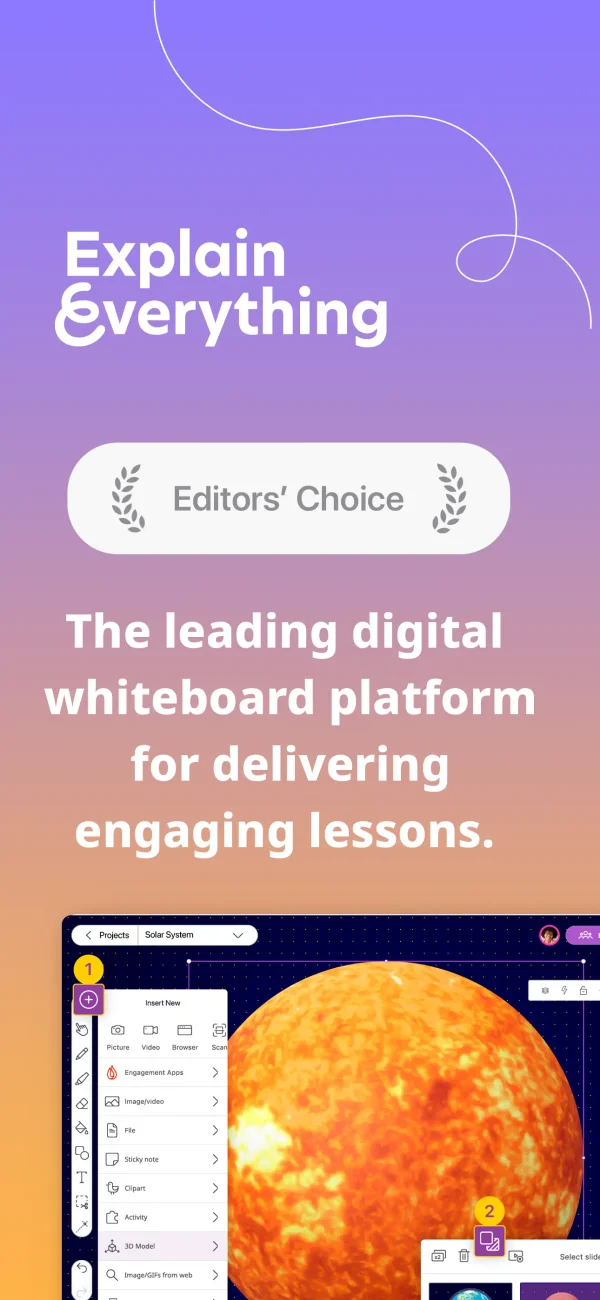
The iPad App Store Trend of the Year 2020 award-winning interactive whiteboard and note taking app for iPad. With over 25 million downloads across the globe, Explain Everything helps teachers and students with every day learning.
Explain Everything Advanced, Promethean's award-winning cloud-based plan, is one of the most dynamic, easy-to-use, and powerful lesson creation and delivery tools on the market today.
Explain Everything is an interactive whiteboard, built to create notes and make drawings, explain concepts and share boards anywhere.
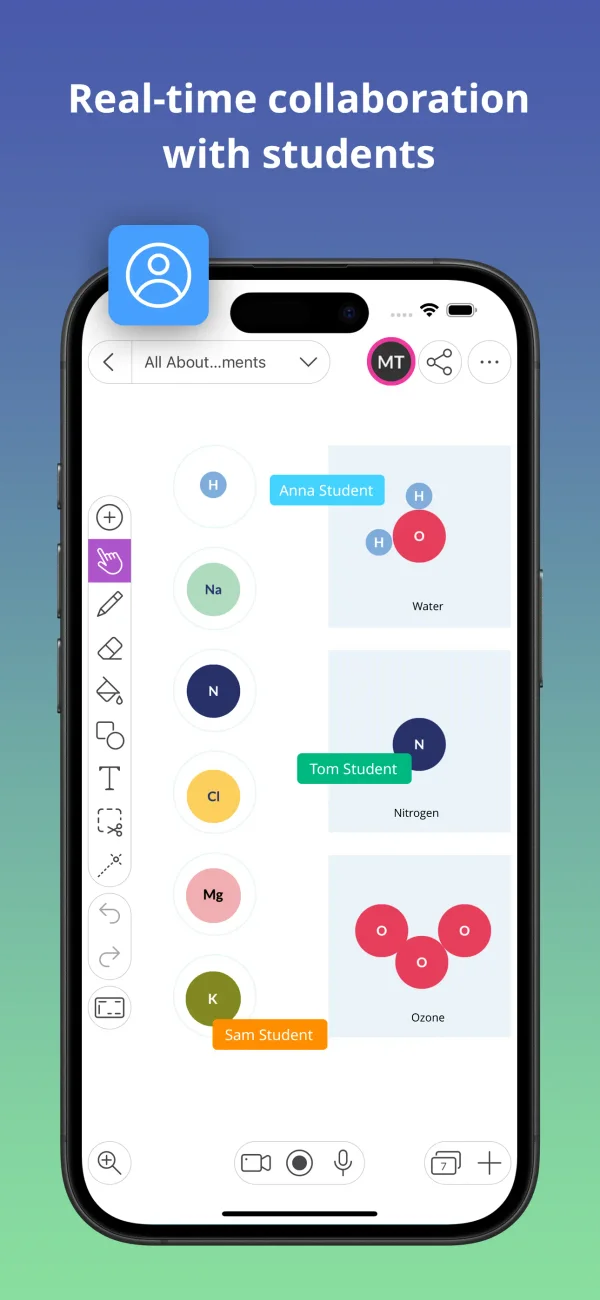
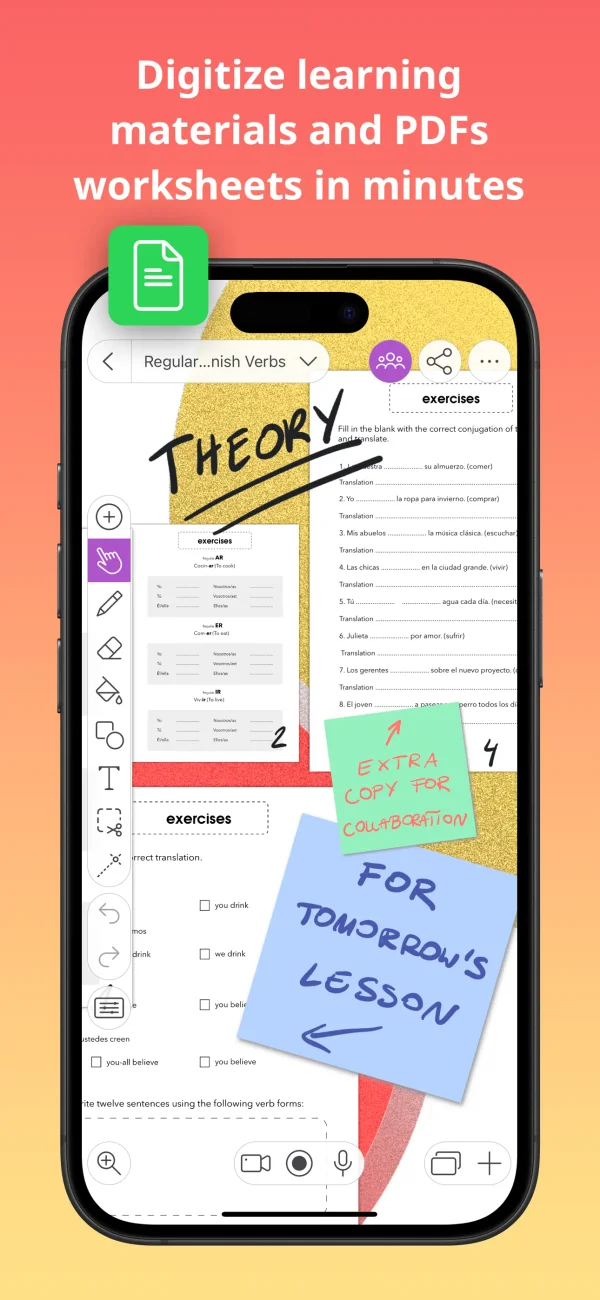
Make notes and draw together on the infinite canvas. Use sticky notes, work with imported documents, and annotate PDFs. Easily record whiteboard videos and share the entire process of explaining a lesson. Use real-time collaboration to stay on the same page with your students or team.
Our customers love using Explain Everything to:
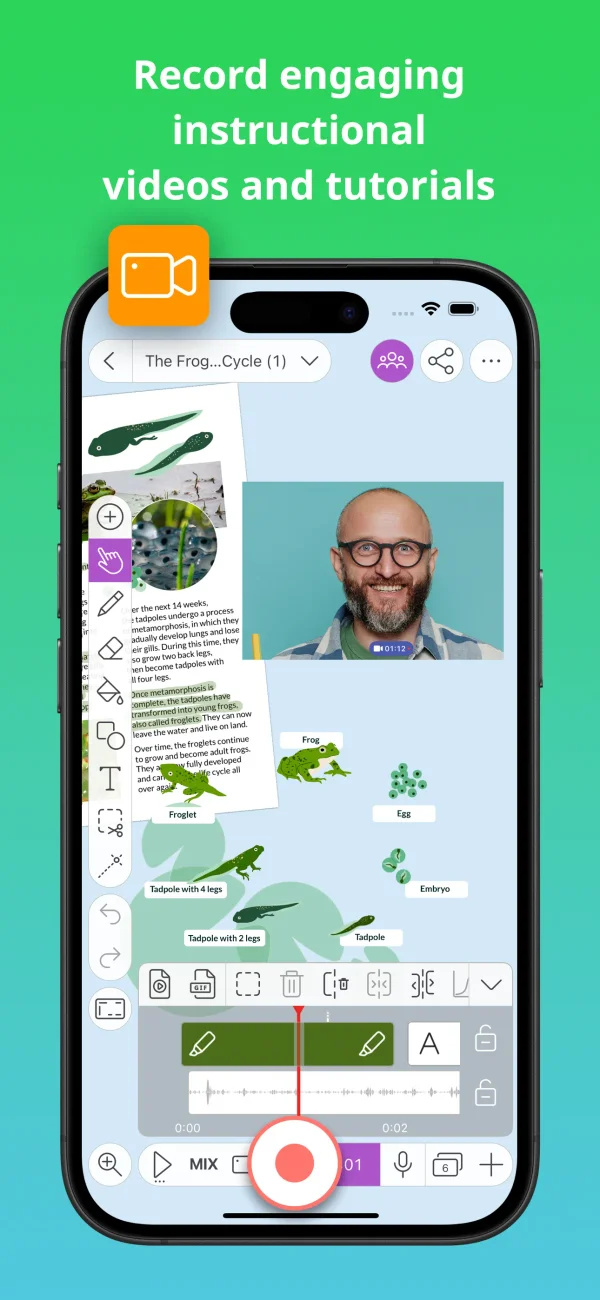
• Record and edit whiteboard video lessons, then share them automatically with your preferred cloud drive!
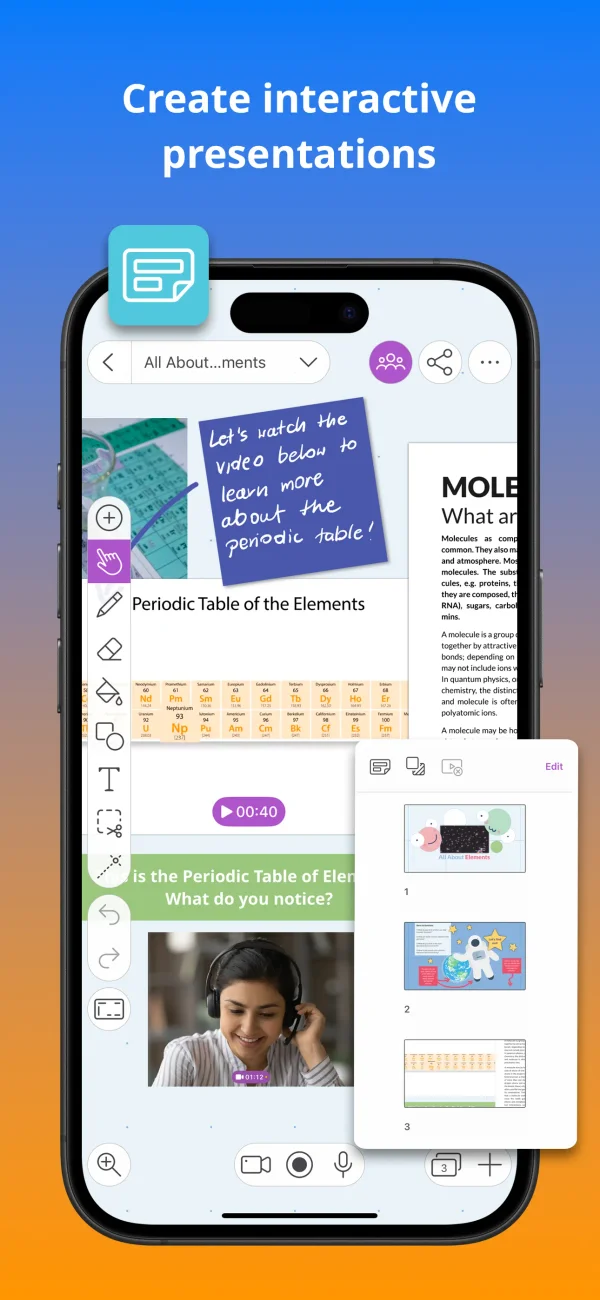
• Capture ideas, create interactive presentations, and use PDF annotation for teaching purposes.
• Use engagement apps such as Polling, Timer, and Spinner to promote student participation and deep focus.
• Draw, write, sketchnote, visualize, and scribble using Apple Pencil then easily present materials both in-classroom or online.
• Enrich your materials with images and GIFs, Sticky Notes, Clipart, 3D Models, Shapes, Web Browser, Equations, hyperlinks, text boxes and notes grid.
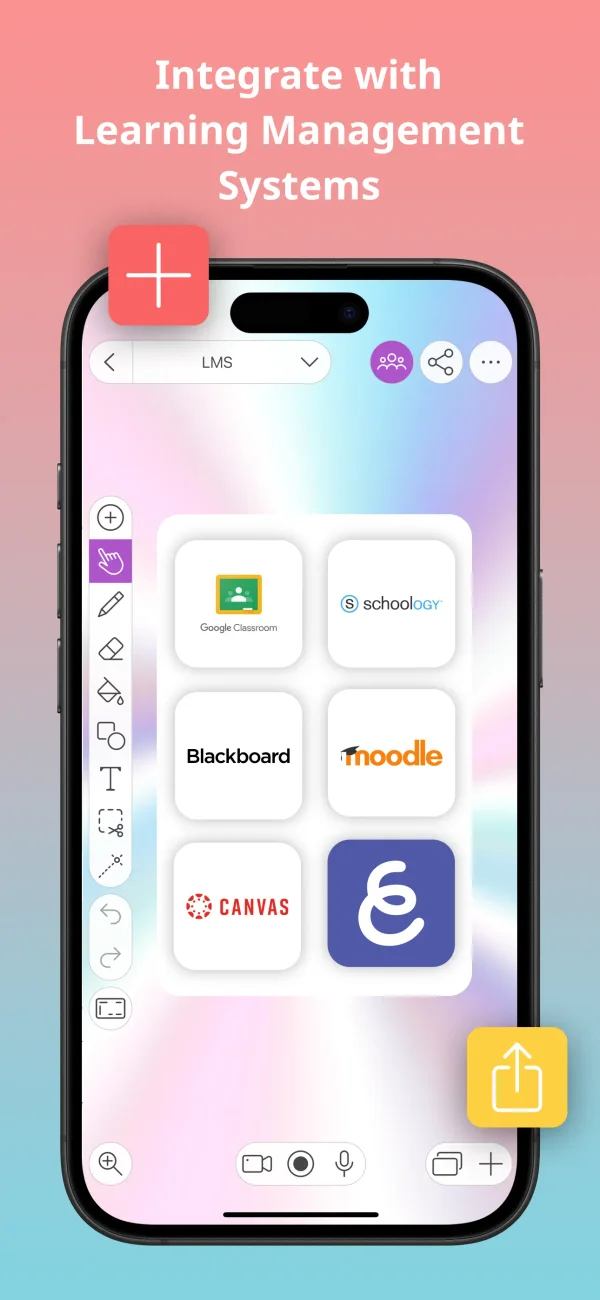
• Digitize and store materials in one place thanks to the Explain Everything Drive cloud; available from any device, anywhere.
• Collaborate with students by hosting group assignments in the classroom and in the cloud.
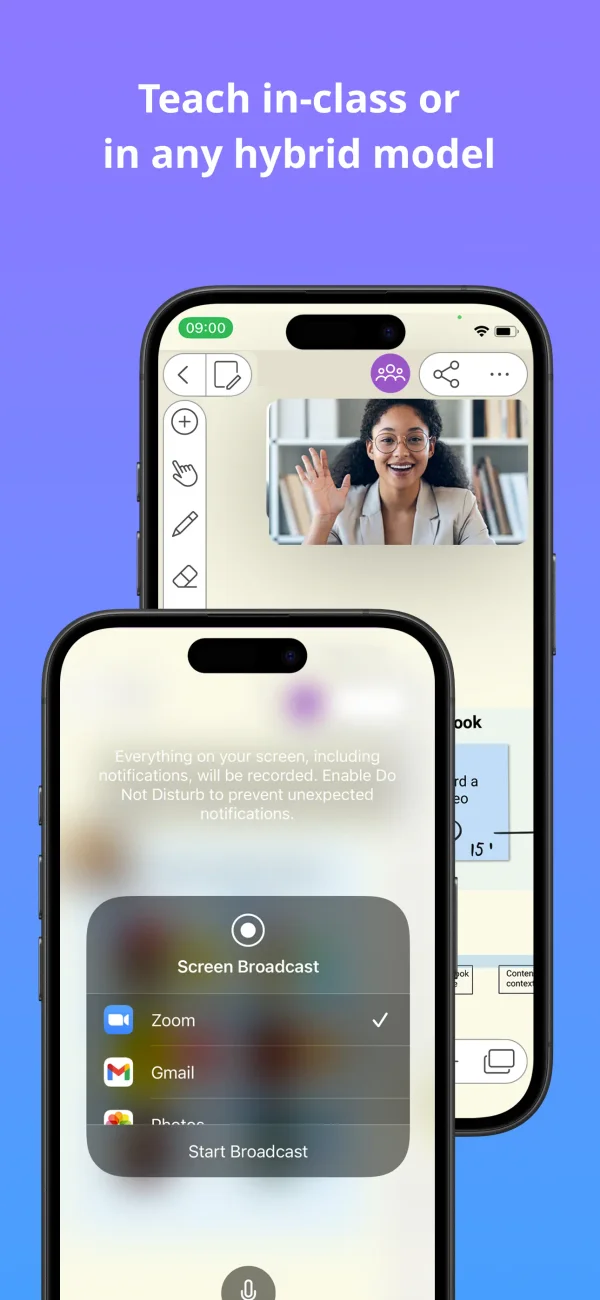
• Broadcast through SharePlay or popular conferencing tools, including Zoom or Microsoft Teams.
New Activities within Advanced Plan
We’re coming with new activities to enhance your lessons and create some fun throughout your classroom. Launch and play activities right from your whiteboard canvas.
Crossword – Add a list of words, provide image or text clues, and Explain Everything will generate a crossword for you.
Memory game – Turn a set of images into a randomized memory pair-finding game.
Matching game – Build a matching game from a collection of images, shapes, and text.
Promethean Engagement Apps
We’ve enhanced our Explain Everything Advanced plan with other new features, including Promethean’s ever-popular Spinner, Timer, and Polling apps; all to improve your teaching experience in the classroom.
Polling – ask questions and receive responses from students instantly.
Timer – use clock and stopwatch to measure time and improve executive functioning skills.
Spinner – randomly select items from the built-in templates or your own lists to add excitement to any class.
If you enjoy using Explain Everything please leave us a review!
https://explaineverything.com/terms-of-use/
Nouveautés
Version 10.0.7 · 25/11/2026
iPhone Duo screen support
Explain Everything now supports iPhone Duo, with a flexible layout that adapts smoothly as you fold and unfold the screen.
Confidentialité de l’application
Ce que Promethean Ltd. déclare sur l’App Store au sujet du traitement des données par cette application.
-
Données n’établissant aucun lien avec vous
Peuvent être collectées, mais ne sont pas liées à votre identité.
- Coordonnées
- Identifiants
- Données d’utilisation
- Diagnostic
Les pratiques en matière de confidentialité peuvent varier, notamment en fonction des fonctionnalités que vous utilisez ou de votre âge.
Informations
- Vendeur
- Promethean Ltd.
- Catégorie
- Éducation
- Version
- 10.0.7
- Mis à jour
- 25/11/2026
- Publié
- 01/02/2016
- Taille
- 342,9 Mo
- Nécessite
- iOS 17.0 ou version ultérieure
- Classification d’âge
- 4+
- Prix
- Gratuit
- Achats intégrés
- Oui
- Langues
- Anglais, Arabe, Danois, Finnois, Français, Allemand, Italien, Japonais, Norvégien, Polonais, Portugais, Chinois simplifié + 3 de plus
- Copyright
- © 2011-2026 Explain Everything
Vous aimerez peut-être aussi
-
 Tableau blanc EducreationsCréez de superbes vidéo
-
 ShowMe Interactive WhiteboardÉducation
-
 Hopscotch-Programming for kidsÉducation
-
 ChatterPix KidsÉducation
-
 PrometheanSérie ActivPanel 9 et Elements
-
 Mosyle SchoolÉducation
-
 Blockly pour les robots DashÉducation
-
 NearpodÉducation
-
 Tynker: Coding for KidsÉducation
-
 WhiteBoard by LiveBoardBlackboard to tutor & teach