- Classification d’âge17+
- CatégorieUtilitaires
- DéveloppeurErcan Yuzuk
- LanguesAnglais+ 2 de plus
- Taille2,2 Mo
Renvoie vers la page App Store officielle
Download.org n’héberge aucun fichier de EYNetScanner. Le bouton ouvre la page de l’application sur App Store, où Ercan Yuzuk la publie. Fiche vérifiée pour la dernière fois le 15/11/2026.
Captures d’écran


À propos
Le développeur n’a pas fourni ce texte dans votre langue.
EYNetScanner puts the network tools you reach for every day into one fast, focused app. Whether you're troubleshooting home Wi-Fi, checking a server, or finding devices on your local network, everything is a tap away.
EIGHT TOOLS IN ONE APP
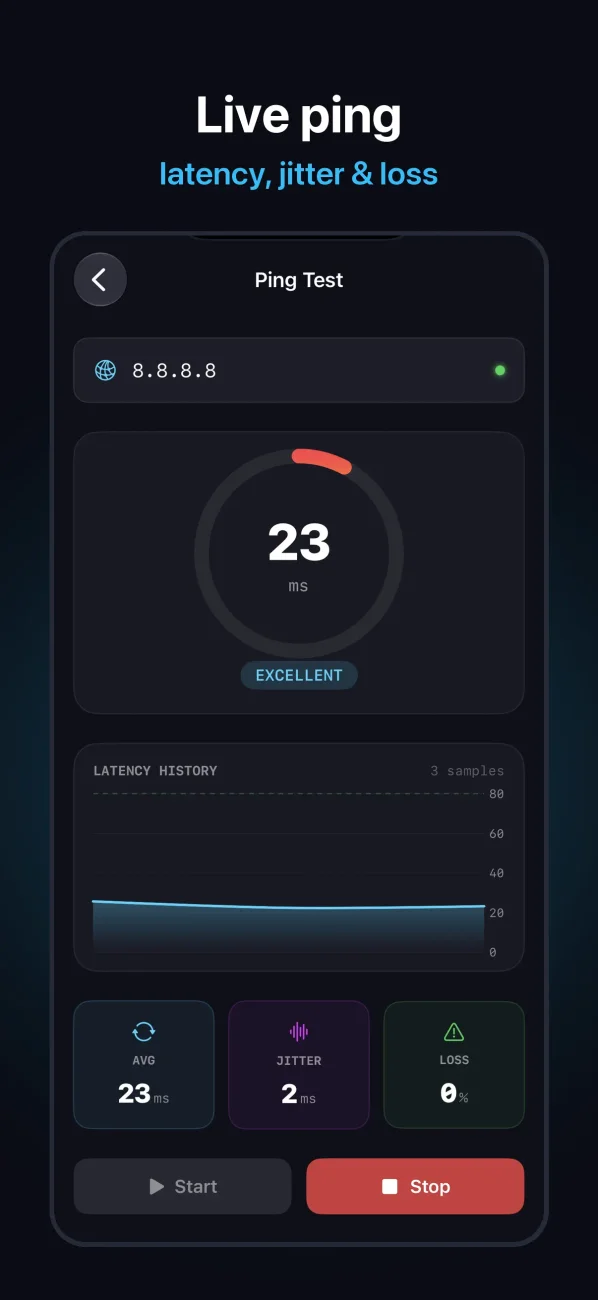
• Ping
Measure latency to any host with ICMP, with automatic TCP fallback. See live results, average latency, jitter and packet loss. Discover devices on your local network using Bonjour and a quick subnet sweep.
• Port Scanner
Check which TCP ports are open on a host. Scan common service ports and see response times for each open port.
• Subnet Scanner
Find active hosts on your local network. Your current subnet is detected automatically, so you can start scanning instantly.
• DNS Lookup
Resolve domain names to their IPv4 and IPv6 addresses, or run a reverse lookup to find the hostname behind an IP address.
• IP Info
See your public IP address, or look up any IP for location, ISP / organization and time zone.
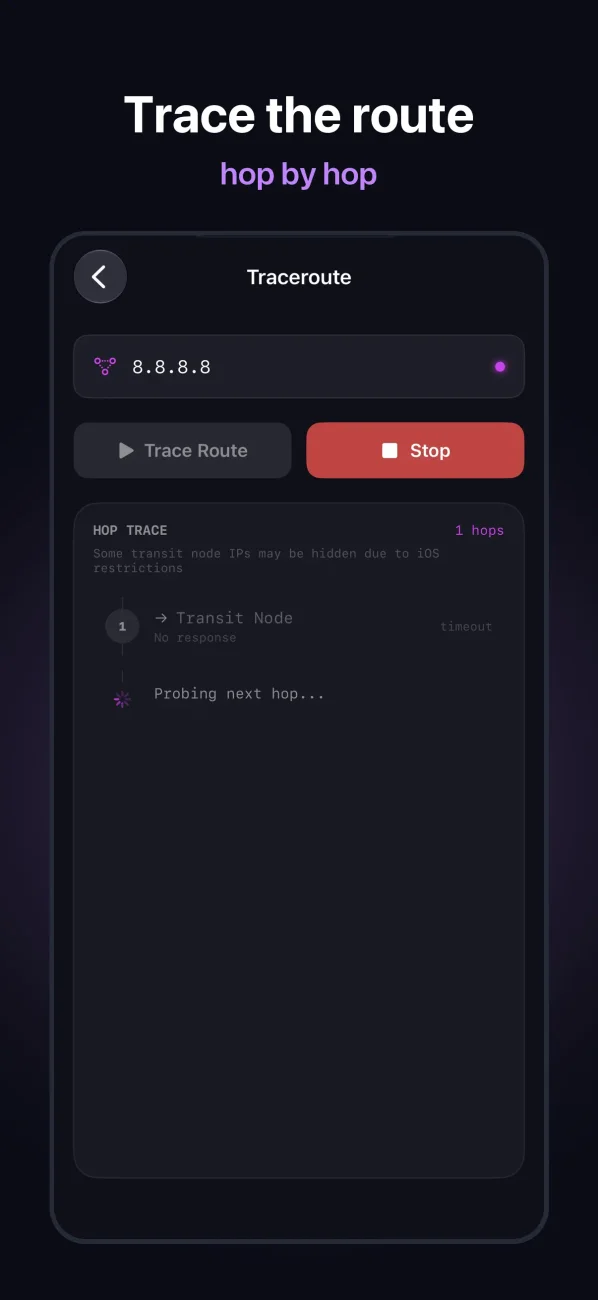
• Traceroute
Follow the path your traffic takes to a destination, hop by hop, with hostnames and round-trip times.
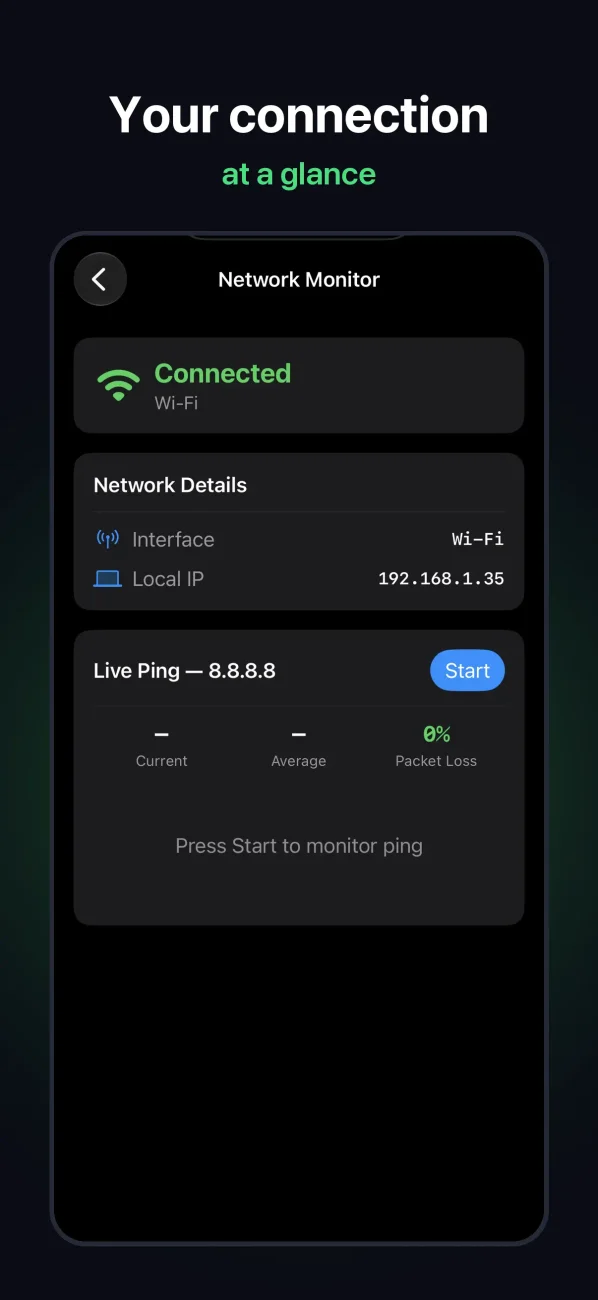
• Network Monitor
Keep an eye on your connection: status, interface type (Wi-Fi, cellular, Ethernet), local IP address, low-data and expensive-network flags, plus continuous latency monitoring.
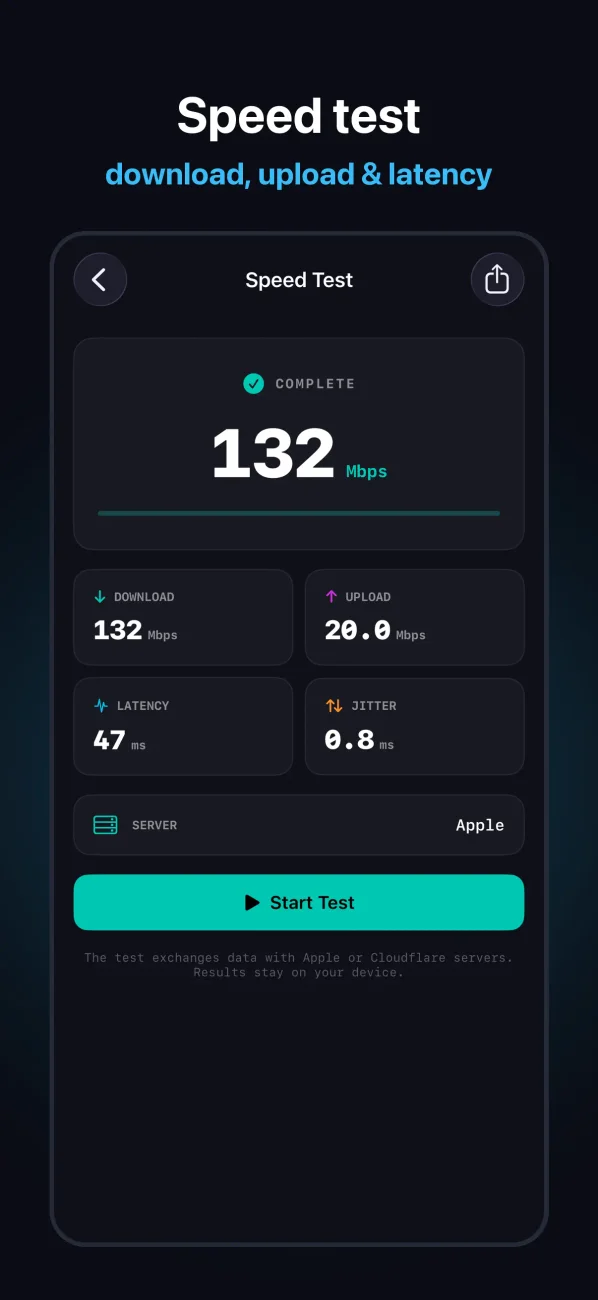
• Speed Test
Measure your download and upload speed, latency and jitter. A test takes about 20 seconds and can use a few hundred MB of data, so keep an eye on it when you are on cellular.
MAKE IT YOURS
• Share results as text, or export scan results as CSV
• Hold and drag the tools on the home screen to put them in your own order
PRIVATE BY DESIGN
• No account or sign-up
• No ads, no analytics, no tracking
• Scans run directly from your device
IP Info lookups are sent to the ipinfo.io service. The Speed Test exchanges test data with Apple or Cloudflare servers. EYNetScanner itself does not collect or store any of your data.
Please only scan networks and devices you own or have permission to test.
Nouveautés
Version 1.2 · 12/11/2026
New: Speed Test – measure download, upload, latency and jitter. New: share results as text or export them as CSV. New: hold and drag the tools on the home screen to put them in your own order.
Confidentialité de l’application
Ce que Ercan Yuzuk déclare sur l’App Store au sujet du traitement des données par cette application.
-
Données non collectées
Le développeur ne collecte aucune donnée à partir de cette application.
Les pratiques en matière de confidentialité peuvent varier, notamment en fonction des fonctionnalités que vous utilisez ou de votre âge.
Informations
- Vendeur
- Ercan Yuzuk
- Catégorie
- Utilitaires
- Version
- 1.2
- Mis à jour
- 12/11/2026
- Publié
- 16/10/2026
- Taille
- 2,2 Mo
- Nécessite
- iOS 26.2 ou version ultérieure
- Classification d’âge
- 17+
- Prix
- Gratuit
- Langues
- Anglais, Allemand, Turc
- Copyright
- © 2026 Ercan Yuzuk