
Fabe: Personal Task Manager
Local personal task manager
Conçue pour iPhone, iPad, Mac
Gratuit
- Classification d’âge4+
- CatégorieProductivité
- DéveloppeurFabian Hanu
- LanguesAnglais
- Taille24,1 Mo
Renvoie vers la page App Store officielle
Download.org n’héberge aucun fichier de Fabe: Personal Task Manager. Le bouton ouvre la page de l’application sur App Store, où Fabian Hanu la publie. Fiche vérifiée pour la dernière fois le 18/11/2026.
Captures d’écran

À propos
Le développeur n’a pas fourni ce texte dans votre langue.
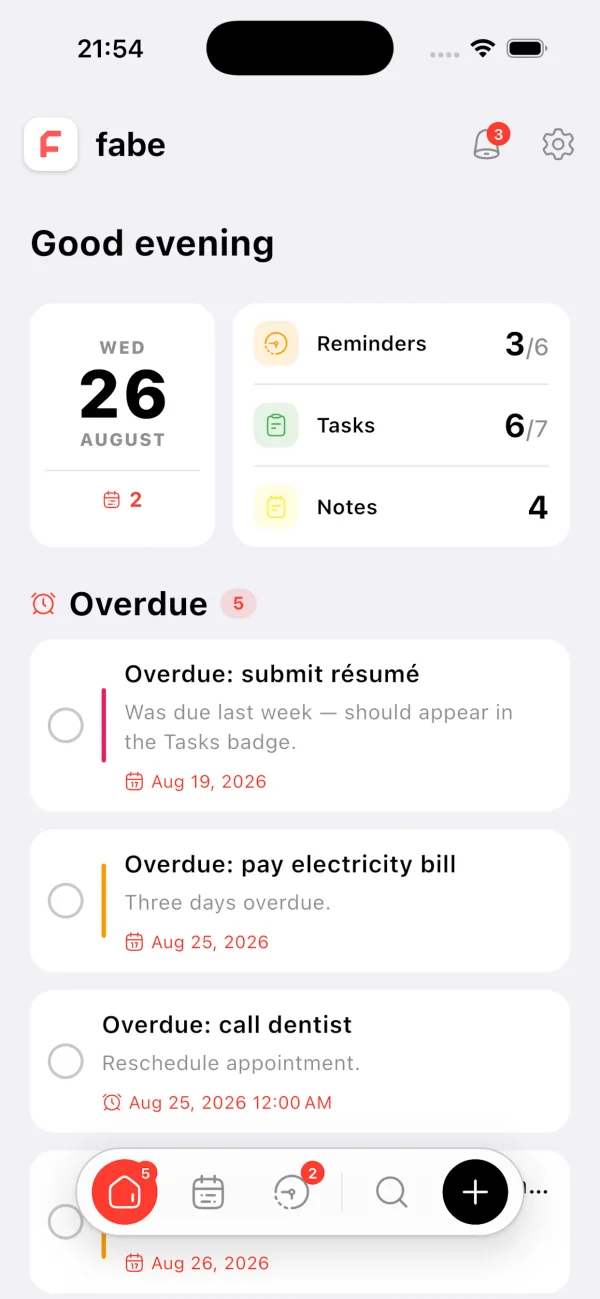
Take control of your productivity without giving up your privacy. Fabe stores all your notes, tasks, reminders, and calendar events locally on your device. No account required, no data leaves your phone, and you can backup or export your data whenever you want.
Features:
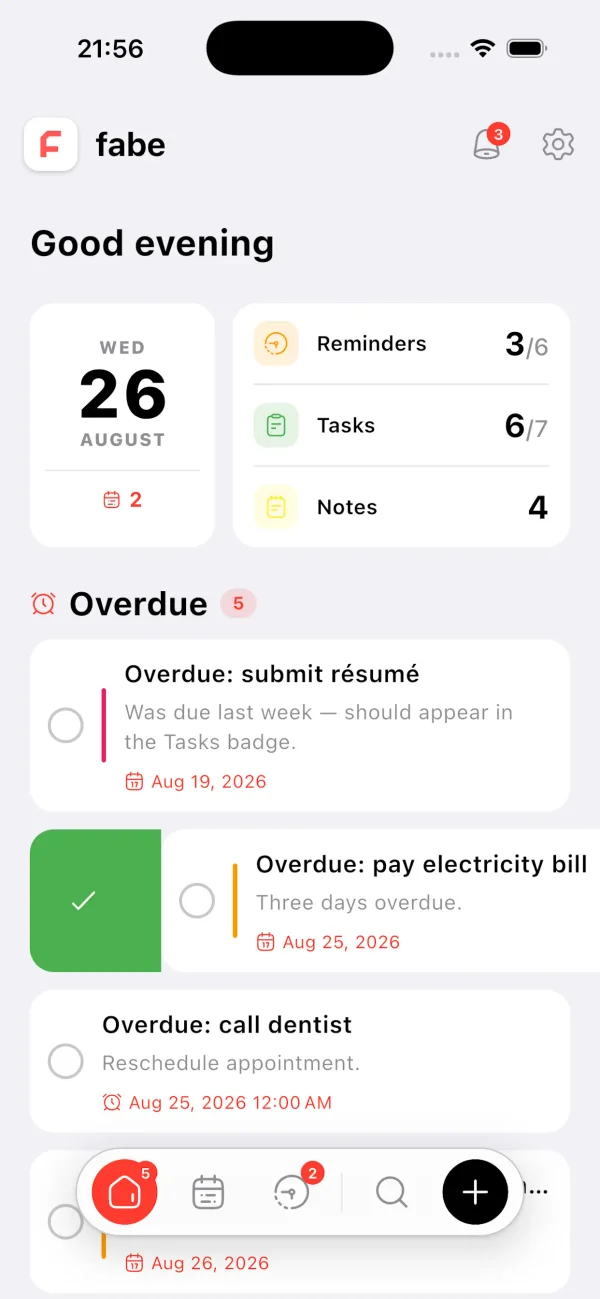
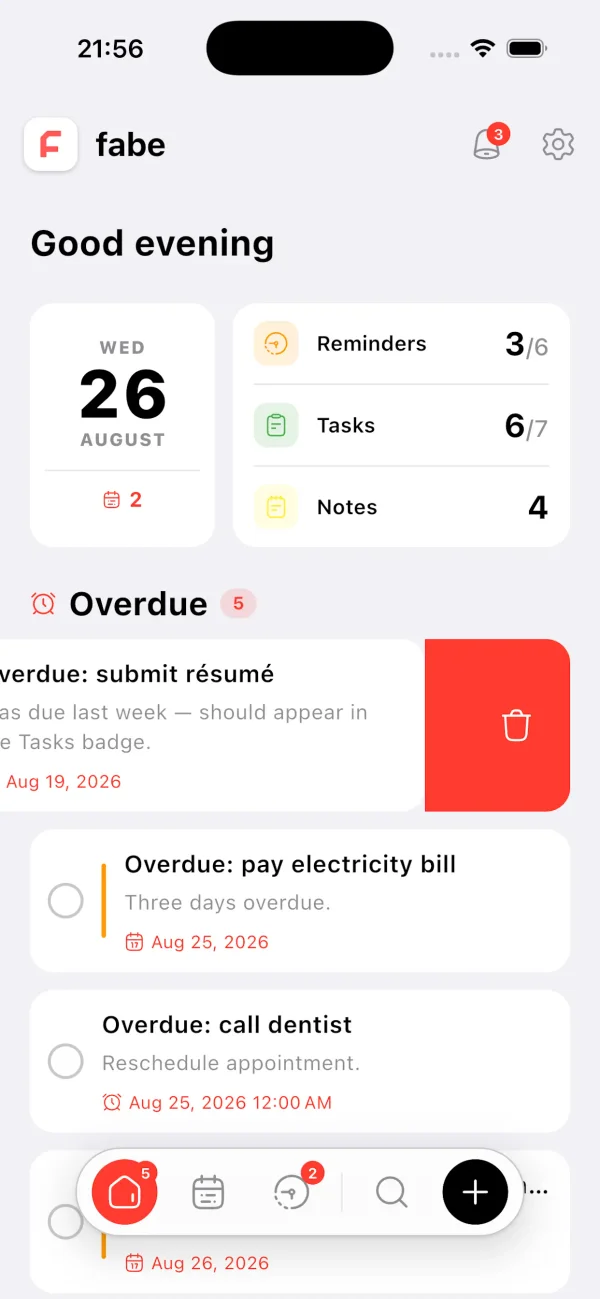
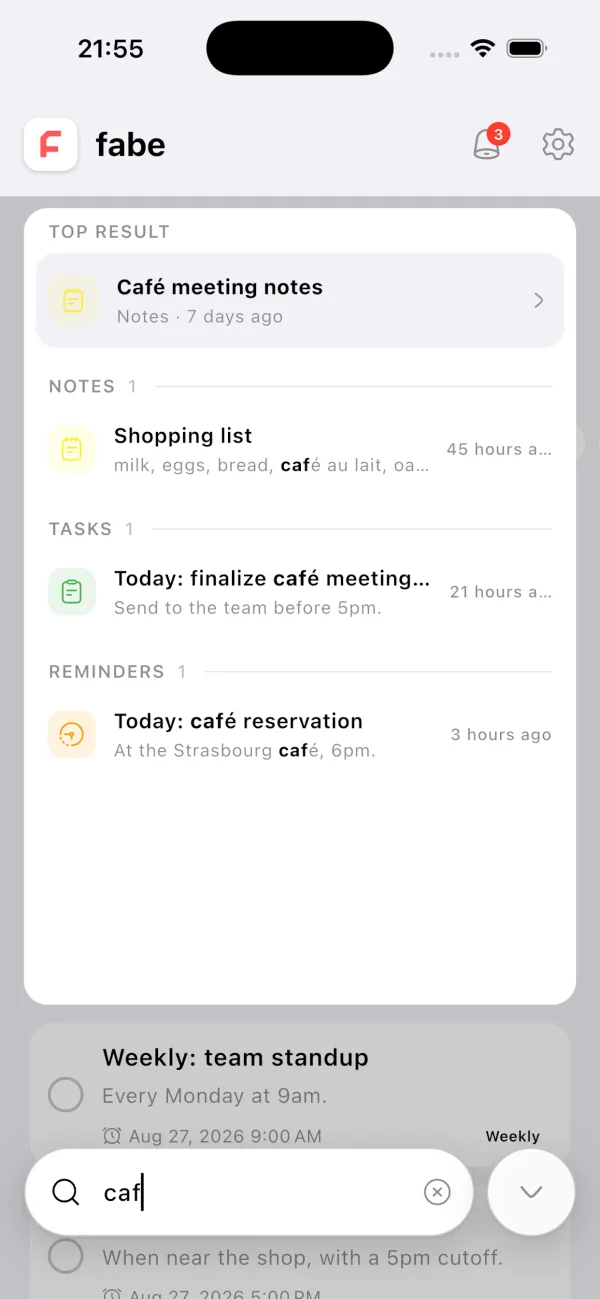
• Dashboard with daily overview
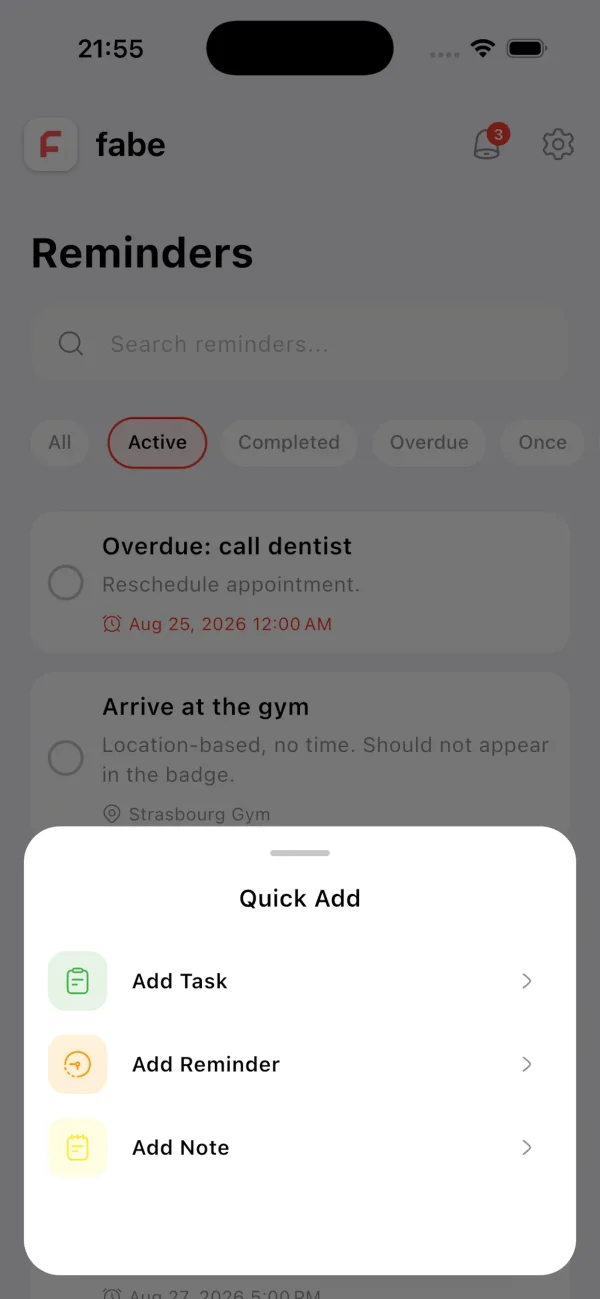
• Rich text notes with formatting
• Task management with priorities
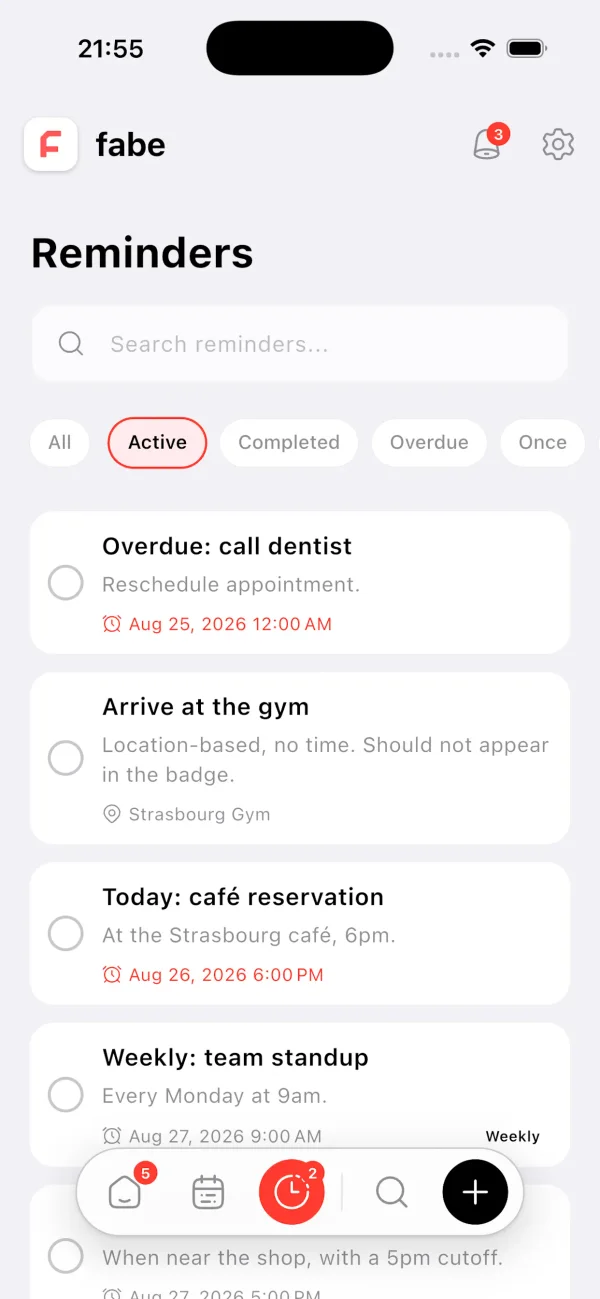
• Reminders with notifications
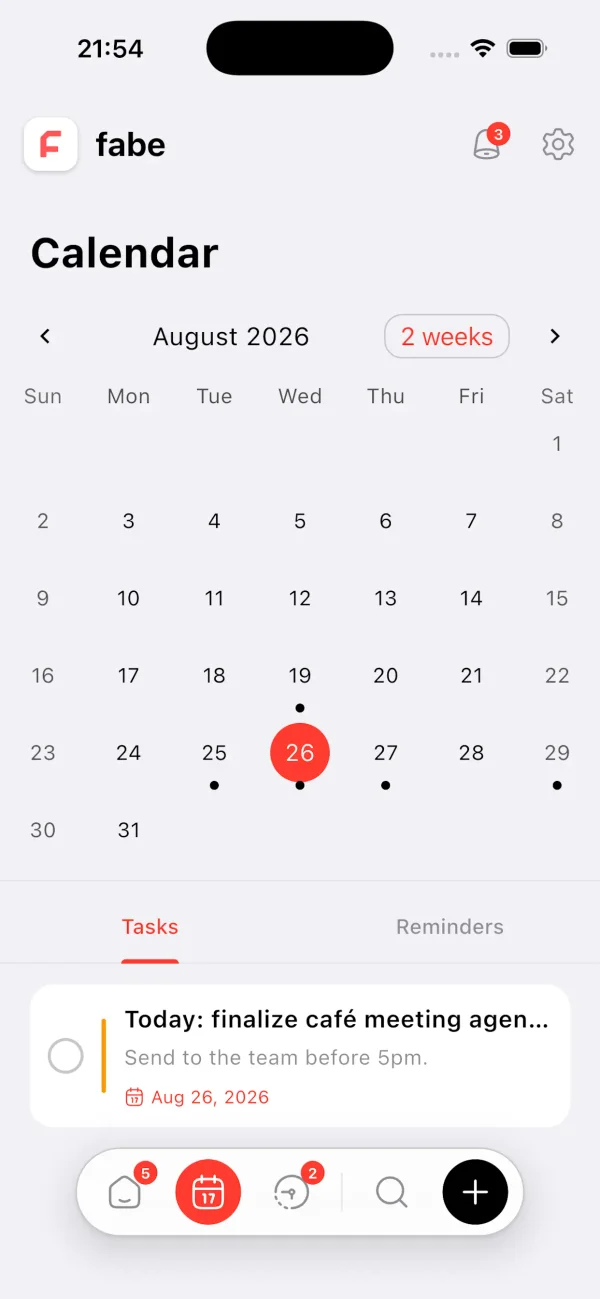
• Calendar with event tracking
• Dark mode & multiple languages
• Local backup & restore
Your data is yours. Always.
Nouveautés
Version 26.9.2 · 03/09/2026
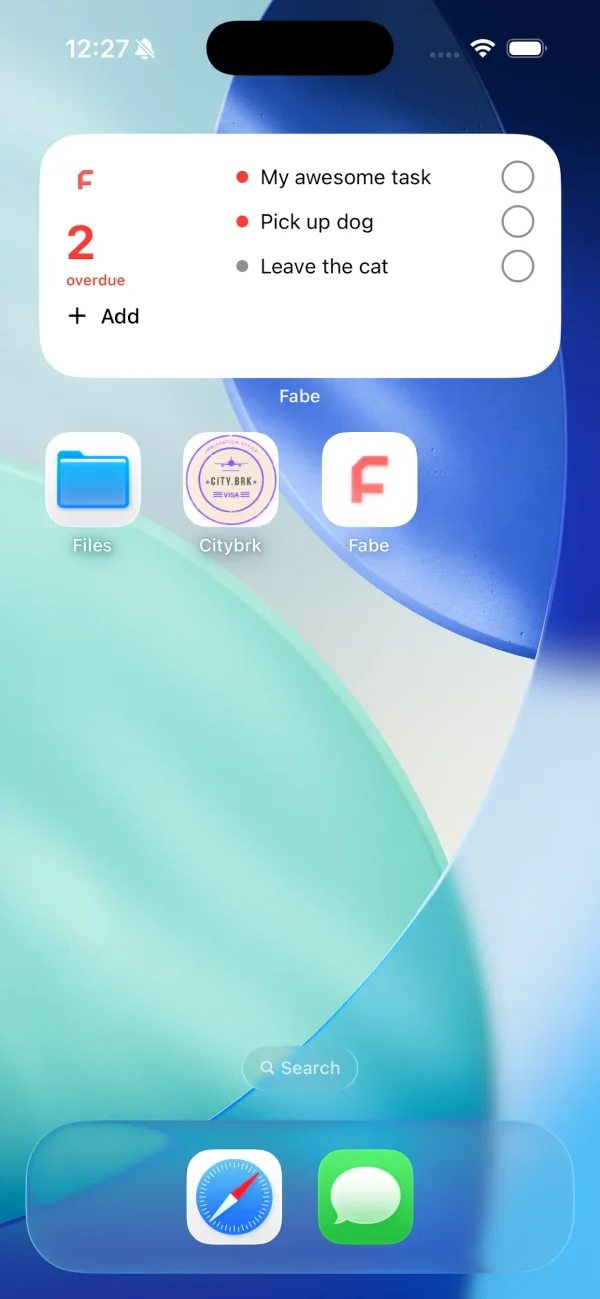
The home-screen widget grew a large size and learned to say *when* — and Fabe now
tells you when a reminder's notification isn't going to arrive, instead of letting
you find out by missing it.
- **A large home-screen widget.** Alongside the small and medium sizes there's now a
large one, laid out as its own thing rather than a stretched medium: a header band
over a list of up to seven items, grouped under Overdue, Today and Upcoming, each
group in time order. If a group is empty it isn't shown, so the space goes to what
you actually have.
- **The medium widget shows more.** It carries five items instead of three, filling
space that used to sit empty.
- **Every widget row now shows when it's due.** A time for something due today, a date
for anything further out — so a glance at the widget tells you *when*, not just *what*.
- **Fabe warns you when a notification won't arrive.** Saving a reminder used to report
success whether or not its notification was actually scheduled. If notifications are
turned off, or scheduling fails, the reminder still saves — but Fabe now says so, and
offers to take you to the setting that fixes it.
- **The Notifications permission button works.** In Settings → App Permissions, tapping
Notifications did nothing at all: no prompt, no explanation, no change. It now asks
properly.
Thanks for using Fabe.
Confidentialité de l’application
Ce que Fabian Hanu déclare sur l’App Store au sujet du traitement des données par cette application.
-
Données non collectées
Le développeur ne collecte aucune donnée à partir de cette application.
Les pratiques en matière de confidentialité peuvent varier, notamment en fonction des fonctionnalités que vous utilisez ou de votre âge.
Informations
- Vendeur
- Fabian Hanu
- Catégorie
- Productivité
- Version
- 26.9.2
- Mis à jour
- 03/09/2026
- Publié
- 01/04/2026
- Taille
- 24,1 Mo
- Nécessite
- iOS 26.0 ou version ultérieure
- Classification d’âge
- 4+
- Prix
- Gratuit
- Langues
- Anglais
- Copyright
- © ZMEUL
Vous aimerez peut-être aussi
-
 NagList – Smart RemindersProductivité
-
 Domik: RemindersProductivité
-
 Process Manager AgentProductivité
-
 Task Management & To-Do ListProductivité
-
 Routines: Stay on TrackProductivité
-
 To-do List & Task ChecklistProductivité
-
 Password Manager - SafeBoxProductivité
-
 Protégez password proStockage des mots de passe
-
 Notes+ - Inkpad NotepadProductivité
-
 IronCrypto: Password ManagerProductivité