- Classification d’âge4+
- CatégorieMédecine
- DéveloppeuratacLab Co., Ltd.
- LanguesAnglais+ 1 de plus
- Taille90,4 Mo
Renvoie vers la page App Store officielle
Download.org n’héberge aucun fichier de FaceSwitch - switch access. Le bouton ouvre la page de l’application sur App Store, où atacLab Co., Ltd. la publie. Fiche vérifiée pour la dernière fois le 17/11/2026.
Captures d’écran



À propos
Le développeur n’a pas fourni ce texte dans votre langue.
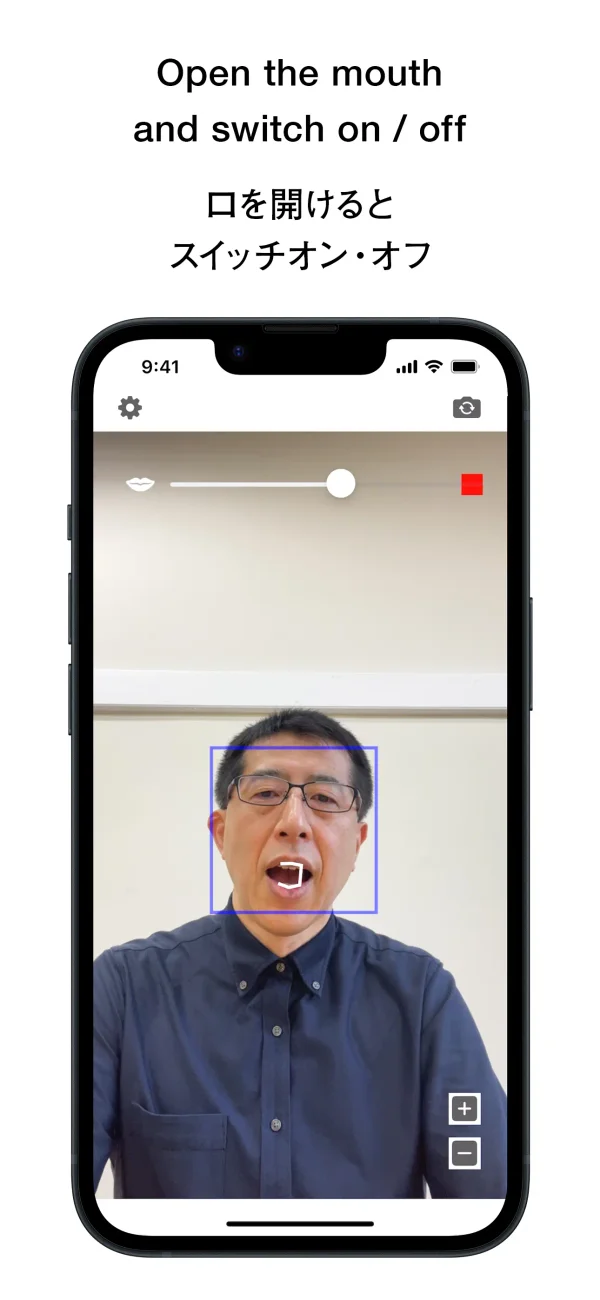
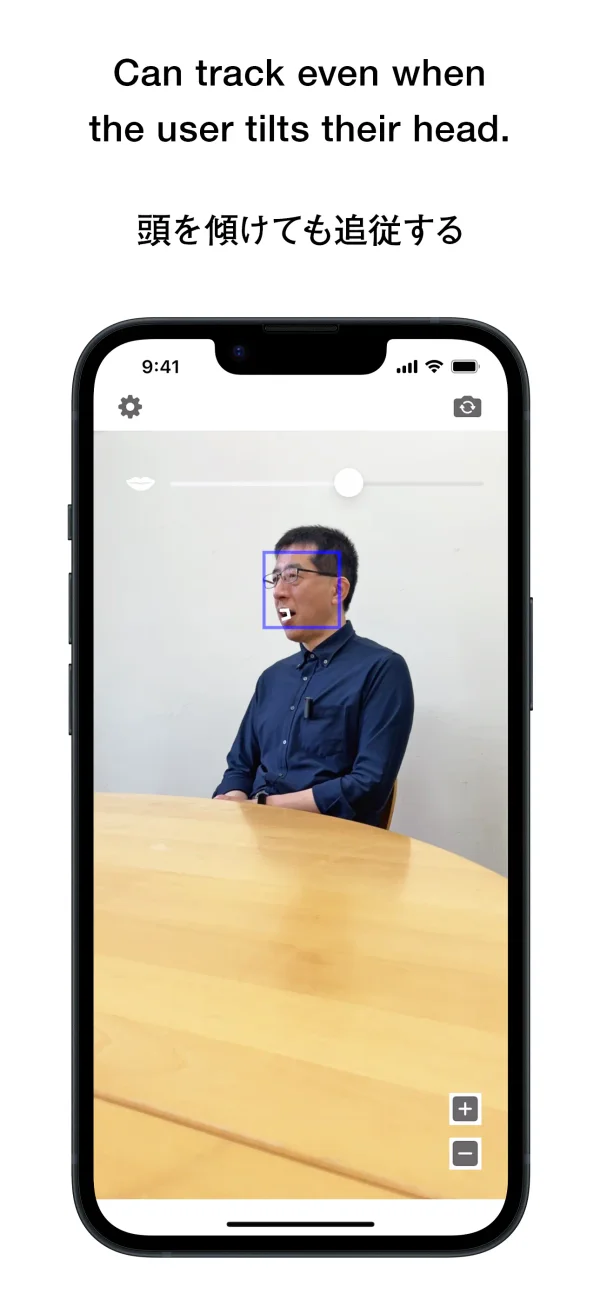
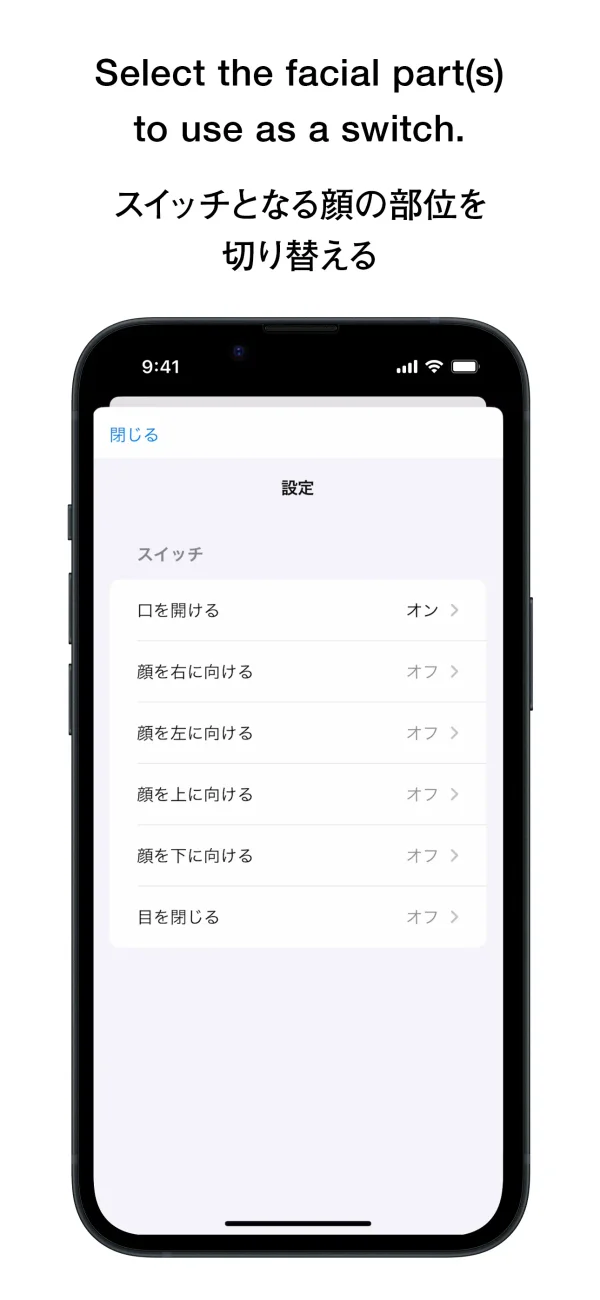
"FaceSwitch" is an iOS and iPadOS application that recognizes facial movements to enable simple switch operations. It can detect the following 16 types of facial movements (only the first 8 are supported on devices without a Face ID camera):
- Open mouth
- Close mouth
- Turn face right
- Turn face left
- Turn face up
- Turn face down
- Open eyes
- Close eyes
- Look right
- Look left
- Look up
- Lift eyebrows
- Lift mouth corners (smile)
- Pucker lips (kiss)
- Bite/thin lower lip
- Stick out tongue
A red rectangle indicating the magnitude of the detected facial movement moves left or right along a slider on the screen. When it crosses the position of the sensitivity adjustment knob, a switch signal is output.
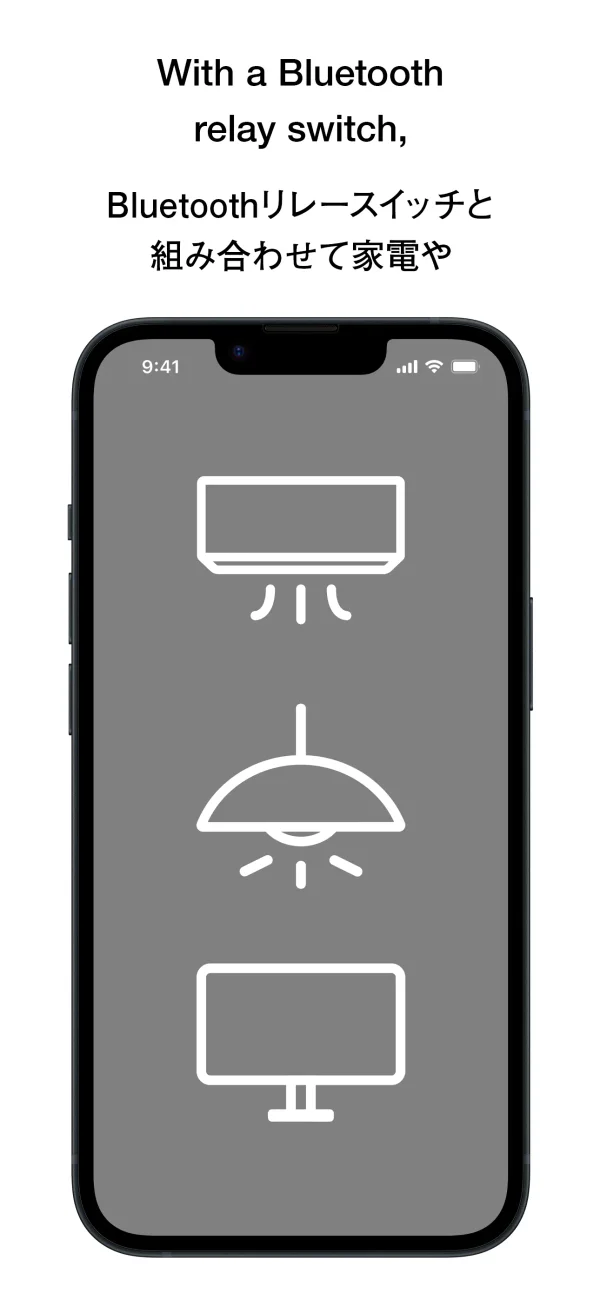
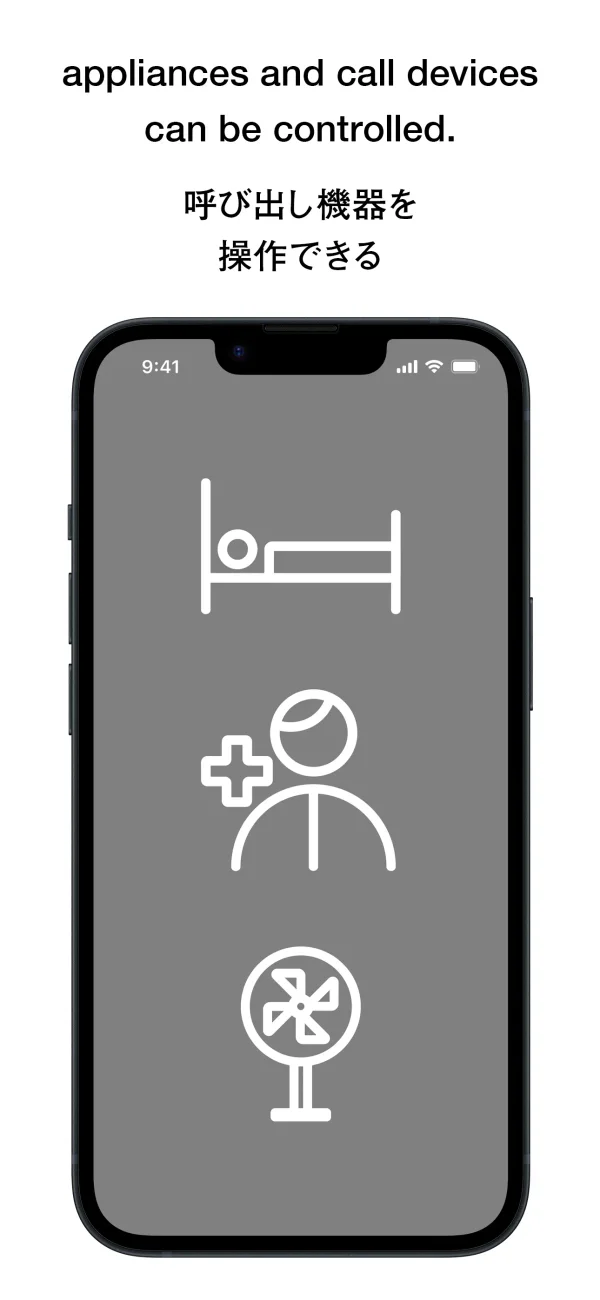
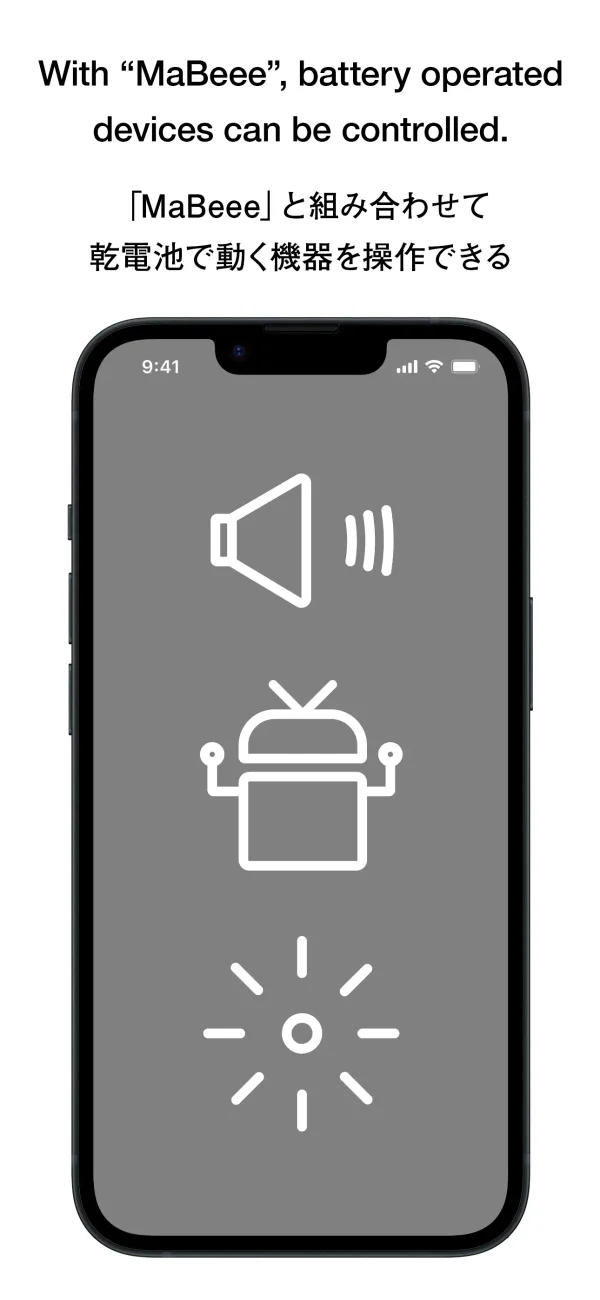
For switch output integration, you can select an external switch connected via Bluetooth (such as a "Relay" or the battery-shaped switch "MaBeee / MaBeee for school") or the built-in “Home” or “Shortcuts” apps on the iPhone/iPad. Alternatively, you can connect directly to an iPhone or iPad via Bluetooth and send signals, such as keyboard inputs, without external hardware like relays or switch interfaces.
- The “Relay” device works with equipment that accepts switch input.
- The “MaBeee / MaBeee for school” device controls battery-operated equipment.
- The “Home” app allows control of smart home devices, i.e., smart lights, plugs, and remotes, compatible with "Matter" or "HomeKit".
- The “Shortcuts” app allows execution of a series of predefined actions (Shortcuts) on the iPhone or iPad. (*)
(*) When linking with the “Shortcuts” app, add the “Open FaceSwitch” action at the end of the registered “Shortcut” (the sequence of actions) so that it automatically returns to “FaceSwitch” operation after executing the Shortcut. For more details, please refer to the Frequently Asked Questions and Answers (Q&A) about “FaceSwitch” below.
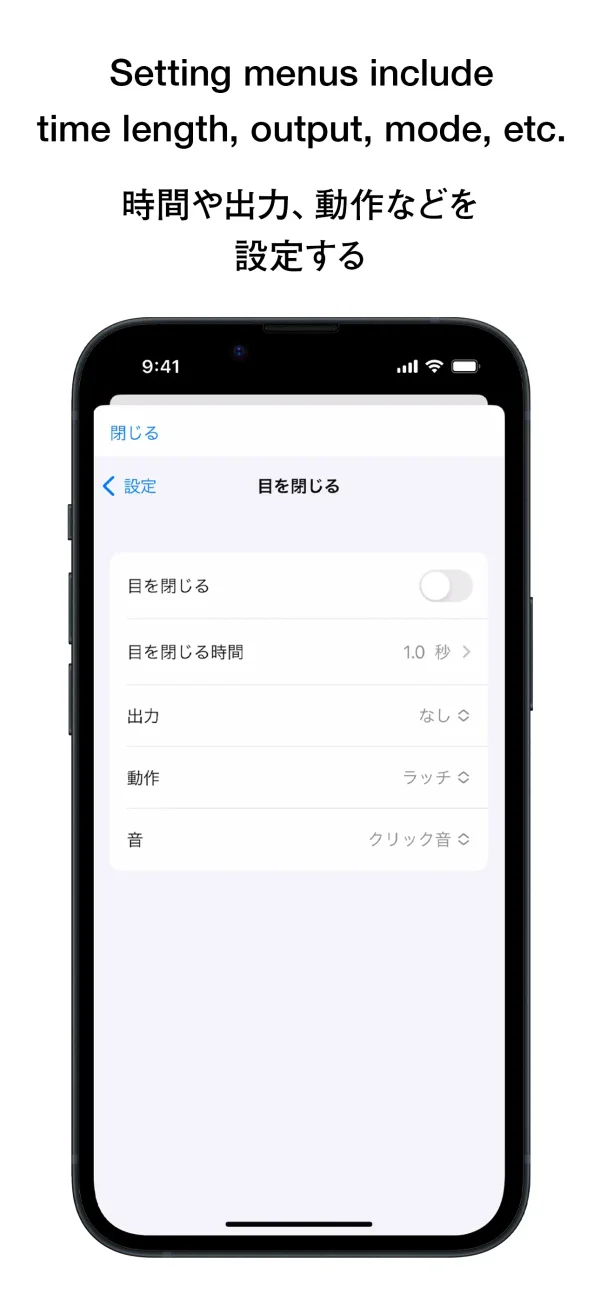
From the settings menu in “FaceSwitch,” you can also change the sound that plays when a switch is turned on. It is possible to set and play sounds such as ringtone or have a short message spoken using synthesized speech.
Compatible relay products are as follows:
- DSD TECH SH-BT01A Bluetooth Module
- DSD TECH 2-Channel Bluetooth 4.0 BLE Relay Module
- DSD TECH SH-BT04B Bluetooth Module
- TinySine TOSR141 - 4 Channel Bluetooth Relay
- Switch Science ISP1507 Bluetooth Relay Module
For more information on how to integrate with “Relay,” “MaBeee / MaBeee for school,” “Home,” or “Shortcuts” apps, and Frequently Asked Questions and Answers (Q&A) about “FaceSwitch,” please refer to the website below.
https://atac-lab-products.com/faceswitch/QandA_en.html
Nouveautés
Version 1.20 · 16/11/2026
- You can now connect directly to another iPhone or iPad via Bluetooth and send signals, such as keyboard inputs, without using external hardware such as relays or switch interfaces. (Select "Another iPhone/iPad" under "Output" in the switch settings.)
- Fixed an issue that prevented connections to recent versions of "MaBeee".
- Added support for connecting to "MaBeee for school" (the green MaBeee device).
- You can now activate a second output by holding the switch in the ON state. (Enable "Second Output when ON state is held" in the switch settings.)
- For the eye-gaze switches "Look Right", "Look Left", and "Look Up", you can now select which eye(s) to track: "Both eyes", "Right eye", or "Left eye". (Select the desired option under "Eye to recognize" at the bottom of the switch settings.)
- Added a chart display feature that visualizes detected movements. (Tap the chart icon on the right side of the screen to show or hide the chart.) This enables you to check how the parts of the face moved.
Confidentialité de l’application
Ce que atacLab Co., Ltd. déclare sur l’App Store au sujet du traitement des données par cette application.
-
Données non collectées
Le développeur ne collecte aucune donnée à partir de cette application.
Les pratiques en matière de confidentialité peuvent varier, notamment en fonction des fonctionnalités que vous utilisez ou de votre âge.
Informations
- Vendeur
- atacLab Co., Ltd.
- Catégorie
- Médecine
- Version
- 1.20
- Mis à jour
- 16/11/2026
- Publié
- 14/11/2023
- Taille
- 90,4 Mo
- Nécessite
- iOS 16.0 ou version ultérieure
- Classification d’âge
- 4+
- Prix
- 9,99 €
- Langues
- Anglais, Japonais
- Copyright
- © 2023-2026 atacLab Co., Ltd.