
Feedstand: RSS Reader
Private news feeds & blogs
Conçue pour iPhone, iPad
Gratuit
- Classification d’âge4+
- CatégorieActualités
- DéveloppeurDaniel McClelland
- LanguesAnglais
- Taille13,5 Mo
Renvoie vers la page App Store officielle
Download.org n’héberge aucun fichier de Feedstand: RSS Reader. Le bouton ouvre la page de l’application sur App Store, où Daniel McClelland la publie. Fiche vérifiée pour la dernière fois le 13/11/2026.
Captures d’écran
À propos
Le développeur n’a pas fourni ce texte dans votre langue.
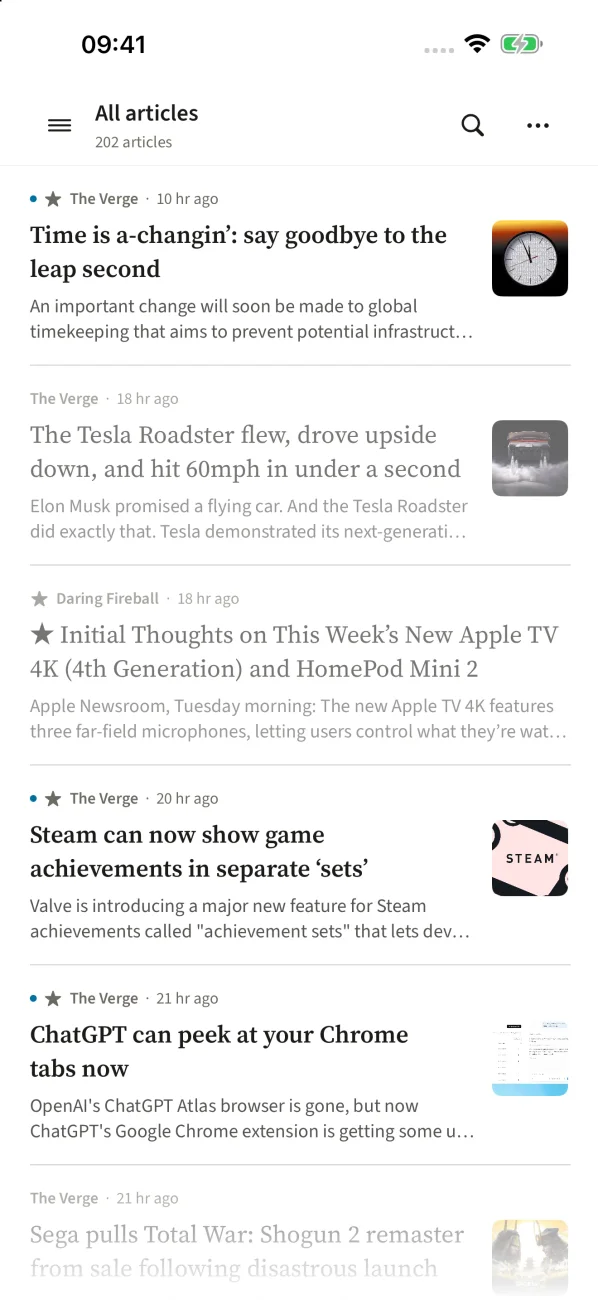
Feedstand is a private RSS and news feed reader for iPhone and iPad. Follow your favourite websites and blogs in one chronological reading list, or save a single webpage to read later.
Add any site and Feedstand finds its feed. No algorithm decides what you see, and nothing is ranked, promoted, or injected. You get every article from the sites you chose, newest first, and that is it.
What you get:
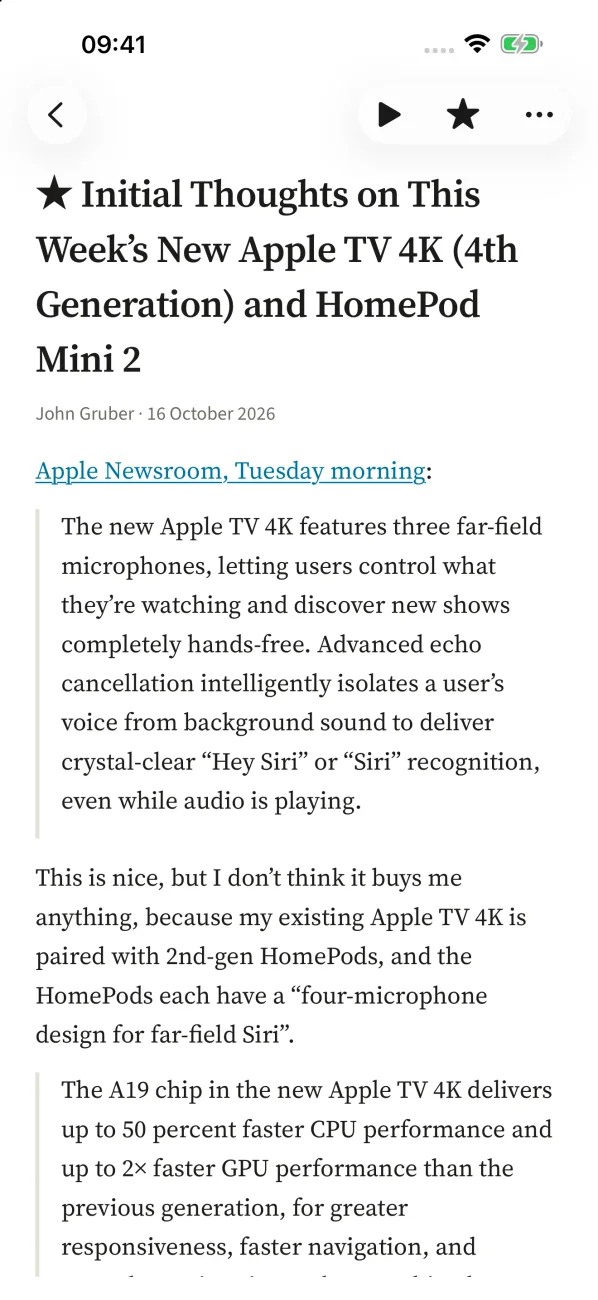
• A clean reader. Articles are stripped back to just the words and pictures, set in a typeface built for reading. Adjust the font, width, and theme to suit you, or switch to sepia for the evening.
• Full-text articles. When a feed gives you only a summary, Feedstand can fetch the whole piece so you never have to leave for the browser.
• Listen to anything. Tap play and Feedstand reads an article aloud, so you can carry on while you cook, walk, or commute.
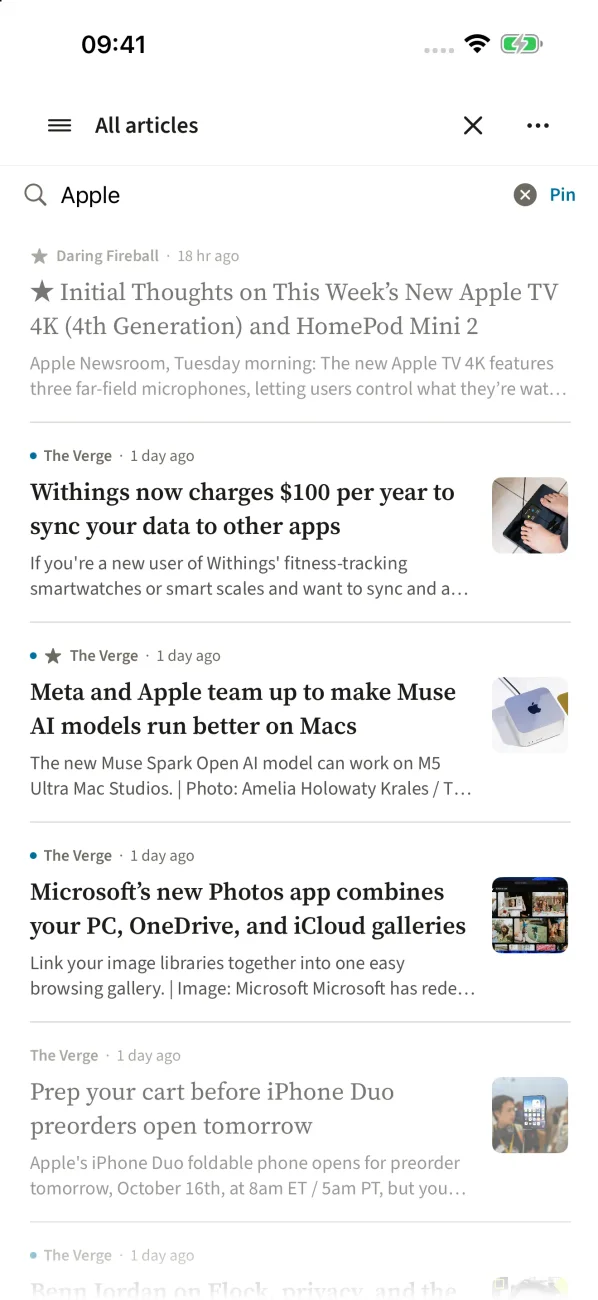
• Filters that actually help. Mute words you are tired of, keep only what matters from a noisy feed, star matching articles automatically, or get a notification the moment a topic you care about appears.
• Quiet by default. Notifications fire only for the feeds and phrases you choose. No badges you did not ask for.
• Widgets. Put your unread count, latest headlines, or starred articles on your Home Screen.
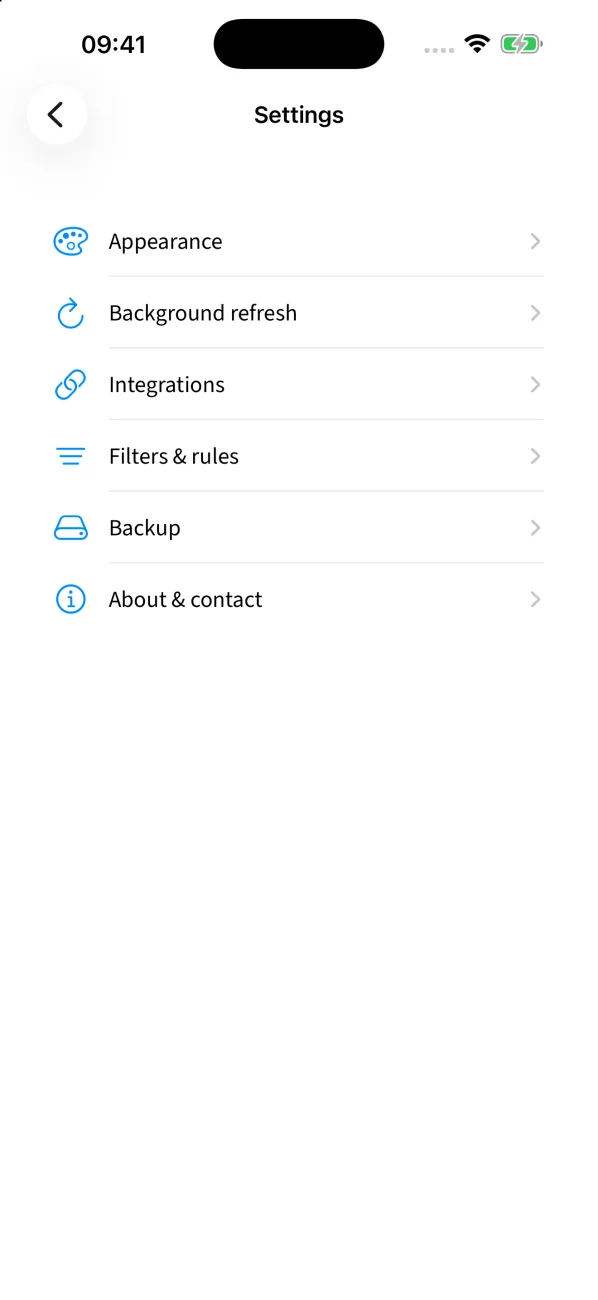
• Yours to keep. Everything lives on your device. Import and export OPML, back up your whole library, and sync with your own Fever or Miniflux server if you run one. There are no accounts, and no servers of ours in between.
Feedstand is a reader, not a feed. Follow what you like, and read it in peace.
Questions about Feedstand:
Can I save a webpage without subscribing to its feed?
Yes. Share the webpage to Feedstand and choose Save just this article. Choose Find and subscribe to feed if you want future articles from that website.
Can I read articles offline?
Previously downloaded article text is available offline. Adding feeds and fetching new articles require an internet connection.
Do I need an account?
No. Feedstand stores your library on your device. Connecting your own Fever or Miniflux server is optional.
Nouveautés
Version 1.2.1 · 20/10/2026
Better navigation on iPad.
• Visible Articles and Feeds controls make it easy to return to your lists and restore hidden sidebars.
• A clearer, full-height selection highlight keeps your current article readable after it is marked read.
• Tap an article’s source name to open that feed.
• A simpler feed sidebar without the extra heading.
Confidentialité de l’application
Ce que Daniel McClelland déclare sur l’App Store au sujet du traitement des données par cette application.
-
Données non collectées
Le développeur ne collecte aucune donnée à partir de cette application.
Les pratiques en matière de confidentialité peuvent varier, notamment en fonction des fonctionnalités que vous utilisez ou de votre âge.
Informations
- Vendeur
- Daniel McClelland
- Catégorie
- Actualités
- Version
- 1.2.1
- Mis à jour
- 20/10/2026
- Publié
- 12/08/2026
- Taille
- 13,5 Mo
- Nécessite
- iOS 17.0 ou version ultérieure
- Classification d’âge
- 4+
- Prix
- Gratuit
- Langues
- Anglais
- Copyright
- © 2026 Danny McClelland
Vous aimerez peut-être aussi
-
 RSS KioskActualités
-
 CleanRSSActualités
-
 Riff : lecteur RSSActu, résumé IA, sans pub
-
 HiweActualités
-
 Twine: Smart RSS & News ReaderActualités
-
 RSS - Actus & Lecteur ArticlesTraduction auto & sync iCloud
-
 Alume : RSS & Podcasts IAFlux RSS, podcasts, résumés IA
-
 News ExplorerActualités
-
 Fiery Feeds : Lecteur RSSActu pour utilisateurs avancés
-
 Artemis - read, upvote, postActualités