
Files - File Manager & Browser
Save Files for Offline Viewing
Conçue pour iPhone
Gratuit · Achats intégrés
- Classification d’âge17+
- CatégorieProductivité
- DéveloppeurHian Zin Jong
- LanguesAnglais
- Taille55,6 Mo
Renvoie vers la page App Store officielle
Download.org n’héberge aucun fichier de Files - File Manager & Browser. Le bouton ouvre la page de l’application sur App Store, où Hian Zin Jong la publie. Fiche vérifiée pour la dernière fois le 27/11/2026.
Captures d’écran
À propos
Le développeur n’a pas fourni ce texte dans votre langue.
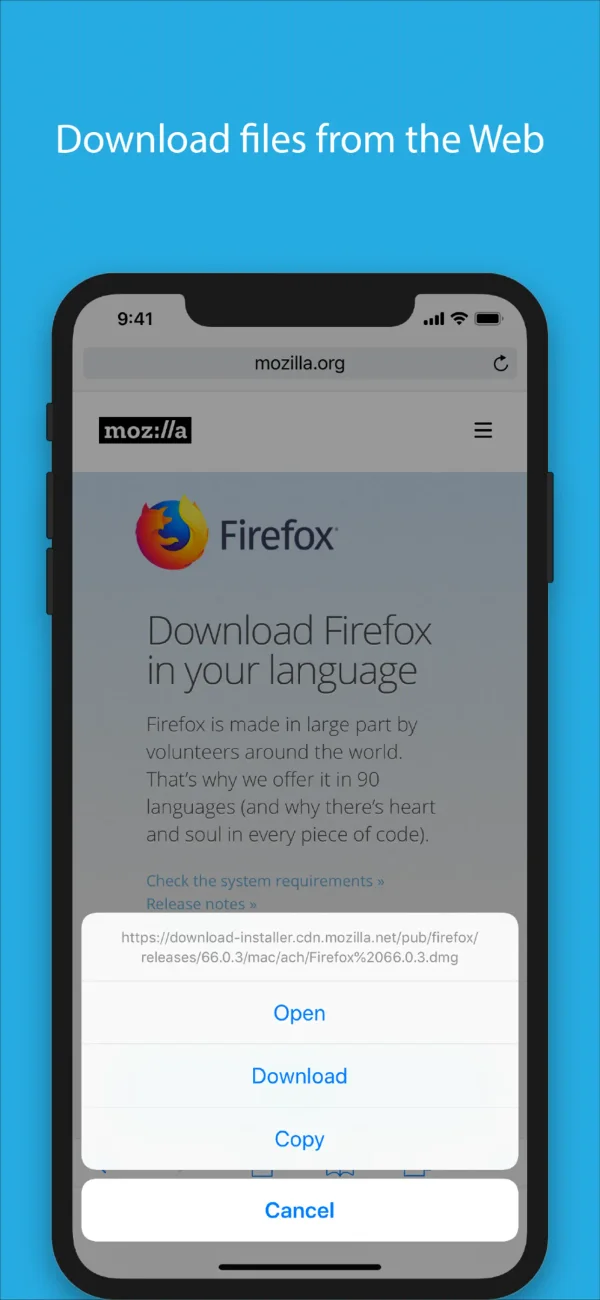
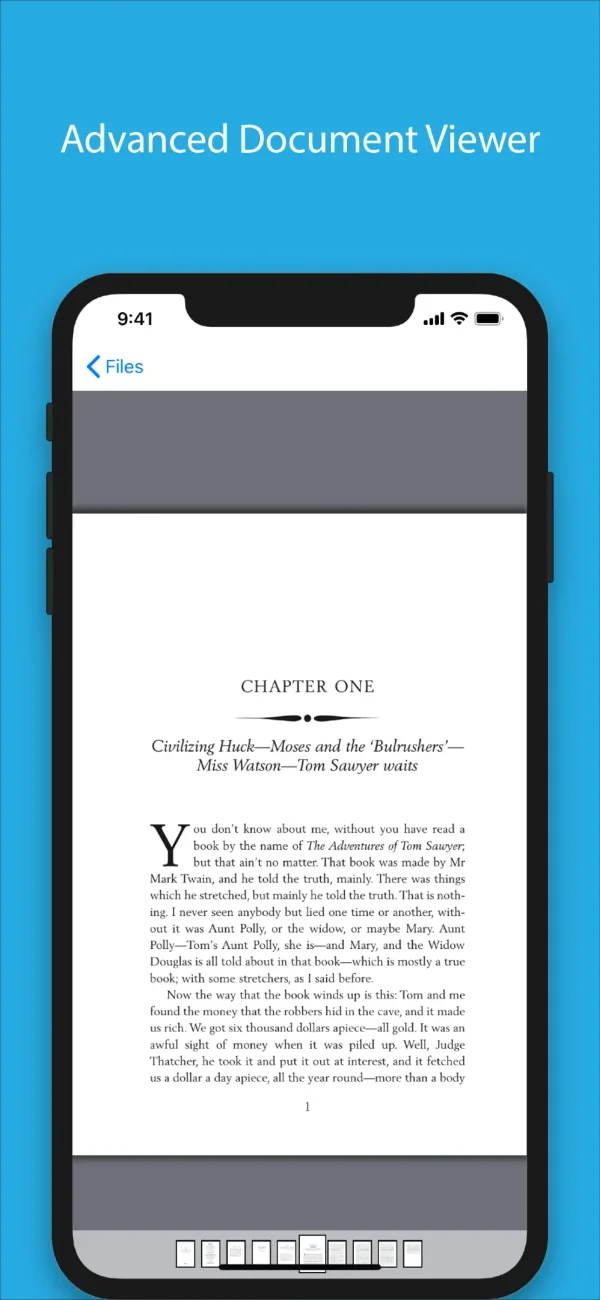
Files App (formerly known as Downloads Lite) features a Web browser that lets you save documents to your iPhone or iPod touch so that you can work with them offline. It has a built-in file manager, with robust viewer for all iOS supported document types, powerful photo browser, advanced PDF reader, full Dropbox support, and more.
NOTE: This app does not support downloading of audio or video content.
FEATURES
√ Full portrait & landscape mode support
√ Passcode lock
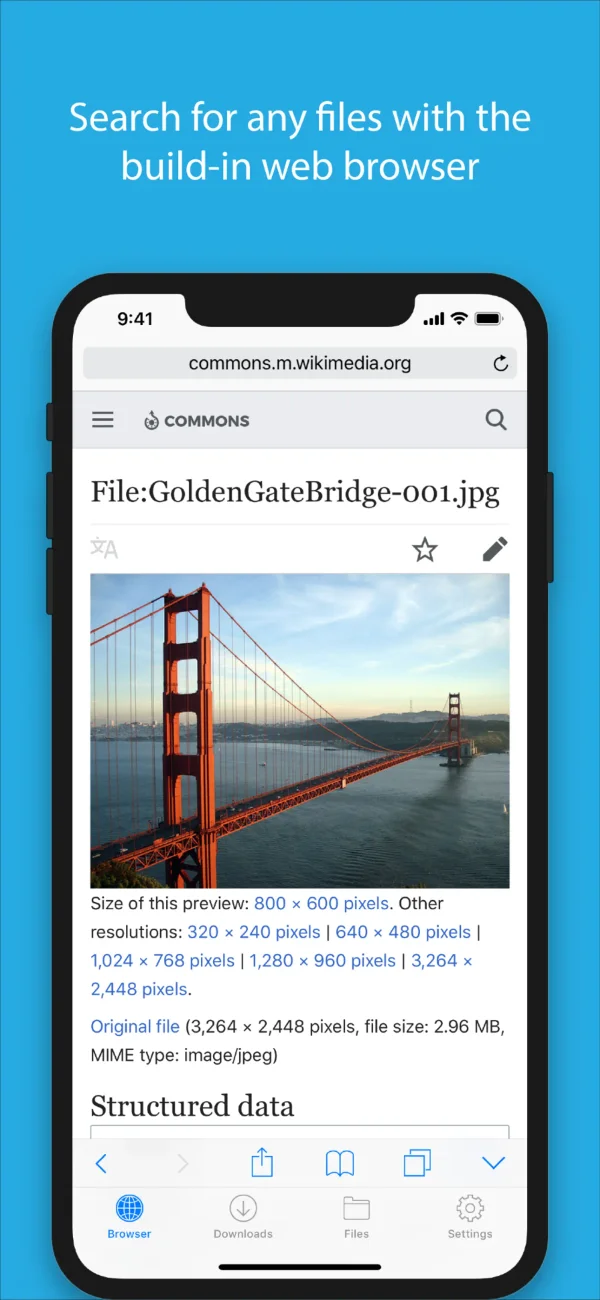
√ Web browser
- Provides a user experience very similar to Mobile Safari
- Tabbed browsing
- Tap and hold on an image to download it
- Tap and hold to force download
- Save web pages with images for offline viewing
- Full screen mode
- Bookmark manager
- History support
- Address bar auto-completion
- HTTP basic authentication
- Form-based authentication
- Integrated Google or Yahoo! search
- Ability to spoof browser's User-Agent string to display web pages like Firefox
- Unified smart search field. Type a URL or search term in the unified smart search field, the browser automatically suggests the closest match to what you’re looking for.
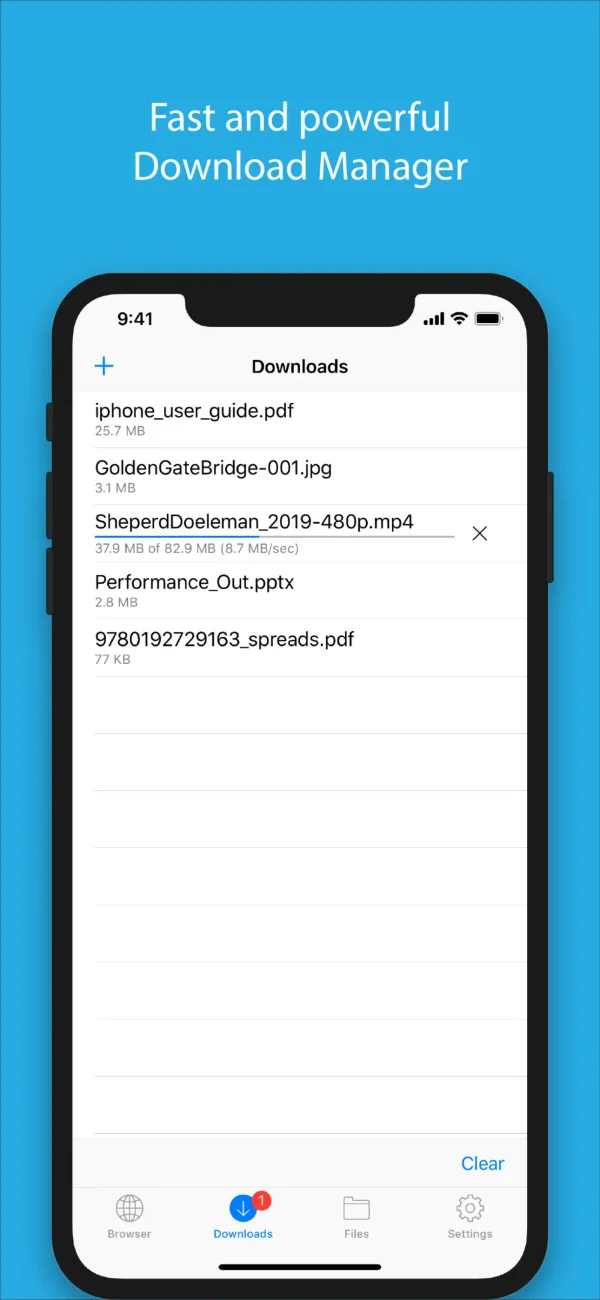
√ Download manager
- Fast downloading speed
- Supports resuming of interrupted downloads reliably
- Live download progress bar and speed indicator
- Active downloads badge number
- Add arbitrary download link
- Always download with correct filename
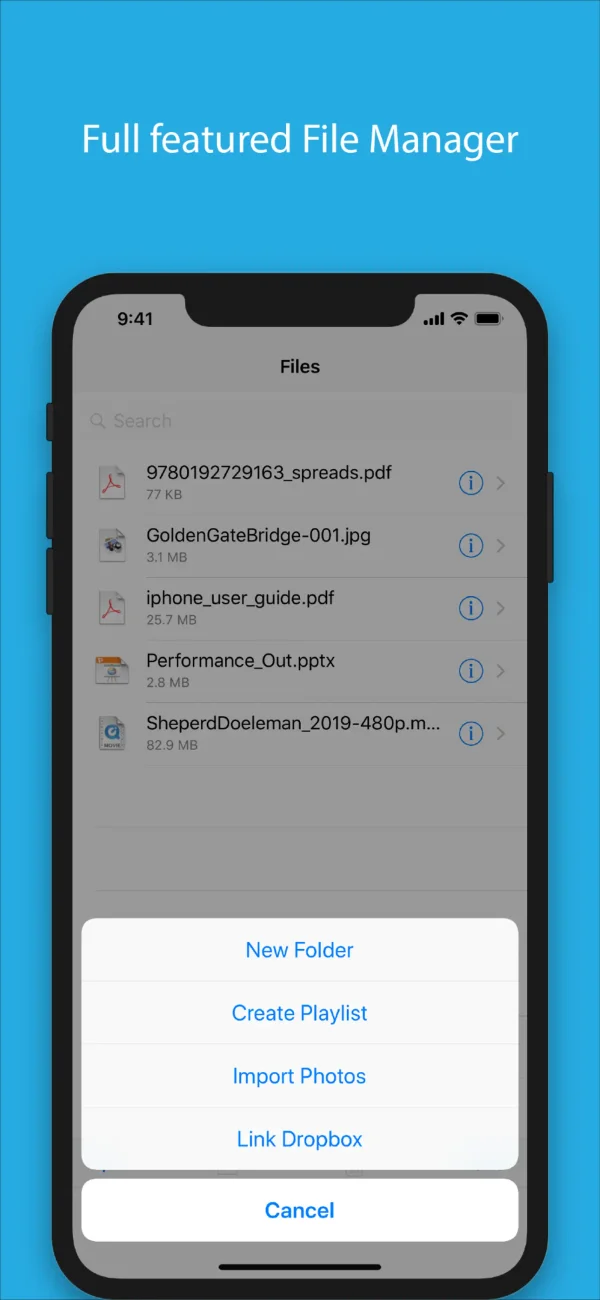
√ File manager
- Full screen document viewer that supports .pdf, .doc, .xls, .ppt, .txt, .html and .rtf file formats
- Folders support
- Move, rename and delete files
- Search by file name
- Extract RAR archives
- Unzip ZIP files
- Remember document scroll position
- Attempt to open file of unrecognized format
- Import photos from camera roll
√ Dropbox integration
- Upload, download and manage files
- Sync what you want, keep files on your device
√ Advanced PDF viewer
- Huge PDF files work flawlessly
- Text search
- Tap PDF links to jump across the file
√ Photo viewer
- Tap or swipe to move between images in a folder
- Zoom in and out with pinch gesture
- Ability to save images to photo album
- Thumbnails view
√ File transfer
- Supports HTTP and FTP protocols
- Supports iTunes USB File Sharing
- Transfer files to and from computer in Wi-Fi network
- Send files as email attachments (size under 15MB)
√ Mobile Safari Integration
- Bookmarklet for Mobile Safari that lets you open any link in Files app
√ Multitasking
- Background downloading
√ Inter-app document interchange
- Other apps can save their files to Files app (e.g. Email app can save attachments to Files app)
√ Recovery Mode
- If the browser caught in an endless loop of pop-up alerts, go to the iOS built-in "Settings" app, find "Files App", turn on "Recovery Mode", then force-quit and relaunch the app.
Terms of Use: https://downloadsapp.info/terms
Privacy Policy: https://downloadsapp.info/privacy
Nouveautés
Version 9.0.2 · 06/05/2026
Bug fixes and performance improvements.
Confidentialité de l’application
Ce que Hian Zin Jong déclare sur l’App Store au sujet du traitement des données par cette application.
-
Données non collectées
Le développeur ne collecte aucune donnée à partir de cette application.
Les pratiques en matière de confidentialité peuvent varier, notamment en fonction des fonctionnalités que vous utilisez ou de votre âge.
Informations
- Vendeur
- Hian Zin Jong
- Catégorie
- Productivité
- Version
- 9.0.2
- Mis à jour
- 06/05/2026
- Publié
- 08/01/2010
- Taille
- 55,6 Mo
- Nécessite
- iOS 26.0 ou version ultérieure
- Classification d’âge
- 17+
- Prix
- Gratuit
- Achats intégrés
- Oui
- Langues
- Anglais
- Copyright
- © 2026 Hian Zin Jong
Vous aimerez peut-être aussi
-
 fGet - File Manager & BrowserExplorer,Media Player,Extract
-
 Bolt Browser and DocumentsProductivité
-
 Video saver with VPNProductivité
-
 Documents・Fichiers et DossiersTéléchargement Musique, Vidéo
-
 Owlfiles - File ManagerProductivité
-
 Unzip - zipper/dézipper zipOuvrir des fichier RAR,ZIP,7Z
-
 Documents Pro - TéléchargerSupports Dropbox, Google Drive
-
 ES File ExplorerProductivité
-
 FileBrowserGONetwork access & media player
-
 FSharing: Fichiers, DownloaderGestionnaire de fichiers, zip