
FilmLab Pro
Color Grade, LUTs & ProRes 4K
Conçue pour iPhone
Gratuit · Achats intégrés
- Classification d’âge4+
- CatégoriePhoto et vidéo
- DéveloppeurYago Passos Cruvello Davila
- LanguesAnglais+ 4 de plus
- Taille257,2 Mo
Renvoie vers la page App Store officielle
Download.org n’héberge aucun fichier de FilmLab Pro. Le bouton ouvre la page de l’application sur App Store, où Yago Passos Cruvello Davila la publie. Fiche vérifiée pour la dernière fois le 24/11/2026.
Captures d’écran


À propos
Le développeur n’a pas fourni ce texte dans votre langue.
YOUR CREATIVE UNIVERSE. ON IPHONE.
Cinema camera, editing timeline, color studio, film lab and auto captions. Shoot, cut, develop and export without leaving your pocket.
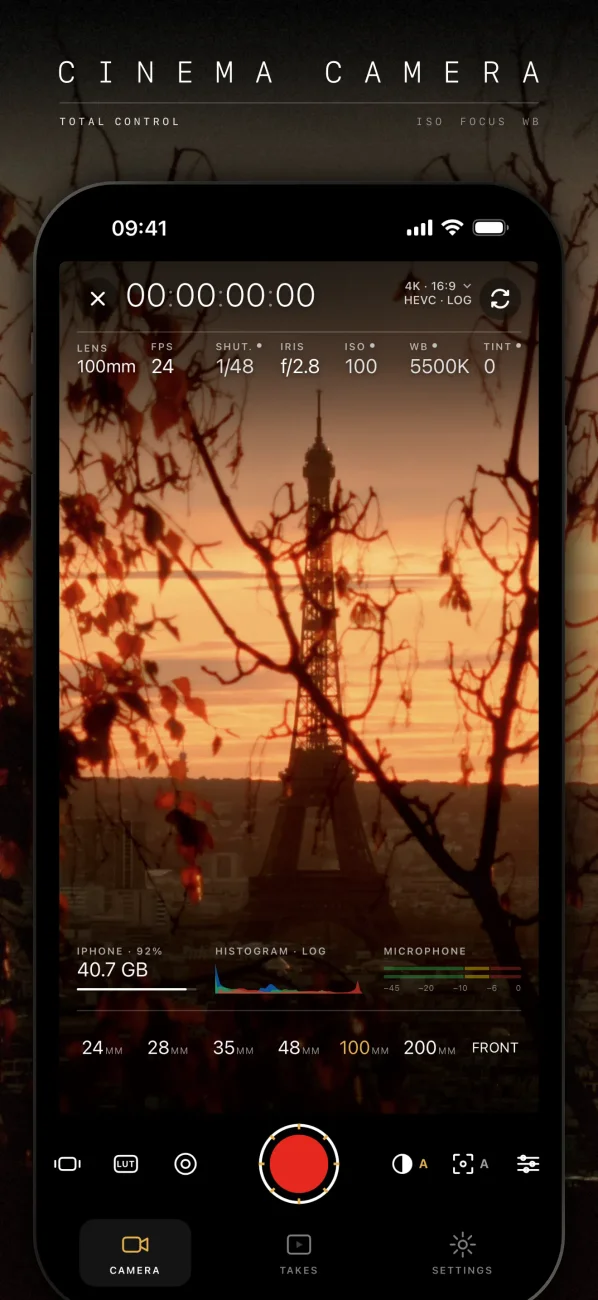
CINEMA CAMERA
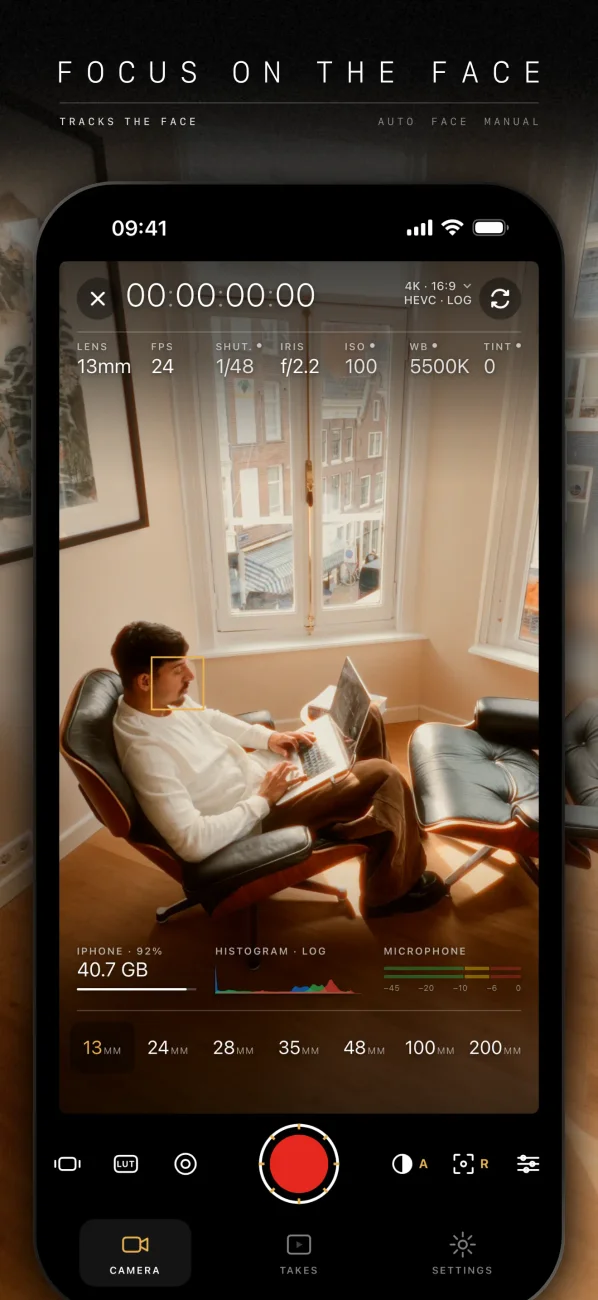
Record in Apple Log (v1 and v2 on Pro models) or 10-bit HLG, with your look live in the viewfinder while the file stays in clean Log. Manual controls with per-parameter locks: ISO, shutter, white balance, EV and focus, with face focus. Every lens, landscape mode, RGB histogram, False Color and Zebra in the viewfinder. Multi-cam capture, a look library and your own .cube LUTs.
43 COMPOSITION GUIDES
Live overlays that teach framing while you shoot: rule of thirds, golden spiral, lead room, symmetry, plus food, fashion, cinema and motion series. Every guide explains why it works.
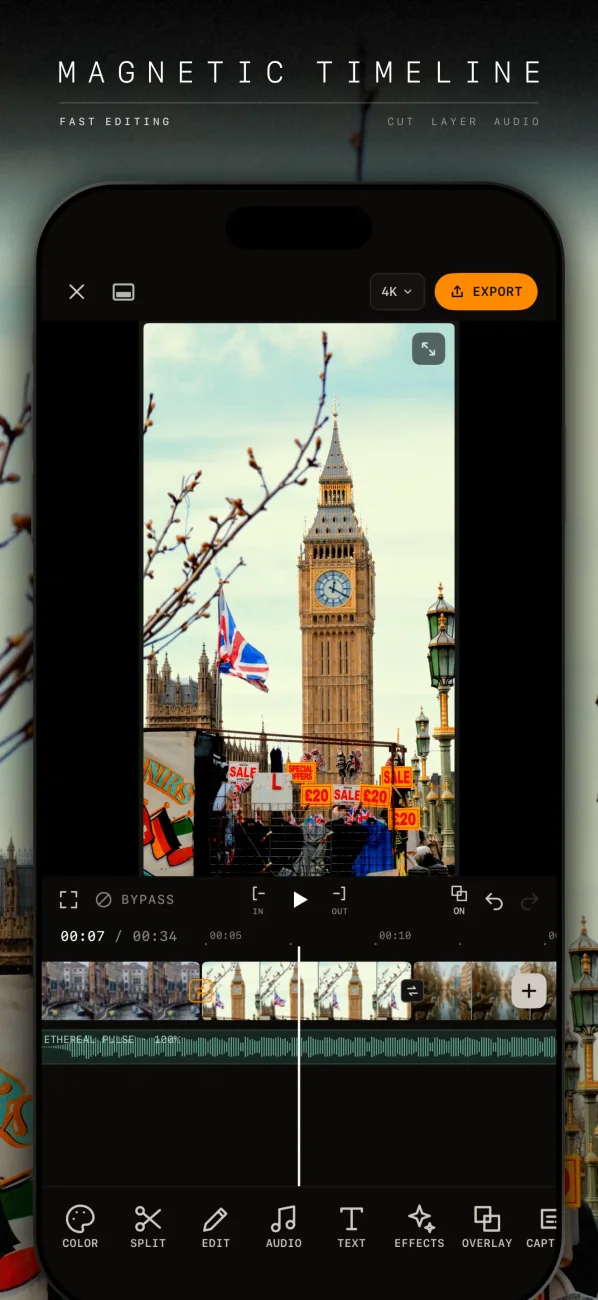
EDITING TIMELINE
A magnetic main track, layers for video, audio, text and captions, a transition with a thumbnail at every cut, and a toolbar that changes with what you select. Prefer the old way? Flow is still available.
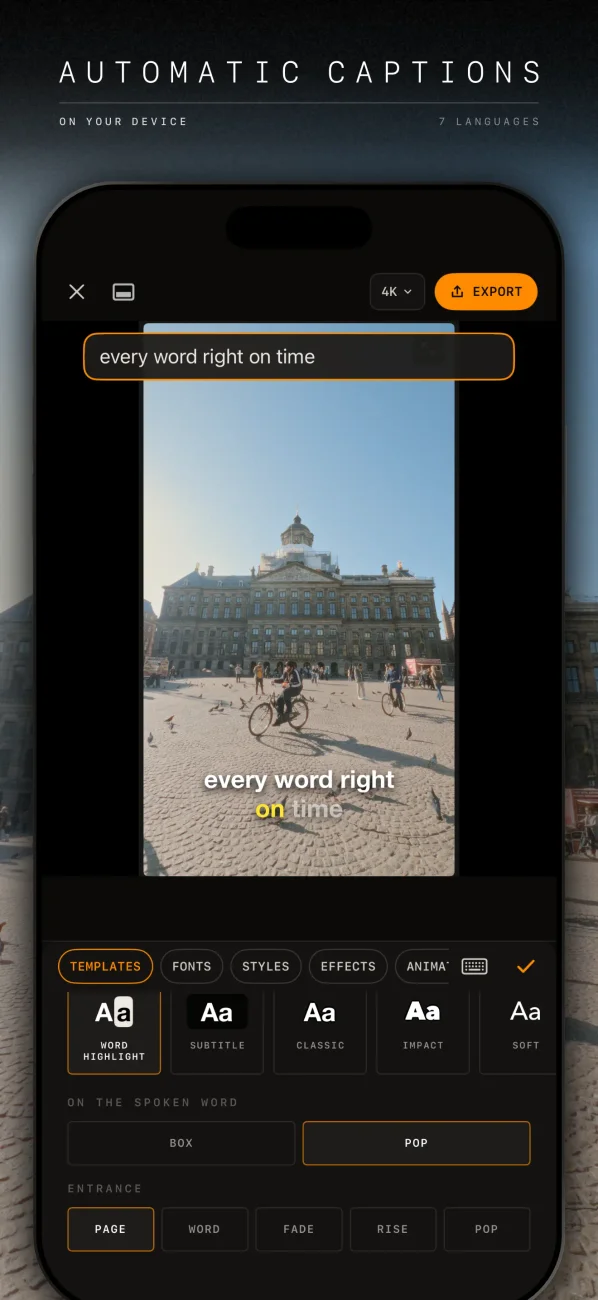
AUTO CAPTIONS
Transcription on your iPhone in 7 languages, with ready-made templates, word-by-word highlight, text and timing editing, and "Apply to all".
AUDIO
Voice isolation, noise reduction, voice enhancement, and reinsert a clip's sound after extracting it.
COLOR STUDIO
NODES
Serial, parallel, layer, key and shared nodes, each with its own blend mode and opacity.
PRIMARIES AND WHEELS
Lift, Gamma, Gain and Offset, with contrast, pivot, temperature, tint, detail, shadows, highlights and saturation.
CURVES
Free curve, 6 HSL curves and Slices.
QUALIFIER AND WINDOWS
Isolate by HSL, RGB, Luma or 3D, with eyedropper and "View key". Circle, linear, polygon, curve and gradient windows, plus Subject and Sky.
HDR ZONES, WARPER AND MIXER
EFFECTS
Dehaze, Local Contrast, Glow, Scene Haze, Color Compressor, Color Space Conversion, Chromatic Adaptation and more.
5 SCOPES
Waveform, Parade, Vectorscope, Histogram and CIE.
COLOR INPUT
Detects Apple Log and other logs and converts to Rec.709 with one switch. .cube LUT import.
LUT GENERATOR
Turns your look into a .cube file.
GALLERY
Stills, versions, copy and paste grades, and grade import (.drx).
FILM LAB
42 FILM PROFILES
Negatives, slides, B&W and instant film, each calibrated with its own tonal identity.
22 CINEMATIC LOOKS
Palettes inspired by cities: Stockholm, Lisbon, Marrakesh, Havana, Tokyo, Berlin, Paris, Kyoto, Oslo, Seoul, Cairo, Milan and more. Looks by luminance zone with skin protection.
FILM EFFECTS
Halation, bloom, grain, vignette, gate weave and flicker.
CHEMICAL PROCESSING
Film expansion, CMY color head, highlight compression and color separation.
EXPORT
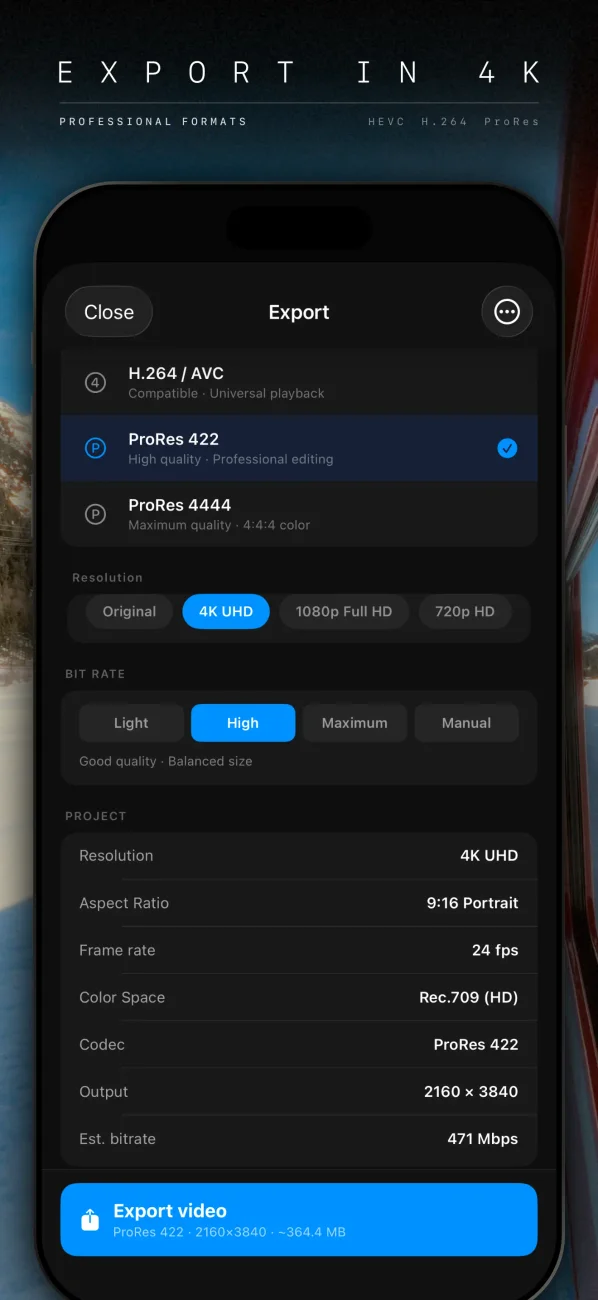
HEVC, H.264 and ProRes (including 4444, on supported models) from 720p to 4K, with AAC audio and correct BT.709/BT.2020 color tags. Photos in HEIC, JPEG and PNG at native resolution.
Exporting and saving videos requires a FilmLab Pro subscription.
Interface in Portuguese, English, Spanish, Italian and French.
CREATE. TEST. REFINE. SHARE.
filmlab. One film for every vision.
Terms of Use (EULA): https://urfilmlab.com/terms
Nouveautés
Version 3.8.1 · 22/11/2026
Version 3.8.1
• Switching lenses while recording now keeps everything in a single take, without freezing the screen.
• Stopping right after a lens switch now ends the take cleanly on the previous lens.
• At 4K 60, only the Steady and Free stabilizers are available, so recording stays smooth. Your choice comes back when you leave 4K 60.
• Closing and reopening the camera quickly no longer leaves it stuck.
• Your codec choice is no longer lost when passing through a format that doesn't support it.
Confidentialité de l’application
Ce que Yago Passos Cruvello Davila déclare sur l’App Store au sujet du traitement des données par cette application.
-
Données utilisées pour vous suivre
Peuvent être utilisées pour vous suivre sur des applications et des sites web appartenant à d’autres sociétés.
- Achats
- Identifiants
- Données d’utilisation
-
Données établissant un lien avec vous
Peuvent être collectées et liées à votre identité.
- Achats
- Identifiants
- Données d’utilisation
-
Données n’établissant aucun lien avec vous
Peuvent être collectées, mais ne sont pas liées à votre identité.
- Emplacement
- Données d’utilisation
- Diagnostic
- Autres données
Les pratiques en matière de confidentialité peuvent varier, notamment en fonction des fonctionnalités que vous utilisez ou de votre âge.
Informations
- Vendeur
- D AVILA STUDIO LTDA
- Catégorie
- Photo et vidéo
- Version
- 3.8.1
- Mis à jour
- 22/11/2026
- Publié
- 06/05/2026
- Taille
- 257,2 Mo
- Nécessite
- iOS 17.0 ou version ultérieure
- Classification d’âge
- 4+
- Prix
- Gratuit
- Achats intégrés
- Oui
- Langues
- Anglais, Français, Italien, Portugais, Espagnol
- Copyright
- © 2026 DAVILA STUDIOS. Todos os direitos reservados.
Vous aimerez peut-être aussi
-
 Rabbit Cam: Manual CameraPhoto et vidéo
-
 EnquadradoPhoto et vidéo
-
 2Shoot: Photo & Video EditorPhoto et vidéo
-
 Focal: Editor de Foto e VídeoPhoto et vidéo
-
 Color Grade Video - PeekLutÉtalonnage, LUT, couleur vidéo
-
 Log Cam: Open Gate by RAW CamPhoto et vidéo
-
 ToneLab: Video & Photo EditorPhoto et vidéo
-
 LikeAPProPhoto et vidéo
-
 Ferrey – Film CameraPhoto et vidéo
-
 Razr - Pro Street CameraStreet and Travel Photography