- Classification d’âge4+
- CatégoriePhoto et vidéo
- DéveloppeurIan Tomlinson
- LanguesAnglais
- Taille1,2 Mo
Renvoie vers la page App Store officielle
Download.org n’héberge aucun fichier de Flip Stereo. Le bouton ouvre la page de l’application sur App Store, où Ian Tomlinson la publie. Fiche vérifiée pour la dernière fois le 19/11/2026.
Captures d’écran

À propos
Le développeur n’a pas fourni ce texte dans votre langue.
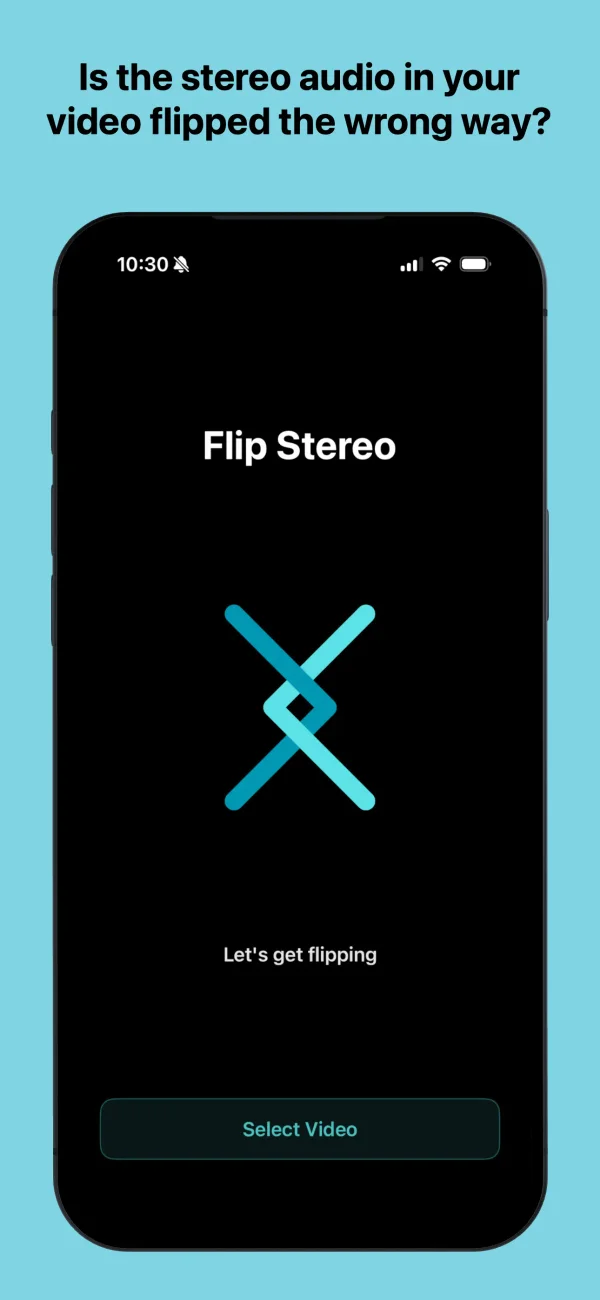
Recorded on your iPhone's front camera and the sounds come out of the wrong ear? Flip Stereo fixes that in seconds.
When you film with the front camera and a stereo mic, iPhone mirrors the picture but not the sound. Something on the left of the screen plays in your right ear. Flip Stereo swaps the left and right audio channels so the sound matches the picture again.
Made by an ASMR creator, for ASMR creators — and anyone else whose stereo comes out backwards.
HOW IT WORKS
1. Pick a video from Photos or Files, or share it straight from the Photos app.
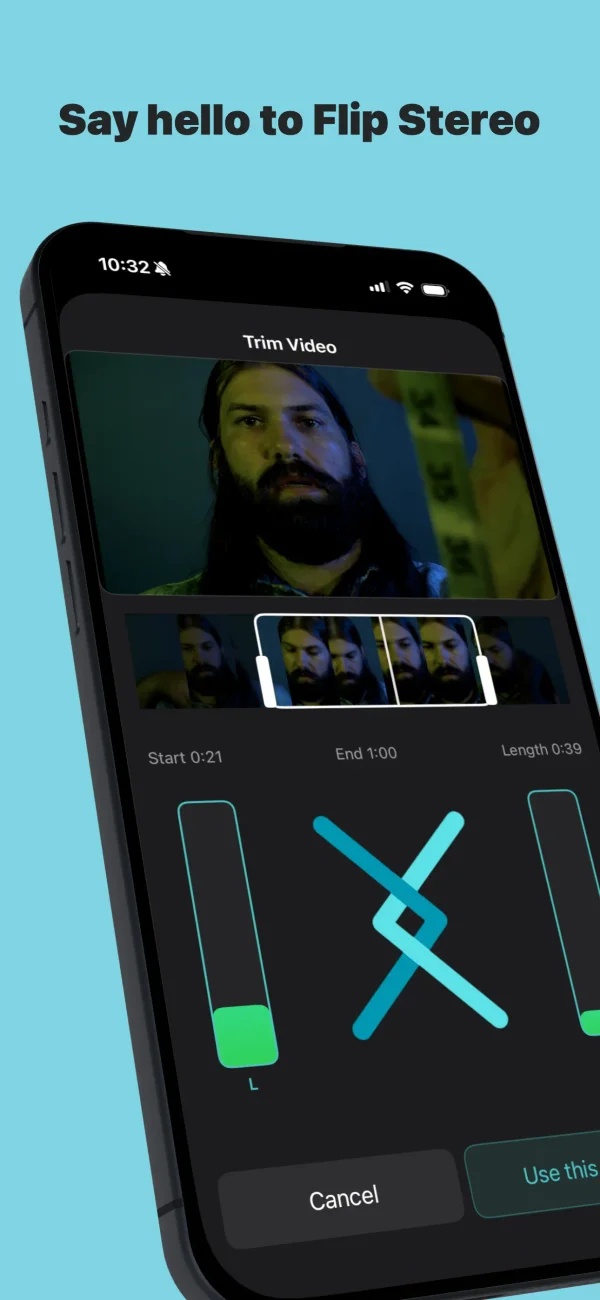
2. Trim it if you want.
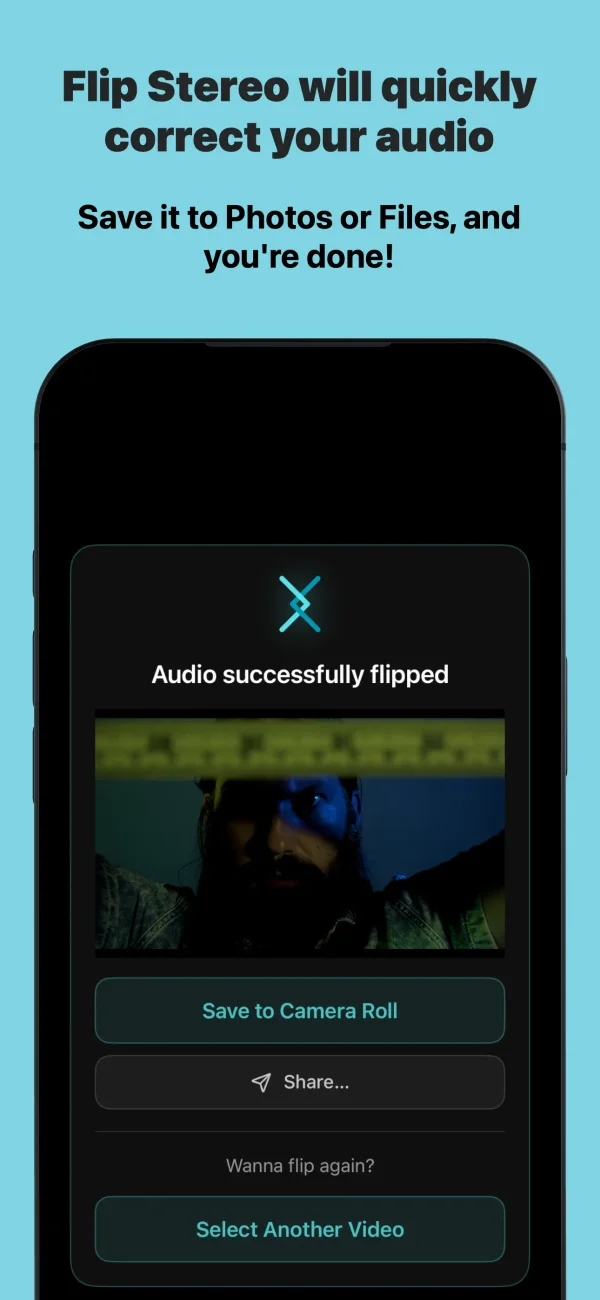
3. Tap Flip Audio, then save to Photos or share.
FEATURES
• Swap the left and right audio channels in any video
• Share → Flip Stereo from Photos or Files, without opening the app
• Hear it before you save: switch between Original and Flipped while you preview
• Live left and right level meters, so you can see which side is which
• Photos-style trim with a live preview
• Works with Spatial Audio recordings from newer iPhones (saved as stereo)
• Flip audio files too: WAV, AIFF, CAF, M4A, MP3, FLAC and more, saved without loss
• Tells you when a clip is mono and there's nothing to flip
• Handles long recordings, and keeps the screen awake while it works
• iPhone videos keep their original picture quality: only the audio changes
PRIVATE BY DESIGN
Everything happens on your iPhone. No accounts, no uploads, no ads, no tracking.
Nouveautés
Version 1.4 · 18/11/2026
The biggest update yet:
• Share → Flip Stereo: flip a video right from the Photos share sheet, or an audio file from Files, without opening the app.
• Flip audio files: WAV, AIFF, M4A, MP3, FLAC and more. You get a lossless file back.
• Hear it first: switch between Original and Flipped while you preview, before you save.
• Spatial Audio recordings from newer iPhones now preview, show levels and flip correctly.
• Mono clips now show levels, with a note that there's nothing to flip.
• Open videos and audio straight from the Files app.
• Smoother trimming: tap or drag the timeline to jump around, and Photos-style handles.
• Fixes: the first video you picked sometimes went back to the home screen; swiping the trim screen away could leave the app stuck; layout fixes for smaller iPhones.
Confidentialité de l’application
Ce que Ian Tomlinson déclare sur l’App Store au sujet du traitement des données par cette application.
-
Données non collectées
Le développeur ne collecte aucune donnée à partir de cette application.
Les pratiques en matière de confidentialité peuvent varier, notamment en fonction des fonctionnalités que vous utilisez ou de votre âge.
Informations
- Vendeur
- Ian Tomlinson
- Catégorie
- Photo et vidéo
- Version
- 1.4
- Mis à jour
- 18/11/2026
- Publié
- 12/09/2025
- Taille
- 1,2 Mo
- Nécessite
- iOS 16.6 ou version ultérieure
- Classification d’âge
- 4+
- Prix
- 2,99 €
- Langues
- Anglais
- Copyright
- © Bearded Audio
Vous aimerez peut-être aussi
-
 動画圧縮ロボPhoto et vidéo
-
 Heads Tall – Your Body RatioPhoto et vidéo
-
 Découper Vidéo en PartiesStories et statuts en HD
-
 CrossCamStereoscopic 3D Camera
-
 Converto: ConvertisseurMKV en MP4, HEIC en JPG, MP3
-
 Compresseur vidéo - ShrinkItCompresser vidéos
-
 Video Volume Booster: LoudifyPhoto et vidéo
-
 BrinnoPhoto et vidéo
-
 Colormob: Coloring Games KidsFamille
-
 Talking Pet: Dog & Cat TalkPhoto et vidéo