
Fluentime
Time Tracking for Teams & Solo
Conçue pour iPhone, iPad, Mac
Gratuit · Achats intégrés
- Classification d’âge4+
- CatégorieProductivité
- DéveloppeurChristian King
- LanguesAllemand+ 2 de plus
- Taille20,0 Mo
Renvoie vers la page App Store officielle
Download.org n’héberge aucun fichier de Fluentime. Le bouton ouvre la page de l’application sur App Store, où Christian King la publie. Fiche vérifiée pour la dernière fois le 17/11/2026.
Captures d’écran


À propos
Le développeur n’a pas fourni ce texte dans votre langue.
Time tracking that finally keeps up with you.
Fluentime combines AI-powered time tracking with a simple, visual calendar interface, so you spend less time managing your time entries and more time doing the work that matters.
----------------------------------
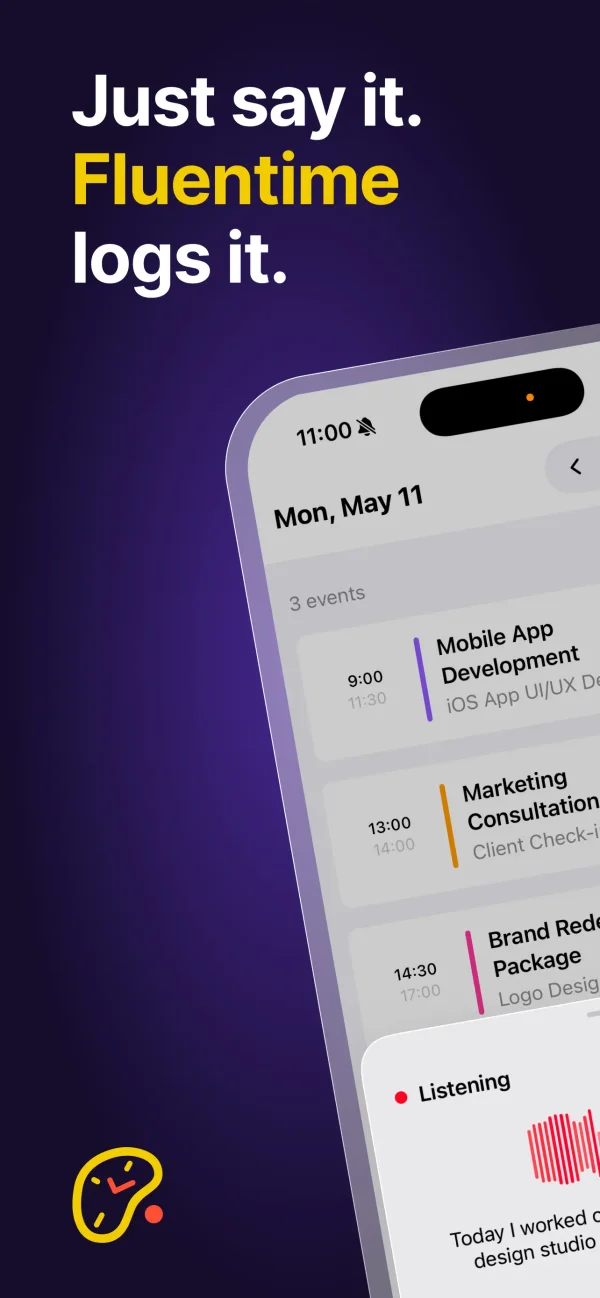
CONTROL YOUR WORK BY VOICE
Create clients, add projects, log time, generate reports and manage your workflow simply by speaking. Fluentime turns voice input into structured actions and professional time entries in seconds.
----------------------------------
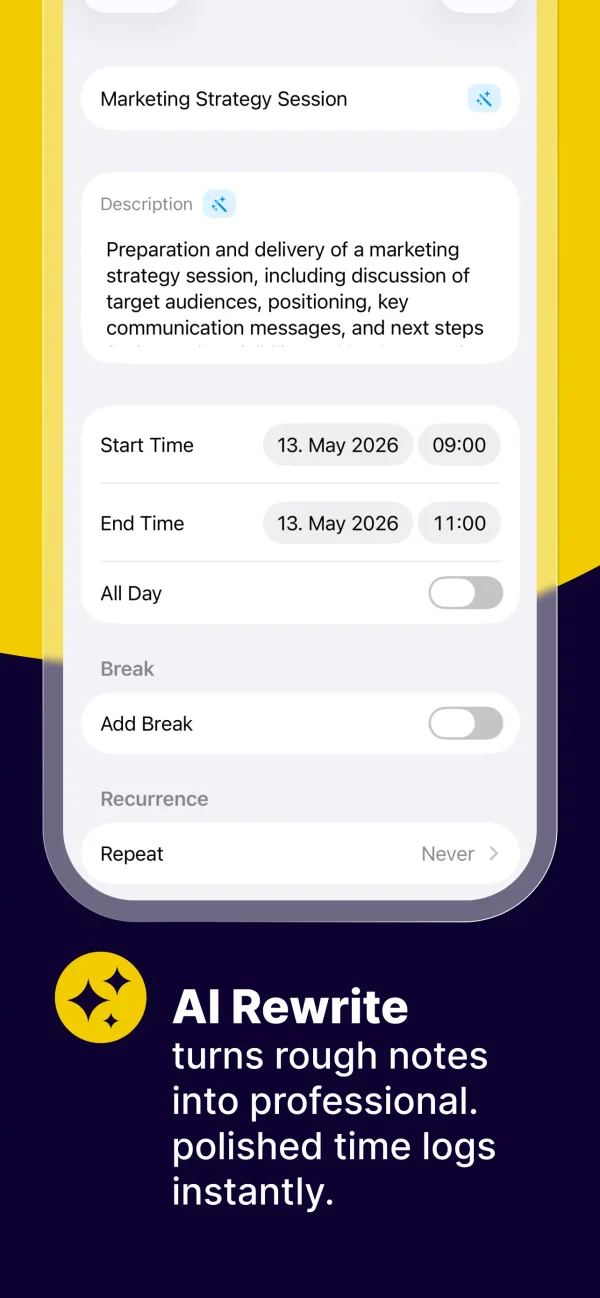
POLISH EVERY ENTRY IN A CLICK
Turn rough notes into clear, professional descriptions with one tap. AI Rewrite ensures your time entries are ready for reports, invoices and client updates.
----------------------------------
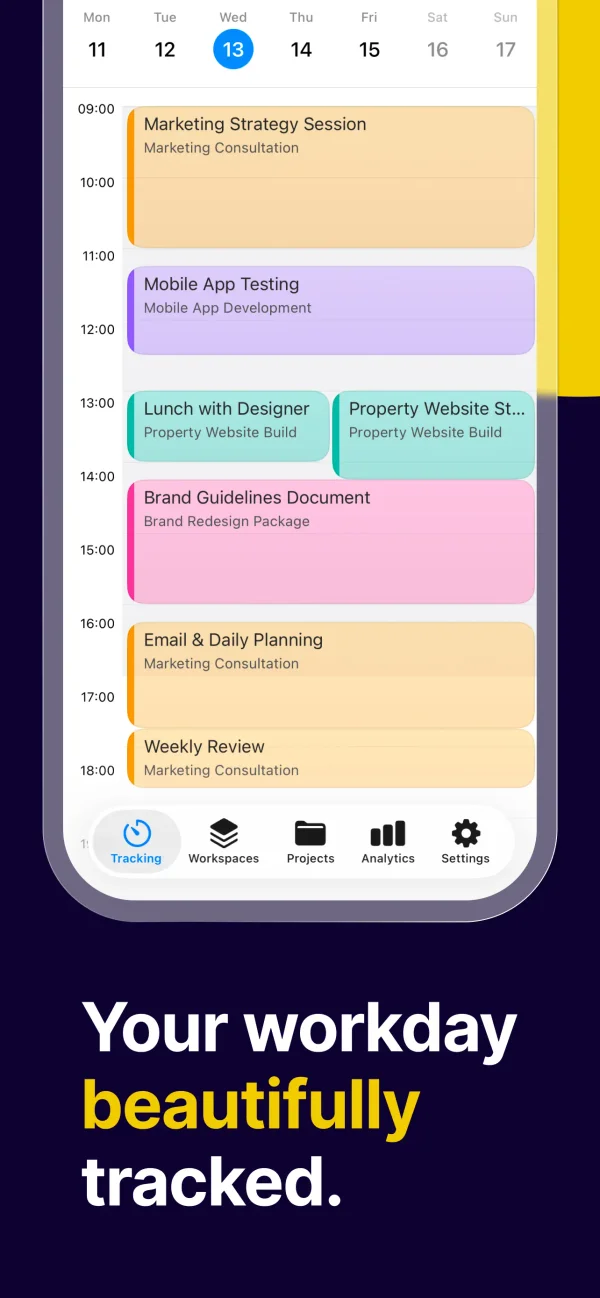
YOUR WORK, BEAUTIFULLY ORGANISED
See your entire day at a glance in a clean calendar timeline. Drag, resize and adjust entries with ease. No endless forms. No friction. Just your time, exactly where it belongs.
----------------------------------
PLAN YOUR WHOLE WORKFLOW ON THE WEB
Open Fluentime in any browser for a powerful planning and reporting workspace. Plan tasks, organise projects and keep your entire workflow in one place. Turn scattered information from emails or notes into structured todos in seconds.
Create custom dashboards to share selected project data, tracked hours, progress, scope status and reports with your clients. Keep everyone informed without endless status updates or messy spreadsheets.
----------------------------------
MADE FOR MODERN PROJECT WORK
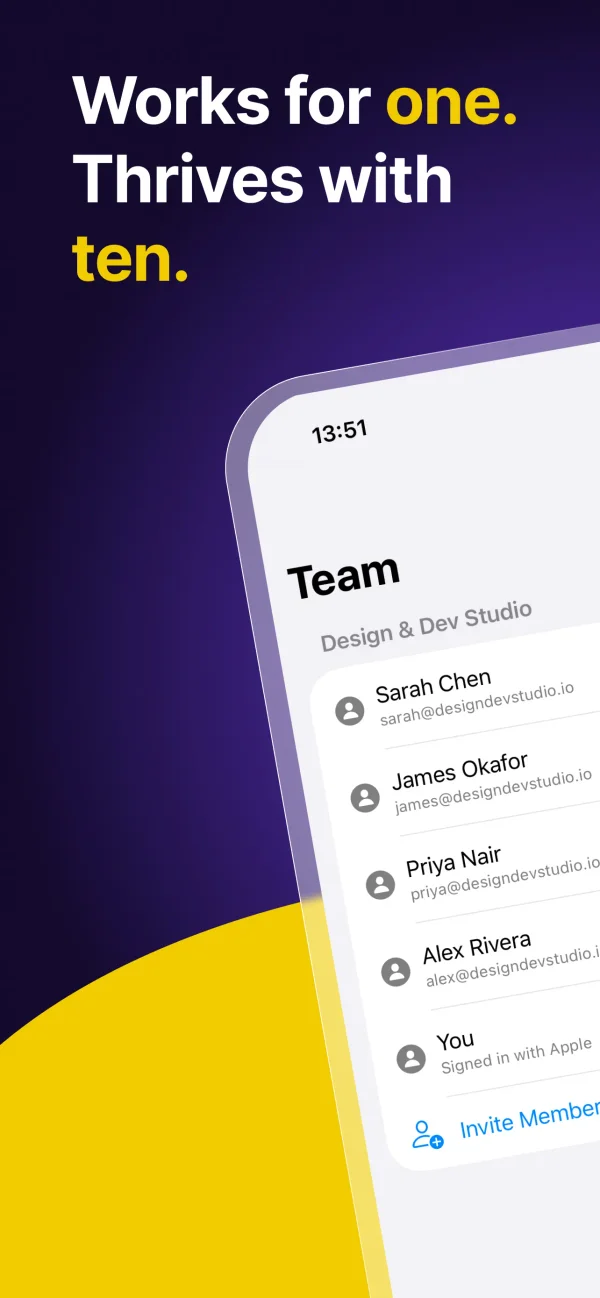
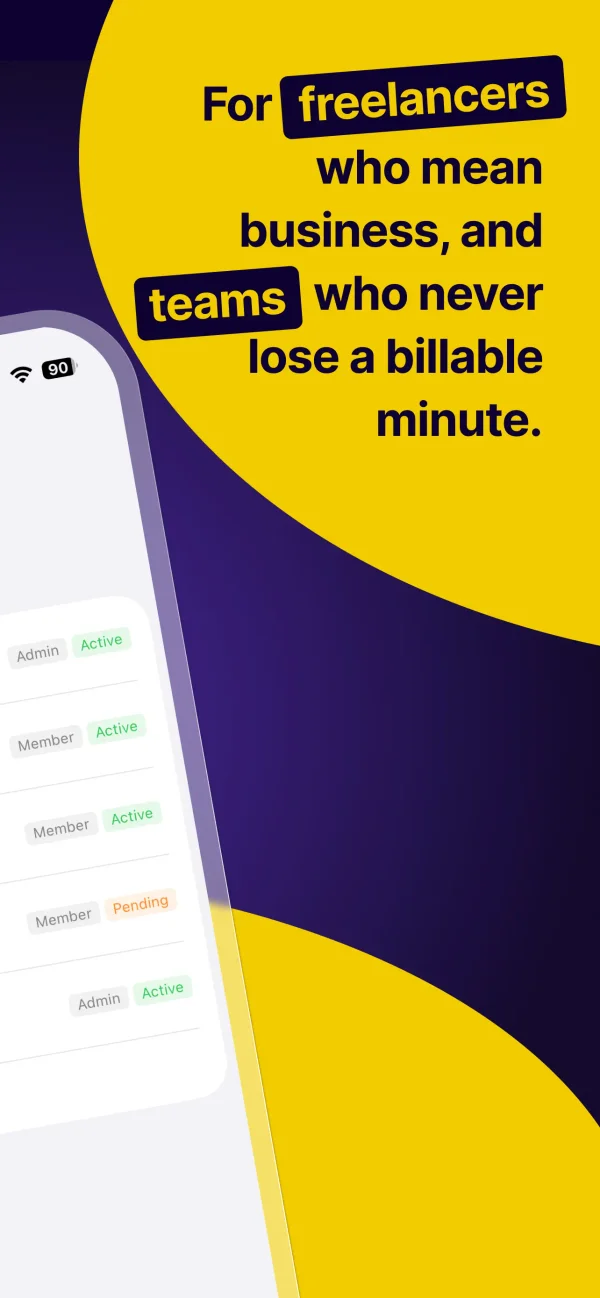
Whether you’re a freelancer, agency or team, Fluentime helps you plan projects, track time and stay in control. Manage clients and projects, invite team members and gain valuable insights into workload, revenue and project profitability.
----------------------------------
ALL YOUR DEVICES. ALWAYS IN SYNC.
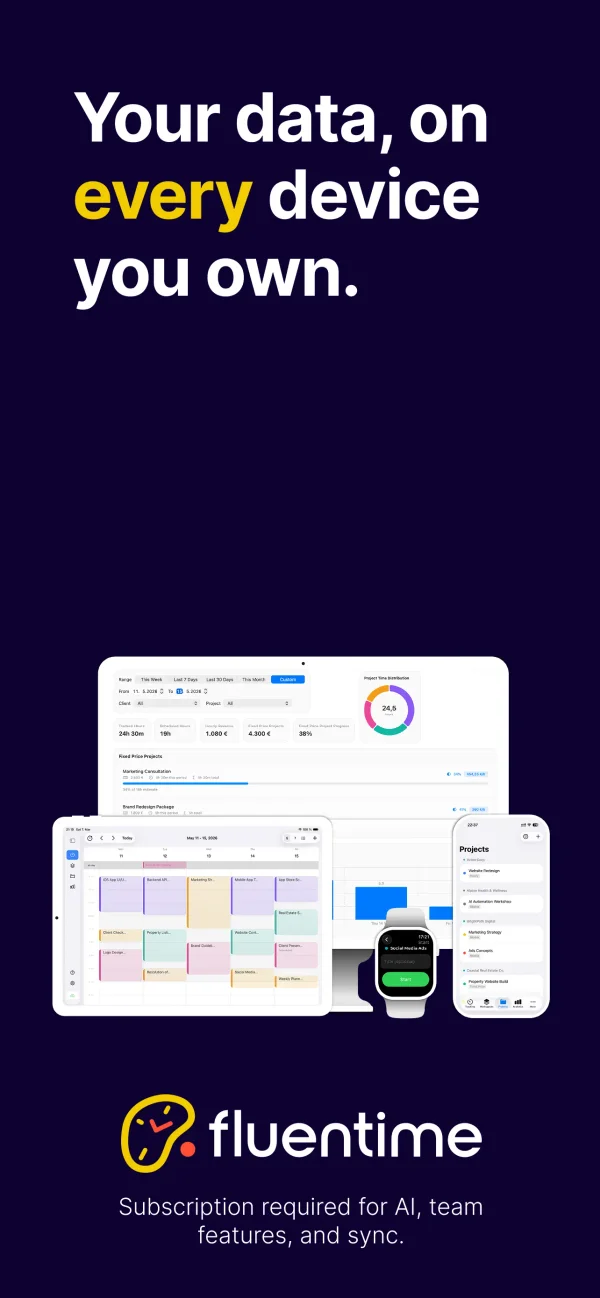
Pick up exactly where you left off on iPhone, iPad or Mac. Your time entries, clients, projects and reports stay up to date across all your devices in real time.
----------------------------------
TRACK WHAT MATTERS
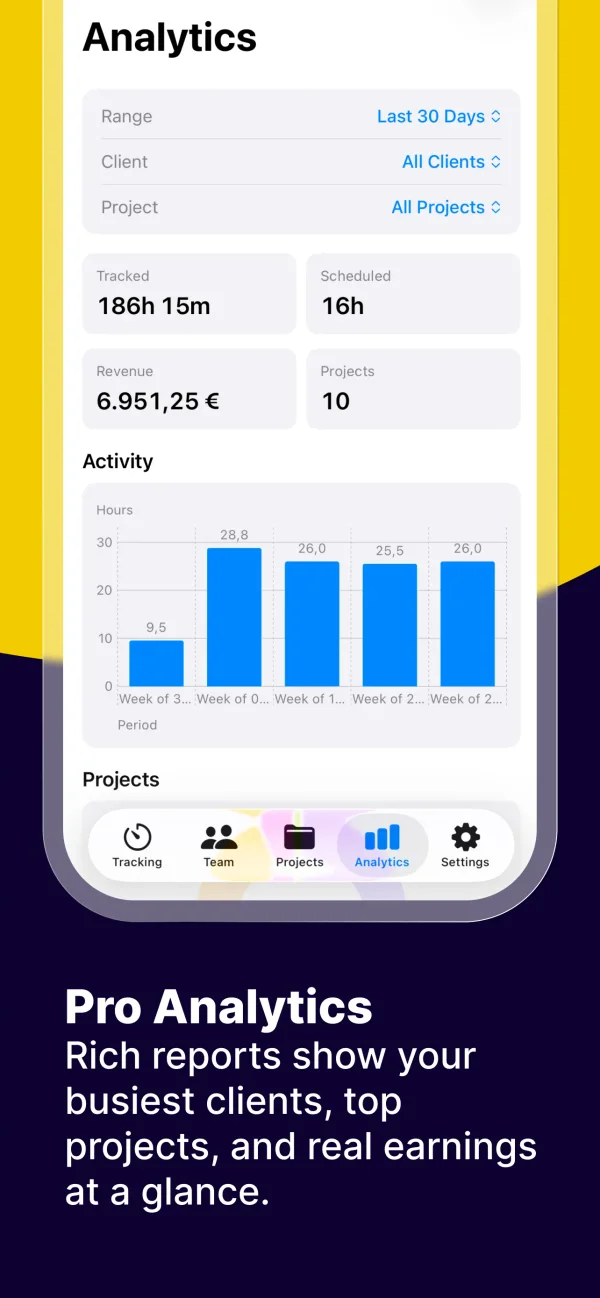
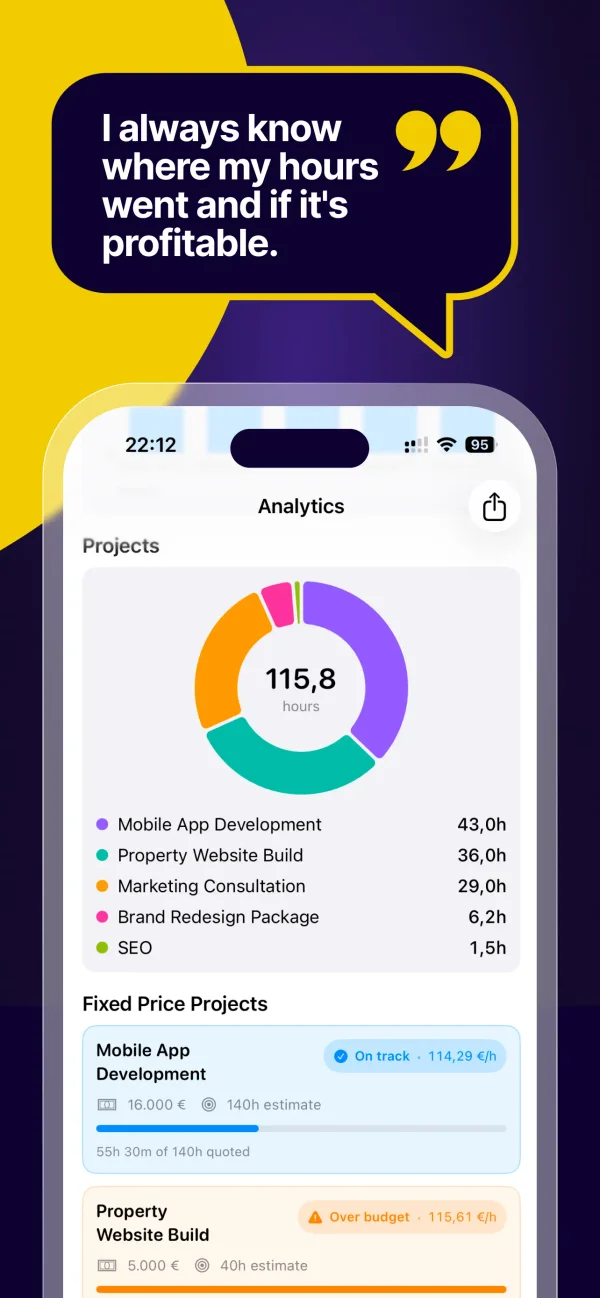
Hourly rates, fixed-price projects, break compliance, revenue reports, project profitability and team analytics. Fluentime gives you the insights you need to work smarter, bill with confidence and make better business decisions.
----------------------------------
FREE TO START
Full calendar and agenda views
Timer with inactivity detection
1 client, up to 10 projects
SOLO PLUS
Cloud sync, calendar import and advanced analytics
SOLO PRO
AI features, voice control, workspaces and fixed-price project tracking
TEAM
Shared workspaces, team analytics and member management
Terms of Use: https://www.fluentime.io/terms-of-use
Privacy Policy: https://www.fluentime.io/privacy
Nouveautés
Version 1.06 · 04/11/2026
Fluentime 1.06 keeps your calendars up to date automatically and fixes several bugs.
• Automatic calendar sync: events from Google, Outlook and Apple Calendar stay up to date on their own. Events you edited, tracked or assigned to a project stay as they are.
• Google Calendar: more reliable connecting, clear error messages and narrower permissions – Fluentime only reads your calendars.
• Better security: calendar access credentials are now stored in the Apple Keychain.
• iPhone: Analytics no longer flickers while scrolling.
• Mac: show or hide the daily total and day progress right from the menu bar menu.
• More improvements and bug fixes.
Confidentialité de l’application
Ce que Christian King déclare sur l’App Store au sujet du traitement des données par cette application.
-
Données n’établissant aucun lien avec vous
Peuvent être collectées, mais ne sont pas liées à votre identité.
- Contenu utilisateur
Les pratiques en matière de confidentialité peuvent varier, notamment en fonction des fonctionnalités que vous utilisez ou de votre âge.
Informations
- Vendeur
- Christian King
- Catégorie
- Productivité
- Version
- 1.06
- Mis à jour
- 04/11/2026
- Publié
- 15/05/2026
- Taille
- 20,0 Mo
- Nécessite
- iOS 17.6 ou version ultérieure
- Classification d’âge
- 4+
- Prix
- Gratuit
- Achats intégrés
- Oui
- Langues
- Allemand, Anglais, Espagnol
- Copyright
- © Christian King
Vous aimerez peut-être aussi
-
 RenovMateProductivité
-
 RosterFlow: Planning & FactureApp 3en1 Freelances & Équipes
-
 Time Aware - Voice Time TrackProductivité
-
 TanaProductivité
-
 ShiftJuggler Time ClockProductivité
-
 Virtue : Habitudes SimplesObjectifs et habitudes
-
 SmartShare Mobile 7.8Collaborative software
-
 CEWE COPYProductivité
-
 Lineár CalendarVue d’ensemble
-
 The Minimalist LifeProductivité