
Full Screen Camera Pro
Distraction-Free Photo & Video
Conçue pour iPhone
Gratuit · Achats intégrés
- Classification d’âge4+
- CatégoriePhoto et vidéo
- DéveloppeurMichael McGill apps llc
- LanguesAnglais
- Taille2,2 Mo
Renvoie vers la page App Store officielle
Download.org n’héberge aucun fichier de Full Screen Camera Pro. Le bouton ouvre la page de l’application sur App Store, où Michael McGill apps llc la publie. Fiche vérifiée pour la dernière fois le 12/11/2026.
Captures d’écran

À propos
Le développeur n’a pas fourni ce texte dans votre langue.
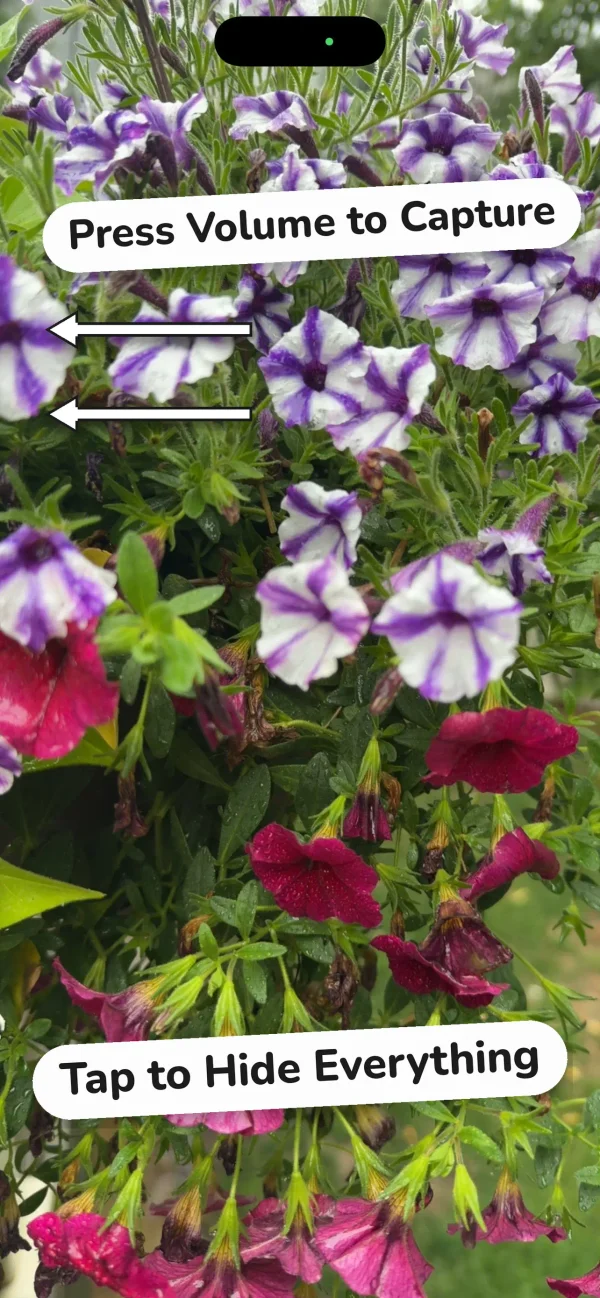
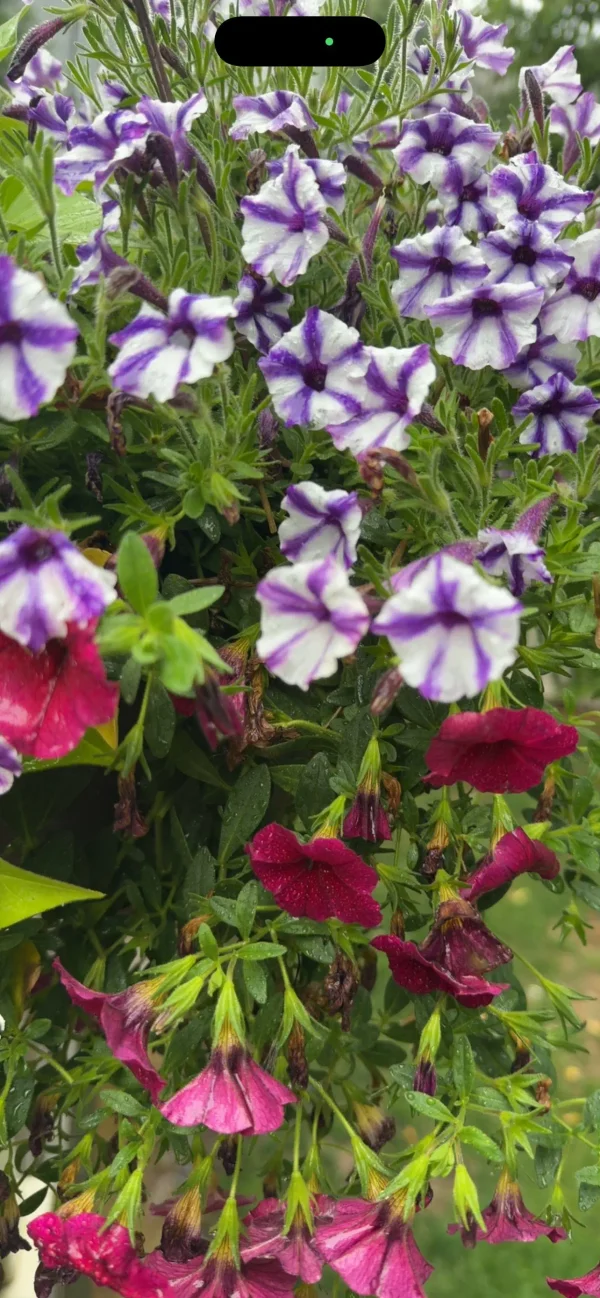
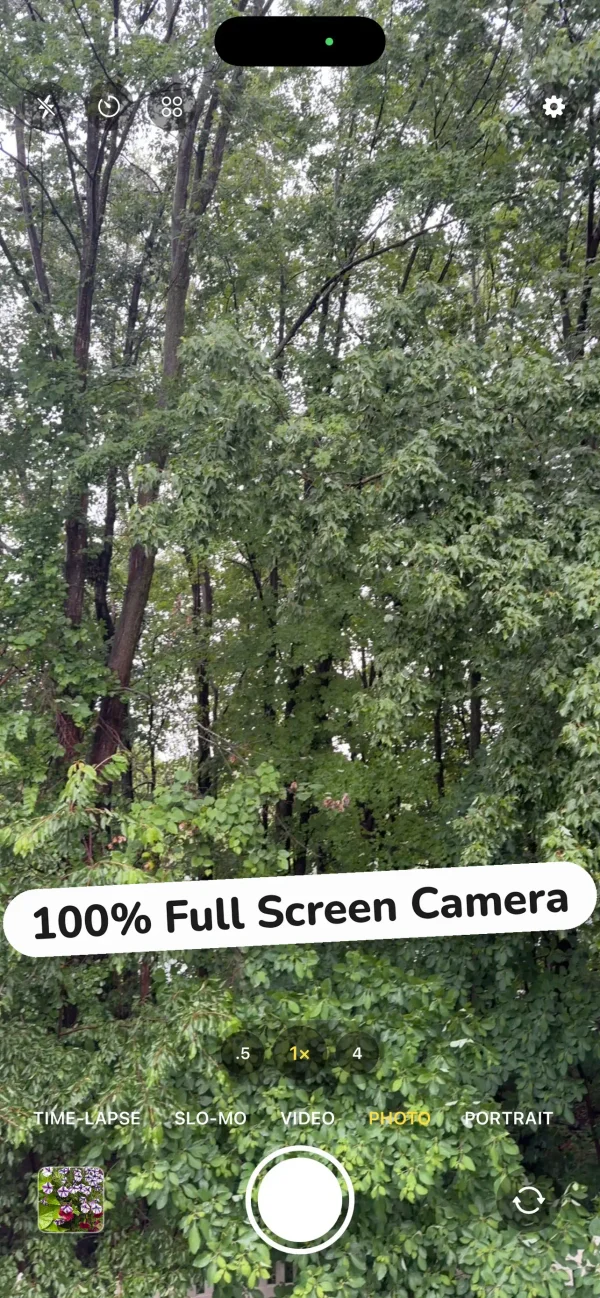
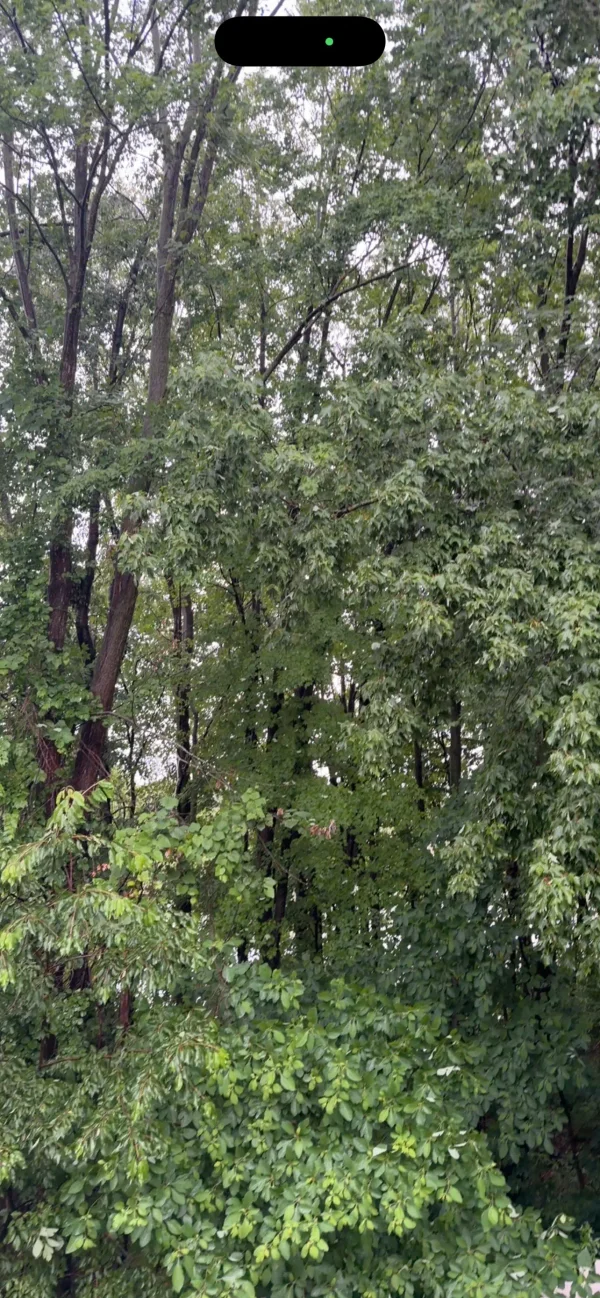
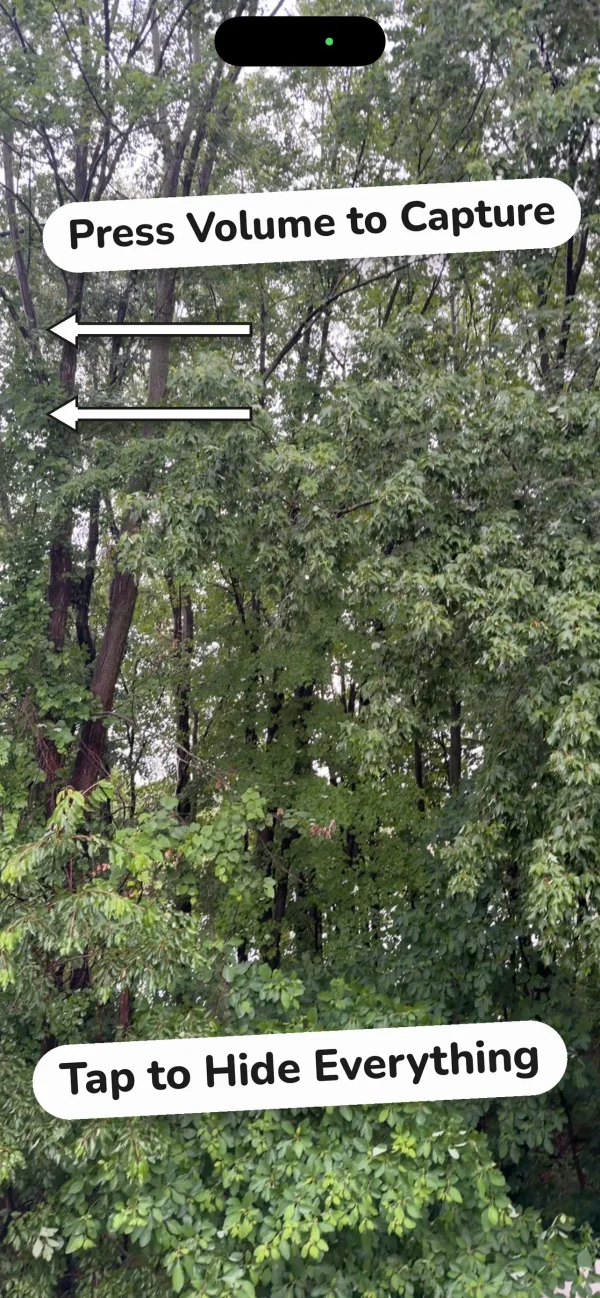
Full Screen Camera Pro turns your entire iPhone screen into the viewfinder. No status bar, no clutter, just your shot, edge to edge. Tap once and every control disappears.
WHAT YOU SEE IS WHAT YOU GET
Most camera apps show a full-screen preview, then save a photo shaped differently from what you framed. Full Screen photos are cropped to exactly the shape of your screen, so the picture in your library matches the moment you saw. Full Screen videos fill the screen when you play them back, too.
Want the familiar look? One tap flips to Classic view: the 4:3 layout of the built-in Camera, saving the same photo it does, including 24MP on iPhone 15 and later. Square and 16:9 are there too.
OPEN IT INSTANTLY
• Camera Control (iPhone 16 and later): press to launch, press again to shoot, slide to zoom or adjust exposure
• Action Button (iPhone 15 Pro and later)
• Lock Screen and Control Center
Shoot without unlocking. Photos taken from the Lock Screen are added to your library the next time you open the app.
EVERY MODE YOU NEED
• Photo, with Live Photos, even in Full Screen
• Portrait
• Video in HD or 4K at 24, 30 or 60 fps, with stabilization
• Slo-mo
• Time-lapse
SHOOT LIKE THE BUILT-IN CAMERA
• Hold the shutter to record a quick video, slide right to keep recording
• Slide the shutter left for a burst
• Take photos while recording, and pause and resume a recording
PRO WHERE IT COUNTS
• Lens buttons for ultra wide, wide and telephoto, plus a zoom dial and pinch to zoom
• Tap to focus, drag up or down to adjust brightness, touch and hold to lock focus and exposure
• Optional 48MP high resolution on supported iPhones
• Flash, plus a bright screen flash for selfies
• 3-, 5- and 10-second self-timer
• Level, rule-of-thirds grid and mirrored selfies
• Macro indicator and QR code scanning
• Shoot with the volume buttons
• Full-quality photos that keep their original details, with optional location
QUICK REVIEW
Tap the thumbnail to swipe through what you just shot, full screen. Touch and hold a Live Photo to watch it move, and share straight from the review.
PRIVATE BY DESIGN
No accounts, no ads, no tracking. Your photos go straight to your own library and never to us.
SUBSCRIPTION
Full Screen Camera Pro is a yearly subscription with a one-week free trial for new subscribers. Payment is charged to your Apple Account when you confirm your purchase, or when the free trial ends. The subscription renews automatically unless it is canceled at least 24 hours before the end of the current period, and your account is charged for renewal within 24 hours before the period ends. Manage or cancel anytime in Settings > [your name] > Subscriptions. Any unused portion of a free trial is forfeited when you purchase a subscription.
Terms of Use: https://www.apple.com/legal/internet-services/itunes/dev/stdeula/
Privacy Policy: https://michaelmcgillapps.com/fullscreencamera-privacy.html
Nouveautés
Version 2.2 · 09/11/2026
The everyday tools of the built-in Camera, now in Full Screen Camera:
• Classic view: one tap flips between Full Screen and the familiar 4:3 layout. Classic saves the same photo your iPhone's Camera does.
• Classic photos are 24MP on iPhone 15 and later.
• Full Screen videos now fill the screen when you play them back, just like Full Screen photos.
• Hold the shutter to record a quick video. Slide right to lock it.
• Slide the shutter left for a burst.
• Take photos while recording video, and pause and resume a recording.
• Steadier video, plus a 24 fps option.
• Zoom dial: touch and hold the zoom buttons for smooth, precise zoom.
• Level, QR code scanning, a macro indicator and a 5-second timer.
• Plus fixes and polish throughout.
Confidentialité de l’application
Ce que Michael McGill apps llc déclare sur l’App Store au sujet du traitement des données par cette application.
-
Données non collectées
Le développeur ne collecte aucune donnée à partir de cette application.
Les pratiques en matière de confidentialité peuvent varier, notamment en fonction des fonctionnalités que vous utilisez ou de votre âge.
Informations
- Vendeur
- Michael McGill apps llc
- Catégorie
- Photo et vidéo
- Version
- 2.2
- Mis à jour
- 09/11/2026
- Publié
- 07/04/2026
- Taille
- 2,2 Mo
- Nécessite
- iOS 17.0 ou version ultérieure
- Classification d’âge
- 4+
- Prix
- Gratuit
- Achats intégrés
- Oui
- Langues
- Anglais
- Copyright
- © 2026 Michael McGill
Vous aimerez peut-être aussi
-
 Pure: Gallery & MessagingPhoto et vidéo
-
 FSCamera - Full Screen CameraPhoto et vidéo
-
 NoUICameraPhoto et vidéo
-
 ZestCam: 4K Streaming WebcamPhoto et vidéo
-
 MINIMAL CAM, ZERO UI, GESTURESPhoto et vidéo
-
 ClearView LitePhoto et vidéo
-
 Camera DisplayPhoto et vidéo
-
 HYPERLENS.SUPPPhoto et vidéo
-
 ReBeamPhoto et vidéo
-
 SuperCam StudioPhoto et vidéo