- Classification d’âge4+
- CatégoriePhoto et vidéo
- Développeur晓明 刘
- LanguesAnglais+ 4 de plus
- Taille108,7 Mo
Renvoie vers la page App Store officielle
Download.org n’héberge aucun fichier de GR Link. Le bouton ouvre la page de l’application sur App Store, où 晓明 刘 la publie. Fiche vérifiée pour la dernière fois le 15/11/2026.
Captures d’écran



À propos
Le développeur n’a pas fourni ce texte dans votre langue.
Tired of dropped connections, slow transfers, and clunky companion apps?
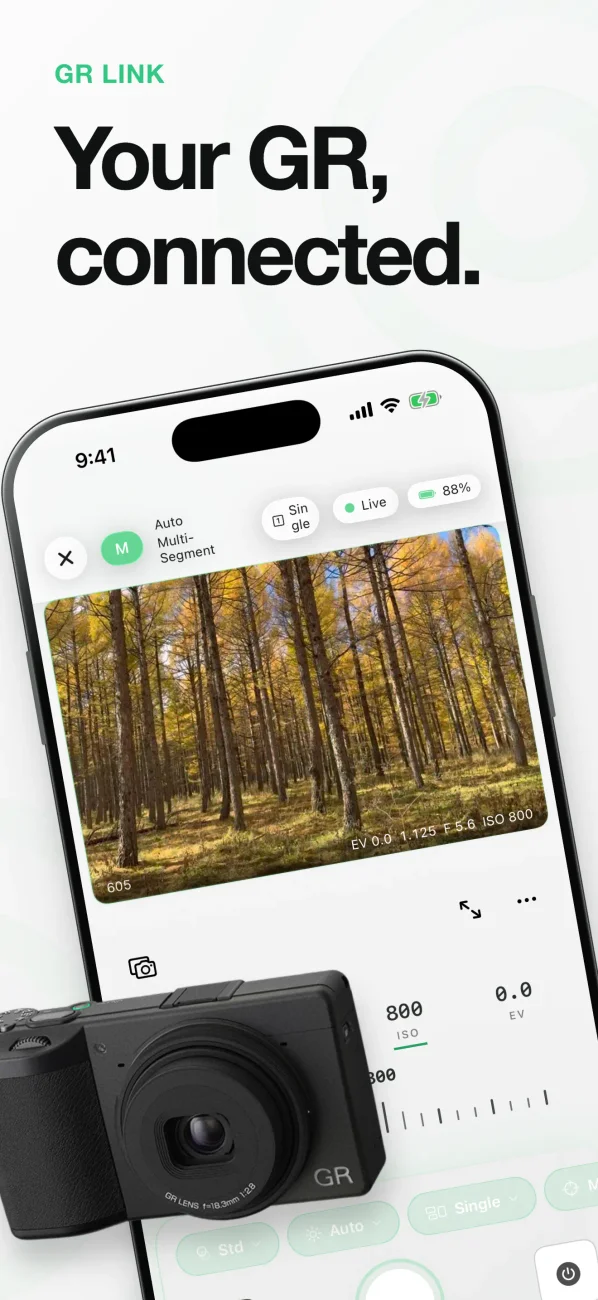
GR Link solves the biggest frustrations for Ricoh GR photographers with fast, seamless transfers and responsive remote shooting.
Supports: GR II, GR III / III HDF, GR IIIx / IIIx HDF, GR IV / IV HDF, and GR IV Monochrome.
Pain Point 1: Digging into Wi-Fi settings every single time?
[Instant Auto-Connect] On supported models, Bluetooth helps discover and connect to your camera. Photo transfers and Live View use camera Wi-Fi. GR II uses Wi-Fi without Bluetooth.
Pain Point 2: Downloads stopping the second you switch apps?
[Background Transfer + Dynamic Island] Queue photos for download and save RAW (DNG) and JPEG files to Apple Photos. On supported iOS versions and when the system permits, transfers can continue after you switch apps or lock the screen. Check progress through Live Activities and Dynamic Island on supported devices. Keep the camera powered on and connected during transfer.
Pain Point 3: Selfies and group shots with no flip screen — framing by guesswork?
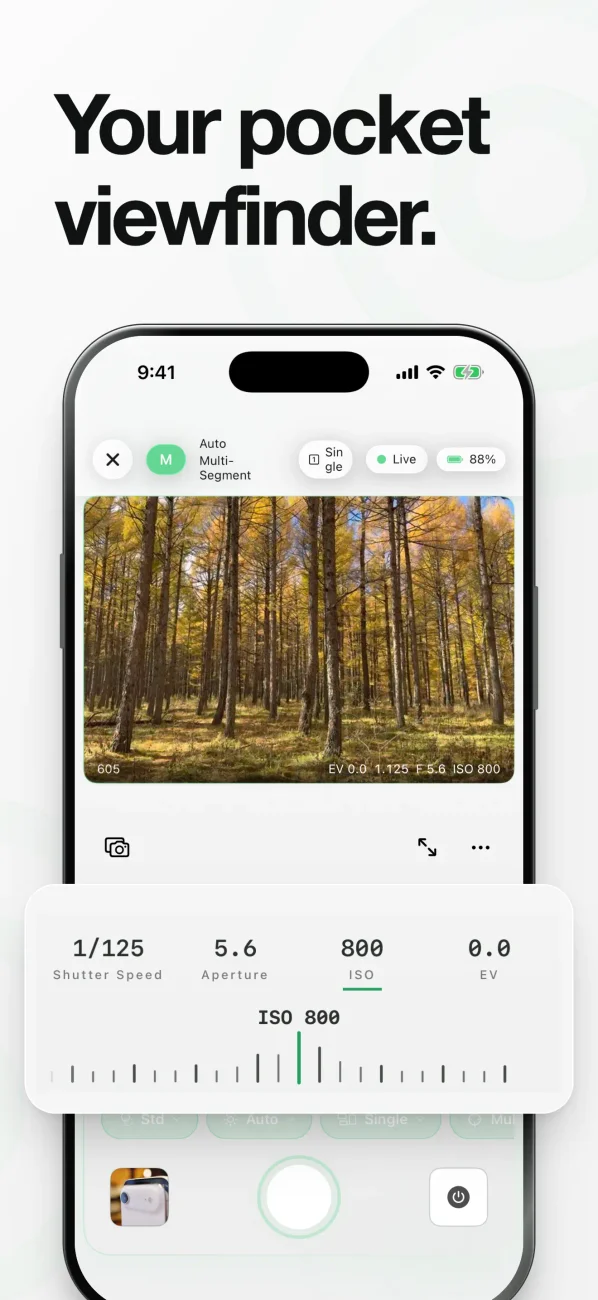
[Live Monitor + Remote Shutter] Your GR has no articulating screen; your iPhone is the monitor. Set the camera down, check your framing in Live View while you're IN the shot, tap to focus, and fire the shutter remotely. Selfies, group photos, and low-angle shots — never shoot blind again.
Pain Point 4: Fiddly menus for every exposure change?
[Tactile Dial Remote] Dial in shutter speed, aperture, ISO, and exposure compensation with the physical-feel dial — dedicated portrait and landscape layouts.
Pain Point 5: Hundreds of shots cluttering your card?
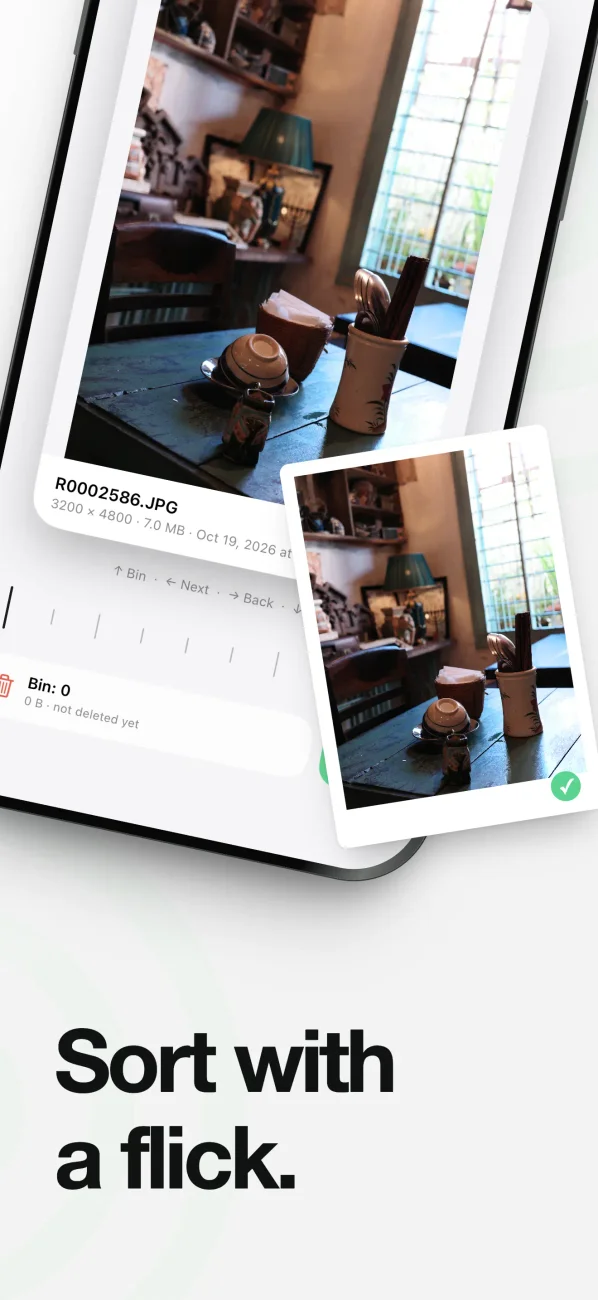
[Swipe-to-Cull Triage] Cull your shoots at lightning speed: swipe through cards, swipe up to throw into a safety trash bin (confirm before deleting). Export keepers into quick collages with 12 paper/linen textures and auto-color matching.
Pain Point 6: Re-entering Image Control recipes by hand?
[Visual Recipe Manager] Create, fine-tune, import, and export Image Control recipes. Transfer recipes to compatible cameras, and back them up in your personal iCloud account.
Pain Point 7: Privacy concerns?
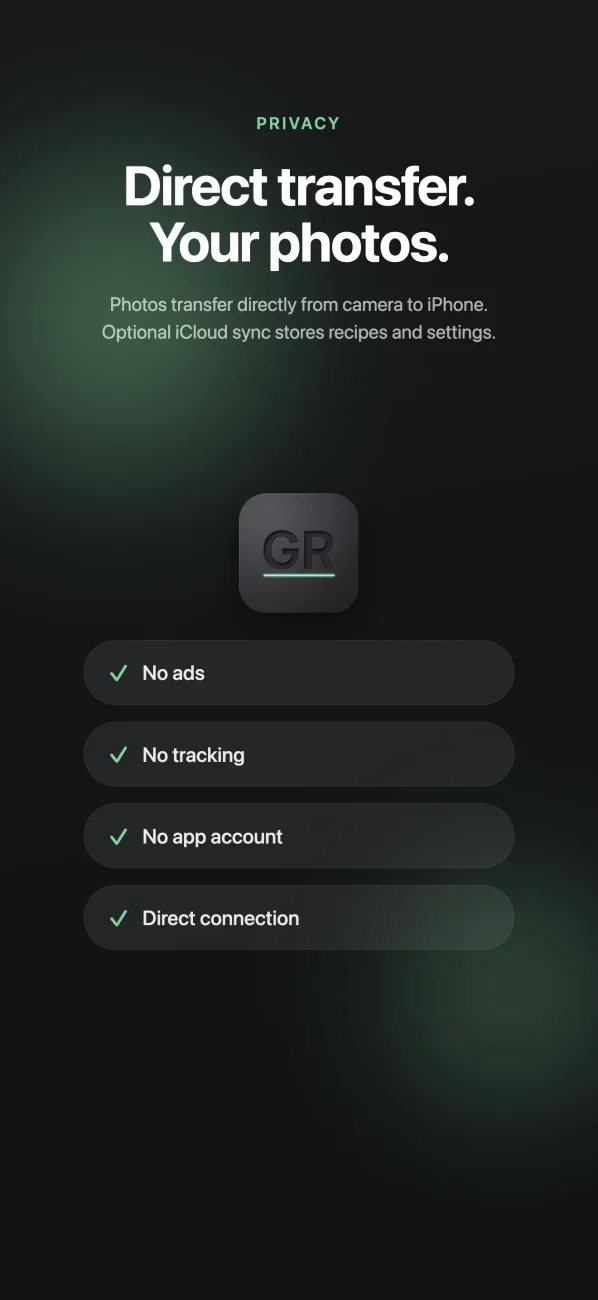
[Direct & Zero-Server] Direct peer-to-peer connection. No upload servers, no GR Link account required, no ads, and no tracking SDKs. Optional iCloud features use your Apple iCloud account.
---
Requires iOS 17.2 or later. Camera controls, focus functions, and recipe transfer vary by camera model and firmware. Some features require a newer iOS version. Background activity is subject to system limits.
Disclaimer: GR Link is independently developed and is not affiliated with, endorsed by, or sponsored by Ricoh Imaging Company, Ltd.
Nouveautés
Version 1.20.11 · 03/11/2026
New
- Set your own shutdown image on a RICOH GR IV (firmware 1.20+). Photos are cropped to 3:2 for the camera's screen. GR IV HDF and Monochrome support is experimental.
Fixes
- Live view: mirror, grid, info and the other display settings stay set after you reconnect, and full screen has a button to go back.
- End screen image: photos stored only in iCloud now download with progress instead of failing.
- Photo viewer: the back button works again, photos are centred full-screen, and the controls use standard iOS toolbars (side bar on iPhone Duo).
- Gallery, Local Album and My Ricoh use standard toolbars too, and the Cull button no longer always looks switched on.
Confidentialité de l’application
Ce que 晓明 刘 déclare sur l’App Store au sujet du traitement des données par cette application.
-
Données non collectées
Le développeur ne collecte aucune donnée à partir de cette application.
Les pratiques en matière de confidentialité peuvent varier, notamment en fonction des fonctionnalités que vous utilisez ou de votre âge.
Informations
- Vendeur
- 晓明 刘
- Catégorie
- Photo et vidéo
- Version
- 1.20.11
- Mis à jour
- 03/11/2026
- Publié
- 14/05/2026
- Taille
- 108,7 Mo
- Nécessite
- iOS 17.2 ou version ultérieure
- Classification d’âge
- 4+
- Prix
- Gratuit
- Langues
- Anglais, Japonais, Coréen, Chinois simplifié, Chinois traditionnel
- Copyright
- © 2026 LilJackson
Vous aimerez peut-être aussi
-
 GR Control: Ricoh GR RemotePhoto et vidéo
-
 GR StudioPhoto et vidéo
-
 GR MatePhoto et vidéo
-
 GR Lab - Ricoh image syncPhoto et vidéo
-
 Grid: Ricoh GR CompanionPhoto et vidéo
-
 GR Snap - Ricoh GR Image SyncPhoto et vidéo
-
 GR MintPhoto et vidéo
-
 GR Linker - Image SyncRicoh GR2/3/4 Remote Transfer
-
 GR WORLDPhoto et vidéo
-
 SpektraLabPhoto et vidéo